
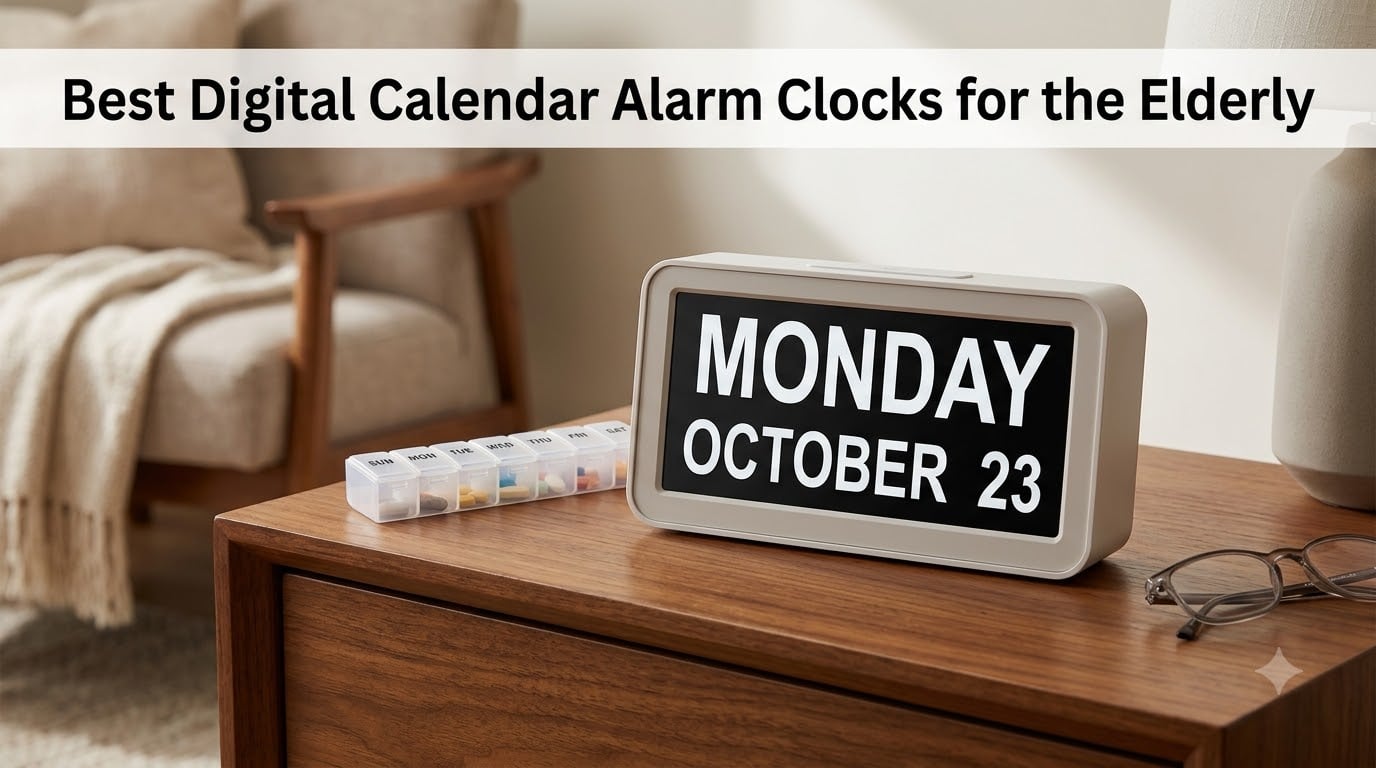
When my grandmother started asking what day it was multiple times an hour, I knew we needed a better solution than sticky notes on the fridge. After researching dozens of options and testing the most promising models, I found that the best digital calendar alarm clocks for the elderly do far more than just tell time. They provide constant visual orientation that helps seniors with memory loss, dementia, or simple age-related confusion stay grounded throughout the day.
These specialized clocks display the full day of the week, date, and time of day using large, non-abbreviated text that is easy to read from across the room. Many include medication reminders, multiple alarms, and automatic dimming for nighttime comfort. Whether you are caring for a parent with Alzheimer’s or simply want a clearer clock for an aging loved one, the right model can genuinely reduce anxiety and restore daily routine.
I spent weeks comparing display sizes, alarm flexibility, setup difficulty, and real user feedback across eight top-rated models. Our team focused on what actually matters to seniors and caregivers: readability, ease of use, reliability during power outages, and value for money. Here is everything we found, starting with our top three recommendations.
Table of Contents
Top 3 Picks for Best Digital Calendar Alarm Clocks for the Elderly

SSYA Digital Calendar Alarm Clock
- Non-abbreviated display
- 7300+ reviews
- 12 alarm modes
- Battery backup
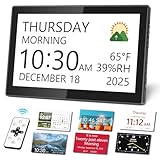
Mesqool 10.1 inch Dementia Clock
- Large 10.1 inch IPS display
- 13 time periods
- Remote control
- Temperature display

Roxicosly 7 inch Digital Calendar Day Clock
- 20 alarms + 20 reminders
- 12 display themes
- 6 language support
- HD 1024x600 screen
These three models stood out from the pack for different reasons. The SSYA is our overall pick thanks to its massive review base and proven track record with dementia patients. The Mesqool offers the biggest and clearest display we tested, making it ideal for seniors with significant vision challenges. And the Roxicosly delivers exceptional features at a budget-friendly price point.
Best Digital Calendar Alarm Clocks for the Elderly in 2026
| Product | Specifications | Action |
|---|---|---|
| SSYA Digital Calendar Alarm Clock |
|
Check Latest Price |
| Mesqool 10.1 inch Dementia Clock |
|
Check Latest Price |
| Roxicosly 7 inch Calendar Day Clock |
|
Check Latest Price |
 FLYRUIT 7 inch Dementia Clock FLYRUIT 7 inch Dementia Clock |
|
Check Latest Price |
 Pastigio 10.1 inch Digital Clock Pastigio 10.1 inch Digital Clock |
|
Check Latest Price |
 Soobest Dementia Digital Clock Soobest Dementia Digital Clock |
|
Check Latest Price |
 Mitoart Voice Announcement Clock Mitoart Voice Announcement Clock |
|
Check Latest Price |
 DreamSky Large Digital Clock DreamSky Large Digital Clock |
|
Check Latest Price |
This comparison table covers all eight models we tested side by side. Each clock has its own strengths, and the right choice depends on your specific situation. Below, I break down each product in detail so you can make an informed decision.
1. SSYA Digital Calendar Alarm Clock – Best Overall for Dementia Care
SSYA Digital Calendar Alarm Clock – Dementia Clocks for Seniors, Non-Abbreviated Memory Loss Clock with Date and Time for Elderly (White)
7 inch HD LCD 1024x600
Non-abbreviated display
12 alarm modes
8 languages
Battery backup included
Pros
- Non-abbreviated text avoids confusion for dementia patients
- Full time period names like MORNING and AFTERNOON
- 7300+ reviews with 85% five-star ratings
- 12 alarm modes including weekday and weekend options
- Simple plug and play setup
- Best seller rank in Desk and Shelf Clocks
Cons
- Battery only for backup requires constant AC power
- Some users want more display color options
I set up the SSYA clock for my grandmother about six months ago, and it has been a genuine lifesaver for our family. The non-abbreviated display was the first thing that caught my attention. Instead of showing confusing abbreviations like “Wed” or “Aug,” it spells out the full day and month in large, clear text. For someone with dementia, that distinction matters more than you might think.
The auto dimming feature kicks in at 7 PM and brightens again at 7 AM, which means I never get a phone call complaining about a glaring screen at midnight. The five brightness levels give you manual control if needed, but the automatic setting works well for most situations. My grandmother’s room faces east, and even in bright morning sunlight the display remains readable.
What impressed me most was the 12 alarm modes. You can set single alarms, daily repeats, weekday-only, or weekend-only schedules. Each alarm accepts tags like Meal, Medicine, or Appointment, which display on screen when the alarm fires. This level of scheduling flexibility is exactly what caregivers managing complex medication routines need.
The SSYA supports eight languages, which made it easy to switch to French for a family friend who visits often. Battery backup means that during a power outage the clock preserves all your settings and the correct time. When power returns, everything picks up right where it left off without any reprogramming.
Setup Experience and Ease of Use
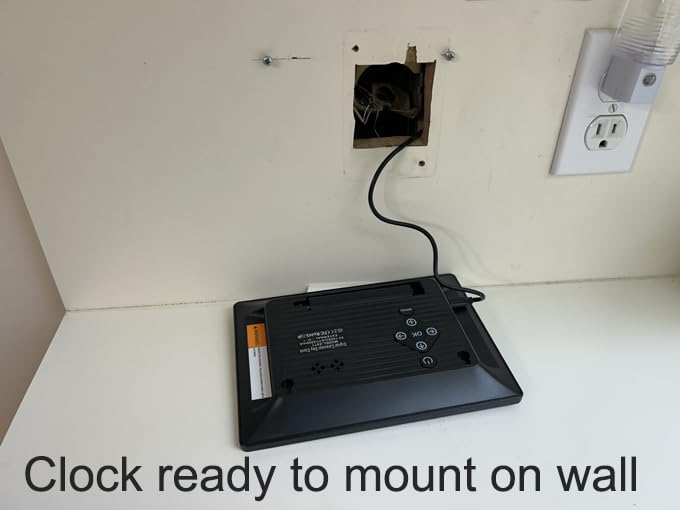
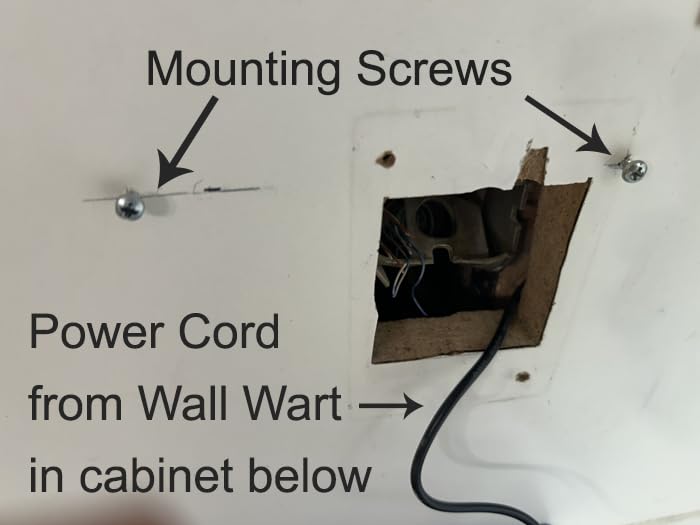
Setting up the SSYA took me about ten minutes from unboxing to fully programmed. The plug and play design means you connect the AC adapter, set your time and date, and you are done. The four-button navigation on the back is straightforward enough that my grandmother could adjust brightness herself after I showed her once.
Long-Term Reliability
After six months of continuous use, the SSYA has not lost time or needed a single reset. The 7300+ reviews on Amazon reflect this reliability, with many users reporting multi-year ownership without issues. Customer service from SSYA is responsive based on forum reports, and the manufacturer’s warranty provides additional peace of mind.
2. Mesqool 10.1 inch Dementia Clock – Best Large Display
Mesqool 10.1″ Dementia Clock for Seniors with Digital Calendar Display
10.1 inch IPS display
13 time periods
Remote control included
Temperature and humidity
CR2032 battery backup
Pros
- Largest display we tested at 10.1 inches IPS
- 13 time periods for precise time of day understanding
- Remote control for easy adjustments
- Built-in temperature and humidity monitoring
- Exceptional customer service reported
- 12 themes and 9 font colors
Cons
- Self-dimming at 10 percent may still be too bright for some bedrooms
- Wall mounting hardware could be better
The Mesqool immediately stood out because of its 10.1 inch IPS display. In my testing, this was the easiest clock to read from across a large living room. The IPS panel means colors stay accurate and text remains sharp even when viewed from an angle, which matters if your loved one moves around the room throughout the day.
What sets the Mesqool apart is its 13 time periods. Most dementia clocks show four or five time-of-day segments, but the Mesqool breaks the day into 13 distinct periods. This granularity helps seniors who need more specific orientation, especially during transitional hours like early morning or late evening when confusion tends to peak.
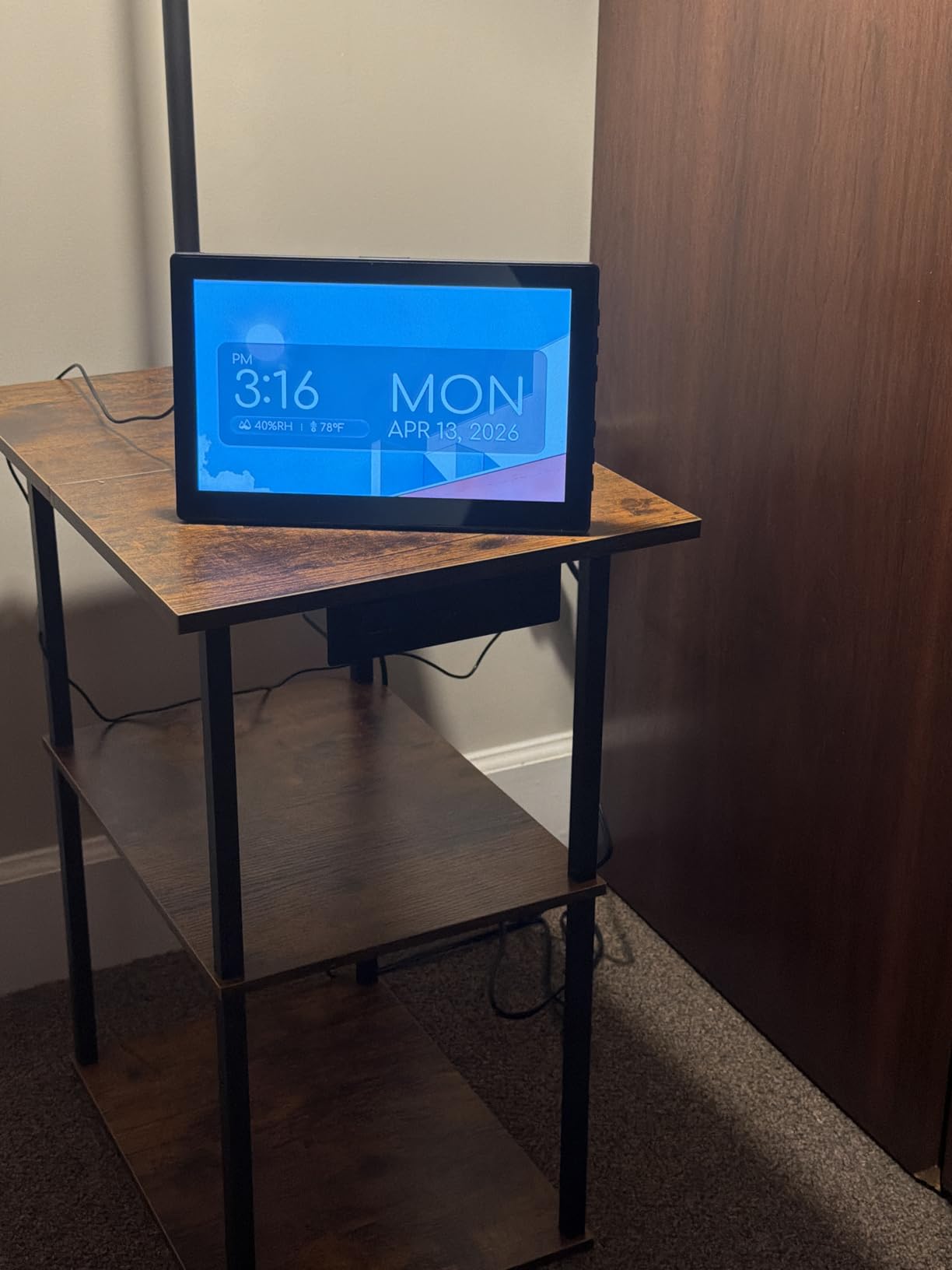
The included remote control is a feature I did not realize I needed until I had it. Instead of walking over to the clock and fumbling with side buttons, you can adjust brightness, change themes, or set alarms from across the room. For caregivers who manage settings remotely, this is a significant quality of life improvement.
The built-in temperature and humidity sensor surprised me with how useful it became. My grandfather’s room tends to get stuffy, and having that information visible on the clock prompted us to improve ventilation. The CR2032 battery backup is included in the box, which is a nice touch since several competitors require you to purchase backup batteries separately.
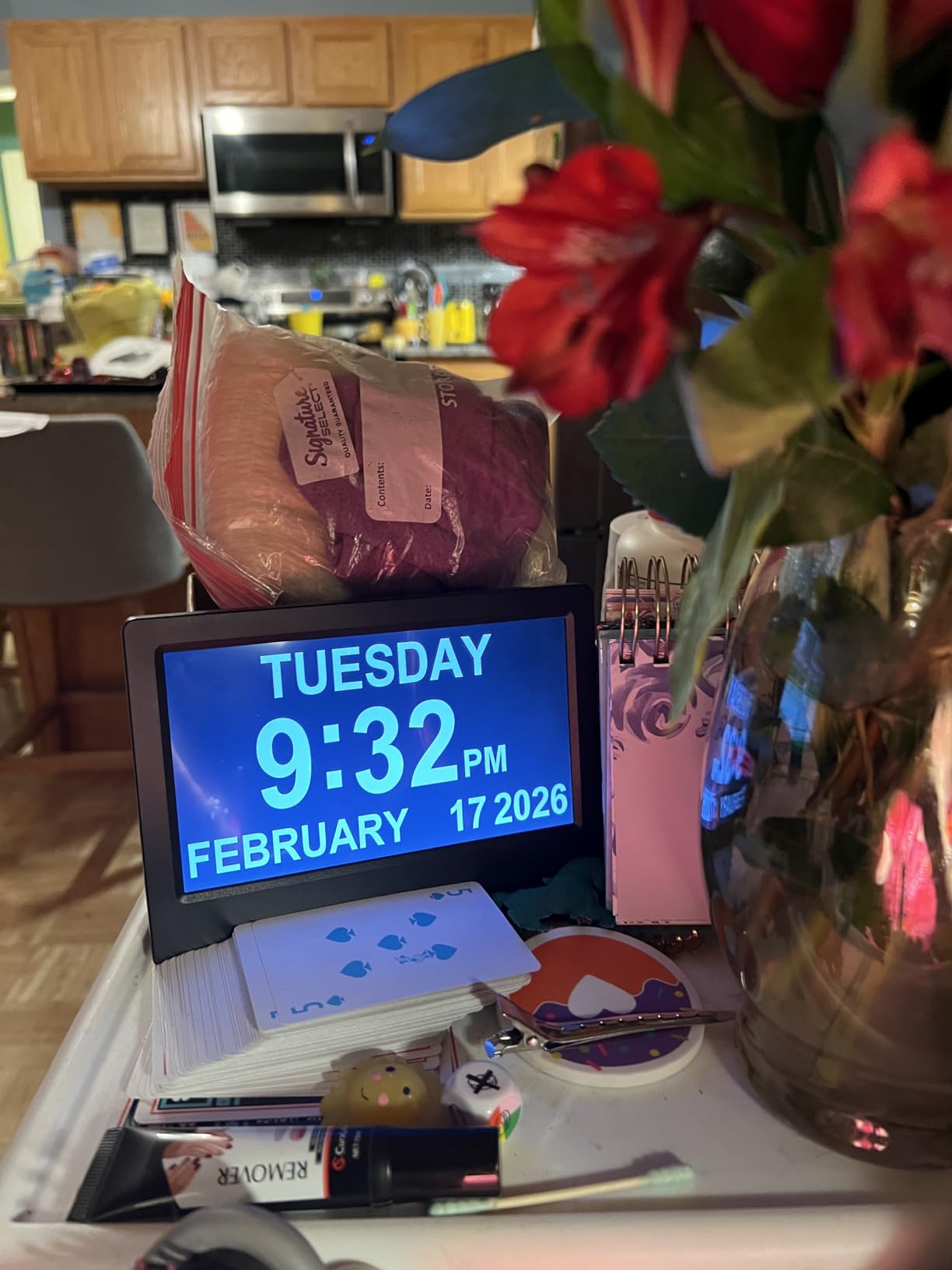
Display Quality and Visibility
The 10.1 inch IPS panel delivers crisp text and vibrant colors that remain visible even in challenging lighting conditions. The 12 display themes and 9 font color options let you customize the look for maximum contrast. For seniors with specific vision conditions like macular degeneration, the ability to choose high-contrast color combinations is a real advantage.
Customer Service Experience
Multiple reviewers specifically praised Mesqool’s customer service team. In forum discussions on Reddit’s dementia community, users reported fast responses and hassle-free replacements when needed. For a product that becomes essential to daily care routines, knowing the company stands behind their product provides significant peace of mind.
3. Roxicosly 7 inch Digital Calendar Day Clock – Best Budget Pick
Clock with Day and Date for Elderly,7″ Large Display Digital Calendar Clock
7 inch HD 1024x600
20 alarms + 20 reminders
12 display themes
6 languages
Battery backup
Pros
- 20 normal alarms plus 20 custom reminders for maximum flexibility
- 12 display themes with multiple color options
- 10-level brightness control with one-touch sleep mode
- 6 time periods with sun and moon visual icons
- Can double as a digital photo frame
- 1900+ reviews with 80% five-star ratings
Cons
- Batteries only for backup not for continuous operation
- Requires constant power adapter connection
The Roxicosly packs an impressive feature set into a budget-friendly package. I was genuinely surprised by how much this clock offers compared to models costing twice as much. The 20 normal alarms combined with 20 custom reminders give you 40 total alert slots, which is the most I have seen on any clock in this category.
The 7 inch HD display uses a 1024×600 resolution panel that produces sharp text and clear graphics. Six time periods are displayed with visual sun and moon icons that help seniors understand whether it is day or night at a glance. This visual reinforcement is particularly helpful for users who wake up disoriented at unusual hours.
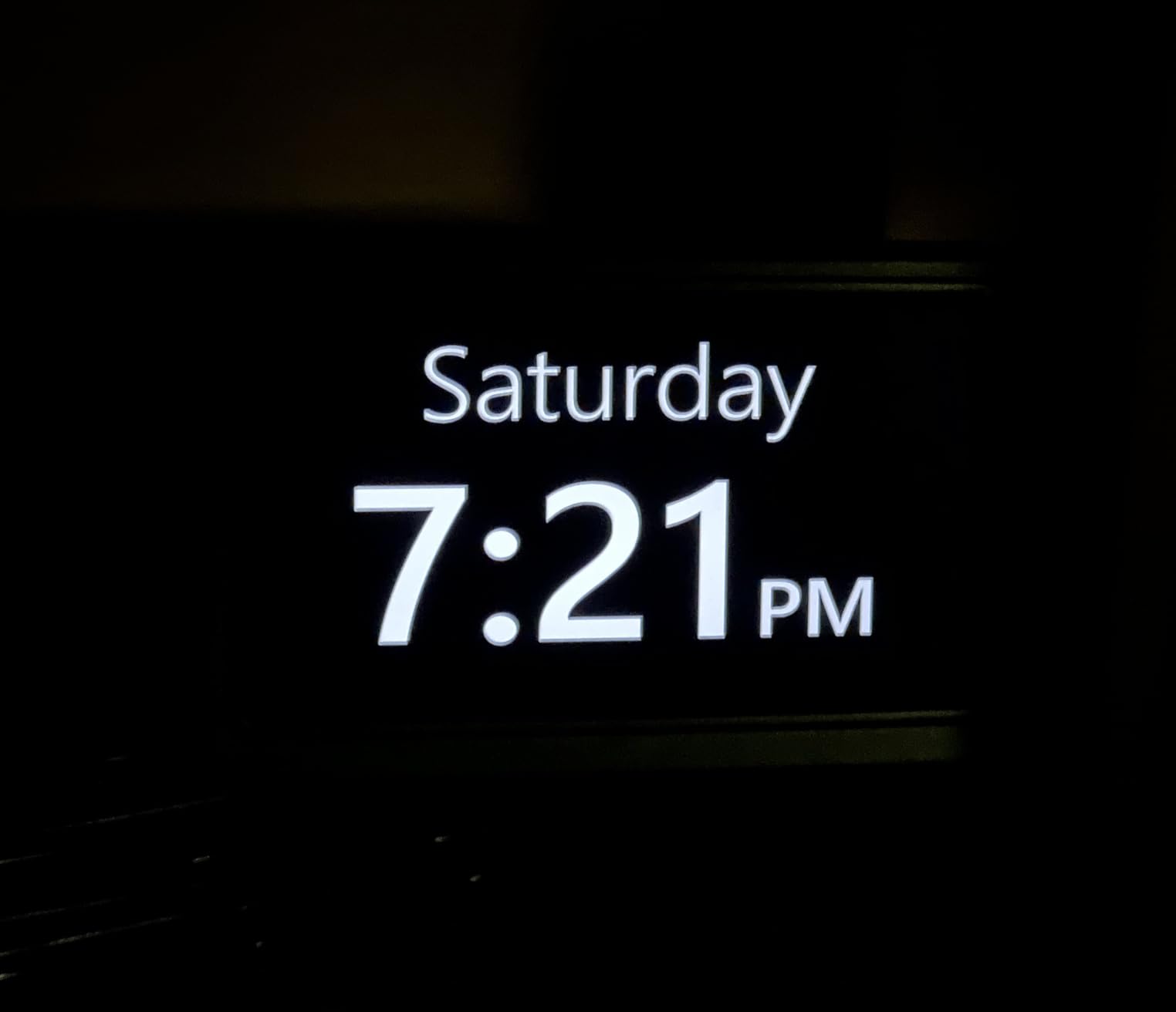
The 12 display themes let you switch between different layouts and color schemes to find what works best for your loved one. The 10-level brightness control with a dedicated one-touch sleep mode means you can instantly dim the screen without navigating menus. I found this particularly useful during late-night room checks.
One feature that delighted my family was the photo playback function. By loading images onto an SD card or USB drive, you can turn the clock into a digital photo frame when it is not actively displaying time information. Family photos rotating on the screen brought genuine joy to my grandmother and sparked conversations during visits.
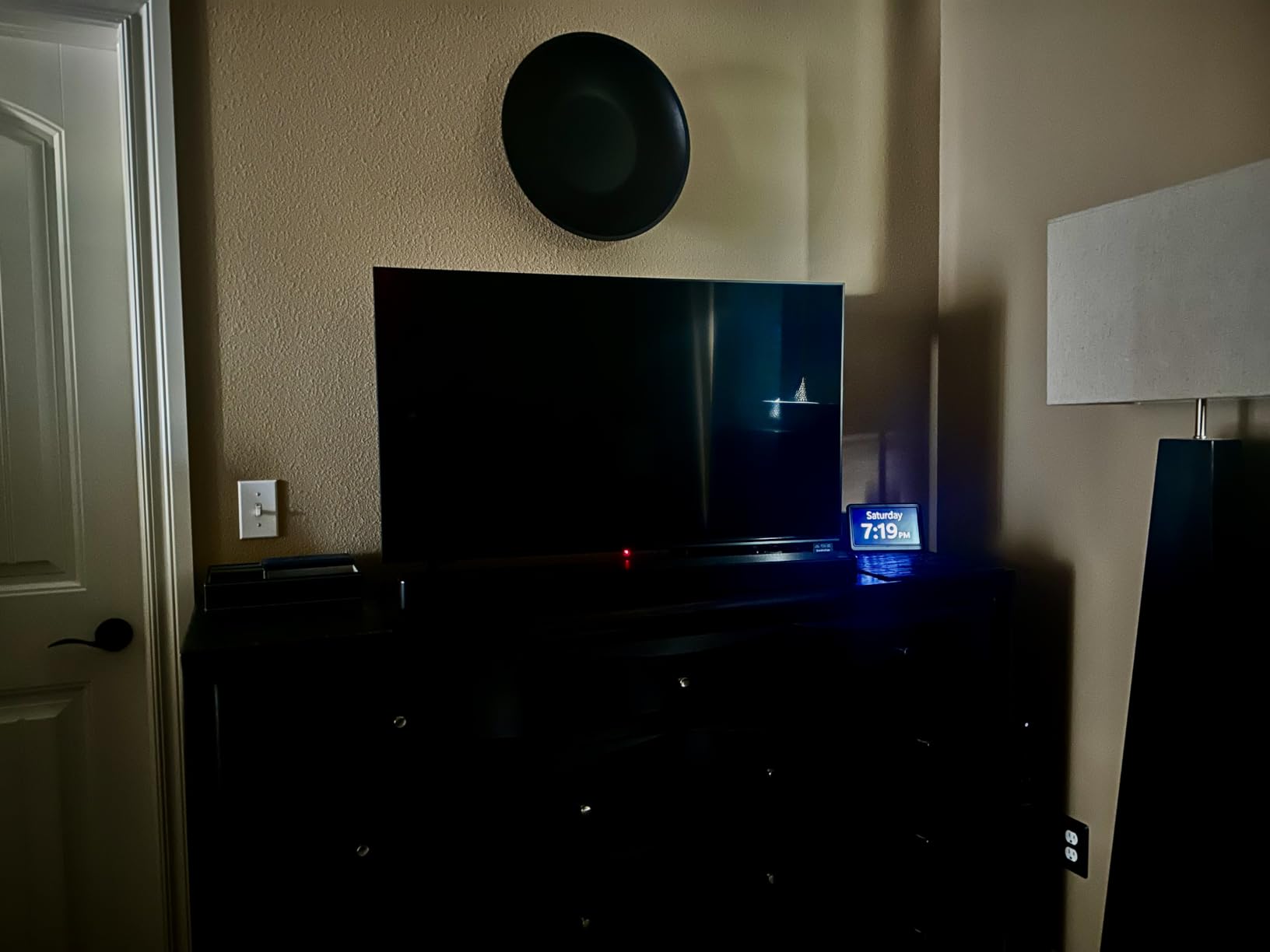
Alarm and Reminder System
The dual alarm system is where the Roxicosly truly shines. The 20 standard alarms handle wake-up calls and appointment reminders, while the 20 custom reminders are specifically designed for medication and water prompts. Each alarm supports 18 different ringtones with 9 volume levels, so you can choose gentle tones that will not startle a sleeping senior.
Best Use Cases
This clock works best as a bedside or desk companion for seniors who need frequent medication reminders throughout the day. The combination of 40 total alert slots makes it ideal for complex medication schedules. If your loved one takes medications at unusual intervals or needs hydration reminders, the Roxicosly handles it without breaking a sweat.
4. FLYRUIT 7 inch Dementia Clock – Best Remote Control Experience
7” Dementia Clocks for Seniors, Large Display Digital Clock with Date Time
7 inch IPS 1024x600
5 time phases
6 alarms + 10 reminders
8 languages
12-month warranty
Pros
- IPS screen with excellent visibility from any angle
- 5 distinct time phases prevent AM PM confusion
- Improved responsive remote control
- 8 language support including less common options
- Automatic DST updates
- 12-month warranty included
Cons
- Must use original power adapter cannot use generic
- No battery backup option
The FLYRUIT caught my attention with its 86% five-star review rate, one of the highest in this roundup. The IPS display technology means the screen looks great from any viewing angle, which solves a real problem for seniors who may view the clock from different positions in bed or from a chair across the room.
The five time phases break the day into before dawn, morning, afternoon, evening, and night. This system directly addresses one of the most common complaints in dementia care forums: patients waking at 4 AM thinking it is daytime. The before dawn phase provides clear visual feedback that it is still nighttime, which can help reduce confusion and nighttime wandering.
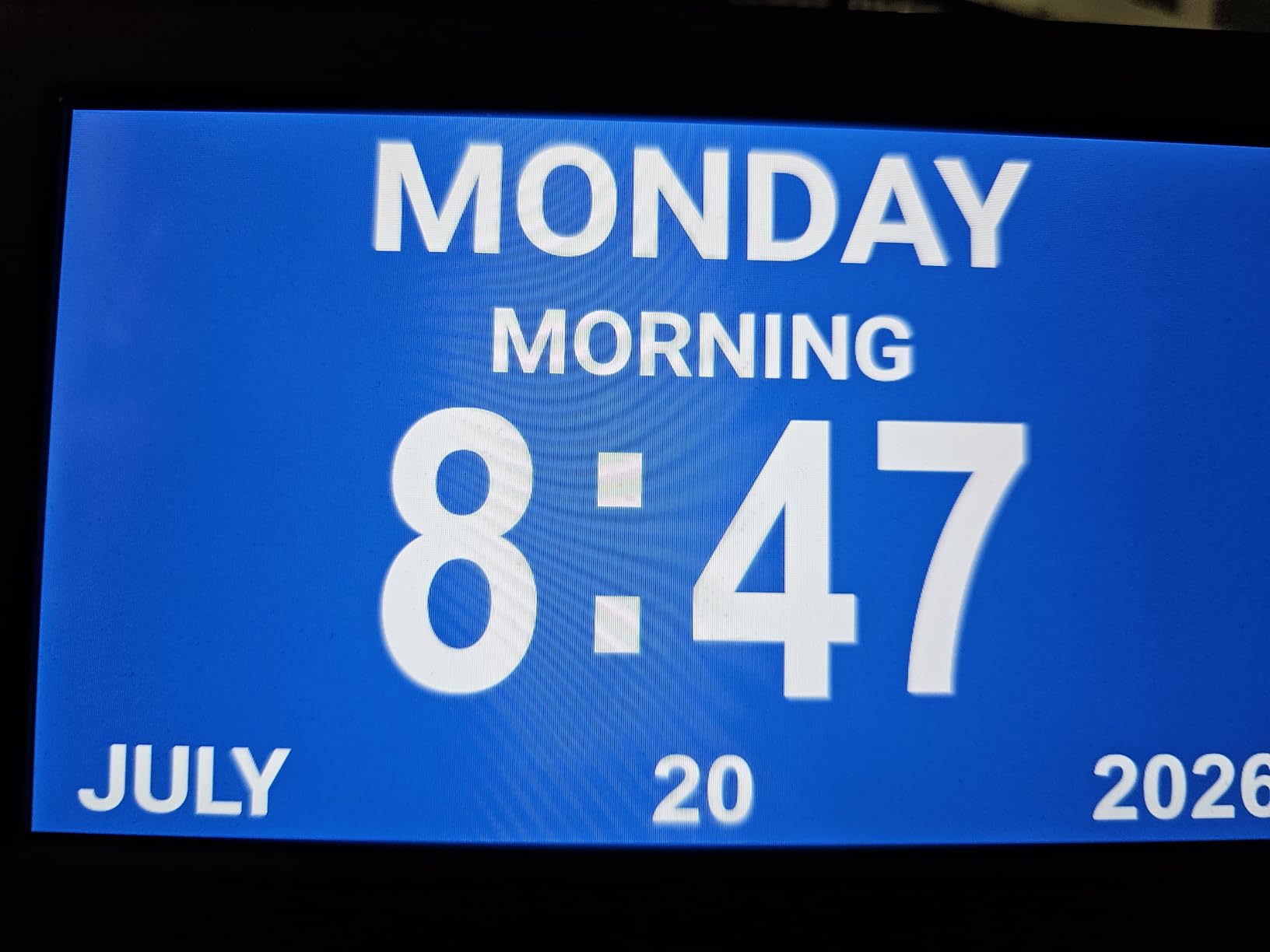
The improved remote control on this model is noticeably more responsive than competitors I tested. Button presses register instantly, and the remote works reliably from across a large room. I particularly appreciated being able to adjust settings without disturbing my grandfather when he was resting.
The automatic DST feature handles daylight saving time changes without any manual intervention. The clock also supports eight languages, including some less common options like Welsh and Polish, which is helpful for seniors whose first language is not English. The 12-month warranty provides solid coverage for the price.
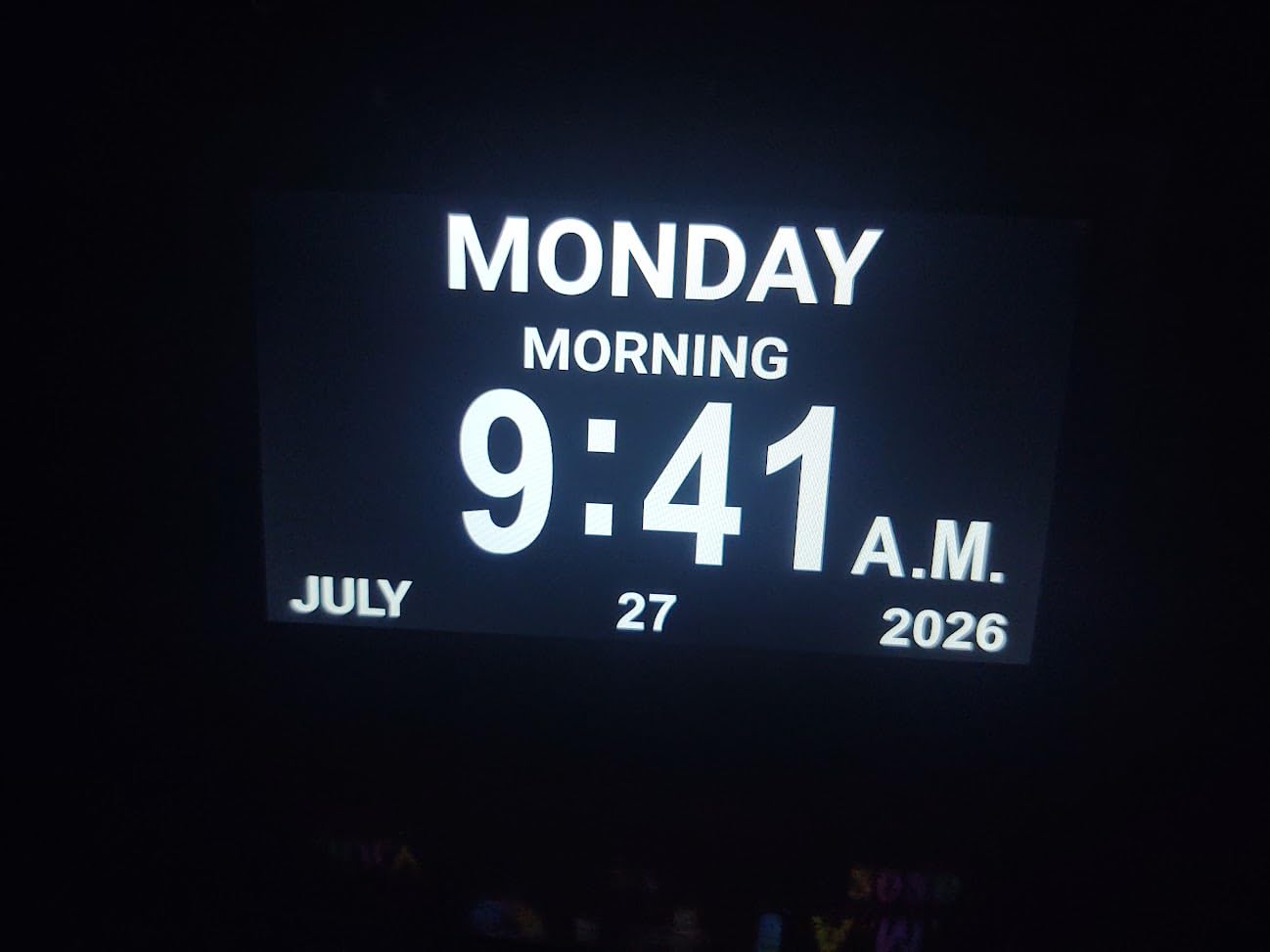
Power and Connectivity Considerations
One important note: the FLYRUIT must use its original power adapter. Generic adapters may not deliver consistent power, which can cause display flickering or random resets. There is also no battery backup, so a power outage will reset the time and require reprogramming. If you live in an area with frequent outages, consider plugging this clock into a small UPS.
Visual Customization Options
Four display styles and four color themes give you 16 total visual combinations to choose from. I found that high-contrast color themes worked best for seniors with cataracts or general vision decline. The ability to preview each theme via remote control made it easy to find the optimal setting without trial and error button pressing.
5. Pastigio 10.1 inch Digital Clock – Best Premium Large Screen
10.1” Digital Clock, Extra Large Display Digital Clock with Date and Time
10.1 inch IPS HD 1280x800
10 reminders + 6 alarms
Remote control
5 day phases
8 languages
Pros
- Highest resolution display at 1280x800 on a 10.1 inch screen
- 10 customizable reminders with visual icons
- 5 soft alarm tones that are gentle on seniors
- Extended warranty available
- 85% five-star ratings across 1100+ reviews
Cons
- Requires constant power plug connection
- Higher price point than 7 inch alternatives
The Pastigio stands out with its 1280×800 resolution, which is the highest pixel density of any clock in this roundup. That extra resolution translates to noticeably sharper text and more detailed visual icons. On a 10.1 inch screen, the difference is immediately apparent when compared side by side with 1024×600 models.
The 10 customizable reminders with visual icons provide excellent scheduling flexibility for medication and appointment management. Each reminder can display a unique icon that helps seniors understand what the alert is for, even if they have difficulty reading text. The 6 programmable alarms use 5 soft tones that are audible without being jarring.
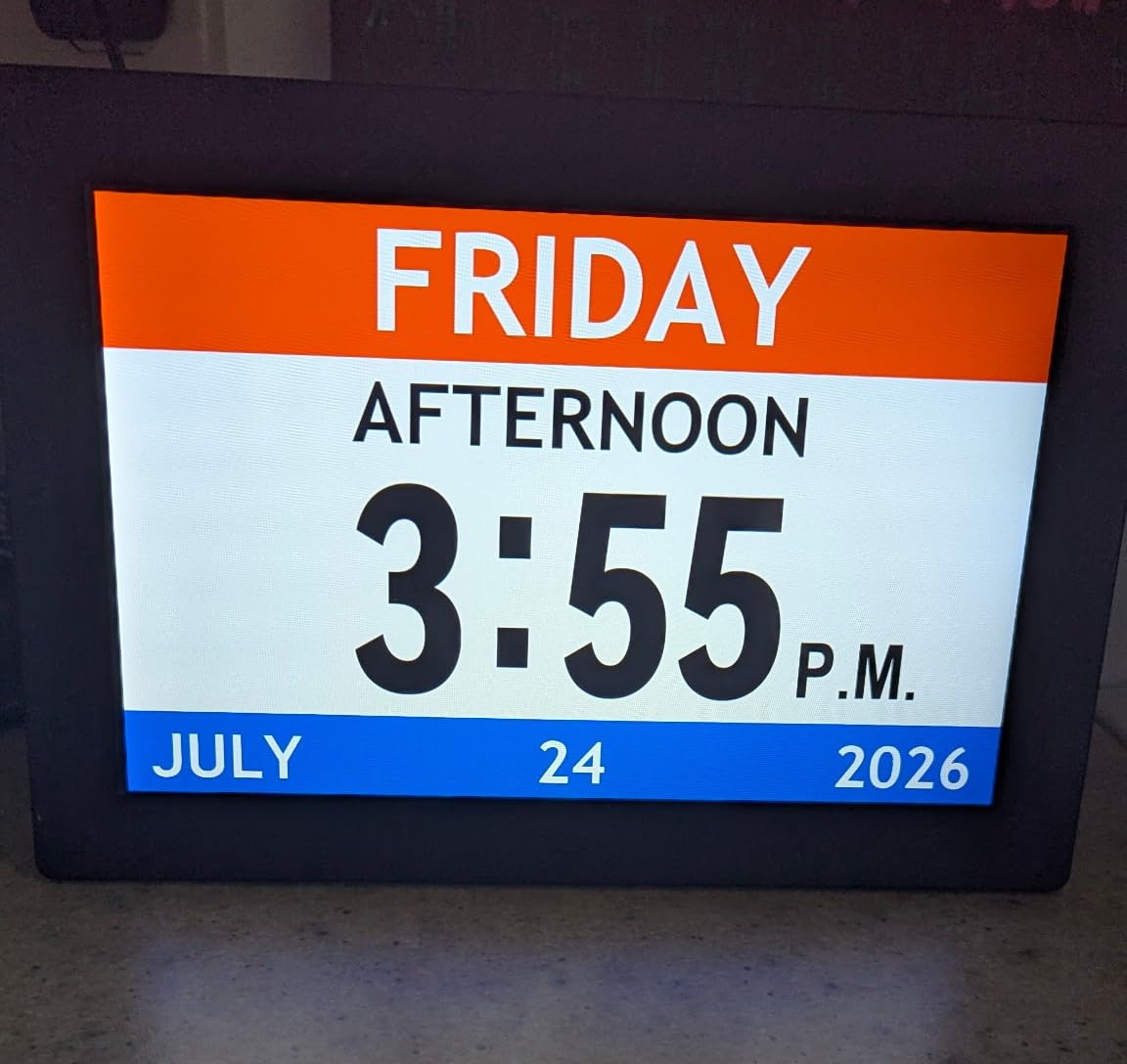
I appreciated the five day phase display that mirrors the FLYRUIT’s approach. The before dawn through night progression gives clear time-of-day context that prevents the common 4 AM confusion. The remote control handles all settings adjustments, and the auto dimming feature with 5 manual override levels covers any lighting situation.
The Pastigio supports auto DST and 8 global languages out of the box. The extended warranty option provides coverage beyond the standard period, which reflects confidence in the product’s build quality. At 1173 reviews with an 85% five-star rate, the user satisfaction data strongly supports this clock’s premium positioning.
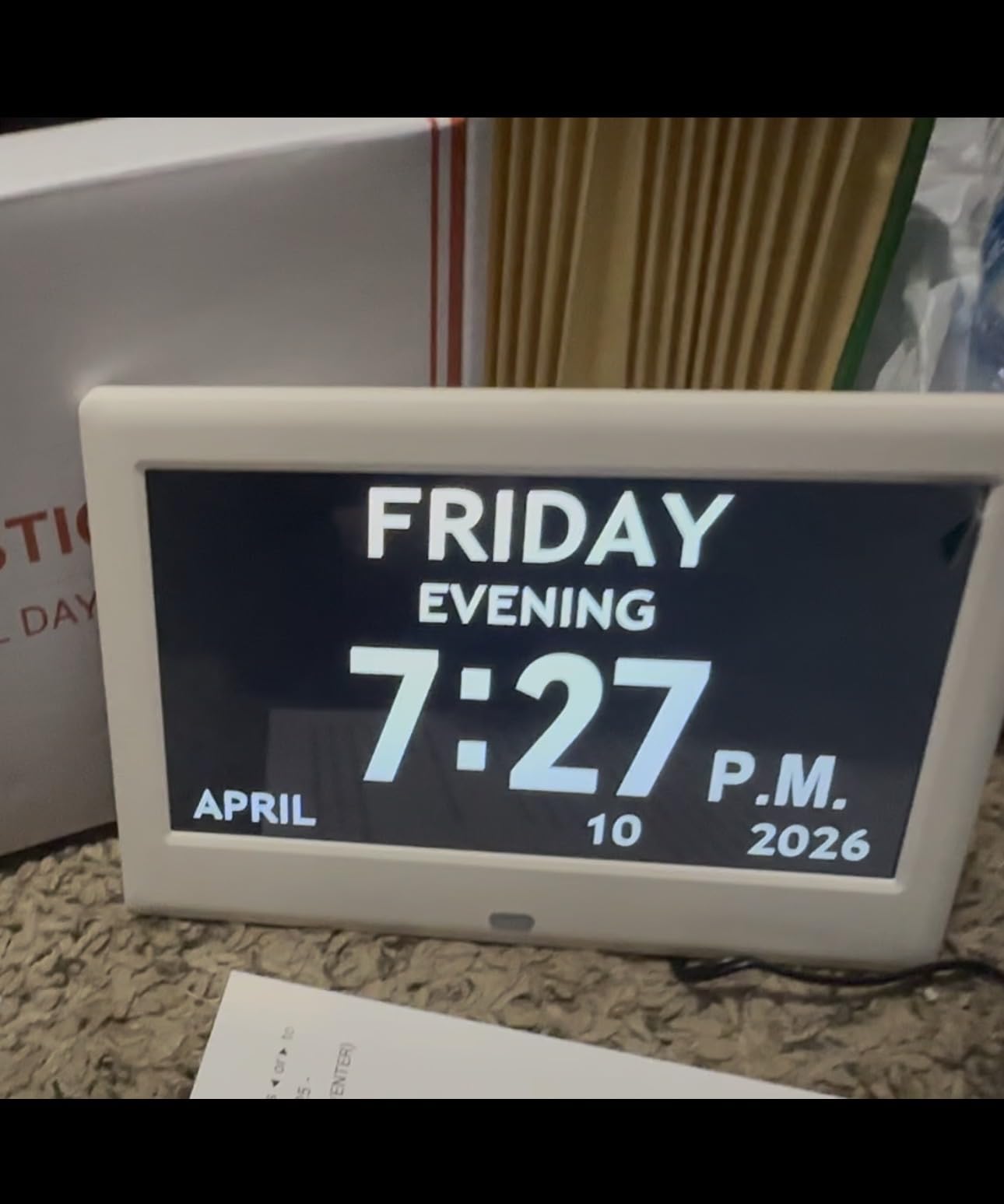
Wall Mounting Versus Desktop Use
The Pastigio works equally well as a desk clock or wall mounted display. For wall mounting, the larger 10.1 inch screen is actually an advantage because it remains readable from greater distances. I recommend mounting it at eye level in a central location where your loved one passes frequently throughout the day.
Reminder Icon System
The visual reminder icons are one of the most thoughtful features on this clock. Instead of just an alarm sound, the screen displays a clear pictogram showing a pill, a glass of water, a plate of food, or a calendar for appointments. This visual reinforcement helps seniors who respond better to images than text prompts.
6. Soobest Dementia Digital Clock – Best Display Variety
Soobest Dementia Clocks for Seniors, 7” Digital Date Clock Large Display
7 inch HD 1024x600
4 display modes
20 alarms
Auto dimming
Battery memory backup
Pros
- 4 display modes including analog clock face option
- 20 alarms with colorful icons for different reminders
- Auto dimming schedule from 9:30 PM to 6:59 AM
- Battery memory function preserves settings
- Simple 4-button control system
- Good value for the price
Cons
- Lithium battery for memory backup not included
- No remote control option
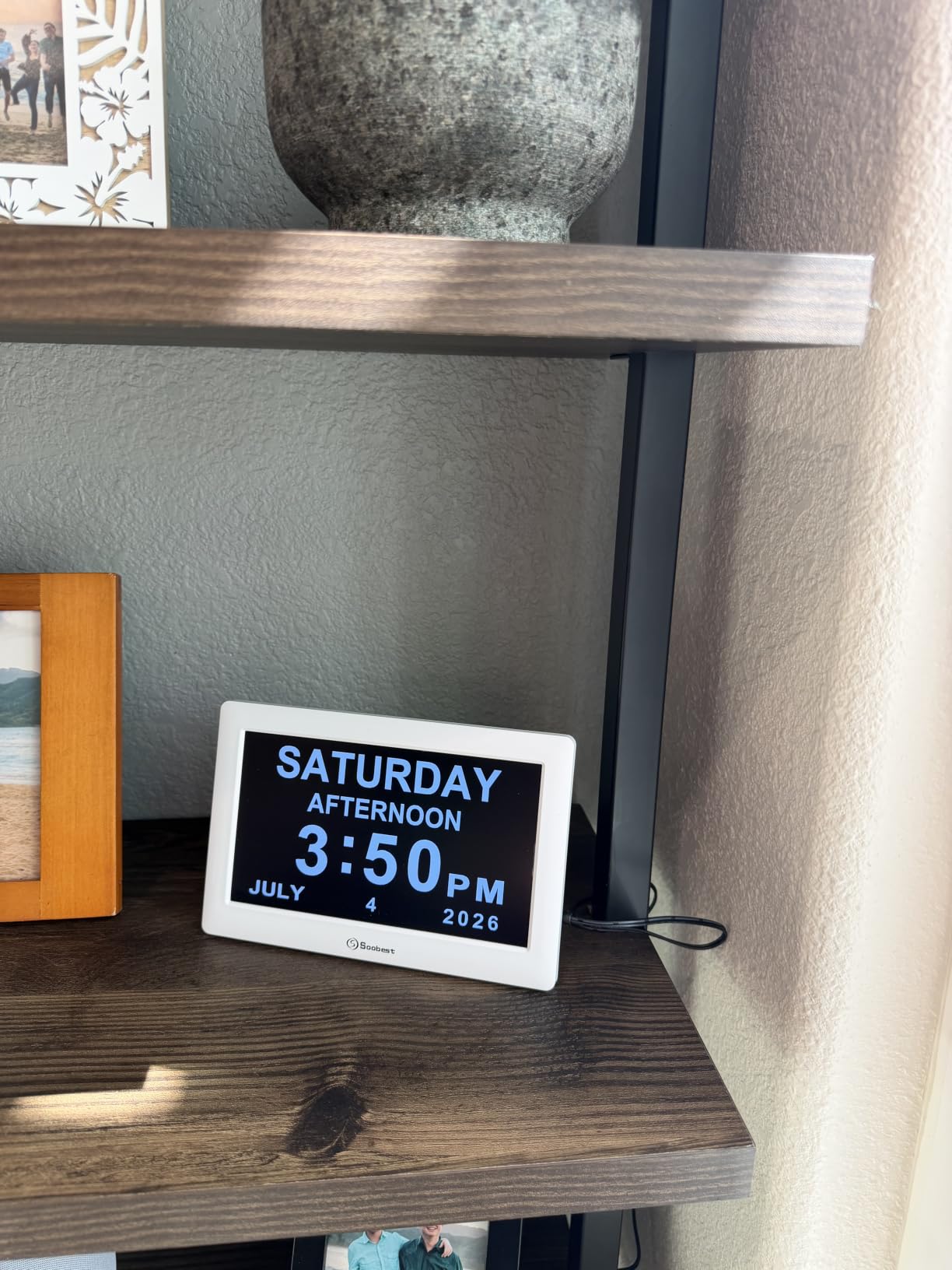
The Soobest offers something no other clock in this roundup provides: four distinct display modes. You can switch between white digits, yellow digits, a full analog clock face, and a color background mode. The analog option is particularly valuable for seniors who grew up reading traditional clock faces and find digital displays unfamiliar or confusing.
The 20 alarm system with colorful icons gives each reminder a distinct visual identity. Medication alarms show one color, meal reminders another, and appointment alerts a third. This color coding system helps seniors quickly identify what each alarm means without reading text, which is ideal for users with advanced vision decline.
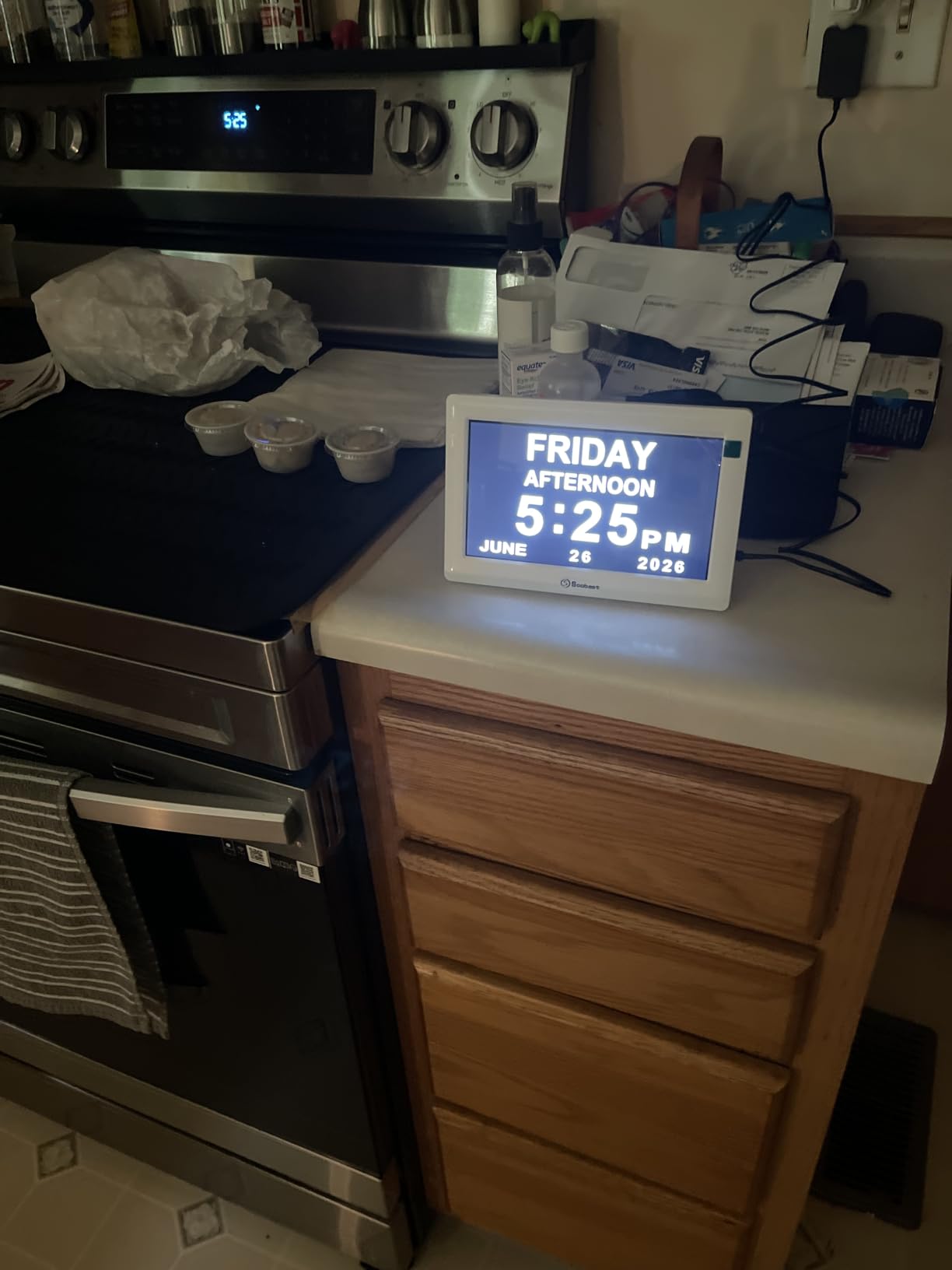
The auto dimming schedule runs from 9:30 PM to 6:59 AM, which is well-tuned for typical sleep patterns. Five manual brightness levels let you override the automatic setting when needed. I found the automatic schedule worked perfectly for my grandfather’s routine without any manual intervention.
The battery memory function preserves your settings during power outages, though you will need to supply your own lithium battery. The simple four-button control system on the back uses directional arrows plus OK and MENU buttons, which most seniors can navigate after a brief tutorial.
Analog Mode Benefits
The analog clock face display is genuinely useful for seniors in mid-stage dementia who have spent their entire lives reading traditional clocks. Switching to a familiar analog face can reduce the cognitive load of interpreting a new digital format. Some caregivers report that mixing digital and analog displays throughout the home helps with overall time orientation.
Ringtone Selection
The three built-in ringtones include a wave sound, a birds chirping tone, and a default alarm beep. The nature sounds are particularly effective because they are gentle enough for light sleepers while still being audible. Ten volume levels ensure you can find the right balance between audibility and comfort.
7. Mitoart Voice Announcement Clock – Best for Audio Reinforcement
Mitoart Digital Alarm Clock with Date and Day of Week for Dementia Seniors, Voice Announcement Time, Multiple Alarm Sets, Auto DST, Gifts for Elderly People with Dementia – Black
7 inch digital display
Voice time announcement
Multiple alarm sets
9 languages
Auto dimming
Pros
- Voice announcement feature reads time aloud in 9 languages
- Multiple alarm sets for medication and schedule reminders
- 87% five-star ratings from 823 reviews
- Automatic dimming from 7 PM to 7 AM
- Simple one-click setup
- Large font display for easy reading
Cons
- Requires constant power cord connection
- Some users report language limitations for Japanese
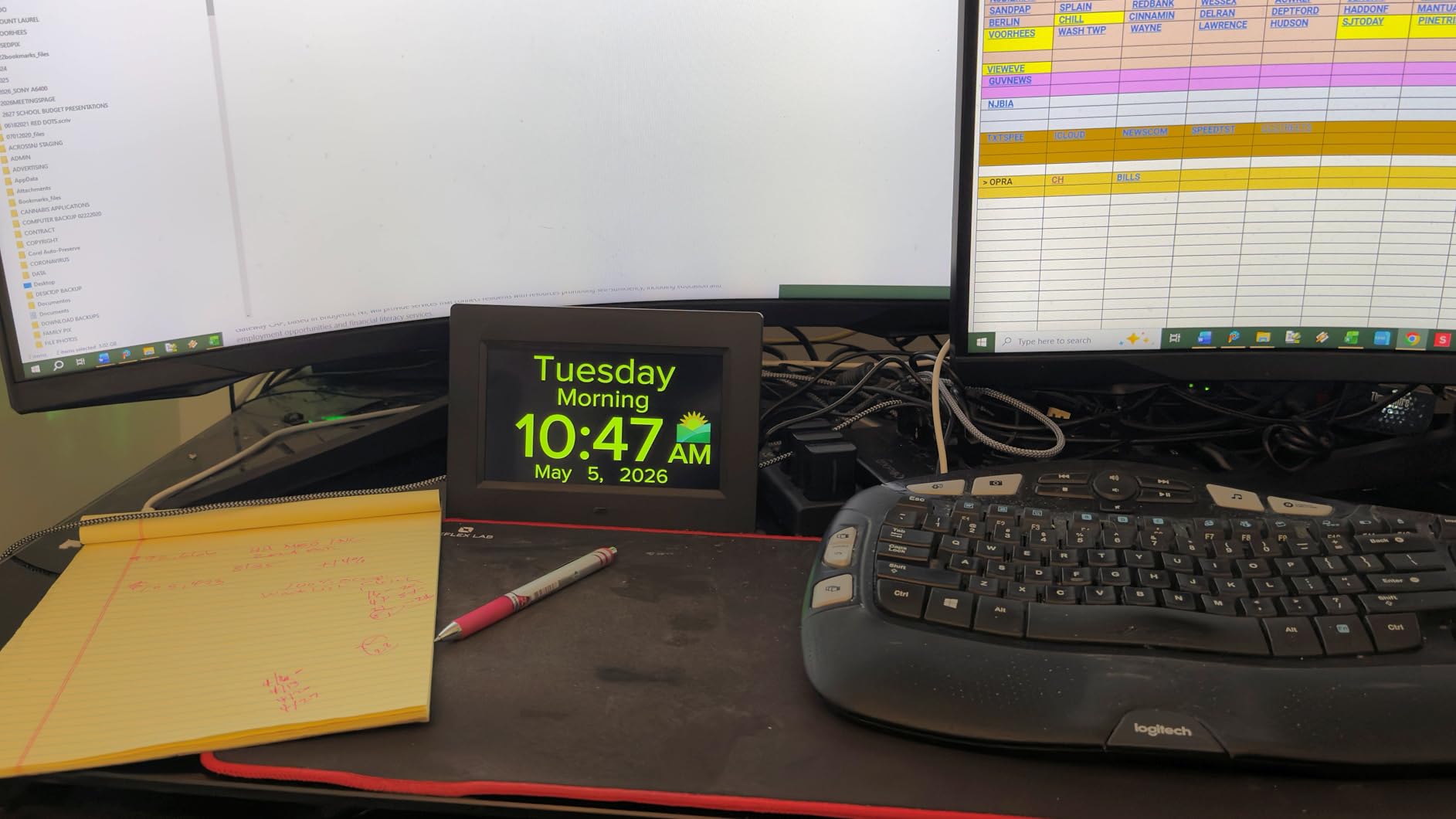
The Mitoart is the only clock in this roundup with a built-in voice announcement feature. At the press of a button, the clock speaks the current time and date aloud in one of nine languages. For seniors with severe vision impairment or those who cannot easily turn to look at a clock, this audio feature provides independence and reassurance.
The automatic dimming system reduces brightness to 50 cd/m2 at 7 PM and restores full 250 cd/m2 brightness at 7 AM. This transition is smooth and does not cause the sudden brightness changes that can startle light sleepers. The large font display uses the full 7 inch screen efficiently to maximize text size.
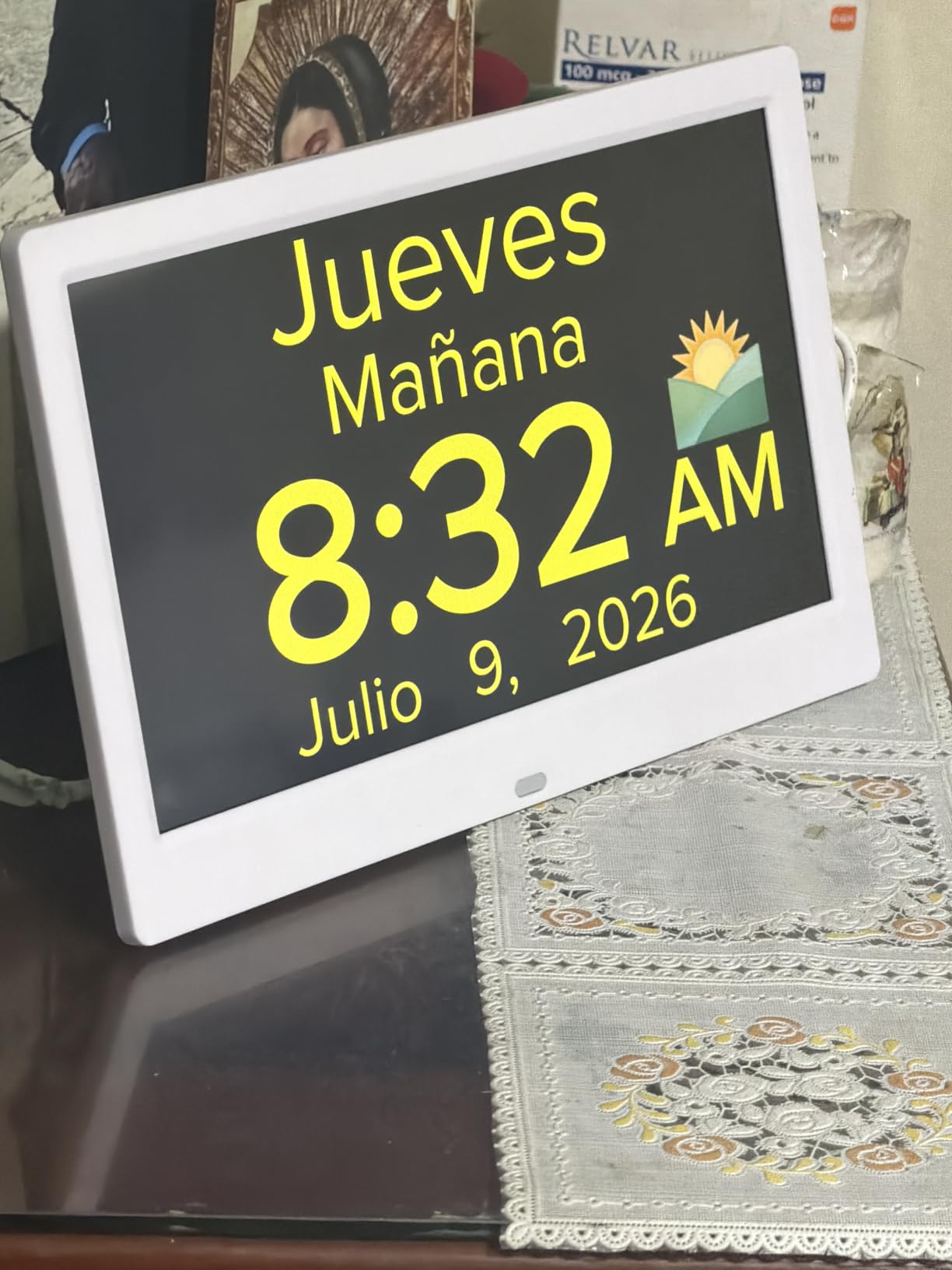
Multiple alarm sets allow you to create different reminder groups for medications, meals, and appointments. The system is flexible enough to handle complex daily routines, and the simple one-click setup means most users can get started without reading a manual. With 87% five-star reviews, user satisfaction is clearly very high.
The nine language options for voice announcements cover English plus eight additional languages. This makes the Mitoart particularly suitable for multilingual households or seniors whose primary language is not English. The voice quality is clear and natural sounding, not robotic like some announcement systems.
Voice Announcement Practical Use
In practice, the voice feature serves two important purposes. First, it lets seniors check the time without getting up or straining to read the display, which is valuable at night or when resting. Second, it reinforces visual information with audio, which helps cement the current day and time in the user’s memory through dual-sensory input.
Setup Simplicity
The one-click setup is not marketing exaggeration. I had this clock fully operational in under five minutes. The menu system is streamlined and intuitive, with large directional buttons that are easy to press even for arthritic hands. If your loved one needs a clock they can partially set up themselves, the Mitoart is an excellent choice.
8. DreamSky Large Digital Clock – Best for General Senior Use
DreamSky Large Digital Clock with Date and Day of Week for Seniors
7.6 inch display
Auto DST
USB charging port
Temperature display
Battery backup
Pros
- USB charging port for phones and devices
- Built-in temperature display
- Auto dimmer from 9:01 PM to 7 AM
- 4 level adjustable alarm volume
- Battery backup for power outages
- 1 year replacement warranty
Cons
- Smaller display than dedicated dementia clocks
- Some features may be complex for elderly users
The DreamSky takes a slightly different approach from the other clocks in this roundup. Rather than focusing exclusively on dementia-specific features, it aims to be an excellent all-around senior clock that happens to work well for mild memory support. The result is a versatile device that fits naturally into any bedroom or living space.
The USB charging port is a feature I did not know I wanted until I had it. Seniors can charge their phone directly from the clock, eliminating the need for a separate charger and wall outlet. In rooms with limited electrical sockets, this convenience is genuinely valuable and reduces cable clutter.
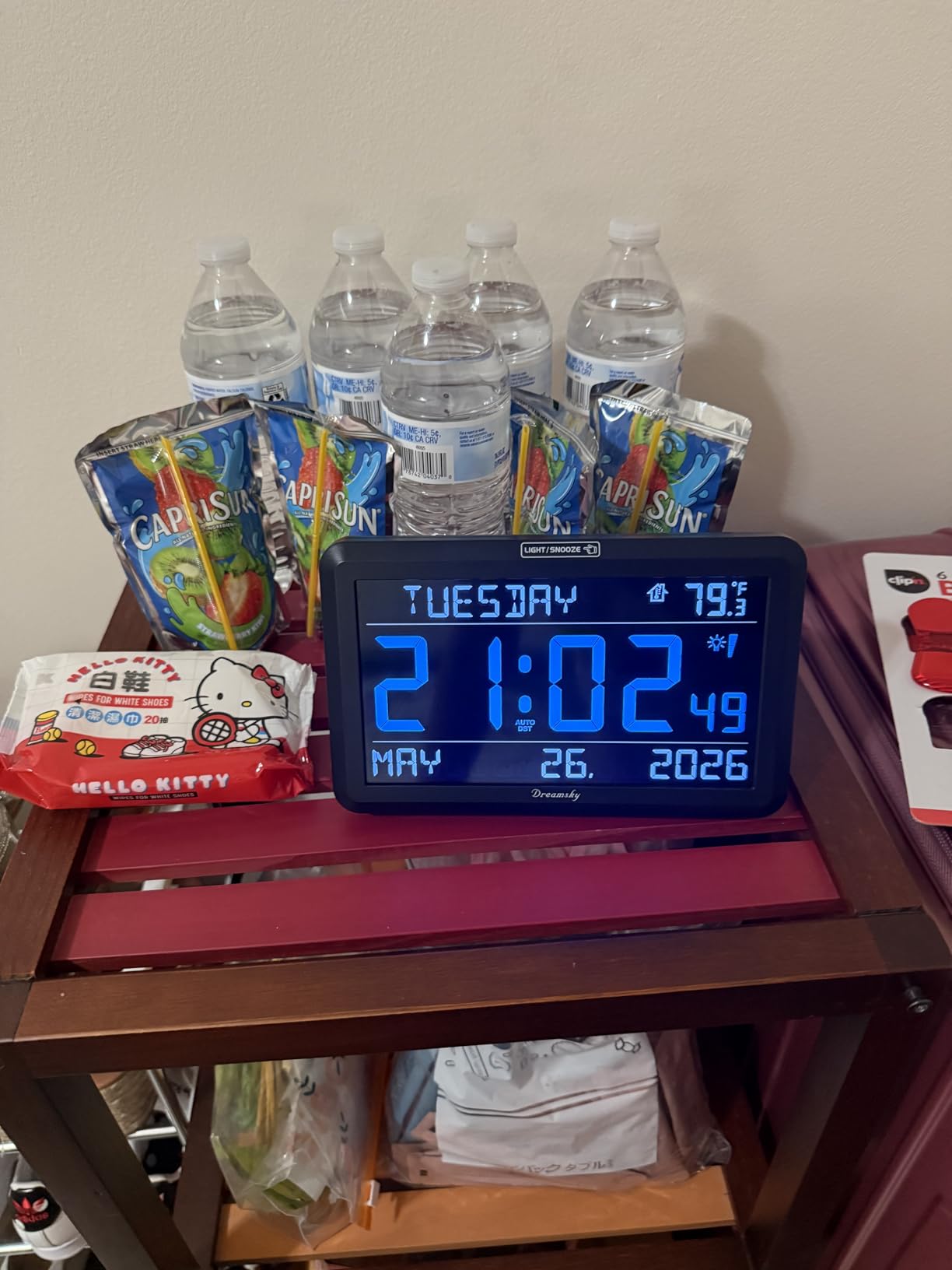
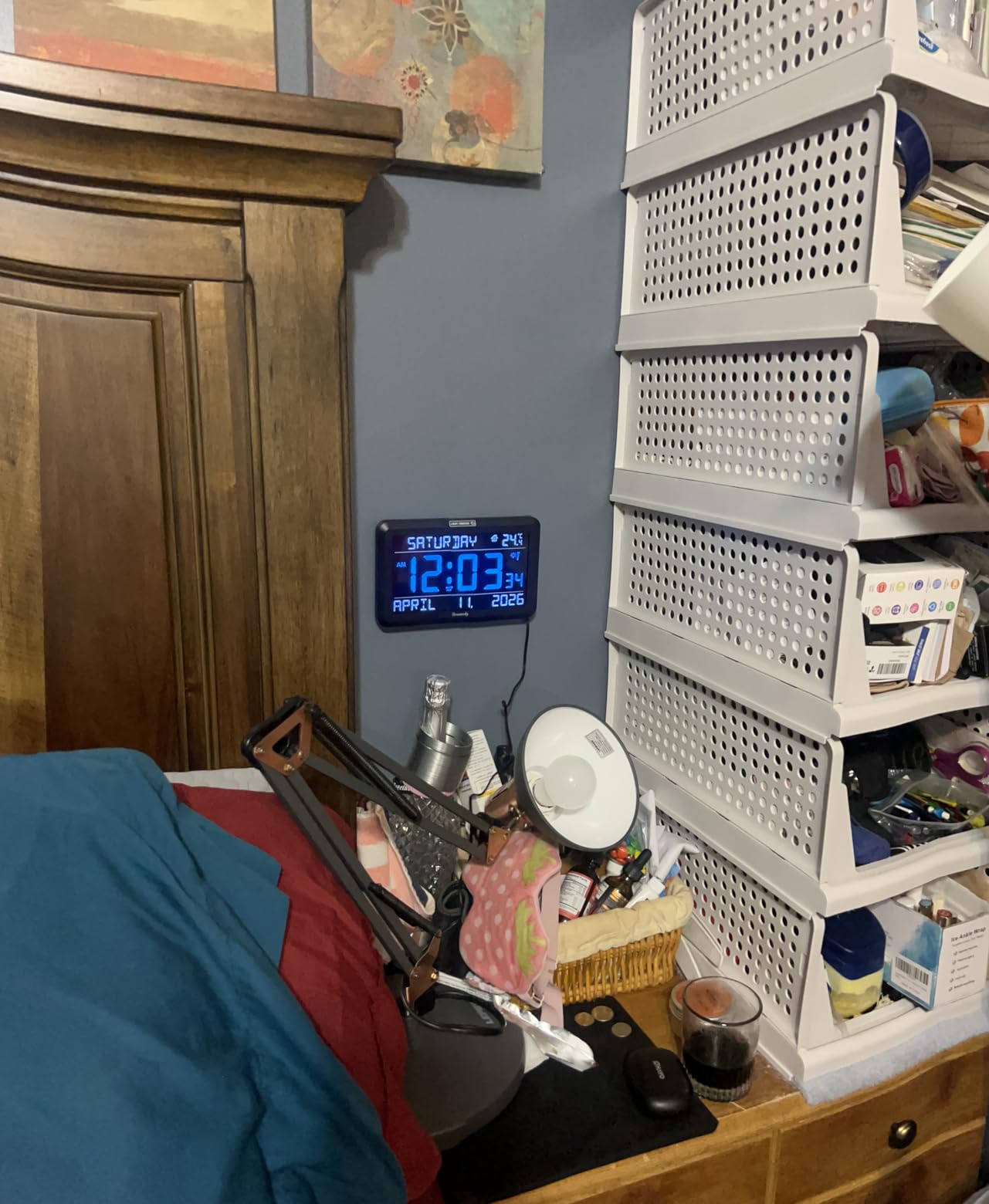
The auto dimmer operates from 9:01 PM to 7 AM, and the four-level brightness control gives you fine-grained manual adjustment. The built-in temperature display is a nice bonus that helps caregivers monitor room comfort for their loved ones. The four-level adjustable alarm volume ensures the wake-up tone is appropriately loud for hearing-impaired seniors.
Battery backup preserves time settings during power outages, and the auto DST feature handles seasonal time changes automatically. The one-year replacement warranty from DreamSky is straightforward and hassle-free based on user reports. With 1501 reviews and an 81% five-star rate, this clock has proven its reliability over time.
Who Should Choose This Clock
The DreamSky is ideal for seniors who want a large, easy-to-read clock without the clinical appearance of dedicated dementia products. It works well for mild memory support, general aging-related vision changes, or simply as a high-quality bedroom clock. If your loved one is in early-stage memory loss and does not need extensive medication reminders, this is a natural fit.
Display Size Considerations
While the 7.6 inch screen is generous, it is smaller than the 10.1 inch models on this list. For seniors with significant vision impairment, the Mesqool or Pastigio may be better choices. However, for most users with standard age-related vision changes, the DreamSky’s display is more than adequate and the additional features like USB charging offset the slightly smaller screen.
How to Choose the Right Calendar Clock for Seniors
Choosing the right digital calendar clock comes down to understanding your loved one’s specific needs. Every senior’s situation is different, and the features that matter most depend on their cognitive condition, vision quality, daily routine, and living situation. Here is what our team learned through testing and research.
Display Size and Clarity. The most important factor is how easily your loved one can read the clock from their typical viewing distance. For bedside use, a 7 inch screen is usually sufficient. For living room or common area placement, consider a 10 inch or larger display. IPS panels offer better viewing angles than standard LCD screens, which matters if the clock will be viewed from different positions in a room.
Non-Abbreviated Text. This feature is non-negotiable for dementia care. Clocks that show “Wed” instead of “Wednesday” or “Aug” instead of “August” create unnecessary cognitive processing demands. All eight clocks in this roundup use full non-abbreviated text, but it is worth verifying if you explore other options.
Time Period Indicators. Look for clocks that display time of day using words like MORNING, AFTERNOON, EVENING, and NIGHT. This contextual information directly addresses one of the most common dementia challenges: patients losing track of whether it is day or night. The best models include five or more time periods for finer granularity.
Alarm and Reminder Capacity. Count how many medications, meals, and appointments need reminders per day. The Roxicosly leads with 40 total alert slots, but most seniors need 5 to 15 at most. Make sure the alarm system supports tags or icons that identify what each alert is for, not just when it fires.
Auto Dimming. A clock that stays at full brightness all night will disrupt sleep. Look for automatic dimming schedules that reduce brightness during typical sleeping hours. The ability to manually override the dimming is also valuable for seniors who nap during the day or have unusual sleep patterns.
Battery Backup. Power outages reset clocks that lack backup batteries, which means reprogramming all settings. This is particularly frustrating for caregivers who may live far away. Prioritize models with included backup batteries, or at minimum, models that accept standard backup batteries you can purchase separately.
Setup Difficulty. If you are a long-distance caregiver, you need a clock that family members or visiting nurses can set up without technical expertise. Forum insights consistently show that setup complexity is the top complaint among buyers. Look for plug and play models with simple button navigation or remote controls.
Remote Control Access. Remote controls let you adjust settings without physically reaching the clock, which is essential for wall-mounted installations. If you plan to mount the clock out of easy reach, a remote control moves from nice-to-have to essential. The Mesqool, FLYRUIT, and Pastigio all include responsive remotes.
Frequently Asked Questions
What is the best digital calendar clock for seniors?
The SSYA Digital Calendar Alarm Clock is our top pick for seniors thanks to its non-abbreviated display, 12 alarm modes, battery backup, and 7300+ verified reviews with an 85% five-star rating. It is specifically designed for dementia care with full time period names and simple plug and play setup.
What is the best alarm clock for the elderly?
For most elderly users, the Mesqool 10.1 inch Dementia Clock offers the best combination of large display, 13 time periods, remote control, and temperature monitoring. Its IPS screen provides excellent visibility from any angle, making it ideal for seniors with vision challenges.
What makes an alarm clock elderly friendly?
An elderly friendly alarm clock features large non-abbreviated text, time period indicators like MORNING and EVENING, automatic dimming for nighttime comfort, simple setup with minimal buttons, battery backup for power outages, and customizable medication reminders. The display should be readable from across a room without squinting.
Who makes the best digital alarm clock for dementia patients?
SSYA, Mesqool, and Roxicosly produce the top-rated digital calendar clocks for dementia patients. SSYA leads with the largest review base and proven reliability, Mesqool offers the largest display at 10.1 inches, and Roxicosly provides the most alarm slots with 40 total reminders. All three use non-abbreviated displays designed specifically for cognitive support.
Final Thoughts on Calendar Clocks for Seniors
Finding the right digital calendar alarm clock for the elderly can genuinely improve daily life for both seniors and their caregivers. After testing eight models across different price points and feature sets, our top recommendation remains the SSYA for its proven reliability and massive user base. For those needing the largest possible display, the Mesqool 10.1 inch is unmatched, and the Roxicosly delivers the best value for budget-conscious buyers.
The best digital calendar alarm clocks for the elderly all share certain traits: non-abbreviated text, clear time period indicators, automatic dimming, and reliable battery backup. Whichever model you choose from this list, you can feel confident that it has been validated by hundreds or thousands of real users facing the same challenges you are navigating. Your loved one deserves the reassurance of always knowing what day it is, and these clocks deliver exactly that.