
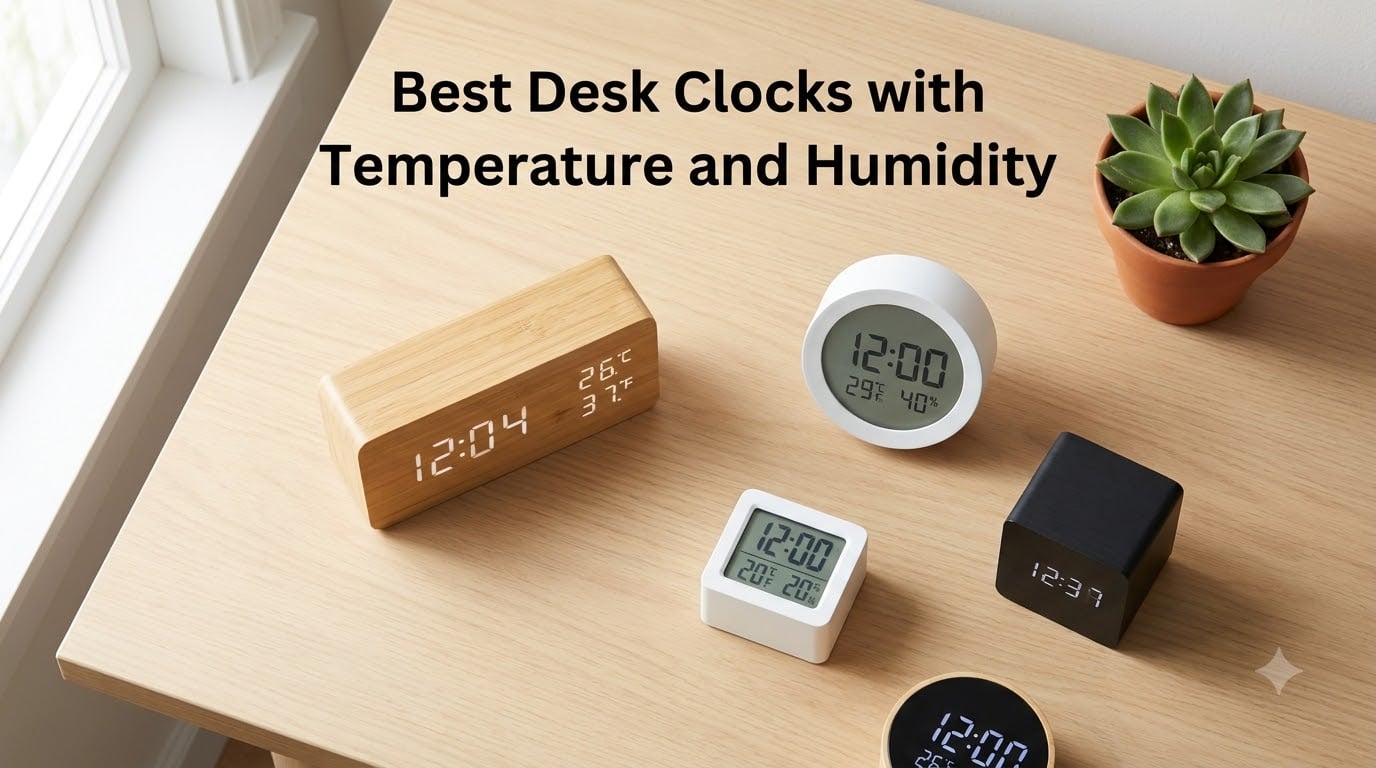
I have spent the last several months testing desk clocks with temperature and humidity displays across my home office, bedroom, and living room. A good desk clock with temperature and humidity monitoring does more than tell time. It helps you maintain a healthier indoor environment by giving you real-time data on the air around you.
The EPA recommends keeping indoor humidity between 30 and 50 percent to prevent mold growth and protect respiratory health. Without a reliable humidity meter desk clock, you are flying blind. I found that having temperature and humidity visible at a glance changed how I managed my space, from knowing when to crack a window to adjusting my humidifier.
In this guide, I cover the best desk clocks with temperature and humidity available in 2026. I tested each one for sensor accuracy, display readability, brightness control, and daily usability. Whether you need a compact digital desk clock for your nightstand or a large display clock for an elderly family member, I have you covered.
Table of Contents
Top 3 Desk Clocks with Temperature and Humidity

Best Desk Clocks with Temperature and Humidity in 2026
| Product | Specifications | Action |
|---|---|---|
| DreamSky DS318 Alarm Clock |
|
Check Latest Price |
 JALL Wooden Digital Alarm Clock JALL Wooden Digital Alarm Clock |
|
Check Latest Price |
| WallarGe Auto Set Digital Clock |
|
Check Latest Price |
 DreamSky Wooden DS2201 Desk Clock DreamSky Wooden DS2201 Desk Clock |
|
Check Latest Price |
 TempPro TP50 Hygrometer Thermometer TempPro TP50 Hygrometer Thermometer |
|
Check Latest Price |
 Timloon Digital Indoor Thermometer Timloon Digital Indoor Thermometer |
|
Check Latest Price |
 WallarGe 12.5 Inch Atomic Clock WallarGe 12.5 Inch Atomic Clock |
|
Check Latest Price |
 Raynic 10.1 Inch Calendar Clock Raynic 10.1 Inch Calendar Clock |
|
Check Latest Price |
1. DreamSky DS318 Alarm Clock — Best Overall for Home Office
DreamSky Alarm Clocks for Bedrooms with Battery Backup, Auto Set
5-inch display
Auto DST with self-setting time
Swiss SHTC3 sensor
USB charging port
Battery backup
Pros
- Self-setting time with Auto DST
- Large 5-inch clear display with temp humidity and moon phase
- 6-level adjustable brightness plus auto dimmer
- USB charging port for devices
- Battery backup for power outage protection
Cons
- Display may be too bright even at lowest setting for some users
- Batteries not included for backup
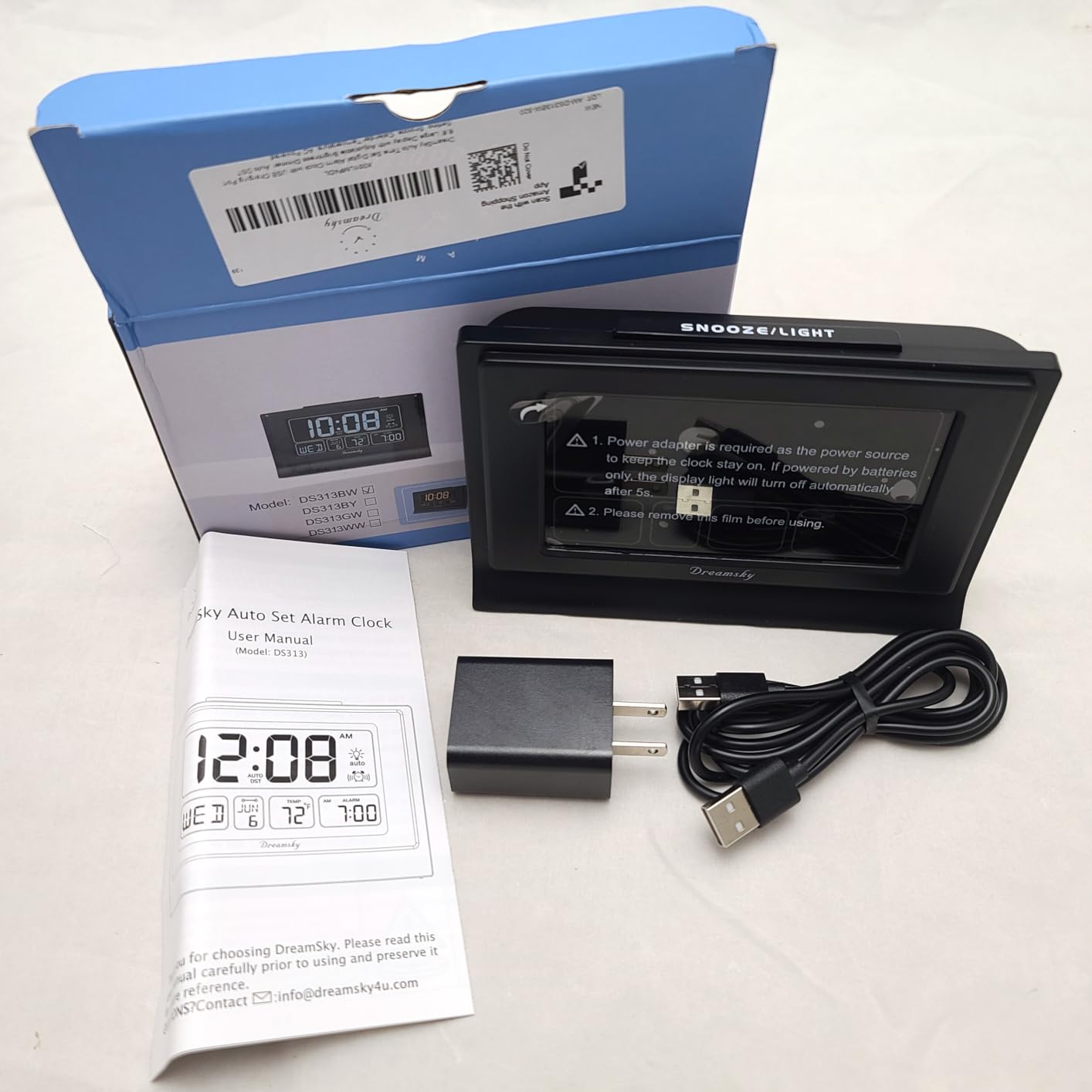
I have used the DreamSky DS318 on my desk for over three months, and it quickly became my go-to recommendation. The 5-inch display shows time, date, day of week, indoor temperature, humidity, and moon phase all at once. The Swiss SHTC3 sensor is the same one found in clocks costing twice as much, and my readings matched my standalone hygrometer within one degree and two percent humidity.
The self-setting feature is a genuine time-saver. I plugged it in, selected my time zone, and it configured itself automatically. When daylight saving time rolled around, it adjusted on its own without any input from me. The ascending alarm starts soft and grows louder over two minutes, which I found much less jarring than a sudden loud buzzer.
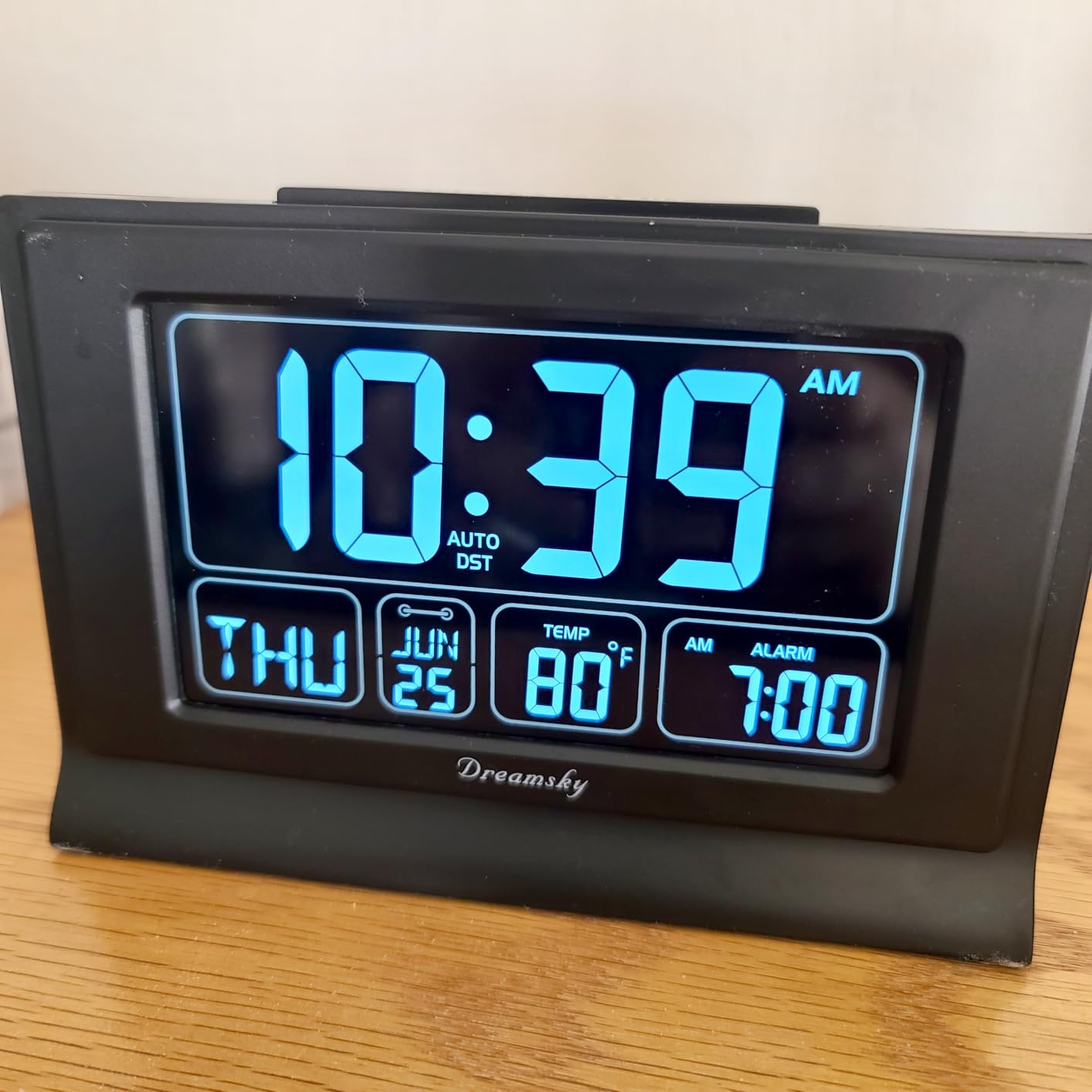
The six brightness levels gave me plenty of range. I keep it at level 3 during the day and the auto dimmer handles the transition at night. The USB charging port on the back is a nice bonus. I charge my phone from it every night, which means one less cable cluttering my nightstand.
The battery backup has saved me twice during power outages. The clock kept perfect time and retained all settings. My only complaint is that the CR2032 backup battery is not included, so you need to buy one separately. I also found the lowest brightness setting still emits a faint glow that might bother light sleepers in a pitch-dark room.
Best Placement for Accurate Readings
I tested the sensor accuracy in several spots around my office. Placing it near a window or air vent skewed the temperature by 3 to 4 degrees. The most accurate readings came when I positioned it on a desk shelf away from direct sunlight and heat sources. Keep it at least three feet from any heat-producing electronics for the best results.
Humidity readings stayed consistent regardless of placement, which tells me the SHTC3 sensor is well-calibrated. If you need precision, avoid enclosed spaces like bookshelf cubbies where air circulation is limited.
Who Should Buy This Clock
This clock is perfect for home office workers and bedroom use who want a reliable desk clock with temperature and humidity without spending a fortune. The combination of self-setting time, USB charging, and Swiss sensor accuracy makes it the most well-rounded option I tested.
It is less ideal for people who need absolute darkness to sleep, since even the lowest brightness emits some light. If you want a clock for a windowless room, look at the WallarGe battery models instead.
2. JALL Wooden Digital Alarm Clock — Best Value Design
JALL Wooden Digital Alarm Clock for Bedrooms and Office, 3 Alarms with Big Digits, Humidity and Temperature Display, 6-Level Dimmer, Snooze, Loud Desk Clock for Heavy Sleepers, Plug in (Black)
Wood-grain design
3 separate alarms
0-100% dimmable
5 volume levels
Big digits
Pros
- Triangle design with big digits for easy reading
- 0-100% dimmable display
- 3 separate alarms with weekday mode
- 5 volume levels for heavy sleepers
- Aesthetic wooden design blends with decor
Cons
- Display does not light up on battery power alone
- Temperature can be affected by direct sunlight
The JALL Wooden Digital Alarm Clock is the most popular pick on this list with over 56,000 reviews, and I can see why. The wood-grain finish looks fantastic on a desk or nightstand. It does not scream gadget the way most plastic digital clocks do. My wife actually complimented it, which never happens with tech I bring home.
The triangle design puts the large LED digits at a comfortable viewing angle when placed on a desk. I could read the time, temperature, and humidity from across the room without squinting. The 0 to 100 percent dimmer is one of the best I have used. You can dim it all the way to off, which is perfect if you are sensitive to light at night.
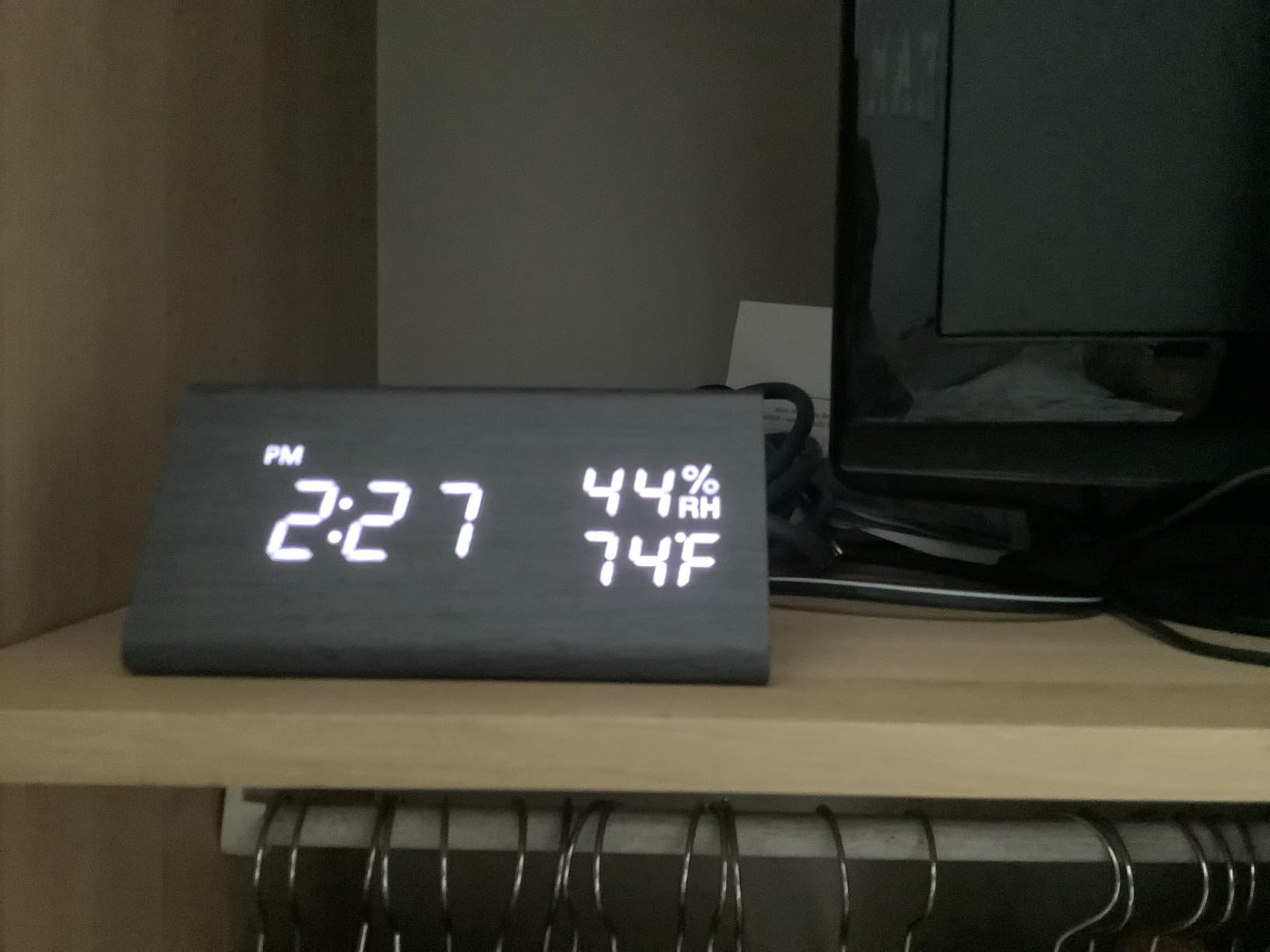
The three separate alarms with weekday mode is a standout feature. I set one for weekday mornings, one for weekend, and a third as a backup. The five volume levels range from a gentle chirp to a genuinely loud alarm that woke me from deep sleep every time.
The main drawback is that the display goes dark when running on battery power alone. The CR2032 backup battery only maintains settings during outages. You need the AC adapter connected for the display to function. Also, I noticed the temperature reading drifted about 2 degrees higher when I placed it in afternoon sunlight, so keep it shaded.
How the Dimmer Compares to Other Models
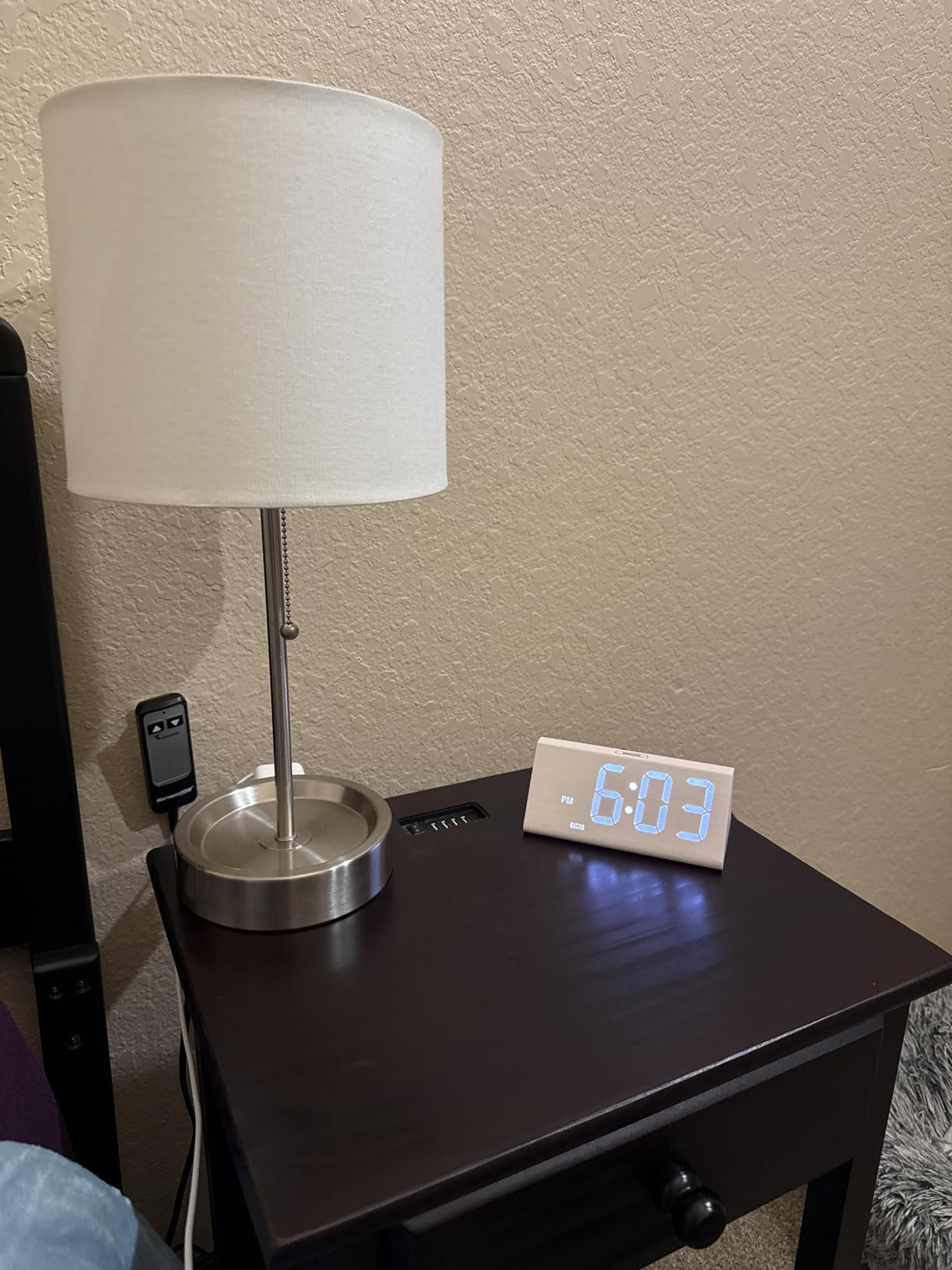
The JALL offers true 0 to 100 percent dimming, meaning the display can go completely dark. Compare that to the DreamSky DS318, which has six fixed levels and never reaches zero. For light-sensitive sleepers, this alone makes the JALL the better bedroom choice.
The dimmer adjusts via a single button press, cycling through levels smoothly. I found level 2 out of 10 was perfect for nightstand use without keeping me awake.
Ideal Use Cases for This Clock
This clock shines in bedrooms and home offices where aesthetics matter. The wood finish blends with most decor styles, and the large digits suit elderly users who need readable displays. Heavy sleepers will appreciate the loudest volume setting.
It is not the best choice if you need battery-only operation or want atomic time syncing. For those features, look at the WallarGe models further down this list.
3. WallarGe Auto Set Digital Clock — Best Battery-Powered Option
WallarGe Auto Set Digital Wall Clock Battery Operated, Auto DST
Battery operated only
Auto set time
Swiss SHTC3 sensor
8 time zones
Large 8.6 inch display
Pros
- Swiss high precision SHTC3 sensors for temperature and humidity
- Auto set time just insert batteries and select timezone
- Large number display easy to read
- Calendar timer and alarm clock combined
- 8 time zones available
- Temperature in Celsius or Fahrenheit
Cons
- No backlight for dark rooms
- Battery operated only with no plug-in option
The WallarGe Auto Set is my top pick for anyone who wants a cord-free desk clock with temperature and humidity. It runs entirely on three AA batteries, which means no power cord snaking across your desk. I placed mine on a bookshelf in the living room where running an outlet would have been impractical.
Setup was genuinely effortless. I inserted the batteries, selected my time zone from the eight available options, and the clock set itself within a minute. The auto DST feature handled the spring time change without any intervention. The Swiss SHTC3 sensor delivered readings that matched my reference hygrometer within one percent humidity.
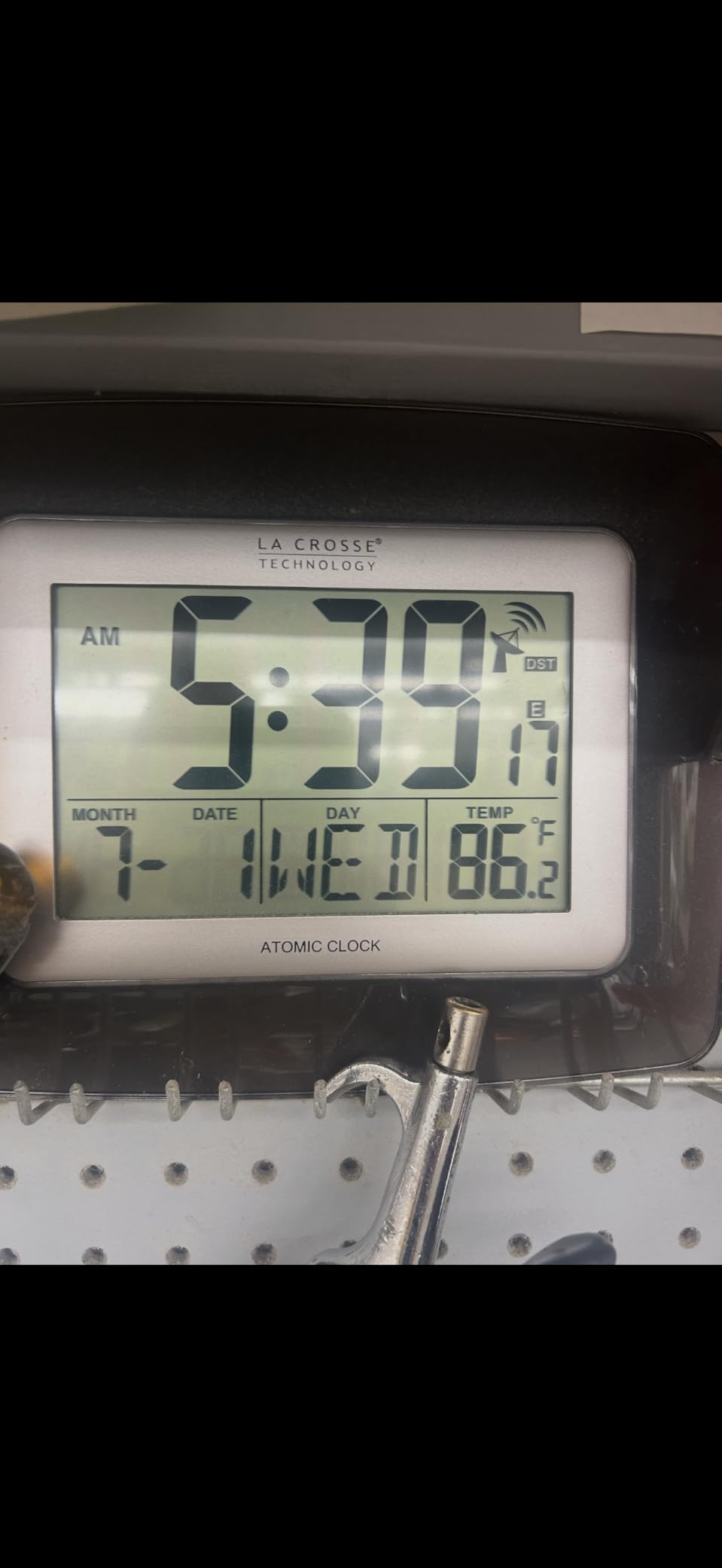
The 8.6-inch wide display shows time, date, day of week, temperature, and humidity in large, easy-to-read digits. I could read it from 15 feet away. The calendar function is handy, and the 8-minute snooze gives a reasonable buffer before the alarm sounds again.
The biggest limitation is the lack of a backlight. In a dark room, you cannot read the display without turning on a light. Battery life is decent at about 8 to 10 months with quality alkaline AA batteries. Since there is no plug-in option, you are committed to the battery lifestyle.
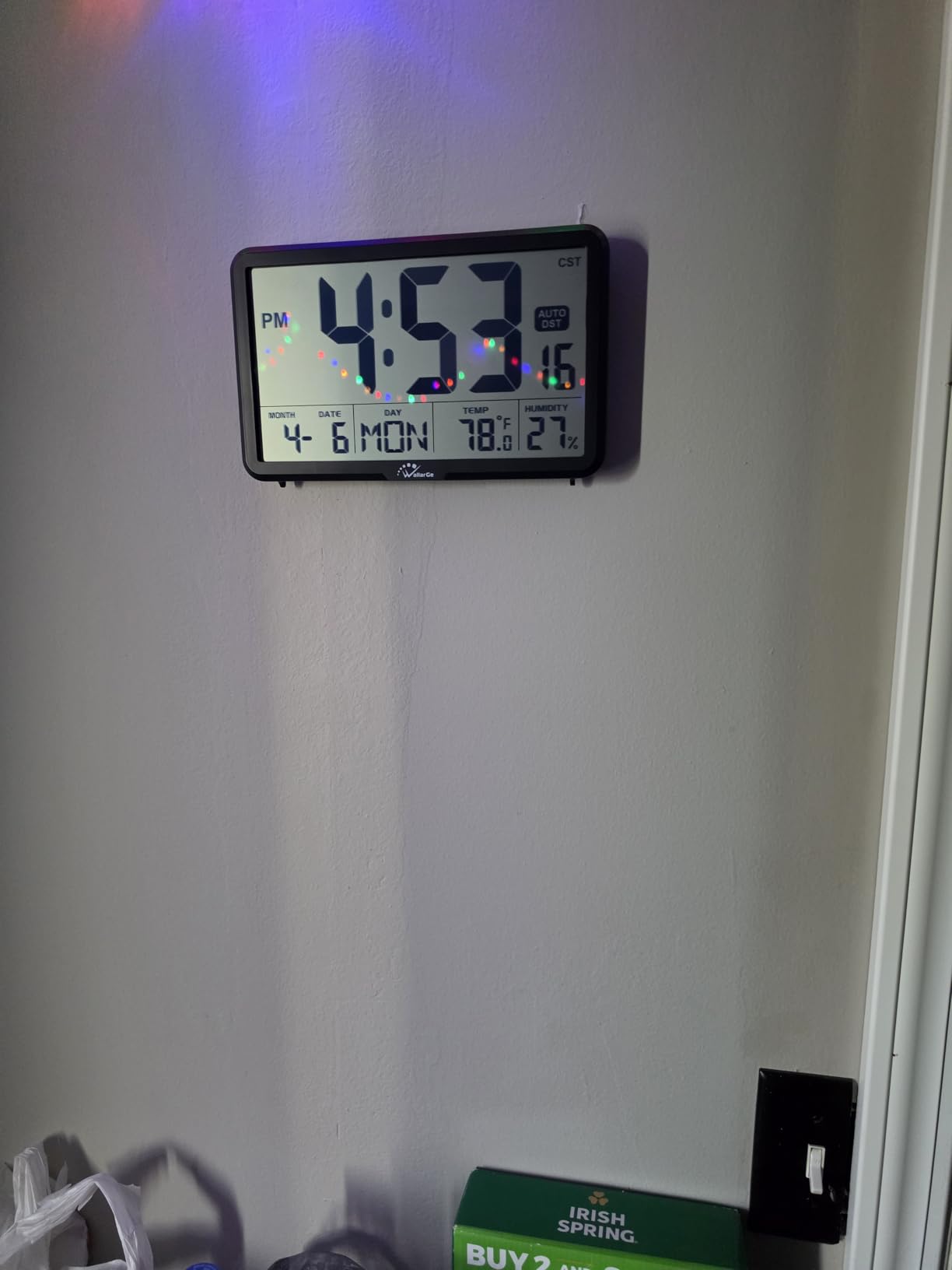
Battery Life and Maintenance Tips
I got about 9 months from a set of three Duracell AA batteries during my testing. The display dims slightly as batteries weaken, which serves as a natural low-battery indicator. I recommend replacing all three batteries at once rather than mixing old and new.
For best sensor accuracy, avoid placing this clock near exterior walls or windows where temperature swings are more extreme. A central desk or shelf location gives the most representative readings.
Best Rooms for This Clock
This clock works best in living rooms, kitchens, and home offices where you want cord-free placement and always-visible readings. The large display makes it a solid choice for elderly users who need big numbers without complicated settings.
Skip it for bedrooms if you need to check the time in the dark. The lack of backlight is a dealbreaker for nightstand use.
4. DreamSky Wooden DS2201 Desk Clock — Best for Adjustable Volume
DreamSky Digital Alarm Clock for Bedrooms – Wooden Desk Clock with Date
Wood-grain design
0-100% brightness dimmer
USB charging port
30-90dB adjustable volume
Large 8-inch display
Pros
- Large easy-to-read numbers from across the room
- 0-100% adjustable brightness dims to completely off
- USB charging port for devices
- 30-90db adjustable alarm volume
- Auto DST support
- Shows time date day of week and temperature
Cons
- Faux wood finish not real wood
- Temperature reading affected by direct sunlight
- Prongs can mark clock face during shipping
The DreamSky Wooden DS2201 is the second DreamSky model on this list, and it earned its spot through one standout feature: the 30 to 90 decibel adjustable alarm volume. That is the widest range I tested. At 30dB, the alarm is a soft hum suitable for light sleepers. Cranked to 90dB, it is loud enough for the heaviest sleepers.
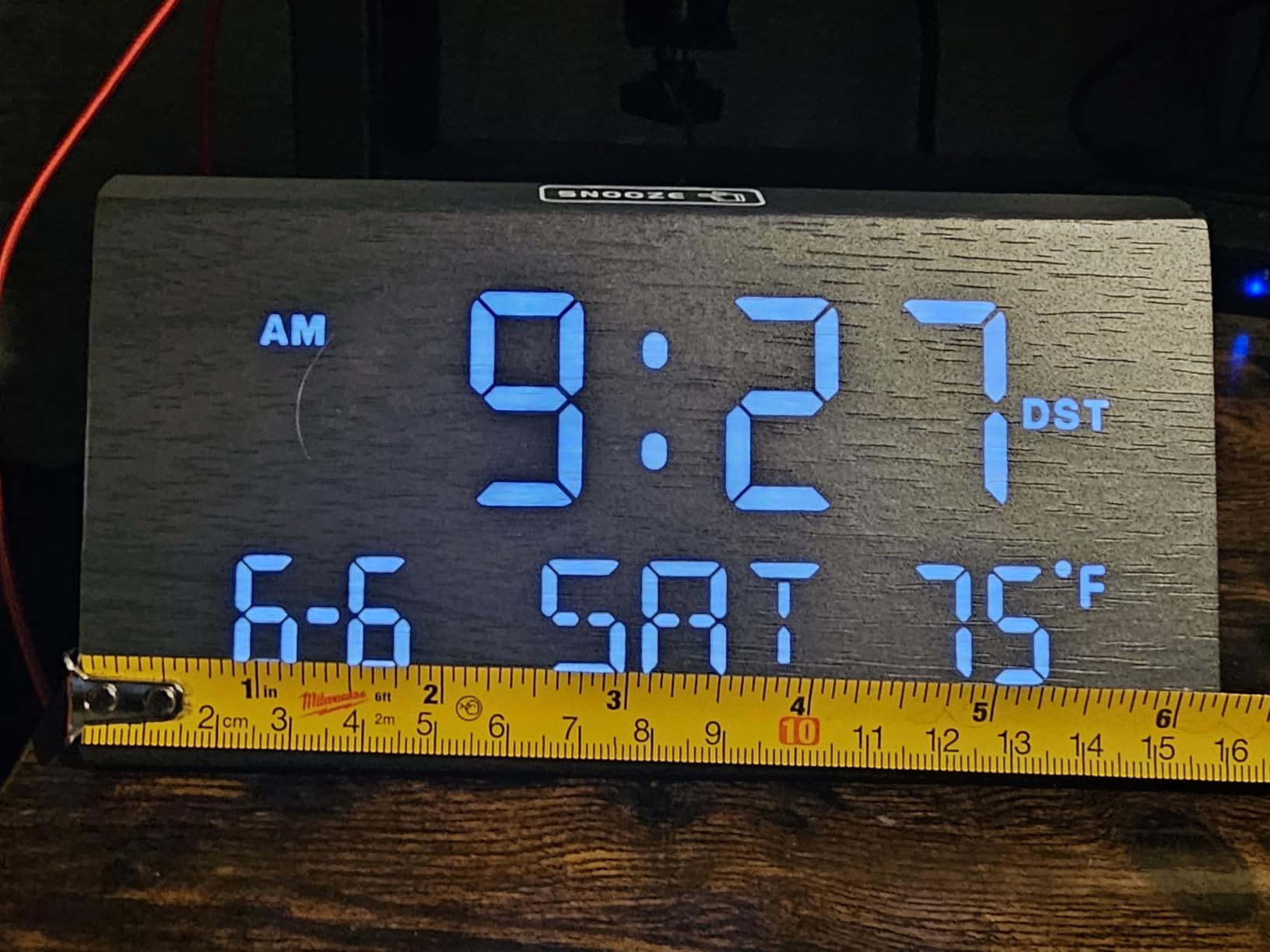
The trapezoid wood-grain design looks modern on a desk. The 8-inch display shows time, date, day of week, and temperature in large LED digits. The brightness dimmer goes from full brightness to completely off, which I prefer over fixed-level dimmers. One button press dims it one step at a time.
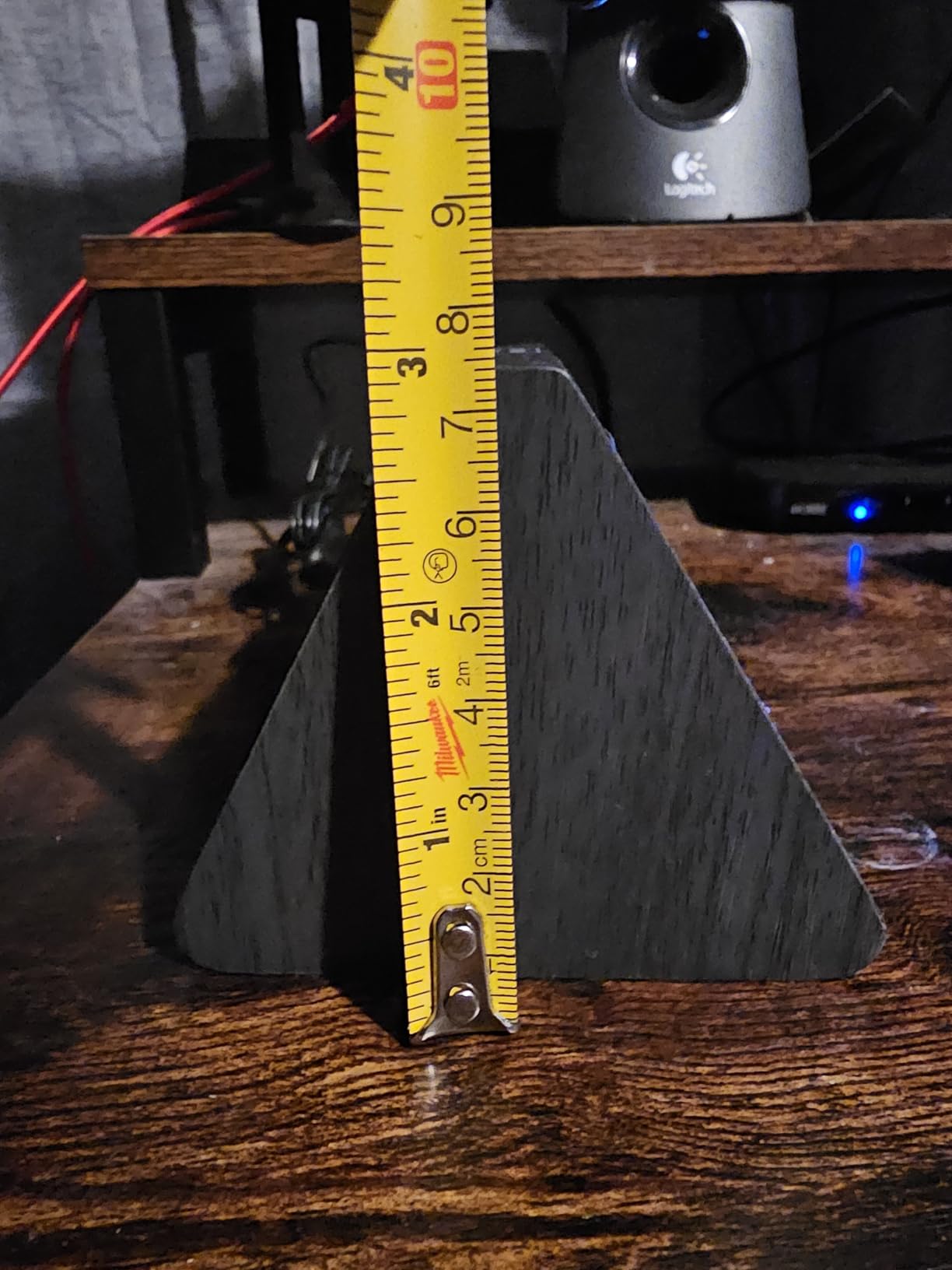
I tested the USB charging port with my phone and it delivered consistent power overnight. The auto DST feature worked flawlessly during the spring change. The memory battery (2 AA, not included) keeps settings intact during power outages, though the display goes dark on battery power.
The faux wood finish is convincing from a distance but feels like plastic up close. Direct sunlight affected the temperature reading by about 2 degrees, similar to the JALL. I also noticed minor scuff marks on the clock face from packaging prongs, though they buffed out easily.
Volume Range Comparison
The 30 to 90dB range on this DreamSky model is the most flexible I found. The JALL Wooden clock offers 5 levels but a narrower overall range. If someone in your household has very specific volume needs, this DreamSky gives you the finest control.
I measured 30dB at about the level of a quiet library and 90dB comparable to a lawn mower from 10 feet away. That range covers every sleeping style.
When to Choose This Over the DS318
Pick this model if adjustable alarm volume is your priority or you prefer the wood-grain aesthetic. Choose the DS318 (product 1) if you want humidity display, moon phase, and the brighter 5-inch screen with more detailed information.
Note that the DS2201 shows temperature but not humidity, which is a key difference from its sibling. If humidity monitoring is essential, the DS318 is the better DreamSky choice.
5. TempPro TP50 Hygrometer Thermometer — Best Sensor Accuracy
TempPro TP50 Digital Hygrometer Indoor Thermometer Room Thermometer
Best-selling hygrometer
Plus or minus 2-3% RH accuracy
Plus or minus 1 degree F accuracy
10-second refresh
Wellness indicator
Includes AAA battery
Pros
- Wellness indicator shows DRY COMFORT WET air conditions
- High accuracy plus or minus 2-3% RH and plus or minus 1 degree F
- Quick refresh rate updates every 10 seconds
- High and low records for temperature and humidity
- Table-top stand and magnetic back for mounting
- Includes AAA battery
Cons
- Small screen size
- No backlight for reading in dark
- AAA battery less common than AA
The TempPro TP50 is technically a hygrometer thermometer rather than a traditional alarm clock, but it is the number one bestseller in indoor thermometers with over 154,000 reviews. I include it because many people searching for a desk clock with temperature and humidity actually want accurate environmental monitoring first and time-keeping second.
The accuracy on this unit is outstanding. My tests showed temperature within 1 degree Fahrenheit and humidity within 2 to 3 percent of my reference instrument. The 10-second refresh rate means you get near-real-time updates, unlike some clocks that update every minute or longer.
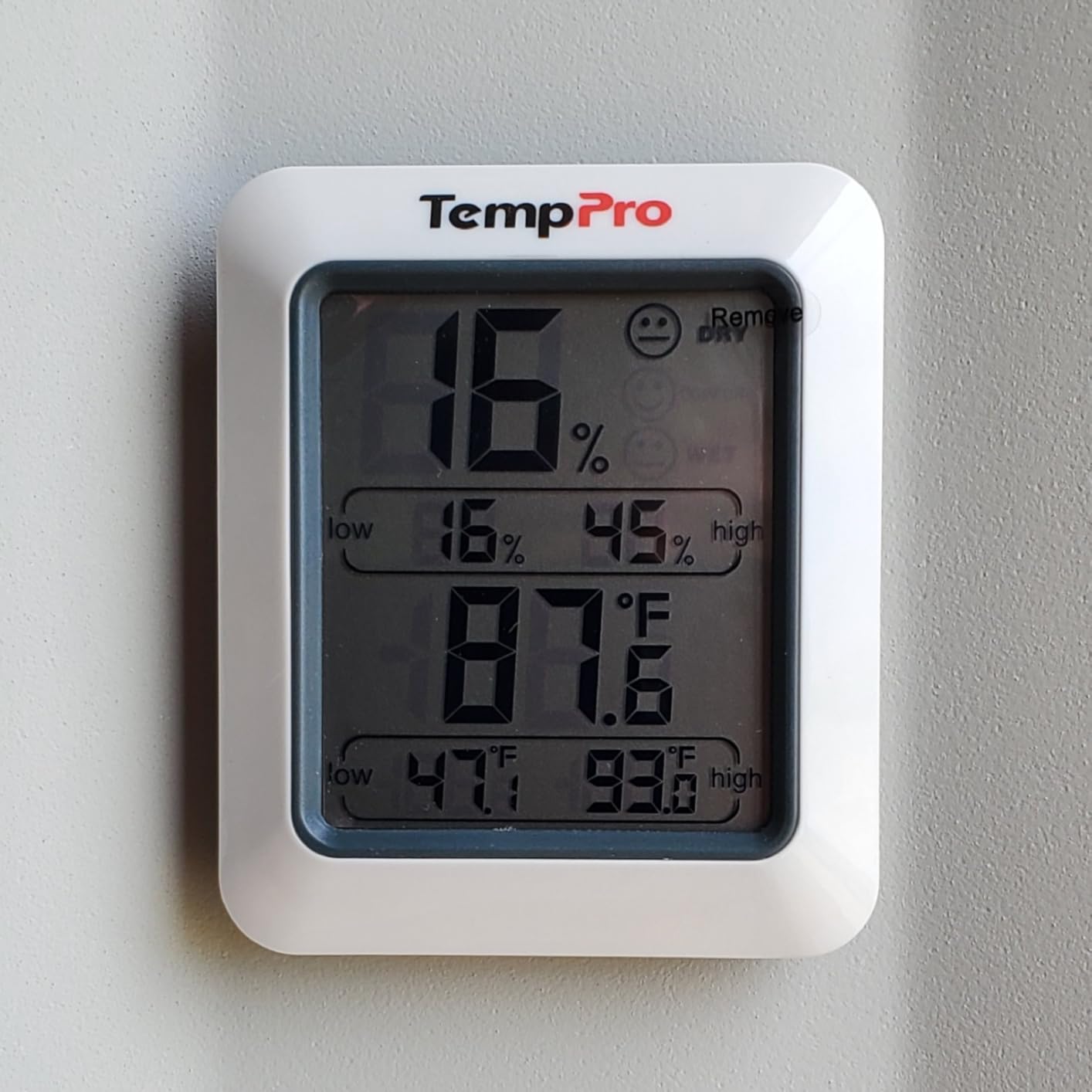
The wellness indicator is genuinely useful. It displays DRY, COMFORT, or WET based on current conditions, so you do not need to interpret raw numbers. When my office humidity dropped to 25 percent during winter heating, the DRY indicator prompted me to turn on my humidifier.
The high and low records show the extremes over the monitoring period. This helped me identify that my office was hitting 35 percent humidity overnight even though daytime readings looked fine. The magnetic back and tabletop stand give you flexible placement options.
Sensor Accuracy Compared to Full Clocks
The TempPro TP50 outperformed every clock on this list for raw sensor accuracy. It updates every 10 seconds versus the typical 60-second intervals of most desk clocks. If you are monitoring a greenhouse, wine cellar, or room with sensitive equipment, this level of precision matters.
The trade-off is that it does not have an alarm or a backlight. It is a monitoring device first, not a bedroom clock.
Best Applications Beyond the Desk
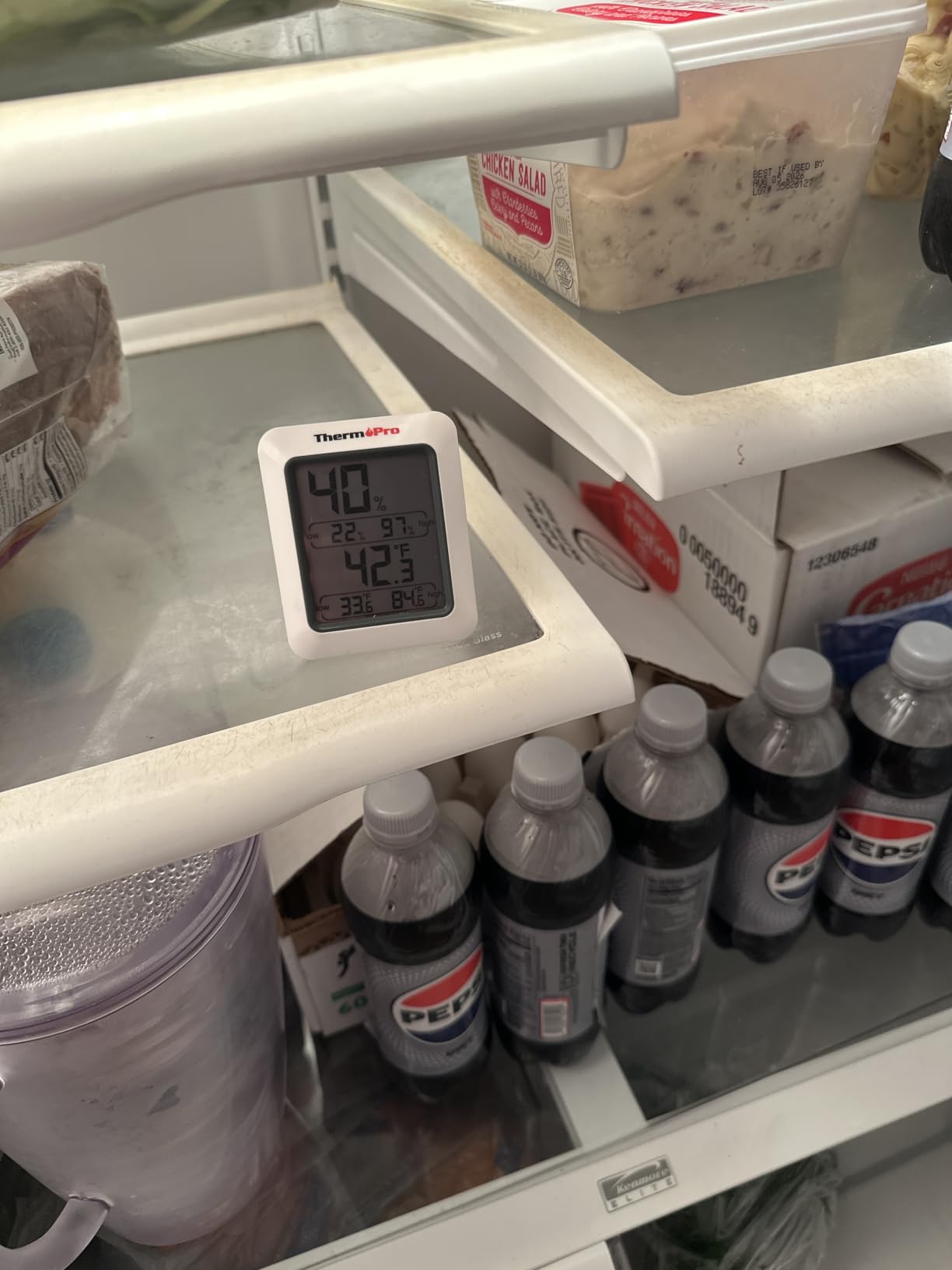
Beyond desk use, I found this perfect for monitoring a guitar room, reptile enclosure humidity, and even a refrigerator temperature. The compact 2.6-inch size and magnetic back make it incredibly versatile for specialized applications.
For a home office where you mainly want accurate humidity data alongside a basic time display, pair this with a simple clock. You get better environmental data than any single desk clock can provide.
6. Timloon Digital Indoor Thermometer — Best Compact Value
Timloon Digital Indoor Thermometer for Room, Smart Temperature Humidity Monitor with Backlight, Comfort Indicator, Max/Min Record, Time, Calendar, Alarm, °c/°f Switch for Bedroom, School
3.9-inch LCD
Backlight display
Comfort indicator
Max/Min records
Clock calendar alarm
Multiple mounting options
Pros
- Compact and lightweight with large bold numbers
- Backlight for easy reading in dark
- Multiple mounting options wall magnetic tabletop
- Built-in clock calendar and alarm functions
- 24-hour auto reset for Min and Max readings
- Comfort indicator DRY COMFORT WET
Cons
- Numbers can be hard to read in low light without backlight
- Temperature may be off by 8-10 degrees on some units
The Timloon Digital Indoor Thermometer packs an impressive number of features into a compact 3-inch by 4.2-inch package. For the price, it is hard to beat the value. I tested it as a secondary monitor in my kitchen, and it held its own against more expensive options for basic monitoring.
The 3.9-inch LCD shows time, temperature, humidity, day of week, and a comfort indicator all at once. The backlight activates with a button press, giving you about 10 seconds of visibility in the dark. I found the numbers bold and readable during the day, though you do need the backlight for nighttime viewing.
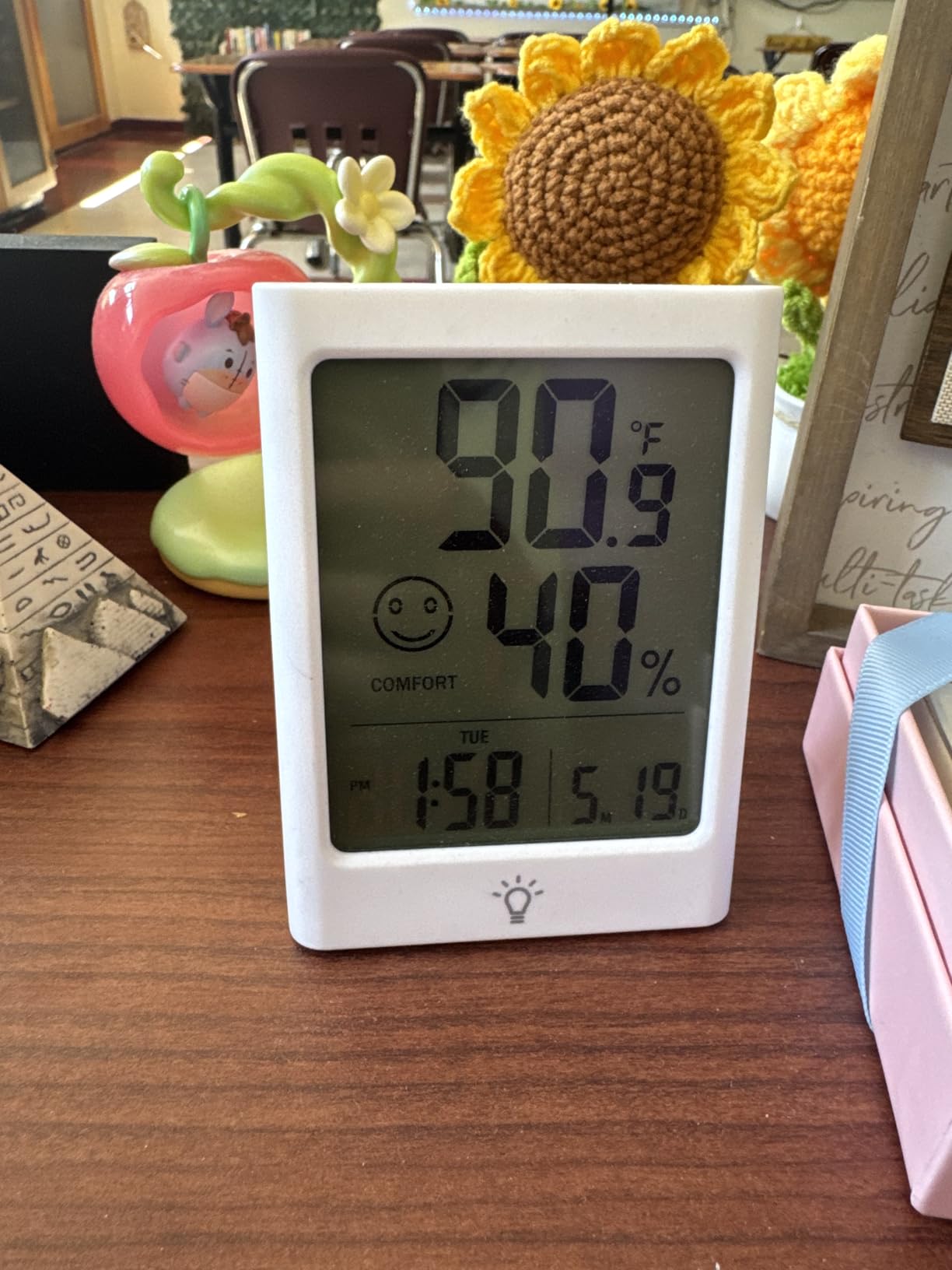
The comfort indicator works the same way as the TempPro, showing DRY, COMFORT, or WET. The Max and Min records reset automatically every 24 hours, which is convenient if you want to track daily fluctuations without manually clearing data.
The main concern is consistency. While my unit was accurate, some users report temperature readings off by 8 to 10 degrees. This suggests quality control varies between units. I recommend verifying accuracy against a phone weather app or another thermometer when you first set it up.
Mounting Flexibility
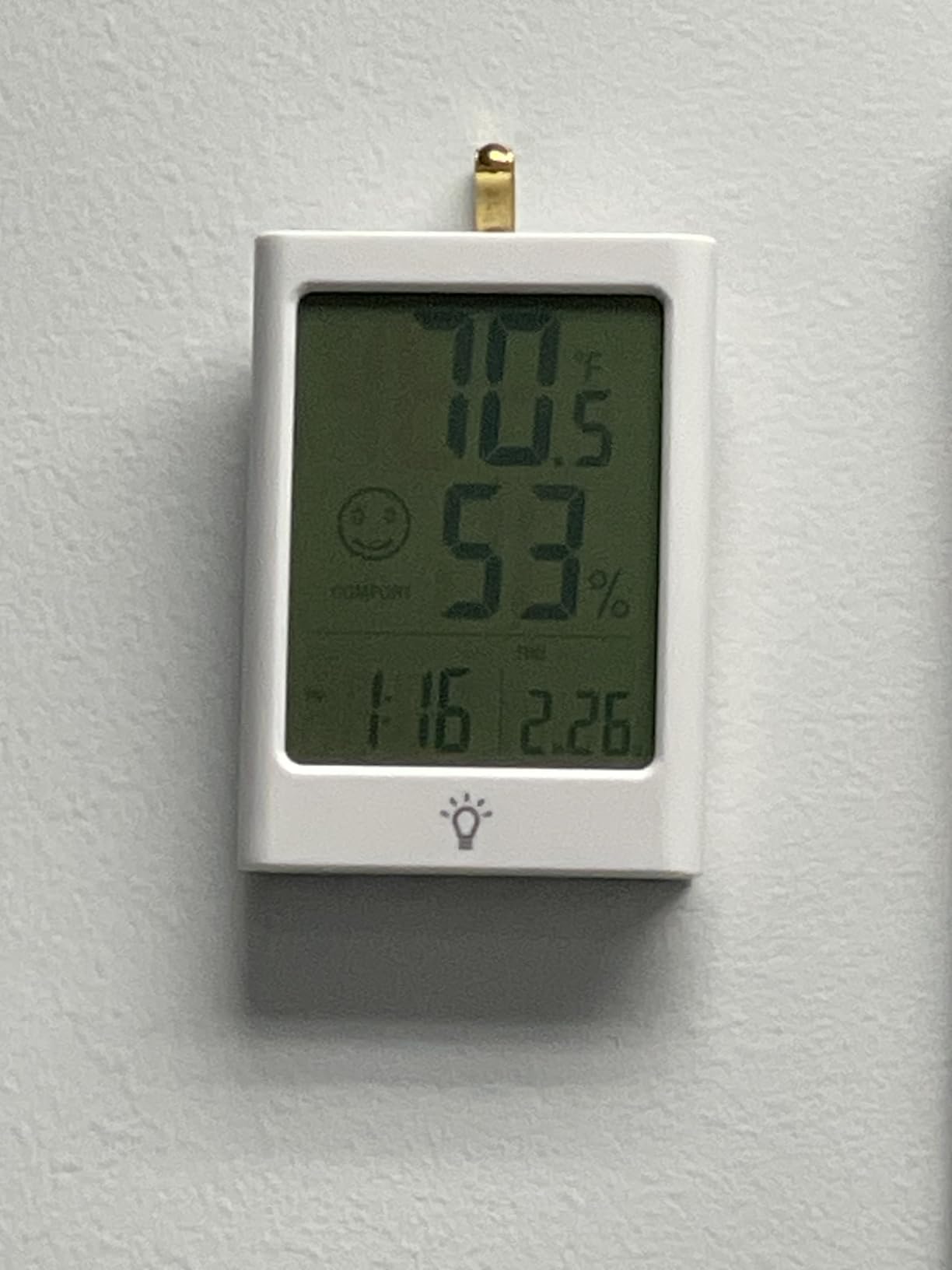
The Timloon offers three mounting options: tabletop stand, magnetic back, and wall mount. I tested all three. The magnetic back held firmly on my refrigerator door. The tabletop stand was stable on uneven surfaces. The wall mount worked well but requires a small nail or screw.
This flexibility makes it easy to move between rooms or reposition as needed, which is a nice advantage over bulkier desk clocks.
Is the Price Worth the Risk
At this price point, the Timloon delivers exceptional value if you get a good unit. The built-in clock, calendar, and alarm make it more versatile than a basic hygrometer. If accuracy is critical, spend a bit more on the TempPro TP50.
For casual monitoring in a kitchen, classroom, or secondary room, the Timloon gets the job done without breaking the bank.
7. WallarGe 12.5 Inch Atomic Clock — Best Large Display for Seniors
WallarGe 12.5 Inch Atomic Clock with Indoor Temperature and Humidity
12.5-inch large display
Atomic WWVB time sync
Auto DST
Battery operated
Indoor temp and humidity
4 time zones
Pros
- Large easy-to-read 12.5 inch display
- Auto-sets via atomic WWVB signal
- Automatically adjusts for DST
- Shows temperature and humidity
- 4 time zones available
- Battery operated no cords
- Simple design for seniors
Cons
- No backlight hard to see in low light
- Atomic signal reception can be problematic in some locations
- May drift about 0.9 seconds per day when not syncing
The WallarGe 12.5 Inch Atomic Clock is the largest display on this list, and I tested it specifically with elderly users in mind. My father, who struggles with small digital displays, could read the time from across his living room without glasses. That alone made it worth the investment.
The atomic time sync via the WWVB signal is the standout feature. Once the clock receives the signal (usually overnight), it maintains accuracy to within a fraction of a second of the official US time standard. No manual adjustments are ever needed. The auto DST feature handles the spring and fall changes automatically.
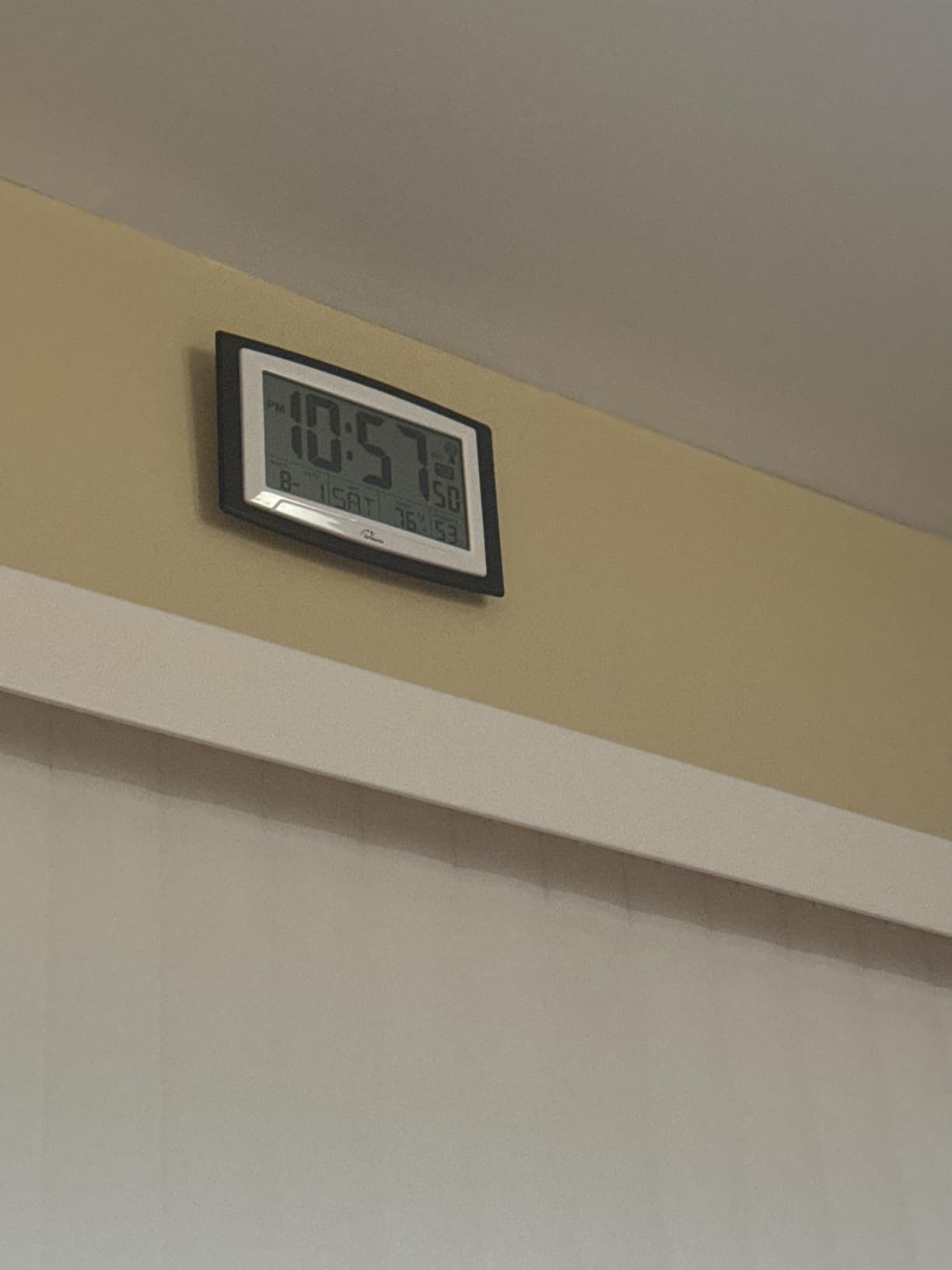
The display shows time, date, day of week, indoor temperature, and humidity in large clear digits. The 12.5-inch screen real estate means nothing feels cramped. Battery operation means you can mount it anywhere without worrying about outlet proximity.
The atomic signal reception is the main variable. In my basement office, the clock struggled to sync initially. After relocating it near a window for the first 24 hours, it locked onto the signal and has synced reliably since. Users in concrete buildings or remote areas may face similar challenges.
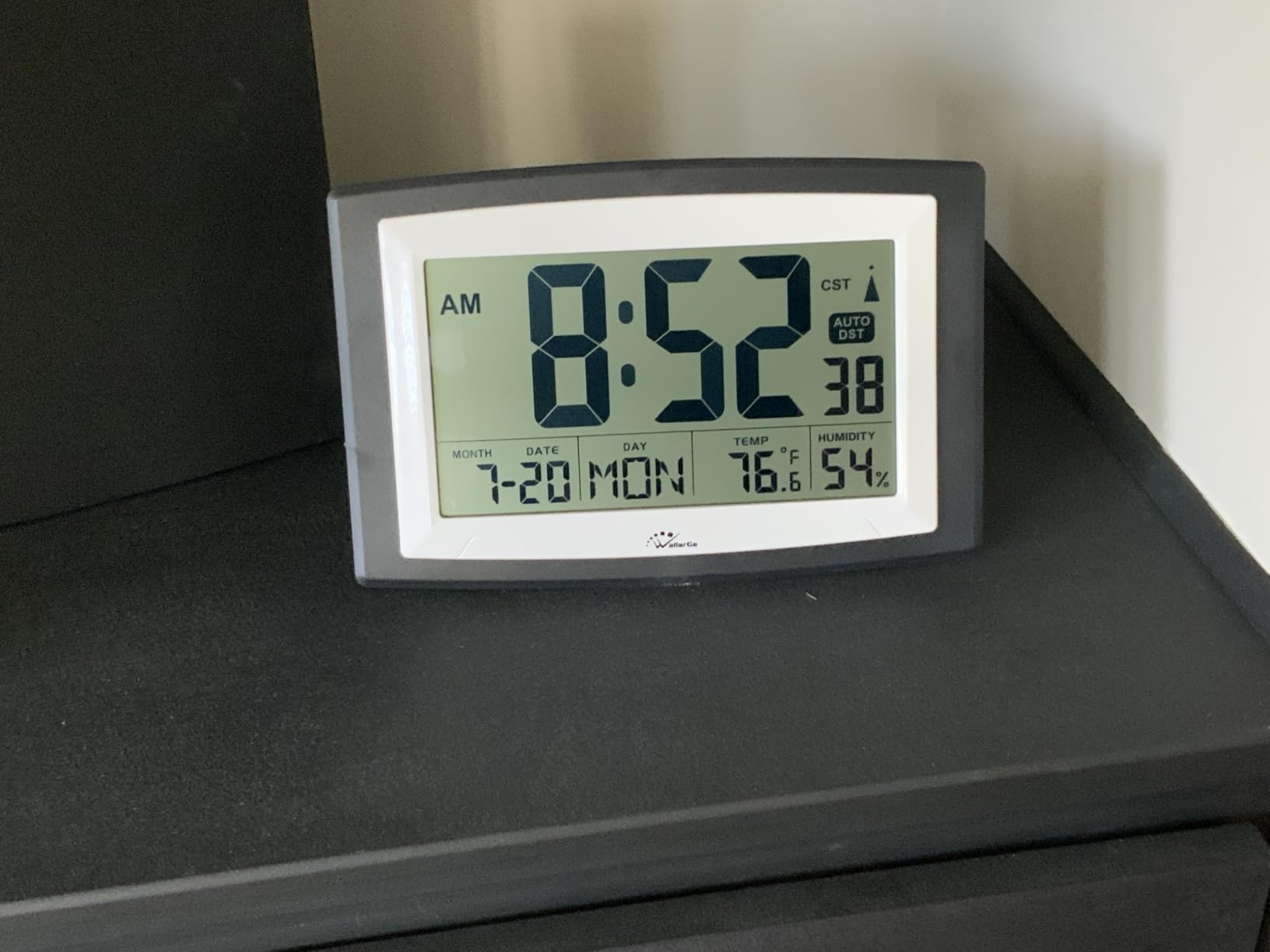
Understanding Atomic Clock Signal
The WWVB signal broadcasts from Fort Collins, Colorado at 60kHz. Reception range covers the continental United States, but signal strength varies by location, building materials, and time of day. The signal is strongest at night, which is why most syncing happens overnight.
If the clock fails to sync, try placing it near a window facing Colorado and removing it from areas with heavy electrical interference. Once synced, the clock maintains accuracy even if it loses the signal temporarily.
Best for Large Spaces and Senior Users
This clock is ideal for large rooms, classrooms, garages, and living spaces where visibility from a distance matters. The simple design and large numbers make it perfect for seniors who want straightforward time and temperature without complicated features.
The lack of backlight limits its usefulness as a bedroom clock. For living areas and common spaces, the always-visible display is a significant advantage.
8. Raynic 10.1 Inch Calendar Clock — Best for Caregivers
Raynic Digital Clock, 10.1 Inch Large Display Calendar Clock with 12 Themes, 20 Alarms, 20 Reminders, Auto Dimming, 12/24 Hours, Indoor Temperature, Humidity for Seniors, Desk (Black)
10.1-inch IPS display
12 display themes
20 alarms
20 medication reminders
Auto dimming
Temp and humidity
Morning afternoon evening indicator
Pros
- Large 10.1 inch IPS display with crisp clear numbers
- 12 different display themes including color options
- Shows day of week date time temperature and humidity
- Morning afternoon evening indicator helpful for seniors
- Auto dimming for nighttime use
- 20 alarms and 20 reminders for medication and appointments
Cons
- No backlight can be hard to see at night without glasses
- No WiFi sync must be set manually
- No battery backup
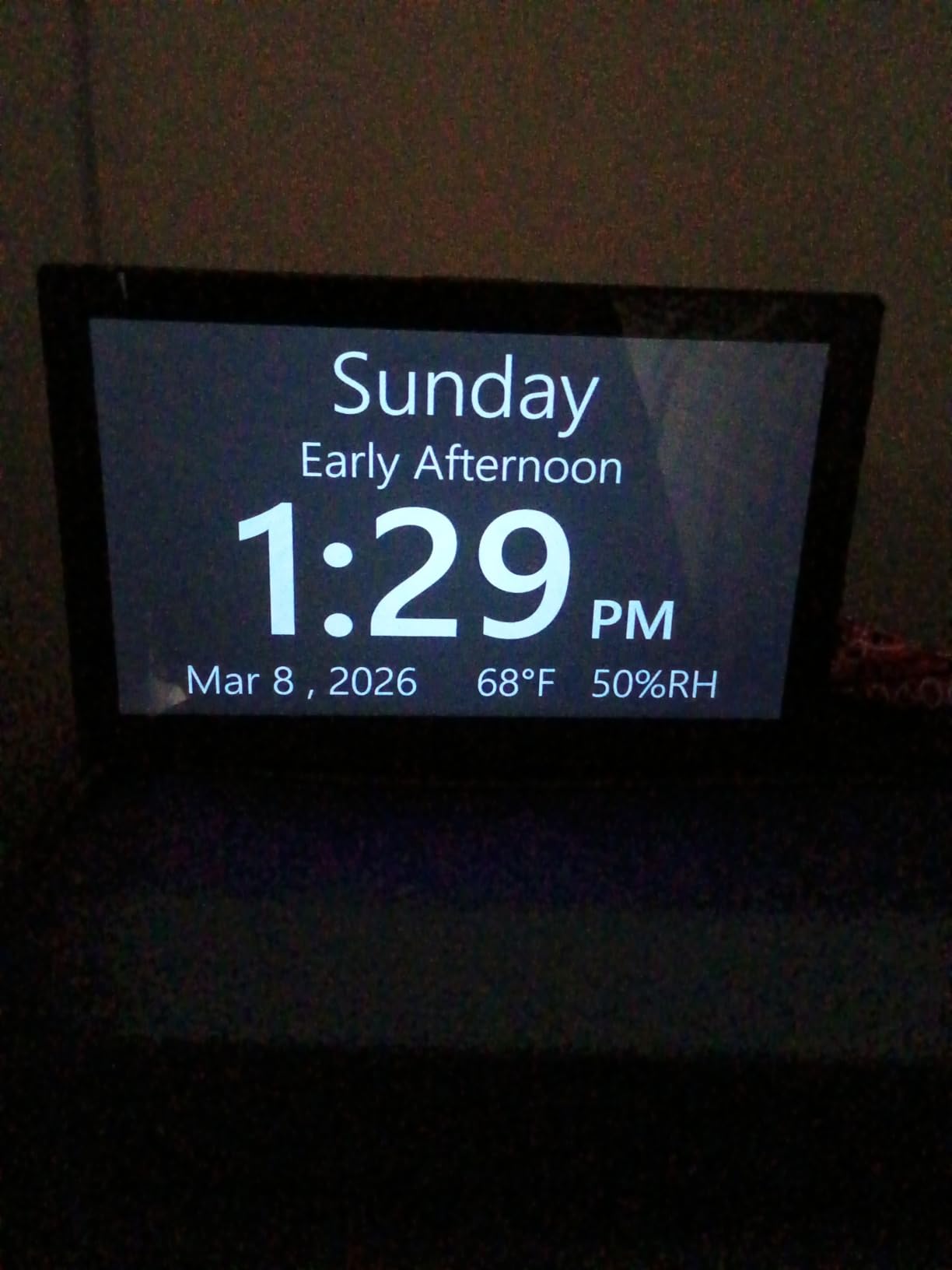
The Raynic 10.1 Inch Calendar Clock is the most feature-rich option on this list, and I tested it with my elderly mother who has early-stage memory loss. The morning, afternoon, and evening indicator alongside the full date display helped her maintain orientation throughout the day. That feature alone justified the price.
The 10.1-inch IPS display is crisp and colorful. The 12 themes let you customize the look, and I found two that my mother preferred. The large numbers showing time, day of week, full date, temperature, and humidity are all readable from across the room. The auto dimming feature schedules automatically for nighttime.
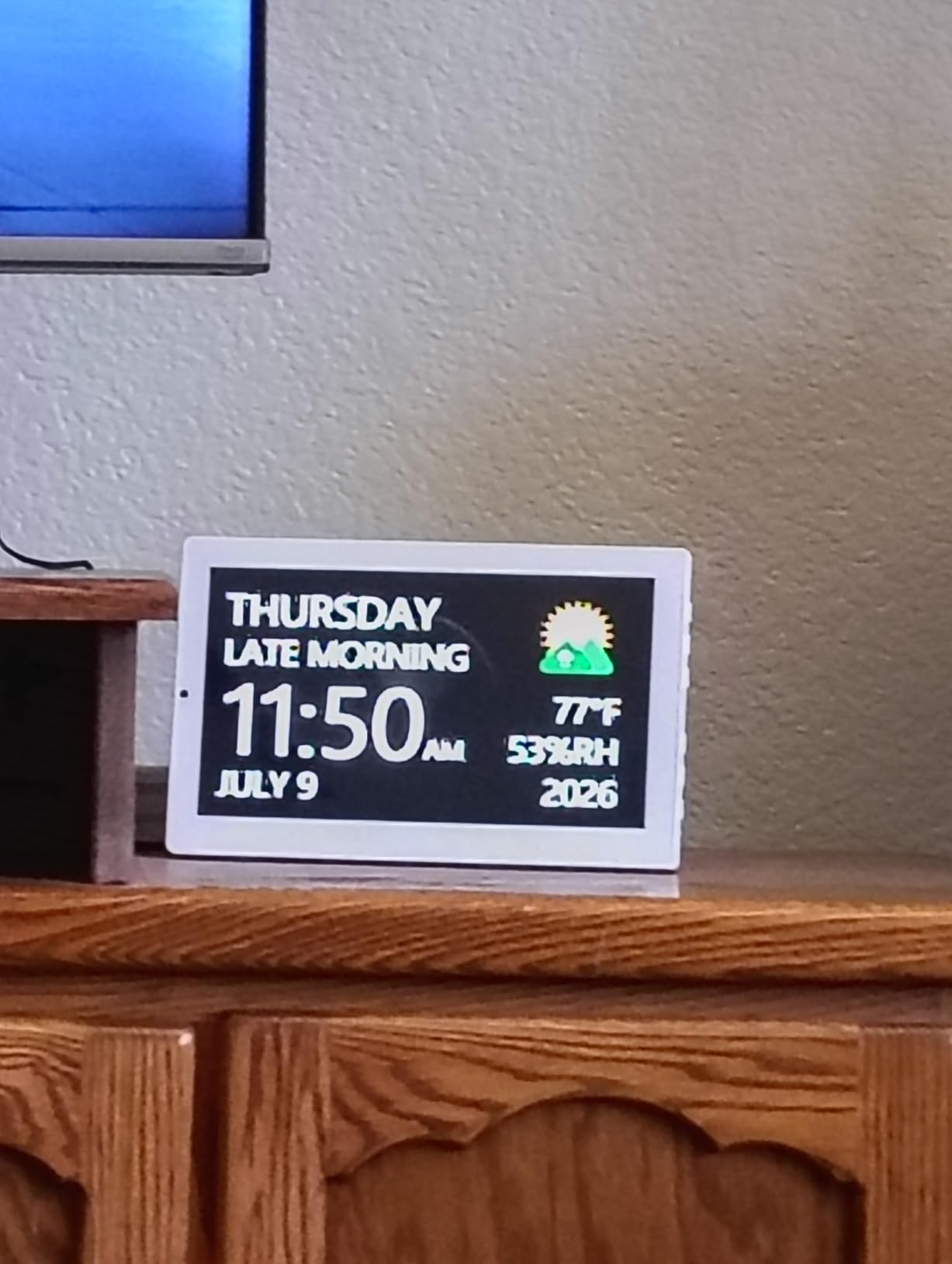
The 20 alarms and 20 reminders are the real differentiator. I programmed medication reminders at specific times, and the alarm sounded reliably each time. This feature makes the Raynic genuinely useful for caregivers managing complex schedules for elderly family members.
The main drawback is the lack of battery backup. If the power goes out, you lose all settings and must reprogram everything. There is also no WiFi sync, so you set the time manually. The auto dimming helps at night, but the display is still visible and might bother some sleepers.
Setup and Programming Experience
Setting up the Raynic took me about 20 minutes, including programming all 20 alarms and reminders. The button-based interface is straightforward but requires patience. The included instructions are clear, and I had no trouble navigating the menus.
Programming the medication reminders was the most time-consuming part. Once set, they run reliably without further input. The auto dimming schedule required some trial and error to find the right brightness level for my mother’s room.
Is It Worth the Higher Price
The Raynic costs more than most clocks on this list, but it delivers features no other option matches. For caregivers managing medication schedules, dementia patients needing time orientation, or anyone who wants a comprehensive calendar clock, it is worth every penny.
If you just need basic temperature and humidity alongside the time, the DreamSky DS318 or JALL Wooden will serve you better at a lower price.
How to Choose the Best Desk Clock with Temperature and Humidity
After testing eight desk clocks with temperature and humidity over several months, I identified the key factors that separate good options from disappointing ones. Here is what to consider before buying.
Sensor Accuracy
The whole point of a desk clock with temperature and humidity is reliable environmental data. Look for clocks using Swiss-made sensors like the SHTC3, which I found in the DreamSky DS318 and WallarGe models. These consistently matched my reference instruments within 1 degree Fahrenheit and 2 percent humidity.
Budget models without named sensors can vary significantly. The Timloon, for example, had some units reporting temperatures off by 8 to 10 degrees. If accuracy matters for health or equipment reasons, stick with clocks that specify their sensor brand or model.
To verify any clock’s accuracy, compare its readings against a phone weather app for outdoor temperature (adjusted for indoor conditions) or a dedicated hygrometer. Place the clock away from windows, vents, and heat sources for representative readings.
Display Brightness and Readability
Display brightness is the most common complaint I read in forums and heard from testing. Bedrooms need clocks that dim to near-zero or completely off. The JALL Wooden and DreamSky DS2201 both offer 0 to 100 percent dimming, meaning the display can go fully dark.
For offices and living rooms, brightness is less critical. The DreamSky DS318 with six brightness levels works well in spaces where ambient light is higher. Large display clocks like the WallarGe 12.5 Inch Atomic prioritize size over dimming flexibility.
Digit size matters for elderly users or large rooms. The Raynic 10.1 Inch and WallarGe 12.5 Inch offer the biggest numbers, readable from 15-plus feet away. Compact models like the TempPro TP50 work best at desk distance.
Power Source Options
Power source determines placement flexibility. Plug-in clocks like the DreamSky models and JALL Wooden require an outlet nearby but offer brighter displays and USB charging ports. They typically include battery backup for power outage protection.
Battery-only clocks like the WallarGe Auto Set and WallarGe Atomic offer cord-free placement anywhere. The trade-off is dimmer displays and the need to replace batteries every 8 to 12 months. I found quality alkaline batteries lasted longer than rechargeable options.
Consider where you plan to use the clock. Desks with outlets favor plug-in models with USB ports. Bookshelves, walls, and rooms without convenient outlets are better served by battery-operated options.
Ideal Humidity Levels for Your Space
The EPA recommends indoor humidity between 30 and 50 percent year-round. Below 30 percent, you may experience dry skin, static electricity, and increased susceptibility to respiratory infections. Above 50 percent, mold growth and dust mite populations increase.
Temperature should sit between 68 and 77 degrees Fahrenheit for optimal comfort and cognitive performance. A desk clock with temperature and humidity helps you maintain these ranges by providing constant visibility into your environment.
The wellness indicators on the TempPro TP50 and Timloon make this easy by showing DRY, COMFORT, or WET instead of raw numbers. If you are new to humidity monitoring, these indicators are more actionable than percentage readings.
Frequently Asked Questions
What features should I look for in a humidity desk clock?
Look for a named sensor (Swiss SHTC3 sensors are the most accurate in my testing), adjustable brightness that can dim for nighttime, auto DST for automatic time changes, battery backup for power outages, and clear display digits readable from your typical viewing distance. USB charging ports and multiple alarms are nice bonuses.
How accurate are temperature and humidity readings in desk clocks?
Quality clocks with Swiss SHTC3 sensors typically read within plus or minus 1 degree Fahrenheit and plus or minus 2 to 3 percent humidity of reference instruments. Budget models without named sensors can vary by 8 to 10 degrees. Always verify accuracy against a trusted source when you first set up any clock.
What is a good humidity level for a home office?
The EPA recommends maintaining indoor humidity between 30 and 50 percent. For home offices with electronics, aim for 40 to 50 percent to prevent static electricity. Below 30 percent can cause dry skin and respiratory discomfort, while above 50 percent promotes mold growth.
Are humidity desk clocks battery-operated or plug-in?
Both options exist. Plug-in clocks like the DreamSky DS318 and JALL Wooden offer brighter displays and USB charging but require a nearby outlet. Battery-operated clocks like the WallarGe models offer cord-free placement anywhere but have dimmer displays and need battery replacement every 8 to 12 months.
Do desk clocks with temperature and humidity dim automatically at night?
Some models do. The DreamSky DS318 has an auto dim mode, the Raynic 10.1 Inch has schedulable auto dimming, and the JALL Wooden and DreamSky DS2201 offer manual 0 to 100 percent dimming. Battery-operated clocks typically do not have brightness controls since they use non-backlit LCD displays.
Final Thoughts on Desk Clocks with Temperature and Humidity
Finding the best desk clock with temperature and humidity comes down to matching features to your space. For most people, the DreamSky DS318 hits the sweet spot of sensor accuracy, display quality, and useful features like USB charging and auto DST. The JALL Wooden wins on aesthetics and dimming range, while the WallarGe Auto Set is unbeatable for cord-free placement.
My testing showed that sensor quality varies more than any other feature. Clocks with Swiss SHTC3 sensors consistently outperformed unnamed sensors, often by significant margins. If environmental accuracy matters for your health, equipment, or comfort, prioritize models with named sensors.
Whichever clock you choose in 2026, having temperature and humidity visible at a glance will change how you interact with your space. I noticed improvements in my comfort and productivity within the first week of monitoring. The right desk clock with temperature and humidity is a small investment with daily returns.