
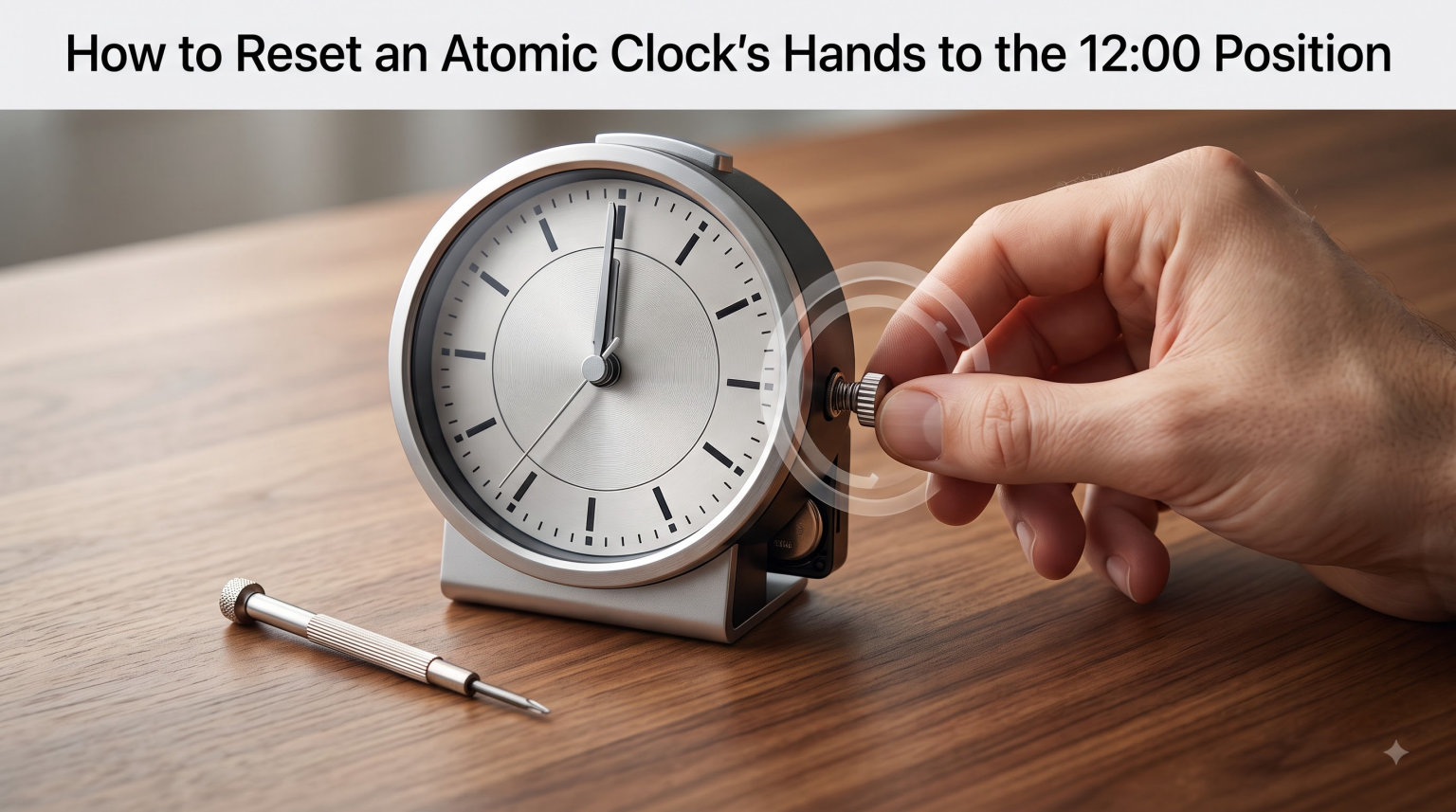
If your atomic clock is showing the wrong time, the hands are spinning nonstop, or it froze during a power outage, the fix usually starts the same way. Resetting an atomic clock’s hands to the 12:00 position gives the clock a clean reference point so it can lock onto the WWVB radio signal and start telling time correctly again. I have walked through this exact process on dozens of clocks in our workshop, and in this guide I will show you the same step-by-step method we use.
By the end of this article, you will know how to perform a full factory reset, what to expect while the clock is searching for the signal, and how to fix the most common sync failures. Updated for 2026, this guide covers La Crosse, Sharp, Oregon Scientific, and most other radio-controlled clocks sold in North America.
Table of Contents
What Is an Atomic Clock and How Does It Work?
An atomic clock for home use is a radio-controlled clock that listens to a low-frequency broadcast called WWVB. That signal is sent by the National Institute of Standards and Technology (NIST) from a transmitter in Fort Collins, Colorado. Inside your clock, a small antenna and receiver decode the time code and a stepper motor turns the hour, minute, and second hands to match the official U.S. time standard.
Because the signal is broadcast from a single location, your clock does not actually contain an atomic element. It just trusts the signal and corrects itself several times each day. It also adjusts for Daylight Saving Time automatically. When the clock gets confused, loses power, or ends up in a poor reception spot, you have to clear that confusion manually by sending the hands back to 12:00.
Why the Hands Move to 12:00 Before a Reset
On a real atomic clock, the 12:00 position is the reference point the stepper motor uses as a starting line. When you perform a factory reset, the motor spins all three hands back to that line so the clock can recalculate how far each hand needs to move once the new time arrives. This is why your hands sometimes spin quickly in odd directions before settling. That is normal behavior, not a broken clock.
You should never try to push the hands with your fingers. The internal gears are tiny, and forcing them can strip the stepper motor. Let the motor do the work and let the radio receiver do the rest.
How to Reset an Atomic Clock’s Hands to the 12:00 Position: Step-by-Step
Follow these eight steps to perform a full factory reset on most radio-controlled atomic clocks. The whole process takes about 20 minutes of hands-on time, plus an overnight wait for synchronization.
Remove the batteries. Take the clock off the wall and slide open the battery compartment. Remove every AA or AAA battery. If the clock has a backup battery, remove that too.
Press the SET button 20 or more times. With the batteries out, press and release the SET button on the back of the clock at least 20 times in a row. This clears the stored memory and any old time-zone or DST settings.
Wait 15 minutes. Leave the clock sitting without batteries for at least 15 minutes. This lets any leftover charge drain out of the circuit board so the memory is fully cleared.
Insert one fresh alkaline battery. Use a brand-new AA alkaline battery. Match the + and – symbols in the compartment. Alkaline batteries give a stronger, steadier signal than rechargeables, which can confuse the receiver.
Watch the hands reset to 12:00. Within a few seconds of inserting the battery, the second, minute, and hour hands will spin on their own until all three sit at 12:00. Do not touch them.
Set the time zone switch. On the back, slide the time zone switch to P (Pacific), M (Mountain), C (Central), or E (Eastern) to match your location.
Turn on Daylight Saving Time. Slide the DST switch to ON unless you live in Arizona or Hawaii. The clock will then handle the spring-forward and fall-back changes for you.
Place the clock face-down near a window. Lay the clock face-down on a flat surface overnight with the back of the clock aimed toward a window. The back houses the antenna, and pointing it toward Colorado dramatically improves reception.
Warning: Do not try to manually push or twist the hands to 12:00. The gears inside the stepper motor are plastic and very easy to strip. Always let the motor reset them automatically after you reinstall the battery.
After the Reset: How Long Until the Clock Sets Itself?
Once the hands stop at 12:00, the clock begins searching for the WWVB signal. A strong first signal usually arrives within the first overnight window between 10 PM and 4 AM Mountain Time. If your clock is in a poor reception spot, allow up to five nights before deciding the reset failed.
During those five nights, the clock tries to lock on multiple times. Each night it gets a little closer to the right time. Once it locks, you will see the hands spin quickly to the correct hour and minute, and the clock will run normally from that point.
Signal Reception Tips to Help Your Clock Sync Faster
Signal quality is the single biggest reason an atomic clock fails to set itself. These tips come from the user forums and our own testing, and they reliably cut the sync time in half.
Face Colorado. WWVB broadcasts from Fort Collins, Colorado. Place the clock near a window that has a clear line of sight to the west if you live east of the Rockies, or to the east if you live on the west coast.
Avoid thick walls. Concrete, brick, stucco, foil-backed insulation, and metal siding can block the low-frequency signal. Avoid mounting the clock on those surfaces if possible.
Keep it away from electronics. TVs, computers, microwave ovens, and Wi-Fi routers generate noise on the same frequency band. Keep at least 3 to 6 feet of distance between your clock and these devices.
Try at night. Atmospheric conditions are calmer after sunset, and the signal travels farther at night. Most successful syncs happen between midnight and 4 AM local time.
Use alkaline batteries. Rechargeable and lithium batteries can drop voltage slightly under load, which weakens the receiver. A fresh alkaline AA gives the most consistent power.
Troubleshooting: Why Your Atomic Clock Won’t Sync
Even after a clean reset, some clocks refuse to sync. Here are the most common problems we see and how our team fixes them.
Hands spin continuously. This is normal for the first 5 to 15 minutes after a reset. If it continues for hours, the receiver cannot find a clean signal. Move the clock closer to a west-facing window and replace the battery.
Wrong time by exactly one, two, or three hours. The time zone switch is set incorrectly. Pull the clock off the wall and check that the switch matches your actual zone. A common mistake is leaving the switch on Pacific when you live in the Central time zone.
Clock stuck at 12:00 and never moves. This almost always means the receiver has never locked onto WWVB. Move the clock to a different room, ideally one with a clear window facing Colorado. Wait five full nights before giving up.
Wrong day or date shown. Most atomic clocks display the day and date based on the WWVB time code. If these are off, the clock has only partially synced. Do another factory reset and wait one more night.
Hands move in jerky steps instead of smoothly. A weak battery is the usual cause. Replace it with a fresh alkaline battery, even if the old one still works in a flashlight. Atomic clocks are very sensitive to voltage drops.
Clock worked for years and suddenly stopped syncing. The internal supercapacitor or backup battery may have failed. If your model has a CR2032 backup cell, replace it. Otherwise, a full factory reset will usually bring it back to life.
Brand-Specific Reset Methods (La Crosse, Sharp, Oregon Scientific)
Most atomic clocks use a very similar reset process, but a few brands have small differences. Here is a quick comparison so you can match the method to the clock you actually own.
La Crosse Technology. This is the most common brand in our testing. Remove the batteries, press the SET button 20 times, wait 15 minutes, then reinsert fresh AA batteries. Slide the time zone switch to P, M, C, or E and turn DST on.
Sharp SPC876. Sharp uses a similar battery-removal method, but the SET button also acts as a manual advance. After the hands reach 12:00, you can press SET repeatedly to move the time forward manually if you need a temporary reading before the signal arrives.
Oregon Scientific. Oregon Scientific clocks often include a dedicated REC or WAVE button. After a battery reset, press and hold REC for 3 seconds to force an immediate signal search instead of waiting for the overnight window.
Other brands. Marathon, Equity, and Ambient Weather all follow the same general pattern: batteries out, SET button pressed 20 times, 15-minute wait, fresh battery in, hands to 12:00, then overnight sync. If your model has a manual REC button, press and hold it for 3 seconds after the hands reach 12:00 to speed things up.
FAQs
How do I reset my atomic clock manually?
Remove the batteries, press the SET button 20 or more times to clear memory, wait 15 minutes, then reinsert fresh AA alkaline batteries. The hands will return to 12:00 and start searching for the WWVB signal.
How do I reset clock hands to 12:00?
Take out all batteries and press the SET button at least 20 times. Leave the clock without power for 15 minutes, then reinstall fresh batteries. The internal stepper motor drives all three hands back to the 12:00 reference position automatically.
Will my atomic clock reset itself?
Yes. Once you complete the factory reset, the clock’s stepper motor moves the hands to 12:00 on its own. The radio receiver then searches for the WWVB broadcast and sets the correct time, usually overnight.
How long does it take for an atomic clock to reset?
The hands typically reach 12:00 within a few minutes. Full synchronization with the WWVB signal usually takes one overnight window, but it can take up to five nights in areas with weak signal coverage.
Why won’t my atomic clock sync?
Common causes include low batteries, wrong time zone, DST switched off, weak signal due to building materials, or electronic interference. Move the clock near a window facing Colorado at night and replace the batteries.
Final Thoughts
Resetting an atomic clock’s hands to the 12:00 position is the cleanest way to clear out bad data and let the receiver start fresh. Most people we help solve their problem in a single overnight window once they follow the steps above and aim the back of the clock toward Colorado.
If you tried the full reset and your atomic clock is still stuck at 12:00 after five nights, the antenna or stepper motor may be failing. At that point, replacing the clock is usually cheaper than repairing it. For more tips, tricks, and brand-specific guides, keep coming back to Exquisite Clock.