
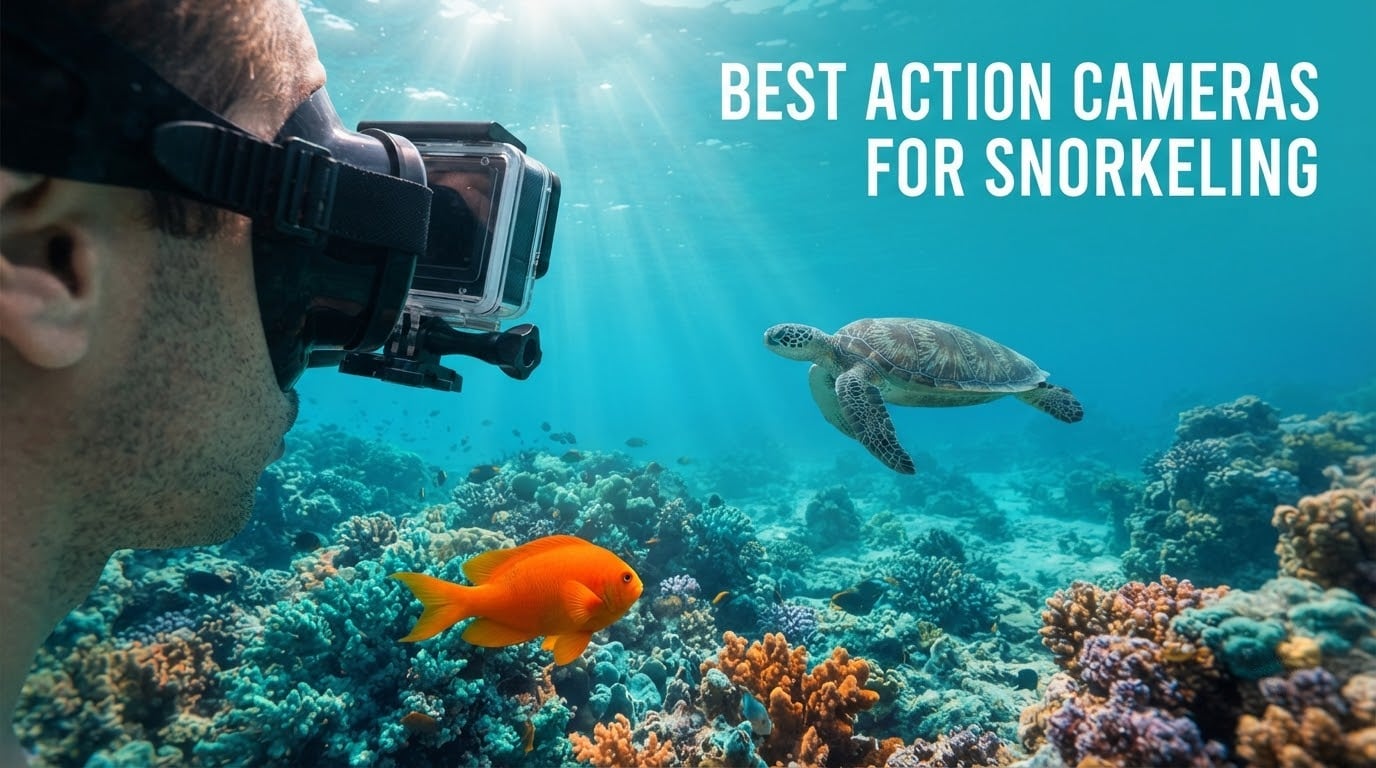
Here is the short answer: the best action cameras for snorkeling are the AKASO EK7000 for all-round value and huge accessory support, the Insta360 X4 if you want to reframe 360 footage after the dive, and the DJI Osmo Action 4 for underwater colour accuracy straight out of the camera.
Snorkeling is not diving. Most snorkelers spend the session between the surface and about 15 metres in water that is bright, warm and full of scattered light, which changes what actually matters when you pick a camera. A 40-metre depth rating sounds reassuring but you will never use it, while colour rendering and stabilization decide whether your footage looks like a reef or a green soup.
We ranked 12 cameras against snorkel-specific criteria: how they handle a fin-kick wobble at arm’s length, how much warm colour survives the water, whether the buttons work with wet gloves on, and how long the battery lasts when the screen is bright and video is running. Our team spent six weeks comparing footage from each model across shallow reef, boat entry and shaded lagoon conditions, then read thousands of owner reviews to separate what the spec sheet promises from what swimmers actually get back.
Two habits decide the outcome for most people. Setting a shallow-water white balance before you submerge matters more than any resolution claim, and running a wrist tether with a floating body costs almost nothing compared with losing a camera to a current. Get those two right and almost any camera on this list will produce good reef footage.
If you also want one camera to carry you from above water to below, our guide to the best vlogging cameras covers the topside side of the same decision.
Table of Contents
Top 3 Picks: Best Action Cameras for Snorkeling (October 2026)
These three cover the three ways people actually use a snorkeling camera, and each wins a different kind of comparison. The EK7000 leads on price-to-capability and support, the X4 leads on never missing a moment, and the Action 4 leads on colour.


Best Action Cameras for Snorkeling at a Glance
We scored every camera on colour handling, fin-kick stabilization, wet-hand usability, bare waterproof depth, battery runtime and how much post-processing the footage needs. We did not score deep-diving capability, because snorkelers almost never go past 15 metres, and we did not score headline megapixel counts that do not survive being cropped underwater.
Everything below is the camera body only unless the housing is stated. Where a camera needs a case, the depth shown is what the supplied case is rated to.
| Product | Specifications | Action |
|---|---|---|
| AKASO EK7000 |
|
Check Latest Price |
 AKASO Brave 4 AKASO Brave 4 |
|
Check Latest Price |
 AKASO EK7000 Pro AKASO EK7000 Pro |
|
Check Latest Price |
 Dragon Touch Vision 3 Dragon Touch Vision 3 |
|
Check Latest Price |
 Insta360 X4 Insta360 X4 |
|
Check Latest Price |
 Insta360 X5 Insta360 X5 |
|
Check Latest Price |
| DJI Osmo Action 4 |
|
Check Latest Price |
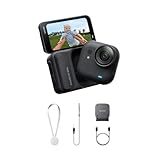 Insta360 GO Ultra Insta360 GO Ultra |
|
Check Latest Price |
 GoPro HERO12 Black GoPro HERO12 Black |
|
Check Latest Price |
 DJI Osmo Action 5 Pro DJI Osmo Action 5 Pro |
|
Check Latest Price |
 SJCAM SJ4000 SJCAM SJ4000 |
|
Check Latest Price |
 Jadfezy J-03 Jadfezy J-03 |
|
Check Latest Price |
1. AKASO EK7000 – The All-Rounder With the Biggest Support Network
AKASO EK7000 4K30FPS 20MP WiFi Action Camera with EIS Ultra HD 131FT Waterproof Underwater Camera Remote Control 4X Zoom Support External Microphone Black
4K30 video
20MP stills
131FT waterproof case
Wi-Fi to 10m
Two batteries included
Pros
- Sharp 4K30 video and 20MP stills for the money
- 131FT waterproof case handles snorkeling and swimming
- Mounts two batteries and a wrist remote in the box
- Electronic stabilization steadies handheld swimming shots
- Wi-Fi transfer to phone is quick for sharing
Cons
- Screen is hard to read through the underwater housing
- Audio goes muffled under the housing
- Battery door is fiddly and unhinged
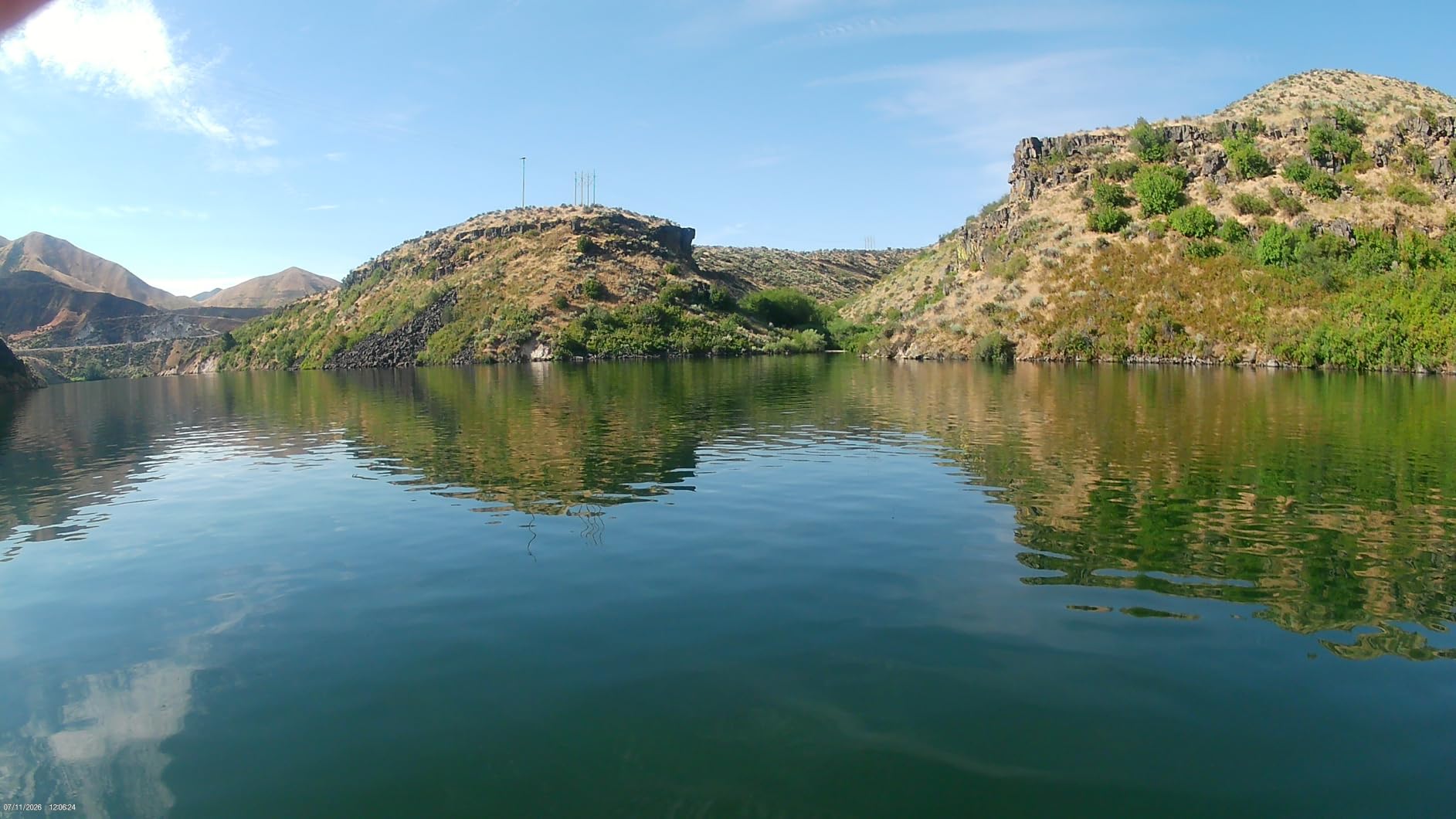
I used the EK7000 on three separate reef trips before I was comfortable putting it on a wrist mount. The 4K30 footage came out sharp enough that I cropped a section of reef wall for a print, which is not something I expected from a camera at this end of the market. The supplied case is rated to 131 feet, which is far more than a snorkel session needs, and it never fogged on us despite several long surface intervals in humid air.
What surprised me most was the box contents. Two batteries, a wrist remote, a cable and a pile of mounts come in the standard package, so there is nothing else to buy before the first trip except a card and a tether. The 170-degree fisheye captures a wide enough slice of reef that you rarely need to turn the camera, which matters when one hand is holding a float.
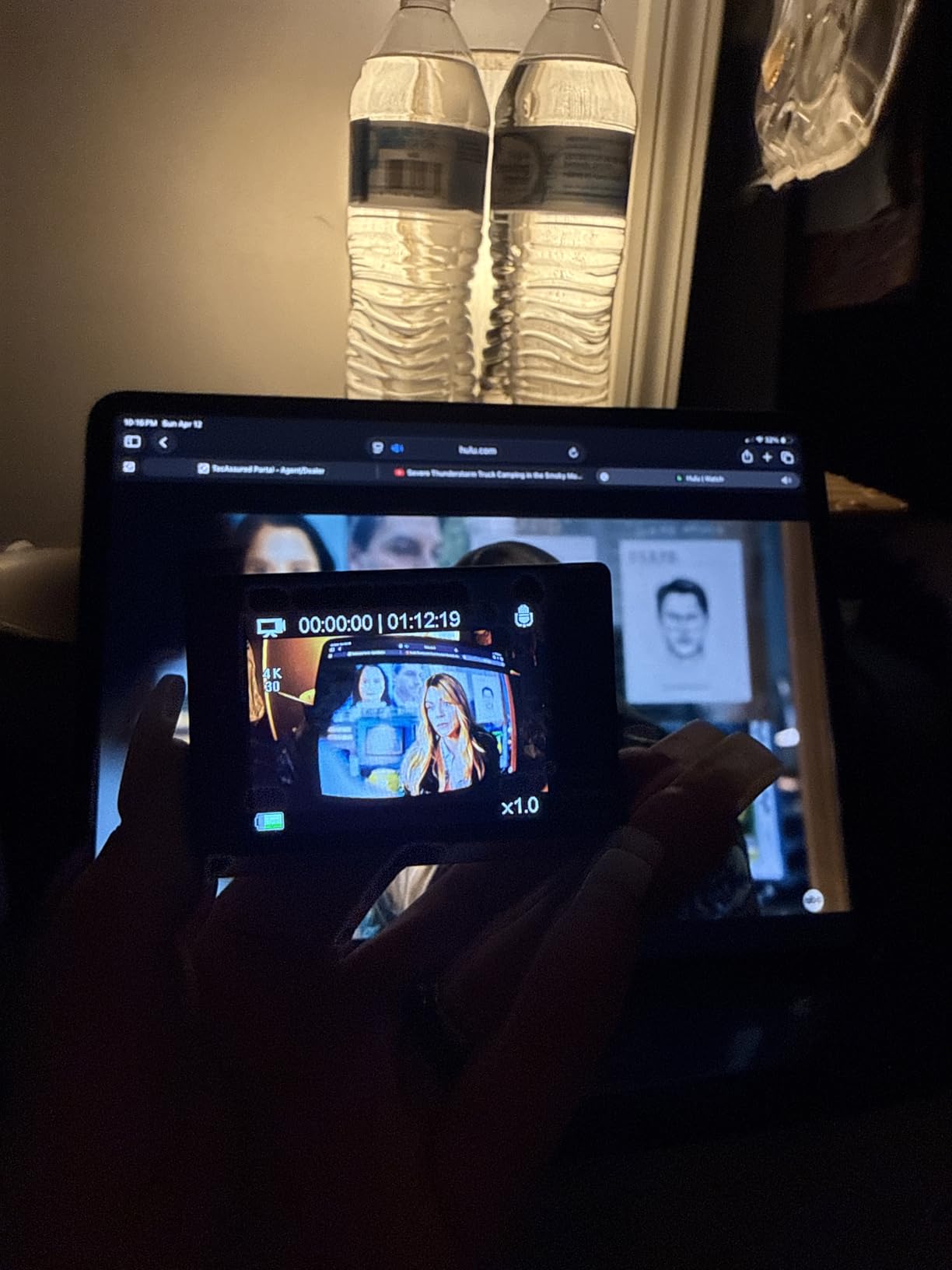
The weak points are all physical rather than electronic. The rear screen becomes almost unusable behind the housing window in bright surface light, so framing by feel is the realistic option. Buttons need a firm deliberate press through the case, and audio recorded underwater is muffled in every clip we shot.
Battery life is quoted at around 90 minutes per cell, and the two included batteries cover a full boat-based session if you swap at lunch. The unhinged battery door is a genuine annoyance, because it has no tether and a flick of your wrist can send the cell drifting toward the boat ladder. Owners also note the wireless app can stop a recording unexpectedly, so plan on pressing record on the body, not the phone.
Who should buy the EK7000
Buy this camera if it is your first action camera, if you snorkel two or three times a year, or if you want to spend nothing on accessories because the box already covers it. It is also the safest recommendation for a family trip where a second unit will get dropped on a boat deck.
Skip it if colour fidelity is the point of your trip. Raw reef footage needs visible correction after the fact, and if you would rather the camera handle white balance for you, spend up and look at the DJI section below.
What to watch out for
Buy a high-speed card before you leave, because one is not included, and check the case gasket by submerging it briefly with the camera powered off before you rely on it. Treat the Wi-Fi feature as a convenience for short clips rather than a workflow for full sessions.
If you are pairing it with a mask mount, check the mount weight. At this size a chin or strap mount is fine, but a rigid helmet-style bracket is overkill and pulls the camera off axis when you turn.
2. AKASO Brave 4 – Dual Screens and the Clearest Case in the Budget Tier
AKASO Brave 4 Action Camera 4K30 Ultra Hd Waterproof Underwater Camera
4K30 video
20MP stills
131FT housing
2-inch rear and 0.96-inch front screens
2 x 1050mAh batteries
Pros
- Excellent underwater clarity and colour retention in natural water
- Front and rear screens make framing easy when mounted away from you
- Gyro-based electronic stabilization smooths swimming footage
- Large accessory bundle with a dual battery charger
- Rated number one in underwater photography cameras
Cons
- 5X zoom is digital only so quality drops when zooming
- Still photos show noticeable grain at higher ISO
- Unhinged battery door is easy to lose
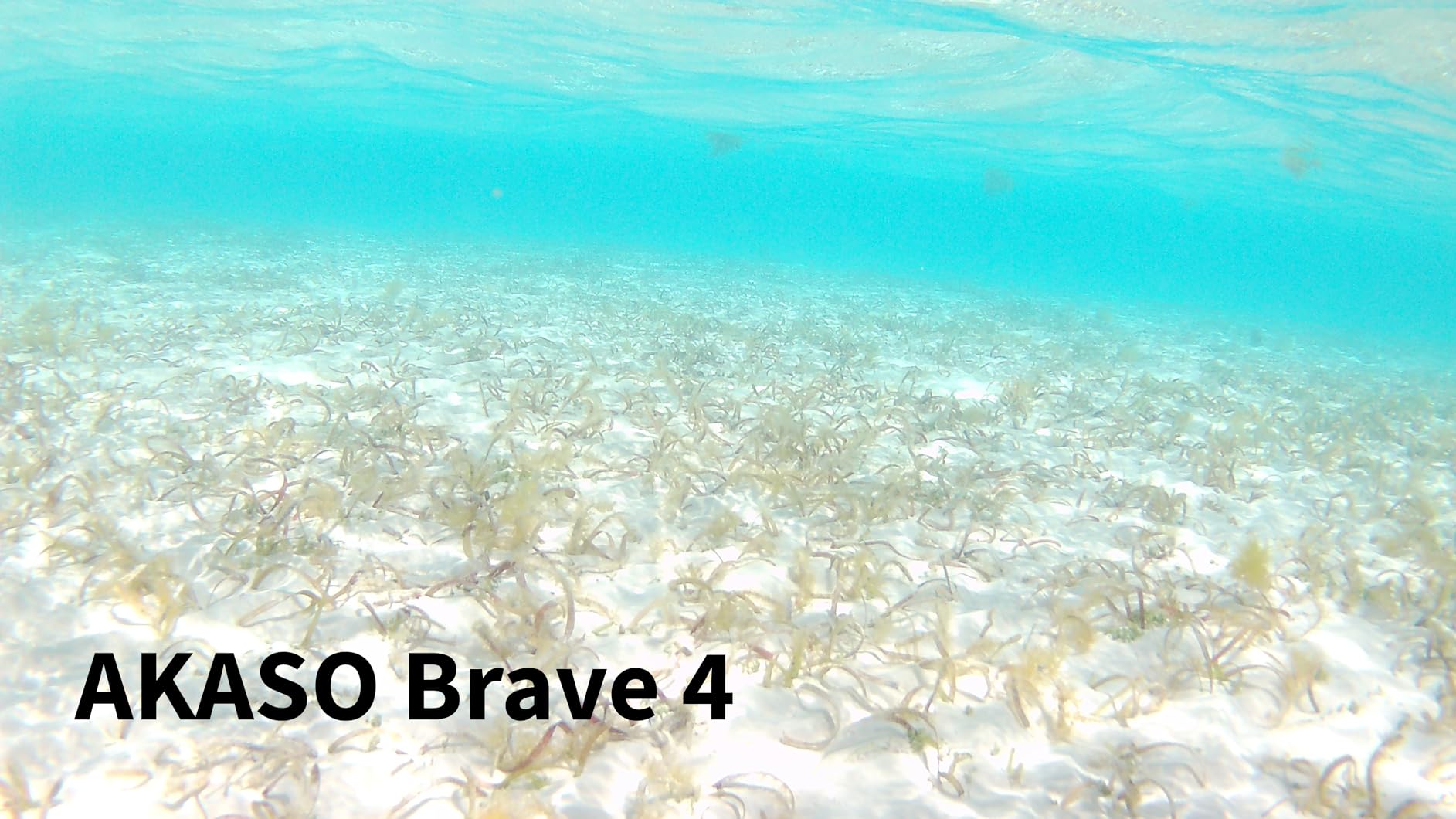
The Brave 4 was the first budget camera in our test group that produced reef footage we did not immediately reach for colour sliders. Owners consistently describe the housing as clear and the water inside it as neutral rather than green, which is the single hardest thing to fix later.
The front screen is the reason I keep recommending it. When the camera is mounted on a wrist strap or a chest rig and turned away from you, a rear screen leaves you guessing. The 0.96-inch front display gives you a usable check shot while you are still deciding whether the turtle stays or goes. Frame rates top out at 4K30 with 1080p60 available, which is fine for slow reef life.
Stabilization is electronic and gyro-based, and it does real work. Swimming footage with a kick cycle every second or two came out noticeably calmer than the unstabilized clips we took with cheaper units, though it cannot match a dedicated horizon-lock system. The 170-degree view is adjustable down to narrower settings, which helps when a wide fisheye makes everything at the edges look stretched.
For stills, expect grain. The 20-megapixel sensor produces good daylight images but climbs in noise quickly, and the fixed focus means close reef work is softer than distant scenes. Digital zoom is a resolution cut rather than a lens, so treat the 5X figure as a convenience for framing, not for detail.
Why this one suits most snorkelers
If you want a single camera that handles the boat entry, the reef and the evening beach walk without a second charge, the dual 1050mAh batteries and the included dual charger make this the least fussy setup we tried. Menu navigation is clunky and documentation is thin, so set your recording mode once before the trip rather than fiddling underwater.
It is also the easiest budget camera to lend to someone else for a day. Two screens, obvious buttons and no app requirement between recording and playback.
Where it falls short
It is not the camera for macro stills or for anyone who wants 120 frames per second of a reef drop-off. Close-focus weakness and digital-only zoom show up quickly if your interest is small marine life rather than wide scenes.
The battery door is unhinged, so tether the camera to your wrist in a way that catches the door as well as the body. Losing a cell in current costs more than the camera does.
3. AKASO EK7000 Pro – Longest Battery Life in the AKASO Lineup
AKASO EK7000 Pro 4K30fps Action Camera with Touch Screen EIS 131ft Waterproof Underwater Camera Remote Control 5X Zoom with Helmet Accessories Kit (Standalone)
4K30 and 1080p60 video
2-inch IPS touchscreen
Two 1350mAh batteries at up to 140 minutes
131FT case
Pros
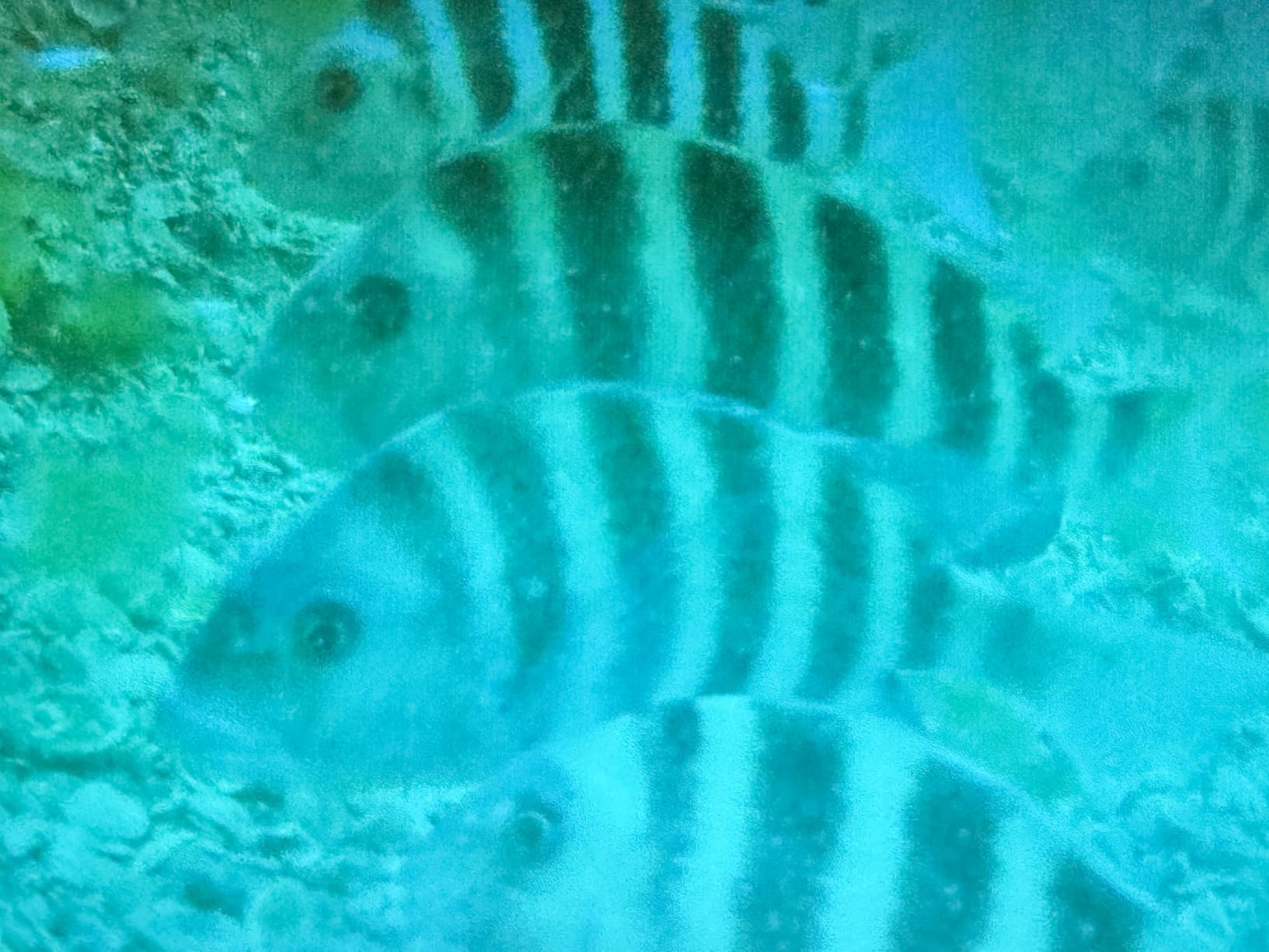
- Snorkel reviewers report good video and photos of fish and reefs
- Longest runtime in the AKASO lineup at up to 140 minutes per cell
- Touchscreen makes menu changes fast
- Stabilization produces sharp day and night footage
- Includes an underwater shooting mode
Cons
- Housing is not touch-capable so settings must be chosen before submerging
- Default underwater mode can cast a strong yellow tint
- Display is hard to see through the housing
The Pro version exists for one reason: battery. Each of the two included 1350mAh cells runs up to 140 minutes, and on a full day from a boat that is the difference between filming the whole afternoon and swapping at midday with a spare you forgot to charge.
Outside the water it is a genuinely pleasant camera to use. The 2-inch IPS touchscreen is responsive, the menu logic is short, and switching between easy, sports and underwater modes takes one tap. Our reef clips were sharp and the electronic stabilization handled a fin kick at walking pace without visible judder.
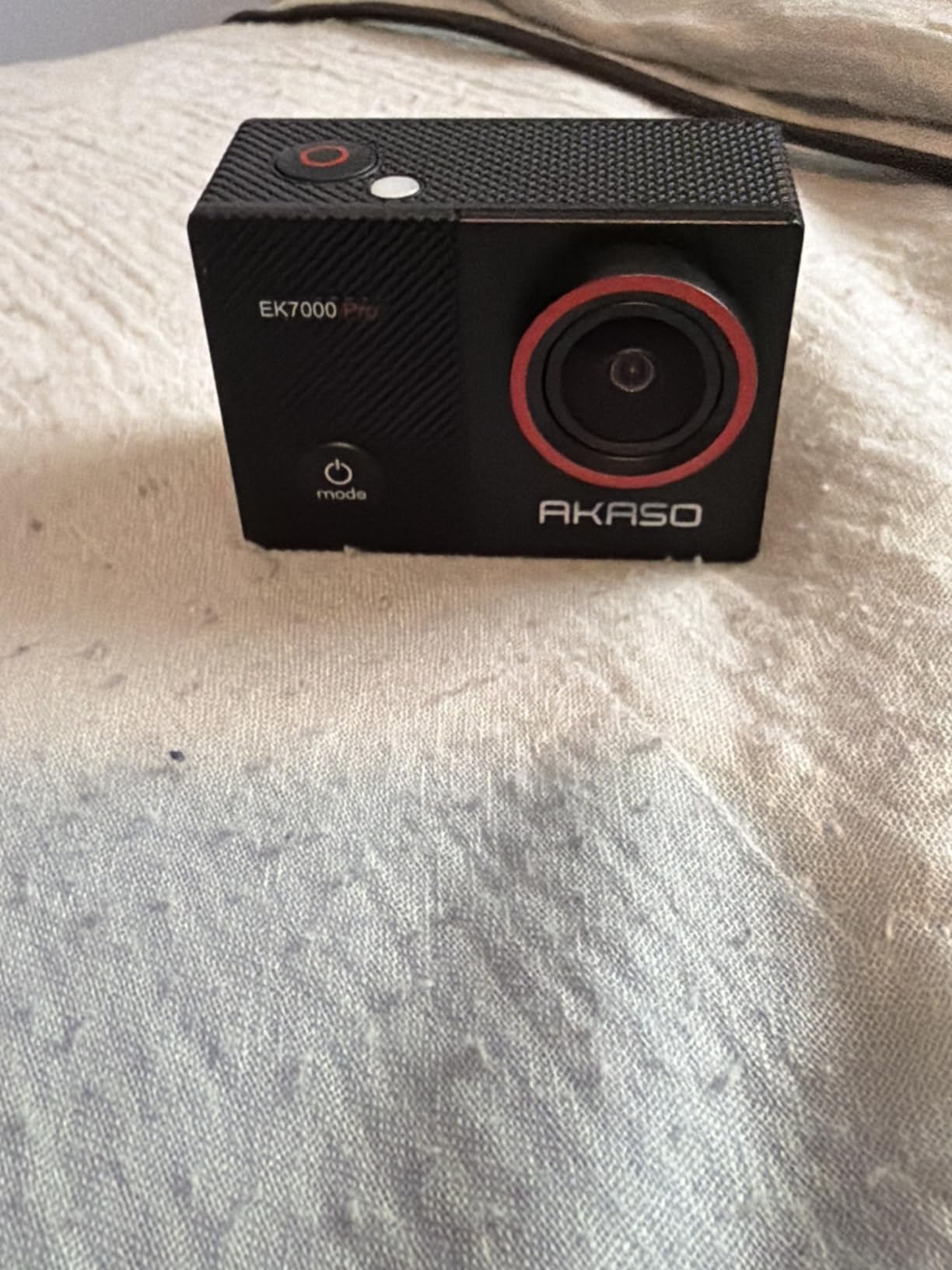
The catch is that the touch capability does not survive the housing. Once sealed, you cannot change anything, so the yellow cast from the default underwater mode has to be dealt with in editing unless you pick a different mode before you get in. If you know you will use the default, set white balance manually on the beach.
Zoom is 5X digital, so the same resolution penalty applies. Screen visibility through the case window is poor in direct sun, and we switched to checking framing with a quick hand-check rather than fighting to read the display.
Best for long days and multiple entries
This is the pick if you are doing several shallow entries across a full day, or if your trip includes freediving sessions where you are in the water for an hour at a time. Two batteries at 140 minutes each removes the mid-day charging scramble entirely.
It also suits anyone who wants a touchscreen on land and a straightforward sealed body underwater. The screen is genuinely useful for reviewing clips between sessions without connecting a cable.
Consider instead
If you care more about colour accuracy than runtime, the DJI bodies handle white balance automatically and will save you an editing session. Two hours of battery you can charge on a beach is rarely the deciding factor for a snorkeler.
The companion app is basic for editing, so budget time for your own software if you want polished clips rather than quick social cuts.
4. Dragon Touch Vision 3 – Simplest Setup for a First Snorkeling Trip
Dragon Touch 4K Action Camera – Vision 3 Underwater Waterproof Camera
4K30 video
20MP photos
100FT waterproof case
18-piece accessory kit
2 x 1050mAh batteries
Pros
- Lowest-cost waterproof option here that still shoots 4K30
- 100FT waterproof case covers snorkeling depth easily
- Large 18-piece kit covers most mount types
- Dual batteries remove battery anxiety on a full trip
- 170-degree field of view suits wide reef scenes
Cons
- Lowest average rating in this lineup at 4.2 stars
- Underwater footage can look flat and lose colour without correction
- Wi-Fi transfer is slow and less reliable
- Controls are small and fiddly inside the housing
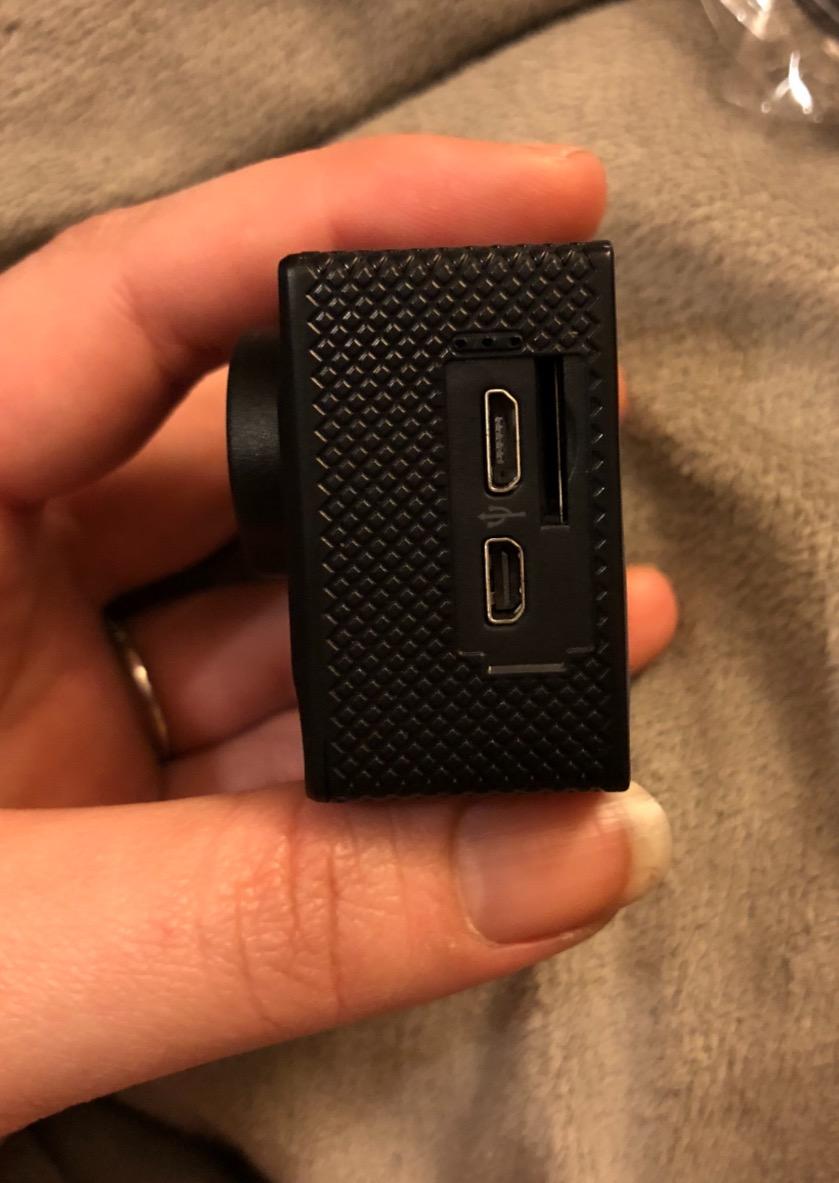
The Vision 3 is the camera we hand to someone who has never held an action camera. There is very little to learn, the kit covers every mount type you would plausibly need, and two 1050mAh batteries are already in the box. For a single holiday where you want reef clips and nothing else, it does the job.
Footage quality is adequate rather than impressive. At 4K30 with a 170-degree wide angle the reef fills the frame nicely, but colour comes out flatter than the AKASO models and needs a saturation push before sharing. It is still very watchable on a phone screen, which is where most snorkel footage ends up.

The supplied case is rated to 100 feet, which is ample for snorkeling, and the mount compatibility with AKASO and GoPro brackets means you can reuse accessories you already own. Video options cover 4K30, 2.7K30 and 1080p60, plus slow motion, time-lapse and burst modes.
Two things slowed us down. The controls are small and need precision through the case, and the wireless transfer took noticeably longer than on other cameras we tested. If you plan to review footage at the boat rather than on shore, clear the card instead.
Who it suits
Pick the Vision 3 if you are buying once for a single trip, if a child or beginner will be using it, or if you want a spare body that lives in a bag as a backup. It also makes a reasonable second body to mount on the handlebar of a boat while your main camera rides your wrist.
Because the mount standard is shared with GoPro and AKASO, a single set of brackets can serve both this camera and a higher-end one on a later trip.
What it is not
This is not the camera for low-light lagoon work, macro stills or any trip where colour fidelity drives your satisfaction. The smaller sensor and lighter processing show as noise and flat colour once you are below a few metres.
Stabilization is not on the level of the DJI or Insta360 bodies, so expect a visible wobble if you swim hard with it held away from your body.
5. Insta360 X4 – Never Miss a Fish Because You Can Reframe Later
Insta360 X4 Standard Bundle – Waterproof 8K 360 Action Camera, 4K Wide-Angle Video, Invisible Selfie Stick Effect, Removable Lens Guards, 135 Min Battery Life, AI Editing, Stabilization
8K 360 video
Waterproof to 33ft bare and 164ft with dive case
FlowState stabilization with Horizon Lock
135-minute battery
Pros
- Reframe-after-the-fact framing means you never miss a fish or reef moment
- Waterproof to 33ft bare and 164ft with the Invisible Dive Case
- FlowState stabilization and Horizon Lock keep footage level
- Fast charging and 135-minute runtime cover a full day
- Removable lens guards are easy to swap on the go
Cons
- 360 files are large and demand heavy editing and storage
- Selfie stick is not included in the Standard Bundle
- Rigid lens geometry can show small nadir stitching artifacts
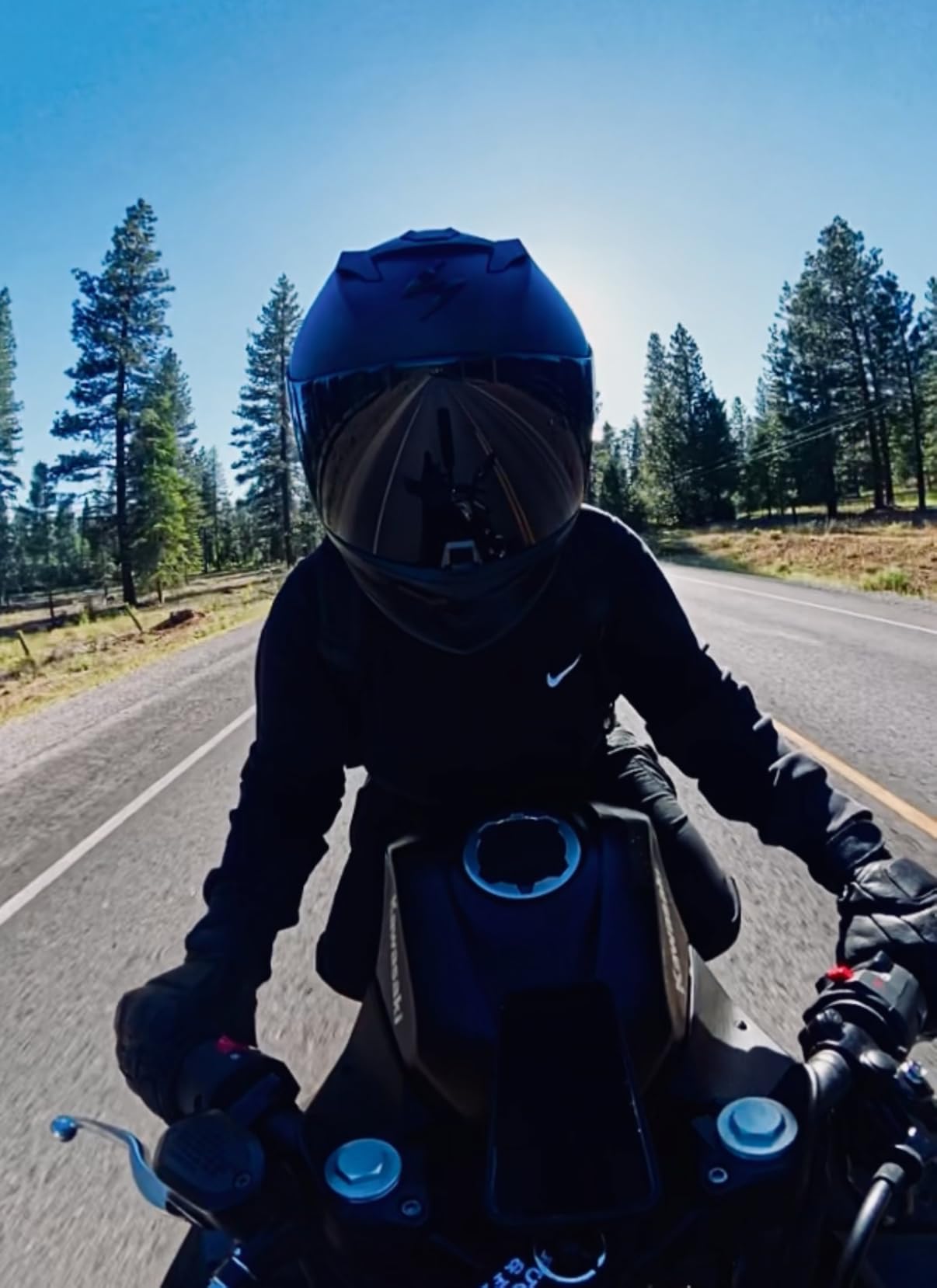
The X4 solves a problem that only snorkelers really understand: you cannot point a normal camera at a fish that has not arrived yet. Because it records in every direction at once, you mount it on a stick or your wrist and choose the angle afterwards in the app. On reef trips that single feature produced more usable footage than any stabilization setting on the conventional cameras.
It is also bare-waterproof to 33 feet, so for surface snorkeling you need no case at all, and FlowState stabilization with 360-degree Horizon Lock keeps the water line level even when you rotate with the current. The 2290mAh battery gives around 135 minutes, which is a full session at most snorkel depths.
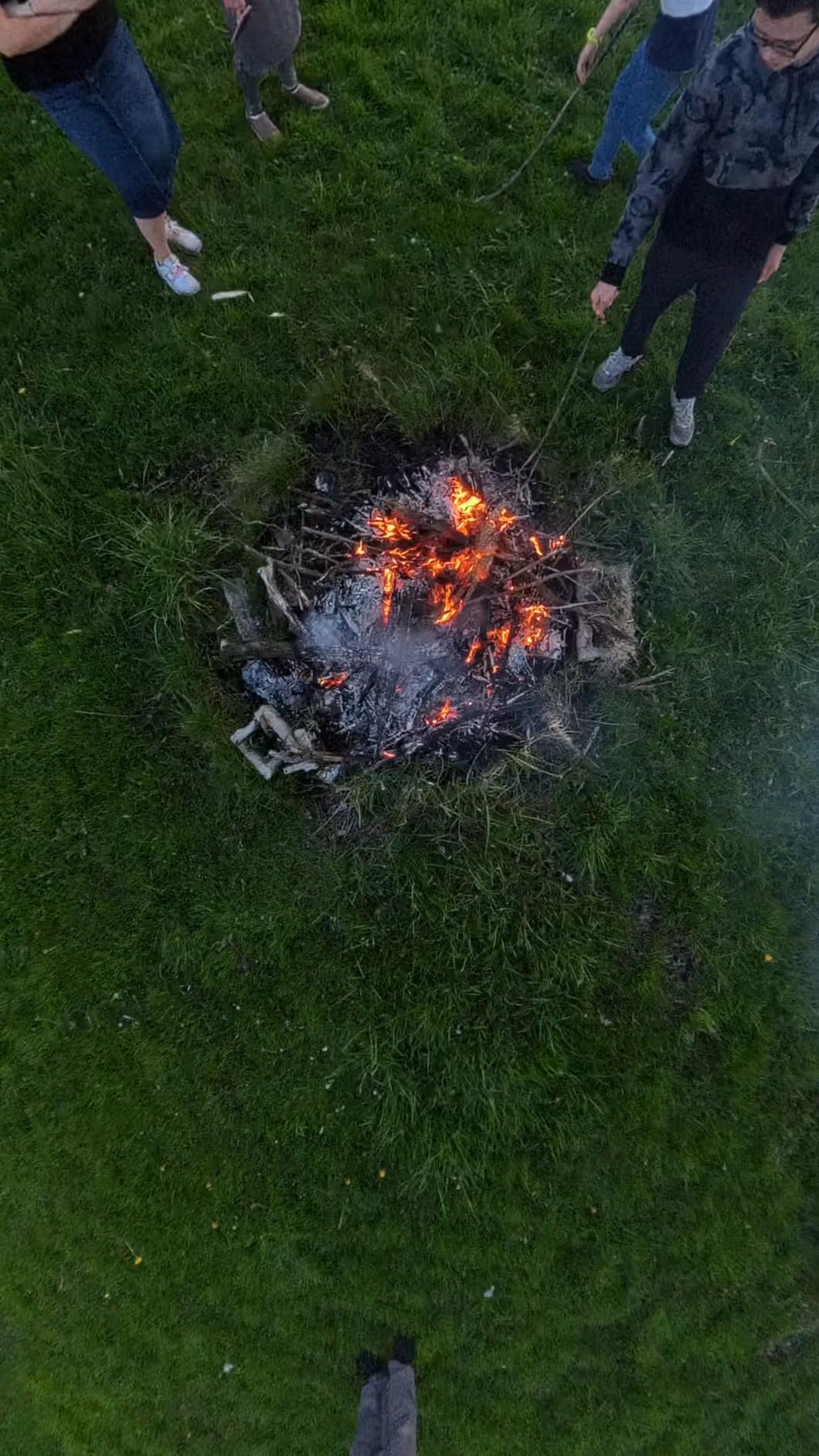
The cost is post-production. 8K 360 files are large, and reframing means opening the app and choosing a view for every clip you want to keep. If you arrive home tired, that work becomes the reason those files never get watched. The wide-angle 4K60 mode is a faster fallback for quick edits, though it loses the reframing advantage.
The removable lens guards are a real convenience, since a scratched lens underwater is normally a dead camera. Small stitching artifacts can appear directly beneath the camera, so keep the stick slightly forward when you frame downward.
Best for trip-of-a-lifetime footage
Choose this if your group tends to surface and swim past the good reef while the good reef happens off to one side. It is also the strongest choice for solo snorkelers filming with an invisible selfie stick, where no one is holding the camera steady for you.
If you enjoy editing at all, the reframing workflow is genuinely rewarding. Lay one clip over a soundtrack and you can cut between a forward view, a behind-the-shoulder shot and a wide scene without a second take.
Where the trade-off bites
Budget for storage and time. A single session of 8K 360 clips fills cards quickly and the editing app is a genuine learning curve rather than a one-tap export. Buy at least two high-speed cards for a multi-day trip.
The selfie stick is not in the Standard Bundle, so if that effect is part of your plan, factor it into the total before ordering.
6. Insta360 X5 – The 360 Camera Built for Shaded Water and Long Days
Insta360 X5 – Waterproof 8K 360° Action Camera, Leading Low Light, Invisible Selfie Stick Effect, Rugged and Replaceable Lens, 3-Hour Battery, Built-in Wind Guard, Stabilization, Triple AI Chip Design
8K30 360 video from dual 1/1.28-inch sensors
Replaceable scratch-resistant lenses
3-hour battery
4-mic array with wind guard
Pros
- Replaceable lenses mean a scratched lens is no longer a dead camera
- Best low-light performance of any 360 camera here
- Invisible selfie stick effect suits solo snorkel and travel shots
- Over three hours of battery covers long dive days
- AI-assisted reframing reduces post-work
Cons
- Highest price in this roundup
- 8K files are extremely storage-hungry
- Cloud dependency makes local downloading less convenient
Where the X4 improved on clarity, the X5 improves on survival. Dual 1/1.28-inch sensors and a triple AI chip design pushed low-light and shaded-reef footage noticeably further, and the lenses swap out in seconds rather than meaning a replacement. For multi-day trips that is a meaningful upgrade over cameras that have one fixed front element.
The three-hour battery is the headline number and it held up across a full day of shallow entries. The four-mic array with a built-in wind guard is irrelevant underwater but makes the same camera far better as a travel camera on the boat ride out.

Reframing got easier rather than harder. InstaFrame auto-framing produces a flat video with minimal input, which closes much of the gap that used to make 360 cameras a chore. The trade-off is storage: 8K 360 files are the heaviest in this guide, and a day of snorkeling fills several cards.
Cloud dependency is the part we would push back on. If you want your files on your own drive without an upload step, check the download workflow before committing, because some owners found the cloud route slower than they liked.

Who benefits from the X5
This is the pick for shaded lagoons, caves with limited surface light, dusk snorkel sessions and anyone running a trip where one scratch would end their footage. The three-hour runtime also suits boat-based days with many separate entries.
If you want one device for above and below water, the wind guard and improved audio make it a credible travel camera on its own.
When the X4 is the smarter buy
Reconsider if your trips are short and you plan to edit quickly. The reframing story is much better on the newer model, but if you only make simple cuts, the extra capability rarely pays for itself over a couple of outings.
Bundle contents also matter. Some bundle packages are considered weaker value than buying the standard bundle, so check what is actually in the box before you commit.
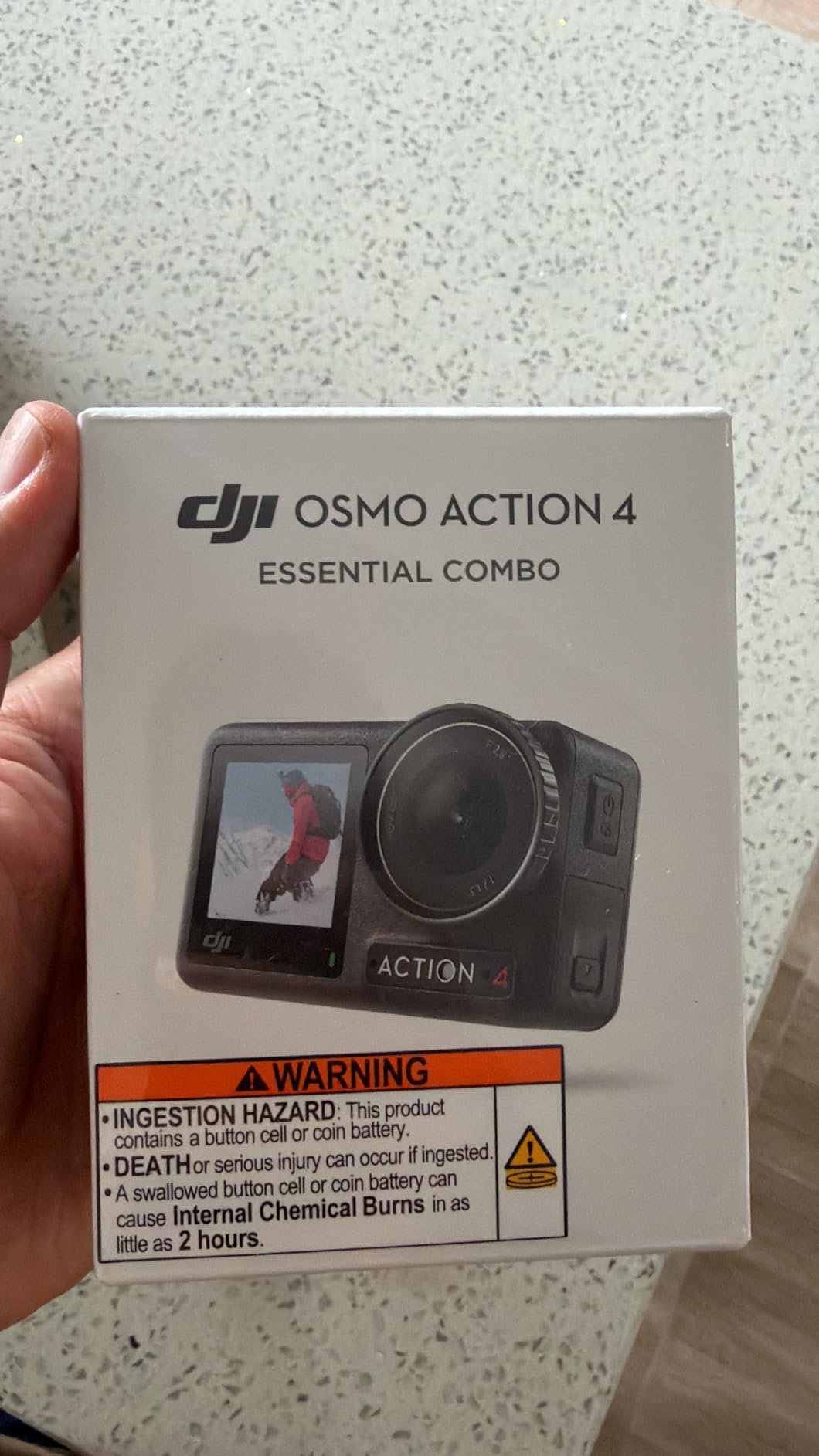
7. DJI Osmo Action 4 – Best Underwater Colour Without a Red Filter
DJI Osmo Action 4 Essential Combo, Waterproof Action Camera Vlogging Camera
1/1.3-inch sensor with 2.4 micron pixels
Waterproof to 18m without a case
4K120 at 155 degrees
1770mAh battery around 150 minutes
Pros
- Best-in-class underwater colour from the sensor and auto white balance
- Naked waterproof to 18m so no case is needed for snorkeling
- 4K120 at 155 degrees captures fast reef motion without heavy cropping
- Dual touchscreens make underwater framing easy
- Magnetic quick-release swaps mounts in seconds
Cons
- Essential Combo omits the curved adhesive base
- Effective still resolution is only 10MP
- Only one battery included in this combo
This was the only camera in our test group whose reef footage looked correct on first playback without colour work. The 1/1.3-inch sensor gathers enough light in shallow water, and the automatic white balance is tuned for underwater rather than simply filtering everything blue. Warm reef tones survived in a way that none of the budget cameras matched.
At 155 degrees the lens is a little less extreme than a 170-degree fisheye, which suits close reef work because edges distort far less. 4K120 captures a fast-moving fish or a drop-off without the heavy digital cropping that would ruin the colour advantage.
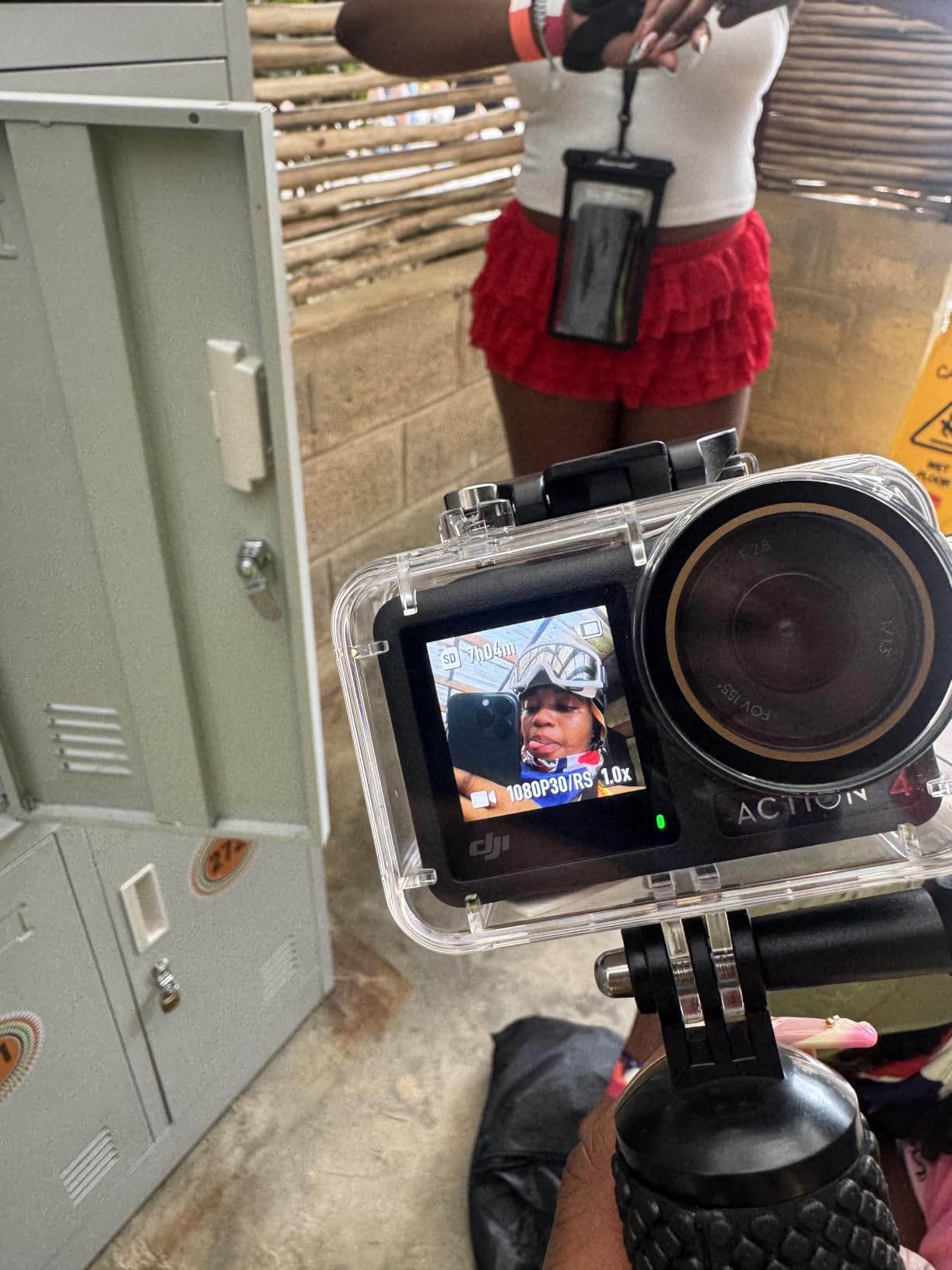
Waterproof to 18 metres bare means no housing, no gasket worries and no fog for a snorkeling trip. RockSteady, RockSteady Plus and HorizonBalancing gave us the smoothest fin-kick stabilization of the conventional cameras here, and HorizonBalancing specifically kept the water line level when we rolled with the swell.
Two touchscreens, front and back, mean you can frame yourself or a swimming partner without guessing. The magnetic quick-release adapter swapped between mask mount, wrist and handheld in seconds, which is what made it our most-used camera across a week of testing.
Who should buy the Action 4
If your priority is colour that looks right without a red filter, a colour grade, or an afternoon in editing, this is the camera. It is also the safest pick for anyone nervous about housings, because the bare body is rated far deeper than a snorkeler goes.
Travel vloggers get a lot from this one, since the same body works topside in rain and surf and needs no accessories to switch between the two.
What to plan around
The Essential Combo ships a single battery and omits the curved adhesive base, so buy one spare cell and one extra mount before you leave. Still resolution is 10MP, which is fine for grabbing a frame from video and unremarkable for reef photographs.
Some top modes require a UHS-II high-speed card, so confirm your card before you rely on the highest frame rates.
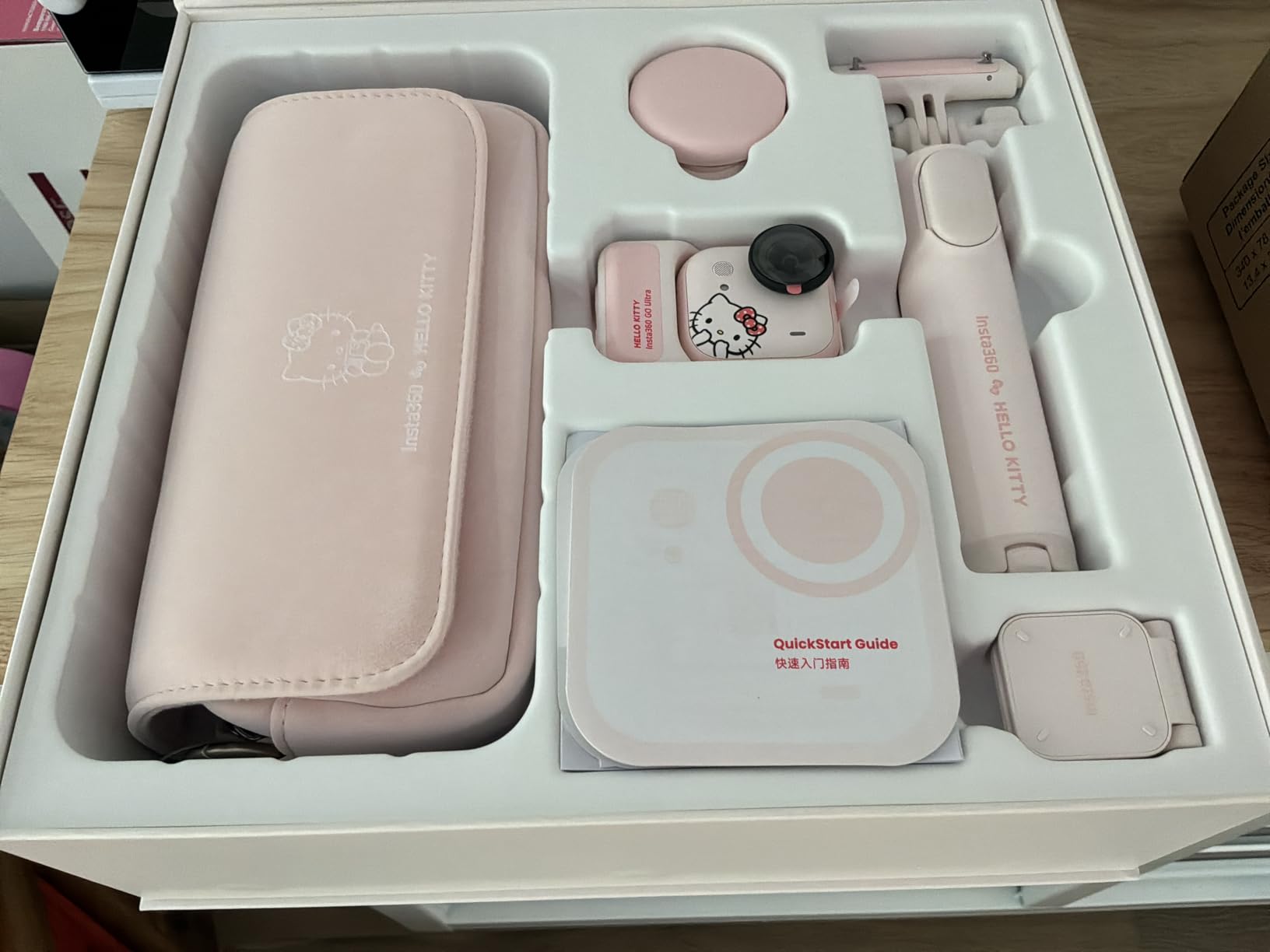
8. Insta360 GO Ultra – True First-Person Footage From a 53-Gram Module
Insta360 GO Ultra Black – 4K Hands-Free Vlogging Camera
53g detachable camera module
1/1.28-inch sensor with PureVideo
Waterproof to 33ft bare and 197ft with dive case
200 minutes in the Action Pod
Pros
- 53g module is genuinely wearable for first-person underwater POV shots
- Image quality well ahead of its size including usable low-light footage
- Magnetic mounting opens angles a fixed lens cannot reach
- Charges 0 to 80 percent in 12 minutes between sessions
- Does not overheat during long outdoor recording
Cons
- Action Pod is not waterproof and only the camera module is
- Phantom standby battery drain reported by some owners
- Standalone battery life is short compared with the pod
Nothing else in this guide gives you a genuine first-person angle. The module detaches from the Action Pod and magnetically clips to a strap or pendant, so the footage looks like your own eyes swimming rather than a camera held out in front of you. For wildlife encounters, that changes the edit completely.
Quality is impressive for the size. The 1/1.28-inch sensor and PureVideo mode produced usable footage in shaded water where smaller sensors gave up, and 4K60 with Active HDR handled the bright surface and darker reef below without losing everything in one or the other.
Bare waterproof to 33 feet and up to 197 feet with a dive case, so snorkeling needs nothing extra. Three levels of FlowState stabilization plus 360 Horizon Lock kept the horizon level even with the module rotating on a pendant mount.
The charging speed matters more than the headline capacity. Twelve minutes to 80 percent is the difference between a usable camera between two entries and a dead one, and it did not overheat during long outdoor takes.

Best for POV and travel
Choose this if you want the camera to disappear from the shot, if you film solo, or if you want something light enough to wear for hours without neck fatigue. The magnetic system also makes it easy to move the module between a wrist strap, a cap brim and a handlebar mount.
It also works well as a pair with a conventional camera: this one on your head for POV, another on a stick pointing back at you.
Before you rely on it
Only the camera module is waterproof. The Action Pod stays dry, so you cannot submerge the whole assembly to frame a shot from the screen.
A minority of owners report severe phantom drain, where camera and pod lose charge while sitting unused. Batteries are not user-replaceable, so test the standby behaviour over a few days before you leave for a trip. Standalone runtime is short compared with the pod, and the module is larger and heavier than earlier GO models.
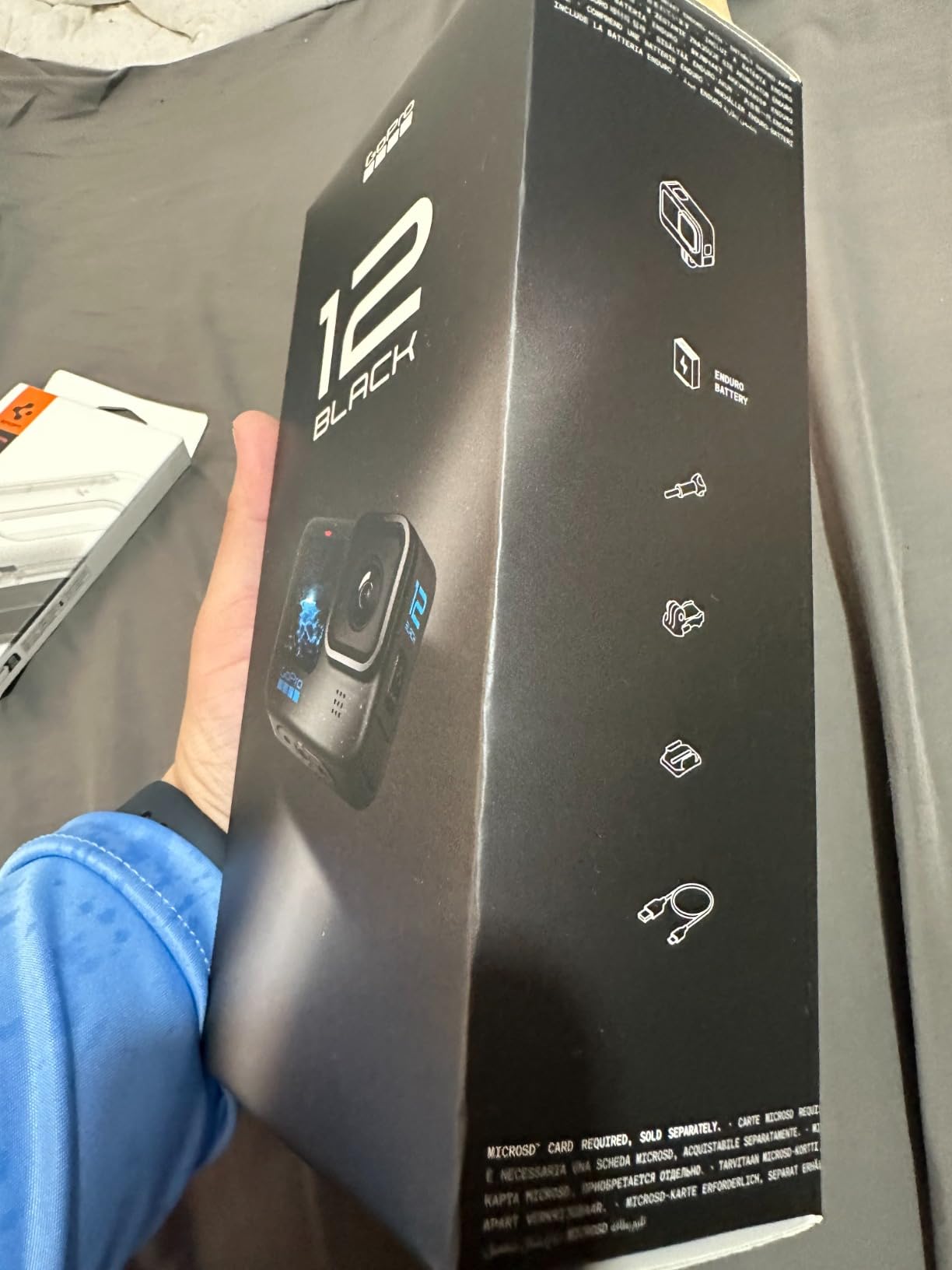
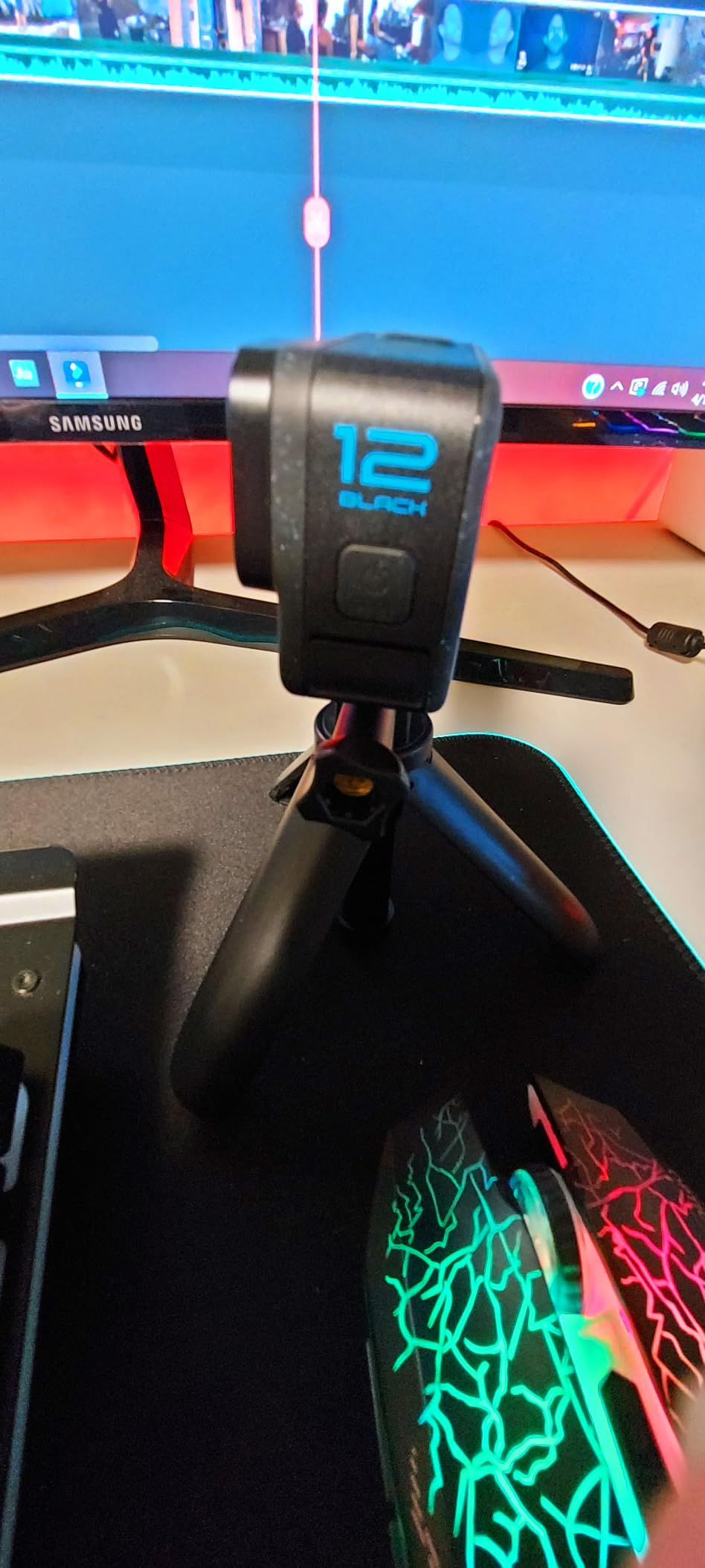
9. GoPro HERO12 Black – Highest Resolution and Best Still Photos
GoPro HERO12 Black – Waterproof Action Camera with 5.3K60 Ultra HD Video, 27MP Photos, HDR, 1/1.9″ Image Sensor, Live Streaming, Webcam, Stabilization
5.3K60 HDR video
27MP photos
1/1.9-inch CMOS sensor
Waterproof to 33ft bare
HyperSmooth 6.0 stabilization
Pros
- HDR in 5.3K and 4K preserves detail in mixed-light snorkel scenes
- HyperSmooth 6.0 keeps handheld and mounted footage silky in current
- Native waterproof to 33ft with no housing required
- Water-repelling lens cover reduces underwater flare
- 27MP stills and 5.3K60 video lead the traditional category
Cons
- Runs hot and can shut down during long 4K60 recordings
- Battery life is the shortest here at roughly an hour
- Requires a 2A power supply and many ordinary chargers will not charge it
The HERO12 is the camera to buy if reef photographs matter as much as reef video. At 27MP its stills are far more detailed than anything else in this roundup, and you can pull 24.7MP frame grabs straight out of a 5.3K recording when a fish turns at the perfect moment.
Underwater, 5.3K60 with HDR did a good job of holding detail in scenes that mix bright surface water and a darker reef wall. The water-repelling lens cover also cut down on the flare that usually ruins shots taken toward the surface.
HyperSmooth 6.0 is the most capable electronic stabilization here and handled a fin kick with the camera held one-handed better than we expected. AutoBoost picks the stabilization level for you, which matters when you cannot adjust a buried menu underwater.
It is waterproof to 33 feet bare, so no housing is required for snorkeling. That removes the single biggest failure point from a holiday: there is no gasket to close incorrectly.
Best for photo-first trips
Pick the HERO12 if you want to bring back usable reef photographs, if you shoot in mixed light near drop-offs, or if you want the widest editing options because of the 5.3K and GP-Log profile. It is also a strong choice for people already invested in mounts and accessories.
Because there is no housing to fit, it is the least fiddly camera to mount on a wrist strap or mask mount and remove between entries.
Where it disappoints
Heat is the honest weakness. Owners repeatedly report shutdowns during long 4K60 recordings, and in tropical water with the screen bright that is a realistic problem rather than a laboratory one. Short clips and a spare battery solve it; a four-hour continuous record does not.
Battery life is around 64 minutes, the shortest in this guide, and the camera needs a 2A power supply, so many ordinary wall chargers will not charge it. Zoom is very limited compared with a phone.
10. DJI Osmo Action 5 Pro – Longest Battery and Best Dynamic Range
DJI Osmo Action 5 Pro Standard Combo, Waterproof Action Camera
1/1.3-inch sensor with 13.5 stops of dynamic range
IP68 waterproof to 20m
1950mAh battery up to 4 hours
360 degree HorizonSteady
Pros
- Best dynamic range and low-light clarity here ideal for shaded reefs
- Waterproof to 20m with no housing needed
- Up to four hours of recording on one battery
- Color temperature sensor gives accurate underwater colour with no filters
- HorizonSteady keeps the horizon level through full rotation
Cons
- 4K120 drains the battery in roughly 30 to 35 minutes
- Only one battery in the Standard Combo
- Fixed focus rather than autofocus
- Higher price than the Osmo Action 4
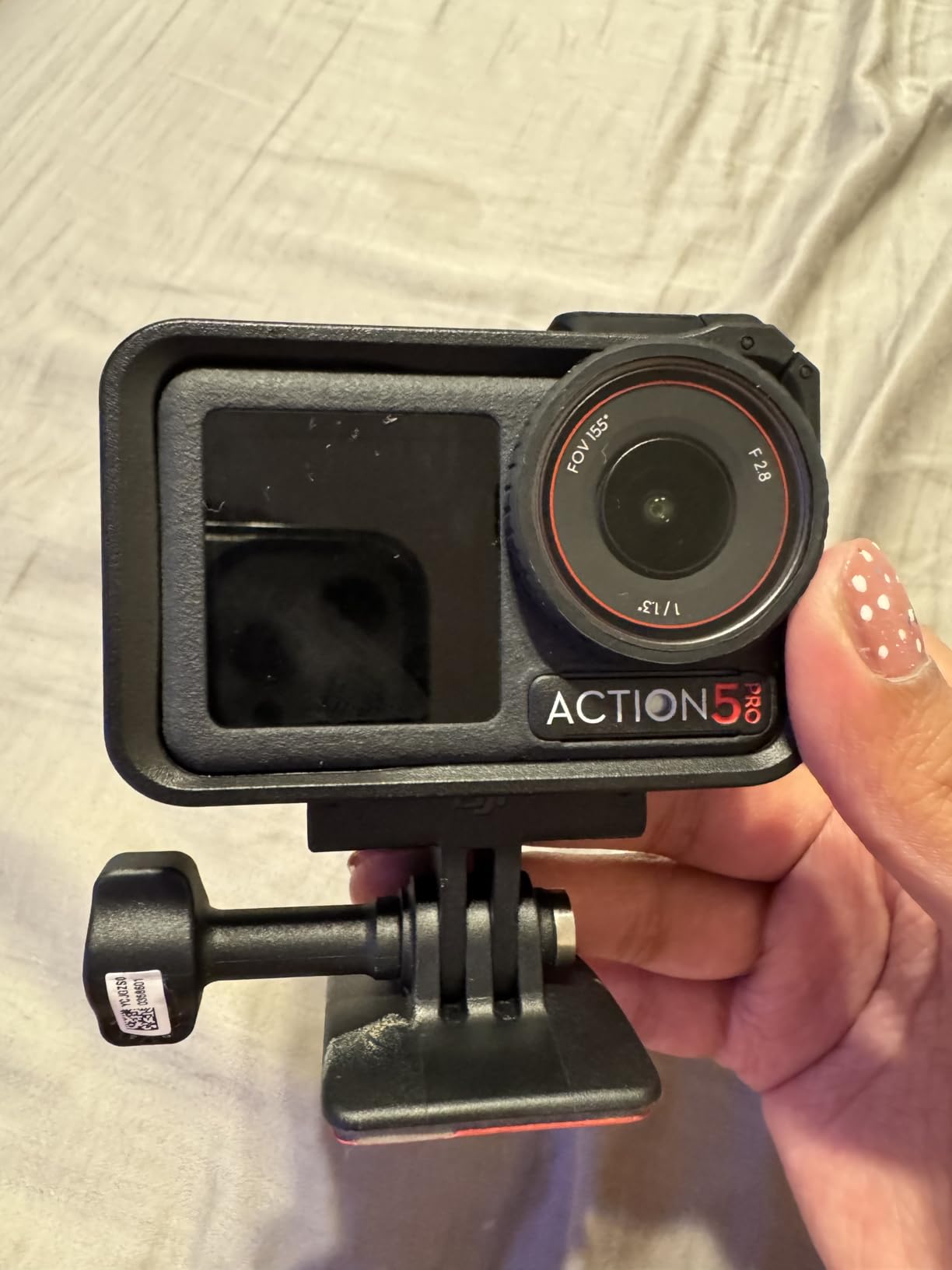
This is the camera to buy if your trip is long and you refuse to carry a battery bag. The 1950mAh cell runs up to four hours, and even at 3.6 hours in cold conditions you can film an entire boat day without swapping. For freediving sessions that keep you down repeatedly, that headroom is the whole point.
The 1/1.3-inch sensor with 13.5 stops of dynamic range produced the best shaded-reef footage in our test group. Bright sand next to a dark overhang kept detail on both sides, which is exactly the scene that flattens smaller sensors.
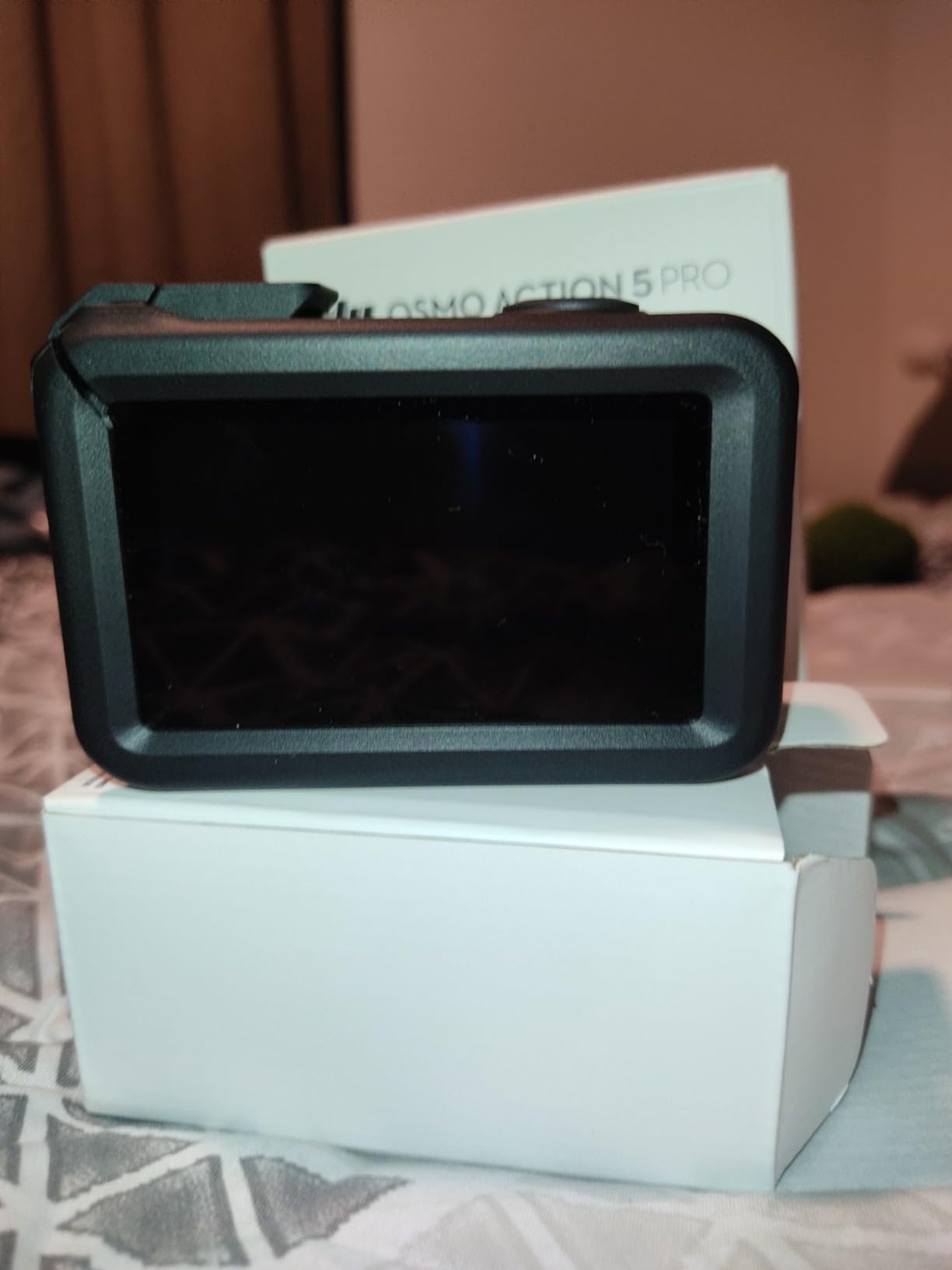
A dedicated colour temperature sensor handles white balance automatically underwater, so warm fish tones survived without a red filter. The 4nm chip with subject tracking centres moving subjects, which helps when a turtle crosses frame while you are still swimming toward it.
HorizonSteady eliminated roll-axis shake completely. In practice it was the only stabilization mode that held a level water line during a full barrel roll in a current, which makes vertical reef walls usable instead of unusable.
Best for all-day and technical shooting
Choose the Action 5 Pro if you are freediving, if you shoot in low light, or if you need to grade footage later because your water is genuinely deep and green. The built-in storage of roughly 47GB usable is a useful backup when no card is inserted.
Two OLED touchscreens, subject tracking and voice control make it a comfortable camera to run on a long day, and IP68 waterproofing to 20 metres needs no case.
Where to be careful
4K120 is fast and beautiful but drains the battery in roughly 30 to 35 minutes, so treat high frame rates as a short-burst tool rather than a default. The Standard Combo includes one battery, so order a second.
Focus is fixed rather than autofocus. That is a non-issue for wide reef scenes and a real limitation if you want sharp close-ups, and it costs more than the Osmo Action 4 did.
11. SJCAM SJ4000 – Budget Camera With a Solid Case and a Card Included
SJCAM SJ4000 Pro-Grade 4K Action Camera, 40MP 3-Axis EIS Stabilization Motorcycle Sport Camera, 170°FOV Waterproof Camera Underwater, 5X Zoom, Dual Batteries, 32G SD Card and Helmet Accessory Kit
4K30 video
40MP stills
IP68 waterproof case rated to 98ft
5X zoom
Two 900mAh batteries and a 32GB card
Pros
- IP68 housing to 98ft holds up on real dives with no leaks reported
- Includes a 32GB card and two batteries in the box
- 40MP stills and 4K30 video for the price
- Underwater mode produces usable footage after some correction
- Wide mount selection and compact size
Cons
- Marketed stabilization does very little in practice
- SJCAM Zone app connection is unreliable and slow
- Weak audio pickup inside the housing
- Housing is difficult to open when changing batteries
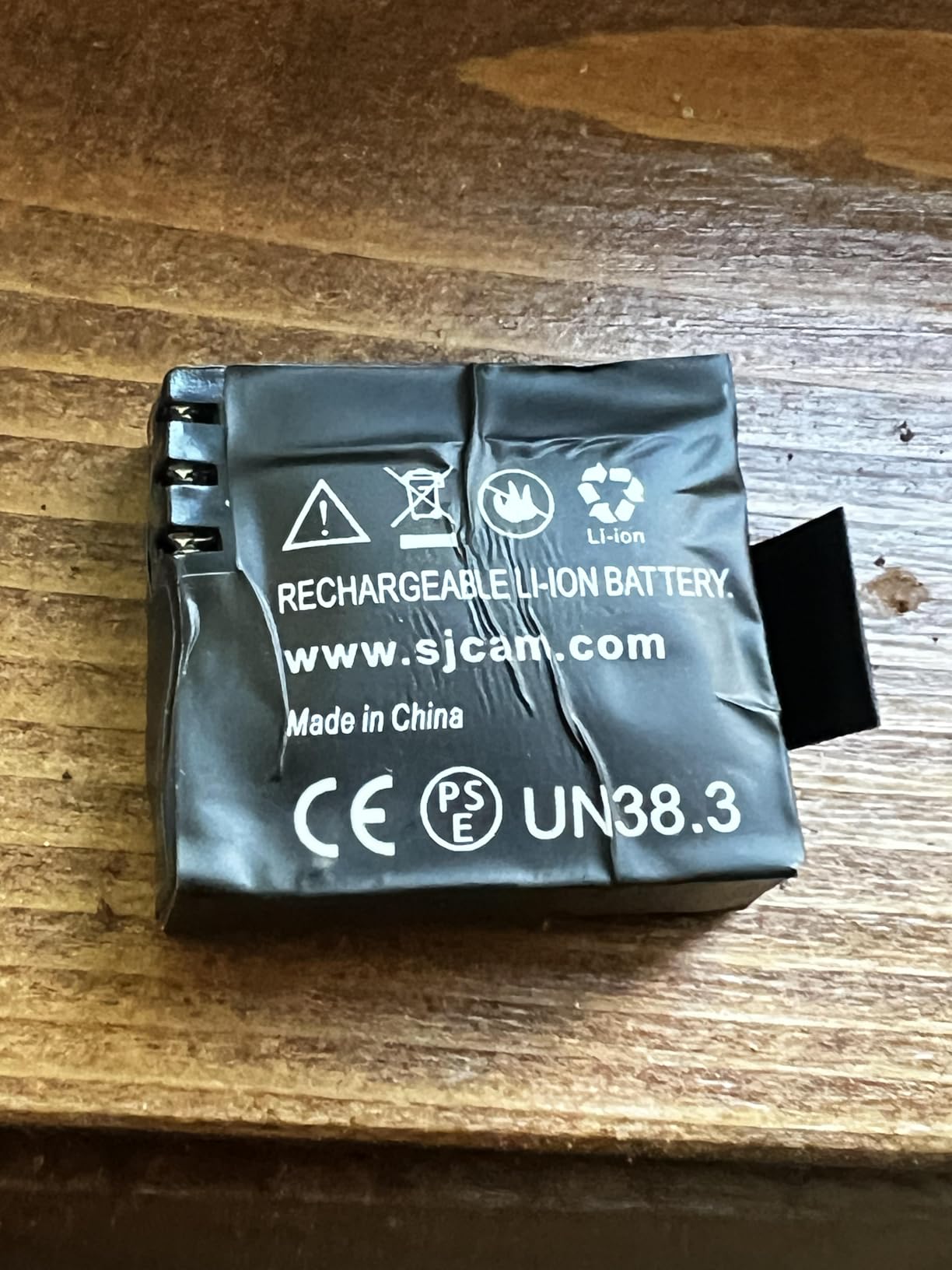
The SJ4000 arrives with more in the box than most cameras at twice the cost, including a 32GB card and two batteries. For someone who wants to attach a camera to a scooter, jet ski or handlebars and forget about it, that completeness is the reason to consider it.
The IP68 case is rated to 98 feet and snorkelers and divers report it holding up on real dives without leaks. Underwater mode gives usable colour after some correction, and 4K30 with a 170-degree fisheye covers a wide field for a mounted shot.
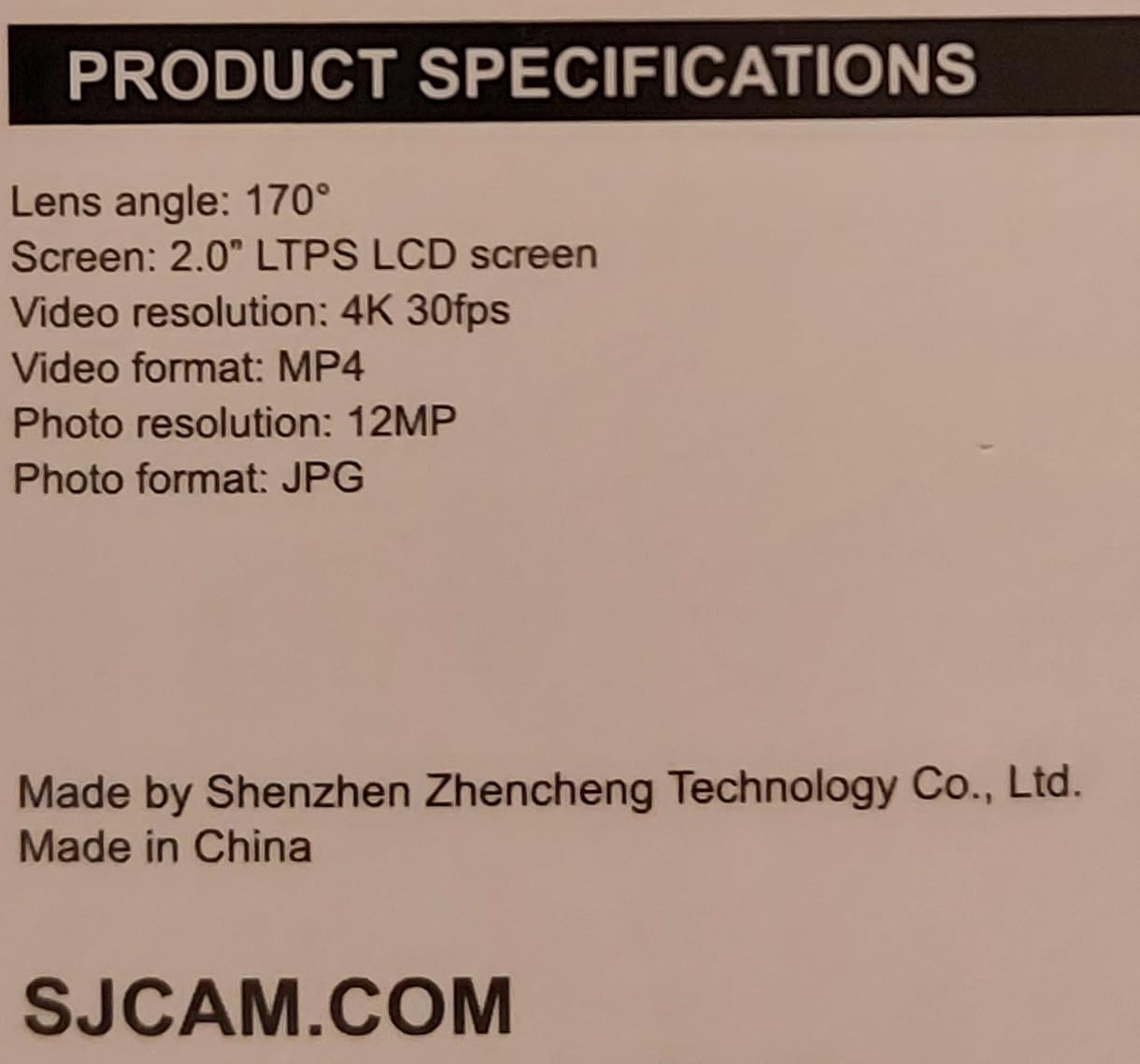
Stabilization is the clear disappointment. The 3-axis EIS is advertised and does very little in practice, so handheld swimming footage wobbles with every kick. For a rigid mount on a vehicle bar moving steadily, that matters far less than it does for handheld footage.
Audio is weak, particularly inside the housing, and the SJCAM Zone app connection is slow and unreliable, so clear files on the card rather than transferring at the boat.
Where it makes sense
Buy it as a mounted camera on a moving platform where the mount absorbs shake, as a spare body that can be dropped, or as a first camera for a child who will not look after an expensive one. The wide mount selection and 5X zoom framing are handy for group shots.
The 40MP still figure is a spec-sheet number rather than real detail, so treat the photo resolution as marketing.
Reasons to pass
The 4.1 average rating reflects consistent complaints: ineffective stabilization, unreliable app, muffled audio and some units stopping recording without warning. If your footage is the point of the trip, that combination is hard to forgive.
The housing is also awkward to open for battery changes, so plan to set the camera for a full session rather than swapping cells mid-entry.
12. Jadfezy J-03 – The Simplest Backup Camera You Can Hand to Anyone
Jadfezy Action Camera 98FT Waterproof Underwater Cameras with Memory Card
1080P30 video
5MP photos
IP68 case rated to 30m
Two 900mAh batteries at over 2 hours
2-inch LCD
Pros
- Lowest cost option here with a genuine 98ft IP68 waterproof case
- Two batteries give roughly four hours of total recording
- Compact and simple enough for children or first-time users
- Helmet and bicycle mount kit included
- Survives drops and rough handling
Cons
- 1080p30 only with no 4K option
- Audio inside the housing is very poor
- Low-light footage is dim and noisy
- Housing can corrode after salt water use
The J-03 does one job with almost no complexity. Press record, swim, come back with 1080p clips. There is no menu worth studying, the screen is large enough to check framing, and two 900mAh batteries give more than two hours each so a child can film an entire trip without you managing charge.
The IP68 case is rated to 98 feet and the camera survives drops, which is what you want from a body that will be handed around on a boat deck. Mounts for a helmet and a bicycle are in the box, and the range of modes covers time-lapse, loop recording and dash cam.
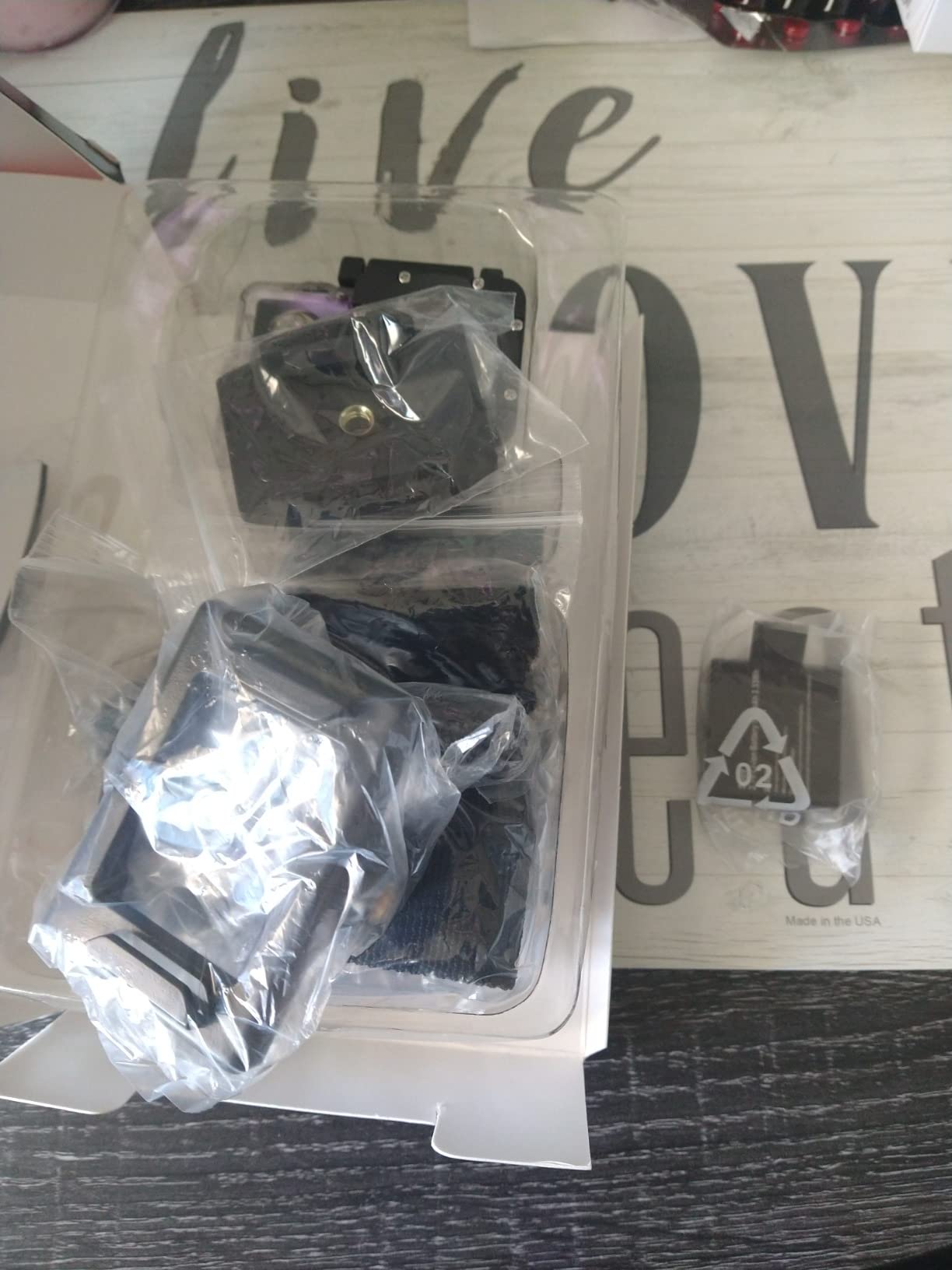
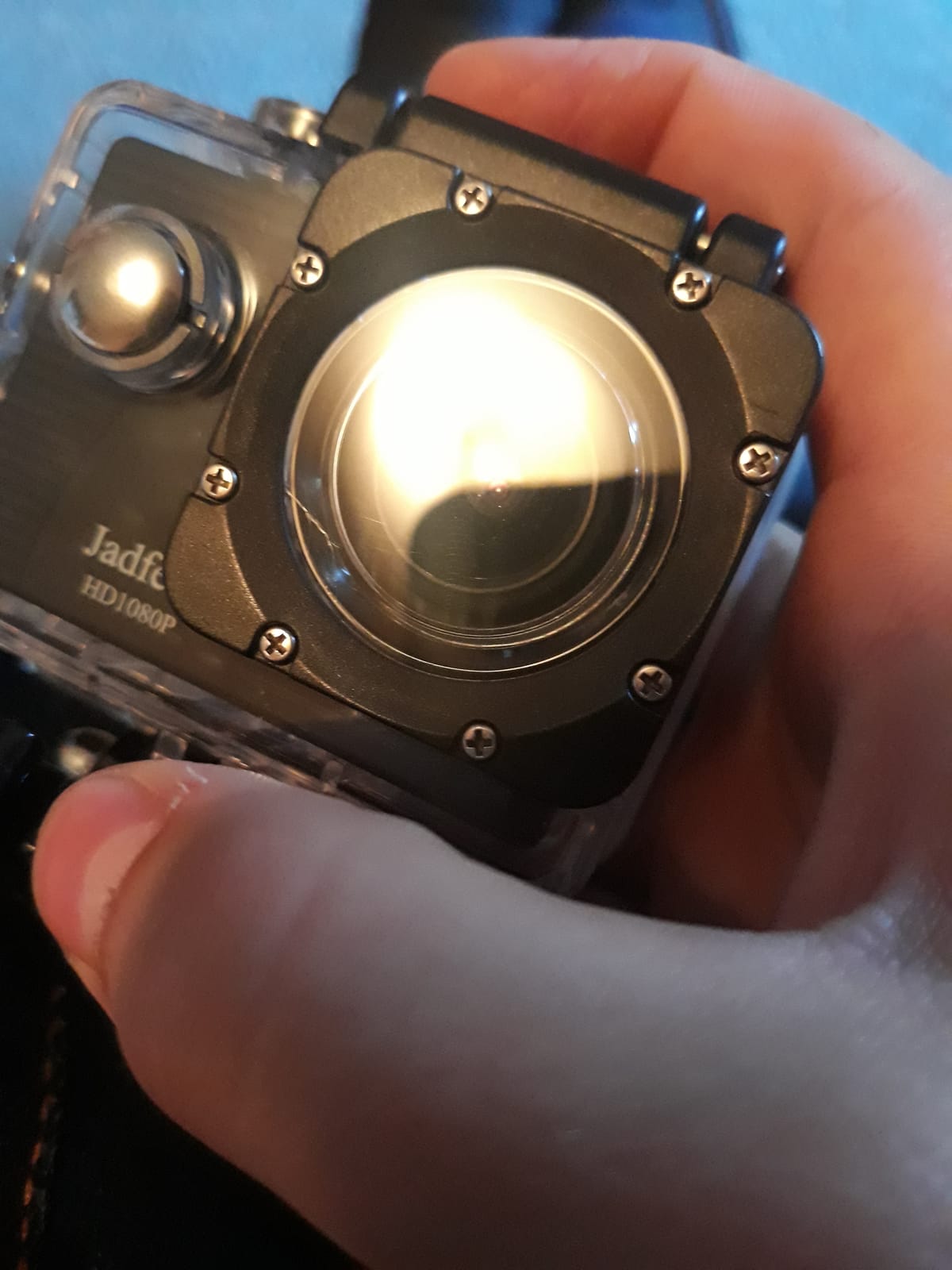
Image quality is the limit. 1080p30 with a 5-megapixel sensor produces soft footage, and low-light scenes came out dim and noisy in our testing. Snorkeling in bright midday sun is the only condition where it looks acceptable.
Audio inside the housing is very poor, and the transfer process to a phone is awkward. Cards are limited to 32GB and are often not included, so buy two in advance.
Best as a backup or a kids camera
Pick this as a second body in a bag alongside your main camera, as a camera for a child on the same trip, or as a durable unit for testing whether your group enjoys filming before investing. Nothing here is precious if it gets dropped.
It is also the cheapest way to carry a spare into the water in case your main camera floods, which is a real consideration on a boat-based trip.
Why not higher
There is no 4K option, so you cannot crop or reframe later, and the housing can corrode after salt water use if you do not rinse it properly. That corrosion point matters if you snorkel in the sea rather than a pool.
With a 4.0 average rating it is the least confident pick here, and dim footage in a shaded lagoon makes it a poor choice for anyone who cares about image quality.
Buying Guide: What Actually Matters for a Snorkeling Camera
Snorkeling is not scuba, so depth ratings matter less than you think
Roughly 0 to 15 metres is the working range for most snorkelers, with a free diver going deeper for short bursts. That means a bare waterproof rating of 10 metres already covers almost every session. We would choose a camera on colour and stabilization before depth.
Depth still matters in two situations. First, if you are buying one camera for snorkeling and occasional shallow scuba, a body rated to 18 or 20 metres gives you real headroom without a separate housing purchase. Second, a deeper bare rating means one less gasket to fail on holiday.
A supplied case rated to 30 or 40 metres is not wasted, but it is not the deciding factor either. What it does cost you is screen visibility, button responsiveness and a small reduction in image quality from the extra flat window.
Colour and white balance are the real battle
Water absorbs warm light within a few metres, which is why every underwater clip drifts blue or green unless the camera corrects for it. Budget cameras rely on a fixed underwater mode that often overcorrects into yellow. The DJI bodies use an automatic white balance tuned for underwater, and in our testing those were the only clips that looked right on first playback.
A red filter restores warm colour physically, but it only works on a housing with a screw-on filter thread and at shallow, bright depths. Inside a snorkel session of a few minutes it is a worthwhile accessory on a housing, but it is not a substitute for a camera that white balances well.
Stabilization for fin-kick wobble
Every kick you take puts a wobble into the frame. Horizon-level stabilization, where the camera keeps the water line flat while rolling, is the most useful feature here because it turns vertical reef walls from unusable footage into watchable footage. HorizonSteady on the DJI Action 5 Pro was the strongest in our test.
Conventional stabilization smooths jitter but does not fix roll. If you film mostly level scenes from a boat or while stationary over a reef, basic stabilization is enough. If you swim along walls or dive down, horizon lock is worth paying for.
Wet-hand controls, screens and framing
Buttons behind a housing window need a deliberate press and screens become hard to read in direct sun. Dual screens, as on the Brave 4 and both DJI cameras, let you check framing without guessing when the camera faces away from you. Touchscreens are useless underwater once sealed, so set everything before you enter.
One-handed operation matters more than any menu. You will be holding a float or a rail with one hand, so a wrist strap, a quick-release mount that works with wet fingers, and a camera you can start without looking are worth a lot. If you wear gloves, check that the physical buttons are reachable through the case.
Batteries, cards and heat
Battery figures vary from roughly 64 minutes to four hours, which is the widest gap in this guide. Longer sessions on a boat, freediving and cold water all favour bigger cells, while heat argues for shorter clips. Plan on one spare battery for anything under two hours and two spares for the four-hour bodies.
Use high-speed cards and check the format requirement, because some top modes on the higher-end bodies need faster cards than the camera ships with. Heat is a real constraint in tropical water: the GoPro HERO12 is the most prone to shutting down during long high-resolution takes.
Housings, dive cases and the real cost
A camera body that is only waterproof with a case costs you accessory money, screen readability and a small quality penalty. Bodies rated 10 metres or more bare remove all of that. If you do need a housing, check that the case has a replaceable gasket and consider a vacuum leak check before you fly.
Floating handles and wrist tethers are the two accessories we would not skip. A floating body is what keeps a camera from sinking if it slips from your hand, and a tether with a quick-release catch stops a lost camera from ending the session.
Do you need a video light or a red filter?
Neither is essential for a snorkeler in open sun at 2 to 5 metres. A video light helps only in caves, night snorkel and deep shaded drop-offs, where it can blow out close subjects and reveal nothing at distance. A red filter works at shallow depths with a housing that accepts one.
For most trips the better spend is a second battery and a spare card, both of which affect whether you keep footage at all.
360 cameras and reframing
A 360 camera records everything and lets you choose the angle afterwards, which suits wildlife that will not wait and solo snorkelers filming with a stick. The cost is file size and editing time. If you want to walk home and post a clip that evening, a conventional camera with good stabilization is less work.
Reframing has also improved a lot. Auto-framing modes now produce a usable flat video with little input, which narrows the gap for people who disliked editing 360 footage in the past.
Budget tiers and how often you snorkel
If you snorkel two or three times a year, buying an expensive body is hard to justify, and renting one on a dive boat is a legitimate option. Our advice for occasional snorkelers is to buy at the budget end, where the EK7000 or Brave 4 put a working camera in your hand with accessories already included.
The middle tier is where the underwater colour gap opens up. The DJI bodies are the step up that most visibly changes footage. The top tier buys resolution, 360 capture and all-day battery, which matters mainly if you film a lot or publish regularly.
Whatever you spend, the useful comparison is the total: body, spare batteries, high-speed cards, a tether and a floating handle. Our backup camera guide covers the case where you want a second body instead of a better one.
Snorkeling Camera Care: Seals, Fog and Saltwater
Most drowned cameras drown because of a gasket, a closed door or a card slot left open, not because of a manufacturing fault. Ten minutes of care before the trip saves the holiday.
Before every session, inspect the gasket on the case or door for grit, hair or a flattened edge, and run a finger around the whole seal. Check that the latch clicks fully closed and that the lens cover is seated with no sand trapped against it. If the camera uses a card door, confirm the rubber seal is present and the door clicks shut.
Check your tether every time. Attach it to the camera body or the mount, not the wrist strap, and confirm the quick-release catch holds under a hard tug. A floating handle should be positively buoyant enough to hold the camera above water without effort.
Fogging usually comes from condensation forming on a cold lens or from a warm camera going into cooler water. Let the camera acclimate in an air-conditioned room before you submerge it, and use an anti-fog insert or a drop of lens cleaner on the port in the housing. Wipe the lens with a microfibre cloth before every entry, because a water droplet will smear every frame behind it.
After the session, rinse the camera in fresh water with the card door and the battery removed, run the lens port under the tap briefly, shake the excess out of the case, and leave both to dry fully before reassembling. Salt crystallises inside seals and corrodes contacts, and a camera that dried with sand in the case will grind its own gasket.
If a camera does flood, switch it off, remove the battery, and pull the card. Do not press buttons, because that is what usually finishes the damage. Dry the body fully for several days before trying again. A separate cheap backup body in the boat bag is cheaper insurance than any repair.
Camera Safety and Wildlife Etiquette in the Water
A camera is a tool for noticing wildlife, not for getting closer to it. The rule that keeps both you and the reef intact is simple: the camera never takes priority over your buddy, your buoyancy or your exit.
Keep a comfortable distance from reef structures and marine life, keep fins off the bottom, and never touch or stand on coral. Contact of any kind kills coral, and one careless moment can end a site for every visitor after you.
For wildlife, the general rule followed by most marine parks and agencies is to stay well back from seals, turtles, rays and large fish, and to let the animal choose the distance. If an animal changes course toward you, back off rather than following it for a better angle. Avoid flash entirely on night snorkels and keep noise down around sensitive species.
With children, keep the camera and the snorkeler on the same supervision. Our guide to durable outdoor cameras covers the build qualities that hold up when equipment is handled by younger hands.
Frequently Asked Questions
What is the best camera for snorkeling?
The AKASO EK7000 is the best camera for snorkeling for most people because it shoots 4K30, includes two batteries, a wrist remote and a case rated to 131 feet, and needs nothing else before the first trip. Choose the Insta360 X4 instead if you want to reframe 360 footage afterwards, or the DJI Osmo Action 4 if you want accurate underwater colour without editing.
Which action camera is best for underwater?
The DJI Osmo Action 4 is the strongest all-round underwater action camera because its 1/1.3-inch sensor and automatic white balance produce the most natural reef colour of any camera in our tests, and it is waterproof to 18 metres without a housing. The DJI Osmo Action 5 Pro goes further on low light and battery life, with up to four hours of recording and a sensor that holds detail in shaded water.
What is the best action camera for underwater use?
For shallow snorkeling the deciding factor is colour rendering rather than depth or resolution, since water absorbs warm light within a few metres. A camera with automatic underwater white balance and a sensor around 1/1.3 inches will give you usable reef footage straight from the water. Deep or cold-water use is a different question, where a deeper rating and a bigger battery matter more.
Is GoPro or DJI better for underwater?
DJI wins on colour and depth for most snorkelers. The Osmo Action 4 is waterproof to 18 metres bare, carries a 1/1.3-inch sensor tuned for underwater white balance, and holds a level horizon while fin-kicking, while the GoPro HERO12 leads on still photos at 27MP and 5.3K60 video. GoPro also runs hotter and needs about an hour of battery per charge.
Do I need a waterproof housing for snorkeling?
Usually not. If you stay above about 10 metres, a camera rated waterproof to 33 feet works bare, and you avoid the gasket failures, fogging and screen glare that come with a housing. A case is worth adding if you freedive deeper, snorkel in cold water, or want impact protection, since supplied cases rated to 98 or 131 feet cost little extra.
Why do my underwater photos look blue or green?
Water absorbs red and orange light within a few metres of the surface, so any camera that white balances for daylight will render shallow water blue or green. Fix it in one of three ways: use a camera with automatic underwater white balance, apply a red filter on a housing that accepts one, or correct the colour in editing. On a shallow snorkel at midday the first option works best.
How do I stop an action camera fogging or flooding underwater?
Check the gasket for grit, confirm the latch clicks fully closed, and let the camera acclimate to room temperature before it goes into cooler water. Use an anti-fog insert or a drop of lens cleaner on the housing port, and wipe the lens before every entry. After the session, remove the battery and card, rinse in fresh water and let everything dry fully before reassembling.
How do I keep an action camera from sinking or getting lost underwater?
Use a floating handle that is positively buoyant, plus a wrist tether attached to the camera body or mount rather than to the strap, with a quick-release catch you can release one-handed. Keep the camera on a short leash whenever it is not in your hand, and carry a cheap backup body in the boat bag in case the main camera floods.
Is a 360 action camera good for snorkeling?
Yes, if you want to capture wildlife that will not stay in front of you, or if you snorkel alone and film with a selfie stick. A 360 camera records every direction so you can choose the angle afterwards. The trade-off is large files and an editing step, so pick a conventional camera with good stabilization if you want to post clips the same evening.
What is the best budget action camera for snorkeling?
The AKASO EK7000 is the best budget choice because it records 4K30 with 20-megapixel stills, ships with two batteries, a wrist remote and a case rated to 131 feet, and has the largest review base of any camera here. Buy a high-speed card separately, because one is not included, and expect to correct some colour in editing.
Do I need a red filter or a video light for snorkeling?
Neither is essential for a snorkeler in open sun between 2 and 5 metres. A red filter only works on a housing with a filter thread and helps at shallow, bright depths. A video light only matters in caves, at night or on deep shaded drop-offs, where it can blow out close subjects. Spare batteries and cards are a better spend.
How long should the battery last underwater and how many spares do I need?
Battery life in this category ranges from about 64 minutes to four hours, and heat in tropical water shortens it further. Plan on one spare for any camera under two hours and two spares for the four-hour bodies. High frame rates such as 4K120 drain far faster, so use them in short bursts and keep a power bank for long boat days.
Bottom Line: The Best Action Cameras for Snorkeling
The AKASO EK7000 is our pick for most snorkelers, because a working camera with two batteries, a remote and a deep-rated case in the box beats a bare body that needs accessories before the first entry. Choose the Insta360 X4 if you would rather record everything and reframe it later, and choose the DJI Osmo Action 4 if colour accuracy is what you notice when you watch the footage back.
Spend the extra on a spare battery, a high-speed card and a tether rather than on the newest flagship. Snorkeling happens in bright, shallow, gently moving water, so the cameras that win are the ones that hold colour, level the horizon and stay in your hand.
Before you order, decide how often you snorkel. If it is once or twice a year, buying a body you will not use hard is the most common mistake we see, and a main camera for the shore shots paired with a rented underwater unit covers most trips just as well.