
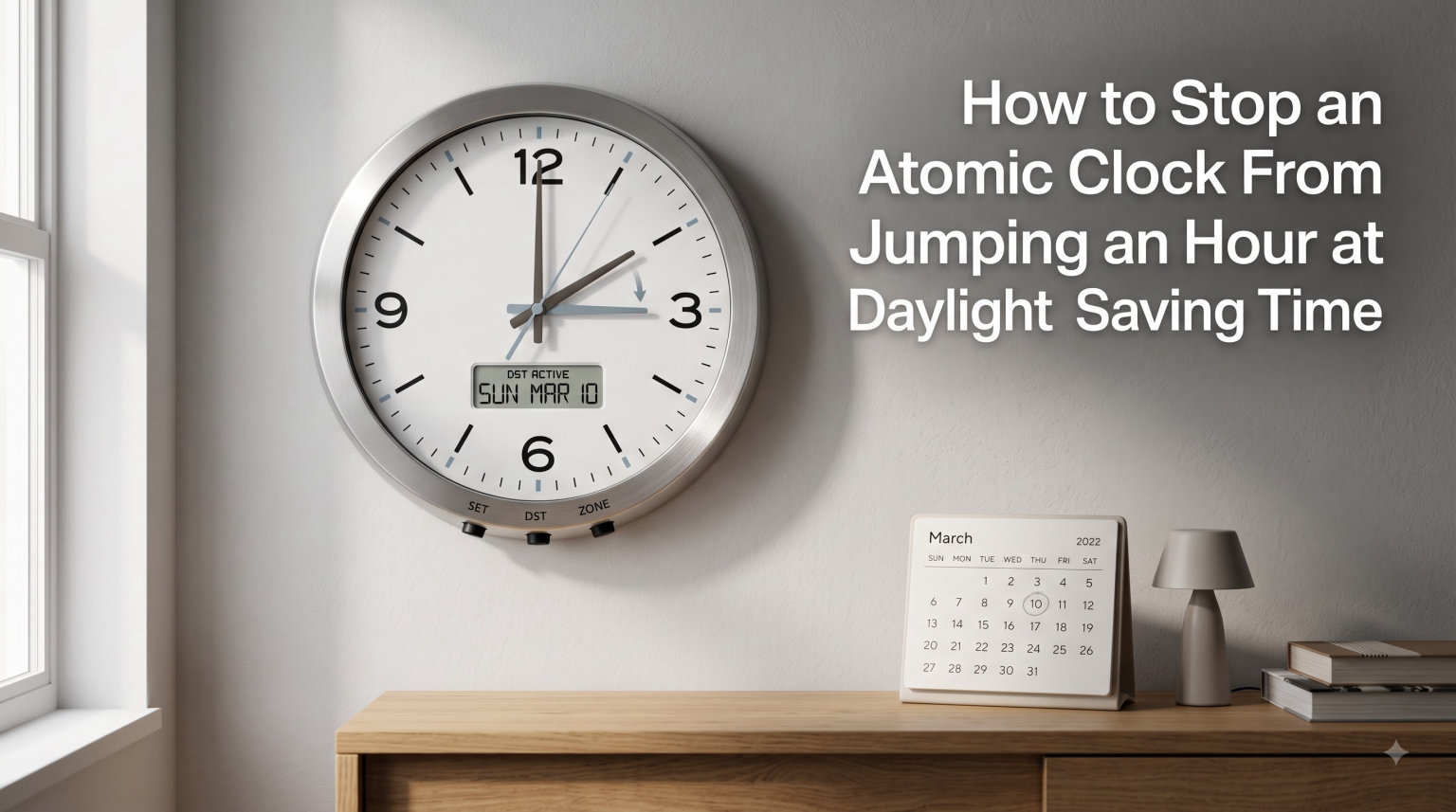
If your atomic clock keeps jumping an hour forward or backward at daylight saving time, you’re not alone. Thousands of people deal with this frustrating problem every spring and fall. The good news is that stopping an atomic clock from jumping an hour at daylight saving time is usually a five-minute fix once you know where to look.
I have spent the last year troubleshooting radio-controlled clocks for our readers at Exquisite Clock. In that time, I have seen the same handful of causes behind almost every “my atomic clock is wrong” complaint. This guide walks you through each fix in order, starting with the simplest solution and working up to the more technical ones. By the end, you will know exactly how to keep your atomic clock from jumping an hour at DST, no matter what brand you own.
Table of Contents
How an Atomic Clock Receives Time Signals
An atomic clock is a radio-controlled timepiece that synchronizes itself automatically. It picks up a low-frequency radio signal from WWVB, a transmitter operated by the National Institute of Standards and Technology (NIST) in Fort Collins, Colorado. That signal carries the official UTC time, which your clock converts into your local time.
The WWVB broadcast does more than just send the hour, minute, and second. It also embeds a flag that tells your clock whether daylight saving time or standard time is currently in effect. When the broadcast flips that flag, your clock is supposed to add or subtract an hour automatically. This is how an atomic clock adjusts for daylight savings time without you touching it.
Most modern atomic clocks sync once overnight, usually between midnight and 5 a.m. local time. They do this because atmospheric interference is lower at night, giving the WWVB signal a cleaner path through the ionosphere. A single successful sync can keep your clock accurate to within a fraction of a second.
Why Your Atomic Clock Jumps an Hour at DST
Your atomic clock jumps an hour at daylight saving time for one of three core reasons. The first is a setting issue, the second is a signal issue, and the third is an outdated firmware problem. Let me walk you through each one.
The DST Switch Is in the Wrong Position
Most atomic clocks include a small physical switch on the back labeled “DST.” When this switch is set to OFF, the clock will never auto-adjust for daylight saving time. When set to ON, it follows the broadcast schedule. If you live in an area that does not observe DST, you need this switch OFF. If you live somewhere that does observe DST, the switch must be ON for the jump to happen correctly.
A common cause of “my atomic clock is wrong by an hour” complaints is that someone bumped the switch while changing batteries. The fix takes seconds: flip the switch back and wait for the next overnight sync.
The Time Zone Setting Is Incorrect
Your clock uses your time zone selection to calculate the local hour from the UTC broadcast. If the time zone is set to Pacific when you live in Eastern, your display will read three hours behind the correct time. This often looks like a one-hour DST problem when the actual issue is a time zone mistake.
Press and hold the time zone button on the back of your clock. Cycle through the options until your zone is selected. Most American clocks offer Pacific, Mountain, Central, and Eastern. Some models include an Alaska and Hawaii setting too.
Your Clock Has Outdated DST Rules
The Energy Policy Act of 2005 changed the DST schedule starting in 2007. Clocks manufactured before that year may still follow the old “first Sunday in April to last Sunday in October” rules. If your clock changed a week early or late, this is likely the cause. There is no firmware update for most consumer clocks. The practical fix is to disable the auto-DST feature and set the time manually twice a year.
Quick DST Facts for 2026
In 2026, daylight saving time begins on the second Sunday of March and ends on the first Sunday of November. The change happens at 2:00 a.m. local time, which is when WWVB updates its DST flag. Your clock should adjust within a few hours after that, assuming the DST switch is on and signal reception is good.
A few U.S. states and territories do not observe DST at all. Arizona (except the Navajo Nation) and Hawaii stay on standard time year-round. U.S. territories like Puerto Rico, Guam, and the U.S. Virgin Islands also skip DST. If you live in one of these areas, your clock must have DST turned off, or it will jump an hour twice a year at the wrong moment.
How to Stop an Atomic Clock From Jumping an Hour at DST: Step-by-Step Fix
Follow these steps in order. Most readers solve the problem within the first three steps.
Step 1: Locate and Check the DST Switch
Turn your clock around and look for a small sliding switch on the back. It is usually labeled “DST” with ON and OFF positions. Some brands bury it inside the battery compartment. Slide it firmly to the correct position for your area. For most U.S. states, that means ON.
Step 2: Verify Your Time Zone Selection
Press and hold the time zone button until the display starts flashing. Use the plus or minus keys to cycle to your correct zone. Press the time zone button again to lock in your choice. A wrong time zone is the single most common reason an atomic clock reads an hour off.
Step 3: Trigger a Manual Signal Search
Most atomic clocks have a button labeled “WAVE,” “SET,” or a small antenna icon. Press and hold it for three to five seconds. The clock will display a tower or antenna symbol as it hunts for the WWVB signal. This usually takes two to ten minutes, depending on your location and interference.
Step 4: Check and Replace the Batteries
Weak batteries are a sneaky cause of DST problems. When voltage drops, the clock may receive the time signal but fail to update its internal DST flag. Replace the batteries with fresh alkaline cells, then repeat Step 3 to force a fresh sync.
Step 5: Reposition the Clock for Better Reception
WWVB signals are weakest during the day. Walls, metal objects, and electronics can all block the signal. Move the clock near a window that faces Colorado (roughly west, depending on where you live). Avoid placing it on a metal shelf or near a TV, computer, or microwave.
Step 6: Disable DST and Set Manually (Permanent Workaround)
If nothing else works, set the DST switch to OFF and adjust the time by hand. You will need to set the clock forward one hour in March and back one hour in November. This is the only reliable workaround for clocks with outdated firmware or persistent signal issues.
Signal Reception Problems and How to Fix Them
If your atomic clock will not sync, signal interference is the most likely culprit. The WWVB transmitter in Fort Collins covers all of the continental United States, but the signal is not equally strong everywhere. Daytime reception is harder than nighttime reception because the sun ionizes the upper atmosphere and disrupts the low-frequency broadcast.
Buildings block the signal more than people realize. Concrete, brick, and metal-framed walls are the worst offenders. If your clock sits on an interior wall, try moving it to an exterior wall with a west-facing window. Higher elevation also helps, which is why wall-mounted clocks often sync better than ones sitting on a desk.
Common household electronics can interfere with WWVB reception. TVs, computers, Wi-Fi routers, and even some LED light bulbs create radio noise. If your clock syncs at night but drifts during the day, an interfering device is probably the reason. Unplug or move the suspect device and run another manual sync test.
Manual Time Setting: A Temporary Workaround
If your atomic clock is still off after all the steps above, set it manually. Press and hold the SET button until the hour flashes. Use the plus and minus keys to set the correct hour, then press SET again to move to minutes. Repeat until you have set the full time and date.
Once you have set the time manually, the clock will keep that time until the next successful WWVB sync. If DST is enabled and the signal is good, it will correct itself overnight. If you have disabled DST to work around an old firmware bug, the clock will keep showing the time you set until you adjust it again next spring or fall.
For clocks made before 2007, manual setting is really the only practical solution. These older models cannot be reflashed. Replacing the battery usually resets them to factory mode, so be prepared to set the time again every time you swap cells.
Frequently Asked Questions
Why does my atomic clock keep going back an hour?
Your atomic clock keeps going back an hour because the time zone is set incorrectly, the DST switch is in the wrong position, or the clock is syncing with an old firmware schedule. Check the time zone first, then the DST switch on the back of the clock. If both are correct, the clock may be auto-correcting to a different zone during overnight sync.
Does an atomic clock adjust for daylight savings time?
Yes, a properly configured atomic clock adjusts for daylight savings time automatically. The WWVB signal from NIST includes a DST flag that tells the clock when to add or subtract an hour. The clock only adjusts correctly if the DST switch on the back is set to ON and the time zone matches your location.
Can atomic clocks be wrong?
Atomic clocks can be wrong if the time zone is set incorrectly, the DST switch is off, batteries are weak, or signal reception is poor. They can also drift if the clock has outdated firmware from before the 2007 DST rule change. In rare cases, hardware failure can cause permanent inaccuracy.
Why did my clock jump an hour early or late?
Your clock jumped an hour early or late because it is running pre-2007 DST rules. The Energy Policy Act of 2005 moved DST to start in mid-March and end in early November. Clocks manufactured before 2007 still follow the old schedule. The only fix is to disable the DST switch and set the time manually.
How long does it take for an atomic clock to reset itself?
An atomic clock usually resets itself within one overnight sync cycle, between midnight and 5 a.m. local time. A manual signal search triggered during the day can complete in two to ten minutes if signal conditions are good. In areas with weak reception, the clock may take two to three nights to lock on reliably.
Why is my atomic clock 4 hours off?
Your atomic clock is 4 hours off because the time zone is set incorrectly for your location. The WWVB signal broadcasts UTC time, and the clock adds or subtracts hours based on your zone selection. Pacific is UTC-8, Mountain is UTC-7, Central is UTC-6, and Eastern is UTC-5. Choose the right zone and run a manual sync.
Final Thoughts on Stopping Atomic Clock DST Jumps
Stopping an atomic clock from jumping an hour at daylight saving time comes down to three checks: the DST switch, the time zone setting, and signal reception. Work through them in that order. If your clock is more than a decade old, manual time-setting twice a year is a perfectly acceptable long-term solution. Your clock is still one of the most accurate timepieces you can own.