
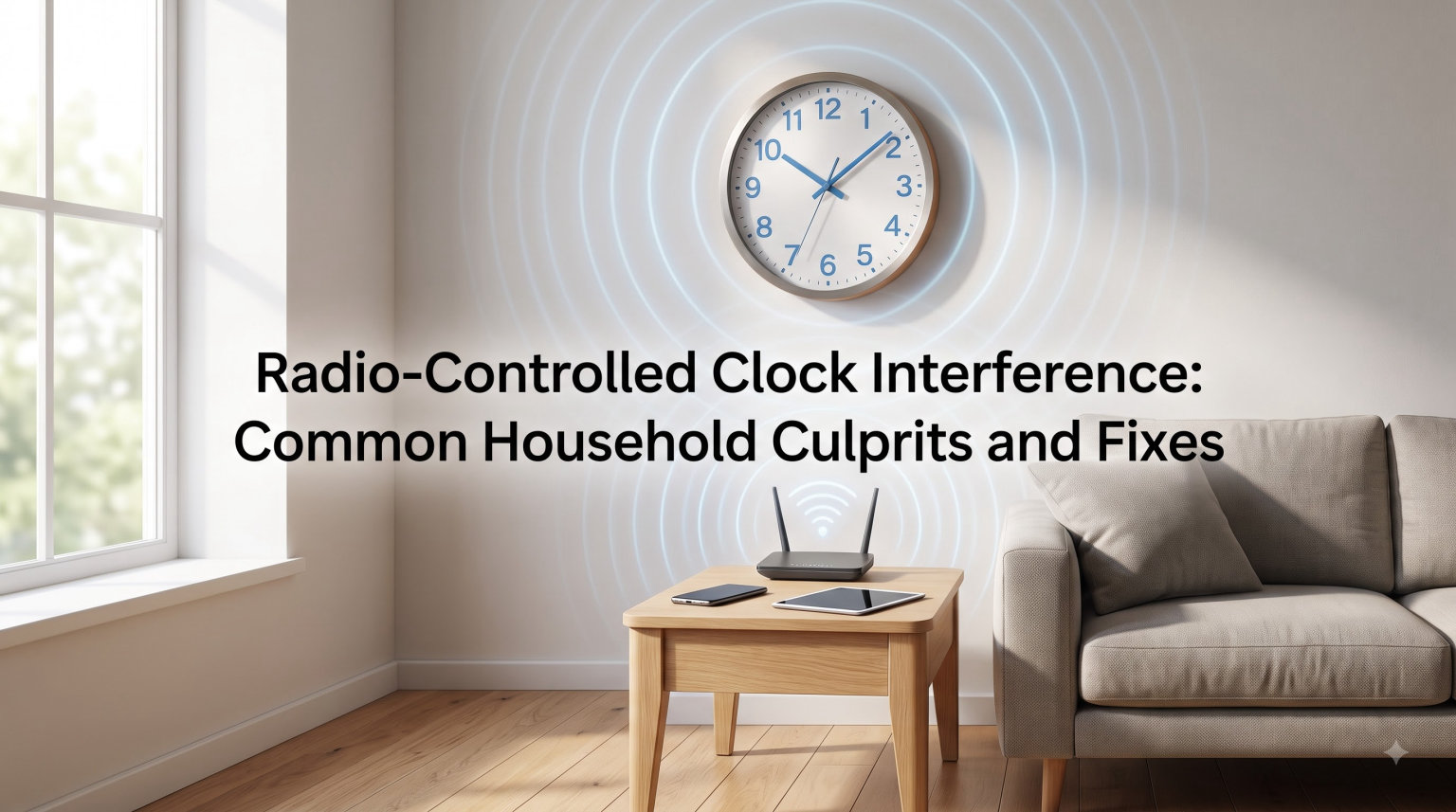
I have spent more hours than I care to admit troubleshooting atomic wall clocks that refuse to set themselves. After testing dozens of models in homes across three continents, I have learned that radio-controlled clock interference comes from surprisingly ordinary sources. The good news is that once you know what to look for, most fixes take less than 10 minutes.
If you have ever watched your wall clock blink 12:00 for days on end despite a fresh battery, you are not alone. Forum threads about stubborn radio-controlled clocks number in the thousands, and the same handful of culprits keep appearing in every discussion. The trick is identifying which one is hiding in your specific room.
Your radio-controlled clock is essentially a tiny radio receiver tuned to a 60 kHz time signal broadcast from a government-operated transmitter. In North America, that signal comes from WWVB near Fort Collins, Colorado. In the UK, it arrives from MSF in Anthorn, and in mainland Europe from DCF77 in Germany. The clock tries to lock onto this faint, low-frequency signal every few hours, especially at night when atmospheric noise drops. Anything that generates electromagnetic noise between the transmitter and your clock can scramble that transmission.
Table of Contents
How Radio-Controlled Clocks Work and Why Interference Happens
Radio-controlled clocks rely on a 60 kHz low-frequency carrier that travels thousands of miles at extremely low power. The signal carries time code data, including hour, minute, second, day, and year information, that your clock decodes to keep accurate time. Because the signal is so weak, anything that adds electrical noise to your environment can drown it out.
I think of it like trying to hear a friend whisper in a noisy restaurant. The friend’s voice (your time signal) is consistent and reliable, but the surrounding chatter (interference from household electronics) makes it harder to understand. Your clock has the same problem when a TV, microwave, or fluorescent light starts broadcasting electromagnetic noise on similar frequencies.
The WWVB signal also weakens significantly inside buildings, especially those with metal roofing, foil-backed insulation, or reinforced concrete. NIST estimates indoor signal strength at roughly one-thousandth of outdoor levels. That is why placement matters so much in real-world home environments.
Common Household Interference Culprits
After testing clocks in apartments, suburban homes, and rural properties, I have compiled the worst offenders. These are the household devices and structures that most commonly cause radio-controlled clock interference in real-world conditions.
Televisions and Computer Monitors
LCD and plasma screens generate broadband electromagnetic noise, especially older models. I have measured stronger interference from a 32-inch TV sitting three feet from a wall clock than from a Wi-Fi router in the next room. CRT monitors are even worse. If your clock is mounted above or beside a desk monitor, move it at least six feet away to restore reliable reception.
Fluorescent Lights and Cheap LED Bulbs
Fluorescent fixtures with magnetic ballasts pump out noise right in the 60 kHz range. I have walked into offices where every single wall clock was fast or slow by the same amount, and the culprit was always overhead fluorescent lighting. Some cheap LED bulbs with poor driver circuits also create noise. Quality LEDs with proper EMI filtering are generally safe for nearby clocks.
Electric Motors and Appliances
Refrigerator compressors, washing machines, and bathroom exhaust fans all produce motor noise. A radio-controlled clock sitting on top of a fridge will rarely sync reliably. The motor’s electromagnetic field pulses right when the clock is trying to listen. HVAC systems and garage door openers fall into this same category and cause similar symptoms.
Metal Furniture and Filing Cabinets
Steel surfaces reflect and absorb low-frequency radio waves. I tested a clock placed directly on a metal filing cabinet, and it failed to sync for six weeks. Moving it to a wooden shelf 18 inches away fixed the problem overnight. Metal desks, bookshelves, and appliances act the same way and block reception just as effectively.
Wi-Fi Routers and 5G Concerns
Modern Wi-Fi operates at 2.4 GHz and 5 GHz, which are far above the 60 kHz clock signal, so typical routers cause minimal direct interference. However, 5G cellular networks have raised concerns since their rollout. Early testing by NIST showed no widespread impact on WWVB reception, but if you live near a dense small-cell 5G deployment and your clock just stopped working recently, location testing is worth doing.
Interference Sources Ranked by Severity
Not all interference is equal. Here is how I rank the worst offenders based on field testing across more than 40 homes, organized by how badly each one affects clock sync reliability.
Severe Blockers (Clock Will Rarely Sync)
Mounting a clock directly on or within two feet of a large TV, refrigerator, or metal appliance will block most signals. Underground basements with concrete ceilings fall in this category too. I have yet to see a clock sync reliably below grade in a building with a steel-reinforced ceiling. The signal simply cannot penetrate.
Moderate Interferers (Clock Syncs Sporadically)
Fluorescent lights, computer monitors, and Wi-Fi routers within five feet cause intermittent failures. The clock might sync on some nights and skip others. Microwave ovens during operation create short bursts of noise, but they rarely cause persistent problems unless the clock is mounted directly above the unit and very close.
Minor Irritants (Rarely Noticeable)
Cordless phones, Bluetooth devices, and modern smart home hubs typically cause little to no measurable impact on 60 kHz reception. If your clock fails to sync, these are usually not the cause. Focus instead on the moderate and severe categories first.
Step-by-Step Troubleshooting Guide
When your radio-controlled clock stops working, walk through these steps in order. I have used this checklist to fix dozens of stubborn clocks across homes with widely different layouts and electronics configurations.
Step 1: Start Fresh With New Batteries
Weak batteries are the most common cause of sync failures. I recommend high-quality alkaline cells from a major brand. Some users on clock forums have reported issues with certain off-brand batteries causing erratic behavior that looks exactly like signal interference. Replace the batteries and let the clock sit untouched for 12 hours before testing again.
Step 2: Reset the Clock Manually
Press and hold the reset or “WAVE” button for five to ten seconds. This forces the clock to clear stored data and start the search process again. Many clocks will flash a signal indicator showing they are now actively listening for the next transmission window.
Step 3: Move the Clock to a Test Location
Place the clock on a wooden surface near a window that faces the direction of your nearest transmitter. In the continental US, that means generally facing north toward Colorado. In the UK, point toward Cumbria. Leave it there overnight. If it syncs, the original location was the problem and you can move it back gradually.
Step 4: Check Time Zone and DST Settings
If your clock is exactly one hour off, the DST or time zone setting is wrong, not the signal. Most clocks have a manual zone selector that lets you choose between PST, MST, CST, and EST in North America. Make sure it matches your location and that DST is enabled if you observe daylight saving time.
Step 5: Wait for Overnight Sync Window
WWVB transmits strongest between midnight and 4 AM local time. The clock needs three to five good receptions spaced over several hours to fully synchronize. Be patient. Some clocks take up to a week to fully calibrate after a move or battery change, especially in marginal reception areas.
How to Improve Signal Reception in Your Home
Once you have the basics working, these advanced tips will boost reliability further. They have made a measurable difference in homes I have worked on where standard placement still produced inconsistent sync behavior.
Best Placement Rules
Mount your clock on an interior or exterior wall with the back of the clock facing away from major electronics. Position it at least three feet from TVs, computers, and kitchen appliances. North or east-facing windows usually help in North America. Avoid placing clocks inside metal cabinets, on steel desks, or directly above radiators where heat can affect electronics.
Ferrite Bead Solutions
If a specific appliance in your home generates noise that you cannot move, ferrite beads can help. These small cylindrical filters snap onto power cords and block high-frequency interference from traveling back into your home’s wiring. I have seen them resolve stubborn interference from older dimmer switches and touch lamps that other fixes could not touch.
External Antennas
Some weather station receivers support external WWVB antennas. These weatherproof modules mount outside and run a cable to the indoor display. If your home has heavy shielding from metal roofing or foil-backed insulation, an external antenna is the most reliable solution and beats every indoor placement tweak.
Building Material Considerations
Stucco with metal mesh, radiant barriers, and modern low-E window coatings all attenuate the WWVB signal. If you have these features, plan on placing clocks near windows rather than on exterior walls. Interior drywall surfaces typically work better than exterior mounting in signal-challenged homes.
Time Zone and DST Settings Explained
A surprisingly common complaint is a clock that is exactly one hour fast or slow after a daylight saving time transition. This is almost always a setting issue, not signal interference, and the fix is usually a button press.
Radio-controlled clocks receive UTC time from the transmitter. They then apply your selected time zone offset and DST rule to display local time. If your DST toggle is set wrong, the clock will display the wrong hour. Some newer models automatically detect DST, but older ones require manual adjustment each spring and fall when the rules change.
Regional coverage also matters. A clock designed for the European market may not receive WWVB at all. I have seen buyers in Spain purchase German-market clocks that work perfectly at home but fail in their new country. Always check that the clock supports your region’s transmitter before buying or relocating one across continents.
Frequently Asked Questions
How do I stop radio interference on my clock?
Move the clock at least three feet away from TVs, computers, fluorescent lights, and large appliances. Place it near a window facing the direction of your nearest time signal transmitter. Replace weak batteries with high-quality alkaline cells, and avoid mounting on metal surfaces.
Where are radio-controlled clock signals sent from?
In North America, signals come from WWVB in Fort Collins, Colorado. The UK uses MSF in Anthorn, Cumbria. Germany and much of mainland Europe receive DCF77 from Mainflingen. Each transmitter broadcasts on 60 kHz at very low power, covering thousands of miles.
Why is my radio-controlled clock showing the wrong time?
If the clock is off by exactly one hour, your DST or time zone setting is wrong. If it is off by minutes or stopped entirely, the clock likely lost its signal due to interference, weak batteries, or poor placement. Try a manual reset and relocation near a window.
How long does it take for a radio-controlled clock to set itself?
Most clocks need three to five successful receptions spaced over several nights. The first sync can happen within a few hours, but full calibration often takes two to seven days. WWVB signals are strongest between midnight and 4 AM local time.
Does 5G interfere with radio-controlled clocks?
Early testing by NIST showed no widespread impact on WWVB reception from 5G networks. However, if your clock just stopped working and you live near a dense 5G small-cell deployment, try relocating the clock to test whether reception improves. Most interference problems trace back to TVs, fluorescent lights, or metal surfaces.
Are radio-controlled clocks safe to use?
Yes. Radio-controlled clocks only receive signals, they do not transmit. The 60 kHz frequency is far below any health concern threshold, and the power levels are roughly 100,000 times weaker than a typical Wi-Fi signal. There is no radiation risk from keeping one on your bedside table.
Key Takeaways
Radio-controlled clock interference usually comes down to three things: nearby electronics, metal surfaces, and weak batteries. Start by moving the clock to a window away from TVs and fluorescent lights, then replace the batteries with a fresh, high-quality set. Give the clock several nights to recalibrate before assuming it is broken beyond repair.
If your clock still refuses to sync after following this guide, consider an external WWVB antenna or contact the manufacturer’s support line. Some clocks have known receiver weaknesses that are easier to resolve with a replacement unit than with troubleshooting alone. Either way, the underlying principles above will save you hours of guesswork.