
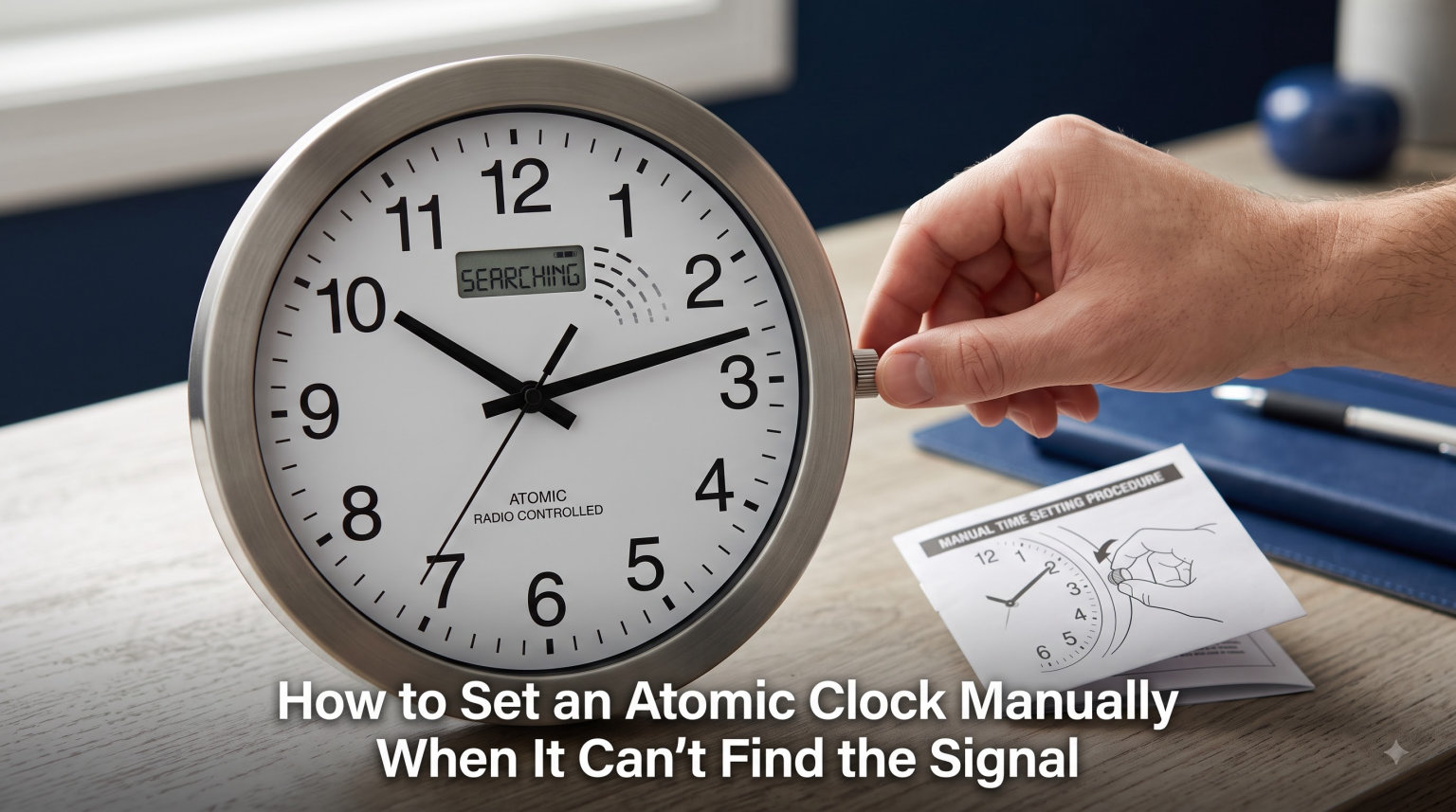
If your wall clock spun its hands to 12:00 and froze there, you are not alone. Learning how to set an atomic clock manually is a skill every owner eventually needs, because these radio-controlled timepieces depend on an over-the-air signal that does not always reach. Whether you live in a concrete apartment, replaced the batteries, or moved across a time zone, the signal from Fort Collins, Colorado can drop out at the worst moments.
This guide walks you through every manual setting method that works. We cover the factory restart procedure that La Crosse Technology recommends, the button sequences Oregon Scientific uses, and the manual time-setting steps for both digital and analog models. By the end, you will have your clock showing the correct time even if the radio signal never arrives.
Table of Contents
Why Your Atomic Clock Can’t Find the Signal
Your atomic clock receives the WWVB signal, a low-frequency radio broadcast transmitted at 60 kHz from the National Institute of Standards and Technology station in Fort Collins, Colorado. This signal carries the official U.S. time and travels up to 2,000 miles under ideal conditions. The clock decodes this transmission and adjusts itself automatically, usually overnight.
The problem is that 60 kHz signals do not penetrate structures the way FM radio or Wi-Fi do. Concrete walls, metal framing, basements, and even nearby electronics all block or distort the signal. If your clock sits in an interior room or near a television, router, or fluorescent light, it may never pick up a clean transmission.
Forum users on Reddit and the NAWCC message boards consistently report that signal reception is strongest between midnight and 4 a.m. During those hours, atmospheric conditions improve and the signal reaches farther. Many clock owners discover their timepiece synced overnight without any intervention, even after days of showing the wrong time.
Distance also plays a role. Clocks east of the Mississippi and along the coasts generally receive a weaker signal than those in the central United States. If you live in an apartment with steel reinforcement or a home with a metal roof, the signal may struggle to reach your clock regardless of how patient you are.
How to Set an Atomic Clock Manually: The Factory Restart Method
The factory restart is the most reliable way to fix an atomic clock that is stuck, showing the wrong time, or refusing to sync. This procedure clears all stored memory and forces the clock to start fresh, which resolves the vast majority of issues we have encountered. La Crosse Technology, one of the most popular atomic clock brands, officially recommends this exact sequence.
Step 1: Remove the Batteries
Take the batteries out of the clock completely and set them aside. Leave the clock without power for at least 15 minutes. This waiting period ensures that any residual charge in the internal capacitor fully drains, which wipes the clock’s memory clean.
Skipping the 15-minute wait is the single most common mistake we see. If you reinstall batteries too quickly, the clock may retain partial memory and return to its broken state.
Step 2: Clear All Residual Memory
While the batteries are out, press the Set button at least 20 times in quick succession. Each press helps discharge any remaining voltage stored in the circuit. If your clock does not have a Set button, press and hold the Mode button for 10 seconds instead.
This step matters because some clocks hold enough charge in their capacitors to remember a corrupted time setting. The repeated button presses ensure a true wipe.
Step 3: Install Fresh Batteries
Insert new alkaline batteries, observing the correct polarity marked inside the compartment. We recommend using fresh batteries rather than the ones you just removed, because low voltage can cause erratic behavior during the initial signal search. Avoid rechargeable batteries, as their voltage output often falls below what the clock expects.
The clock will power on and typically spin its hands to 12:00 on analog models or flash 12:00 on digital displays. This is normal and indicates the clock has reset successfully.
Step 4: Select Your Time Zone
Locate the time zone switch or button on your clock. On most La Crosse models, this is a physical slide switch on the back labeled PST, MST, CST, and EST. Slide it to match your current location. Oregon Scientific models use a numbered system: 0 for Pacific, 1 for Mountain, 2 for Central, and 3 for Eastern.
Selecting the correct zone is essential. If the clock later receives the WWVB signal, it applies the time zone offset to display local time. A wrong zone setting means your clock could sync perfectly yet still show the wrong hour.
Step 5: Let It Search Overnight
Place the clock near a window, ideally one facing toward Colorado if you live east or west of it. Leave it undisturbed overnight. The clock automatically begins searching for the WWVB signal every few hours, with the strongest reception window between midnight and dawn.
Be patient. Forum users report that a freshly restarted clock can take up to five nights to lock onto the signal for the first time. If it has not synced after a week, move on to the manual time-setting method below.
Setting the Time Manually Without a Signal
When the WWVB signal simply will not reach your clock, you can set the time by hand. Every atomic clock we have tested includes a manual mode that lets you override the automatic sync and enter the correct time directly. The exact procedure depends on whether you have a digital or analog model.
Manual Setting on Digital Atomic Clocks
Press and hold the Set button for 3 to 5 seconds until the display enters setting mode. The hours digits will begin flashing. Use the up arrow, plus button, or Mode button to advance the hour, then press Set again to move to the minutes. Continue pressing Set to cycle through the year, month, day, and any DST preferences.
Once all values are correct, press Set one final time or simply wait 30 seconds for the clock to exit setting mode automatically. The clock will now display the time you entered while continuing to search for the radio signal in the background.
When the clock eventually receives a valid WWVB transmission, it will correct itself automatically. You do not lose the manual setting benefit by leaving the signal search active.
Manual Setting on Analog Atomic Clocks
Analog models use a Manual Set button, usually located on the back of the case. Press and hold this button, and the hour and minute hands will begin fast-forwarding. Keep holding until the hands reach the correct time, then release.
Some analog clocks move slowly at first when you hold the button, then speed up after a few seconds. This two-speed behavior is intentional and helps you fine-tune the setting as you approach the correct time.
Forcing a Signal Search on Oregon Scientific Clocks
Oregon Scientific models let you manually trigger a signal search without performing a full factory restart. Press and hold the up or plus button for 2 to 3 seconds. The clock will display a flashing signal icon, indicating it has begun an active search for the RCC radio signal.
This forced search runs for several minutes. If the signal icon stops flashing and stays solid, the clock found and decoded the WWVB transmission. If the icon disappears, the search failed and you can try again or set the time manually.
Using the RECEIVE Button
Some clock models from brands like Centrios and SkyScan include a dedicated RECEIVE button. Pressing this button forces an immediate signal search, similar to the Oregon Scientific method. If your clock has a RECEIVE button, try pressing it once after installing fresh batteries and placing the clock near a window.
Configuring the Time Zone on Your Atomic Clock
Time zone selection is the step most people get wrong, and it causes confusion long after the initial setup. The WWVB signal carries Coordinated Universal Time data, and your clock applies a regional offset based on the zone you select. Get this wrong and your clock will be off by exactly one or more hours, even after a successful sync.
On La Crosse Technology clocks, look for a small slide switch on the back of the unit. The positions are clearly labeled: PST for Pacific, MST for Mountain, CST for Central, and EST for Eastern. Slide the switch to your zone before reinstalling the batteries during a factory restart.
Oregon Scientific clocks use a numbered button system instead of labels. Press the time zone button to cycle through numbers 0 through 3. Zero corresponds to Pacific time, 1 to Mountain, 2 to Central, and 3 to Eastern. The current selection appears briefly on the display.
After a time zone change, press the Set button or wait for the clock to exit programming mode. The displayed time will shift immediately to reflect the new zone. If you also have DST enabled, the clock handles the spring-forward and fall-back adjustments automatically based on the zone you chose.
One common issue our team sees is a clock that is exactly one hour off after a sync. This almost always means the wrong time zone is selected. Check the zone switch or number setting first before assuming the clock is defective.
Troubleshooting: Why Your Atomic Clock Won’t Sync
If your clock still refuses to sync after a factory restart and proper time zone setup, work through this troubleshooting checklist. Each item addresses a specific cause of signal failure that we have seen reported across clock repair forums and manufacturer support channels.
Relocate the clock near a window. The single most effective fix is moving the clock to a spot with an unobstructed path toward Colorado. A south- or west-facing window on an upper floor works best. Avoid interior walls, basements, and rooms full of electronics.
Move away from interference sources. Televisions, computers, routers, LED lights, and even nearby power lines emit electromagnetic noise that drowns out the weak 60 kHz WWVB signal. Give your clock at least three feet of clearance from any electronic device.
Check the signal icon. Most atomic clocks display a small tower or antenna icon when actively searching for the signal. A flashing icon means a search is in progress. A solid icon means the clock successfully synced. No icon means the search window has passed or failed.
Allow up to five nights. A clock fresh from a factory restart may need several nights to lock onto the signal. The clock searches automatically at scheduled intervals, usually every few hours during nighttime. Do not assume failure after just one night.
Replace weak batteries. Low battery voltage reduces the sensitivity of the internal antenna. Even if the display works fine, the receiver may lack the power to decode a weak signal. Install fresh alkaline batteries and try again.
Watch for the 20-minute error. If your clock is consistently 20 minutes fast or slow, the signal decoded partially but with errors. Perform another factory restart to clear the corrupted data and start over.
Frequently Asked Questions
How do I reset my atomic clock manually?
To reset an atomic clock manually, remove the batteries for 15 minutes, press the Set button 20 times to clear memory, install fresh batteries, select your time zone, and let the clock search for the WWVB signal overnight. This factory restart procedure works for most brands including La Crosse and Oregon Scientific.
Why is the atomic clock not picking up signal?
Your atomic clock is likely not picking up the signal because of interference from electronics, metal building structures, thick walls, or distance from the Fort Collins, Colorado transmitter. Move the clock near a window facing Colorado, away from televisions and routers, and let it search overnight when the WWVB signal is strongest.
How long does it take an atomic clock to sync?
An atomic clock can sync in as little as a few minutes under ideal conditions, but a freshly restarted clock may take up to five nights to lock onto the WWVB signal for the first time. Signal reception is strongest between midnight and 4 a.m., so patience is key during initial setup.
Will my atomic clock reset itself automatically?
Yes, your atomic clock will reset itself automatically once it receives a valid WWVB signal. It also adjusts for daylight saving time on its own if DST is enabled and the correct time zone is selected. However, if the signal cannot reach the clock, it will not correct itself and you must set the time manually.
Getting Your Atomic Clock Back on Time
Knowing how to set an atomic clock manually gives you control over a device that otherwise feels mysterious. The factory restart method solves the majority of stuck-clock problems, while the manual time-setting procedures we covered ensure you are never waiting days for a signal that may never arrive.
Start with the factory restart, set your time zone correctly, and give the clock a few nights near a window before resorting to full manual entry. Most clocks will find the WWVB signal on their own once you clear the old memory and give them a fair chance to listen.