
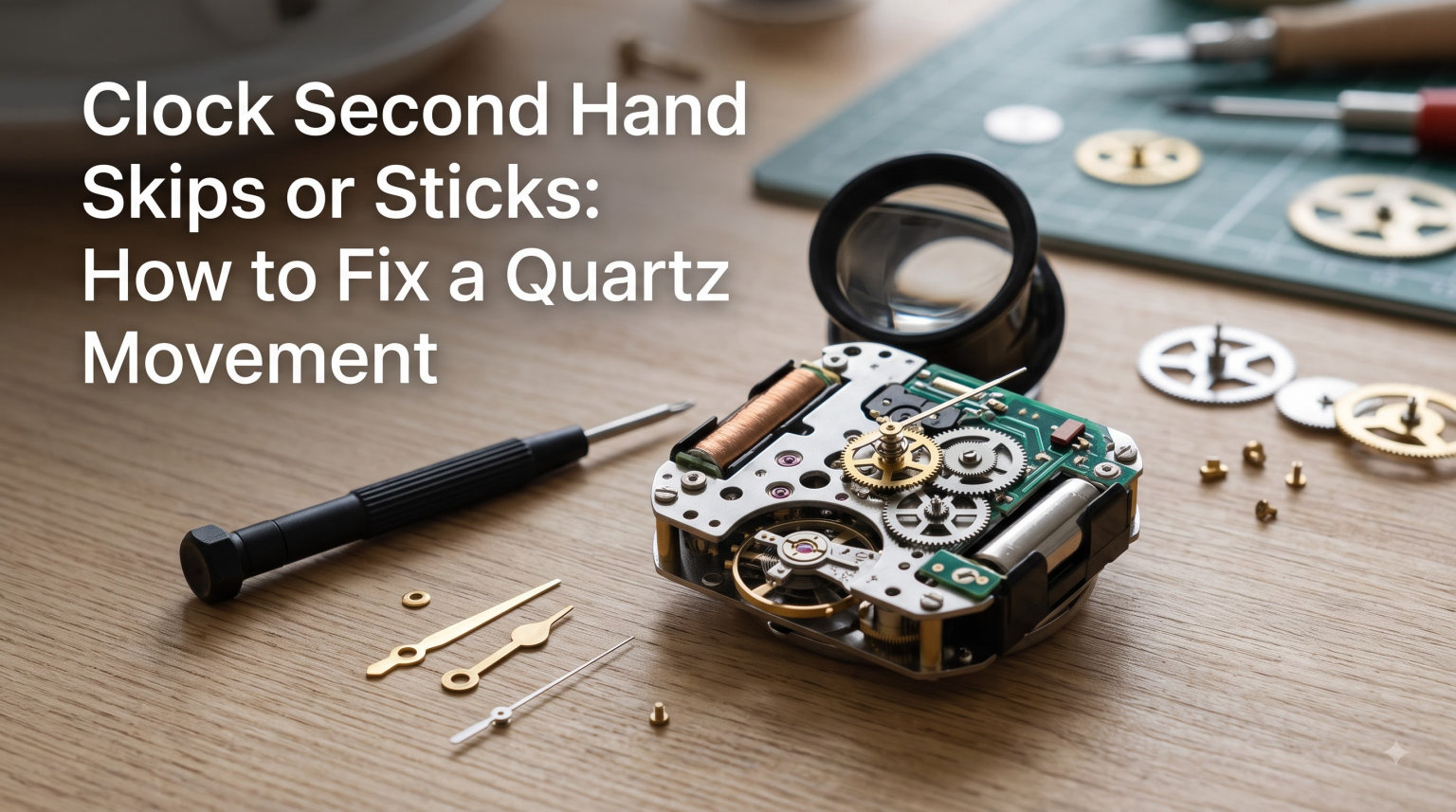
You glance at your wall clock and something looks wrong. The second hand is twitching in place, jumping erratically, or refusing to budge at all. If you are dealing with a situation where your clock second hand skips or sticks, learning how to fix a quartz movement can save you the cost of a brand new clock and a frustrating shopping trip.
I have repaired dozens of battery-operated clocks over the years, and I can tell you that most second hand problems trace back to a handful of fixable causes. The good news is that you probably already have the tools to diagnose the issue sitting in a kitchen drawer.
This guide walks you through exactly what is happening inside your clock, how to tell the difference between skipping and sticking (they have different root causes), and a step-by-step troubleshooting sequence that starts with the simplest fix and works toward movement replacement.
Table of Contents
How a Quartz Movement Works: The Basics
A quartz clock movement is a small electronic module powered by a battery. Understanding how it works makes diagnosing problems much easier, because each component can fail in predictable ways.
At the heart of the movement is a tiny quartz crystal cut to vibrate at exactly 32,768 times per second when electricity passes through it. This is the piezoelectric effect, the same principle that keeps quartz watches accurate to within about 15 seconds per month.
The movement’s circuitry takes that 32,768 Hz signal and divides it down through a series of counters until it produces one electrical pulse per second. Each pulse drives a small stepper motor, which rotates the second hand forward by one tick.
That stepper motor is the mechanical workhorse of the whole system. It converts each electrical pulse into a tiny physical rotation through a gear train. If the motor does not receive enough voltage, or if the gears encounter physical resistance, the hand will skip, stick, or stop entirely.
When you understand this chain (battery supplies power, crystal keeps time, circuitry counts pulses, motor moves the hand), you can trace any second hand problem back to one of those four links.
Skipping vs Sticking: Two Different Problems
No competitor guide I found clearly separates these two symptoms, but in my experience they point to entirely different issues. Knowing which one you have narrows your troubleshooting immediately.
What Skipping Looks Like
Skipping means the second hand jumps forward by more than one second at a time, or moves in irregular, uneven bursts. Instead of a steady tick-tick-tick, you see tick-tick-pause-LEAP-tick. The hand may also jump backward slightly before springing forward.
This almost always indicates a power delivery problem. The stepper motor is not getting consistent voltage, so it fails to advance on some pulses and then catches up on the next one. A weak battery is the usual suspect, but dirty or corroded battery contacts can produce the same effect.
What Sticking Looks Like
Sticking means the second hand stops completely at a particular spot on the dial, often the same position every time, and may twitch or vibrate in place without advancing. You might hear the movement clicking but see no hand movement.
This typically points to a mechanical obstruction rather than an electrical one. The hand could be rubbing against the dial or the glass, hands could be touching each other, or there could be dust and debris binding the gear train. It can also mean the stepper motor itself is failing and no longer has enough torque to push past resistance.
The Back-and-Forth Twitch
One specific pattern deserves special mention. If your second hand ticks forward and backward in the same spot without ever advancing, this is often a built-in low battery indicator. Many quartz movements are designed to do this when voltage drops below a threshold. It is the clock’s way of telling you the battery is dying before it dies completely.
Forum users on Reddit and watch repair communities consistently confirm this behavior. If you see the back-and-forth twitch, try a fresh battery first before anything else.
Common Causes of Second Hand Problems
Here are the six most frequent culprits, ranked roughly by how common they are in my experience.
1. Weak or Dead Battery
This is the number one cause by a wide margin. As a battery ages, its voltage drops. A quartz movement needs a minimum voltage to drive the stepper motor reliably. Once voltage falls below that threshold, the motor starts missing pulses.
Even a brand-new battery can be a dud, so never assume a fresh battery is actually delivering full power. Always try a second battery from a different pack if the first replacement does not solve the problem.
2. Dirty or Corroded Battery Contacts
The metal tabs that touch the battery can build up oxidation, corrosion, or a film of grime over time. This creates electrical resistance that starves the movement of voltage, even when the battery itself is strong.
I have seen clocks with perfectly good batteries fail simply because the contact tabs had a greenish corrosion layer. A quick cleaning solves it instantly.
3. Misaligned or Loose Hands
If the hour, minute, and second hands are not properly seated on their shafts, they can rub against each other or drag on the clock face. The second hand is the lightest and weakest, so it is usually the first to stall when friction increases.
A loose second hand will slip on its shaft, appearing to stick at random points. A hand pressed too far down may rub against the minute hand beneath it.
4. Failing Stepper Motor
The stepper motor has a tiny coil of wire and a permanent magnet. Over years of use, the coil can degrade, the magnet can weaken, or the tiny gears driven by the motor can wear down. When this happens, the motor produces less torque and cannot overcome even minor resistance.
If you have ruled out the battery, contacts, and hand alignment, a failing motor is the likely diagnosis. This usually means it is time for a movement replacement.
5. Dust and Debris Inside the Movement
The gear train inside a quartz movement runs on very small, lightly lubricated pivots. Dust, pet hair, or dried-out lubricant can create drag that the stepper motor cannot overcome. This is especially common in clocks that have run undisturbed for years.
6. Environmental Factors
Extreme temperatures and high humidity can affect both the battery and the movement. Cold temperatures reduce battery output, while humidity can accelerate contact corrosion. A clock mounted near a heating vent, in a garage, or in a bathroom is more likely to develop problems.
Tools You Will Need
Gather these before you start troubleshooting. Nothing on this list is expensive or hard to find:
Fresh AA or AAA batteries (buy a name-brand alkaline pack; have at least two on hand)
Cotton swabs (Q-tips)
Isopropyl alcohol (90 percent or higher works best)
A small flathead screwdriver or a penknife
Needle-nose pliers (for gentle hand adjustments)
A magnifying glass or phone camera with zoom (for inspecting contacts and gears)
Clean, lint-free cloth or paper towels
Compressed air duster (optional but helpful for dust)
That is it. Total investment if you need to buy everything is under fifteen dollars.
Step-by-Step: How to Fix a Quartz Movement
Follow this sequence in order. Each step takes only a few minutes, and you should test the clock after each fix before moving to the next.
Step 1: Replace the Battery
Remove the old battery and install a fresh, name-brand alkaline battery. Match the positive and negative ends exactly as marked inside the compartment. Watch the second hand for at least 60 seconds to see if it now advances smoothly.
This single step resolves the majority of skipping and sticking problems. If the hand moves normally now, you are done.
Step 2: Clean the Battery Contacts
If a new battery did not help, remove it again. Dip a cotton swab in isopropyl alcohol and scrub both contact tabs inside the battery compartment thoroughly. You want to remove any corrosion, oxidation, or residue.
For stubborn green or white corrosion, gently scrape with the edge of a small flathead screwdriver, then wipe clean. Let the contacts dry completely before reinstalling the battery.
Step 3: Check and Adjust Hand Alignment
Remove the clock from the wall and take off the back cover to access the movement. Gently pull the second hand straight off its shaft, then the minute hand, then the hour hand if needed.
Inspect each hand for bends or warping. Straighten gently with needle-nose pliers if necessary. Reinstall the hour hand first, pressing it firmly onto its shaft but not so far that it touches the clock face. Then reinstall the minute hand, and finally the second hand.
Make sure no hands touch each other at any point in their rotation. Spin the hands through a full 12-hour cycle by hand to check for catching.
Step 4: Reset the Movement
Sometimes the movement’s internal counter gets confused, especially after a battery change. To reset it, remove the battery, wait 30 seconds for any residual charge to dissipate, then reinstall the battery.
This forces the movement to restart its timing cycle from scratch. It is a simple step that occasionally resolves stuttering that persists after a battery swap.
Step 5: Clear Dust and Debris
Use compressed air to blow out the movement compartment, focusing on the area around the gear train and stepper motor. Do not disassemble the sealed movement module itself, as the gears inside are nearly impossible to reassemble correctly without specialized tools.
Brush away visible dust with a dry, soft-bristled brush. Avoid introducing any moisture inside the movement.
Step 6: Test Under Different Conditions
If the clock still misbehaves, try it in a different location and at a different temperature. Move it away from heating vents, direct sunlight, or humid areas. Sometimes an environmental factor is the hidden cause.
Step 7: Consider Movement Replacement
If none of the above steps solved the problem, the stepper motor or internal circuitry has likely failed. At this point, replacing the movement is more practical than attempting further repair. Replacement movements are inexpensive and straightforward to install.
Fixing Hand Alignment and Tightness
Hand alignment issues deserve extra attention because they are the second most common cause of second hand problems after dead batteries, and they are easy to fix once you know the technique.
The key insight from clock repair forums is that hands must be snug on the shaft but not forced down too hard. A hand that is too loose will slip and appear to stick at random. A hand that is pressed down too far will rub against the hand below it or drag on the dial.
Here is the proper procedure. Pull the second hand off gently, straight out from the shaft. Do not twist it, because twisting can damage the tiny tube that fits over the shaft. Examine the tube at the base of the hand.
If the tube has widened and the hand is loose, use needle-nose pliers to very gently compress the tube slightly, making it grip the shaft more tightly. This is a fix that Reddit users in r/clocks and r/fixit regularly confirm works.
When reinstalling, press the hour hand on first and push it down until it is flush but not touching the dial face. Add the minute hand and press gently until it seats on its shaft. Finally, push the second hand on straight until it is firm.
Rotate the hands manually through a full revolution. Watch for any spot where hands touch or where the second hand scrapes the dial surface. Adjust as needed.
When to Replace the Movement vs Repair
There is strong consensus across clock repair forums and professional repair shops: quartz movements are designed to be replaced, not rebuilt. The internal components are too small and too cheaply produced to justify the labor of disassembling and repairing them.
You should consider movement replacement when any of these are true:
The second hand sticks or skips even with a fresh battery and clean contacts
The movement makes grinding, clicking, or irregular noises it did not make before
The clock gains or loses significant time consistently (more than a few minutes per week)
The movement has been in service for five or more years
There is visible physical damage to the movement housing
Replacement movements cost between five and twenty dollars for standard wall clocks and take about 15 minutes to install. You remove the old movement, note which shaft length you need, swap the hands over to the new unit, and reassemble.
This is one of the most satisfying DIY repairs you can do. You are essentially giving your clock a new engine for the price of lunch.
What NOT to Do: Common Mistakes
Never Use WD-40 on a Clock Movement
This is the single most important warning in this entire guide. WD-40 is not a lubricant. It is a water-displacing solvent that will attack the factory lubrication inside your movement, attract dust, and create a gummy mess that will destroy the gear train.
Clock repair communities are unanimous on this point. Every experienced repairer has seen movements ruined by a well-meaning squirt of WD-40. Do not do it, no matter how logical it seems.
Do Not Over-Tighten the Center Nut
The nut that holds the movement to the clock face should be snug, not cranked down. Over-tightening can warp the movement housing and bind the gear train, creating exactly the sticking problem you are trying to fix.
Do Not Mix Battery Types
Never combine a partially used battery with a fresh one, and do not mix alkaline with lithium or rechargeable batteries. Mixed batteries can leak, and the inconsistent voltage will cause skipping and sticking.
Do Not Disassemble the Sealed Movement
Unless you are replacing the movement entirely, leave the sealed module alone. The gears inside are held in place by the casing, and once you open it, they will fall out of alignment and you will not get them back without specialized jigs.
Prevention Tips for Long-Lasting Clocks
A little maintenance goes a long way. Here is how to keep your quartz clocks running smoothly for years.
Replace batteries annually, even if the clock is still running. A weak battery that limps along for months is harder on the movement than a fresh one swapped on schedule. Mark the replacement date on your calendar.
Use only fresh, name-brand alkaline batteries. Cheap generic batteries are more prone to leaking, and battery leakage is one of the most common causes of permanent contact corrosion.
Keep clocks away from high-humidity areas like bathrooms and near kitchens with heavy cooking steam. Moisture accelerates contact corrosion and can work its way inside the movement.
Dust the clock exterior monthly, and give the movement compartment a quick blast of compressed air once a year when you change the battery. Preventing dust buildup is far easier than removing it after it has caused a problem.
Avoid mounting clocks on exterior walls or near heating vents, where temperature swings are largest. Stable temperatures mean stable battery performance and longer movement life.
FAQs
Why does the second hand on my clock get stuck?
The second hand on a clock gets stuck most often because of a weak battery, corroded battery contacts, or a hand that is rubbing against the dial or another hand. Start by replacing the battery with a fresh alkaline one. If that does not help, clean the battery contacts with isopropyl alcohol and check that the hands are not touching each other during rotation.
Can a quartz clock movement be repaired?
Quartz clock movements are generally replaced rather than repaired. The internal components are too small and inexpensive to justify the labor of disassembly. Replacement movements cost between five and twenty dollars and take about 15 minutes to install. The one exception is external issues like battery contacts and hand alignment, which you can fix without opening the sealed movement.
Why is my watch second hand jumping?
A jumping or skipping second hand usually means the stepper motor is not receiving consistent voltage. The most common causes are a weak battery, dirty battery contacts, or a failing stepper motor. Try a fresh battery first, then clean the contacts. If the jumping continues, the motor or circuitry inside the movement is likely failing and the movement should be replaced.
Can you use WD-40 on clock movements?
No, you should never use WD-40 on a clock movement. WD-40 is a solvent, not a proper lubricant. It will dissolve the factory lubrication inside the movement, attract dust, and create a sticky residue that destroys the gear train. Clock repair professionals unanimously advise against using WD-40 on any clock mechanism.
Why is my quartz watch skipping seconds?
A quartz watch skips seconds when the stepper motor misses pulses due to insufficient voltage or mechanical resistance. The most likely cause is a low battery, which is why many quartz movements have a built-in feature where the second hand ticks back and forth in one spot as a low-battery warning. Replace the battery first, then check for corrosion on the contacts if skipping continues.
Why is the second hand on my clock not moving?
If the second hand is not moving at all, check the battery first, as a dead battery is the most common cause. If a fresh battery does not work, clean the battery contacts with isopropyl alcohol, then check whether the second hand is loose on its shaft or jammed against the dial. If none of these fix the problem, the stepper motor inside the movement has likely failed and the movement needs replacement.
Conclusion
When your clock second hand skips or sticks, knowing how to fix a quartz movement starts with the simplest step: a fresh battery. Work through the troubleshooting sequence in order, and you will solve the vast majority of problems without buying anything beyond a pack of batteries and some rubbing alcohol.
Remember that skipping (irregular forward jumps) usually means a power issue, while sticking (stopping in place) usually means a mechanical obstruction. That distinction will save you time and point you toward the right fix faster.
If you have cleaned the contacts, aligned the hands, cleared the dust, and the clock still misbehaves, a replacement movement is a cheap and satisfying final fix. Your clock deserves a second chance, and now you have the knowledge to give it one.