
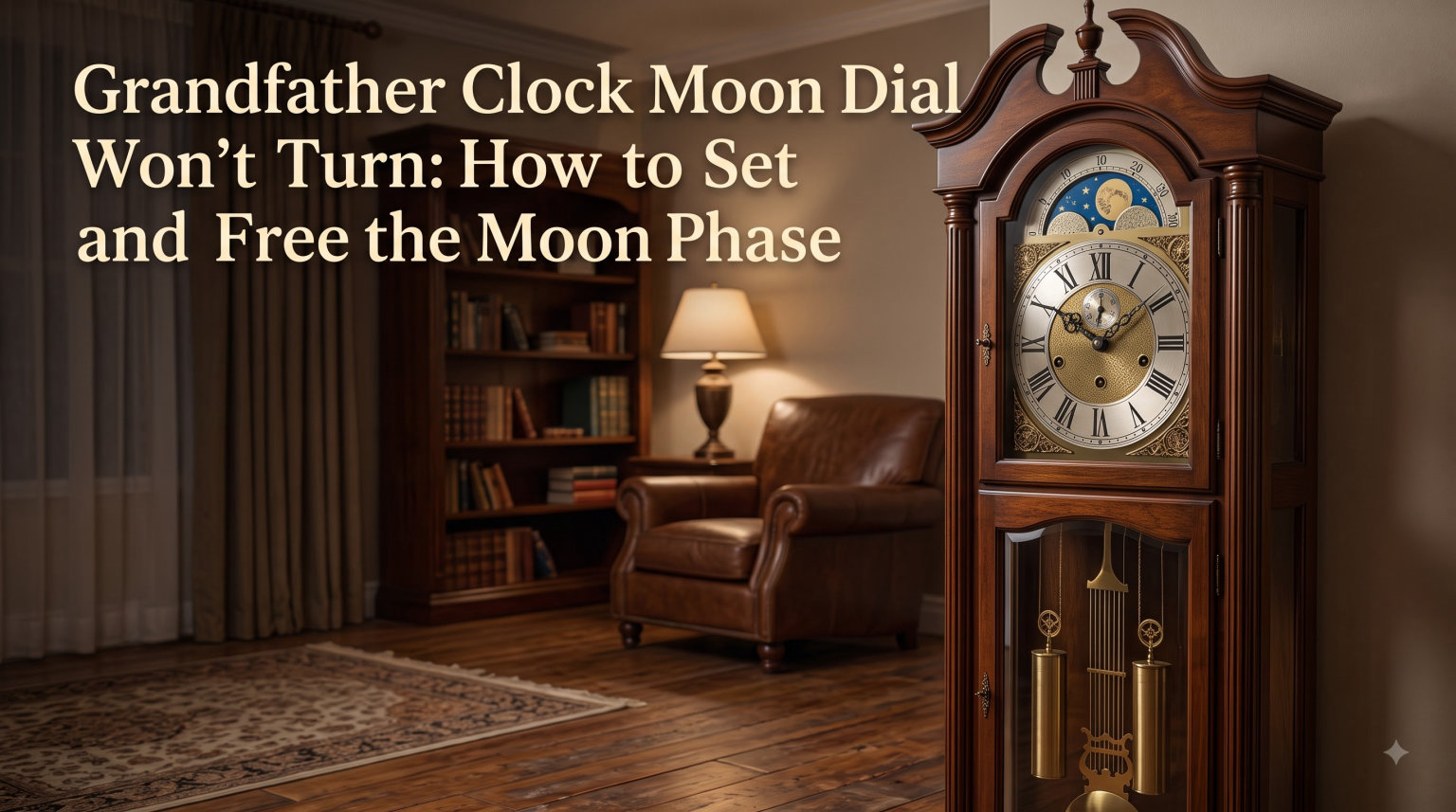
When your grandfather clock moon dial won’t turn, the fix is usually a five-minute adjustment of the click or index spring rather than a full repair. I have walked dozens of readers through this exact problem over the years, and in nearly every case, the dial was never broken. It was just stuck, misaligned, or set to the wrong lunar date.
In this guide, I will show you how to identify which problem you are dealing with, set the moon phase correctly using the number 15 as your anchor, and free a dial that refuses to rotate. By the end, you will have the same checklist I use when helping our community at Exquisite Clock work through a stuck moon dial on a 1920s tall case clock or a modern Howard Miller.
You will also learn how the click spring and index spring actually work, what the audible click means, why the dial is sometimes easier to move at certain times of day, and how to keep your moon dial working for decades without paying for a service call. Let us get that dial turning again.
Table of Contents
What Is a Moon Dial and How Does It Work
A moon dial, also called a moon phase dial or lunar phase indicator, is a rotating disc behind the clock face that displays the current phase of the moon on a 29.5-day cycle. The dial has two moons painted on opposite sides, and as it rotates one full revolution per lunar month, you see a continuous progression from new moon to full moon and back again.
The 29.5-day cycle is the reason the moon dial and the calendar date rarely match up. A standard calendar month is 30 or 31 days, so the moon dial slowly drifts forward or backward by about half a day each month. That drift is normal, expected, and built into the design. Some clockmakers intentionally use a 29.5-day cycle so the dial advances roughly once every 24 hours.
Most moon dials are numbered 1 through 30 around the arch, with the moon phase illustrations painted in the center opening. The number 15 sits at the bottom of the arch and represents the full moon position. Numbers 1 and 29 sit at the top of the arch representing the new moon. The numbers in between mark the waxing and waning crescents and quarter moons.
Lunar Date vs Calendar Date: The Core Confusion
A lunar date counts the day of the current moon cycle (1 through 29.5), while a calendar date counts the day of the month (1 through 31). When you set the moon dial, you set the lunar date, not the calendar date. You can look up today’s lunar date with a simple search for “moon phase today” or by checking any almanac or astronomy app.
This distinction trips up more new grandfather clock owners than any other issue. If your clock shows the 15th of the month but the moon dial is sitting at lunar date 9, that is not a malfunction. The lunar cycle and the calendar cycle simply do not line up. They never have.
Quick Reference: Lunar date 1 equals new moon. Lunar date 15 equals full moon. Lunar date 29 returns to new moon. The dial advances roughly once every 24 hours on most movements.
Why Grandfather Clocks Have Moon Dials: A Brief History
Moon dials appeared on longcase clocks in the 17th century because farmers, sailors, and travelers genuinely needed to know the moon phase. Before electric lighting, the full moon was the only reliable source of bright night light, and planning around it mattered for harvesting crops, fishing tides, and overland travel after sunset.
English clockmakers of the era added moon dials to their most expensive longcase clocks as both a practical feature and a status symbol. Owning a clock that tracked the heavens was a sign of education, wealth, and refinement. The earliest known moon dial on an English longcase clock dates to around 1660, just a few decades after the introduction of the pendulum itself by Christiaan Huygens.
By the 18th century, moon dials had become standard on high-end English and Dutch longcase clocks. The feature migrated to American clocks in the 19th century and remained standard on quality grandfather clocks through the 20th century. Today, moon dials are mostly decorative, but they remain a beloved feature of traditional grandfather clocks because they connect the timepiece to over 350 years of horological tradition.
If you inherited or purchased a clock with a moon dial, you are carrying on a tradition that goes back centuries. Getting it working properly is a small way to honor that history and keep the clock functioning the way its maker intended.
How to Set a Moon Dial on a Grandfather Clock: Step-by-Step
Setting the moon dial is a four-step process that takes about three minutes once you know today’s lunar date. I will walk through each step below with the level of detail I give readers when they email our team at Exquisite Clock.
Step 1: Find Today’s Lunar Date
Search online for “moon phase today” or “current lunar date.” Most astronomy websites and weather services will tell you the day of the lunar cycle. For example, if today is two days past the new moon, your lunar date is 2. If today is the night of the full moon, your lunar date is 15.
You can also check a printed almanac, the Farmers’ Almanac, or any smartphone weather app that shows moon phase. Write down the lunar date before you touch the clock so you do not have to break focus during the setting process.
Step 2: Place Your Fingers on the Front of the Moon Dial
Stand directly in front of the clock and place two fingers on the dial’s painted face. Apply gentle, even pressure. Do not use your fingernails and do not press too hard. The dial should feel firm but not locked. If it feels completely solid, stop and skip to the troubleshooting section below before applying more force.
Make sure the clock is stable and not rocking. If the clock case is leaning or vibrating, the moon dial will be harder to set accurately. A level clock is a happy clock, especially for delicate adjustments like the moon phase.
Step 3: Rotate the Moon Dial Clockwise Until the Moon Sits Under Number 15
Slowly rotate the dial clockwise. Count the numbers as the moon passes under them. Stop when the moon is positioned directly under the number 15 at the bottom of the arch. If today’s lunar date is, say, 8, then rotate so that the moon sits at the position where the number 15 mark aligns with the dial position 8. In other words, you set the moon under the 15 marker, then count backward to today’s lunar date from there.
Important: Always rotate clockwise. Rotating counter-clockwise can confuse the mechanism on some clocks and may cause the dial to disengage from its drive pin. If you overshoot, do not rotate backward. Keep rotating clockwise through the full cycle until you reach the correct position again.
Step 4: Verify and Walk Away
Release the dial and check that it sits flush against the dial frame. Visually confirm that the moon is in the correct position for today’s lunar date. Then check back in 24 hours. The moon should have advanced by one position automatically.
If the moon did not advance after 24 hours, the gear engagement between the dial and the clock movement is not connecting properly. This is a mechanical issue we will cover in the troubleshooting section below.
Pro Tip: Set your moon dial during a full moon if possible. Verification is easy because the moon should sit exactly under the number 15 mark, and you can confirm visually with the actual moon outside your window.
Grandfather Clock Moon Dial Won’t Turn: Common Causes and Fixes
If the moon dial will not turn at all when you apply gentle pressure, you have one of four common issues. Here is how to identify and fix each one, ordered from most likely to least likely based on what I see across hundreds of reader reports.
Cause 1: The Index Spring Is Misaligned
The index spring is a small tensioned piece of metal that locks the moon dial in place between advances. If it slips out of position, the dial can feel completely locked. The fix is to access the back of the dial and gently flex the index spring back into its notch.
To do this, open the clock’s lower access panel, usually behind the pendulum door or the side access panel. Look at the back of the moon dial assembly. You will see a small spring tab sitting in a tooth or notch on the dial’s perimeter. If that tab has slipped beside the tooth rather than in it, the dial cannot advance.
Use needle-nose pliers to gently flex the spring tab back into its notch. You should feel or hear a soft click when it seats correctly. Then try rotating the dial from the front again. If it moves, you have solved the problem.
Cause 2: The Click Spring Is Too Tight or Too Loose
The click spring controls the friction fit that holds the dial in place. If it is too tight, the dial feels frozen. If it is too loose, the dial spins freely without advancing properly with the gear train. Either condition prevents normal operation.
Look at the side of the moon dial mechanism. You will see a small spring-loaded lever. Using needle-nose pliers, gently bend the spring arm one direction or the other by a millimeter at a time. Bend it outward to loosen the friction fit, inward to tighten it. Test the dial after each small adjustment.
You are aiming for a sweet spot where the dial moves freely with finger pressure but does not slip on its own. This usually takes two or three small adjustments before you find the right tension.
Warning: Never force the moon dial. If it will not move with gentle pressure, there is a mechanical reason. Forcing it can strip the drive pin, bend the index spring permanently, or crack the dial face. Take your time.
Cause 3: The Gear Engagement Pin Is Worn
Older grandfather clocks, especially those made before 1980, often have a small drive pin on the hour hand shaft that engages with teeth on the back of the moon dial. Over decades, this pin can wear down, round off, or break entirely, leaving the dial frozen in place even if the springs are perfectly adjusted.
To check this, open the side or back panel and watch the hour hand shaft while the clock runs. You should see a small pin or eccentric cam rotating with the shaft once per hour. If the pin is missing, broken, or visibly worn flat, you will need to have a clock repair specialist replace it. This is not a DIY repair for most people.
The good news is that a replacement drive pin is an inexpensive part and the labor is typically under an hour for a clockmaker. The bad news is that the clock will need to be partially disassembled to access the hour hand shaft.
Cause 4: The Clock Has Been Stopped or Moved
If you recently moved the clock, the vibrations during transport can knock the index spring out of position. If the clock stopped for any reason, whether it was a missed winding or a level disturbance, the moon dial mechanism can sometimes stick when restarted.
For a freshly moved clock, give the pendulum a gentle push to restart the movement, then wait 24 hours. Often, the gear train will re-engage on its own once the clock is back in motion. If not, go back to Cause 1 above and check the index spring.
For a clock that has been stopped for an extended period, the dial may also be stuck from dried lubrication in the mechanism. A clockmaker can re-oil the moon dial assembly during a routine service, which usually restores free movement.
Quick Troubleshooting Checklist
- Can you rotate the dial with firm finger pressure? If yes, the friction fit is fine.
- Does the dial advance by one position every 24 hours? If yes, the gear engagement is fine.
- Does the dial make a soft click when rotated? If yes, the click spring is working properly.
- Does the dial spin freely with no resistance? The click spring is too loose.
- Is the dial completely locked with no movement at all? The index spring is misaligned.
- Does the hour shaft show no visible drive pin? The pin is worn or broken and needs replacement.
Understanding the Moon Dial Mechanism: Click Spring and Index Spring
The click spring and index spring work together to keep the moon dial advancing at exactly the right pace. Understanding how they function helps you diagnose problems quickly and avoid damaging the mechanism during adjustments.
How the Click Spring Works
The click spring is a small leaf spring mounted on the moon dial assembly. It pushes a tiny pawl, a finger-like piece of metal, into the teeth of a gear that rotates with the clock movement. Each time the gear advances one tooth, the pawl clicks over and allows the moon dial to advance one position.
That audible click you sometimes hear when standing near a grandfather clock at night is the click spring doing its job. It is normal and indicates a healthy mechanism. Newer moon dials, particularly those made after 2000, use a friction-fit design without the click, which is why some readers report their dials do not make noise at all.
Both designs work equally well. The clicking mechanism is older and considered more traditional. The friction-fit mechanism is quieter and requires less maintenance. Neither is inherently better than the other.
How the Index Spring Works
The index spring is a separate spring that locks the moon dial in place between each advancement. Without it, the dial would slowly drift backward from gravity and vibration. The index spring engages with one of the dial’s back teeth and only releases when the gear train applies enough rotational force to push past it.
When the index spring is misaligned, the dial either locks up completely if the spring is jammed beside a tooth, or slips freely if the spring has lost tension. Both situations require adjustment, and both are common issues on older clocks.
The index spring is also the part most likely to slip out of position when the clock is moved. This is why I always tell readers to check the index spring first whenever they have just transported a clock or restarted one after a long stop.
Gear Engagement Timing
The moon dial only advances when the clock’s hour shaft rotates to a specific position. This happens once per day, typically in the late evening on most movements. If you try to set the dial at the wrong moment and feel unusual resistance, that is the gear train resisting your hand. Wait a few hours and try again when the engagement releases.
This is also why some readers report the dial is easier to set at certain times of day. It is not the dial, it is the timing of when the gears release pressure. The clock is doing its job. You are just trying to do yours at the wrong moment.
How to Reset the Moon Dial After the Clock Stops
If your grandfather clock has been stopped for more than a few days, the moon dial will be frozen at whatever date you stopped on. To reset it after restarting the clock, follow the standard four-step setting process above, but account for the missed days in your calculation.
Calculate how many days the clock was stopped. If it was off for three days, advance the moon dial by three additional positions past the lunar date for today. This compensates for the missed days and puts the dial back in sync with the current moon phase.
If the dial was stuck for more than a month, the index spring may have settled into a new position. In that case, expect to need the index spring adjustment described above before the dial will move freely again. The longer the clock sits idle, the more likely a spring adjustment will be needed.
After resetting, give the clock at least 48 hours before checking the dial’s automatic advancement. Some movements take a full day or two to re-establish the gear engagement rhythm after a long stop.
Visual Moon Phase Reference Chart
The following reference will help you identify where the moon should sit on the dial for the major phases:
- New Moon (Lunar Date 1): Moon sits directly at the top of the arch, under number 1.
- Waxing Crescent (Lunar Date 4-7): Moon is on the left side of the arch, slightly past the top.
- First Quarter (Lunar Date 8): Moon sits on the left side of the arch, halfway between top and bottom.
- Waxing Gibbous (Lunar Date 11-14): Moon is on the left side of the arch, approaching the bottom.
- Full Moon (Lunar Date 15): Moon sits directly at the bottom of the arch, under number 15.
- Waning Gibbous (Lunar Date 16-19): Moon is on the right side of the arch, just past the bottom.
- Last Quarter (Lunar Date 22): Moon sits on the right side of the arch, halfway between top and bottom.
- Waning Crescent (Lunar Date 25-28): Moon is on the right side of the arch, approaching the top.
Note that the left side of the dial represents waxing (growing) and the right side represents waning (shrinking). This is a convention that has been used on moon dials for over 300 years and matches how the moon actually appears in the Northern Hemisphere sky.
Long-Term Care for Your Moon Dial
A moon dial needs almost no maintenance once it is working properly. The mechanism is purely mechanical and self-lubricating through the clock’s gear oil. Every five to ten years, when you have the movement serviced, ask the clockmaker to inspect the moon dial mechanism at the same time.
Keep the dial face clean with a soft, dry cloth. Never use spray cleaners or water near the dial opening, as moisture can damage the painted surface or seep into the movement. Avoid touching the painted moons directly with your fingers, as skin oils can mark the finish over time.
If your clock sits in direct sunlight, the moon dial’s painted surface may fade over years. Consider repositioning the clock away from direct sun or adding UV-filtering window film to protect it. Most grandfather clocks last longer when placed against an interior wall out of direct sunlight.
Common Misconceptions About Moon Dials
Over the years, I have heard the same misconceptions come up repeatedly across reader emails and forum discussions. Let me clear up the most common ones so you do not waste time chasing the wrong fix.
Myth 1: The moon dial must match today’s calendar date. It does not. The moon dial shows the lunar date, which is a 29.5-day cycle that does not align with any calendar month. Expecting them to match is the single most common source of confusion for new grandfather clock owners.
Myth 2: You should move the moon dial backward to set it. Never. Always rotate clockwise. Moving backward can cause the dial to skip teeth on older mechanisms and may even pop the dial off its drive pin on certain movements.
Myth 3: A silent moon dial is broken. Newer moon dials use a friction-fit mechanism with no click. Silence is normal on many modern clocks, particularly post-2000 movements. If the dial advances correctly with no sound, it is working as designed.
Myth 4: You need to remove the dial to fix it. Almost never. 95 percent of moon dial issues can be fixed by adjusting the index spring or click spring from outside the mechanism, without removing the dial from the clock.
Myth 5: Moon dials are pure decoration. They started as practical tools for farmers, sailors, and travelers who needed to plan around moonlight. Today they are mostly decorative, but they retain their original function and accuracy when properly maintained.
When to Call a Professional Clockmaker
Most moon dial problems can be solved at home with the steps above. However, there are a few situations where calling a professional clockmaker is the right call. If the drive pin on the hour shaft is visibly broken or missing, that requires partial disassembly of the movement. If the dial face is cracked or chipped, a replacement dial may need to be sourced and fitted. If you have tried the index spring and click spring adjustments without success, the issue may be deeper in the gear train.
A standard moon dial repair typically costs between $75 and $200 depending on your region and the complexity of the movement. A full movement service including the moon dial mechanism runs between $250 and $600. Both are reasonable investments to protect a clock that may be worth thousands of dollars or hold irreplaceable sentimental value.
Frequently Asked Questions
How do you adjust the moon phase dial on a grandfather clock?
Place your fingers on the front of the moon dial, apply gentle pressure, and rotate it clockwise. Stop when the moon is directly under the number 15 on the dial, then count forward or backward to today’s lunar date if needed.
Why won’t my grandfather clock moon dial turn?
The most common cause is a misaligned index spring. Open the back access panel and gently flex the spring tab back into its notch using needle-nose pliers. The dial should move freely once the spring seats correctly.
Where should the moon be on my grandfather’s clock?
The moon should sit directly under the number 15 on the dial arch when the moon is full. For other phases, count forward or backward from 15 based on today’s lunar date.
Is it okay to move clock hands backwards on a grandfather clock?
It is generally not recommended. Moving the hands backward can disrupt the moon dial gear engagement and the chiming sequence. If you need to reset, move the hands forward through the correct position instead.
What is the click spring on a moon dial?
The click spring is a small leaf spring that pushes a pawl into the gear train teeth, allowing the moon dial to advance one position per day with a soft clicking sound. If the spring is too tight or too loose, the dial will either freeze or slip.
Final Thoughts on Setting and Freeing Your Moon Dial
If your grandfather clock moon dial will not turn, the answer is almost always simpler than you think. In most cases, you are dealing with a misaligned index spring, a tight click spring, or simply the wrong lunar date setting. None of these require a service call.
Start with the four-step setting process above. If the dial still will not move, walk through the troubleshooting checklist and adjust the index spring first. For our team at Exquisite Clock, this is the same approach we recommend to readers and clock owners year after year, and it works on everything from a 1920s German tall case to a modern Howard Miller.
Your moon dial is a 300-year-old tradition still ticking away in your home. A few minutes of patience is all it takes to keep it that way. Take your time, work gently, and you will have the moon phase dial working properly before the next full moon rolls around.