
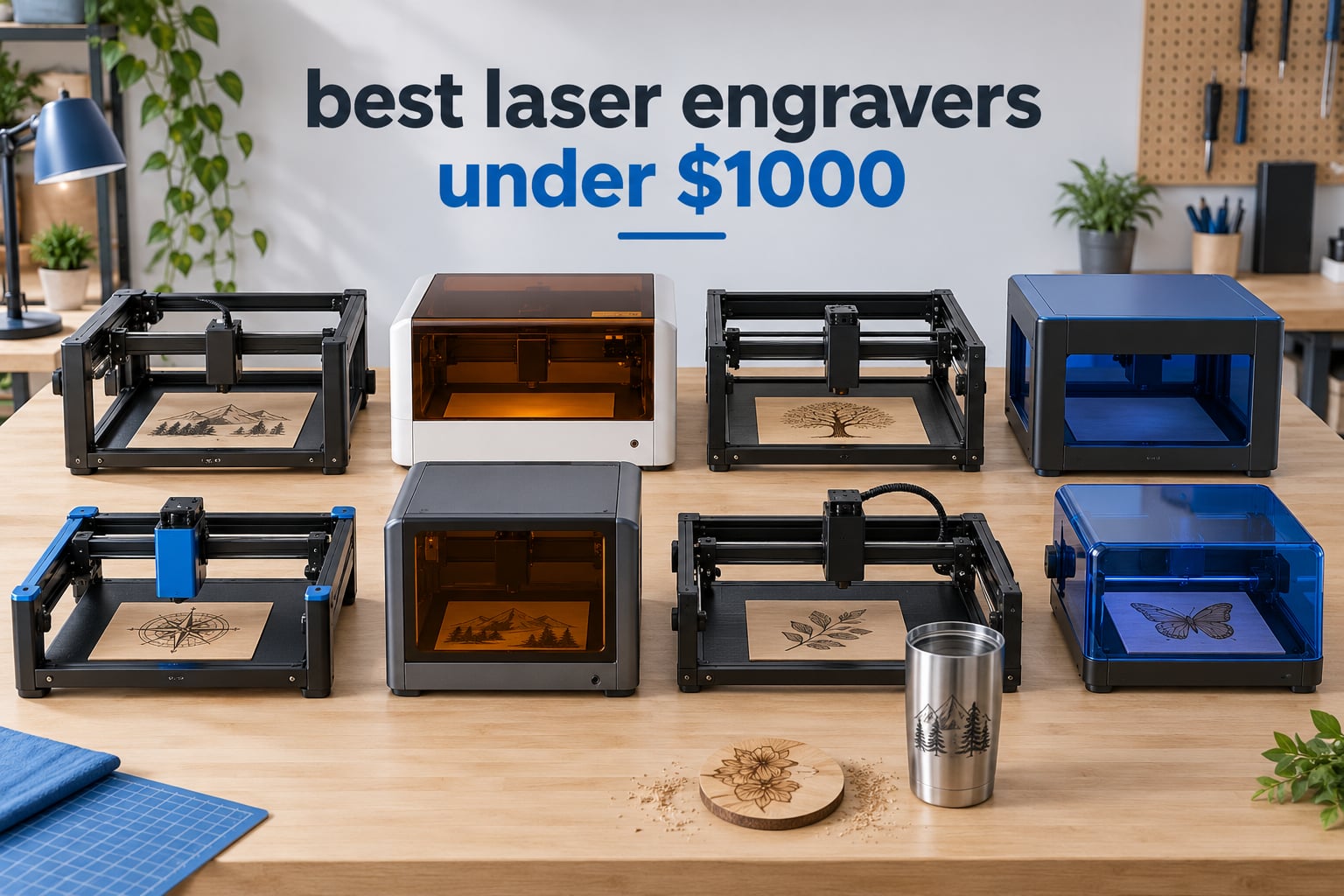
The best laser engravers under 1,000 dollars are the ORTUR Laser Master 2 S2 for general use, the Twotrees TTS-20 Pro for real cutting power, and the Creality Falcon A1 if you need a fully enclosed, classroom-safe cabinet. All three are diode machines, because a diode is the only laser type that works at this budget in a way most beginners can actually operate.
That last point matters more than any spec sheet. Under a thousand dollars you are not choosing between a good machine and a better machine. You are choosing between fundamentally different technologies, and a fiber, UV or quality CO2 machine simply is not reachable at this price. Get the laser type right and the wattage, bed size and software all fall into place around it.
Our team spent weeks reading specification sheets, owner review histories and forum threads for the eight machines below, then compared them on the three things that decide a purchase: what they can actually cut, whether they are safe to run in a room you also eat in, and what the machine costs once you add the accessories it needs. Pricing changes constantly in this category, so treat every number here as a spec rather than a promise and check current pricing at the link on each card. This guide is refreshed for 2026, because this is one category where last year’s list is often out of date by spring.
Table of Contents
Top 3 Picks for the Best Laser Engravers Under 1,000 Dollars (October 2026)

Ortur Laser Master 2 S2
- 10W optical output
- 390 x 410mm bed
- Full-metal modular frame
- LightBurn and LaserGRBL

Twotrees TTS-20 Pro
- 20W optical output
- 418 x 418mm bed
- 30000mm/min speed
- Offline TF card jobs

LaserPecker LP2 Suit Set
- Handheld galvo scanning
- 3-axis rotary roller
- 1417 in/min
- 196 inch trolley mode
Best Laser Engravers Under 1,000 Dollars at a Glance (October 2026)
| Product | Specifications | Action |
|---|---|---|
| ORTUR Laser Master 2 S2 10W |
|
Check Latest Price |
| Twotrees TTS-20 Pro 20W |
|
Check Latest Price |
| LaserPecker LP2 Suit Set |
|
Check Latest Price |
 ACMER S1 2500mW ACMER S1 2500mW |
|
Check Latest Price |
 Creality CR-Laser Falcon 10W Creality CR-Laser Falcon 10W |
|
Check Latest Price |
 LONGER Ray5 20W LONGER Ray5 20W |
|
Check Latest Price |
 Creality Falcon A1 10W Creality Falcon A1 10W |
|
Check Latest Price |
 ATOMSTACK A20 Pro V2 ATOMSTACK A20 Pro V2 |
|
Check Latest Price |
A note on what you are looking at: every machine on this list is a blue diode laser in the 450 nanometer range. That single fact explains most of the material rules in this article. A diode is superb on wood, cardboard, leather, paper and painted surfaces. It will not cut clear acrylic, and it will not mark bare or mirror-finished metal.
1. Ortur Laser Master 2 S2 10W — Best Overall Budget Laser Engraver
ORTUR Laser Master 2 S2 LU2-10A Laser Engraver Laser, 10000mW Engraving Cutting Machine, Class 4 High Accuracy Laser Cutter, DIY Laser Marking for Metal
10W optical
390 x 410mm bed
0.05 x 0.1mm spot
Cuts 20mm wood and 30mm acrylic
LightBurn and LaserGRBL
Pros
- Full-metal modular frame that is easy to repair
- 390 x 410mm work area for a compact footprint
- Assembles in about 10 to 15 minutes
- Built-in air assist interface
- G-sensor tilt shutoff and 98% UV filtering cover
Cons
- Class 4 laser needs eye protection and a clear work area
- 10W diode output is slow on thick wood and struggles with reflective metal
The Ortur Laser Master 2 S2 is the machine we keep coming back to, and the reason is the chassis rather than the laser. Its full-metal industrial frame is modular, so when a stepper, a belt or the controller eventually fails you replace a part instead of a machine. Budget frames built from folded steel and plastic corners do not offer that path.
Output is 10000mW optical on a 450 nanometer diode, which manufacturers often inflate with a much larger machine input figure. Treat the optical number as the real one. The compressed spot of 0.05 by 0.1mm is tight enough for small serif text and serial numbers, which is where cheap machines usually fall apart.
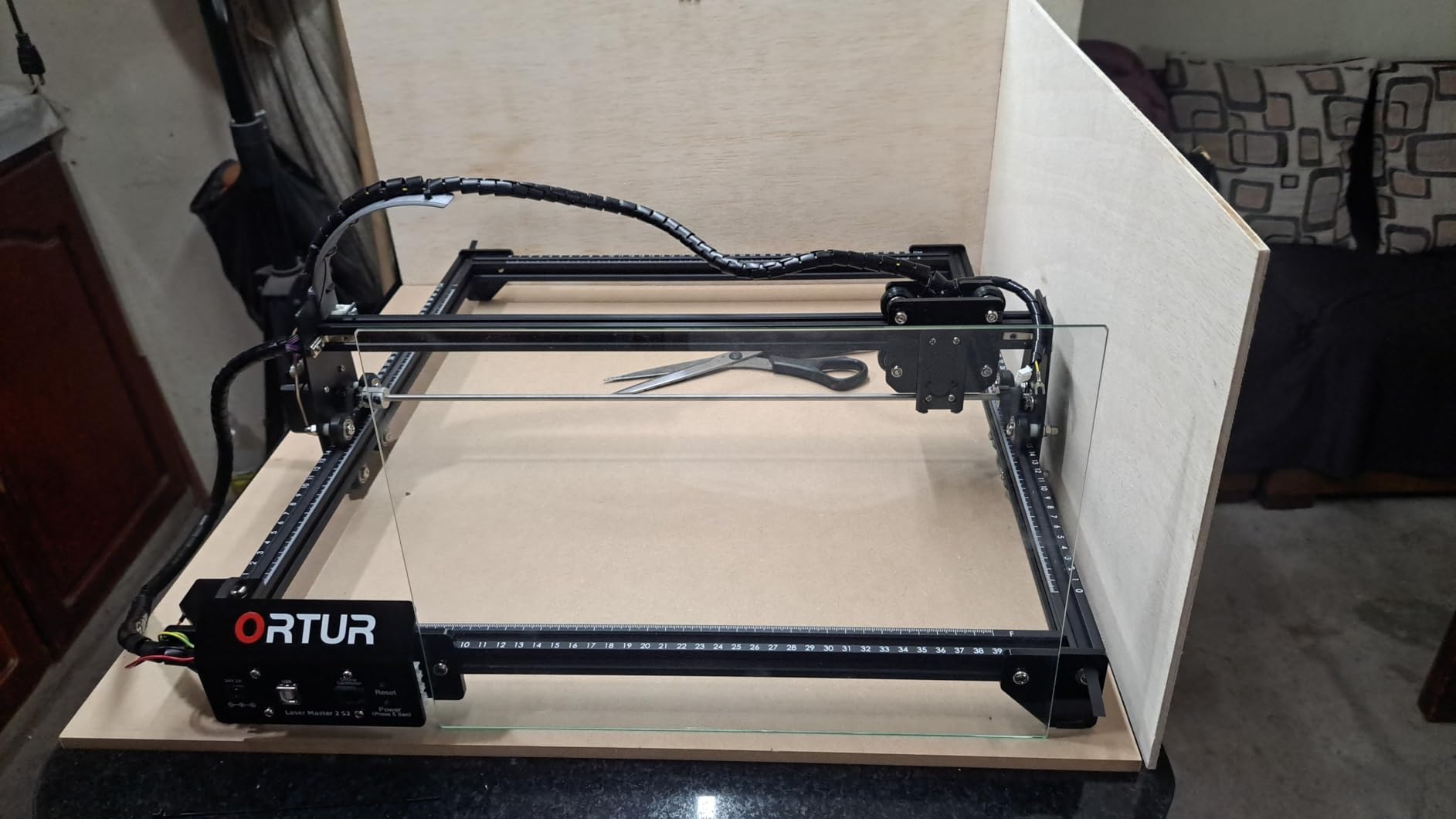
Owner feedback on this machine is unusually consistent. Across 1474 reviews the average sits at 4.2, with roughly two thirds of buyers at five stars. The most repeated positives are the ten to fifteen minute assembly, the solid feel of the frame, and clean results across wood and acrylic. Nobody describes a difficult first setup, which is rare in this price band.
The claimed cutting envelope is 20mm of wood or 30mm of acrylic. Realistically, single-pass work is a fraction of that, and thick material means multiple passes with air assist dialled in. The machine has a built-in air assist interface but the blower itself is the thing many buyers add later.
What the Ortur Laser Master 2 S2 does well
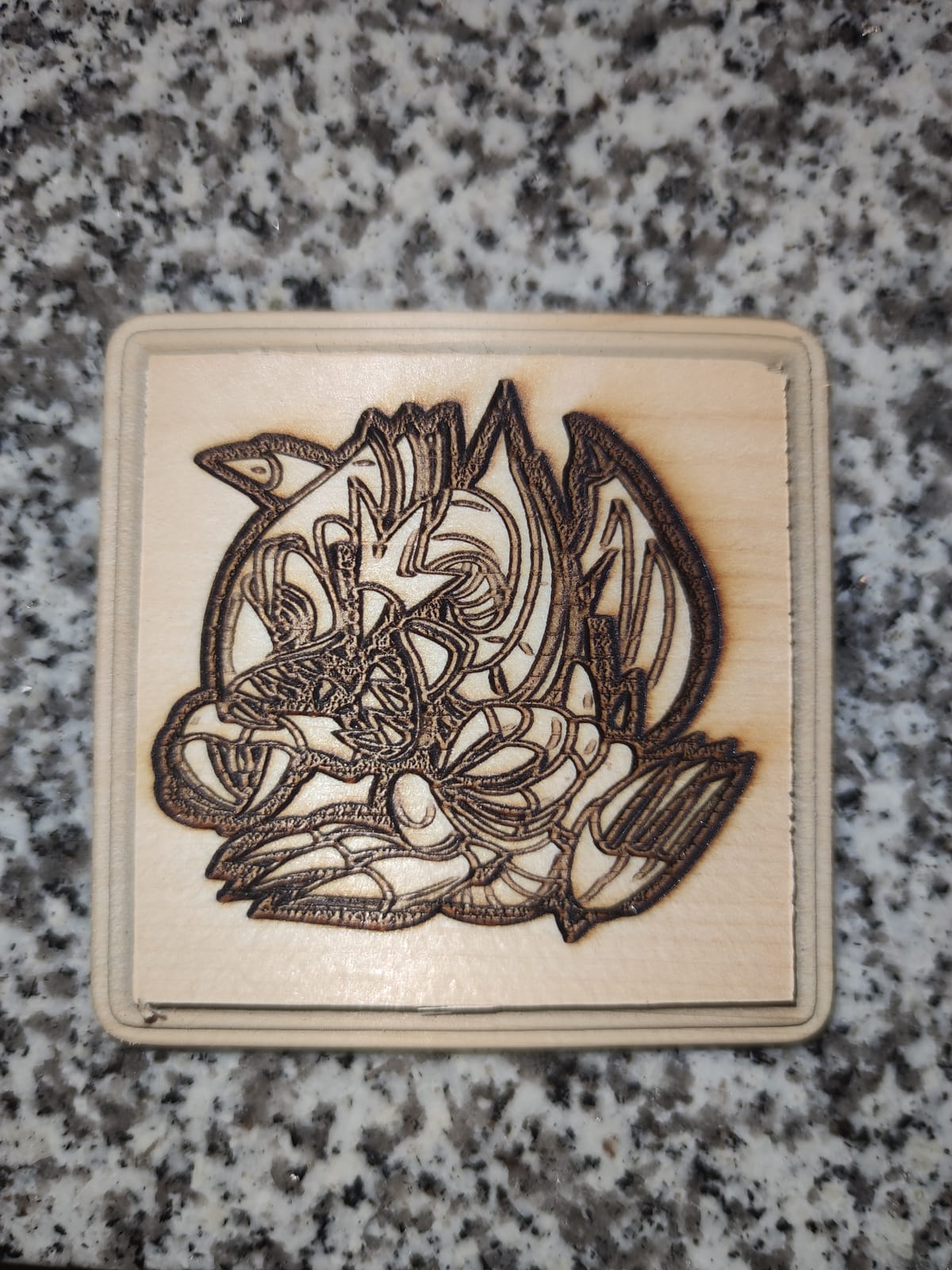
Geometry, engraving and small serial batches. The 390 x 410mm area handles a phone case, a set of coasters, or a small batch of keychains without crowding, and the 0.05mm spot holds detail on thin plywood and leather. Software support covers LaserGRBL and LightBurn on Windows and MacOS, and it reads SVG, DXF, JPG, PNG, BMP and TIF files directly.
Two safety items ship in the box and are worth using rather than storing: a laser protective cover that filters 98% of ultraviolet light, and safety glasses. The G-sensor on the motherboard stops the laser if the machine is displaced or tilted, which matters if you have it on a bench you bump.
Where the Ortur Laser Master 2 S2 falls short
This is a Class 4 laser, and a 10W diode open frame is not a Class 1 device. That means eye protection, a dedicated work area and real thought about where the smoke goes. If you need something you can leave running on a counter in a classroom or a small shop, look at the enclosed option further down instead.
Second limitation: reflective surfaces. Reviewers consistently note the diode module’s limits on bare and polished metals, and the same physics limits clear acrylic. Both are tasks for a different laser type. Plan the material list around wood, paper, leather, and coated or painted surfaces and this machine will not disappoint you.
2. Twotrees TTS-20 Pro 20W — Best Value Diode for Real Cutting
Twotrees TTS-20 Pro Laser Engraver, 20000mW Laser Engraver Machine
20W optical
418 x 418mm bed
30000mm/min
0.1mm accuracy
Wi-Fi USB and TF card
Pros
- Highest rated machine here at 4.4418 x 418mm bed is unusually large for the money
- TMC2209 drivers and 42 steppers run quietly
- Offline 4GB TF card carving with no computer attached
- Works with LightBurn and LaserGRBL on Windows MacOS and Linux
Cons
- Air assist touchscreen and honeycomb bed are sold separately
- Diode will not mark bare or mirror-finished metal
If you take one recommendation from this list, the Twotrees TTS-20 Pro is the strongest for the money. It has the highest average rating of the eight at 4.4 across 493 reviews, and the number that matters most is 20 watts of optical output at a price level where most competitors ship 10W.
That wattage gap is the whole argument. Engraving is forgiving of low power because it only removes a surface layer. Cutting is not, because it has to remove material all the way through. The forum consensus is that moving from 10W to 20W is what stops jobs feeling slow and weak, and this machine is the cheapest way to make that move.
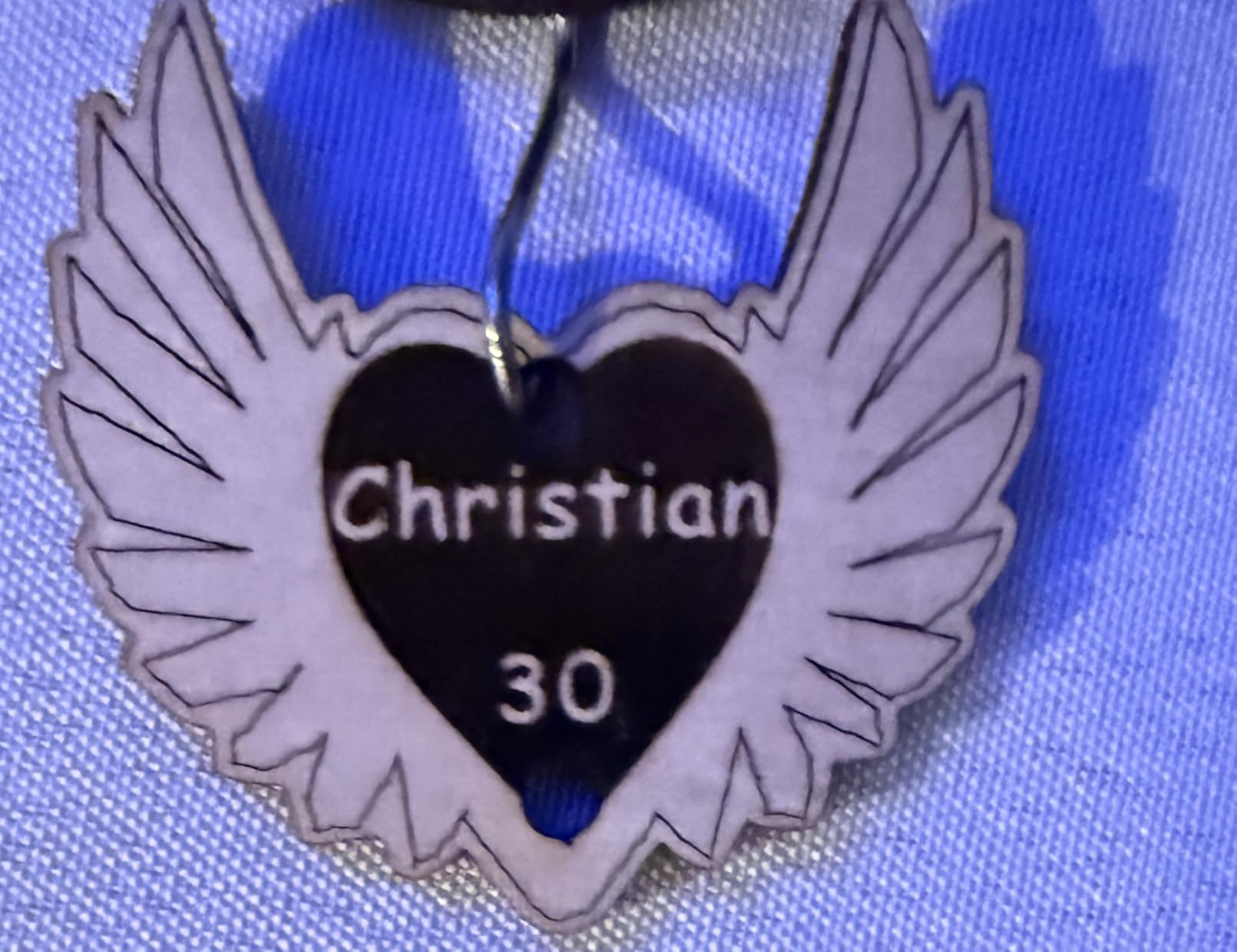
The bed is 418 by 418mm, which is square and larger than most machines at this tier. Buyers repeatedly call that combination of power and area unusually generous. Motion is handled by GT2 6mm synchronous belts, TMC2209 silent drivers and 42 stepper motors, reaching 30000mm/min with 0.1mm positioning accuracy.
There is a 240MHz ESP32-S3 mainboard with an MKS LS ESP32 PRO V1.3, and three ways to send work: Wi-Fi, USB, or a 4GB TF card for offline carving with no computer in the room. Built-in X and Y limit homing means the machine can find its origin on its own, which matters if you run repeat production jobs.
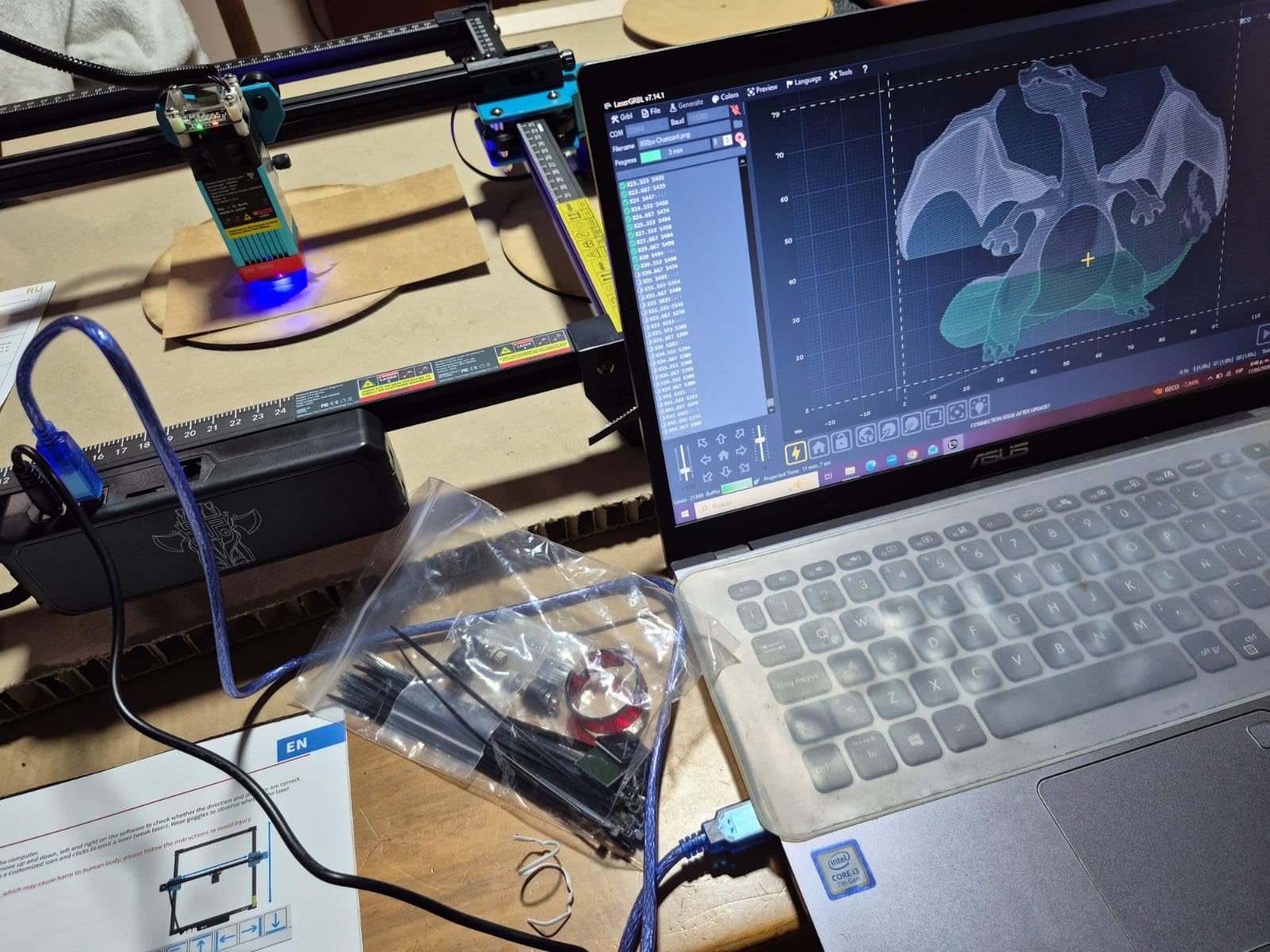
What the Twotrees TTS-20 Pro does well
It covers the full software range. LightBurn and LaserGRBL both work across Windows, MacOS and Linux, so you are not locked into one ecosystem, and a company machine or a club room does not force a single operating system. The 4KG aluminium frame is light enough to move between a workbench and a shelf.
It also has the highest demand signal in the group. It sits at number eleven in Jewelry Making Engraving Machines and Tools, and seventy-one percent of its reviews are five stars, with another twelve percent at four. The frame is 27.4 by 23.4 inches, so measure before you commit.
Where the Twotrees TTS-20 Pro falls short
The extras are not included. Air assist, the touchscreen module and the honeycomb workbed are all sold separately, and air assist is close to mandatory for clean cutting. Budget for it in your real total rather than discovering it mid-project.
It is an open-frame Class 4 machine with a diode laser, so the material limits are the standard ones. No bare metal, no clear acrylic, and a permanent eye-safety and ventilation setup on your bench. The build is aluminium plus plastic parts and comes with a one-year warranty.
3. LaserPecker LP2 — Best for Tumblers, Cylinders and Portable Jobs
LaserPecker LP2 Laser Engraver with Roller, Portable and Handheld Laser Engraving Machine for Wood Metal Leather Acylic Engraving Laser Cutter, Suit Set with Versatile Rotary Roller
Handheld galvo laser
1417 in/min engraving
3-axis rotary roller
196 inch trolley mode
10.21 pounds
Pros
- Handheld design is far more portable than any gantry machine
- Versatile electric roller covers tumblers pencils and long slabs
- Fast 1417 in/min engraving with 8858 in/min preview
- 0.05mm compressed spot with 1K 1.3K and 2K resolution
- Conical protective cover and safety glasses included
Cons
- Metal limited to coated and brushed surfaces
- Light or transparent materials need a black paint coat first
The LaserPecker LP2 is the odd one out in this list, and that is exactly why it is here. Every other machine moves a head over a flat bed. The LP2 is a handheld galvo scanner, so the surface moves past the beam instead, which makes it dramatically faster on small parts and small to carry to a market stall.
It comes as a suit set with a 360-degree electric rotary roller, an electric stand, a conical protective cover, an adapter, safety glasses and two Type-C cables. That roller is the reason to buy this configuration rather than the bare unit, because it turns the machine into a tumbler engraver without a separate accessory purchase.
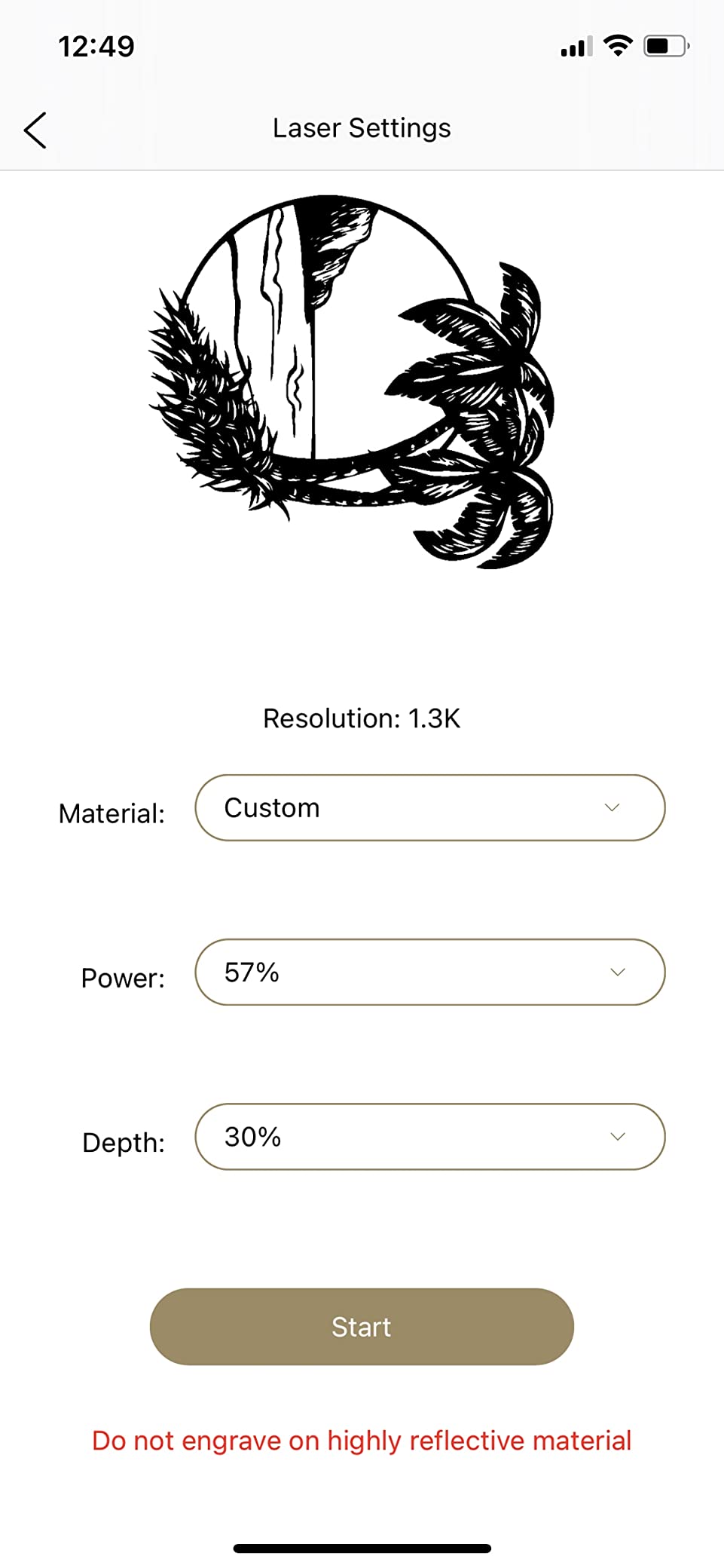
Speed is where galvo shines. Max engraving speed is 1417 inches per minute with a preview speed of 8858 in/min, and the compressed spot is 0.05mm. You choose between three resolution levels, 1K, 1.3K and 2K, which is a useful dial when you are moving from a batch of keychains to a single gift piece.
The roller has three modes. Cylinder handles tumblers and bottles. Slab handles flat items. Trolley extends the engraving length to 196 inches at a width of 4 inches, which turns a pocket machine into something that can do a long board in one pass.
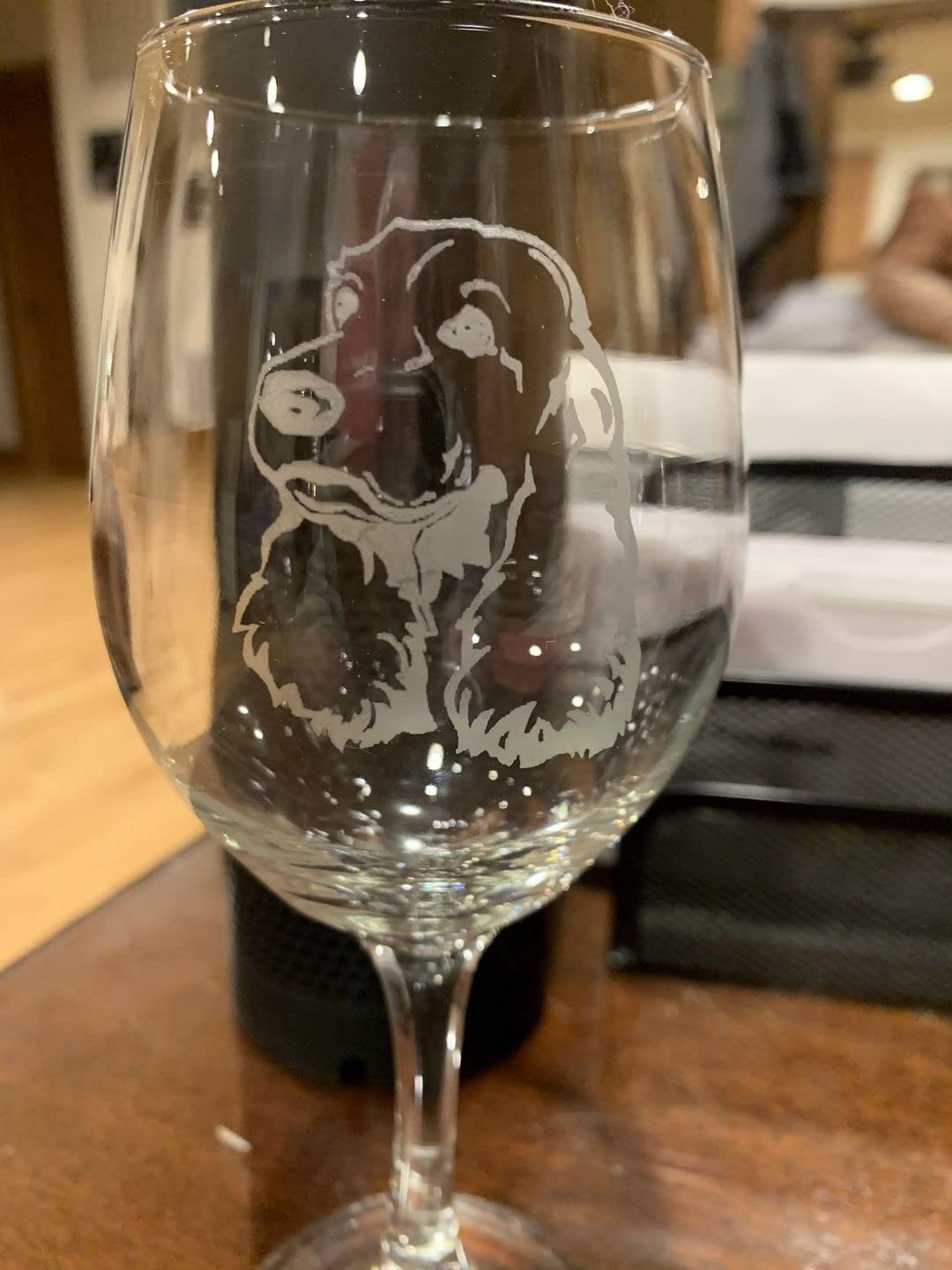
What the LaserPecker LP2 does well
Portability and cylinders. The whole unit is 10.21 pounds and measures 5.91 by 5.91 by 8.66 inches, so it fits in a backpack and works on-site. It connects to a smartphone or a PC and reads JPG, PNG and G-code, which is the simplest setup in this roundup.
It engraves paper, cardboard, wood, leather, coated metal and brushed stainless steel, and it cuts wood and paper up to 0.2 inches. That is a genuinely useful range for personalised gifts, where the job is often on-site and the material changes every time.
Where the LaserPecker LP2 falls short
It cannot engrave pure metal or shiny metal, and that restriction is deliberate rather than a defect. Light-coloured and transparent materials must be painted black before you touch them, which adds a step to every clear acrylic job. Keep a can of matte black paint if you plan to use it on glass.
It is also the most expensive machine on this list, and at 317 reviews the feedback pool is smaller than the Ortur’s. Owners report 69 percent five-star and eleven percent one-star, so the roller and the speed win over many people while the material ceiling annoys others. There is a 12-month warranty, and the manual specifies a minimum 11cm laser distance during operation.
4. ACMER S1 — Best Budget Laser Engraver for Tags and Jewelry
ACMER S1 Laser Engraver Machine, 2500mW Lazer Cutter for Wood and Acrylic
2500mW diode
130 x 130mm work area
0.01mm repeat accuracy
99% preassembled
Free software included
Pros
- Lowest entry cost of any machine here
- Arrives 99% assembled with a one minute laser head install
- Free Acmerstudio software bundled and ready to run
- Compact 2kg body that fits in a drawer
- LightBurn and LaserGRBL supported on macOS Windows and Linux
Cons
- 130 x 130mm area limits it to tags coasters and jewelry
- Some owners report lost home position between jobs
- 2.5W makes larger cuts slow
The ACMER S1 answers a question most roundups ignore: do you need a big machine at all? If your work is jewellery, wood tags, coasters or small keychains, a 130 by 130mm area is genuinely enough, and this machine is the cheapest credible way to find out whether you enjoy laser work before spending real money.
It arrived as the newest machine in this group, first listed in September 2025, and it is the smallest by a wide margin. The body is 250 by 250 by 162mm at 3.98 pounds, so it lives on a desk rather than a workbench.
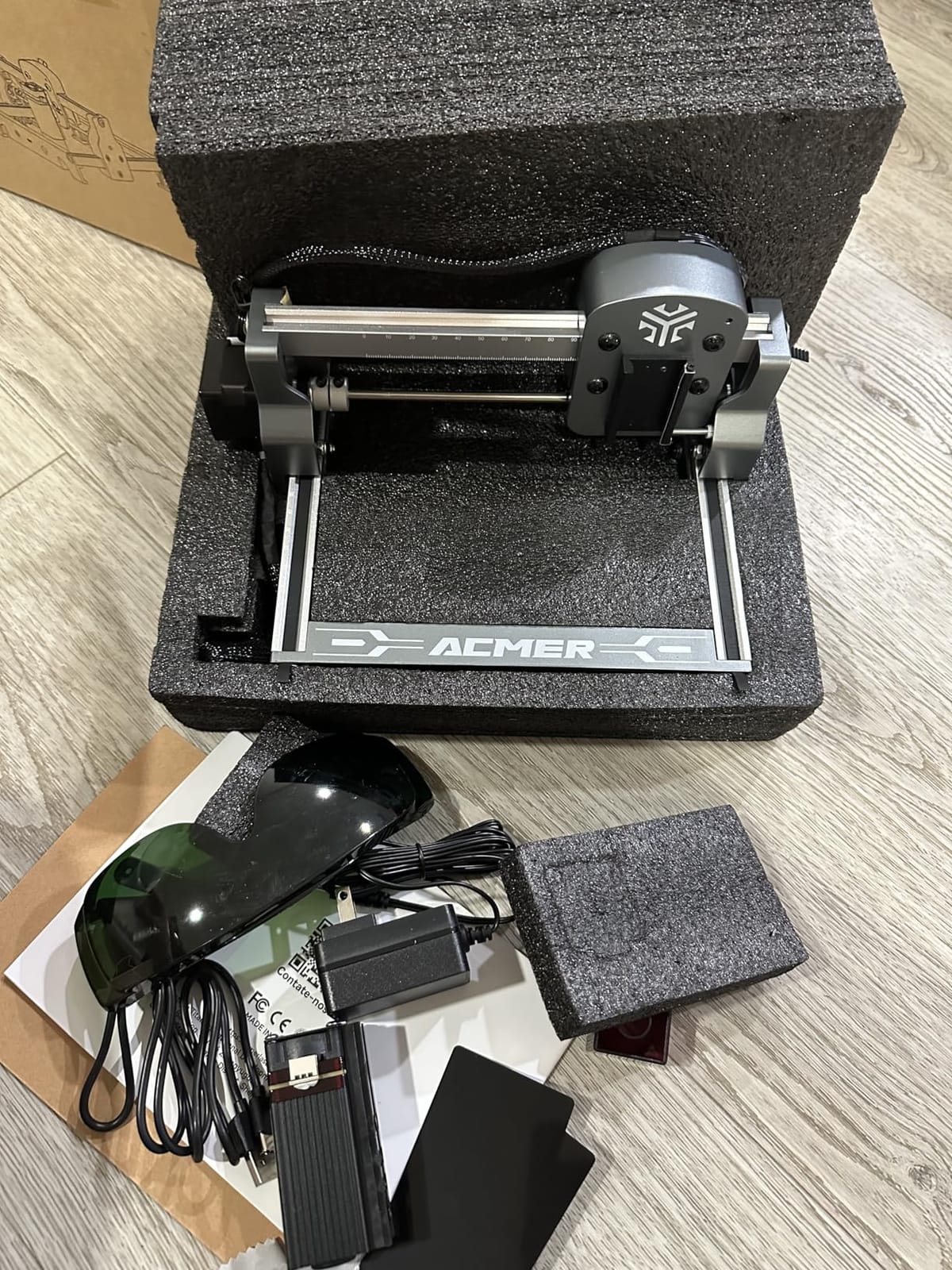
Two details make it friendlier than its wattage suggests. It arrives 99% preassembled, so you are attaching the laser head and that takes about a minute. And Acmerstudio is included free, which means you can be engraving before you decide whether you want to learn LightBurn.
On paper the numbers are respectable for the size. Up to 10000mm/min engraving speed, 0.01mm repeatable positioning accuracy, a 2mm focal length, and a 455 nanometer diode at 2500mW. It is rated Class 4 and IEC 60825-1 compliant, comes with a 12-month warranty, and reads NC, DXF, BMP, JPG and PNG files.
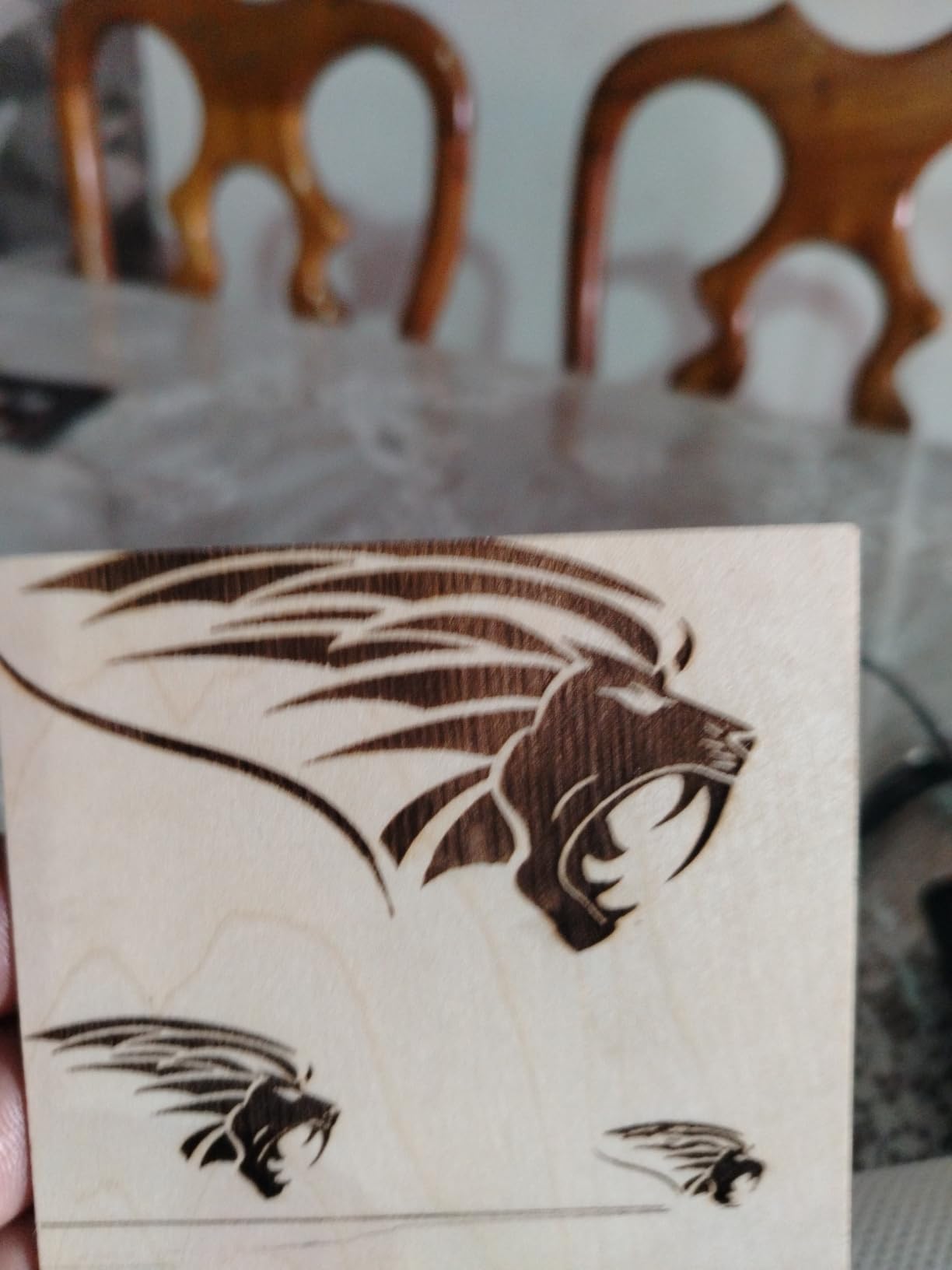
What the ACMER S1 does well
Getting started. A one-minute setup and bundled software remove the two biggest obstacles for a first-time owner. Multiple owners describe clean engravings on plywood, coasters and wood tags on their first afternoon, which is a better experience than most machines at twice the specification.
Its demand signal is strong for something so new. It ranks fourth in Jewelry Making Engraving Machines and Tools, and 73 percent of its reviews are five stars. For small-format personalised work, that is where the accuracy matters most anyway.
Where the ACMER S1 falls short
Reliability is the recurring complaint. Several owners report the machine losing its home position between jobs and throwing false out-of-bounds alarms, and software behaviour is described as inconsistent by some users. Test your positioning settings before a production run rather than mid-batch.
The 2500mW output is the other limit. Engraving quality is fine; cutting anything substantial is slow. And the 130 by 130mm area means no signs, no plaques, and no second project running at the same time. Several buyers say they plan to move to a larger machine for sign work, which is a reasonable plan as long as you expect it.
5. Creality CR-Laser Falcon 10W — Best Starter Laser Engraver and Cutter
Creality Laser Engraver Machine 10W Output Power, 72W DIY Laser Engraving Machine 0.06mm High Precision Laser Cutter and Engraver for Wood and Metal, Paper, Acrylic, Glass, Leather etc, 17″ x 16″
10W output
Class IIIa
0.06 x 0.06mm spot
Cuts 5mm basswood in one pass
10 to 20 minute assembly
Pros
- Cuts 5mm basswood or 3mm black acrylic in a single pass at 10000mm/min
- Very fine 0.06mm spot with 0.004 inch accuracy
- Tool-free focusing plate on the laser head
- Anti-UV filter blocks 97% of UV rays
- One year warranty with free parts replacement
Cons
- Cannot cut acrylic
- Engraves dark coated acrylic only
- Assembly required before first use
The Creality CR-Laser Falcon 10W is the one we would hand to a first-time owner. The reason is not raw power, it is that the details that trip beginners up have been designed away: tool-free focusing, a belt tension adjuster, and an assembly that takes 10 to 20 minutes with no specialist tools.
Creality lists this as the CR-Laser Falcon 10W. The 10W is output power, and the 72000mW figure in the specifications is machine input, not beam output. The spot is 0.06 by 0.06mm, which is the tightest in this roundup alongside the LONGER’s resolution work.
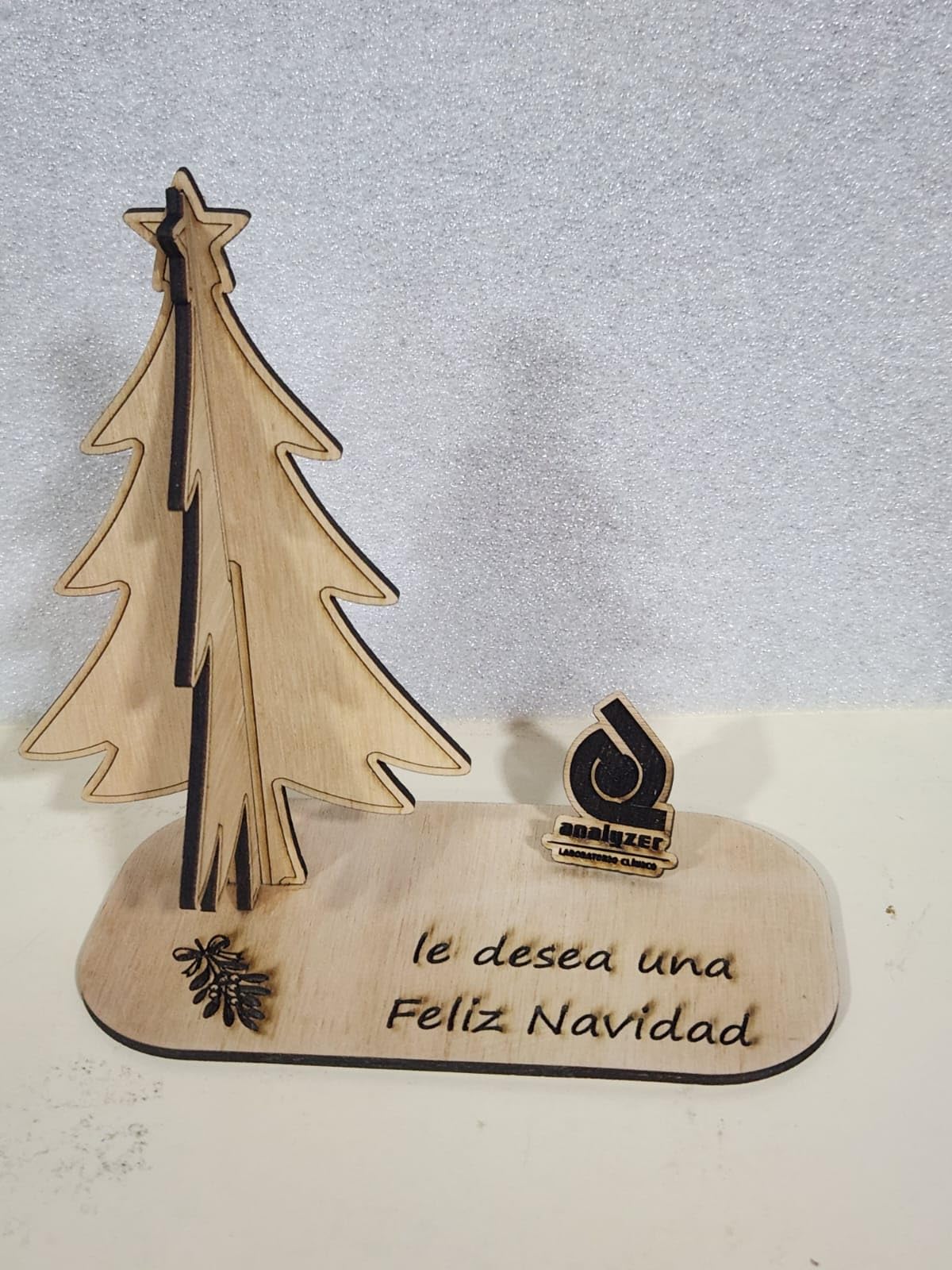
The headline capability is honest and specific: 5mm of basswood or 3mm of black acrylic in a single pass at up to 10000mm/min. That is a real cut, not a marketing number, and it is enough to make layered boxes, jigs, jewellery and small signage rather than only marking a surface.
Accuracy is 0.004 inches with repositioning under 0.007 inches. The all-aluminium frame uses steel shaft wheel guide rails, and the laser head carries a focusing plate so you can dial focus with a tool-free adjustment rather than guessing at a ruler measurement.
What the Creality CR-Laser Falcon 10W does well
Setup and software choice. It ships with LightBurn for experienced users and LaserGRBL for beginners, plus Wi-Fi, USB and SD card transfer. That means you start simple and move up to LightBurn when your designs justify it, without changing hardware.
The support package is also worth noting. There is a one-year warranty with free parts replacement and ongoing technical support, and the anti-UV acrylic filter on the module blocks 97% of UV rays. At 7.05 pounds and 22.36 by 24.88 by 7.79 inches it is a desktop machine rather than a bench machine.
Where the Creality CR-Laser Falcon 10W falls short
It is rated Class IIIa, which is a lower classification than the other open frames here, but it is still a laser that deserves normal safety practice, eye protection and ventilation. The lower class does not mean it can be pointed at anything.
The material rule that catches people is acrylic. This diode cannot cut acrylic at all. Dark acrylic is for engraving only, and the same applies to glass and metal, which it marks but does not cut. Owners note the job-planning adjustment is fine once you know it, and the 4.2 rating across 223 reviews sits with 67 percent at five stars and 11 percent at one.
6. LONGER Ray5 20W — Best for Touchscreen and Shaded Color Work
LONGER Ray5 Laser Engraver and Cutter Machine,20W Laser Engraver, 400×356mm
20W module
400 x 356mm bed
3.5 inch touchscreen
24000mm/min
256-color palette
Pros
- 20W module cuts 15mm pine or 8mm acrylic in a single pass
- 3.5 inch touchscreen shows progress and allows live parameter edits
- 256-color palette enables shaded engraving on wood leather and fabric
- Full enclosure with shield filtering over 95% of radiation plus goggles
- Emergency stop and motion and overheat protection built in
Cons
- Lowest average rating in the roundup at 4.0
- ESP32 platform is less mature than LightBurn-centric rivals
- Thick wood and acrylic need multiple passes
The LONGER Ray5 20W is the machine to look at if shaded or colour engraving interests you. Its 256-colour palette lets you modulate power across a design, which is how you get photographic depth on wood, leather and fabric rather than a flat brown mark. No other machine in this list has that feature.
It arrived in November 2025 and runs on a 240MHz ESP32 chipset with a 3.5-inch touchscreen. That screen is a bigger deal than it sounds: you can watch a job run and change power and speed mid-cut without opening software on a laptop across the room.
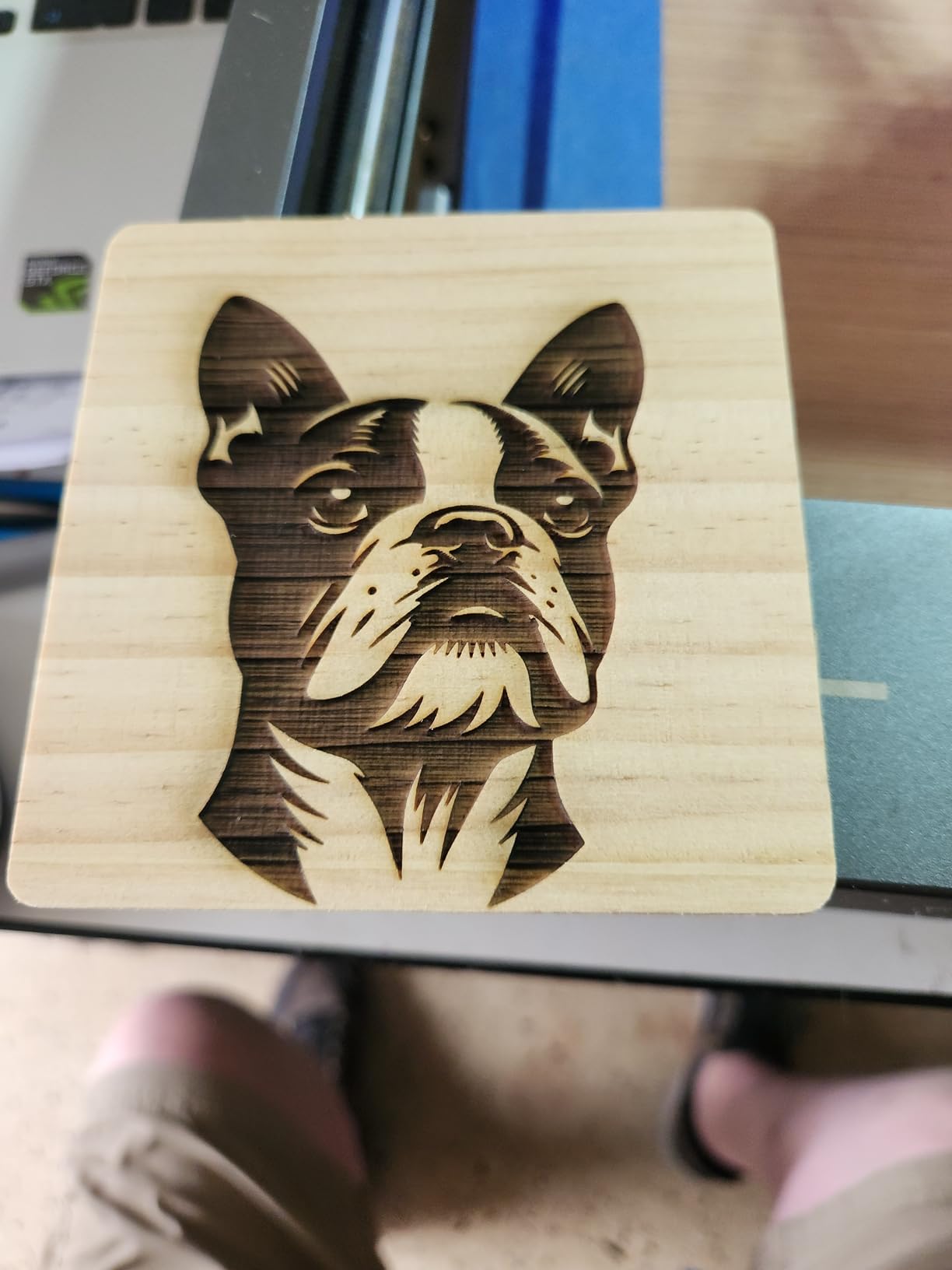
The cutting figures are the strongest in this roundup. Single-pass capability of 15mm pine, 8mm acrylic and 0.05mm stainless steel, with multi-pass up to 25mm wood and 35mm acrylic. Max engraving speed is 24000mm/min, and the spot is 0.08 by 0.1mm with up to 0.01mm engraving precision.
It is also one of only two enclosed machines here. The full protective enclosure, a head shield filtering over 95% of laser radiation, and included safety goggles make it a sensible choice if a teenager or a guest will be using the machine.
What the LONGER Ray5 20W does well
Control and connectivity. USB, TF card, Wi-Fi and an app cover every way you might want to work, and the 400 by 356mm area is a sensible rectangle for signs and plaques. Other bed sizes exist in this family if you need something larger, including an 850 by 850mm frame.
It also scales. The ESP32 multi-core architecture can drive more than one machine from a single device, which is a genuine advantage if you later run a small production studio and do not want a laptop per machine. Package dimensions are 25 by 22 by 10.5 inches and it weighs 10.98 pounds.
Where the LONGER Ray5 20W falls short
It carries the lowest average rating in this roundup at 4.0 across 171 reviews, with 16 percent one-star responses against 61 percent five-star. The detractors point to early firmware and reliability rough edges typical of a newer platform, so budget time for settings learning.
The controller is also a step down in ecosystem maturity compared with LightBurn-centric rivals. LaserGRBL and LightBurn both work, but the surrounding tools are younger. And the headline cut depths are single-pass with air assist at full power; thick material is multi-pass work, which takes time you should plan for rather than discover.
7. Creality Falcon A1 10W — Best Enclosed Class 1 Laser Engraver
CREALITY FALCON A1 10W Laser Engraver, 80W Enclosed Laser Cutter and Engraver Machine with Air Assist, Smart Camera Positioning, 600mm/s Speed, Smart Material Recognition, Ideal for Wood & Metal
Class 1 enclosed
600mm/s CoreXY
381 x 305mm bed
HD camera positioning
Built-in air assist
Pros
- Only Class 1 enclosed machine here with a dual-door cabinet filtering 99% of laser radiation
- 600mm/s engraving speed through CoreXY and dual motors
- Pre-calibrated HD camera shows the full work area for positioning
- Air assist smoke control auto-lock and emergency stop all standard
- Free Falcon Design Space plus LightBurn LaserGRBL and Cutlabx
Cons
- Does not support cutting acrylic at all
- Mirror-finished metal and mirrored acrylic are prohibited
- 43.6 pounds makes it the least portable machine here
The Creality Falcon A1 answers the safety question that stops a lot of people buying a laser at all. It is a Class 1 machine with a dual-door cabinet whose transparent cover filters 99% of laser radiation, complete with auto-lock, an emergency stop and smoke control. In practice that means it can sit in a room with people in it.
That makes it the pick for a classroom, a school makerspace, a small shop front or a shared workspace. The Falcon Design Space software is free and pre-sets optimal parameters per material, which cuts down the trial-and-error phase that makes beginners quit.
Speed is the other headline. CoreXY motion with a dual-motor system reaches 600mm per second, roughly three times what a traditional gantry frame delivers, and the pre-calibrated HD camera gives you a full-frame view of the engraving area for job positioning. There is also a graphic outline extraction feature that converts an image into engraving paths.
The working area is 381 by 305mm. Note that the 500 by 500mm honeycomb panel is not compatible with it, which is a common and expensive surprise for buyers who assume panels interchange. Air assist and a rotary roller kit are available as matching variants for this chassis.
What the Creality Falcon A1 10W does well
Safety and shop-readiness. The 80W machine draws its own air assist and handles its own smoke, so the single biggest cost of a diode setup is already handled. Owners consistently cite the camera, the speed and the cabinet as the reasons to buy, and the 4.2 rating from 157 reviews sits with 68 percent at five stars.
Software choice is wide for a closed machine. Falcon Design Space is free, and LightBurn, LaserGRBL and Cutlabx are all supported, so a LightBurn workflow carries over if you upgrade later. It has been available since December 2024, which makes it a settled platform rather than a new release.
Where the Creality Falcon A1 10W falls short
The material restrictions are firm and manufacturers state them plainly. Acrylic cannot be cut, and must be coated to be engraved. Highly reflective materials, including mirror-finished metals and mirrored acrylic, are prohibited outright. This is the single most common buyer surprise on this machine.
It is also the heaviest at 43.6 pounds, so it is a one-place machine rather than a portable one, and the 381 by 305mm bed is smaller than the open frames here. If you mostly engrave coated metal and wood in a shared room, the trade is worth it. If you mostly cut acrylic, it is the wrong machine.
8. ATOMSTACK A20 Pro V2 — Best for Precision on Linear Guides
ATOMSTACK 20W Laser Engraver, A20 PRO V2 Laser Cutter, High Accuracy Laser Engraving Machine for Personalized Gifts, Business Cards, Wood, Metal, Acrylic, Leather
20W Class 4 output
0.08 x 0.1mm dots
400mm/s
Linear guide motion
0.01mm accuracy
Pros
- Integrated linear guide motion instead of plain belts
- 20W output with 0.08 x 0.1mm dot compression at 400mm/s
- Built-in limit switches and cross-line light for 0.01mm accuracy
- Assembly takes about 20 minutes with average skills
- Rated lifespan up to 10000 hours with free faulty part replacement
Cons
- Bundled ATOMSTACK app and PC software are very basic
- No printed documentation and Wi-Fi is undocumented
- Gantry wiring loom lacks a cable drag chain
- Belt-driven so accuracy drops on larger pieces
The ATOMSTACK A20 Pro V2 makes one specific upgrade over the other 20W frames here, and it is the one that shows up in finished work. Instead of belt-only motion, it uses an integrated linear guide structure, which is why owners single out its repeatability and its 0.01mm engraving accuracy with built-in limit switches and a cross-line light.
It has been available since October 2024 in a 22.83 by 9.84 by 6.69 inch aluminium frame weighing 13.42 pounds, rated Class 4, with 20000mW output. Engraving speed reaches 400mm/s and dot compression produces 0.08 by 0.1mm dots.
Safety items are unusually thorough for an open frame. A removable magnetic protective cover, safety glasses, and a tilt-angle safety beep that triggers above 15 degrees are all standard, and the machine carries a one-year warranty with free faulty part replacement and lifetime technical support.
Connectivity is Type-C or a USB stick, and it works with the ATOMSTACK app, LightBurn and LaserGRBL. The rated lifespan is quoted at up to 10000 hours, which is a module figure rather than a guarantee about electronics, but it is a useful reference point when you are comparing machines.
What the ATOMSTACK A20 Pro V2 does well
Repeat accuracy on smaller parts. The linear guides, limit switches and cross-line light make this the machine we would pick for jewellery, watch parts and identical batch work where every piece has to match. Several owners describe sharp, detailed results on wood and acrylic once set up in LightBurn.
Assembly is also quick. The integrated linear guides are described as taking roughly 20 minutes with average skills, and owners mention numbered parts bags helping. It ranks at number 49 in Jewelry Making Engraving Machines and Tools, consistent with that accuracy focus.
Where the ATOMSTACK A20 Pro V2 falls short
Software and documentation are the two most cited complaints. The bundled ATOMSTACK app and PC program are very basic, Wi-Fi configuration is undocumented, and there is no printed user documentation. Most experienced owners buy LightBurn and ignore the bundled path, which is a fair but extra step.
Two smaller issues recur. The gantry wiring loom is not held in a cable drag chain, so it can snag on the workpiece, and the machine is still belt-driven at the outer axis, so accuracy drops on larger pieces. Its 4.2 rating across 134 reviews also shows an unusual 14 percent three-star cluster, and a few buyers report units arriving with an electronics defect.
How to Choose a Laser Engraver Under 1,000 Dollars?
Diode, CO2, fiber and UV: what this budget can actually buy
At this price, a diode is the only realistic choice, so it is worth being clear about the trade-offs rather than pretending you have a menu. A blue diode at 450 nanometers is inexpensive, compact and low-maintenance, and it is excellent on wood, cardboard, paper, leather and painted or coated surfaces. It will not cut acrylic and it will not mark bare or mirror-finished metal.
A CO2 laser at 10.6 microns is the traditional wood and acrylic cutter, and it produces a cleaner, faster cut on those two materials than a diode ever will. The reasons it is not in this list are price, exhaust and consumables: a quality enclosed CO2 sits at or above this ceiling, and a cheap open CO2 needs a fume exhaust system plus periodic tube and mirror replacement.
A fiber laser marks metals superbly and is close to maintenance-free, but it cannot touch wood or acrylic at all, and a genuine MOPA fiber machine is not obtainable at this budget. A diode with an infrared module is the compromise if you need light metal marking, and it will not give you the depth a real fiber does.
A UV laser at 355 nanometers can mark almost anything including glass and crystal, and it is well above this price. If your work depends on glass, crystal or coated stone, save your money and budget for a different machine entirely.
Wattage tiers and what each one actually cuts
Wattage is the single most misunderstood number in this category, because engraving and cutting have completely different demands. Engraving only vaporises a surface layer, so low power still produces a legible mark. Cutting has to remove material through the full thickness, so it needs substantially more power and real air assist.
At 5W to 10W you are buying an engraver. Marks on wood and leather are fine and cuts are limited to thin material. Reviewers regularly describe 5W and 10W results as feeling weak and slow, and the most common forum question is whether to move up. The answer at this budget is yes, if you can.
At 20W you are buying a machine that both engraves and cuts. The Creality Falcon 10W cuts 5mm of basswood in one pass, the LONGER Ray5 handles 15mm of pine in a single pass, and the ORTUR is quoted to 20mm of wood. The Twotrees and ATOMSTACK 20W frames sit in the same class.
At 30W to 40W you are at the realistic ceiling for a diode under a thousand dollars. Beyond that, expect to cross the budget line. Buying 20W rather than 10W is the most common and most worthwhile upgrade in this category, and the Twotrees TTS-20 Pro is where we would start that conversation.
Enclosure, air assist and fume extraction
These are three different things that buyers routinely treat as one, so it is worth separating them. Air assist is a nozzle that blows air across the cut to clear debris, cool the kerf and reduce flame. It improves cut quality more than almost anything else you can add.
Fume extraction is a system that carries smoke and gas out of the room, usually through a duct or an exhaust unit. An air purifier cleans the air but does not remove smoke at source, so it complements extraction rather than replacing it. A classroom or shop with more than occasional use needs both.
An enclosure is a cabinet around the work area, and it determines the safety class. The Creality Falcon A1 and the LONGER Ray5 are enclosed here. Everything else is an open frame, which means Class 4, eye protection, and a rule that nobody stands near the machine while it runs. If you work in a shared space, factor the enclosure into your decision rather than treating it as a luxury.
LightBurn, LaserGRBL and bundled software
Every machine in this roundup except the LaserPecker runs LaserGRBL, LightBurn, or both, and the Creality Falcon A1 adds Cutlabx. That matters more than it sounds. LightBurn is the control software most laser communities use, and a machine that works with it keeps your designs, settings and file library when you eventually upgrade.
The bundled apps are free and fine for a first afternoon. They are rarely where you stay. Several owners of the machines here explicitly recommend buying LightBurn instead, particularly on the ATOMSTACK, where the bundled program and the undocumented Wi-Fi setup are the most common complaints in the reviews. If your workshop is filling up, our under-a-thousand buying guides apply the same value-first approach to the rest of the list.
One more line item deserves a budget: the photography. Selling engraved pieces online means you need decent product shots, and a mirrorless camera under a thousand dollars handles that job for less than the laser upgrades you will end up buying anyway.
What you cannot get under 1,000 dollars
A quality fiber laser. Deep, high-contrast metal engraving with colours on stainless is a fiber capability, and fiber machines sit far above this budget. A light-duty fiber is not a substitute, because it lacks the beam quality that produces the result you are imagining.
A UV laser. Marking glass, crystal and clear plastics without coatings needs a 355 nanometer source. It is not available at this price, and paint or a coating is the only workaround a diode buyer has.
A dedicated stone engraving machine. This is the honest answer to a common question: real stone engraving needs fiber, and a diode can only mark a coated or painted surface. If stone and slate are your product, this budget is the wrong budget.
Industrial cutting capacity. A 60W CO2 tube, a production conveyor feed, or a bed large enough for signage will each push a complete setup past this figure, before accessories. If you need any of those, plan on a larger second purchase rather than stretching this one.
Frequently Asked Questions
What are some good alternatives to Glowforge?
Three of the machines here fill the same role as a Glowforge for a first serious machine. The Creality Falcon A1 10W is the closest substitute for safety, with a Class 1 dual-door enclosure, 600mm/s CoreXY motion and a pre-calibrated HD camera for positioning. The Twotrees TTS-20 Pro 20W substitutes for cutting power, giving 20W of optical output and a 418 x 418mm bed, while the LONGER Ray5 20W substitutes for control, with a 3.5-inch touchscreen and a 256-colour palette for shaded engraving. All three accept LightBurn, so the software habits carry over.
What should you not laser engrave?
Never laser PVC or vinyl chloride, or anything with a PVC backing such as self-adhesive vinyl. It releases chlorine gas, which is toxic and corrosive. Avoid unknown plastics, because you cannot predict the fumes, and avoid ABS and vinyl, which melt rather than engrave. Do not cut clear acrylic with a diode, and do not point a diode at mirror-finished metals or mirrored acrylic, where the beam reflects unpredictably. If you are unsure of a material, engrave a small offcut first.
Should I get a diode or CO2 laser?
At a budget under 1,000 dollars, a diode. A CO2 laser at 10.6 microns cuts wood and acrylic cleaner and faster, and there is a common saying in the hobby community that a CO2 can do things a diode cannot while the reverse is not true. That is roughly right on capability and wrong on reach, because a quality enclosed CO2 costs more than this entire budget and adds exhaust plus consumable tubes and mirrors. A diode needs no gas, no external exhaust and far less maintenance, which is why it dominates this price band.
Is fiber laser a better choice than CO2 laser?
Neither is reachable at this budget. A genuine MOPA fiber laser, which is what produces deep metal engraving with colour on stainless, costs several times a thousand dollars, and a quality CO2 also sits above this ceiling. If you need metal marking on a diode budget, the practical substitute is a diode paired with an infrared module, which is a light marking solution rather than a deep engraving one. Choose a fibre when your work is mostly metal and your budget has room for one.
What is the best value laser engraver?
The Twotrees TTS-20 Pro 20W is the best value of the eight. It carries the highest average rating in the group at 4.4 across 493 reviews, and it pairs 20 watts of optical output with a 418 x 418mm bed, which is the best cutting capability per unit of spend here. Remember that air assist, the touchscreen and the honeycomb bed are sold separately, so include those in your real total. If you want fewer add-ons, the ORTUR Laser Master 2 S2 ships with a metal frame and a built-in air assist interface.
What is the average lifespan of a laser engraving machine?
On a budget diode machine, the limiting component is usually the controller, the stepper motors and the wiring rather than the laser module itself, which is rated in the region of 10000 hours. Modules can often be replaced for a modest outlay when a machine ages, which is one reason a modular full-metal frame like the ORTUR Laser Master 2 S2 is worth paying for. The contrasting case is CO2, where consumable tubes and mirrors need periodic replacement throughout the machine’s life. Whatever you buy, check what parts the manufacturer sells and what the warranty covers before you commit.
Our Verdict on the Best Laser Engravers Under 1,000 Dollars
The best laser engraver under a thousand dollars is the ORTUR Laser Master 2 S2, because its full-metal modular frame, tight 0.05mm spot and 390 x 410mm bed make it the machine least likely to disappoint a first-time owner, and it carries by far the largest body of owner feedback in this group at 1474 reviews.
Buy the Twotrees TTS-20 Pro instead if cutting is the point, the LaserPecker LP2 if tumblers and on-site work are the point, and the Creality Falcon A1 if the machine has to run in a room other people use. The ACMER S1 is the low-commitment way to test whether you enjoy this at all.
Budget for the extras before you buy. Air assist, extraction, goggles and a rotary attachment are what separate a machine that works from one that disappoints, and they are the part of the cost that most first-time buyers forget. If you are setting up a business rather than a hobby, our small business equipment guide covers the same cost-first approach for the rest of your workshop.
Safety last, and not as an afterthought. Never run an open frame without eye protection and extraction, never point a diode at clear acrylic or bare reflective metal, and never laser PVC or an unknown plastic. Check current pricing and warranty terms on each machine before you order, since this category reprices often.