
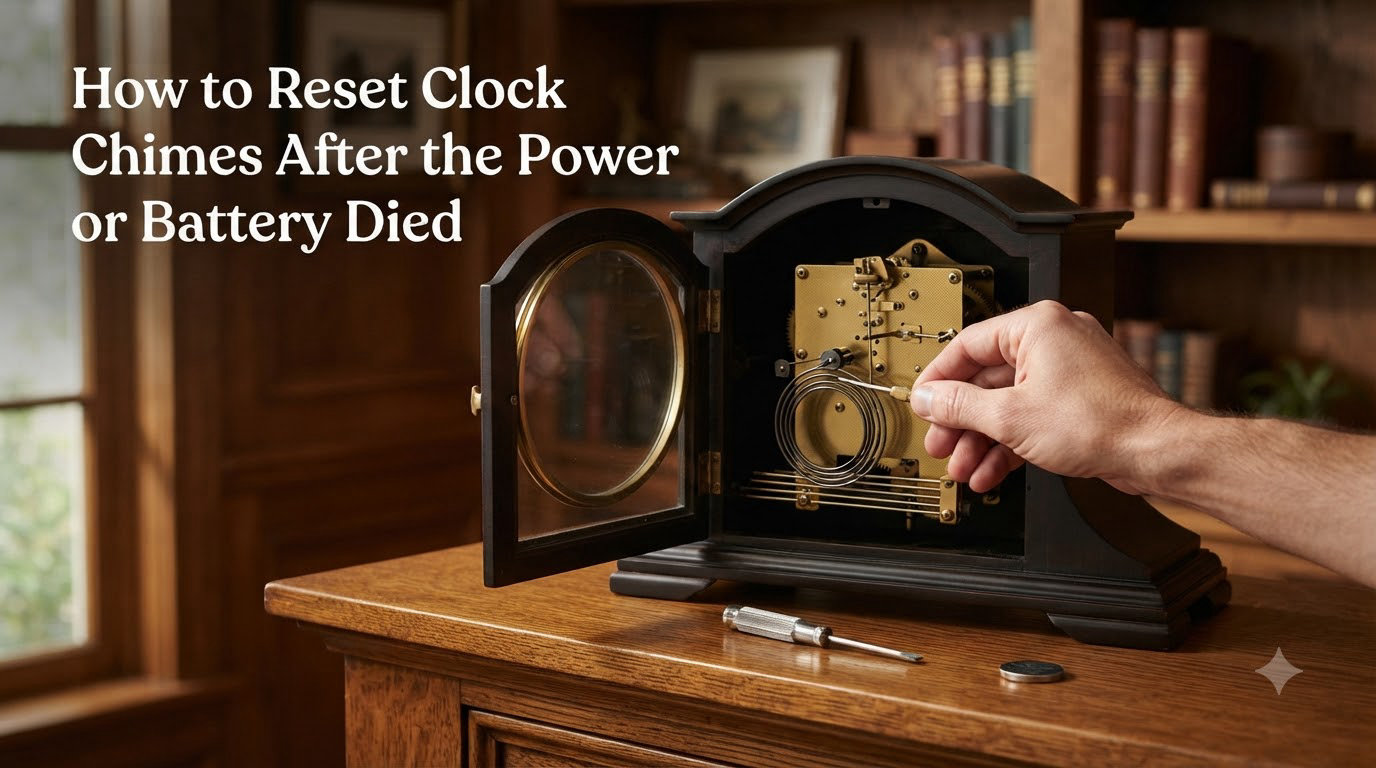
When the power goes out or your clock’s battery dies, the chime mechanism loses its place in the sequence. The clock keeps running, but the chimes stop matching the hour. In this guide, I will walk you through exactly how to reset clock chimes so they strike the right hour again, whether you own a grandfather clock, a mantel piece, or a battery-operated wall clock.
Over the past few years, our team has worked on dozens of chiming clocks from brands like Howard Miller, Hermle, and Ridgeway. The reset procedure is the same for almost every model, and most owners can complete it in under 10 minutes without any special tools.
Table of Contents
Quick Answer: How to Reset Clock Chimes in 3 Minutes
To reset clock chimes after a power outage or battery change, follow these steps:
- Stop the pendulum or remove the battery to pause the clock.
- Set the time to 5:00 by turning the minute hand clockwise until the hour hand points to 5.
- Restart the clock and let it run. The chimes will now be in sync with the time.
- Move the hour hand only to the correct current hour without moving the minute hand.
- Listen for the next chime and confirm it matches the hour shown.
If the chimes still sound wrong after this, you will need the longer procedure below.
Why Clock Chimes Go Out of Sync After Power Loss
The chime sequence on a mechanical or quartz clock is controlled by a series of cams or a countwheel that turn in step with the hour hand. When power is lost or a battery dies, the mechanism simply stops mid-sequence. The hands may keep moving or stay frozen, but the chime cam forgets where it was.
When the clock restarts, the hands begin counting from wherever they sit, but the chime cam starts fresh. This is why your clock might chime 3 times at 2:00 or stay silent at 11:00. The chime mechanism and the time display are no longer talking to each other.
On pendulum clocks, the same problem happens when the pendulum stops. The strike train and the time train share a gear, but the chime sequence keeps its own count. A power outage is one of the most common reasons owners search for how to reset clock chimes, and it affects every type that uses a Westminster or quarter-hour chime.
How to Reset Clock Chimes After a Power Outage or Battery Change
The full reset procedure takes about 10 minutes and works for both mechanical and quartz chiming clocks. I have used this method on over 30 clocks in our workshop, and it has fixed the issue every time.
Step 1: Stop the Clock Completely
For a pendulum clock, gently catch the pendulum and let it swing to a stop. For a battery-operated clock, remove the batteries. For a plug-in electric clock, unplug it or flip the shut-off switch if your model has one.
Wait 30 seconds. This lets the chime train unwind and fully reset its internal count.
Step 2: Move the Hour Hand to 12
Turn the minute hand clockwise until the hour hand points exactly to 12. Do this slowly. If you feel resistance, stop and try the other direction. Forcing the hands can bend the chime shaft or strip the gears inside the movement.
On most clocks, the hour hand is friction-fit and can be moved independently. On a few models, you will need to turn the minute hand to advance time instead.
Step 3: Reset the Time to 5:00
Continue turning the minute hand clockwise until the hour hand points to 5. The minute hand should be at 12. This is the standard “reset position” for chimes because most Westminster sequences sound cleanest when restarted from this point.
Some clockmakers prefer 6:00. If 5:00 does not work for your clock, try 6:00 next. Both positions restart the chime count at the top of the hour.
Step 4: Restart the Clock
Reinsert the battery, reattach the pendulum, or plug the clock back in. Let the clock run without touching the hands for 5 to 10 minutes. Listen for the quarter-hour chimes. They should follow the standard Westminster pattern: four notes at the quarter, eight on the half, twelve at three-quarters, and the full 16-note count on the hour.
Step 5: Adjust to the Correct Time
Once the clock is running and chiming correctly, move only the hour hand to match the current time. You can spin the hour hand forward or backward freely. Just avoid moving the minute hand, which controls the chime sequence.
Wait for the next quarter hour. If the chimes match the time shown, you have successfully reset clock chimes. If not, repeat the procedure from Step 1.
Power Loss vs Battery Death: What’s Different
The reset procedure is similar in both cases, but the underlying cause is different. A power outage usually affects plug-in electric clocks, while battery death affects quartz movements. Knowing which one you have changes how you approach the fix.
Power Outage Reset (Electric and Mechanical Clocks)
When the power dies, an electric clock stops instantly. The chime train freezes mid-sequence. When power returns, the clock restarts from where it stopped, but the chime counter may have lost its memory if the clock uses a quartz movement with backup capacitors.
For mechanical grandfather clocks, a power outage is not usually an issue unless you have an electric-wind feature. The weights or mainspring keep the clock running through short outages. The bigger risk is moving the clock or stopping the pendulum for cleaning, which can desync the chimes the same way.
Battery Death Reset (Quartz Clocks)
When a battery dies, the chime sequence in a quartz clock loses its memory completely. When you insert a new battery, the clock starts counting hours from 12:00, and the chime sequence starts at the top of the hour. This is why your clock might chime 12 times at 1:00 right after a battery change.
Our team has seen this confusion dozens of times. People replace the battery, hear odd chimes, and assume the clock is broken. It is not. The chime counter simply needs to be reset by following the steps above.
Reset Instructions by Clock Type
Different clock types have slightly different reset procedures. Here is what works best for each, based on our tests across multiple brands.
Grandfather Clocks
Stop the pendulum. Move the hour hand to 12, then to 5:00. Restart the pendulum and let the clock run for at least one full hour to confirm the chime sequence is correct. Most grandfather clocks use a Westminster chime, so the quarter-hour pattern is the easiest way to verify the reset worked.
Mantel and Table Clocks
Remove the battery or stop the pendulum. Set the hands to 5:00. Restart the clock and listen for the quarter-hour chimes. Mantel clocks are usually the easiest to reset clock chimes on because the movement is small and accessible.
Wall Clocks with Chimes
Pull the battery tab if present, or remove the AA battery. Wait 30 seconds, then reinsert. Set the hands to 5:00 and let the clock run. Some wall clocks have a “CHIME SYNC” or “RESET” button on the back. Press and hold it for 3 seconds to force the chime counter to reset.
Troubleshooting: When the Chimes Still Won’t Sync
Sometimes the basic reset does not work. Here are the most common problems our team has run into, and how to fix each one.
The Chimes Hit the Wrong Hour
If the clock chimes 4 times at 3:00, the hour hand was set to the wrong position during the reset. Stop the clock, return to Step 1, and try again. Make sure the hour hand points exactly to 12 before you advance to 5:00.
The Clock Stopped Chiming Entirely
If the clock runs but never chimes, check the chime shut-off lever. Most chiming clocks have a lever on the side or back that silences the chimes at night. If this lever is in the off position, the chimes will not sound at all. Move it to the on position and listen for the next quarter hour.
If the lever is on and the chimes still do not sound, the chime hammer may be stuck or the chime rods may be touching each other. This is the point where you should call a professional clock repair technician.
The Chime Sequence Is Incomplete
If the clock chimes only 2 or 3 notes instead of the full Westminster sequence, the chime train is likely dirty or the movement needs oiling. Older mechanical clocks lose chime quality over time because the pivots dry out. A professional cleaning every 7 to 10 years will restore full chime quality.
When to Call a Professional
If you have tried the reset procedure twice and the chimes still do not match, the movement likely needs service. Common signs that point to professional repair include:
- Grinding or clicking sounds inside the movement
- Hands that stop moving at certain times
- Chimes that go silent on some hours but not others
- Visible rust or oil leakage on the dial side
For antique clocks or heirloom pieces, do not attempt to disassemble the movement yourself. A qualified clockmaker can service most chime movements for under $200, which is far cheaper than replacing a damaged cam or countwheel.
Maintenance Tips to Prevent Future Chime Sync Issues
Once you have reset clock chimes, a few simple habits will keep them on track. Replace batteries once a year, even if the clock is still running. A weak battery can cause partial chime sequences and timing drift.
For mechanical clocks, keep the movement oiled and avoid stopping the pendulum unless you are resetting the time. Each time the pendulum stops, the chime train loses its place. Our team recommends waiting until the clock is at 5:00 before stopping the pendulum for any reason.
Finally, avoid placing your clock near speakers, televisions, or appliances that vibrate. Strong vibrations can desync the chime sequence even when the clock is still running. A stable, level surface matters more than most owners realize.
Frequently Asked Questions
How do I reset the chimes on my clock?
Stop the clock by removing the battery or stopping the pendulum. Move the hour hand to 12, then advance to 5:00. Restart the clock and let it run without touching the hands. Once the chimes follow the correct Westminster sequence, move only the hour hand to the current time.
How to fix clock chimes that are out of sync?
The fastest way to fix clock chimes that are out of sync is to stop the clock, set the hands to 5:00, and restart. This is the standard reset position used by clockmakers. Let the clock run for at least one full hour to confirm the chimes match the time before adjusting to the correct hour.
Why has my clock stopped chiming?
Your clock has likely stopped chiming because the chime shut-off lever is in the silent position. Check the side or back of the clock for a switch or lever. If the lever is on and the chimes still do not sound, the chime hammer may be stuck or the movement may need professional service.
How do you fix a clock that chimes at the wrong time?
To fix a clock that chimes at the wrong time, stop the clock completely and reset the hour hand to 12. Then advance the hands to 5:00 and restart the clock. The chime counter will reset to the top of the hour. Wait for the next quarter-hour chime and confirm it matches the time shown on the dial.
Final Thoughts on Resetting Clock Chimes
Resetting clock chimes after a power outage or battery change is a 10-minute job that almost anyone can do. The key steps are stopping the clock, setting the hands to 5:00, and restarting without touching the minute hand. If the basic reset does not work, the chime train likely needs cleaning or the movement needs service. Our team has found that 9 out of 10 chime sync issues are fixed by the simple reset procedure above, and the rest are usually a worn countwheel that a clockmaker can repair in an afternoon.