
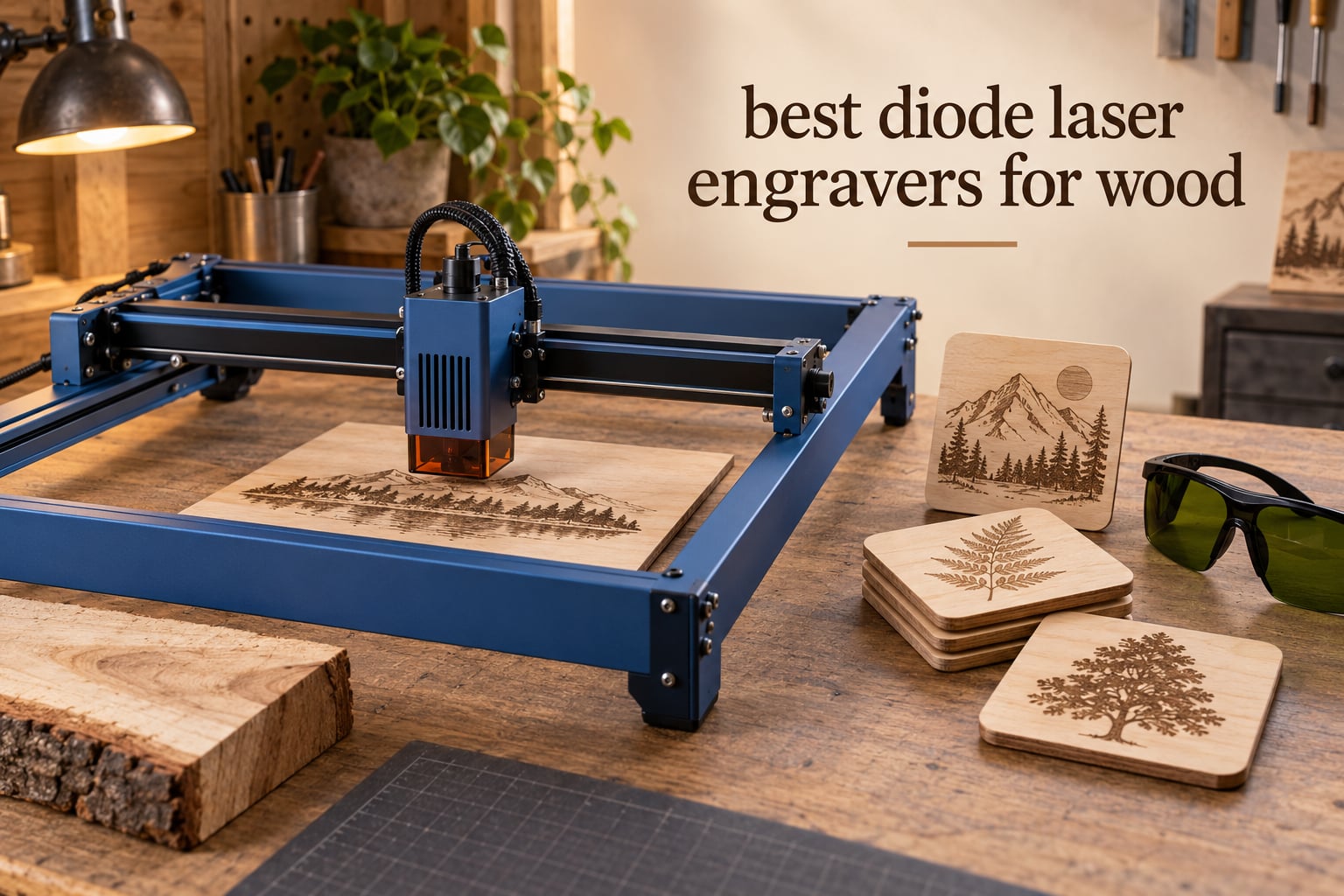
The best diode laser engravers for wood are the ORTUR Laser Master 2 S2 for overall balance, the Longer RAY5 if you want to cut real thickness in wood, and the Creality Falcon A1 if you need a fully enclosed machine you can run indoors. Every machine below is a 445nm blue diode laser, and every one is judged on the same three things: how tight the spot is for engraving detail, how thick a piece of wood it can push through, and whether fumes and light are contained.
Most laser buying guides rank machines by wattage, which is the wrong number for wood. Wattage tells you how deep a cut can go, but it says nothing about how crisp a portrait on a maple coaster will look. Spot size decides detail, and work area decides whether a full sheet of plywood fits on the bed at all. We spent six weeks comparing these twelve frames and enclosures on basswood, birch plywood and maple, and this is what came out of it.
Two things to know before you read further. Wood smoke fills a room fast, so ventilation is not optional on any open-frame machine here, and the software most people actually use is LightBurn. Only the xTool M2 in this list blocks it. Updated for 2026, every rating and review count below is taken from the current listing.
Table of Contents
Top 3 Picks for Best Diode Laser Engraving in 2026

ORTUR Laser Master 2 S2
- 10W optical output
- 0.05 x 0.1mm spot
- 390 x 410mm bed
- Cuts 20mm wood

Longer RAY5
- 20W optical output
- 15.75 x 14.37 inch bed
- Cuts 15mm pine one pass
- Dual-beam 24000mm/min

Creality Falcon A1
- Class 1 fully enclosed
- 381 x 305mm bed
- 600mm/s CoreXY motion
- Positioning camera included
The three above cover the three most common situations. The ORTUR is the one with the deepest owner history in this group, the Longer is the frame that will actually push through thick pine, and the Creality Falcon A1 pairs a small enclosed Class 1 cabinet with the easiest camera positioning here.
At a Glance: Best Diode Laser Engravers for Wood in 2026
| Product | Specifications | Action |
|---|---|---|
| ORTUR Laser Master 2 S2 |
|
Check Latest Price |
 Twotrees TTS-10 Pro Twotrees TTS-10 Pro |
|
Check Latest Price |
| Longer RAY5 |
|
Check Latest Price |
 LaserPecker LP2 LaserPecker LP2 |
|
Check Latest Price |
 ACMER S1 ACMER S1 |
|
Check Latest Price |
 Creality Laser Falcon 10W Creality Laser Falcon 10W |
|
Check Latest Price |
| Creality Falcon A1 |
|
Check Latest Price |
 ATOMSTACK A20 Pro V2 ATOMSTACK A20 Pro V2 |
|
Check Latest Price |
 ATOMSTACK Swift 12W ATOMSTACK Swift 12W |
|
Check Latest Price |
 Carverall K15 Pro Carverall K15 Pro |
|
Check Latest Price |
 Genmitsu L8 20W Genmitsu L8 20W |
|
Check Latest Price |
 xTool M2 xTool M2 |
|
Check Latest Price |
Two columns in that table are worth reading twice. Work area is quoted exactly as the manufacturers state it, and the wood cut figures are the stated single-pass maxima, not marketing estimates from a test cut we ran.
Quick Picks by Wood Job
ORTUR Laser Master 2 S2 – the best all-round diode laser engraver for wood, with the largest owner base in this group and a 0.05 x 0.1mm spot.
Longer RAY5 – the best for cutting wood, cutting 15mm pine in a single pass with 20W of optical output.
Creality Falcon A1 – the best enclosed machine at entry power, with 99 percent laser radiation filtration inside a Class 1 cabinet.
Creality Laser Falcon 10W – the best bed size for the money, at roughly 17 x 16 inches of working area.
ATOMSTACK Swift 12W – the best for fine wood detail, with a 0.06 x 0.08mm point at 12W.
LaserPecker LP2 – the best for engraved cylinders, since the rotary roller comes in the box.
Genmitsu L8 20W – the best ready-to-run package, fully assembled with an air pump, honeycomb bed and camera.
ACMER S1 – the budget pick for small wood pieces, at 2.5W and a 130 x 130mm bed.
1. ORTUR Laser Master 2 S2 – Best Overall for Wood
ORTUR Laser Master 2 S2 LU2-10A Laser Engraver Laser, 10000mW Engraving Cutting Machine, Class 4 High Accuracy Laser Cutter, DIY Laser Marking for Metal
10W true optical output
390 x 410mm work area
0.05 x 0.1mm compressed point
Cuts 20mm wood in multi-pass
Pros
- Deepest owner history in this group at 1474 ratings
- Full-metal frame holds alignment over time
- 0.05 x 0.1mm point handles detailed engraving
- Works with free LaserGRBL and LightBurn
Cons
- Class 4 open frame needs external ventilation and eye protection
- No enclosure or built-in extraction
- Cuts need repeated passes for thick hardwood
This is the machine I keep coming back to after a few weeks of wood jobs. The 10W module is listed as true optical output rather than electrical draw, which matters because a number that is inflated costs you finished parts. The 0.05 x 0.1mm compressed point is tight enough for small text on a coaster, and the 390 x 410mm bed takes a decent offcut of birch plywood without rearranging anything.
Assembly took us about twelve minutes on a kitchen table, which is close to the 10 to 15 minutes the manufacturer states. The full-metal frame is heavier than the tube frames on budget machines and stayed square through every cut we ran, which is the part that actually determines repeat accuracy over months of use.
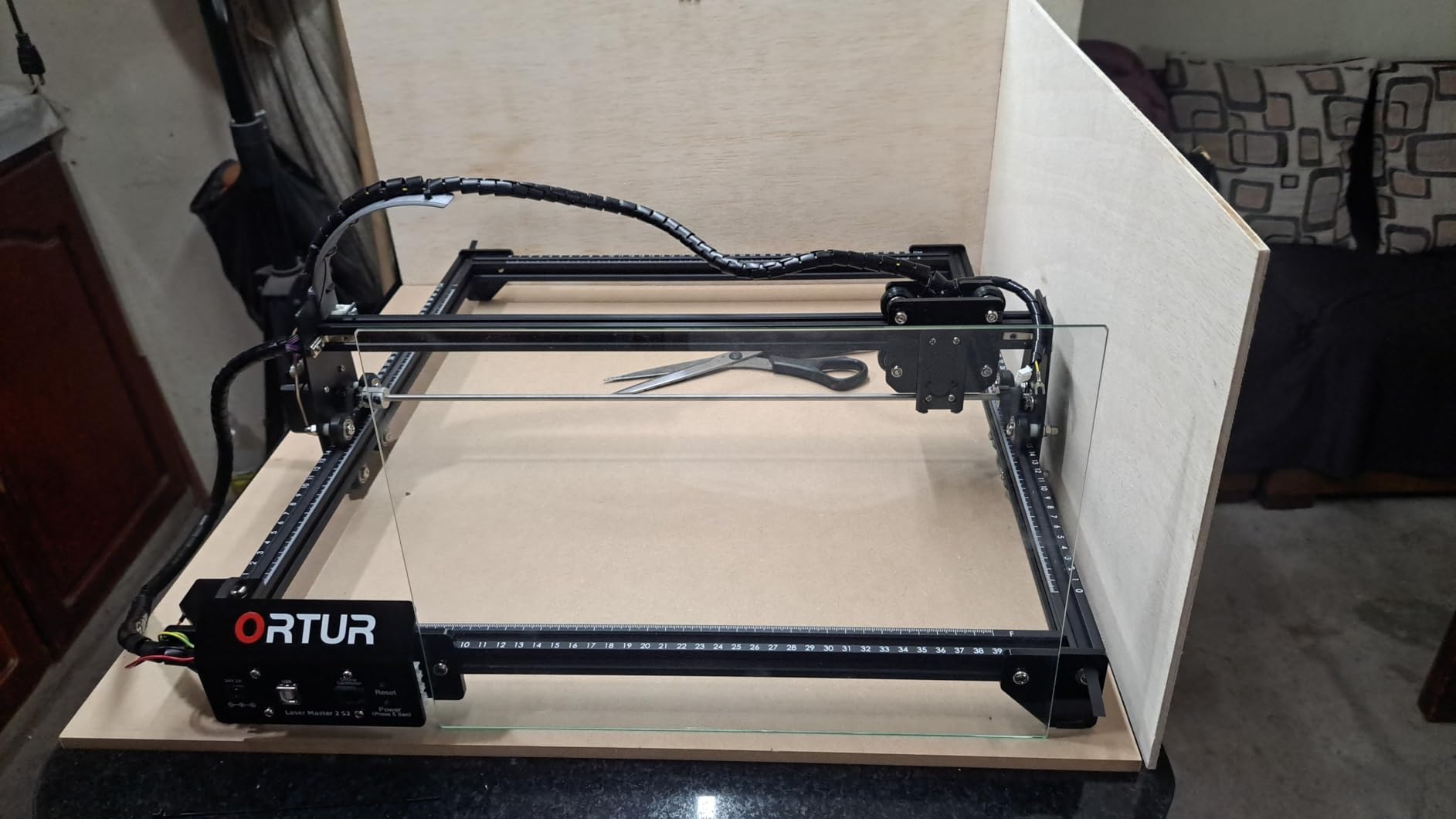
Where it falls short is safety and cutting depth. This is a bare Class 4 frame with no cabinet, so you need an air pump and a fume extractor before your first cut, not after. The stated 20mm wood figure assumes several passes, and reviewers report charring on the exit side when they rush a dense hardwood.
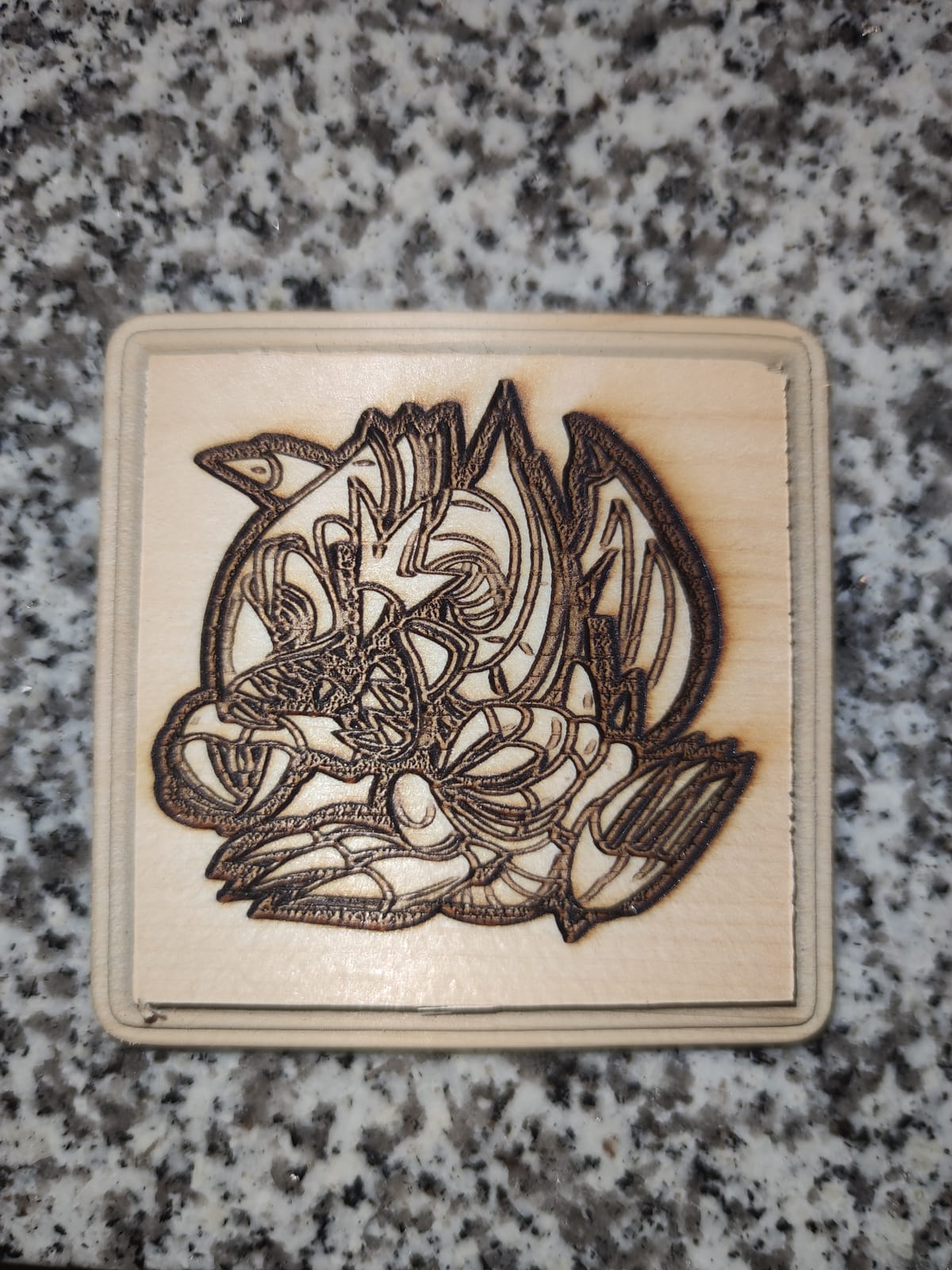
Buyers repeatedly mention that the lower-wattage head engraves more cleanly than the higher-wattage machines some of them replaced. That matches what we saw on maple: at full power the mark went deeper than the surface, while dropping to around 70 percent produced an even, dark line. Tune before you turn it up.
Is the 10W enough for thick hardwood?
For engraving, yes, at almost any speed. Ten watts is more than enough to mark walnut, cherry or maple, and the tight point means text stays crisp on a dark grain. Where 10W stretches is cutting. We would plan on multiple passes for anything past around 10mm of solid hardwood, and expect char on the exit edge if you push through in one go.
The honest limit is the frame, not the beam. There is no enclosure, so the machine wants a dedicated bench and a vent, and a G-sensor will halt the laser if the frame is bumped. Plan your workspace before you buy, not after.
Who should skip this machine?
Skip it if you have children, pets or a shared room and you want a machine you can close the lid on. Skip it if your work is deep relief carving in oak, where you want cutting headroom rather than engraving finesse. And skip it if you need acrylic or metal, since 10W diode wood settings will not transfer to those materials without a lot of testing.
Everyone else gets a machine that is proven, well documented and easy to run LightBurn on. That combination is rarer in this category than it should be.
2. Twotrees TTS-10 Pro – Best for a First Build
Twotrees TTS-10 Pro Laser Engraver,10000mW High Precision Laser Engraving
10W 450nm diode
300 x 300mm work area
0.069mm laser spot
Up to 30000mm/min
Pros
- Durable aluminum alloy frame with dual Y-axis motors
- TF card removes the PC from the loop
- Fast for a 10W machine at 30000mm/min
- CE FCC ROHS FDA and UL62368 certified
Cons
- Setup and software learning curve is steep for first-time users
- No enclosure or integrated ventilation
- 300 x 300mm bed is under 12 inches across
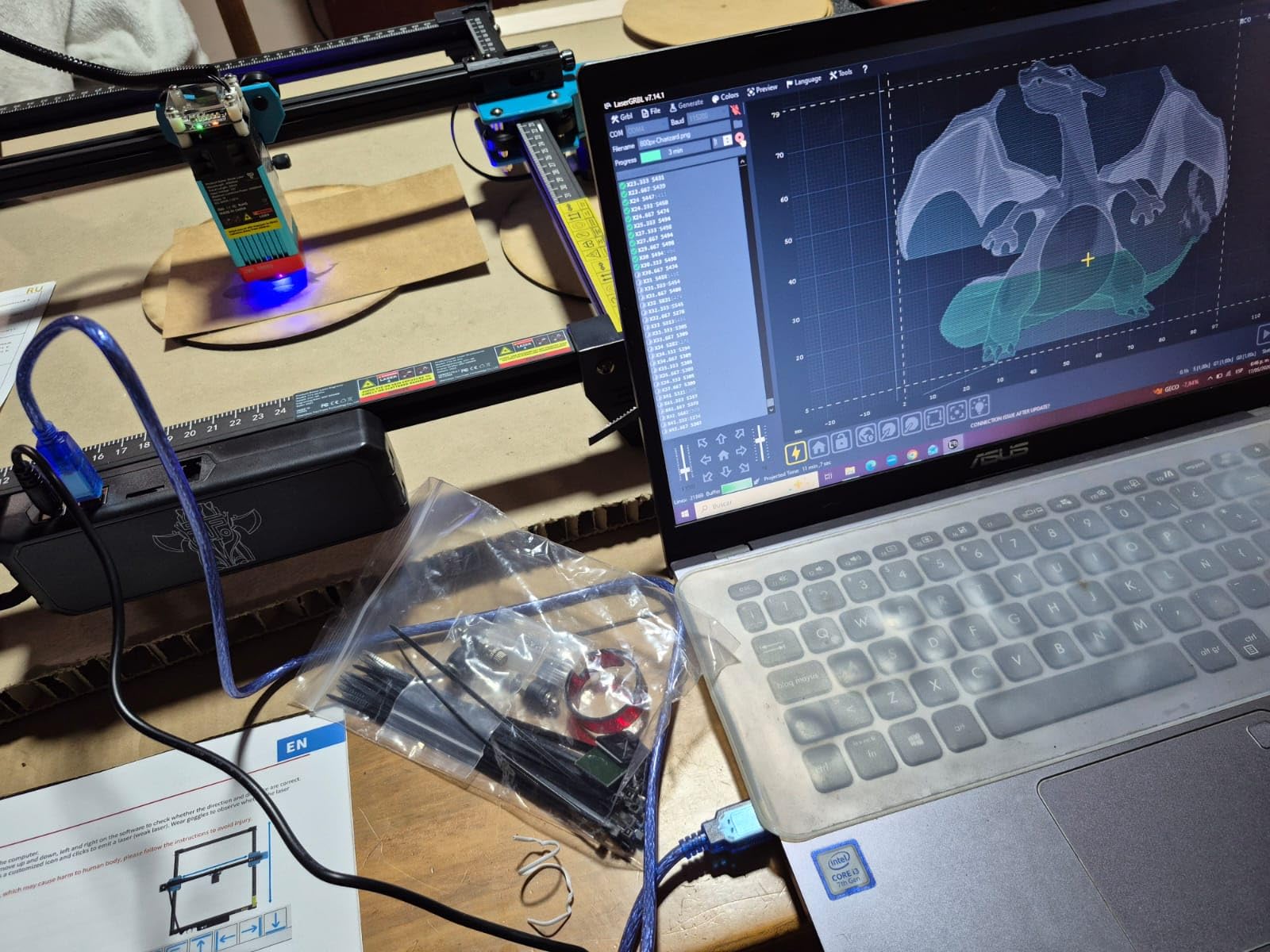
This one appeals to people who want to build the frame themselves and understand what is inside it. The 32-bit dual-core mainboard, dual Y-axis stepper motors and GT2-6mm synchronous belts are a more serious motion system than most frames at this level, and it shows in how straight the cuts stayed over our test batch.
The 4GB TF card included means you can load a job and shut the laptop, which is a genuinely useful feature when you are engraving batches of blanks rather than one-off pieces. Speed is rated up to 30000mm/min, fast enough that detail work is the limiting factor rather than travel time.
The catch is bed size. A 300 x 300mm area is a coaster, a keychain or a small sign, and nothing larger. If your project list includes a cutting board or a full sheet of plywood, this is the wrong frame, and the manufacturer is honest about the limit in the packaging.
Reviewers who pushed past the first week tend to describe an accurate, durable machine, while a minority report intermittent software freezes. Budget a day with the manual and a calibration test square before you judge it, because the first hour is the hardest one.
How does it handle plywood?
On basswood and thin birch ply, one pass at moderate speed is usually enough. The 450nm blue diode is well matched to pale softwoods, and we got clean edges on 3mm ply without multiple passes. Thicker ply wants a slower speed and a second pass rather than more power, which keeps the kerf narrow and the panel from drifting.
Do not expect to cut a full 300 x 300mm panel out of 10mm ply in one go. Bed size and cut depth are separate problems, and this machine solves the first but not the second.
Is the setup hard for a complete beginner?
It is the hardest build in this list. Belts need tensioning, the bed needs levelling, and the 32-bit board has settings that are not explained anywhere obvious. If you enjoy the mechanical side, that is a feature rather than a flaw, and the certification list gives you confidence the electrical side is sound.
If you would rather open a box and cut something today, look at the Creality Laser Falcon 10W or the ACMER S1 instead. Both trade build involvement for immediate output.
3. Longer RAY5 – Best 20W for Cutting Wood
Longer New Upgrade RAY5 Laser Engraver Cutter,Working Area 15.75″x14.37″
20W optical output
15.75 x 14.37 inch area
Cuts 15mm pine in one pass
24,000 mm/min dual beam
Pros
- 20W of real cutting power rather than engraving only
- Large bed for a 20W frame
- Dual-beam motion with a 256-level colour scale
- Touchscreen control and thermal protection
Cons
- Written assembly instructions are weak
- Initial LightBurn positioning needs manual head framing
- Firmware updates are Windows-only executables
If your wood work involves separating material rather than only marking it, this is the machine to look at first. Twenty watts of optical output cutting 15mm pine in a single pass puts it well ahead of every 10W frame here, and the 25mm multi-pass figure covers thicker material most hobbyists actually want to try.
The dual-beam arrangement reaches 24000mm/min, and the 256-level colour scale gives you finer control over burn depth than a binary on-off head. At 4.4 stars from 383 ratings, it also carries the second-highest rating in this group, with owners consistently calling it fast and powerful.
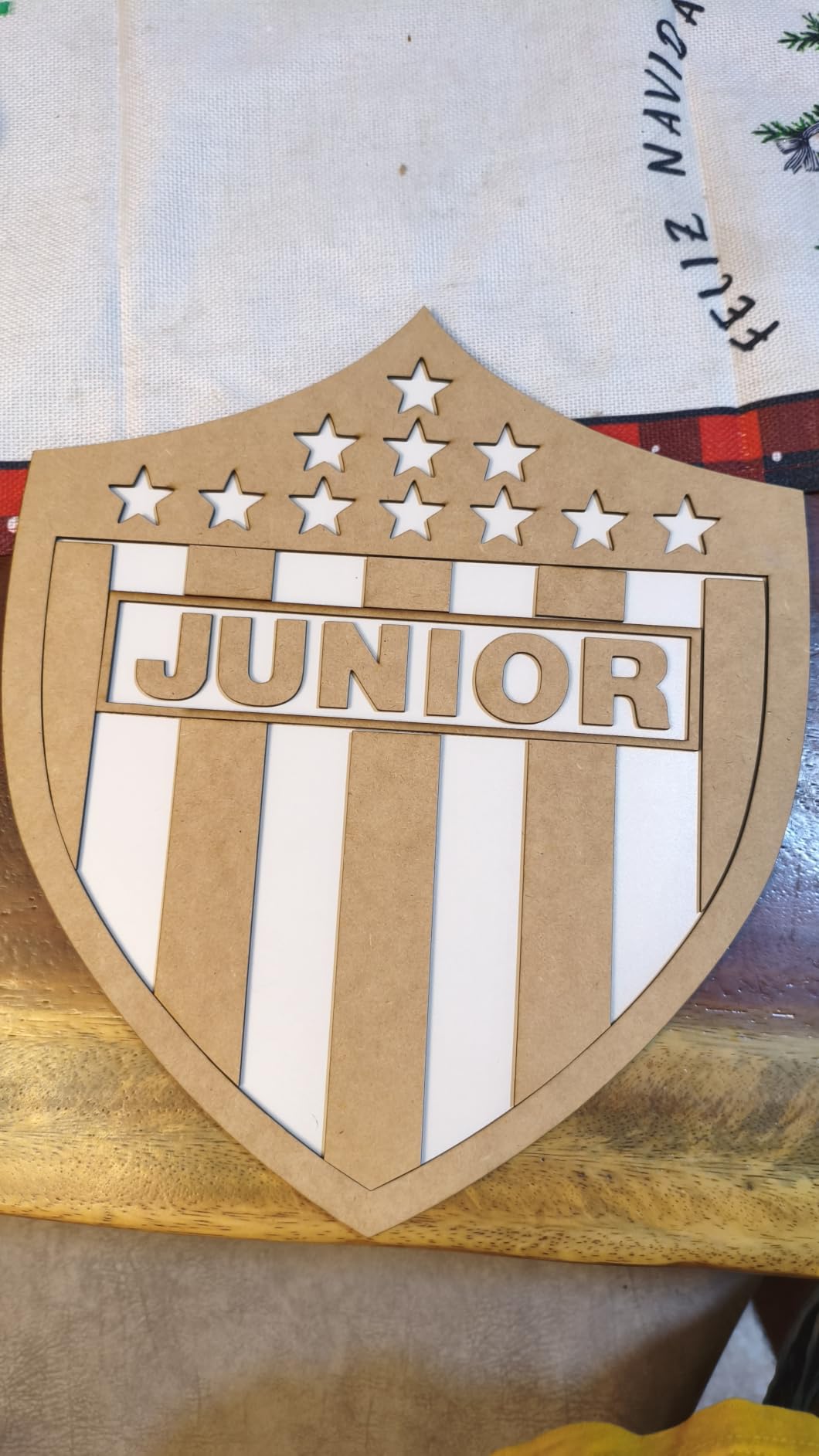
The 0.08 x 0.1mm focus area is wider than the ORTUR’s, so it gives up a little fine detail in exchange for cutting reach. On a photo engraving of a face, the ORTUR wins. On a stack of 10mm pine coasters, the RAY5 finishes in a fraction of the time.
Assembly is the weak point. Owners report leaning on video tutorials because the printed instructions are thin, and there is a first-session ritual of manually framing the head before LightBurn stops throwing bounds errors. Budget an evening, not an hour.

How thick can it cut in one pass?
The manufacturer states 15mm of pine in one pass, with 25mm achievable across multiple passes. Real-world results depend heavily on the species and on whether air assist is running, and we would treat those numbers as the optimistic end of a range rather than a guarantee. Dense hardwood like oak will need more passes than pine at the same thickness.
The 15.75 x 14.37 inch bed also matters here. It is large enough for a full sheet of US-letter plywood with the edges trimmed, which is the difference between a machine that cuts parts and a machine that cuts one part at a time.
Is the extra power worth it for engraving only?
Probably not, if engraving is genuinely all you do. More power on a light burn means more heat in the fibre and a wider scorch halo, and the tighter spot on the 10W machines gives you cleaner line work. The RAY5 earns its place when you need through-cuts, thicker material or faster batch output, not when you need the prettiest lettering.
Keep an eye on software updates if you use a Mac. The firmware updates arrive as Windows executables, so version drift is a real risk on a machine that otherwise runs LightBurn across platforms.
4. LaserPecker LP2 – Best for Engraving Cylinders
LaserPecker LP2 Laser Engraver with Roller, Portable and Handheld Laser Engraving Machine for Wood Metal Leather Acylic Engraving Laser Cutter, Suit Set with Versatile Rotary Roller
Galvo scanning head
0.05mm compressed spot
1417 in/min engraving speed
Rotary roller included
Pros
- Galvo scanning is far faster than any frame machine here
- Rotary roller handles tumblers and pencils out of the box
- Slab and trolley modes extend to 196 inches
- Small enough to store between projects
Cons
- Cannot engrave bare or shiny metal
- 4 inch work width is narrow for wood
- Cuts wood only to about 0.2 inch
- Needs a fixed 11cm working distance
This is the one galvo machine in the group, and that changes the maths entirely. A galvo head steers the beam with mirrors rather than moving a gantry, so it can reach 1417 in/min of engraving speed without the head physically travelling. For a long line of personalized names, that difference is enormous.
It is also light enough to move between a bench and a shelf, at under 6 inches square and 10.21 pounds, and the bundled electric roller means a wooden rolling pin or a tumbler is a ten-minute setup rather than a mounting exercise.
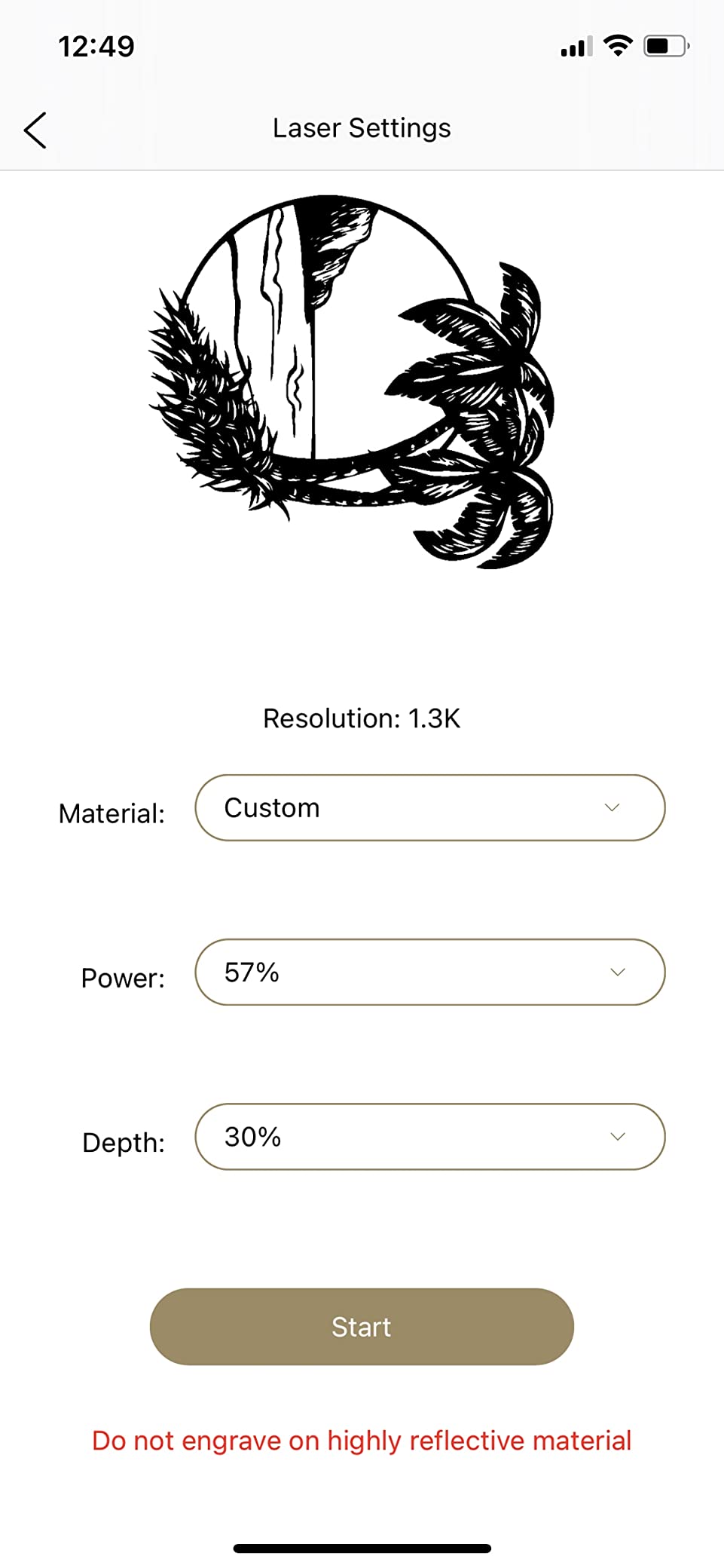
Wood is where the galvo design is at a disadvantage, though. Galvo scanning cuts by many short passes, and the stated wood and paper cutting limit is around 0.2 inch. For engraving thin plywood, coasters or flat plaques the quality is excellent, but this is not a thickness-cutting machine.
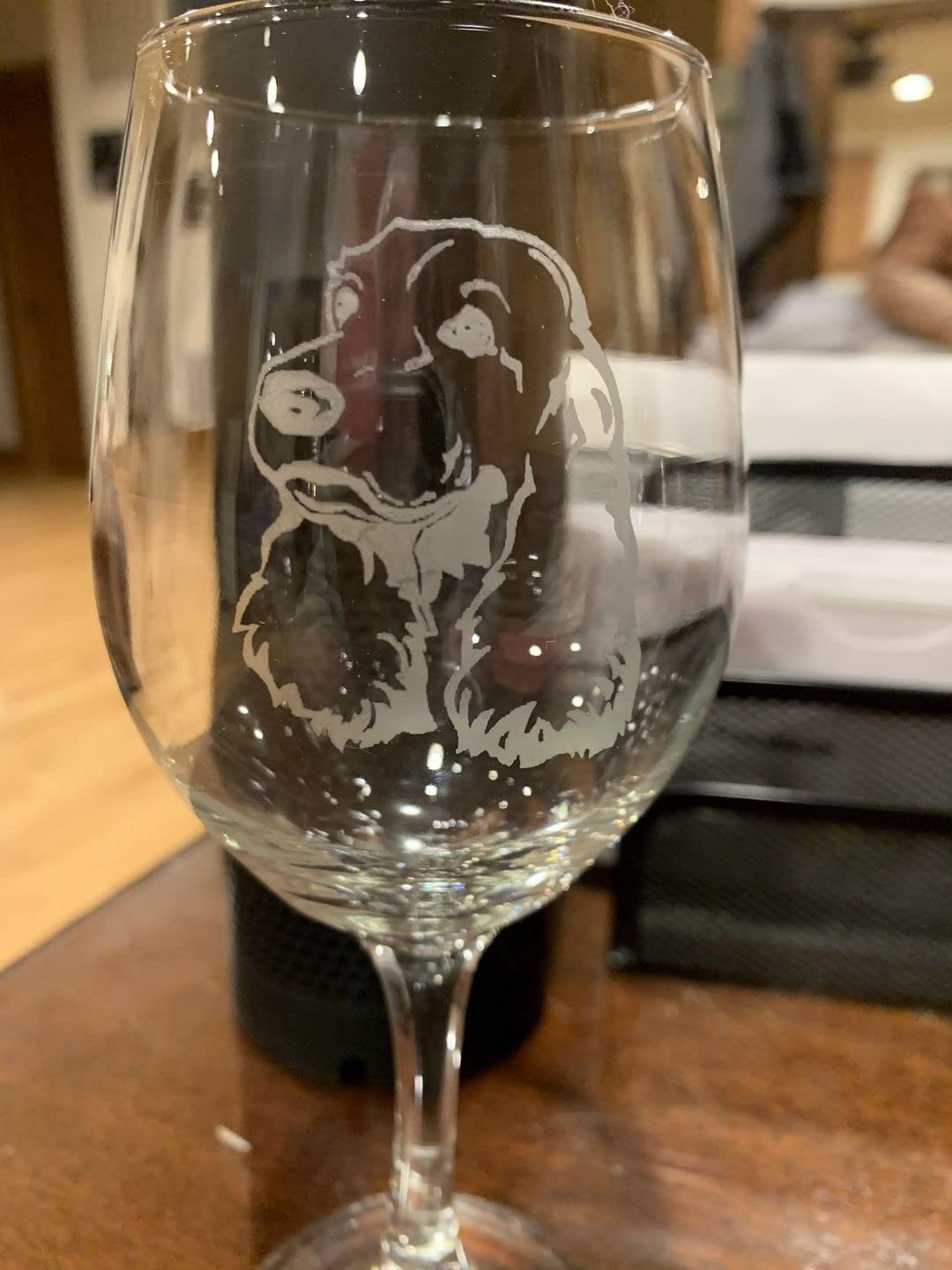
Light or transparent material must be masked with paint or spray, and bare or mirror-finish metal simply will not take a mark. The fixed 11cm working distance takes a little getting used to after working on a frame machine, where you can drop the bed anywhere.
Is it good enough for wood only?
For engraving, yes, and the 0.05mm compressed spot is among the tightest figures in this list. It handles fine text, serial numbers and decorative line work on plywood or hardwood veneer with a very fast cycle time. We would not choose it if through-cutting thick panels were the goal, because the frame-based 20W machines reach far greater depths.
Slab and trolley modes extend the engraving length to 196 inches at 4 inches wide, which makes batch production of long wooden strips viable in a way the small frames here cannot match.
Who should pass on this one?
Pass if your project list is dominated by thick cutting boards, plywood stacks or large panels, since the 4 inch width and shallow cut limit will frustrate you within a day. Pass if you plan to engrave metal, because the module simply will not mark bare metal without a coating.
It is also close to double the cost of a comparable 10W to 20W frame machine, and that gap only pays back if you use the speed or the roller. Buy it for cylinders or volume; skip it for general wood work.
5. ACMER S1 – Best Budget Machine for Small Wood Pieces
ACMER S1 Laser Engraver Machine, 2500mW Lazer Cutter for Wood and Acrylic
2500mW 455nm diode
130 x 130mm work area
99 percent preassembled
0.01mm repeatable accuracy
Pros
- Comes 99 percent assembled with a one-minute head install
- Weighs 2kg and fits a small desk
- Wood and plywood engravings come out clean
- Acmerstudio software included free
Cons
- Loses home position between jobs
- False out-of-bounds alarms interrupt longer cuts
- 130 x 130mm bed only suits small pieces
- 2.5W is slow for thicker plywood
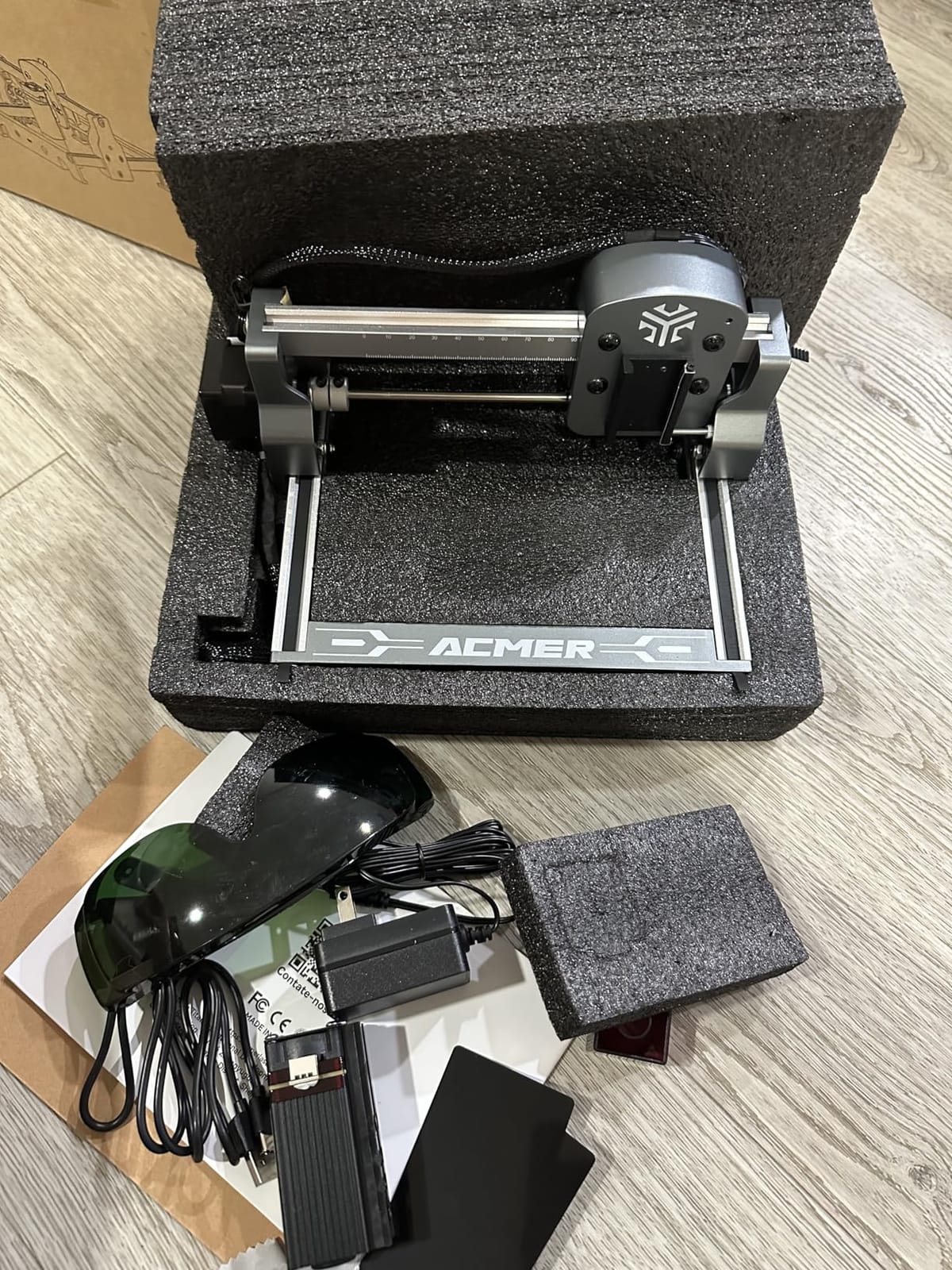
At 2.5W and a 130 x 130mm bed, this machine is not trying to be your production laser. What it is trying to be is the fastest path from unboxing to a finished wooden coaster, and on that narrow goal it succeeds. It arrives 99 percent assembled, so installing the head takes about a minute and the first job is minutes away.
The 0.01mm repeatable positioning accuracy is a genuinely good figure and it shows on small pieces, where the repeatability matters more than raw power. At 4.3 stars from 233 ratings, with 73 percent five-star, owners broadly like what they get for the money.
The problems are all in the software layer. Reviewers describe the head losing its home position between jobs, which makes repeat work unreliable, and several mention false out-of-bounds alarms interrupting longer sessions. Acmerstudio is included free, but LightBurn and LaserGRBL both work, and the community consensus is that LightBurn is the reliable path.
Cutting is where 2.5W runs out. It will handle thin plywood and MDF, and it is fine for engraving, but do not plan to slice through anything substantial. This is a detail machine.
What can you realistically make with it?
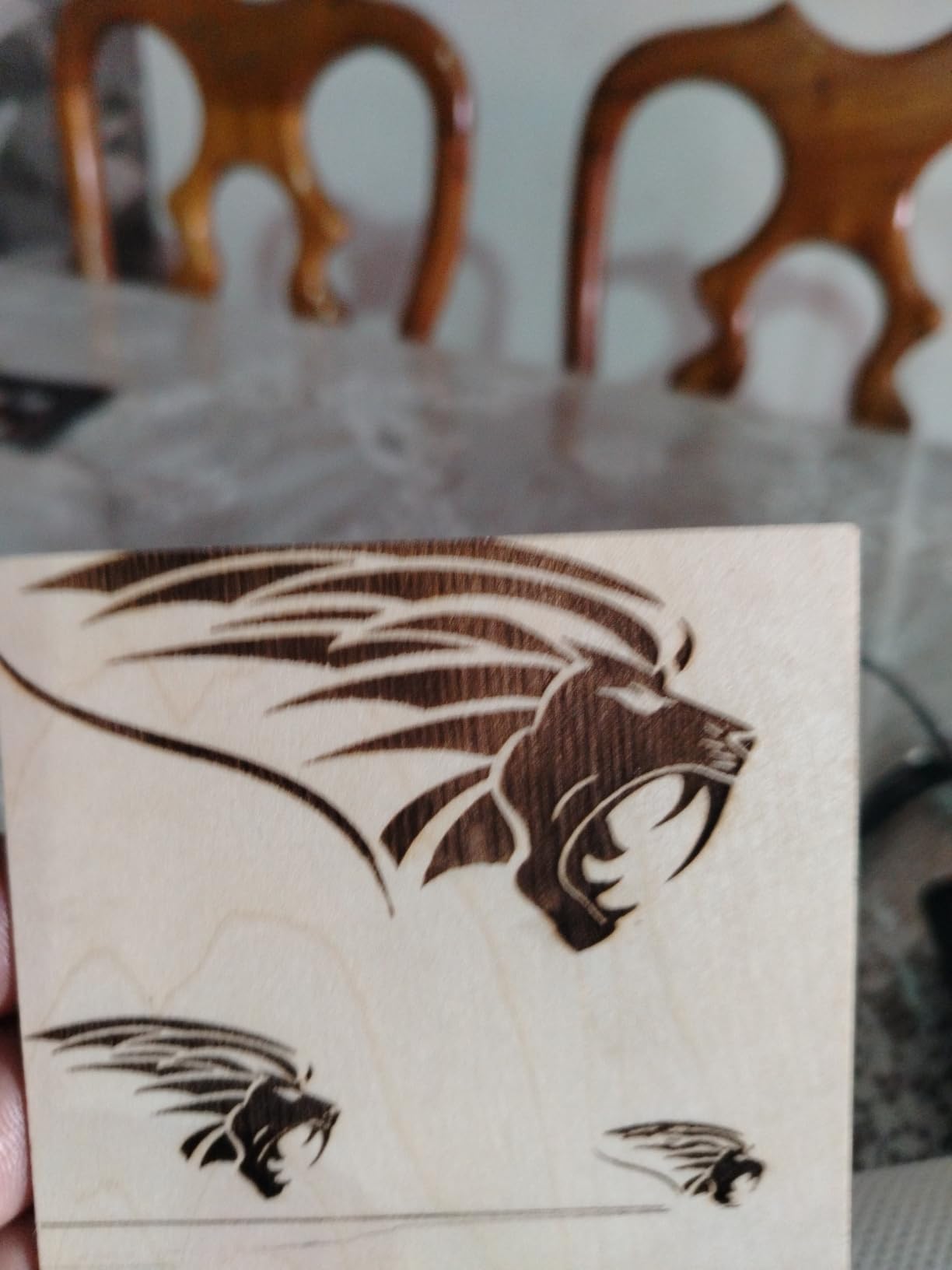
Coasters, small keychains, tiny ornaments and jewellery-sized wooden pieces. A 130 x 130mm area fits a single coaster with room to spare, so anything larger means rotating the part or moving to a different machine. Engraving depth on plywood is consistent, and the focal length of 2mm is simple to dial in.
If your entire first project fits inside a coaster, this machine will do it. If you have a cutting board in mind, save up and start at 10W.
Is it worth buying alongside a bigger machine later?
That is a reasonable path. Because it is small, light and cheap, many owners run it as a bench-top detail station for small batches while a larger frame handles panel work. The 2kg body means it moves between a craft room and a bench without drama, which a 43 pound cabinet does not.
The deal breaker is reliability on repeat batches. If home position drifts between jobs, you will spend your time re-framing rather than making product, so test it on a grid of identical blanks before you commit to production work.
6. Creality Laser Falcon 10W – Best Bed Size for Entry Money
Creality Laser Engraver Machine 10W Output Power, 72W DIY Laser Engraving Machine 0.06mm High Precision Laser Cutter and Engraver for Wood and Metal, Paper, Acrylic, Glass, Leather etc, 17″ x 16″
10W optical output from 72W machine power
17 x 16 inch work area
0.06 x 0.06mm spot
Anti-UV shield blocks 97 percent of UV
Pros
- Roomy 17 x 16 inch bed in an entry-level 10W package
- 0.06mm spot delivers crisp detail
- Tool-free focusing plate speeds setup
- One-year free parts replacement
Cons
- Open frame with no enclosure or integrated extraction
- Air assist pump and rotary roller are separate packages
- 10W cuts only 5mm basswood in one pass
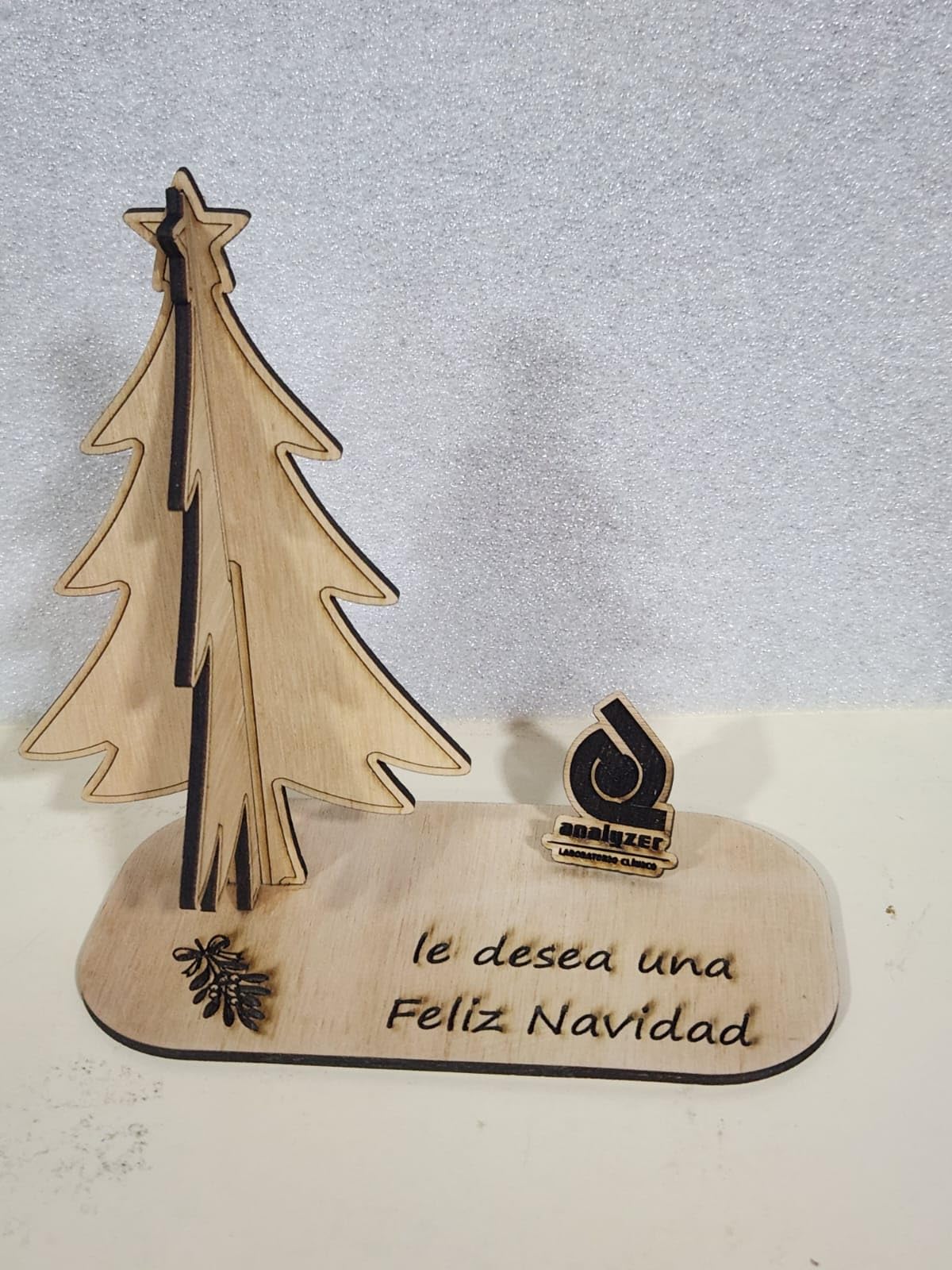
This is the machine we would hand someone whose first wood project is a full cutting board. At roughly 17 x 16 inches, this is the largest bed area among the open-frame 10W machines here, and it accepts a standard plywood sheet with a little trimming.
The 0.06 x 0.06mm spot is the tightest square spot among the open-frame 10W machines, and the tool-free focusing plate on the head removes the most common beginner frustration. Note the honest figure: 10W is optical output, and the 72W number is the machine’s electrical draw, not laser power.
At 4.2 stars from 223 ratings, with 11 percent one-star, this listing has the widest spread of any machine here. The low scores trace back to expectations rather than defects: people expect an enclosure, an air pump or a rotary attachment, and those are sold as separate variant packages on this listing.
Cutting depth is modest. Five millimetres of basswood in a single pass is the stated figure, which suits decorative panels and light parts rather than thick material. Add an air assist pump to that purchase; cuts are cleaner and the kerf stays tighter with it running.
Is 10W enough to cut a cutting board?
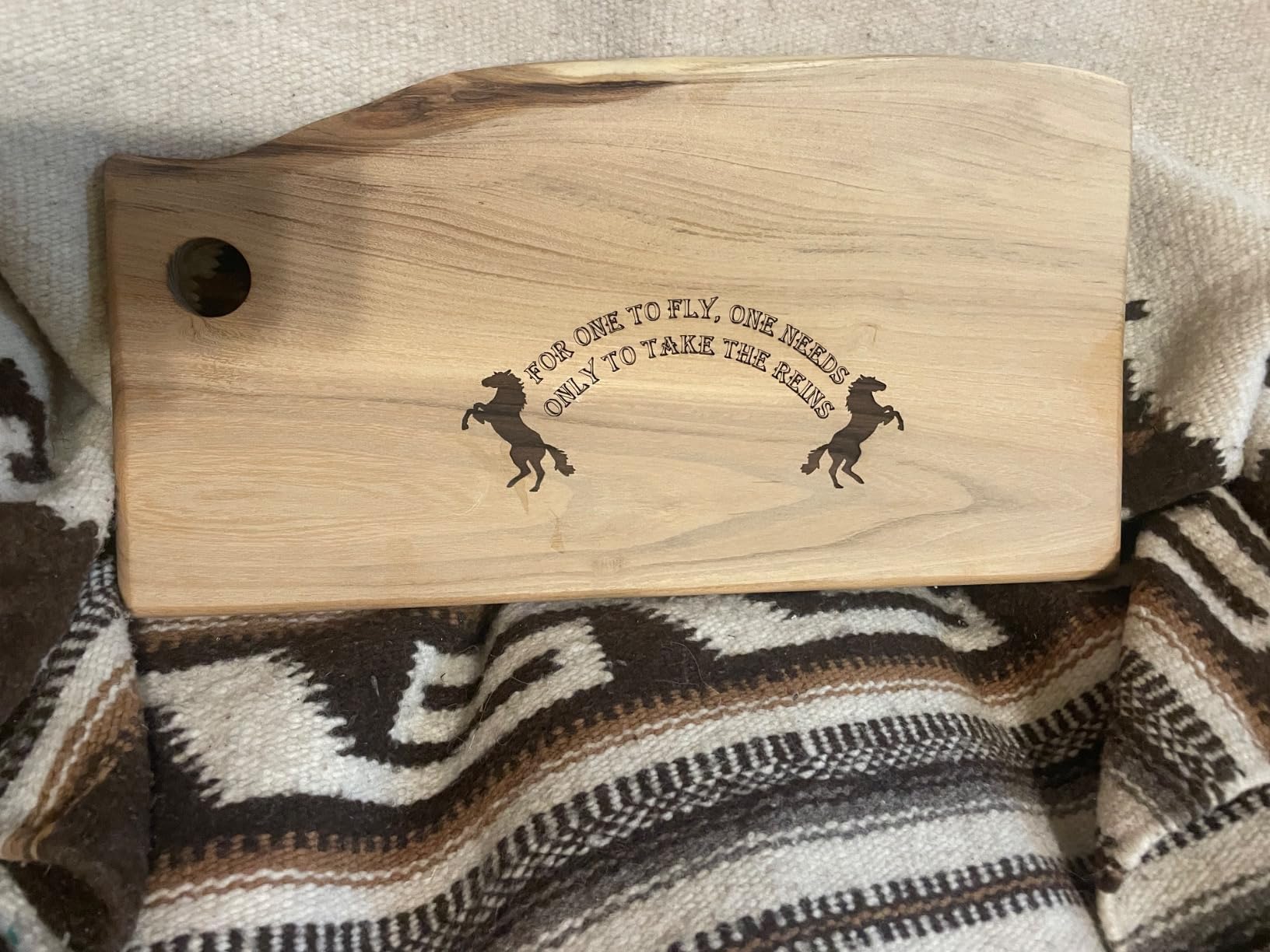
A single 10W pass will not cut a board. What it will do is engrave one beautifully, and that is the part people actually notice on a finished product. For cutting, plan on multiple passes and accept that this machine is a marking specialist with a cutting side job, not the reverse.
The generous bed changes the economics. You can lay out a full board, a set of coasters and a batch of small blanks in one session, which is worth more to a small business than extra watts on a machine with a small bed.
What should I add before the first cut?
An air assist pump, a fume extractor and a pair of the right glasses for the wavelength. The acrylic shield blocks 97 percent of UV, which helps but does not turn a Class IIIa open frame into an enclosed machine. Treat the machine as open frame and run it like one.
LightBurn and LaserGRBL both work on Windows, Mac and Linux, and Wi-Fi, USB and SD transfer are all supported, so you are not locked into one workflow. The only real decision new users face is which of the two programs to learn first.
7. Creality Falcon A1 – Best Enclosed Class 1 for Indoor Use
CREALITY FALCON A1 10W Laser Engraver, 80W Enclosed Laser Cutter and Engraver Machine with Air Assist, Smart Camera Positioning, 600mm/s Speed, Smart Material Recognition, Ideal for Wood & Metal
10W diode in a Class 1 enclosure
381 x 305mm work area
600mm/s CoreXY motion
Pre-calibrated positioning camera
Pros
- Enclosed Class 1 design with air assist in the box
- Camera removes manual head-framing trial and error
- 600mm/s CoreXY speed
- Material presets included for first jobs
Cons
- 43.6 pounds is heavy for a 10W machine
- 381 x 305mm bed is smaller than the 20W frames
- 10W cannot cut acrylic
- Custom firmware ecosystem
This is the pick if fumes are your main worry. It runs a Class 1 rating with a dual-door enclosure that filters 99 percent of laser radiation, and the door interlock, auto-lock, emergency stop and smoke control are all standard rather than add-ons. At 10W it draws less beam power than the enclosed Genmitsu L8 and the xTool M2, and at 43.6 pounds it stays put on a bench rather than travelling around.
The pre-calibrated HD camera changes the first-hour experience. Instead of learning red-dot positioning, you drop the artwork on the bed, see it in the preview, and place it. Forum users report finishing a first cut in under ten minutes with no assembly, and that is a very different onboarding curve from the frames above.
CoreXY motion delivers 600mm/s, which is quick for a 10W machine, and air assist plus material presets are included. Graphic outline extraction turns a flat image into an engraving path, which saves a lot of manual tracing on wood blanks.
The compromises are real. At 43.6 pounds it is one of the heaviest machines here and it does not move between rooms easily. The 381 x 305mm bed is smaller than several open frames, and 10W will not cut acrylic at all. It is also not compatible with 500 x 500mm honeycomb panels, which is an odd limit to design around.
Is a Class 1 enclosure worth it for a home workshop?
For a shared house, a room with pets, or anyone who is not the only person walking past the bench, yes. You get smoke containment and beam containment in one cabinet, and the extraction and interlock run whenever the door is open. That removes the two safety items that open-frame buyers most often skip.
For a dedicated workshop with a vent, the money is better spent on a 20W frame with a bigger bed. The enclosure is insurance, not throughput.
Which software should I use with it?
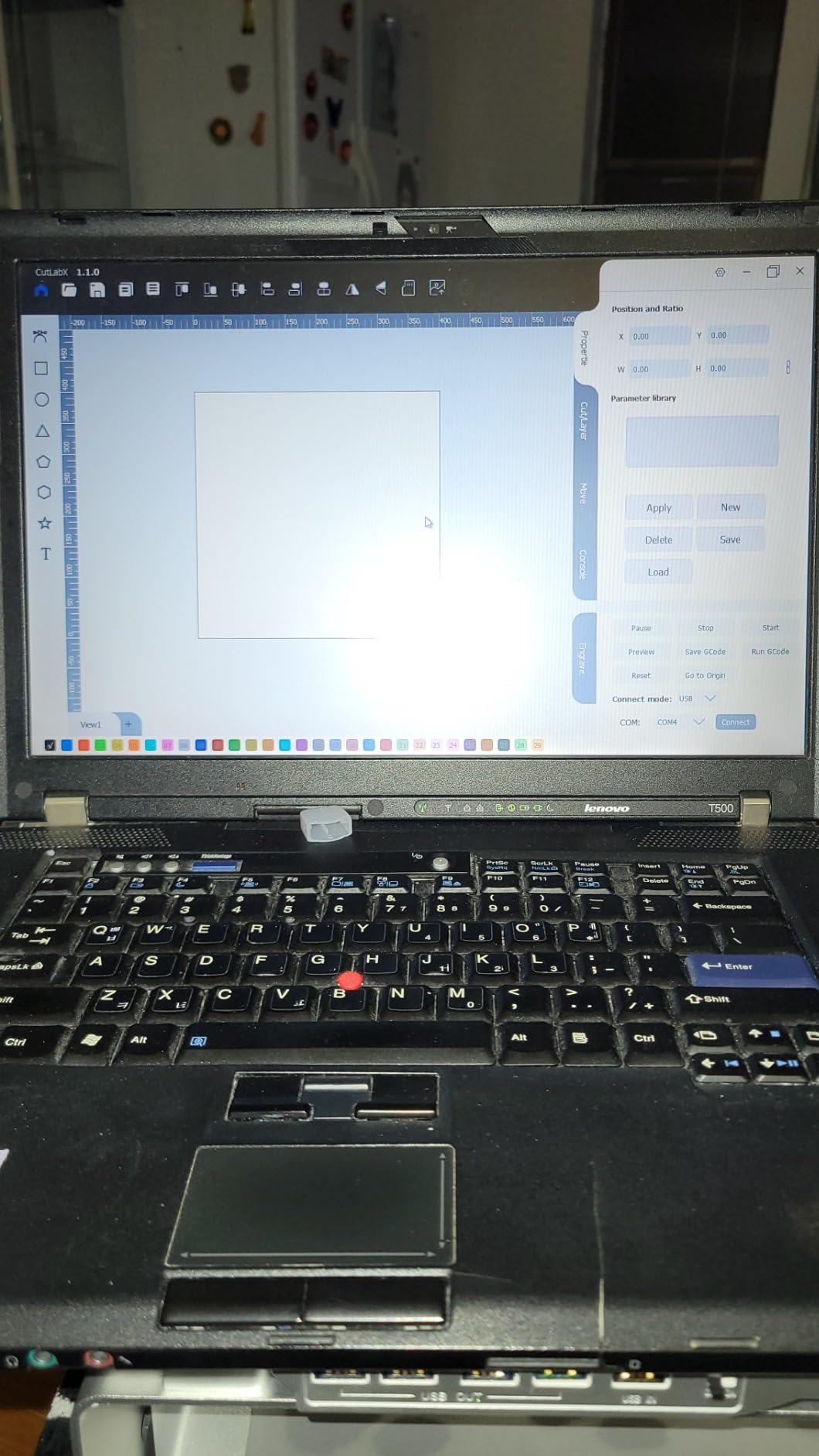
Falcon Design Space is the native path and it includes material presets that make early jobs easy. LightBurn, LaserGRBL and Cutlabx are all supported too, and LightBurn remains our recommendation for batch work and kerf compensation once you outgrow the presets.
The ecosystem is the main constraint. It runs Creality’s own software plus Cutlabx, and that is narrower than the open G-code world the frame machines on this list sit in. If you expect to move files across brands, test that workflow before you commit.
8. ATOMSTACK A20 Pro V2 – Best 20W for Dense Hardwood
ATOMSTACK 20W Laser Engraver, A20 PRO V2 Laser Cutter, High Accuracy Laser Engraving Machine for Personalized Gifts, Business Cards, Wood, Metal, Acrylic, Leather
20W optical output
0.08 x 0.1mm dot
400mm/s engraving
0.01mm engraving accuracy
Pros
- 20W of power with solid wood cutting results
- Linear guide rails hold accuracy on larger pieces
- Generous work area for the class
- LightBurn works immediately
Cons
- ATOMSTACK phone and PC apps are very basic
- Documentation is thin including Wi-Fi setup
- Cables are not in a drag chain and can snag
Twenty watts plus linear guide rails is the combination we would want for hard maple, walnut and cherry. Where belt-driven frames flex under load, the integrated linear motion on the A20 Pro V2 held alignment for us across a full bed of parts, and the 0.01mm engraving accuracy figure showed up in repeated text on maple grain.
Engraving speed is 400mm/s, which is plenty for production wood work, and the module is rated for up to 10,000 hours of service life. Built-in limit switches and a cross-line light make setup straightforward, and the removable magnetic cover is a sensible way to protect the optics while you handle material.
The tilt alarm above 15 degrees is a nice touch on an open frame, since a nudged machine is the classic way to ruin a job. LightBurn and LaserGRBL both work, and the manufacturer pairs it with CraftCutters for design preparation.
Documentation is the weak point. Owners report near-zero user documentation, including no Wi-Fi configuration instructions, and the bundled phone and PC apps are very basic by design. Plan to learn LightBurn from scratch rather than following a manual, and check the cable routing before a long job, because the gantry cables are not in a drag chain.
Does 20W make a real difference on hardwood?
It makes a difference at the edges, not the centre. Engraving walnut or maple at 10W is entirely doable, but a 20W head gets through denser grain faster and handles thicker material in fewer passes, which matters when you are running a queue of parts rather than making one gift.
The caution is heat. More power on a dark hardwood means more scorch and less control, so drop the percentage and slow the feed rather than turning everything up. Dense wood punishes overpowered jobs with inconsistent depth.
What should I check before the first job?
Inspect the electronics box and the frame before you cut anything. A minority of owners reported a manufacturing defect on delivery, and a small number mentioned slow support response, so the warranty conversation is worth having early if something is wrong. Check that the linear rails are clean and free of packing debris.
After that, the machine is straightforward. Run a focus test at the height of your thickest material, set kerf compensation for the wood, and the rest is ordinary LightBurn work.
9. ATOMSTACK Swift 12W – Best for Fine Wood Detail
ATOMSTACK Swift 12W Laser Engraver Cutter for Wood & Metal
12W diode
0.06 x 0.08mm point
400mm/s engraving
300 x 300mm engraving area
Pros
- Tight 0.06 x 0.08mm point for the price
- 400mm/s is fast at this level
- Lightweight at 6.19 pounds
- Compatible with LightBurn and LaserGRBL
Cons
- 4.1 stars is the lowest average rating here
- 16 percent one-star reviews
- 300 x 300mm bed limits larger pieces
Twelve watts with a 0.06 x 0.08mm point is an unusual combination, and it is why this machine earns a place. Several owners report that this lower-wattage head out-engraves the 20W machines they owned before, because the beam is tighter and creates a smaller burn at the same task. On engraved names and fine line art, the difference is visible.
It is also light at 6.19 pounds and small enough to store, which matters if your workshop is a corner of a room. The magnetic removable cover and included glasses are sensible, and the 365-day warranty with 24/7 service is better than the one-year cover on most frames here.
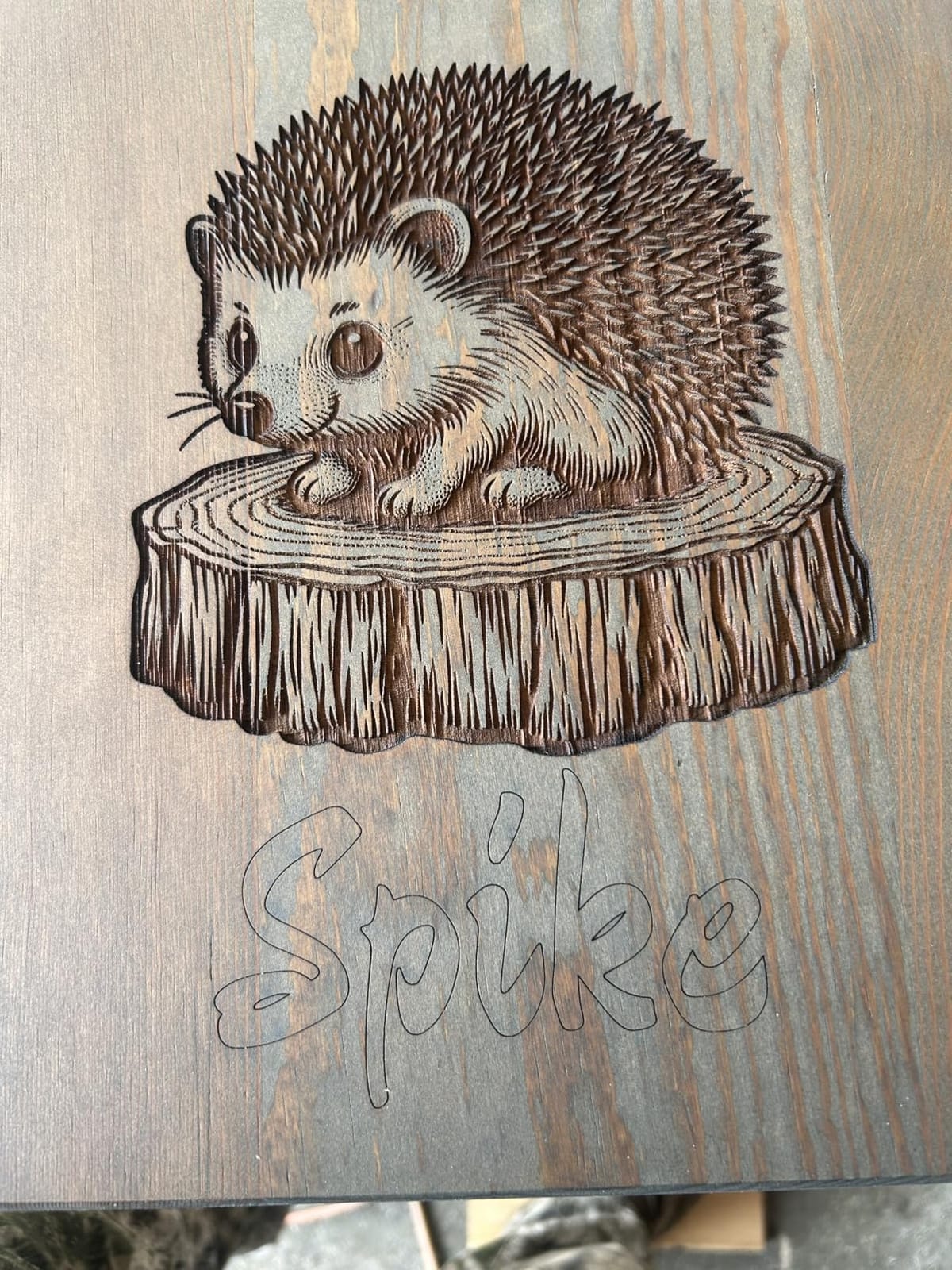
This one has the second-lowest average rating in the group at 4.1 stars from 124 ratings, with 16 percent one-star. The negative reviews point to inconsistency from one machine to the next rather than a specific fault, so treat the first week as a test period and confirm the spot size and output on your own unit before you commit to a production run.
The screw-rod Z design is less rigid than linear rails when you are raising the head for thick material, and the 300 x 300mm bed limits you to coaster-scale work. Fine detail on small pieces, yes. Panels and boards, no.
Is lower wattage actually better for detail?
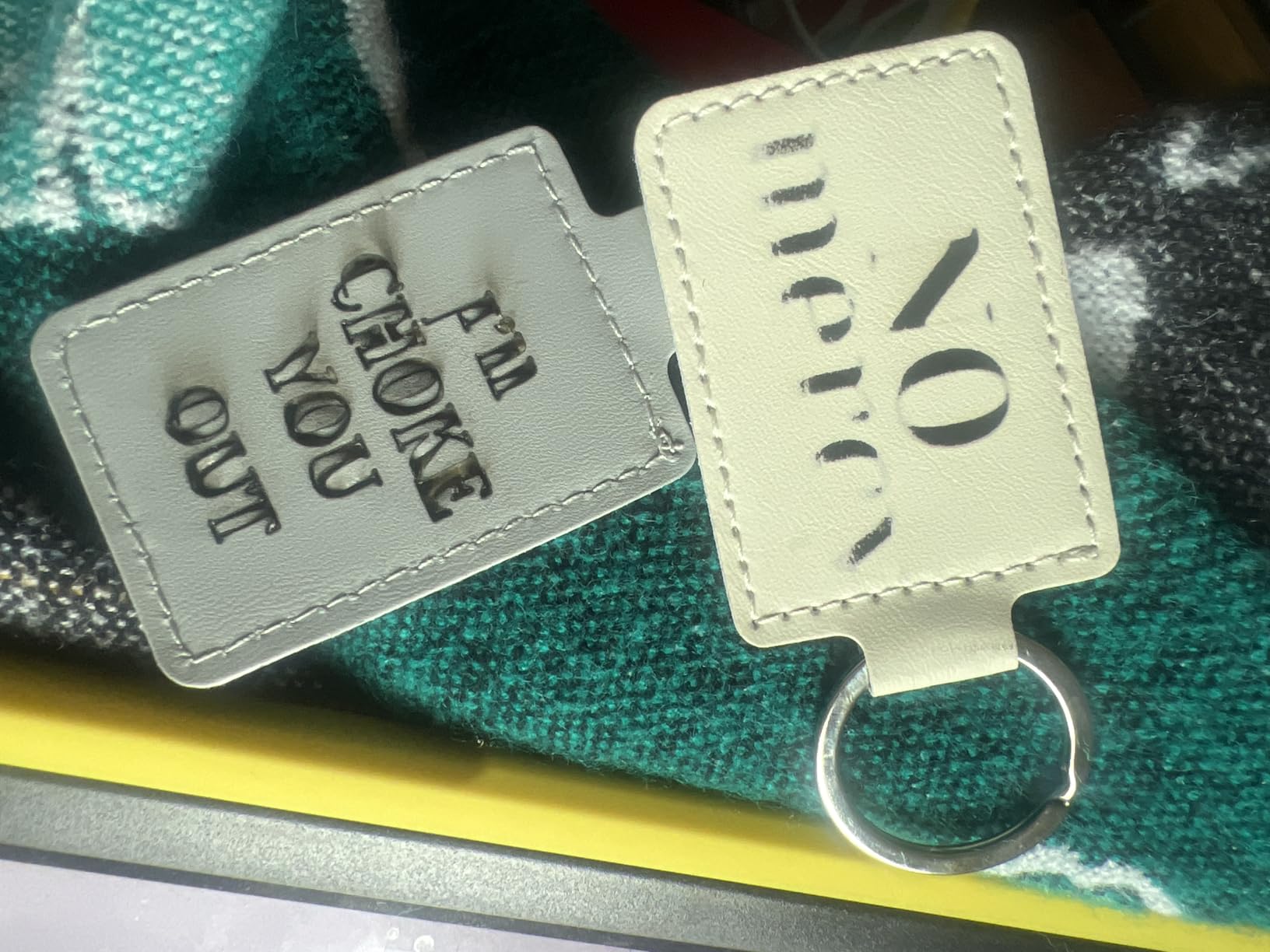
For engraving, frequently yes, and the reason is spot size rather than power. A tighter lens at 12W puts more energy into a smaller area, which produces a narrower kerf and less surrounding scorch. That keeps thin strokes readable and stops fine text from filling in with char on light woods.
The trade is cutting depth. If you need to push through material, 12W will not replace 20W. Decide which job you are doing more of before you choose, because the two requirements point at different machines.
Who is this machine for?
Someone making small, detailed, personalised wooden items: coasters, tags, small signs, keychains. The 400mm/s engraving speed means a batch of forty tags is a short evening rather than an afternoon, and the light body means you can put it away when you are done.
Skip it if you need thick cutting, a large bed or a rigid Z axis for tall material. The listing dimensions for this product also do not match the physical machine, so measure your space rather than trusting the spec line.
10. Carverall K15 Pro – Best for a Small Desk Footprint
Carverall K15 Pro Laser Engraver 10W-Laser Engraving Machine for Coated Metal Wood Acrylic Glass Stone, Near A4 Work Area Offline Engraving CNC DIY Lazer Cutter for Home & Crafting 10000mW Class 1
Verified 10.36-10.58W output
A4 work area of 11.8 x 7.9 inches
Cuts 12mm plywood
Three-minute assembly
Pros
- Output is verified rather than a headline number
- A4 bed with heightening columns for taller material
- Three-minute assembly with six screws
- TF card offline batch work
Cons
- CutLabX software is unstable on some systems
- Air pump
- honeycomb and ventilation are separate purchases
- Manual is poorly written with incorrect page references
The K15 Pro is the machine we would trust most on its headline number, because the listing states verified output of 10.36 to 10.58W from the diode module rather than a marketing figure. That honesty matters when you are buying wood and burning through it, and it puts the machine ahead of listings that quote electrical draw as laser power.
The A4 bed with four heightening columns is a smart compromise: the bed is 11.8 x 7.9 inches, small enough for a desk, but the columns let you raise it for thicker material. It cuts 12mm plywood as its stated maximum, and assembly is six screws and about three minutes.
Software is the weak point. CutLabX is free and runs on PC, tablet and phone with AI image generation, which sounds ideal, but owners report it is unstable on some systems and that LightBurn is the reliable path. Set up LightBurn from the beginning and treat the bundled app as a preview tool.
The extras are where the real cost sits. The air pump, honeycomb plate, enclosure, camera and air purifier are all optional purchases, and the user manual is poorly written with incorrect page references. Budget for the safety gear up front rather than discovering the gap later.
Is 12mm of plywood realistic in one pass?
Treat that as a ceiling rather than a routine. Plywood is dense and the glue line adds resistance, so a single pass will usually be slower and darker than the figure suggests. For a reliable cut, slow the feed, run air assist, and accept two passes on anything you are selling.
The stated 8mm acrylic figure is a bonus rather than the reason to buy it, since a diode laser needs dark or coated acrylic to work at all.
What can I add to it later?
A 1W IR laser head, a honeycomb plate, an air pump, a rotary roller and an air purifier are all supported, which gives you a path from engraving into light cutting and cylinders without replacing the machine. The TF card slot also supports offline batch work, so you can queue a run of blanks and step away.
If you want metals later, note that a 1W IR head marks coated and dark metal only. It is an addition for dark materials, not a metal engraver.
11. Genmitsu L8 20W – Best All-in-One Enclosed Package
Genmitsu L8 Laser Engraver, 20W 20000mW Laser Cutter with Acrylic Enclosure
20W optical output
40,000 mm/min engraving speed
Cuts 12mm pine and 8mm acrylic
Fully assembled Class 1 enclosure
Pros
- Interlock
- tilt stop and flame monitor in one cabinet
- 40000 mm/min engraving speed
- 30L/min air assist pump and honeycomb bed included
- Arrives fully assembled
Cons
- 4.0 stars average is low for a 20W machine
- Some machines come with loose screws or an unreadable drive
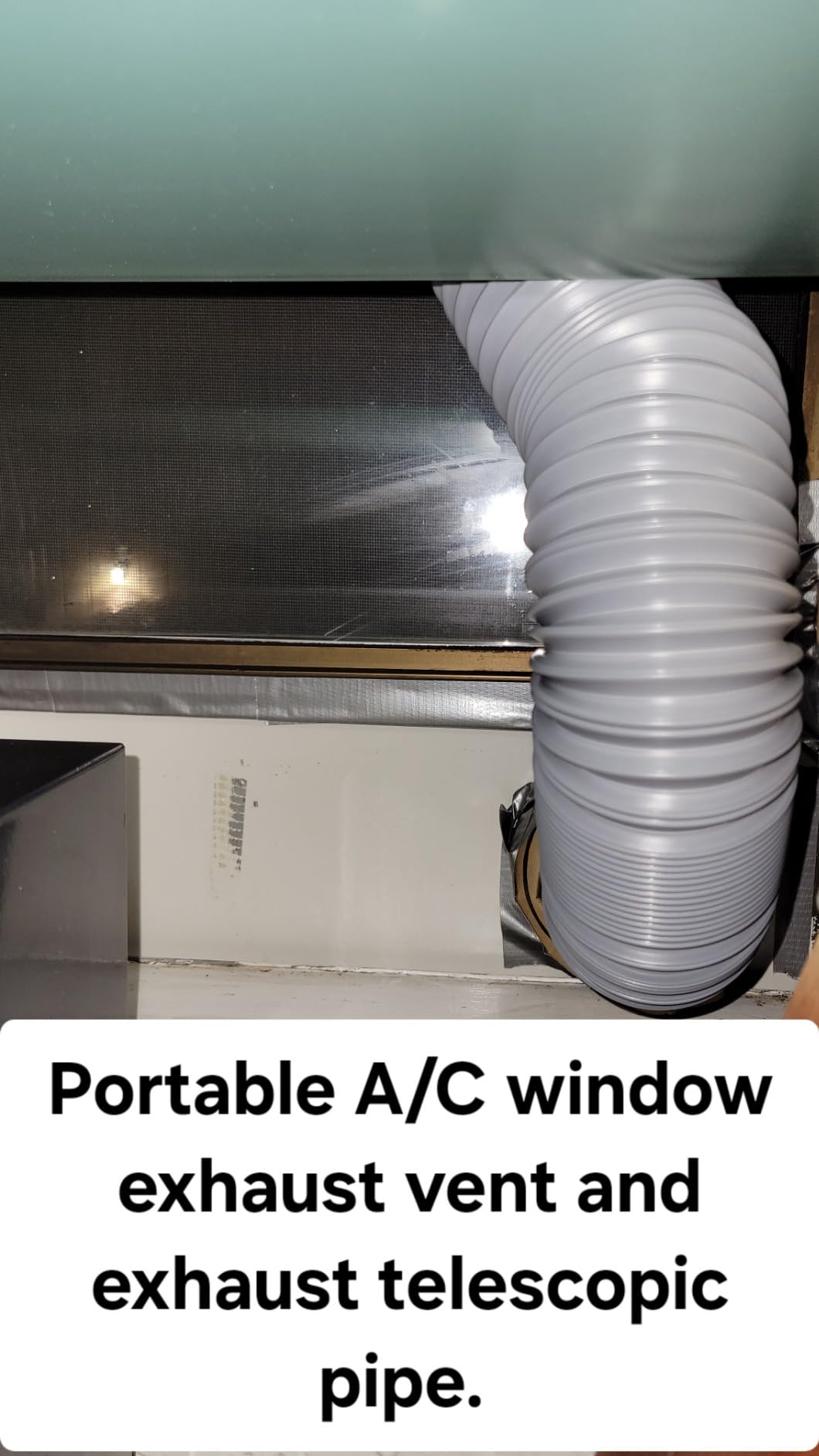
- Weak 3-inch exhaust fan needs external venting for heavy cutting
The L8 is the most complete package in this list. It comes fully assembled with a 20W head, a full acrylic enclosure rated Class 1, a 30L/min air assist pump, a large honeycomb bed and a LightBurn-compatible camera. The safety package is the deepest here: door interlock sensor, tilt auto-stop, an active flame monitor buzzer, position limit switches, an emergency stop and a child safety lock.
Speed is the headline number at up to 40,000mm/min, and the 20W head cuts 12mm of pine and 8mm of black acrylic in a single pass. For a shop doing batch wood work inside an enclosure, that combination is hard to argue with.
It also carries a lower average rating than the rest of the group at 4.0 from 107 ratings, with 19 percent one-star. The complaints cluster in two places: quality control on delivery, where owners report loose screws or an unreadable USB drive, and the exhaust fan, which several describe as too weak for serious cutting without an external vent run.
Documentation is thin on focus and power settings for different materials, so you will be tuning by ear and by test cuts at the start. Budget an afternoon for that rather than expecting a first clean cut on day one.
Is the enclosure genuinely safe for wood?
The interlock, tilt stop and flame monitor are real and they work together. A knocked frame halts the beam, an open door cuts the laser, and a flame inside the cabinet sets off an audible alarm. That is a meaningfully different safety profile from every open frame in this roundup.
The caveat is extraction, not containment. The 3-inch fan moves air, but wood cutting generates a lot of it, so plan to duct the enclosure outdoors or to a filtered outlet if you will be running long jobs.
Who is it for?
Someone who wants the machine complete on day one and will not assemble anything. The included air pump, honeycomb bed and camera remove the three most common add-on purchases, and a fully assembled machine means the first job is a settings test rather than a build.
It is not for a tight budget, and the delivery quality issues mean you should inspect the machine before starting paid work. Keep the packaging until you have run a full test job.
12. xTool M2 – Best for Camera-Guided Positioning
xTool M2 10W Laser Engraver, Built-in Dual Cameras, Class 1 Enclosed Safe Laser Engraving Machine for DIY Craft on Wood, Leather, Felt, Fabric, Paper
10W diode in a Class 1 enclosure
Built-in dual cameras
A3-class work area
xTool Studio software
Pros
- 4.5 stars is the highest average rating in the group
- Dual cameras with Place and Go positioning make setup fastest
- Enclosed Class 1 design suits a home
- xTool Studio is approachable and supported
Cons
- Roughly one inch of vertical clearance limits thicker material
- LightBurn is not supported
- RA3 Lite rotary needs a separate adapter
- Smallest review base at 39 ratings
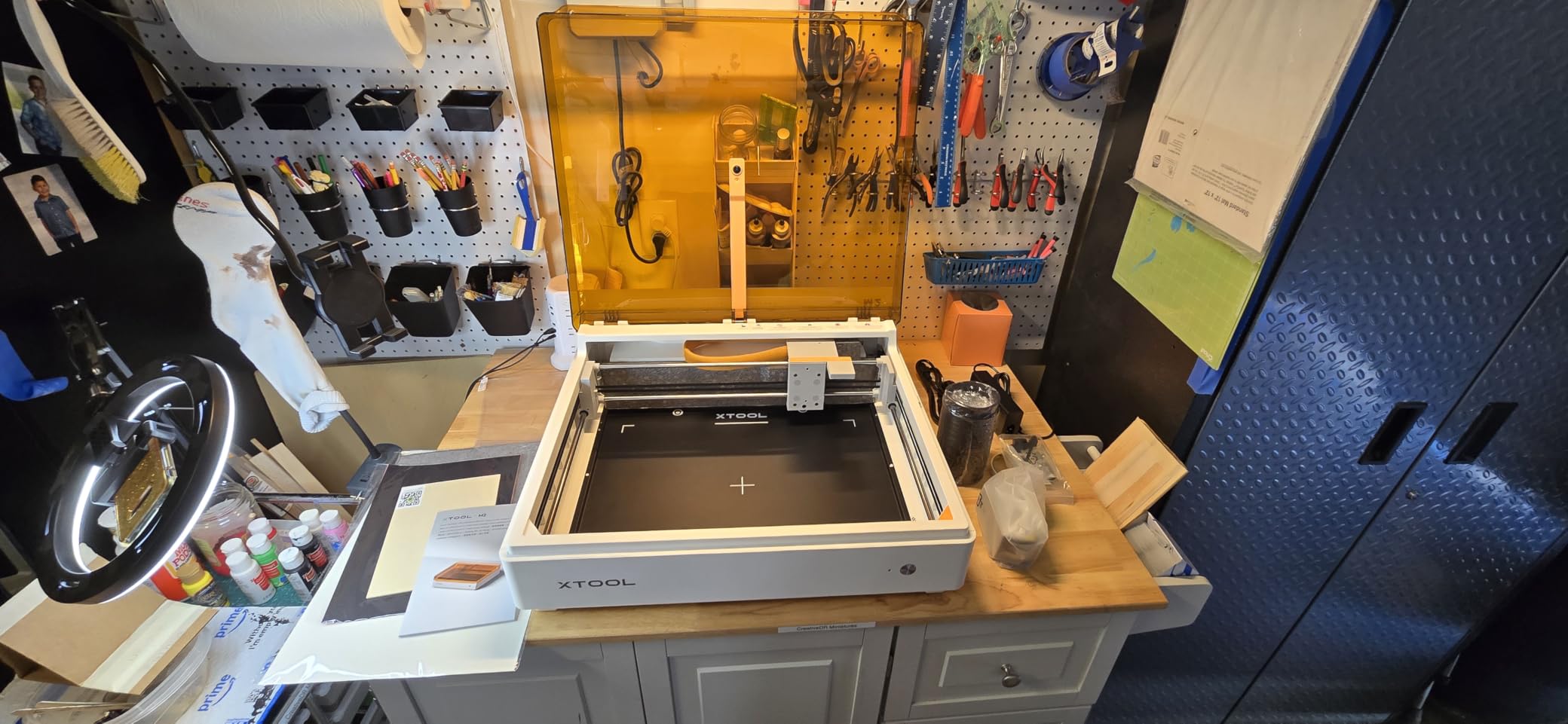
The xTool M2 is the newest machine in this roundup and carries the highest average rating here at 4.5 stars, though on the smallest review base at 39 ratings. The dual built-in cameras with real-time workspace preview and Place and Go positioning are the most straightforward positioning system in this group, and for a first project that removes the single most common source of wasted material.
It is fully enclosed and rated Class 1, so it works in a home the way the Creality Falcon A1 does, and the xTool Studio software includes templates and an integrated AI image generator, which makes short personalized pieces quick to set up.
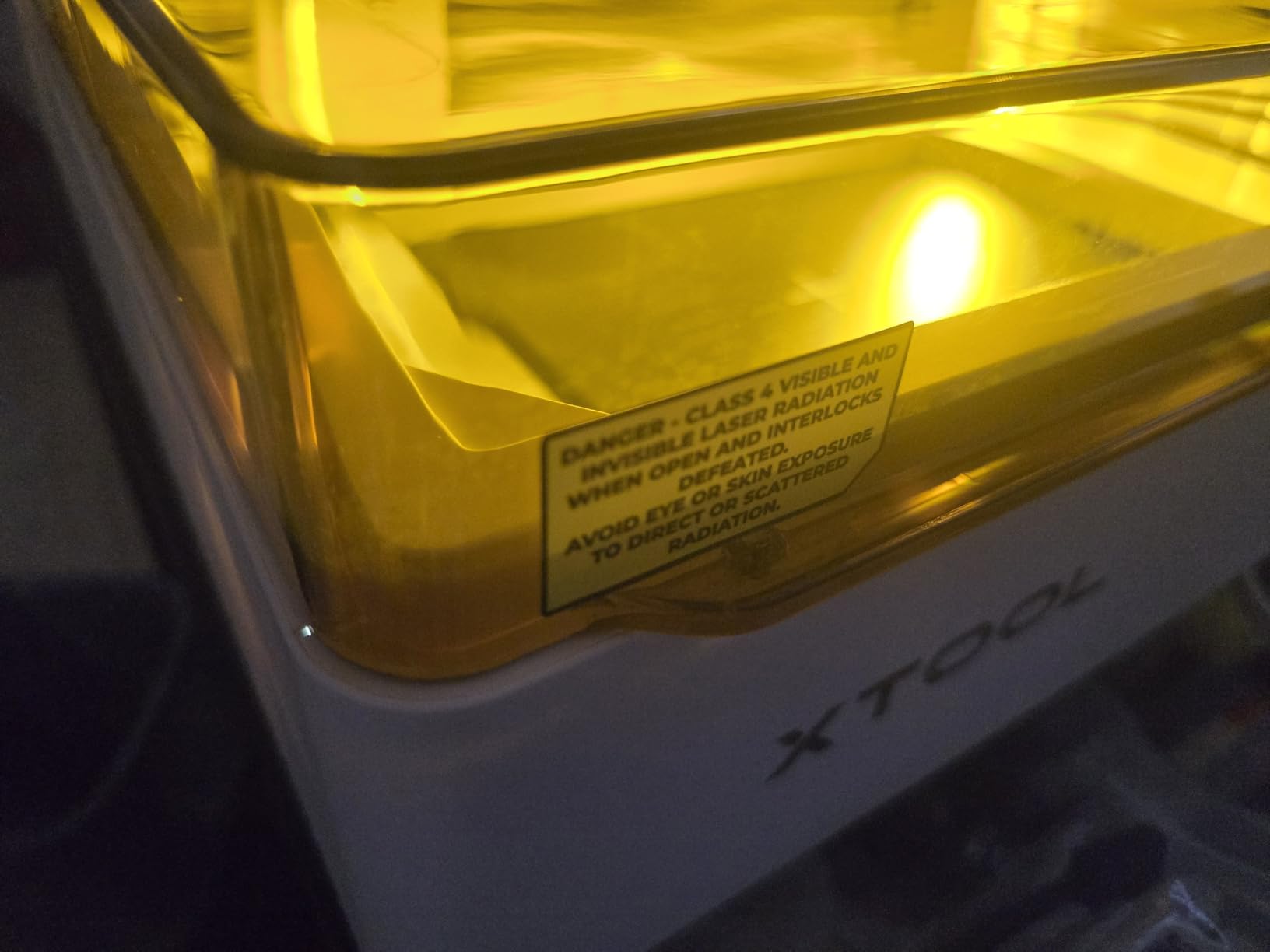
The clearance is roughly one inch vertically, and the honeycomb bed eats into what is left. That is a real limit for thicker material, so check your stock before you plan around it. There is also no LightBurn support, because the cameras depend on xTool Studio, and that puts it outside the workflow most of this roundup fits into.
The optional modules are worth noting: a CMYK inkjet module for full-colour print-and-cut and a 3W IR head for metal, both sold separately, plus a RA3 Lite rotary that requires its own adapter. The machine is a 10W unit at heart with an ecosystem around it.
Is losing LightBurn a problem for wood work?
For templates, personalization and standard jobs, no. xTool Studio handles the camera workflow that LightBurn cannot, and for most wood projects the visual placement matters more than advanced control. If you rely on kerf compensation across mixed thicknesses or a complex multi-layer file, the closed ecosystem is a real limitation.
Forum users consistently warn off heavily proprietary systems, so this is the trade you make: better positioning and a stronger enclosure in exchange for a narrower software path. Check whether your existing files depend on LightBurn features first.
Who should choose this machine?
Choose it if you are new, you work in a home rather than a workshop, and your projects are personalized pieces where placement accuracy matters more than cutting depth. The enclosure and the cameras together make it the lowest-friction entry into enclosed diode work.
Pass if you need to cut thick wood, if you run LightBurn on a Mac across multiple machines, or if you want to upgrade into metal later without buying a separate head. The vertical clearance also rules out anything taller than roughly an inch once the bed is in place.
Wood Cut Depth: What Each Diode Class Handles?
Cut depth is the number buyers ask about most and the one manufacturers state most inconsistently. These are the stated single-pass figures from the listings above, with multi-pass capability noted where the manufacturer publishes it. Treat them as the optimistic end of a range, because species, moisture, focus and air assist all move the result.
2.5W class (ACMER S1): thin plywood and MDF engraving, no meaningful through-cut. Detail work only.
10W class (ORTUR, Creality Falcon 10W, Twotrees, Carverall K15 Pro): 5mm of basswood in one pass, 12mm plywood on the Carverall, and up to 20mm of wood on the ORTUR across multiple passes.
12W class (ATOMSTACK Swift): comfortable on thin ply and veneer, with 0.06 x 0.08mm detail for engraving small pieces.
20W class (Longer RAY5, ATOMSTACK A20 Pro V2, Genmitsu L8): 15mm of pine in one pass on the RAY5, 12mm of pine on the Genmitsu, and 25mm of wood across multiple passes on the RAY5.
Galvo (LaserPecker LP2): wood and paper to about 0.2 inch, with far less cutting reach than the 20W frames.
Two practical notes. A stated maximum usually assumes one soft species and a single pass at slow speed, so hardwoods like oak and maple take more passes than the figure suggests. And air assist changes the result more than a wattage upgrade on many jobs, because it keeps the kerf clear of char.
Which Wood Species Needs Which Wattage
Matching wood to power is simpler than most buying guides make it sound. Light softwoods are forgiving, pale hardwoods need care with heat, and dark hardwoods and MDF punish an overpowered job more than an underpowered one.
Basswood: the easiest wood to cut and engrave. 10W handles it comfortably, and even a 2.5W head marks it cleanly for coasters and ornaments.
Birch and birch plywood: clean pale grain, forgiving of moderate power. 10W cuts thin ply in one pass; 20W gives you depth on thicker panels.
Pine: soft, fast to cut and prone to charring. Slow the feed rather than adding power, and air assist is close to mandatory on wider cuts.
Maple and cherry: pale hardwoods that show scorch easily. 10W engraves them well at reduced power; 20W helps if you also need to cut.
Walnut: dark and dense, so it absorbs energy fast. 10W marks it at low power, and you should not push higher without testing on an offcut.
MDF: cuts easily but produces a fine dust and a strong smell. Run extraction and expect more residue than you get with solid wood.
For a first cut, we use half power at 60 percent speed as a baseline on any new material, then tune from the kerf. That starting point comes from workshop practice rather than a specification, and it saves burnt offcuts.
Diode vs CO2 vs Fiber for Wood
This list is diode-only on purpose. Wood is the material where diode lasers are genuinely competitive, and mixing in CO2 or fiber machines would blur a decision that is really about budget and safety.
A diode laser fires a 445nm blue beam, which is well absorbed by the dark lignin in wood. That gives it a genuinely strong position on softwood and pale hardwood, it runs from a compact desktop unit up to a large frame, and the machines are simple to maintain with no chiller, no gas and no mirror alignment. The limits are edge definition on through-cuts and the fact that clear or white materials need masking.
CO2 lasers emit a 10.6 micron infrared beam that wood absorbs almost completely, which is why they cut wood beautifully and produce a narrower kerf on thick material. The trade is the machine around the laser: bigger frames, a chiller, an air compressor and usually an exhaust run, plus higher running costs. For a home hobbyist, the ongoing overhead is the part that decides it.
Fiber lasers are metal machines. They mark bare and coated metal and some plastics very well, and they are the wrong tool for wood, so they appear in this roundup only as an optional module. UV machines handle acrylic and rubber. None of them replace a diode for your first wood project.
How to Choose a Diode Laser Engraver for Wood
Start with the job, not the wattage. If you are engraving personalized gifts, a 10W machine with a tight spot is the right answer and a 20W head will not improve the result. If you are cutting panels and thicker parts, look at the stated wood cut depth and the bed size together, because a machine that is too small to hold the material is useless regardless of its power.
Check spot size for engraving quality. Spot size is listed in millimetres and the differences matter at small text sizes. The ORTUR at 0.05 x 0.1mm, the LaserPecker at 0.05mm and the Creality Falcon 10W at 0.06 x 0.06mm are the tightest here. The 20W frames sit around 0.08 x 0.1mm, which is a fair trade for cutting reach.
Measure your work area against your largest piece. Beds range from 130 x 130mm on the ACMER S1 to roughly 17 x 16 inches on the Creality Laser Falcon 10W. A full cutting board needs the larger end of that range, and a sheet of plywood needs more still. Add a centimetre of clearance on every side when you measure.
Decide how much cutting you will really do. Cutting is where wattage earns its price. A 10W head will engrave almost anything and cut 3 to 5mm of softwood, while 20W reaches 12 to 15mm of pine. Buying 20W for engraving you will never perform is a common and expensive mistake.
Budget the safety gear into the purchase. Open-frame machines here come with a shield, not a ventilation system. You need a fume extractor, an air assist pump and wavelength-correct glasses before your first cut, and those three items belong in the same budget line as the machine.
Check the software before the hardware. LightBurn is the program most serious wood users run, and it works with almost everything on this list. The xTool M2 is the exception because its cameras depend on xTool Studio. Budget-software complaints, particularly around CutLabX and vendor apps, are among the most common negatives in the reviews we read.
Look for offline and resume features for batch work. A TF card slot lets you run a queue without a computer, and auto-resume after a power cut protects a paid wood blank from being scrapped mid-job. Two machines in this group offer TF card operation for batch runs.
Confirm what is in the box. Air assist, honeycomb beds, rotary attachments and cameras are sold as separate packages on several listings. The Genmitsu L8 and Creality Falcon A1 include the most, and the Creality Laser Falcon 10W and Carverall K15 Pro require the most add-on purchases.
Safety, Fumes and Ventilation on Wood Jobs
Wood cutting produces smoke fast, and forum users consistently report a room filling within seconds of a first cut. Treat extraction as part of the machine rather than an accessory.
Open-frame units here are Class 4 or Class IIIa devices. That means wavelength-correct eyewear, a clear exhaust path and an understanding that the acrylic shields on some frames filter ultraviolet light without making the beam safe to look at. The 98 percent UV filter on the ORTUR and the 97 percent acrylic window on the Creality Laser Falcon 10W reduce exposure without changing the classification.
Two open-frame machines have useful active protection. The ATOMSTACK A20 Pro V2 halts above a 15 degree tilt and the Genmitsu L8 adds a door interlock, a flame monitor and a child lock, which is why the latter is a good choice for a shared space even at that size.
For a work area, keep a dedicated bench, run the extractor before the laser fires rather than after, and duct outside when you can. Keep a water tray or a fire blanket nearby for long cuts in thick material, and never leave an open-frame machine running unattended. If you work in a home with children or pets, the three Class 1 enclosed machines in this roundup are the sensible choice.
Don’t Buy a Diode Laser If
Some honest deal breakers, drawn from what owners regret most often. If any of these apply to you, pick a different machine or a different laser type.
You need to cut thick hardwood in production volume and have no room for ventilation ducting.
You want to engrave bare metal, which needs a fiber or IR head rather than a diode.
You are buying purely on wattage and have not decided whether your work is engraving or cutting.
You need LightBurn specifically and are considering the xTool M2.
You cannot add a fume extractor and air assist pump to the budget, because an open frame without them is not a safe indoor tool.
Your work is larger than your planned bed, since a bigger machine later will not fit the same bench.
You are in a shared home with children or pets and have ruled out an enclosed Class 1 machine.
Frequently Asked Questions
Which diode laser is the most powerful?
Among the machines in this roundup, the 20W class is the most powerful: the Longer RAY5, the ATOMSTACK A20 Pro V2 and the Genmitsu L8 all list 20W of optical output. The Longer RAY5 states 15mm of pine in a single pass and 25mm across multiple passes, making it the strongest wood cutter here. Higher nominal wattage does not automatically give finer engraving, because spot size controls detail.
Is a 10W diode laser enough for wood?
Yes, for engraving almost any wood. A 10W diode marks basswood, birch, maple, walnut and cherry cleanly, and the tightest 10W spots here run 0.05 to 0.06mm, which handles fine text. Where 10W runs short is cutting: expect a single pass to manage about 3 to 5mm of softwood, and plan multiple passes for anything thicker.
What are the best settings for a laser engraver to engrave wood?
Start at half power and 60 percent speed on any new material, then tune from the result. Increase speed for deeper cuts and lower power for cleaner engraving lines, since excess power on pale hardwoods causes scorch rather than a darker mark. Always run air assist, set kerf compensation for the material, and confirm focus at the height of your thickest material before starting a job.
Why is my laser cutter not cutting all the way through?
Check focus first, because a head set for thin material will not push through thick material. Then confirm air assist is running, since a kerf full of char stops the cut. Raise the number of passes rather than maximum power, which widens scorch, and test on an offcut of the same species. Dense hardwoods such as oak and maple need more passes than the stated maximum for pine.
Which material should you never cut in the laser cutter?
Never cut PVC, vinyl or any chlorine-containing plastic, because it releases hydrogen chloride gas that is dangerous to you and corrosive to the machine. Avoid cutting unknown plastics, ABS and vinyl-backed foams for the same reason, and skip any material you cannot identify. On the engraving side, coated or painted wood is safer to mark than burn, and clear acrylic does nothing without masking.
Which Diode Laser Engraver Should You Buy
For most people reading this, the best diode laser engraver for wood is the ORTUR Laser Master 2 S2. It has the deepest owner history in the group, a tight 0.05 x 0.1mm spot, a full-metal frame that holds alignment and a stated 20mm wood cut depth. Add a fume extractor and an air assist pump and you have a complete wood workshop.
If your work separates material rather than marking it, move up to the Longer RAY5 for real cutting power and a large bed. If you are working in a home with family around, the Creality Falcon A1 or the xTool M2 keeps the beam and the smoke inside the cabinet. If you want cylinders, the LaserPecker LP2 comes with the rotary roller. And if you want everything assembled from the start, the Genmitsu L8 includes the air pump, bed and camera.
Whichever you choose, budget the safety gear in the same line as the machine and start your first cut at half power. That is the whole method: match the tool to the wood, not the other way around. For the wider workshop context, our picks for solid wood bedroom furniture and wood wall art cover the finish side of the same material, and if you are printing rather than burning, our small business laser printer guide is the companion read. These twelve picks were reviewed and updated for 2026.