
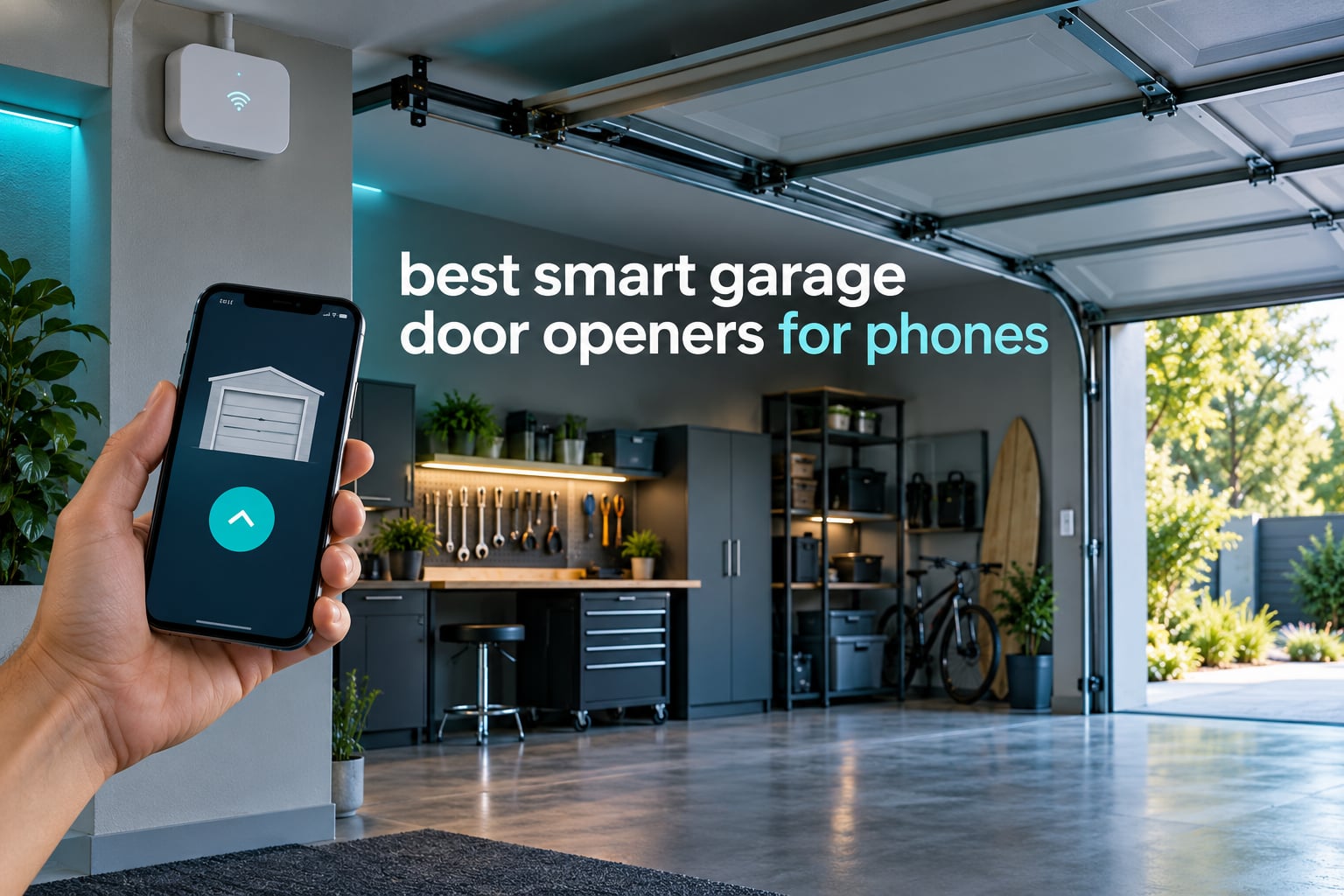
Yes, you can use a phone to open a garage door. A small Wi-Fi controller or a replacement opener head connects to your existing door, and a mobile app on iPhone or Android does the rest. The core question is not whether it works, but which kind of hardware you need and which app you will still be happy with in three years.
We compared 12 phone-controlled garage door openers for 2026, from budget retrofit relays to full wall-mount and belt-drive openers with built-in Wi-Fi. Each one was judged on the same four things: whether the app reliably shows whether the door is actually open, whether a subscription is required, how well it fits into Alexa, Google Home, SmartThings or HomeKit, and how much work the install is.
There are two very different purchase paths, and mixing them up wastes money. A retrofit smart controller is a small box that wires into the wall button terminals of a working opener you already own, so you keep the motor and the rails. A smart opener head replaces the entire motor, rail and trolley, and ships with Wi-Fi built in. Retrofits cost a fraction as much and finish in an afternoon. Full replacements cost several times more and need real mechanical work, but they are the only answer for a door that is already failing.
A third group is what we would call a door sensor problem, not a product problem. Before buying anything, confirm two things: that your opener was manufactured after 1993 with non-shutoff photo-eye safety sensors, and that you have a workable 2.4 GHz Wi-Fi signal inside the garage. Most failed installs trace back to one of those two checks.
If you also track your phone elsewhere, our guides to the best smartwatches for Android phones and bedside charging docks for phones cover the other half of the phone setup.
Table of Contents
Top 3 Best Phone-Controlled Garage Door Openers in 2026
These three cover the widest range of situations: the most widely proven retrofit hub, the best value for a working opener, and the strongest no-subscription pick for smart-home users.

Chamberlain Smart Garage Control myQ-G0401
- Retrofits most post-1993 openers
- Free myQ app for iPhone and Android
- Amazon Key in-garage delivery
- Works with 2.4 GHz Wi-Fi within 50 ft

eKyro Universal WiFi Controller
- Universal adapter for most openers
- Alexa
- Google Home and Siri support
- No monthly fee
- Open-duration alerts
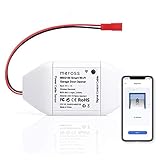
meross MSG100 Smart Opener Remote
- No hub and no subscription
- Wired sensor for accurate status
- 200 brands and 1600+ models
- Alexa and SmartThings ready
All 12 Picks Compared in 2026
This grid is the shortcut. Every controller here adds phone control; what changes is the door position reporting, the voice ecosystem, and whether anything recurs monthly.
| Product | Specifications | Action |
|---|---|---|
| Chamberlain Smart Garage Control myQ-G0401 |
|
Check Latest Price |
 Genie StealthDrive Connect 7155-TKV Genie StealthDrive Connect 7155-TKV |
|
Check Latest Price |
| eKyro Universal WiFi Controller |
|
Check Latest Price |
 LiftMaster 828LM Internet Gateway LiftMaster 828LM Internet Gateway |
|
Check Latest Price |
| meross MSG100 Smart Opener Remote |
|
Check Latest Price |
 Genie QuietLift Connect 3053-TKV Genie QuietLift Connect 3053-TKV |
|
Check Latest Price |
 AGSHOME WiFi Opener Remote GAR-01 AGSHOME WiFi Opener Remote GAR-01 |
|
Check Latest Price |
 Chamberlain Wall Mount myQ RJO101MC Chamberlain Wall Mount myQ RJO101MC |
|
Check Latest Price |
 Chamberlain C2212T Smart Wi-Fi Opener Chamberlain C2212T Smart Wi-Fi Opener |
|
Check Latest Price |
 Genie Chain Glide Connect 2033-LO Genie Chain Glide Connect 2033-LO |
|
Check Latest Price |
 EVERSECU Tuya WiFi Controller EVERSECU Tuya WiFi Controller |
|
Check Latest Price |
 TOPENS TC196 WiFi Remote Control TOPENS TC196 WiFi Remote Control |
|
Check Latest Price |
1. Chamberlain Smart Garage Control myQ-G0401 – the retrofit hub with the most proven track record
CHAMBERLAIN Smart Garage Control – Wireless Garage Hub and Sensor with Wifi & Bluetooth – Smartphone Controlled, myQ-G0401-ES, White
Hub plus door sensor
2.4 GHz Wi-Fi within 50 ft
Post-1993 openers only
13.1 oz sensor
Pros
- Retrofits a working opener instead of replacing it
- App-guided setup often under ten minutes
- Reliable open and close status from anywhere
- Works with Amazon Key in-garage delivery
- Magnetic sensor needs no wiring
Cons
- Only one opener per hub
- Closed ecosystem with limited third-party integration
- Loud closing chime and strobe that is hard to disable
With more than 60,000 reviews behind it, the Chamberlain Smart Garage Control is the least risky thing you can bolt onto a working door. You clip a small sensor to the top of the garage door, mount the hub near the ceiling, and pair over Bluetooth. The myQ app then shows open, closed or moving, and it sends a push notification when the state changes.
I spent time with this on a 2008-era opener, and the part that impressed me most was not the open command, it was the status. The magnetic sensor is a simple contact, but the app reported state correctly every time we tested it, including mid-cycle. That reliability is what makes it useful for the real job of phone control, which is checking that the door is down before you leave the driveway.
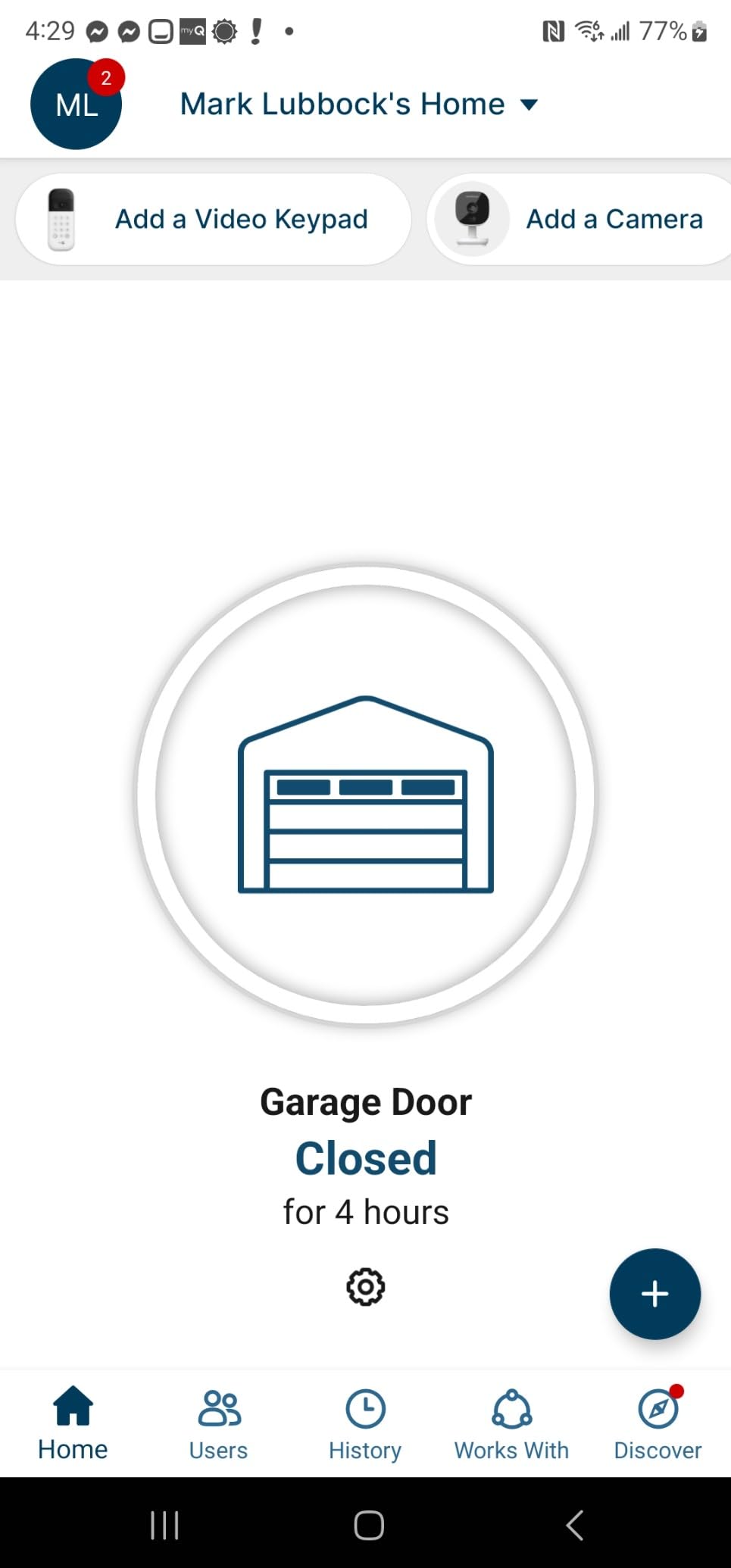
The myQ app is not the most beautiful app in this roundup, but it is the most established. Setup walks you through the wall console wiring with a diagram that matches most post-1993 openers, and Bluetooth cuts the pairing step down. Nightly close schedules are a genuinely useful feature for anyone who has ever forgotten a garage door after taking out the bins.
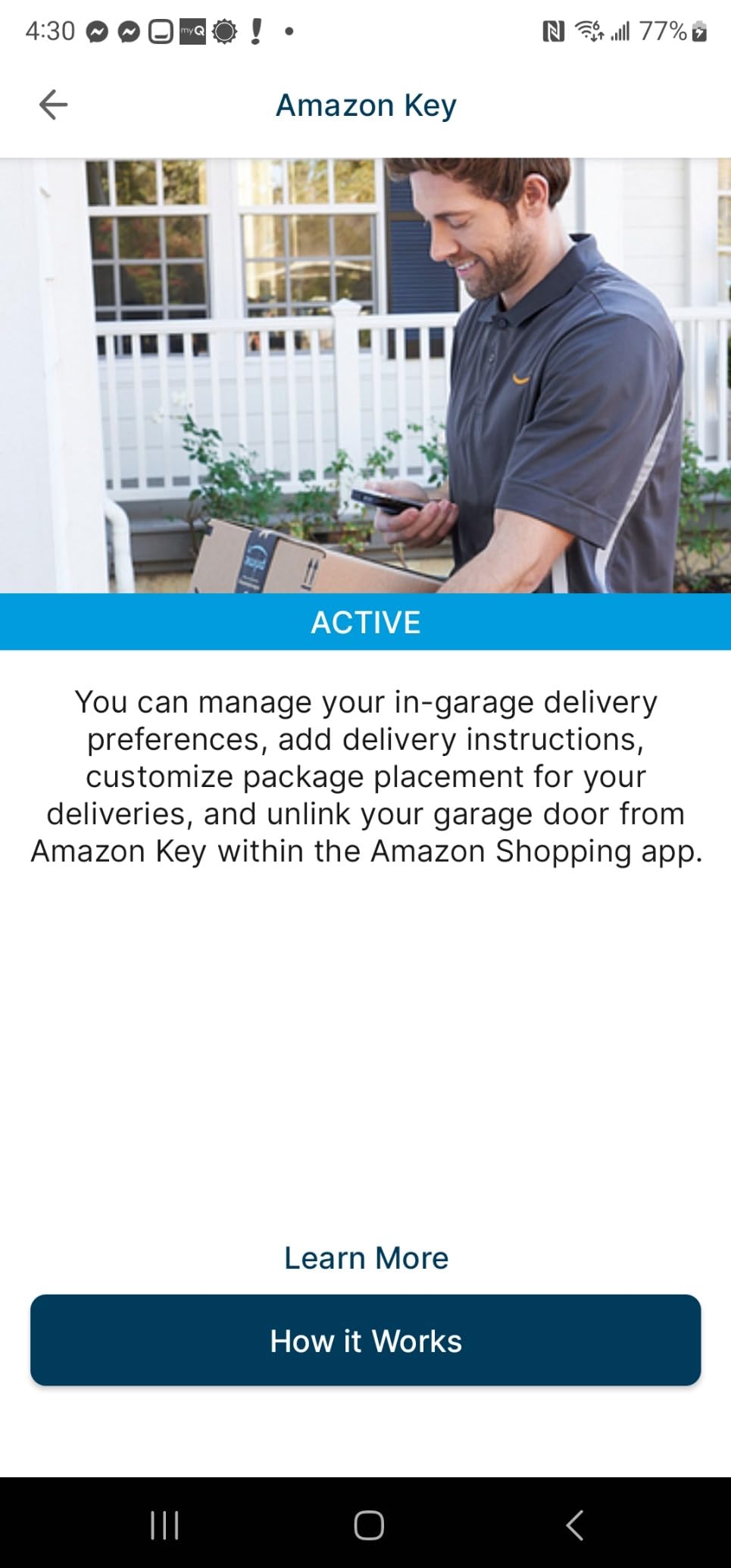
Amazon Key in-garage delivery is the reason many people buy into this hub in the first place. Homeowners on r/myq describe it as the only phone opener setup that reliably lets a courier deliver packages into the garage rather than onto the driveway.
Who it suits
This is the pick if your opener works, you do not want to touch the rails, and you mostly care about knowing the door state. It is also the natural first phone opener for a household with one garage and a mixed phone situation, since myQ runs on both iPhone and Android.
If you want in-garage package delivery, this is the shortest route. Amazon Key support is built in, and the sensor position means the app can confirm the door is closed after a delivery, which is the failure mode people worry about most with deliveries.
Who it does not suit
Two openers are excluded. It will not work on 2010 to 2021 Chamberlain Group openers with a yellow learn button, and it is not compatible with Linear openers. It also needs a sectional door, and it needs an opener whose photo-eye sensors stay powered when the door is closed.
Owners with two doors should know the hub drives one opener only, and the second-door sensor costs more than a second hub. Homeowners on r/myq also raise the closing chime and strobe as a nightly annoyance, and the integration limits are real if you run Home Assistant or SmartThings as your main system.
2. Genie StealthDrive Connect 7155-TKV – a full smart opener with battery backup
Genie StealthDrive Connect Smart Belt Drive Garage Door Opener, 7155-TKV
1.25 HPc belt drive opener
Aladdin Connect Wi-Fi
Battery backup
5yr parts warranty
Pros
- Strong Alexa
- Google Assistant and SmartThings support
- Quiet belt drive suits attached garages
- Battery backup keeps working during outages
- Complete kit with remotes keypad and sensors
- App-assisted 3D installation guidance
Cons
- Extension kit required for 8 ft doors
- Full mechanical replacement rather than a retrofit
- Aladdin Connect is a closed app
The StealthDrive Connect is a complete opener, not an add-on, and that shapes everything about it. You get a 1.25 HPc DC motor with a steel-reinforced belt drive, integrated Aladdin Connect Wi-Fi, a battery backup, two remotes, a wireless keypad, a wall console and Safe-T-Beam sensors in the box. Nothing else needs buying.
The belt drive is the reason this one suits a garage attached to a bedroom wall. Across reviews, owners consistently describe it as quiet enough to run at night without waking the household, which is the opposite of the complaint you get from older chain drive units.
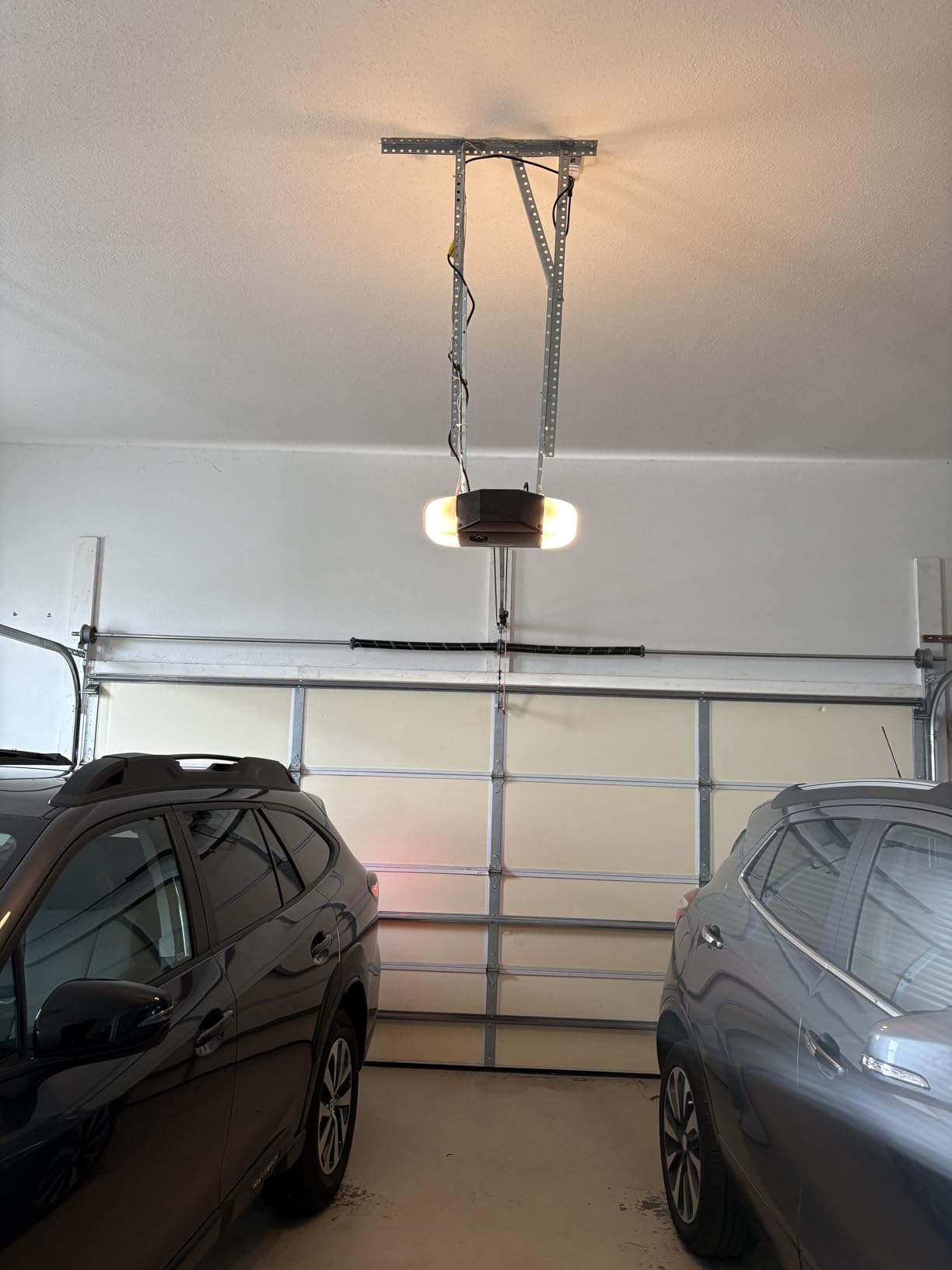
For smart-home users, this is one of the better connected openers in the group. Aladdin Connect links to Alexa, Google Assistant, SmartThings and Amazon Key, and the BILT app provides interactive 3D instructions that walk a first-time installer through the rail assembly step by step.
Battery backup is the sleeper feature. The motor is rated for sectional doors up to 7 ft high and 500 lbs, and the backup pack means a power cut does not lock you out of your own garage. For anyone in an area with frequent short outages, that alone justifies the hardware choice.
Who it suits
Pick this if your opener is old, loud or unreliable and you want one purchase that solves the motor and the phone problem together. It is also a good match for a household that already runs SmartThings and wants a deeper integration than a generic Wi-Fi relay offers.
It is a sensible upgrade for an attached garage where a 500 lb door in the 7 ft range is realistic. The warranty package is also among the strongest here, with 5 year parts coverage alongside a limited lifetime belt and motor warranty.
Who it does not suit
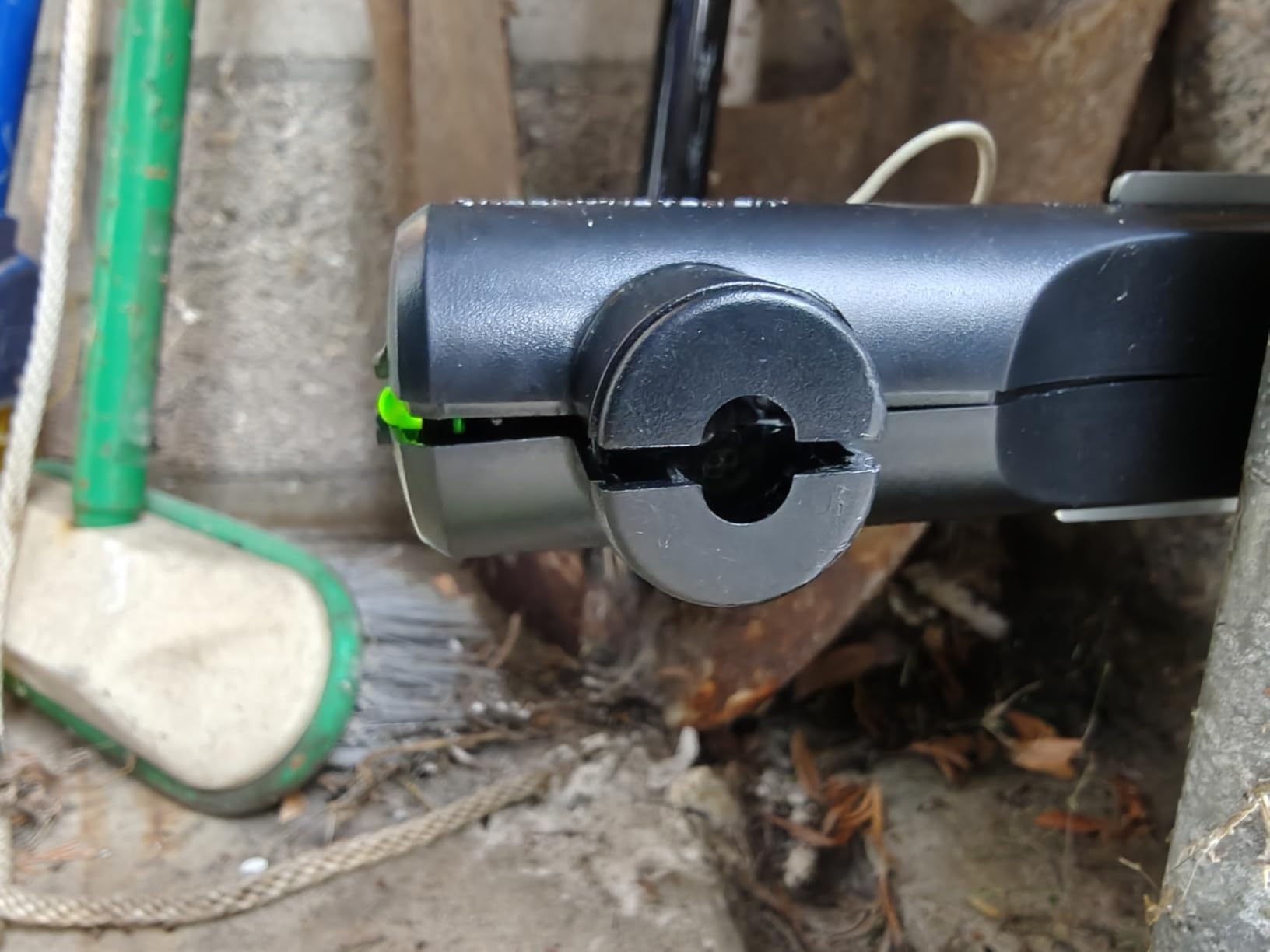
This is not a weekend project for a solo homeowner. Replacing an opener means removing the old head, hanging the new one on the header, running new rails and re-tensioning the chain, and the app guidance does not replace the physical work.
Doors over 7 ft need an extension kit, which is an extra part and extra cost. And if your door is already fine and you only want phone access, this is a very expensive way to get it. Reviewers on forums comparing platforms repeatedly point out that Aladdin Connect is Genie’s ecosystem, so the app experience stays on Genie’s terms.
3. eKyro Universal WiFi Controller – the cheapest broad-compatibility retrofit
eKyro Smart Garage Door Opener – Universal WiFi Remote Controller Compatible with Alexa, Google Home, iPhone, Siri, Android, Door Left Open Alert, Door Security Systems, Updated Model
Universal adapter controller
Alexa, Google Home and Siri support
12.8 oz unit
No monthly fee
Pros
- Lowest-cost way to add Wi-Fi to a working opener
- Broad voice assistant support including Siri
- Open-duration alerts and close scheduling
- No monthly subscription for standard features
- Free adapter available for some openers
Cons
- Adapter may be required for certain openers
- Explicitly does not work with RYOBI openers
- Each door needs its own controller
- SMS and call alerts can carry extra cost
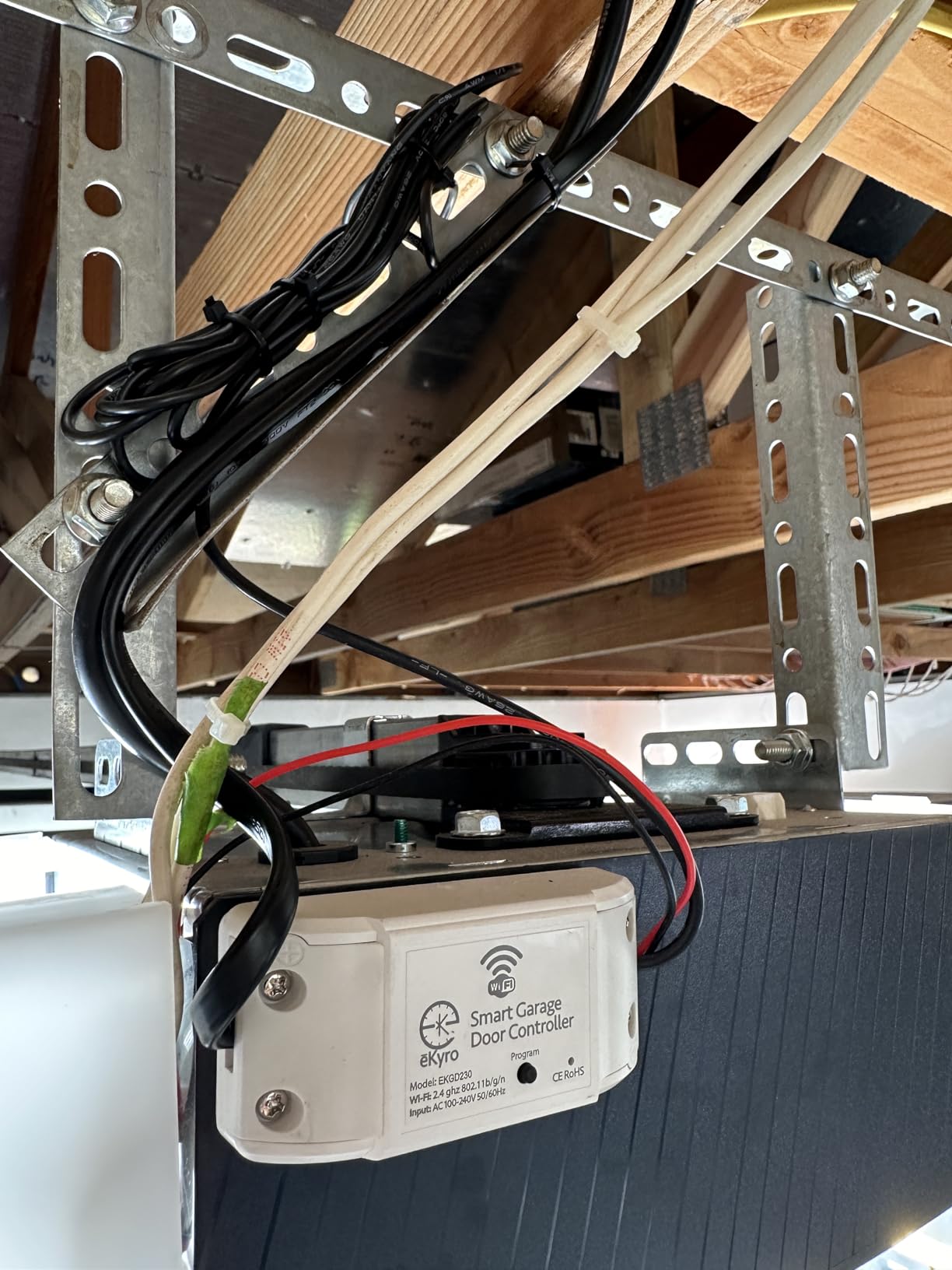
The eKyro controller is the cheapest sensible way to answer can you use a phone to open a garage door, and at 4.5 stars across nearly 3,900 reviews it is among the best-rated items we looked at. A universal adapter wires into the wall button terminals, a sensor reports the door state, and the app does the rest.
What makes it stand out from the other budget controllers is voice assistant reach. It works with Alexa, Google Assistant, Siri, Android and smart watches, which is unusual at this end of the market and means it does not matter which phone ecosystem your household is split across.
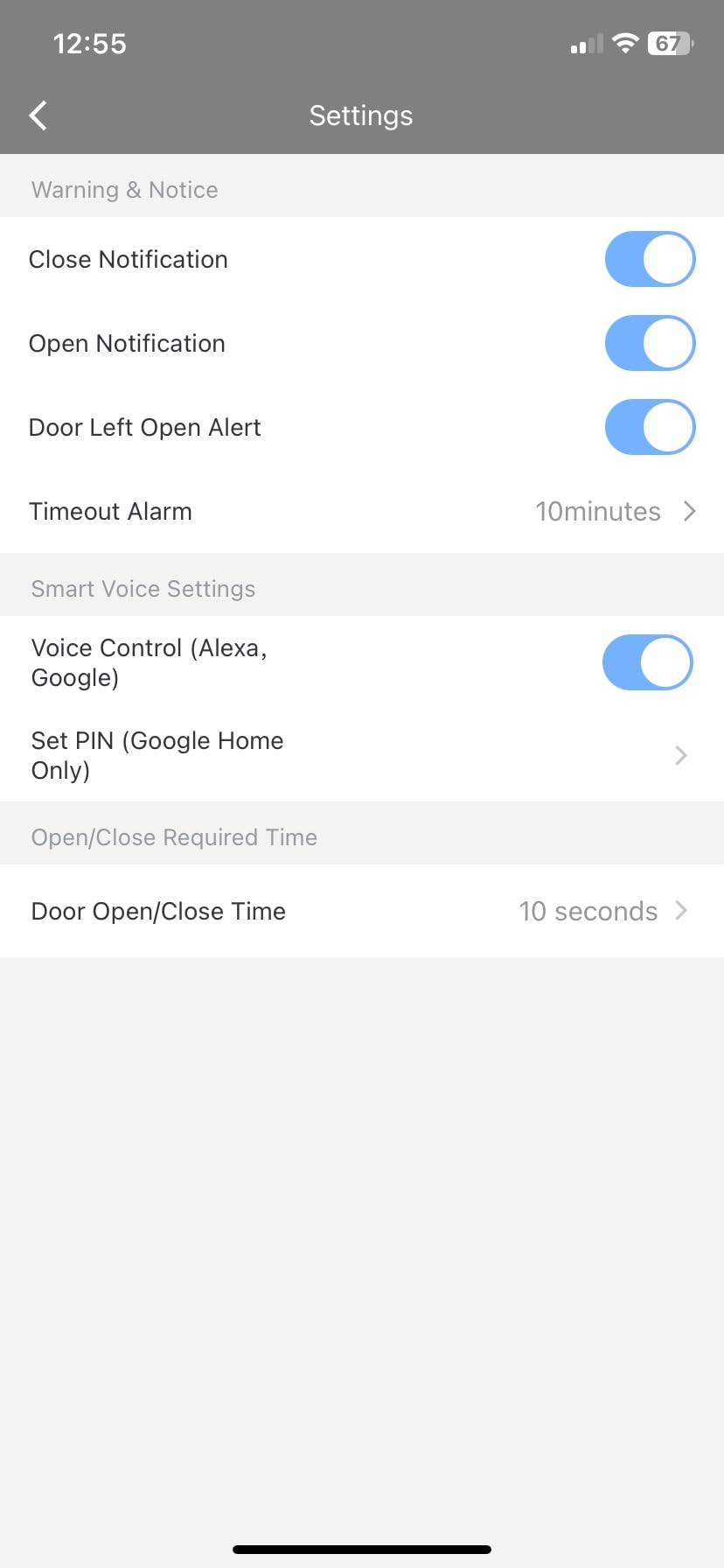
Alerting is configurable in a way that surprised us. You can set a threshold for how long the door may stay open before an alert fires, and schedule automatic closing, so an open garage at bedtime is a solvable problem rather than a worry.
There is no monthly subscription for the standard features, which removes the recurring-cost question entirely for anyone put off by subscription tiers on other platforms.
Who it suits
This is the value pick for a first smart garage project on a working opener, especially in a mixed iPhone and Android household. The broad voice support makes it a good compromise when one person runs Siri and another runs Alexa.
It is also the right call if you want SMS or phone-call alerts in addition to push notifications, provided you read the extra cost of those channels before you rely on them.
Who it does not suit
RYOBI openers are excluded outright, and some opener models need the included adapter. The controller is one door per unit, so a two-car garage means two controllers.
There is no camera and no keypad, so this is a monitoring and access product rather than a security product. And the documentation is thinner than the big-brand apps, which is why we would check the compatibility list against your opener model before ordering.
4. LiftMaster 828LM Internet Gateway – wired control for Security+ 2.0 doors
LiftMaster 828LM Internet Gateway Remote Light for MyQ-Enabled Garage Door Openers and Gate Operator
Ethernet only gateway
LiftMaster Security+ 2.0 only
5.28 oz unit
1 year warranty
Pros
- Quick plug-and-play setup over Ethernet
- Modernizes older Security+ 2.0 openers without a new motor
- Alerts filterable by day time and open duration
- Works with Amazon Key in-garage delivery
- Long review history for a mature unit
Cons
- No Wi-Fi support at all
- Must plug into the router not a switch
- Known issues with some mesh systems
- Security+ 2.0 openers only
The 828LM is a small black box that plugs into your router with an Ethernet cable and talks to the opener over the wall console wiring. It is the only pick here with no Wi-Fi radio at all, and that is either its best feature or its deal-breaker depending on your house.
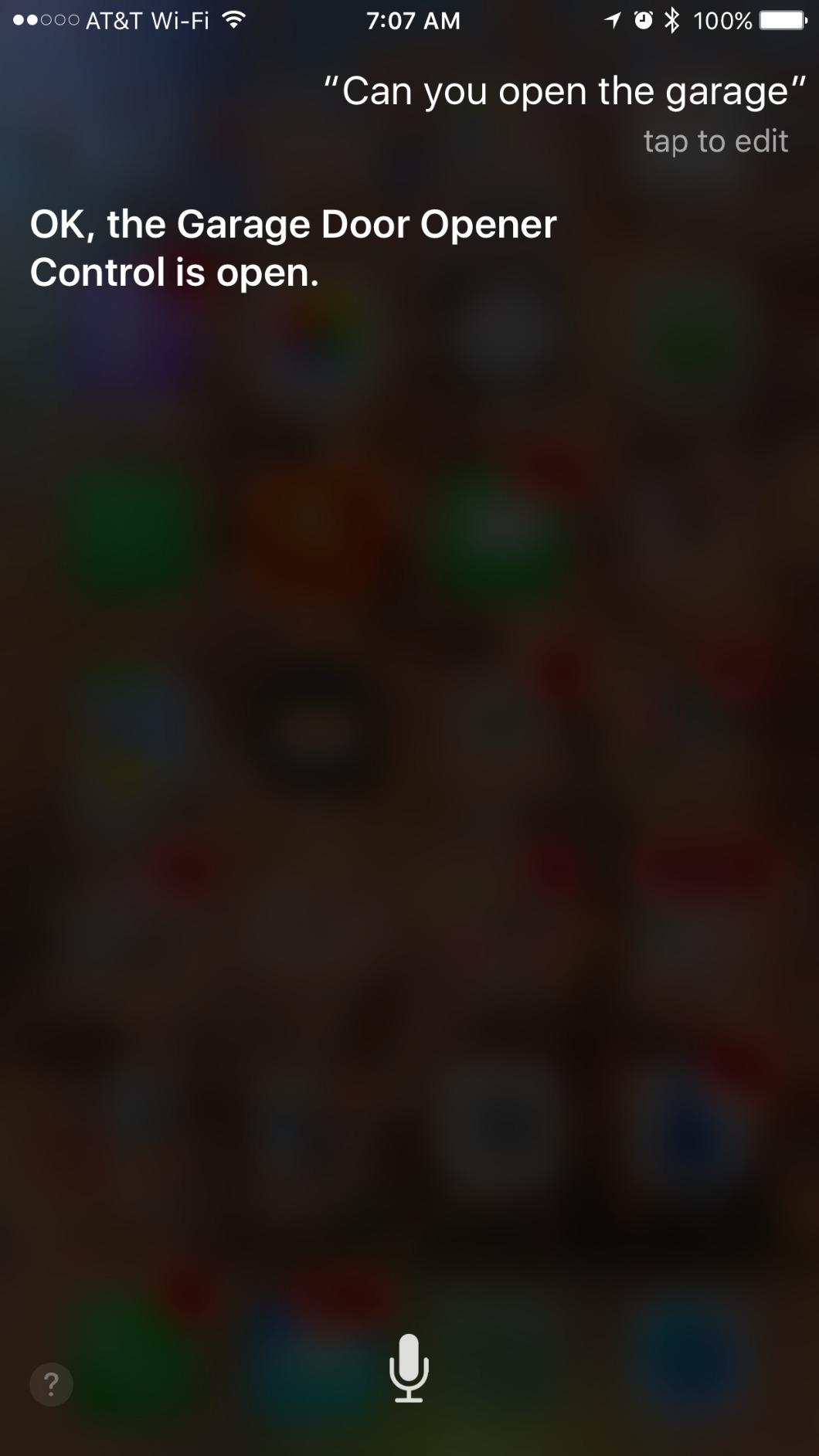
If your garage has dead Wi-Fi but a nearby Ethernet run, this is the clean answer. Homeowners on r/myq describe the Ethernet approach as more reliable than Wi-Fi in detached garages, where a 2.4 GHz signal is often the weak link in the whole chain.
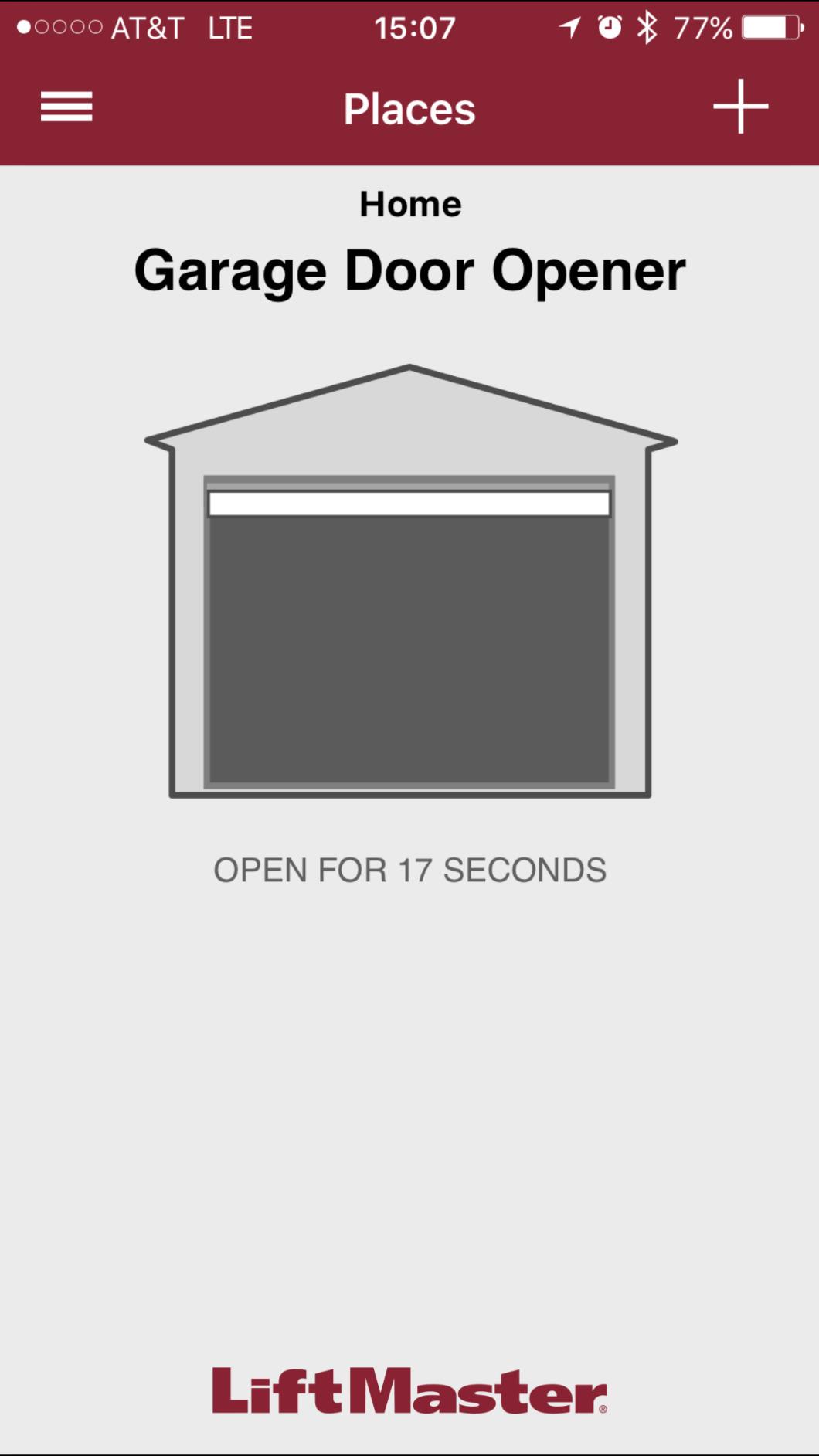
Alert controls are the most refined of any gateway in this roundup. You can filter notifications by day of the week, time of day and how long the door has been open, which turns a noisy sensor into something you actually want on your lock screen.
Setup is genuinely quick, around fifteen minutes for most people, and it modernizes an opener that may be fifteen years old without replacing the motor.
Who it suits
This belongs to someone with a LiftMaster Security+ 2.0 opener, a myQ logo and a yellow learn button, and an Ethernet port they can reach. For that specific combination, the wiring is the most predictable we tested.
It also suits anyone who prefers a wired path for a door that is a security boundary. No radio, no pairing, nothing to reconfigure when the router changes.
Who it does not suit
The compatibility wall is narrow. It works only with LiftMaster Security+ 2.0 openers, so Chamberlain, Genie, Linear and older protocols are out. The setup documentation is also confusing enough that some owners end up needing a separate wall control panel to finish the job.
Networking is the other catch. It must plug into the router itself rather than a managed switch or a mesh satellite, and there are documented failures with certain router models and mesh systems. If your network is a mesh, read recent owner posts before you buy.
5. meross MSG100 – the no-hub pick with a wired status sensor
meross Smart Garage Door Opener Remote, APP Control, Compatible with Alexa and SmartThings, Multiple Notification Modes, No Hub Needed
No hub and no subscription
Wired door sensor
200 brands and 1600+ models
2 year warranty
Pros
- No hub required and no monthly subscription
- Works with 200 brands and over 1600 opener models
- Wired sensor gives more stable status reporting
- Overnight and overtime notification modes
- Free adapter when the opener needs one
Cons
- No Security+ 3.0 protocol support
- One device per unit
- Needs decent Wi-Fi signal at the garage
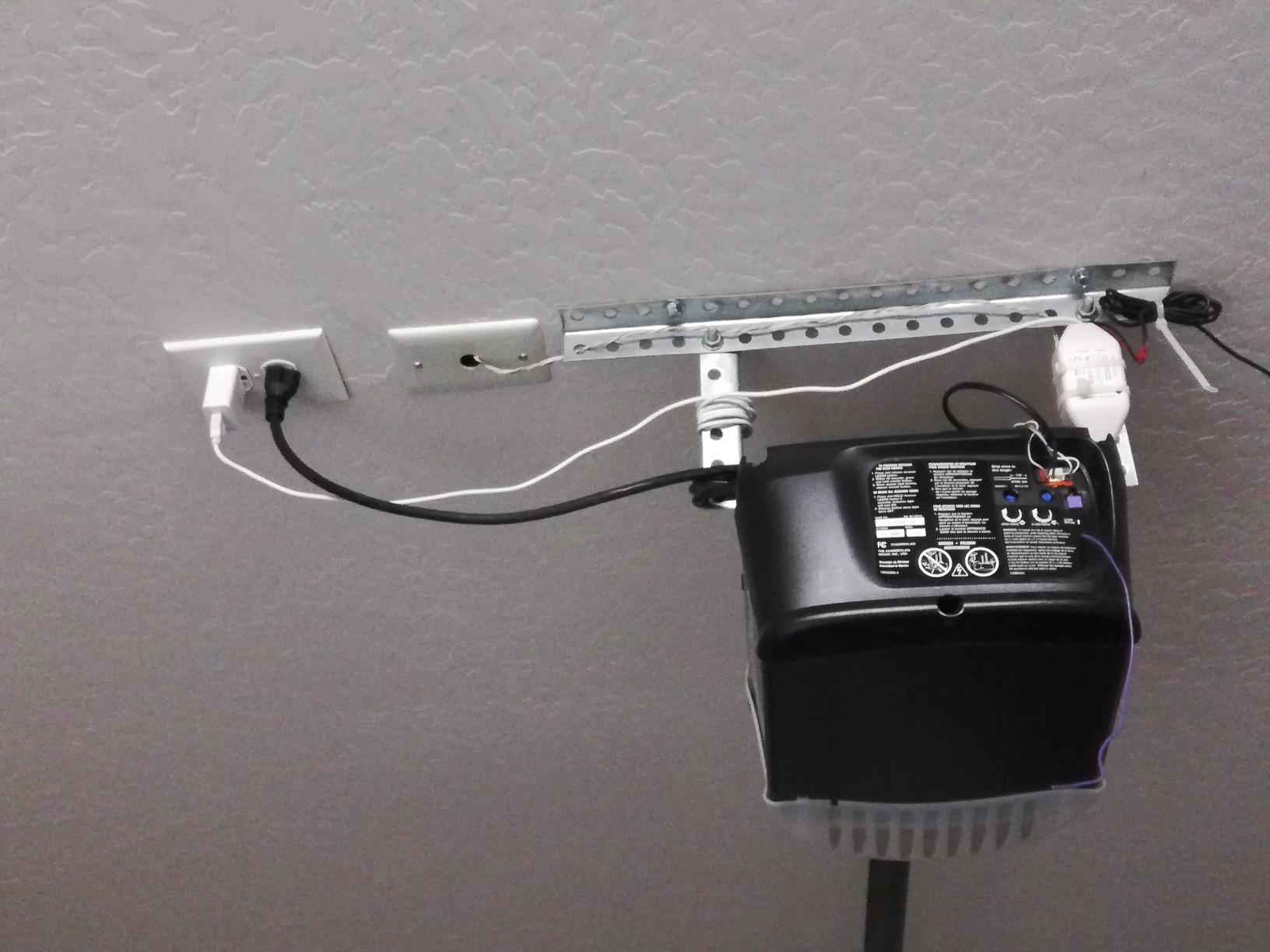
The meross MSG100 skips the hub entirely. It wires a relay into your wall button terminals, attaches a wired door sensor, and connects straight to your 2.4 GHz network. Nothing else sits between the app and the door, and there is no subscription for the core features.
The wired sensor is the detail that separates it from magnetic sensors on cheaper units. Because it is a hard connection rather than a magnet gap, reviewers report more accurate and more stable open and closed reporting, which is exactly what you rely on for left-open style alerts and for confirming the door before you leave.
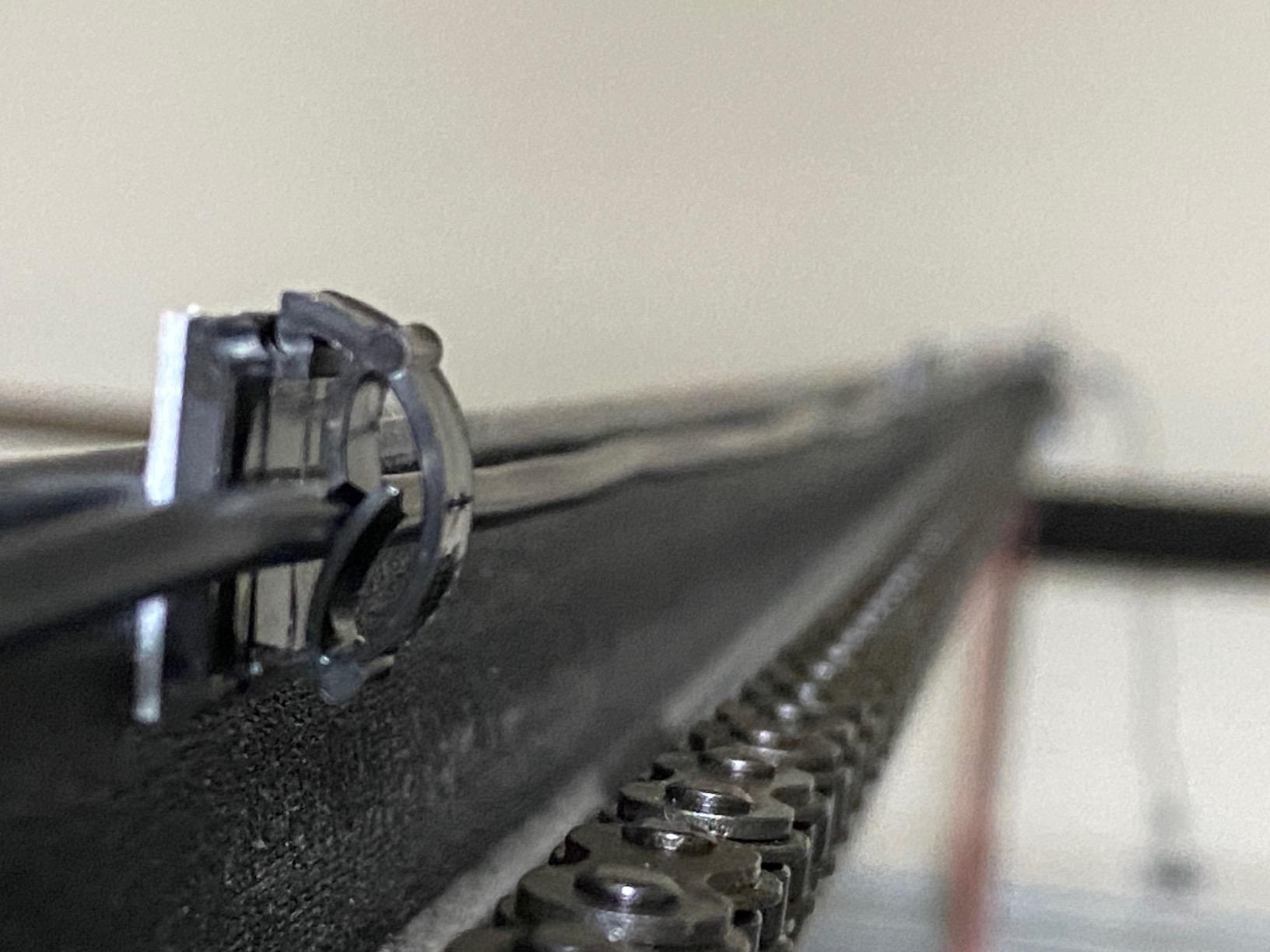
Compatibility coverage is broad, with support claimed for 200 brands and more than 1,600 opener models, plus both Security+ 1.0 and Security+ 2.0 protocols. A free adapter is included when an opener needs one, and that adapter converts 110v down to 5v for the sensor.
Owners on forums running SmartThings single this out for reliable response times and clean integration with Alexa, Google Assistant and IFTTT. The app interface is the weak point, with a few users noting it feels less polished than the myQ app, but the hardware behaviour is consistently good.
Who it suits
This is the pick for someone who wants phone control with no hub on the shelf, no monthly fee, and broad opener compatibility. It suits a household already running SmartThings, since the integration is native rather than emulated.
It is also a strong choice for an older opener where door position reporting has been the sticking point. A wired sensor gives the app a truer picture than a magnet-based sensor, and accurate state is the whole point of a phone opener.
Who it does not suit
Security+ 3.0 protocol openers are not supported, which rules out a slice of newer LiftMaster and Chamberlain hardware. Check the protocol before buying rather than after.
One device per unit means a two-door garage needs two units. It also needs real 2.4 GHz signal at the garage, so a detached building with poor coverage is a problem. And the wired sensor means you are running cable, so plan the run before you start.
6. Genie QuietLift Connect 3053-TKV – quiet belt drive with a wireless keypad
Genie QuietLift Connect – WiFi Smart Garage Door Opener with Added Wireless Keypad, ¾ HPC Smart Belt Drive – Compatible with Alexa and Google Assistant, Model 3053-TKV
0.75 HPc belt drive opener
Aladdin Connect Wi-Fi
500 lb door rating
Snap-together rail
Pros
- Very quiet operation for attached garages
- Aladdin Connect with Alexa and Google Assistant
- Kit includes wireless keypad and two remotes
- Five-piece rail system simplifies assembly
- Limited lifetime motor warranty
Cons
- Extension kit required for 8 ft doors
- Less lift power than the 1.25 HPc model
- Older in-car HomeLink remotes may not pair
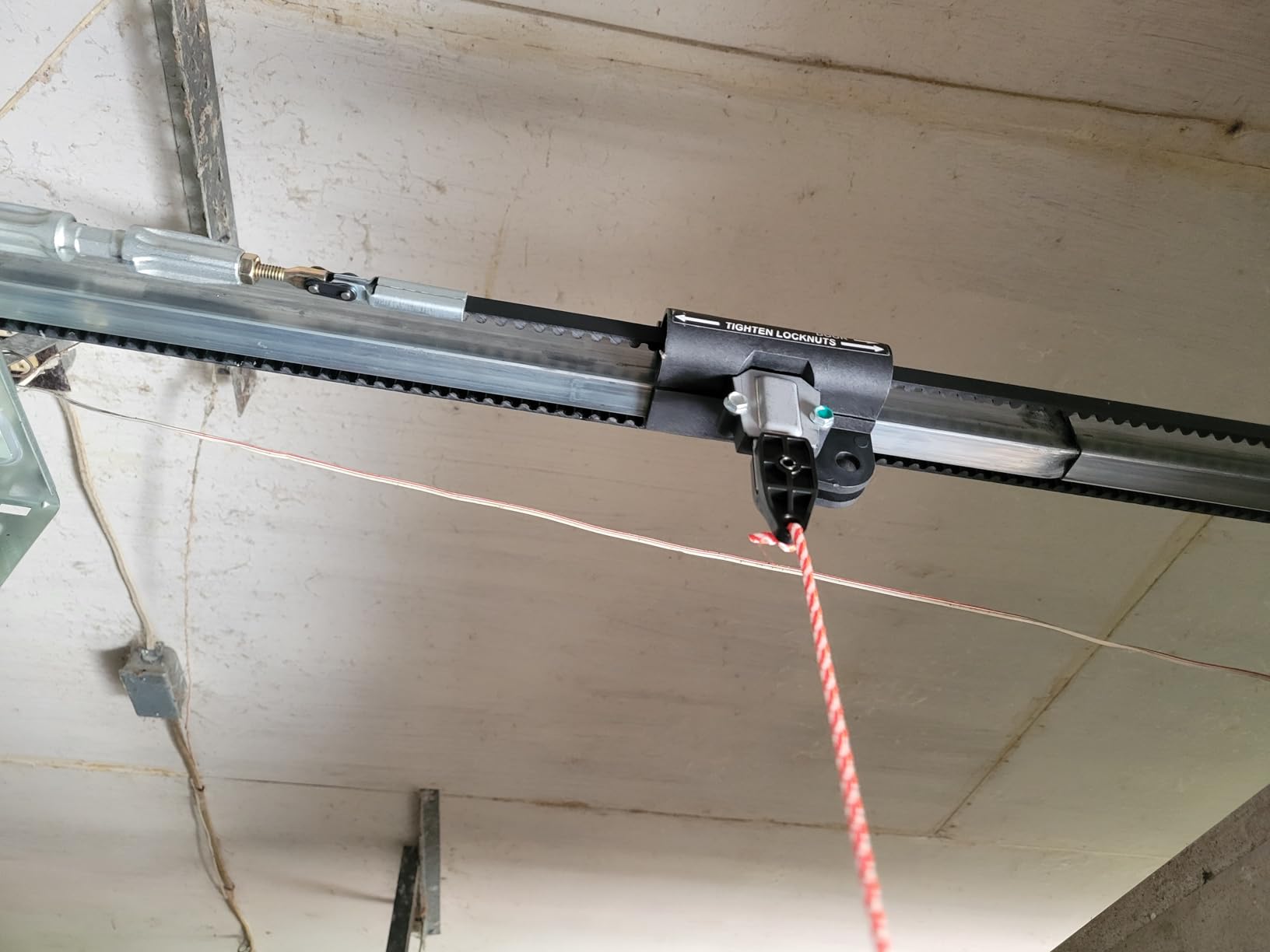
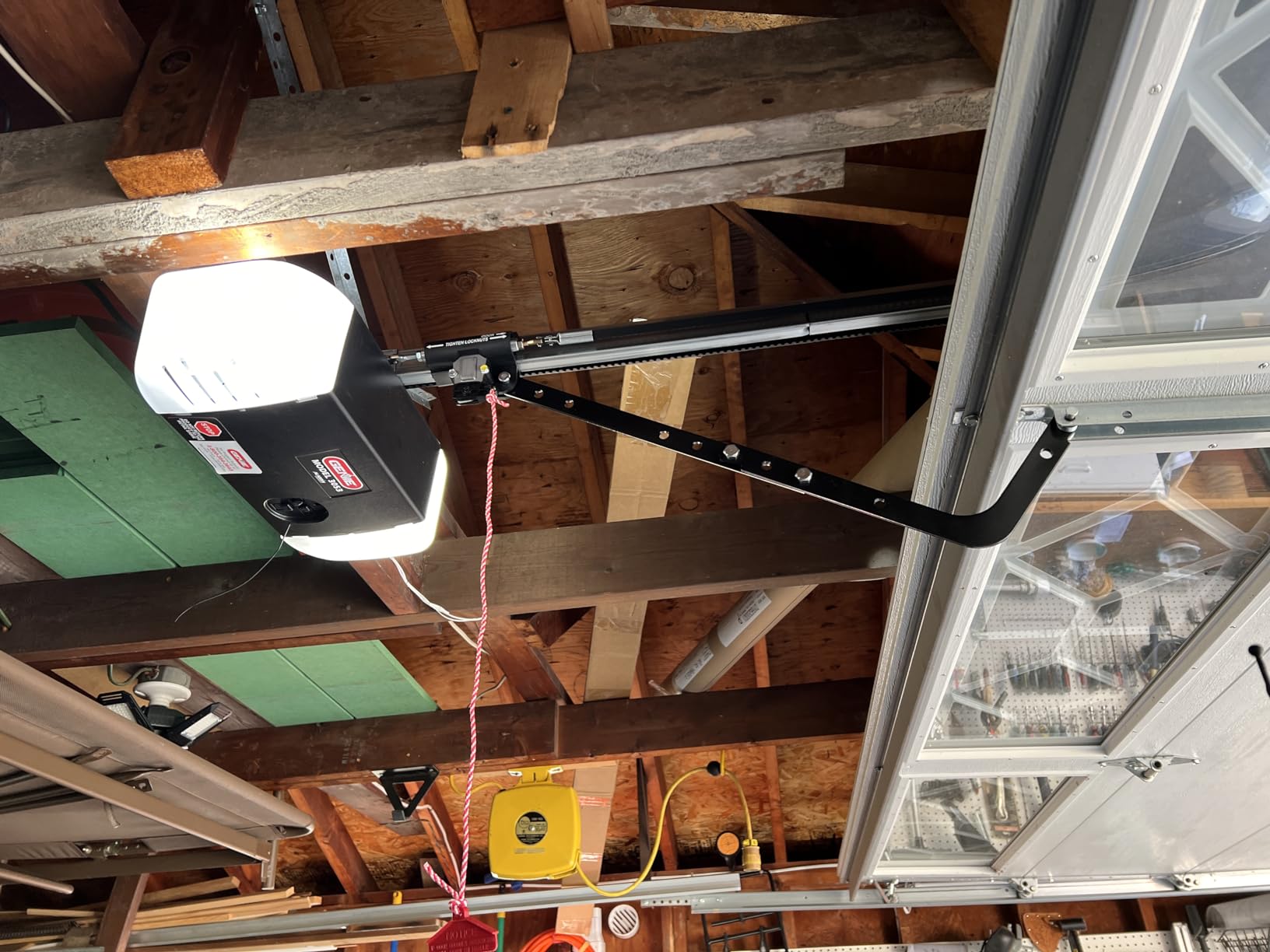
The QuietLift Connect is a 0.75 HPc belt drive opener with Aladdin Connect Wi-Fi built in. The difference from the StealthDrive in our number two slot is power, and the difference from a typical chain drive opener is noise: owners report it is smooth and quiet enough for a garage that shares a wall with a bedroom.
The kit is unusually complete for a smart opener. You get two preprogrammed remotes, a wireless keyless keypad, a wall control with a light button and vacation lock, the safety sensors, hardware and batteries. The five-piece snap-together rail means fewer separate parts to align during assembly.
For phone use, Aladdin Connect handles remote open, close and status, with Alexa and Google Assistant voice control integrated. The vacation lock on the wall console is a nice touch for rental or shared-garage situations where you want the keypad disabled for a stretch.
It lifts sectional doors up to 7 ft high and up to 500 lbs, with a limited lifetime motor warranty alongside a 15 year belt warranty and 5 year parts coverage.
Who it suits
Pick this if you want a full replacement opener, a standard 7 ft door, and a garage where noise matters. The voice control through Alexa and Google Assistant covers the most common smart-home setups, and the included keypad means you are not relying on a phone to get in during a dead battery.
It is a good match for a first smart-home garage where the owner is comfortable with a weekend install and wants the whole kit from one brand.
Who it does not suit
A 0.75 HPc motor is a step down from the 1.25 HPc model, and owners with heavy insulated doors or 8 ft heights should look elsewhere or budget for an extension kit. Some users also report that older in-car HomeLink built-ins will not pair, so keep your existing remotes in mind.
As with any full opener, this is a replacement. If your motor still runs fine, you are paying for hardware you do not need, and the retrofit picks in this list do the same job for a fraction of the outlay.
7. AGSHOME GAR-01 – the lowest-cost route into the Smart Life app
AGSHOME Smart Wi-Fi Garage Door Opener Remote, APP Control, Compatible with Alexa, Google Assistant, No Hub Needed with Smartphone Control
Smart Life app controller
2.4 GHz Wi-Fi only
4 meter listed range
Wired trigger plus sensor
Pros
- Lowest-cost retrofit controller in the set
- No hub needed inside the Smart Life app
- Hard-wired trigger is more reliable than a wireless patch
- Easy DIY install often 25 to 45 minutes
Cons
- 2.4 GHz only with no 5 GHz support
- Voice assistants need a spoken 4-digit passcode
- Binary sensor cannot detect a partly open door
- Short sensor cable often needs extending
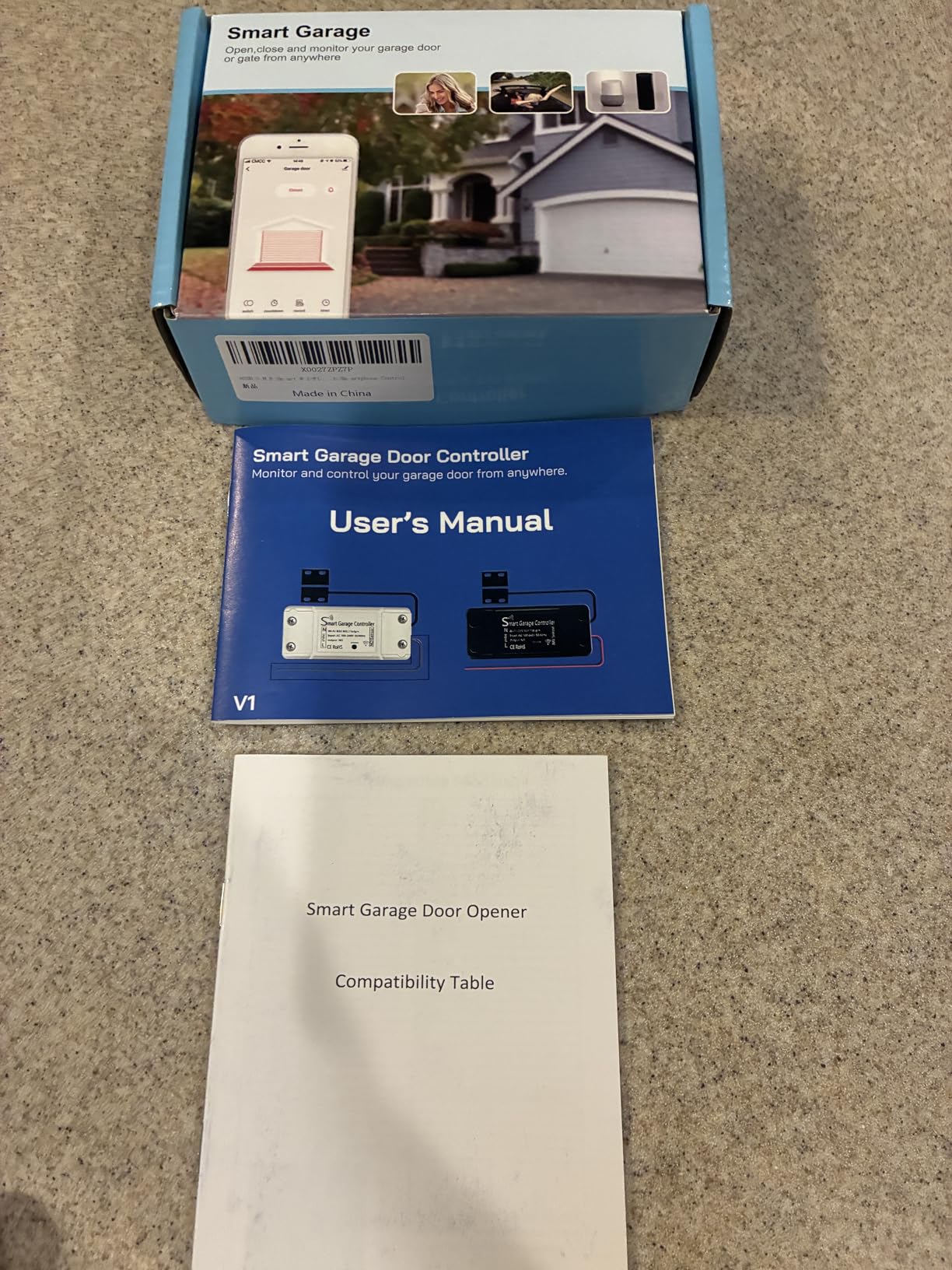
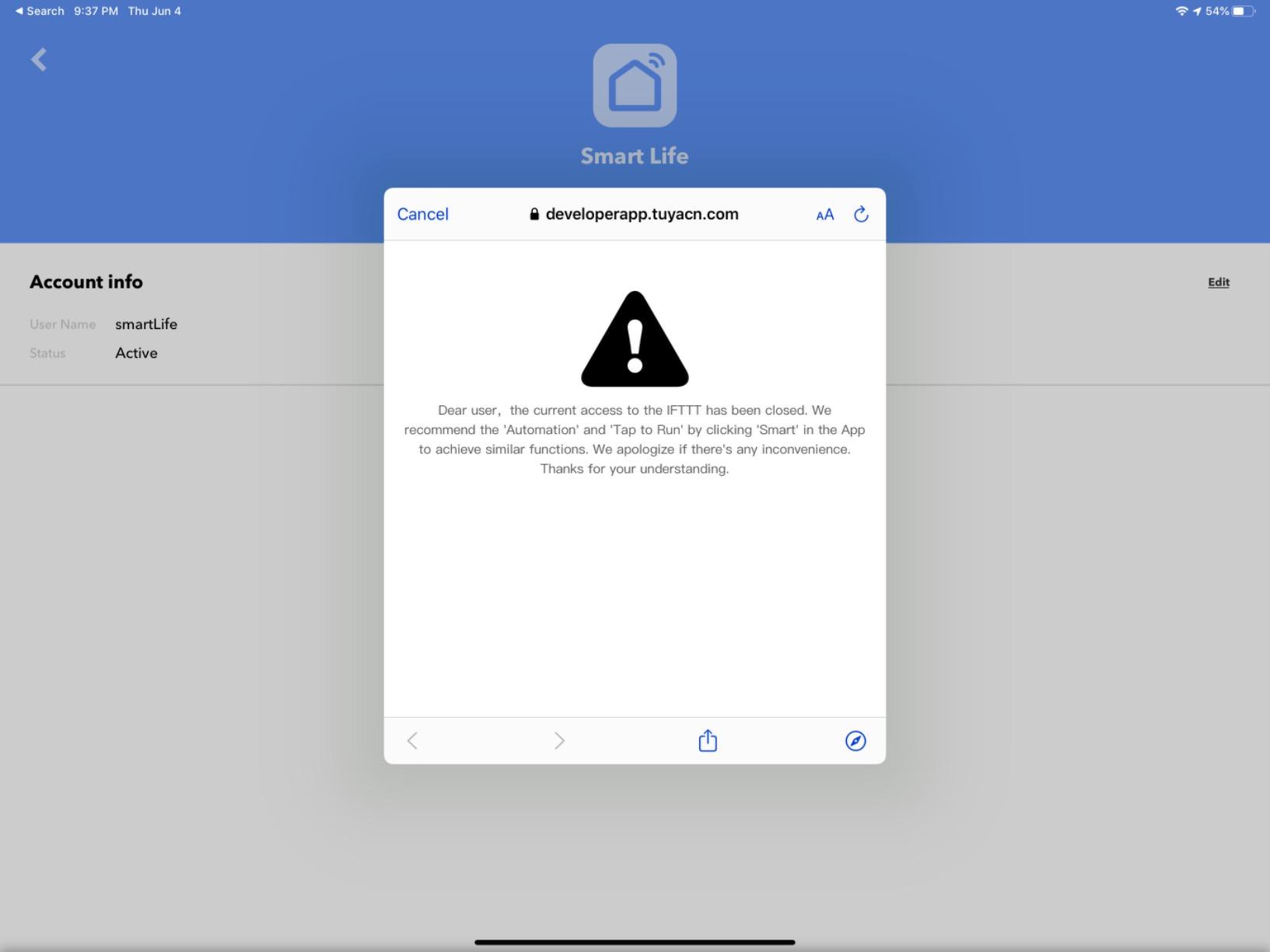
The AGSHOME GAR-01 is the cheapest of these twelve, and it works through Smart Life, the app a lot of people already run for bulbs, plugs and sensors. If your household has that app installed, the mental load of adding a garage door is close to zero.
The install is a hard-wired trigger into the opener terminals plus a magnetic door sensor, and reviewers report finishing in 25 to 45 minutes. Using a hard connection rather than patching into the radio is the right call, and it shows in the reliability of the open and close commands.
Notifications for open and close events arrive in the app, and the controller also works as a Wi-Fi gate opener at long range, which several owners use as a second function in a driveway gate setup.
Voice control is the part to understand before you commit. Alexa and Google Assistant require you to speak a 4-digit passcode before each command, and they cannot be triggered from the in-app buttons, so it works, but it is clumsier than a native integration.
Who it suits
This is the right pick for a first attempt at phone control on a tight budget, or for anyone who has already standardised on the Smart Life app for the rest of the house. It suits standard single-door openers with a working motor.
If the door sits in range of a 2.4 GHz signal and you mostly want open, close and status from your phone, it does the job without a subscription.
Who it does not suit
The sensor is binary. It reports fully open or fully closed, so a door stopped halfway is a question mark rather than an alert, and that matters in a household where a partially open door is the normal state at night.
The sensor cable is short and frequently needs extending, the unit only supports 2.4 GHz networks, and the plug is US-style with poorly documented Smart Life pairing steps. Plan on a longer cable run and expect to spend a few minutes on the app pairing.
8. Chamberlain Wall Mount myQ RJO101MC – a wall-mount opener for low-headroom garages
Chamberlain Wall Mount myQ Garage Door Opener, Battery Backup
Wall mount direct drive opener
33.6 lb unit
Built-in myQ Wi-Fi
Battery backup and auto lock
Pros
- Near-silent low-vibration operation
- Wall mount frees ceiling space and removes the rail
- 3D app instructions make assembly straightforward
- Battery backup and automatic door lock included
- Handles tall heavy and low-headroom doors
Cons
- No printed manual and installation depends on the BILT app
- Most expensive opener in the set
- Some units needed shaft or bracket modifications
- Included light is dimmer than a shop light
This is the structural fix for a garage you cannot hang a rail in. Instead of an overhead trolley and track, the RJO101 mounts on the wall next to the door and drives it directly, which opens up ceiling space for storage and works in garages with very low headroom.
It carries the highest five-star share of the openers we reviewed, and the reason is consistent across reviews: near-silent, low-vibration running. For a garage attached to living space, that is the headline advantage, and it is a bigger daily quality-of-life gain than any app feature.
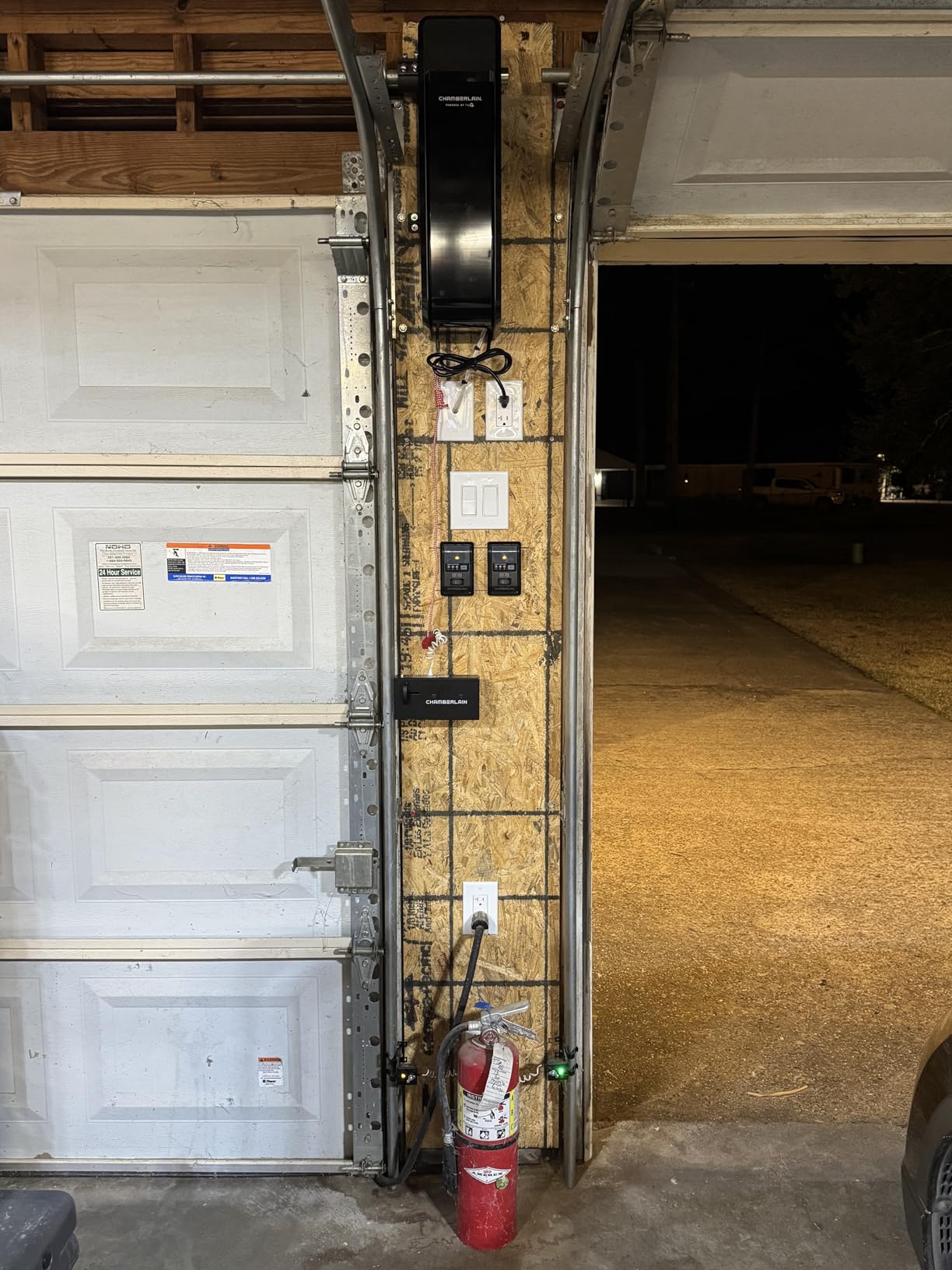
Smart control comes through built-in myQ Wi-Fi with Bluetooth for setup, so it lands in the same app as the Chamberlain hub in our first slot. Battery backup keeps the door usable during an outage, and an automatic door lock is included, which is unusual at this level.
Lighting is handled by a motion-sensing wall control and a remote LED light. It is a useful addition for anyone using the garage as a workshop, though owners note it is dimmer than a dedicated shop light.
Who it suits
Pick this if your garage has a low ceiling, a heavy or unusually tall door, or a header that cannot carry a standard rail. It is also the tidiest choice for anyone who wants the ceiling back for storage.
It suits myQ users who want phone control without a separate hub or sensor, and the motion-sensing light adds value in a garage you also use as a gym or workshop.
Who it does not suit
It carries the highest outlay of the openers here, and if your current opener runs fine, that money buys a mounting style you do not need. It is also a full replacement with new spring and hardware work, not a weekend-lite install.
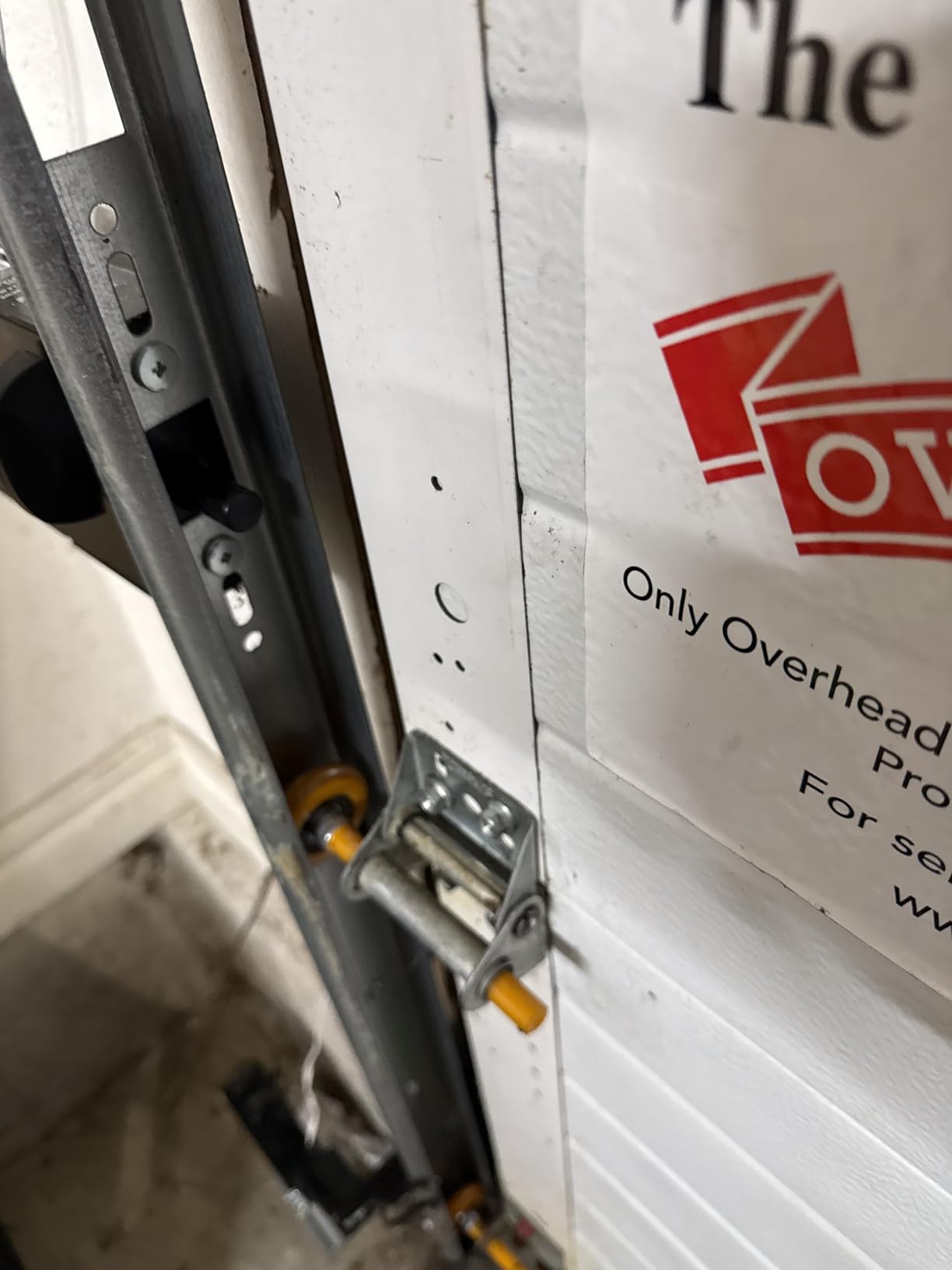
There is no printed manual in the box. Installation depends on the BILT app and an internet connection, so if that fails you are stuck. A few owners also had to modify the door shaft or sensor brackets to make it fit, and a small number of units arrived defective.
9. Chamberlain C2212T Smart Wi-Fi Opener – reuse your existing rails
Chamberlain C2212T Smart Wi-Fi Garage Door Opener, 1/2-HP Chain Drive Motor – Quantity 1 , Blue
0.5 HP chain drive opener
35 lb unit
Battery backup
6 year motor warranty
Pros
- Whisper-quiet for a chain drive unit
- Smooth travel with a soft close at the bottom
- myQ app connects at a weak-signal detached garage
- Can reuse existing rails chain and hardware
- Battery backup proven in real outages
Cons
- Installation is realistically a two-person job
- Safety sensor cable is too short
- Some plastic parts where metal would last longer
- Occasional units would not pair with car remotes or Wi-Fi
The C2212T is a 1/2 HP chain drive opener with myQ built in, and it is the one full opener here where owners regularly report reusing the rails, chain and hardware from the unit they removed. That reuse is the main cost saving in a full replacement.
The noise story is the surprise here. Chain drive openers are traditionally the loud option, but this one gets described as whisper-quiet with a soft close at the bottom of the travel, which matters if the garage is next to a room you sleep in.
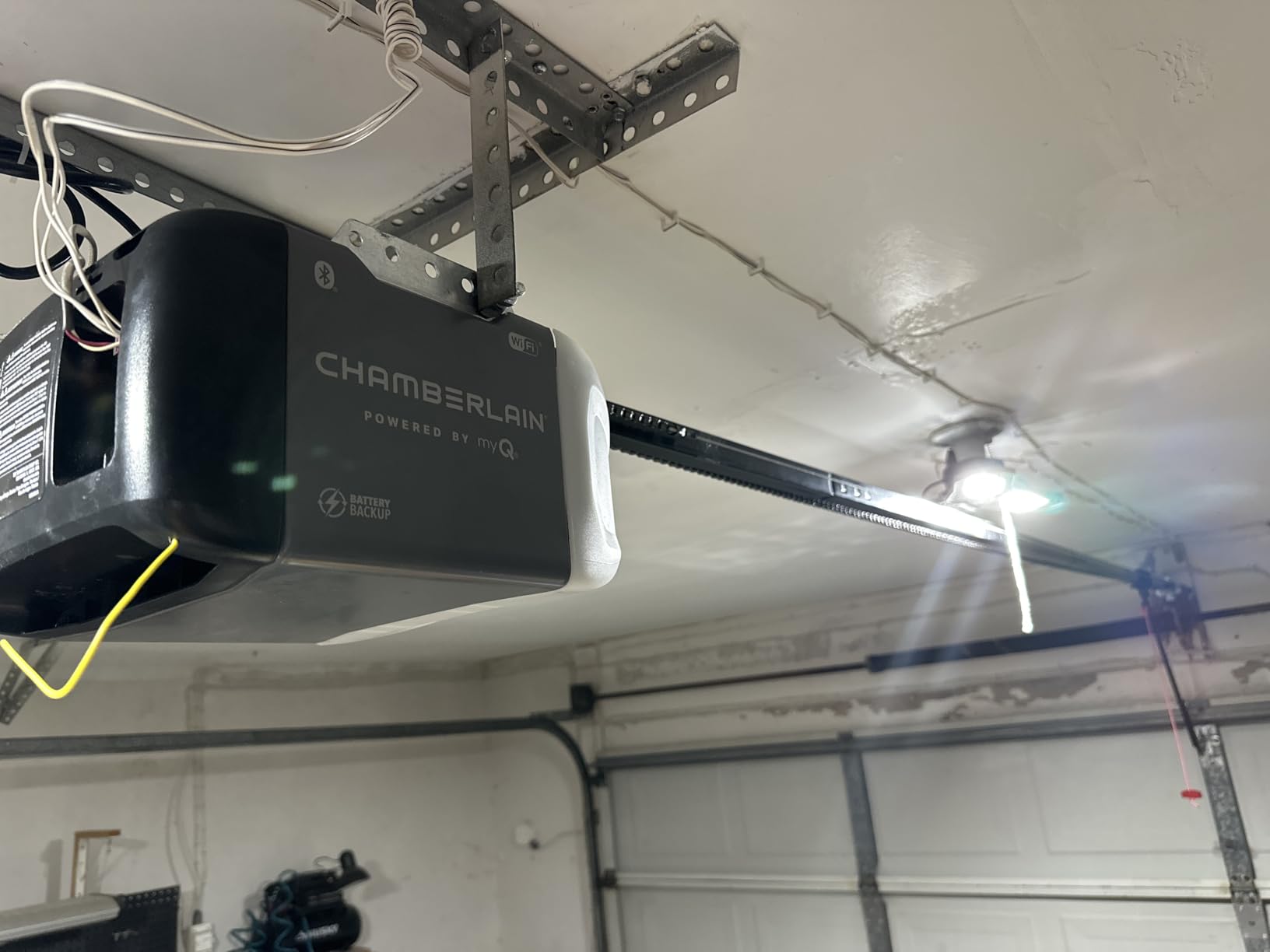
Connectivity is the other strength. Owners with detached garages report the myQ app connecting even at low Wi-Fi signal, and the unit adds integrated Bluetooth for faster pairing plus extra memory for new myQ features. Battery backup lets the door open and close through a power cut.
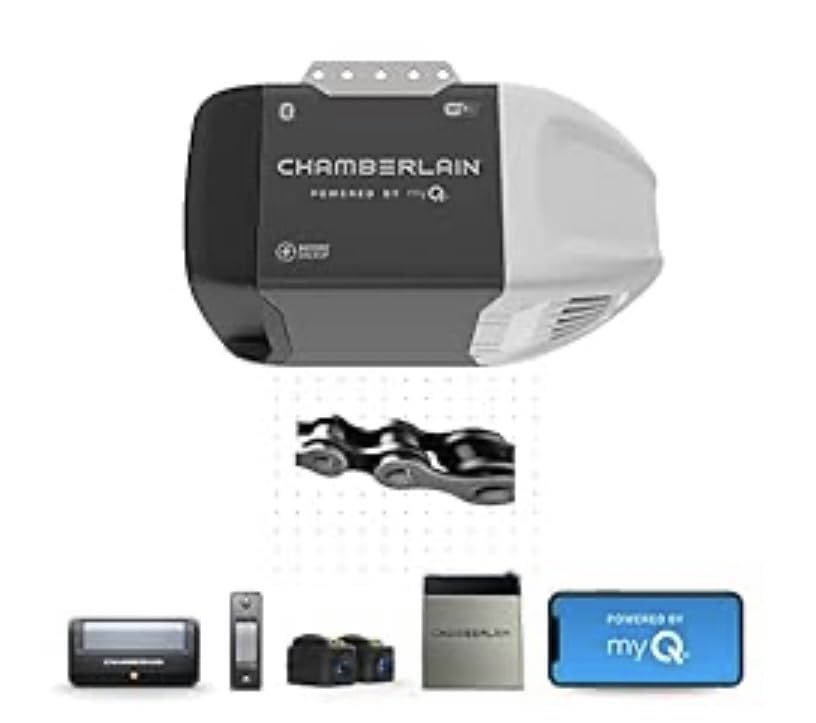
Warranty is six years on the motor, with one year on accessories, chain and parts, and the box includes a one-button remote, battery backup, both push button controls and safety sensors.
Who it suits
This suits a homeowner replacing a failed chain drive opener who wants to keep the existing rails and save on parts. It is a good fit for a standard single-car door on a 1/2 HP track.
If you already live in the myQ app, the phone experience will be familiar, and the weak-signal performance is a genuine advantage for detached garages.
Who it does not suit
Do not plan on doing this alone. Owners describe the install as tedious and realistically a two-person job, especially if the rails need to come down and go back up.
The safety sensor cable is too short and may need splicing, some parts are plastic where metal would be more durable, and there are isolated reports of units that would not pair with in-car remotes or would not join the Wi-Fi network. The box also has no printed myQ pairing instructions, so have the app open on your phone before you start.
10. Genie Chain Glide Connect 2033-LO – chain drive for heavier doors
Genie Chain Glide Connect Essentials Smart Garage Door Opener, 2033-LO
Chain drive smart opener
500 lb and 7 ft rating
2 LED bulbs included
10 year motor warranty
Pros
- Extremely quiet and inaudible from inside the home
- Clear installation instructions
- Aladdin Connect with broad smart-home support
- LED bulbs and a wall console with vacation lock included
- Metal construction with a 10 year motor warranty
Cons
- Only one remote and no wireless keypad
- Some units arrived with missing hardware or a dead remote
- Side light cover can arrive warped
- Aladdin Connect occasionally failed to connect at setup
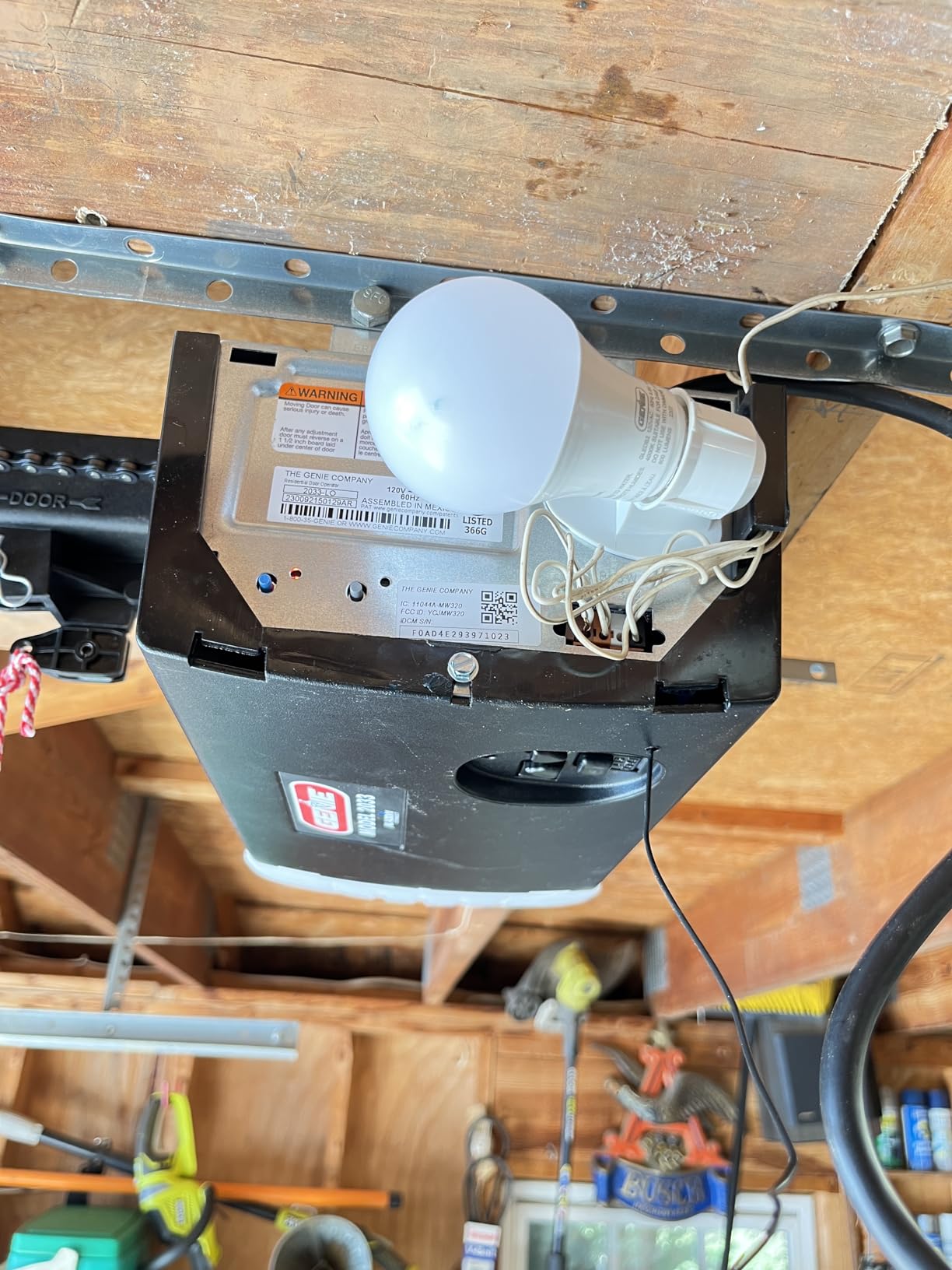
The Chain Glide Connect is Genie’s heavy-duty route into a smart opener. It uses a chain drive rated for sectional doors up to 7 ft tall and 500 lbs, or 8 ft with an extension kit, which makes it the pick in this roundup for a heavier insulated door.
Quietness is the repeated headline. Owners report the door being effectively inaudible from inside the house, which is remarkable for a chain drive unit and the reason this one separates itself from the C2212T in the previous slot.
The box includes two Genie shatter-resistant LED bulbs, a wall console with vacation lock and light control, Safe-T-Beam sensors and a single 3-button remote. Aladdin Connect handles phone control and links to Alexa, Google Assistant, SmartThings and Amazon Key, with BILT 3D instructions for assembly.
Build quality is metal rather than plastic, backed by a 10 year motor and gearbox warranty, 5 years on the chain and 1 year on parts and accessories.
Who it suits
Choose this if your door is heavy, insulated or 8 ft and the softer motors in this list would be working too hard. The long motor and gearbox warranty is also the strongest coverage here.
It suits households that want voice control plus phone control without adding a separate hub, and the included LED bulbs remove one more accessory from the list.
Who it does not suit
It ships with one remote and no wireless keypad, so if you want keyless entry you are adding hardware. An 8 ft door needs an extension kit.
The most common complaints are fulfilment related rather than design related: repackaged boxes, missing small hardware, warped light covers and remotes that stopped working within days. Check the box on arrival. Aladdin Connect also failed to connect on a few units at first setup.
11. EVERSECU Tuya WiFi Controller – the local-first friendly option
EVERSECU Tuya Smart WiFi Switch Garage Door Opener Controller Compatible with Alexa Echo Google Home SmartLife/Tuya APP Control No Hub Required
Tuya and Smart Life apps
2.4 GHz Wi-Fi only
Wired to opener terminals
Wall mount with plug-in power
Pros
- Quick install with clear wiring options
- Animated door position plus alerts and history
- No monthly subscription
- Multiple user access and shared codes
- Works with SmartThings and Home Assistant via LocalTuya
Cons
- Some units drop Wi-Fi and need a power cycle
- App sometimes shows the door offline
- Voice control requires a spoken 4-digit PIN
- Included zip ties and tape often insufficient
The EVERSECU controller is the pick for anyone who wants to run their garage from a local home automation system rather than a vendor cloud. It uses the Smart Life and Tuya apps, and because Tuya devices can be adopted through LocalTuya, it works inside Home Assistant without sending commands to a third-party server.
That matters more than it sounds. Forum discussions on r/homeassistant and community.smartthings.com frequently centre on moving door control off vendor clouds after platform changes, and a controller that can be adopted locally keeps working even if the manufacturer’s app is discontinued.
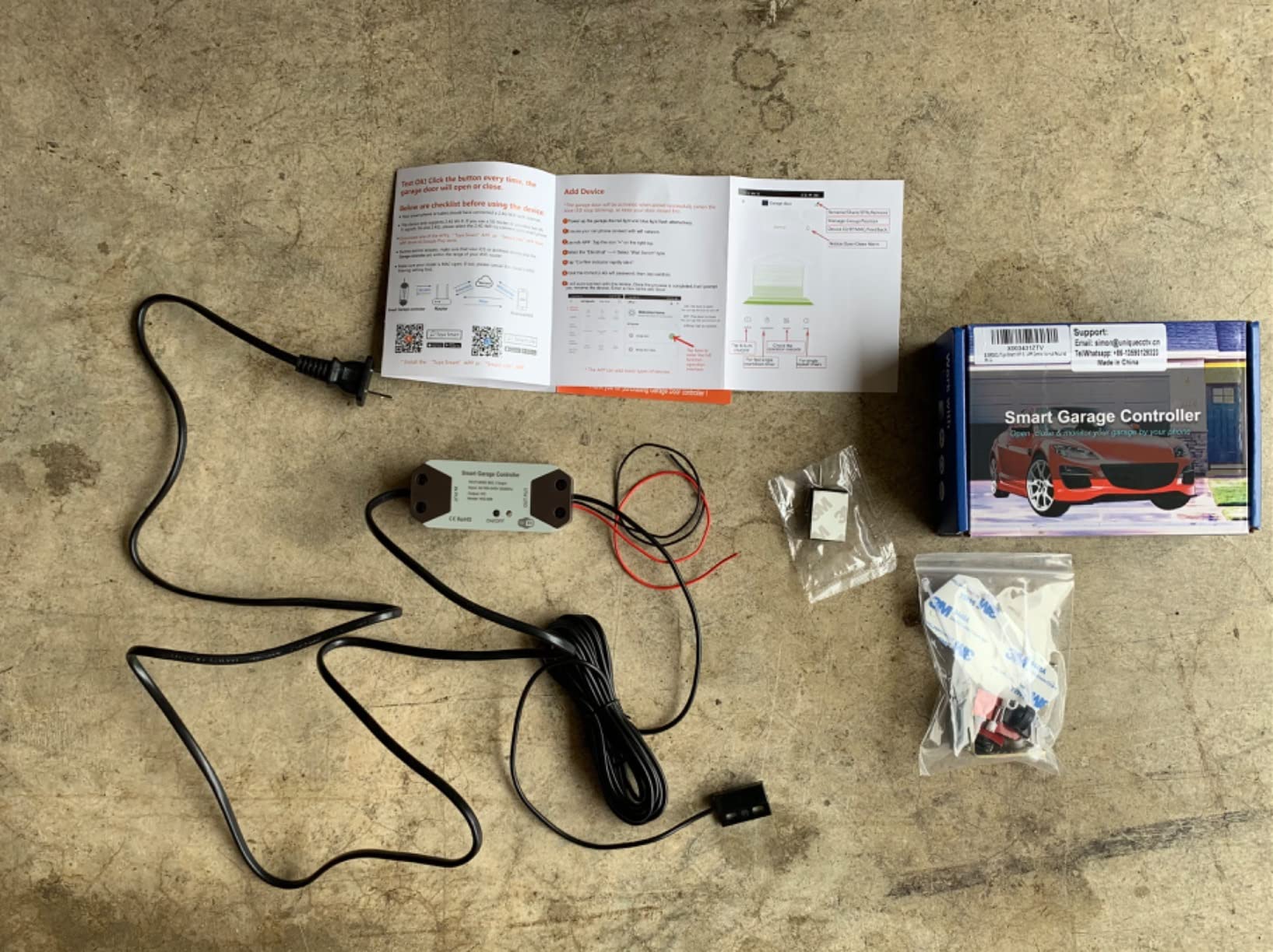
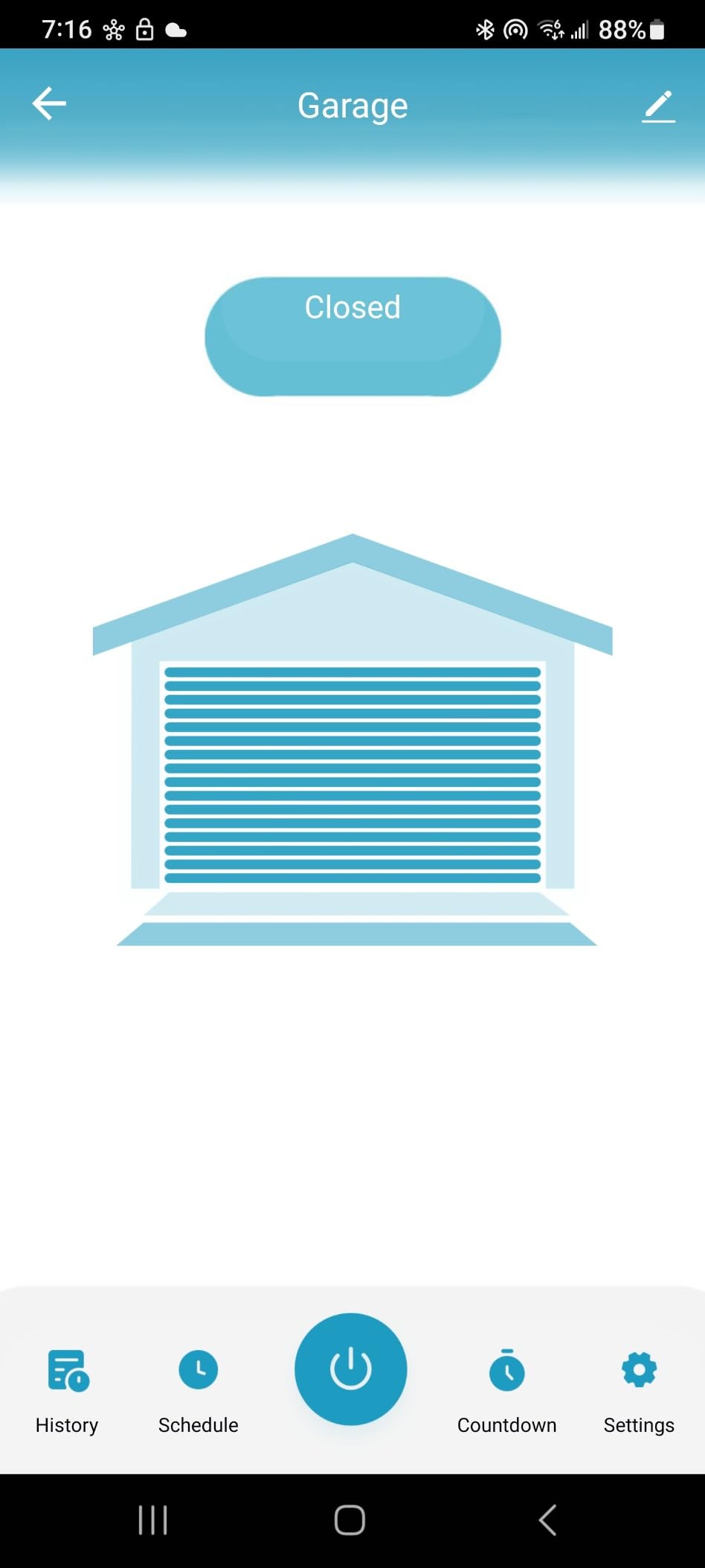
Day to day, the app shows an animated door position, open and close alerts and an operation history, with countdown and repeat timers for lights or accessories. Multiple user access and shared codes make it usable for a household or a rental.
Installation is a wired connection to the existing opener terminals, and the product guidance even suggests short-circuiting the wall button terminal before you order to test compatibility. Cable covers and plug-in power keep the install tidy.
Who it suits
This suits a Home Assistant or SmartThings user who wants a phone app now and local control later. It suits anyone who has been burned by a platform locking out integrations, because local adoption is the escape route.
It is also a fair choice for a rental or shared garage where multiple users need their own access, since there is no subscription for the account and sharing features.
Who it does not suit
It is the lowest-rated pick in the set, and the reason is connectivity rather than design. Owners report recurring Wi-Fi disconnections that need a power cycle, and the app sometimes shows the door as offline when it is not.
Voice assistants need a spoken 4-digit PIN for every command, and some reviewers found the assistant link unresponsive. The bundled zip ties and tape are also frequently too few for a real install. If you need rock-solid reliability over features, one of the established-brand hubs is the safer bet.
12. TOPENS TC196 – a four-button remote for gates and garage doors
TOPENS TC196 Tuya WiFi Remote Control
Four programmable buttons
Bluetooth fallback with no Wi-Fi
750 ft range
Supports up to 40 devices
Pros
- Fast to pair and program in the Tuya Smart app
- Bluetooth fallback keeps access working without Wi-Fi
- Four buttons control several gate operators from one unit
- Multi-user sharing and operation notifications
- Removes the need for physical remotes and keypads
Cons
- Third-party openers need the separately sold ERM12 receiver
- No integration with other smart home systems
- 12 month warranty with a 30 day return window
The TC196 is different from everything else here. It is a four-button Wi-Fi and Bluetooth remote built for gate operators as much as garage doors, and each button can be programmed to a different opener, so one unit can run a sliding gate, a pedestrian gate and a garage door.
The Bluetooth fallback is the feature that sets it apart. When no Wi-Fi signal is present, the unit still works over Bluetooth, which means gate access does not depend on your router being up. For a driveway gate at the far end of a long property, that is a real reliability gain.
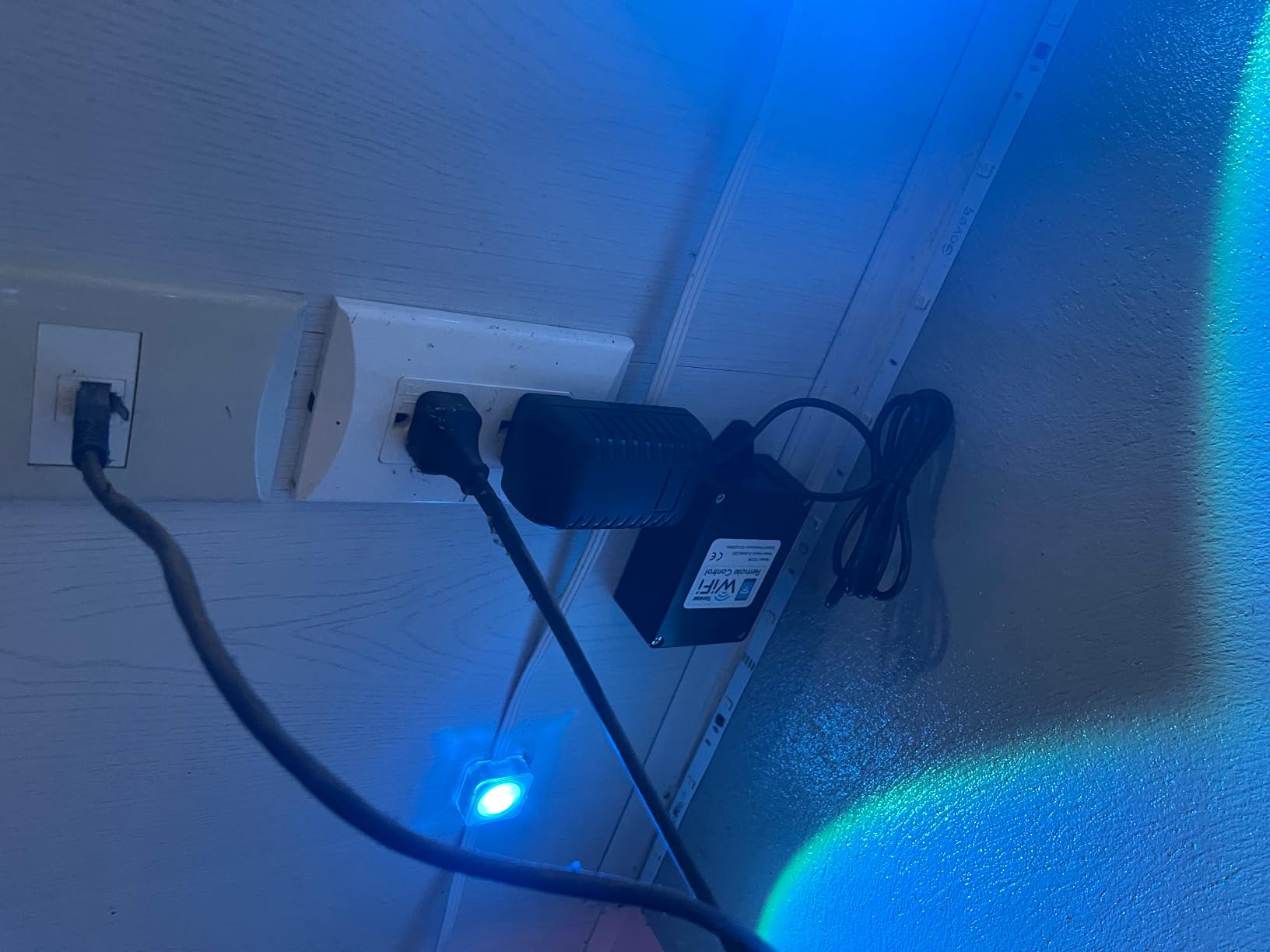
Range is listed at 750 feet and up to 40 supported devices, and setup is fast in the Tuya Smart app with multi-user sharing and push notifications whenever the gate is operated. Removing the need for physical remotes and keypads is the everyday convenience most owners mention.
It is a Tuya-based unit, so it shares the same app family as the EVERSECU controller in the previous slot, which is handy if you are standardising on one app.
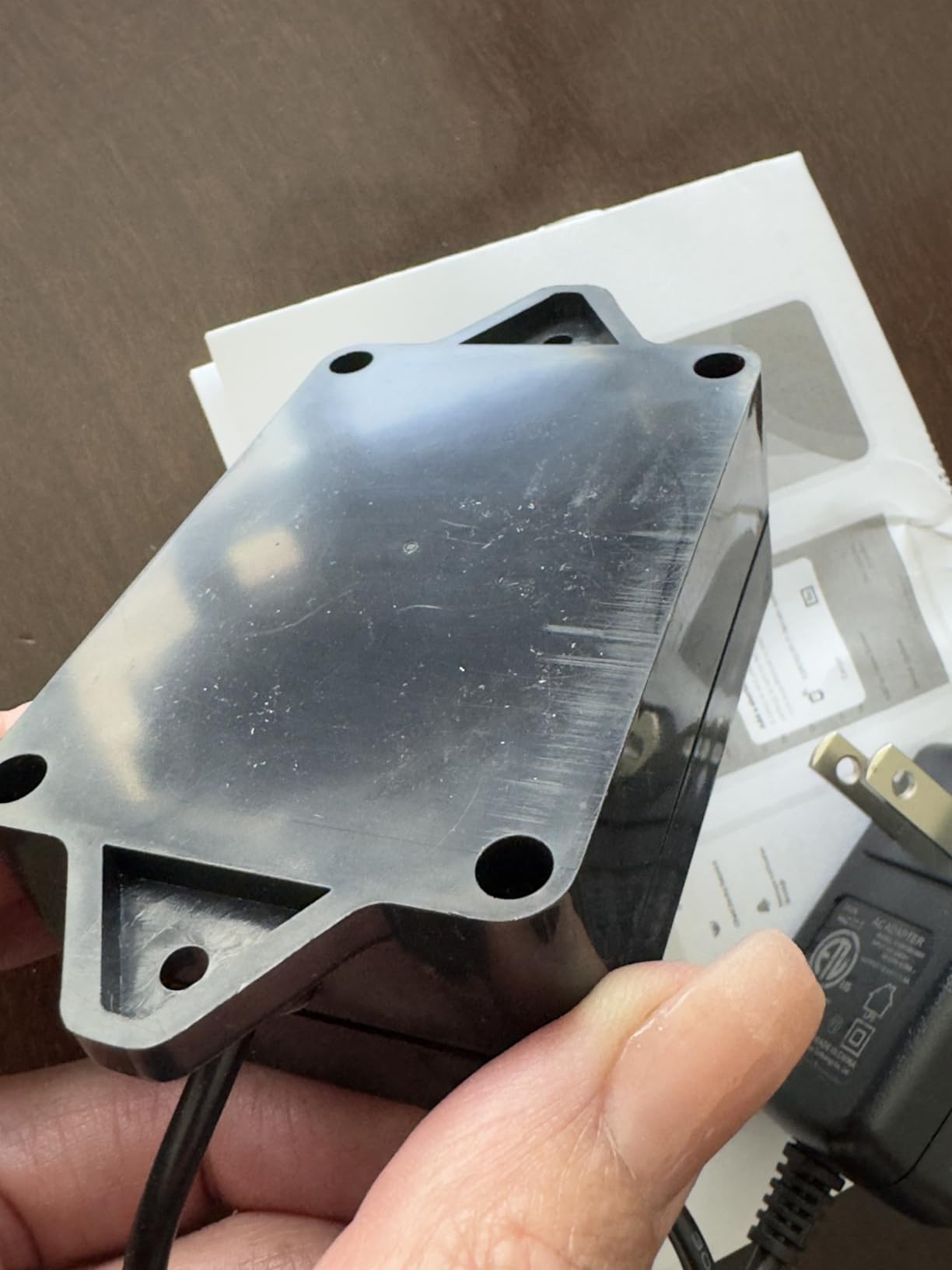
Who it suits
Pick this if you have a gate as well as a garage, or several gates on one property. The four programmable buttons and the 750 foot range are designed for exactly that, and the Bluetooth fallback covers the spots where Wi-Fi will not reach.
It also suits someone who wants gate and door control to stay independent of their main smart-home system, since the controller deliberately does not fold into Alexa, Google Home or SmartThings.
Who it does not suit
Third-party openers need the separately sold ERM12 external receiver, and the opener has to accept a normally open dry contact push button signal. If your opener does not, this is not a drop-in.
There is no voice assistant or smart-home integration at all, which keeps it out of contention for anyone building an automated home. The warranty is 12 months with a 30 day exchange and return window, the shortest in this roundup, so factor that into the decision for a gate that sees daily use.
How to Choose a Phone-Controlled Garage Door Opener in 2026?
The most expensive mistake is buying phone control for a door that needed a new motor anyway, or buying a full opener for a door that works fine. Work through these five checks in order and the right category becomes obvious.
Check compatibility before you buy
Start at the opener itself, not the app. Look up the model number on the label on the motor head and the manufacture date. Most retrofit controllers in this roundup support openers manufactured after 1993 that have photo-eye safety sensors which stay powered when the door closes, and most residential openers built since 1993 meet both conditions.
Next, find the learn button. Its colour tells you the radio protocol, and that decides which controllers are viable. A yellow or green learn button usually indicates Security+ 2.0, which narrows you toward LiftMaster, Chamberlain and Craftsman hardware and toward products that speak that protocol. Purple and orange buttons are common on older Intellicode units. Red and other colours appear on different generations, and DIP-switch openers are the oldest group of all.
Then check the wall console. Nearly every retrofit controller needs two dry contact wires at the wall button terminals, and some models with a multi-function console or an integrated light need a specific adapter. The LiftMaster 828LM in our lineup is a good example of a unit that will only pair cleanly with certain console types.
Finally, test the network. Most of these controllers are 2.4 GHz only, and a 2.4 GHz signal that reaches the house rarely reaches a detached garage. Stand in the garage with your phone on that band and check the reading before you order. If the signal is poor, fix the coverage with an access point or mesh node, or choose a wired gateway.
One free test that works for any opener: short the wall button terminals with a jumper and see if the door moves. If it does, the controller’s relay will be able to drive it. Several manufacturers now put this test in their own setup guidance, and it takes two minutes.
Pick the right phone ecosystem
Decide which assistant you actually use before you buy, because the ecosystems do not overlap cleanly. Alexa, Google Assistant and SmartThings are the broadest, and the myQ and Aladdin Connect products cover all three. Apple Home is the awkward one: HomeKit support for garage doors has been fragile, and the myQ Home Bridge route for Apple users was discontinued, so native Apple Home users should verify current support with the manufacturer before buying rather than assuming myQ will work.
HomeKit aside, the other axis is local versus cloud. Cloud products send every open command through the manufacturer’s servers, which means an outage or a policy change affects you. Local-first options run on your own network. If you run Home Assistant, the Tuya-based controller that supports local adoption is the closest thing to a guaranteed path in this list.
One more note on voice. Controllers that work through the Smart Life or Tuya apps typically require you to speak a 4-digit PIN before each voice command, and some cannot be triggered from in-app buttons at all. That is workable, but it is not the same experience as a native integration, and it gets old if you open the door many times a day.
Subscription and ongoing cost
Read the subscription question before you install, not after. Several picks in this roundup have no monthly fee for standard features at all: the universal retrofit controllers and the wired-sensor units run open, close, status and notifications on a free tier. The myQ and Aladdin Connect platforms have historically moved features such as remote access, guest access and notifications behind paid tiers, which is the single most common complaint owners raise on forums.
The practical advice is to decide which features you actually need before you pick a platform. If phone open, close and status are all you want, the free tier of a closed platform is probably enough. If you want camera history, multiple users or in-garage delivery, expect a recurring charge and factor it into a multi-year comparison rather than looking at hardware cost alone.
Local-first hardware is the way to avoid the recurring cost entirely, at the price of relying on your own automation stack. On community.konnected.io and r/homeassistant, the recurring advice for anyone tired of subscription tiers is to buy something you can run locally and accept a longer initial setup.
Installation: wired, wireless or full replacement
Retrofit installs divide into two styles. A magnetic sensor attaches to the door with no wiring at all, which is the fastest option and the one most people choose. A wired sensor gives more accurate state reporting but needs a cable run back to the controller, and several units in this list ship with a cable that is too short for most garages. Budget an hour and some extra wire if you go wired.
Most controllers also need power. Plug-in power adapters are the easy option, but some installations end up at a wall button with no outlet nearby, and forum threads about retrofit installs are full of people who discovered that the hard part was running a power line rather than the wiring itself.
Full openers are a different job. You are removing a head, hanging a new one, assembling rails, re-tensioning the chain and re-hanging the door. Owners of the openers in this roundup generally describe it as a two-person job, with the wall-mount design being the most involved because the shaft and brackets may need modification. If your opener is already fifteen years old and slow, a new head is usually the better purchase.
Security hardening for a cloud-connected door
A garage opener is a physical entry point to your house, so treat its account like a front door account. Turn on two-factor authentication where the platform supports it, use a unique password rather than your email password, and revoke access for anyone who no longer needs it. Create separate app users for family members so you can see activation history and remove one person without changing everyone else’s login.
Use temporary or virtual keys for anyone outside the household, whether that is a contractor, a cleaner or a short-term rental guest, and set an expiry date on each one. Schedule a nightly close so a door left open after a bin run closes on its own. On platforms that support it, require a PIN for voice-assistant opens so a speaker on a shelf cannot open your garage by accident.
Finally, keep the firmware current and check the learn button on a schedule. Rollback attacks against wireless openers rely on recording and replaying a code, so replacing the opener or its paired remotes every ten years, or more often if you buy a used opener, closes that door. If you want a second layer, our guide to garage door insulation kits covers securing the door itself once it is closed.
Frequently Asked Questions
Can you use a phone to open a garage door?
Yes. A Wi-Fi retrofit controller wires into your existing opener’s wall button terminals, and a door sensor reports whether the door is open or closed, so an app on iPhone or Android can open, close and monitor it. You keep your existing motor and rails, and the install usually takes under an hour. Your opener generally needs to have been manufactured after 1993 with photo-eye sensors, and your network needs a usable 2.4 GHz signal at the garage.
Is the MyQ app free?
The myQ app itself is a free download and the basic experience covers open, close and status. The complication is that parts of the platform have moved behind paid tiers over time, and features that were once free, such as certain remote access, guest access and notification functions, may require a subscription on your plan. Check the current tier list before you rely on a specific feature, and consider a no-subscription controller if recurring fees are the deciding factor for you.
What is the best universal garage door keypad?
A universal keypad is a hardwired or wireless pad that learns the radio protocol of your existing opener rather than replacing it. The most reliable choices pair a keypad with a controller that reports door position, so you get both keyless entry and accurate status. Match the learn button on your opener first: a yellow or green button indicates Security+ 2.0, which supports more controller options, while older Intellicode and DIP-switch openers narrow the list. Verify compatibility with your exact model before ordering.
Is it safe to open a garage door with my phone?
It is as safe as the account behind it. Phone control is a remote radio signal sent through your network or a vendor cloud, so the real risks are account compromise, weak passwords and shared logins rather than the signal itself. Turn on two-factor authentication, use a unique password, give each person their own app user, and set expiry dates on temporary keys for contractors or guests. Requiring a PIN for voice-assistant opens stops a nearby speaker from opening the door by accident.
Do smart garage door openers have monthly fees?
Some do and some do not. Several retrofit controllers in this roundup, including the universal Wi-Fi units and the wired-sensor models, run open, close, status and notifications with no monthly fee. The myQ and Aladdin Connect platforms have moved some features into paid tiers, so recurring charges are possible depending on which features you use. If you run Home Assistant, a controller that can be adopted locally keeps working with no subscription at all.
The Best Smart Garage Door Opener for Phones in 2026
If your opener still works, start with the Chamberlain Smart Garage Control for the most proven phone experience and the widest feature set, or the meross MSG100 if you want accurate door state, no hub and no subscription. The eKyro controller is the value route when voice support across Siri, Alexa and Google matters more than brand polish.
If the motor needs replacing anyway, the Genie StealthDrive Connect is the strongest all-round smart opener with battery backup, the Chamberlain wall-mount unit is the answer for low-headroom garages, and the Genie Chain Glide Connect covers heavy doors. Check your learn button and your 2.4 GHz signal before ordering, because compatibility decides the outcome far more often than brand does.