
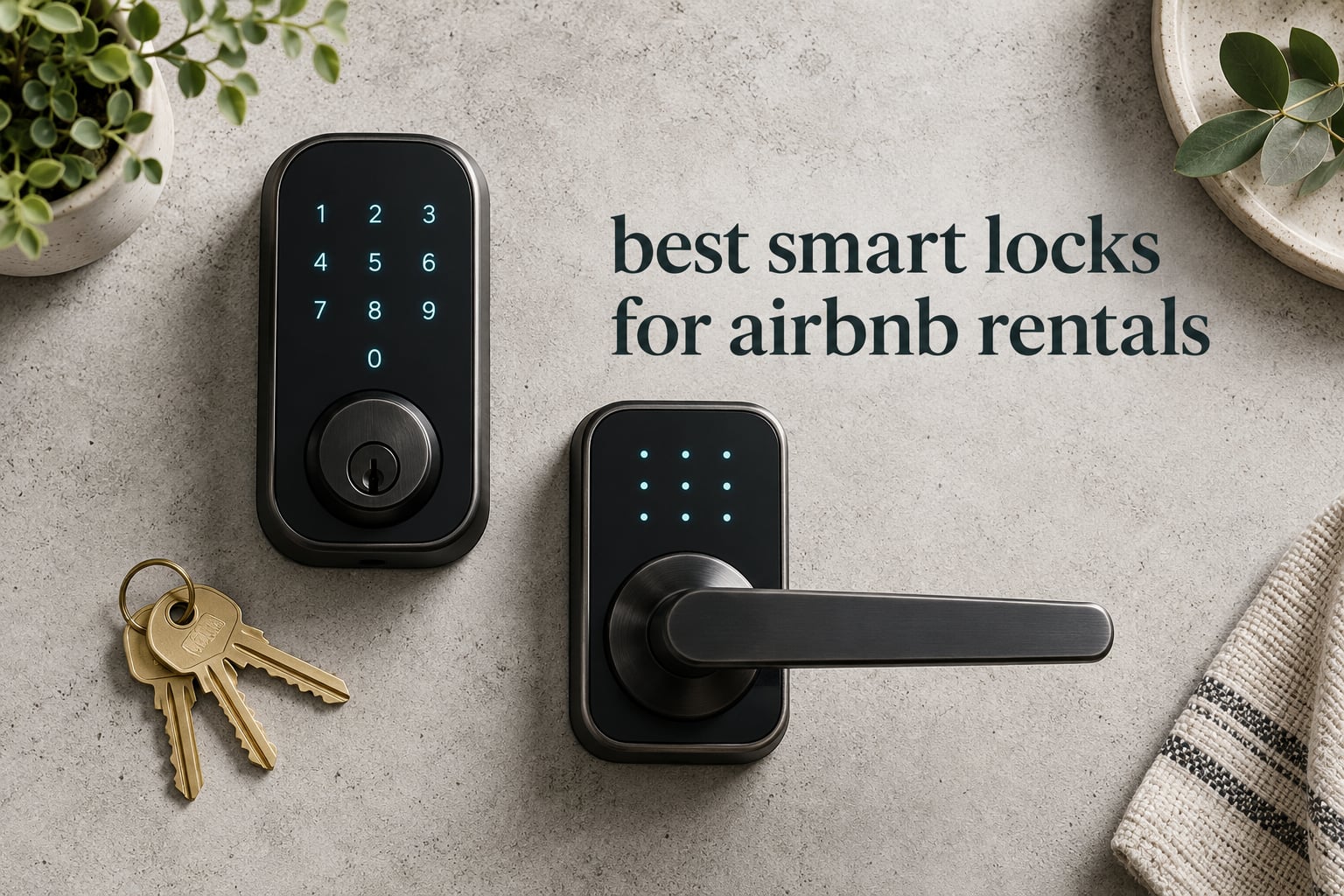
The Schlage Encode Smart WiFi Deadbolt is the best smart lock for Airbnb rentals in 2026 because it does three things a short-term rental needs and most locks make you compromise on: it puts Wi-Fi inside the deadbolt so no hub sits next to your router, it holds 100 access codes so every reservation gets its own PIN, and it ships with a physical backup key. The Schlage Encode Smart WiFi Deadbolt also runs on four AA batteries for roughly six months and installs with a screwdriver on doors from 1-3/8 to 1-3/4 inches thick.
That combination matters more than spec-sheet features because a rental lock has one job: let a tired guest get inside at midnight without texting you, and let you revoke that person’s access the second they check out. Our team compared ten locks that are actively used in short-term rentals, weighing them on the criteria that decide whether a lock causes support messages or removes them.
We are not listing every smart lock on the market. These ten cover the full spread from connected deadbolts you control from your phone to plain keypad locks that need no app at all. Each profile below includes an honest drawbacks section, because only a couple of competing roundups bother to tell you where a lock falls short.
Last updated for 2026. We work from manufacturer specifications and aggregated owner reviews, and every rating and review count shown is the current figure on the product page.
Table of Contents
What Hosts Look For in a Rental Smart Lock?
Three things decide whether a lock works for a rental, and they are the same three things every host forum thread argues about.
Time-bound codes that start at check-in and end at checkout. A code that stays live after a guest leaves is a security hole, not a convenience.
Connectivity that reaches the door. Built-in Wi-Fi with no hub is the simplest path; Bluetooth-only locks stop working the moment the guest leaves the doorstep.
A physical backup path. A backup key, a knob lock, or a separate lockbox you can reach in person. Batteries die and routers reboot.
Beyond those three, hosts running more than one door care most about whether the lock shows up in their property management system, because manual code entry per turnover stops scaling fast.
Top 3 Picks for the Best Smart Locks for Airbnb Rentals (October 2026)

Schlage Encode Smart WiFi Deadbolt
- Built-in Wi-Fi with no hub
- Up to 100 access codes
- Physical backup key included

ULTRALOQ Bolt SE Wi-Fi Smart Lock
- 50 passcodes plus 50 fingerprints
- Matter over Thread support
- 18 month battery claim

Sifely Fingerprint Smart Door Lock
- Instant guest codes in the app
- Six entry methods
- Reversible handle fit
Best Smart Locks for Airbnb Rentals at a Glance in 2026
Ten locks, ten different answers to the same problem. The full side-by-side sits below, and each profile that follows explains the trade behind the row.
| Product | Specifications | Action |
|---|---|---|
| Schlage Encode Smart WiFi Deadbolt |
|
Check Latest Price |
| ULTRALOQ Bolt SE Wi-Fi Smart Lock |
|
Check Latest Price |
| Sifely Fingerprint Smart Door Lock |
|
Check Latest Price |
 eufy Security Smart Lock C220 eufy Security Smart Lock C220 |
|
Check Latest Price |
 iulock Keypad and Key Smart Door Lock iulock Keypad and Key Smart Door Lock |
|
Check Latest Price |
 Yamiry Keyless Entry Digital Lock Yamiry Keyless Entry Digital Lock |
|
Check Latest Price |
 NICE DIGI Keypad Door Lock with Handle NICE DIGI Keypad Door Lock with Handle |
|
Check Latest Price |
 Philips WiFi Keypad Deadbolt with Handle Philips WiFi Keypad Deadbolt with Handle |
|
Check Latest Price |
 Wyze Auto-Lock Bolt v2 Wyze Auto-Lock Bolt v2 |
|
Check Latest Price |
 TEEHO TE001 Keyless Entry Deadbolt TEEHO TE001 Keyless Entry Deadbolt |
|
Check Latest Price |
1. Schlage Encode Smart WiFi Deadbolt: Best Overall for Rentals
Schlage Encode Smart WiFi Deadbolt Lock with Century Trim, Matte Black
Wi-Fi deadbolt with no hub
0.9 x 3 x 5 in and 3.4 lb
Fits 1-3/8 to 1-3/4 in doors
Pros
- Built-in Wi-Fi for remote lock and unlock
- Up to 100 access codes per lock
- Four AA batteries last about six months
- Physical backup key included
- Installs with a screwdriver
Cons
- Tied lowest average rating in the group at 4.2
- Needs a 2-3/8 or 2-3/4 in backset
- Largest one-star share at 12 percent
This is the lock we keep coming back to for self check-in. The Wi-Fi radio is inside the deadbolt, so there is no bridge to mount, no hub to power, and nothing to troubleshoot other than the router the door can see. You unlock from the app on a beach three states away, and the guest gets a six-digit PIN that works from the moment they arrive.
Code capacity is the quiet hero. One hundred codes means you can run a distinct PIN for every reservation, a second for the cleaner, a third for the maintenance contractor, and still have room to spare at peak summer turnover. The app also keeps lock history so when someone asks whether they locked up on departure, you have an answer.
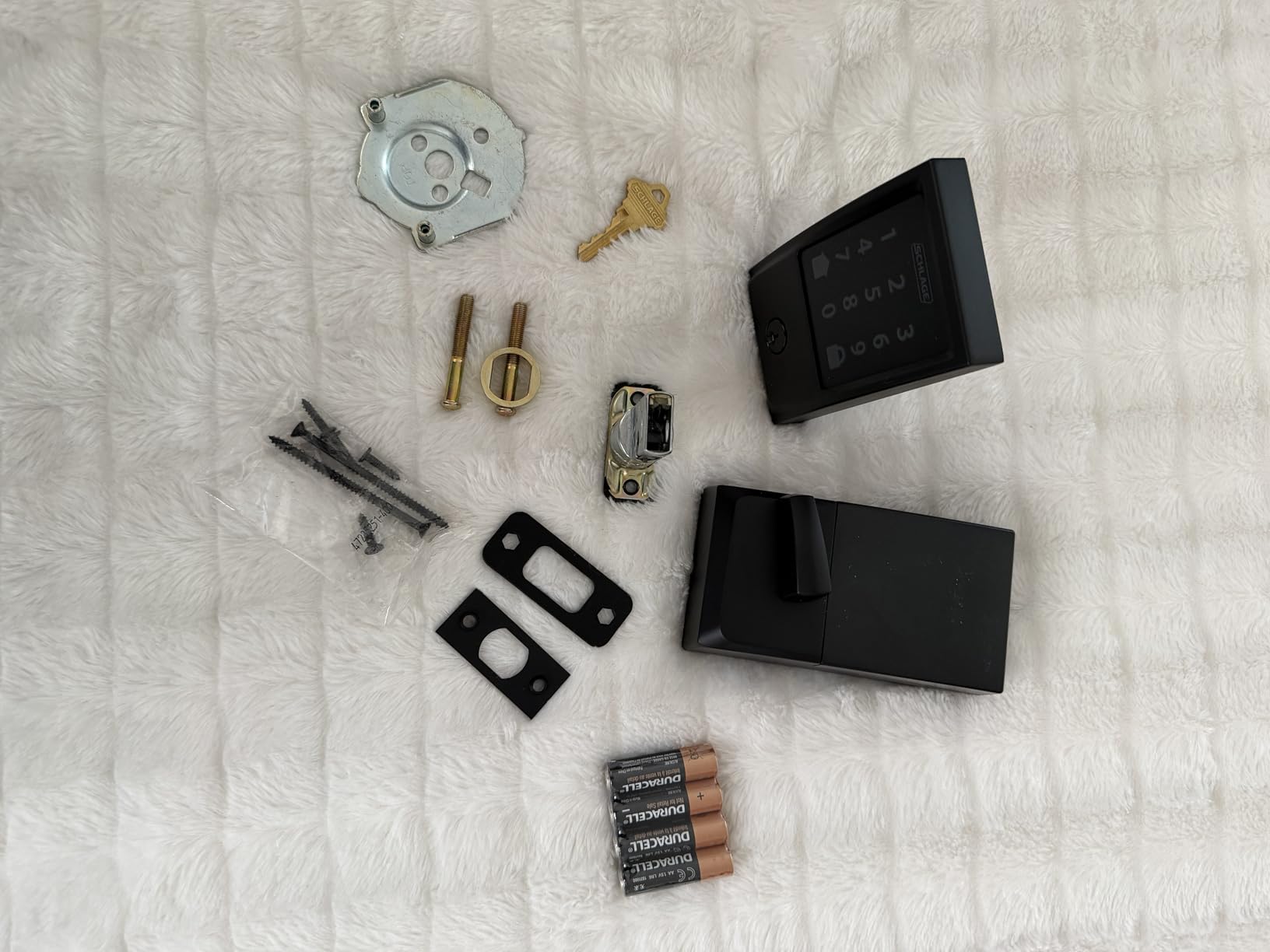
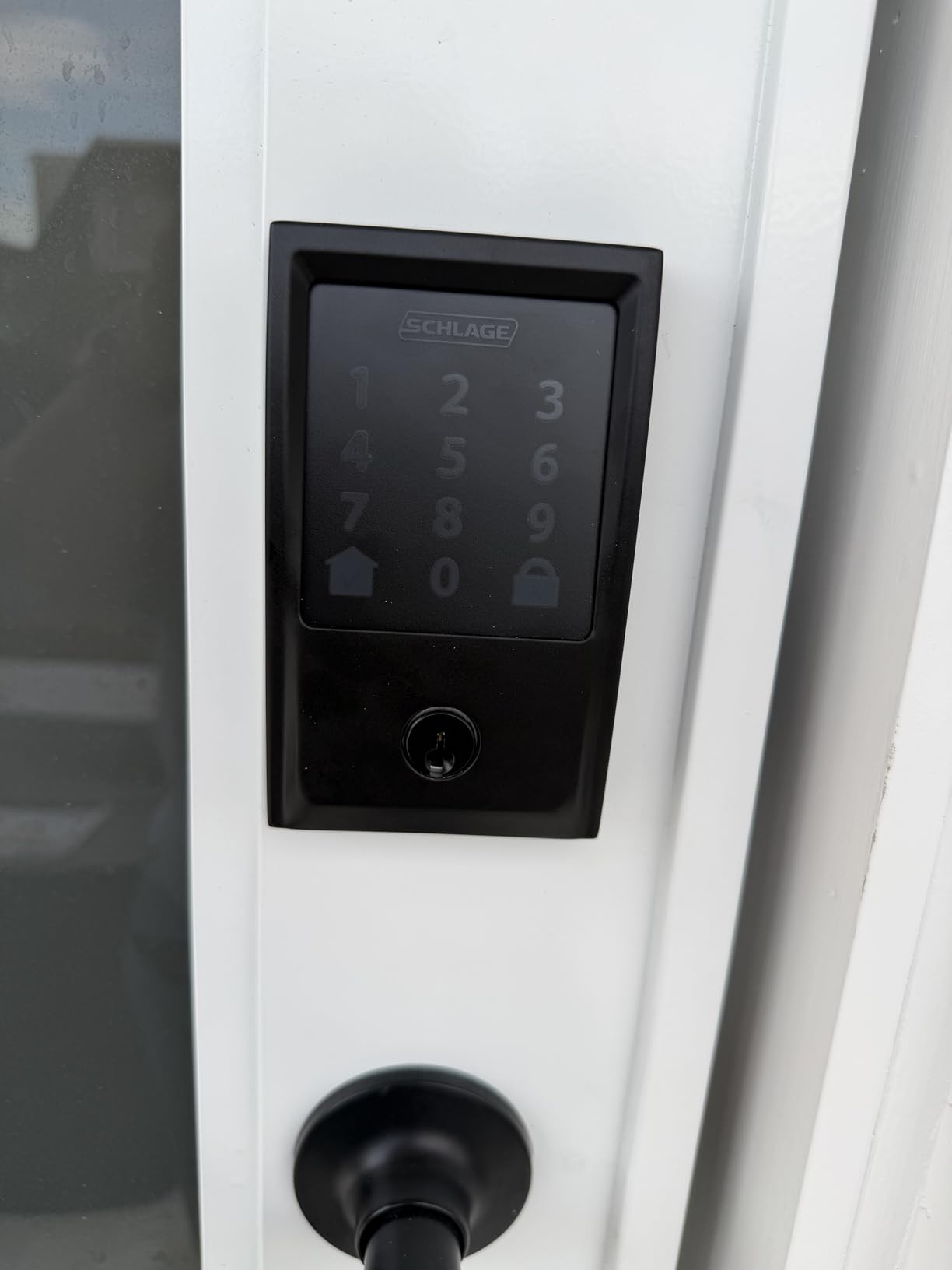
Build quality matches its position in the range: zinc alloy body, a fingerprint-resistant touchscreen, an encrypted connection, and a built-in alarm for door movement and forced entry. Auto-lock can run on a selectable delay or be switched off entirely, and one-touch locking from the exterior means a guest can secure the door without opening the app again.
Alexa and Google Home work for hands-free control if you want them, though most hosts never use voice at a rental door. Installation is a screwdriver job on doors between 1-3/8 and 1-3/4 inches thick, and the package includes the installation hardware and instructions plus one physical key.
Who the Schlage Encode Suits
It suits the remote host with a mixed portfolio of coastal and inland properties, and anyone who has ever been phoned at midnight by a guest standing in the dark. The Schlage Home app handles multiple locks from one dashboard, and the 100-code ceiling means you never have to reuse a PIN mid-season.
It also suits hosts who want one brand on every door. Schlage keeps its deadbolt, lever, and connected lines in the same app, so a main entry and a supply closet can share one login.
Where the Schlage Encode Falls Short
Its 4.2 average is tied at the bottom of the ten here, and 12 percent of reviews are one star, which is the largest negative share in the group. Some of that is fitment rather than electronics: the unit needs a 2-3/8 or 2-3/4 inch backset, so a narrower backset means an adapter or a different door.
Community sentiment on Schlage is genuinely split. One long-running owner in r/airbnb_hosts recommends against the Schlage Encode Plus specifically after a Bluetooth pairing failure during installation, and that counter-signal is worth knowing before you commit. Plan to pair the lock while you are standing at the door, not from the couch.
2. ULTRALOQ Bolt SE Wi-Fi Smart Lock: Best Value With the Most Entry Methods
ULTRALOQ Bolt SE Wi-Fi Smart Lock, Matter Over Thread, App Remote Access
Wi-Fi deadbolt with Matter over Thread
2.95 x 1 x 2.95 in
IP65 and ANSI BHMA certified
Pros
- Seven ways to unlock including 50 fingerprints
- 50 passcodes plus app and eKey sharing
- Built-in Wi-Fi needs no hub
- 18 month battery claim
- Two mechanical keys included
Cons
- Wi-Fi is 2.4 GHz only
- Router should be within about 70 ft
- Matter features need a Thread Border Router
- No door sensor included
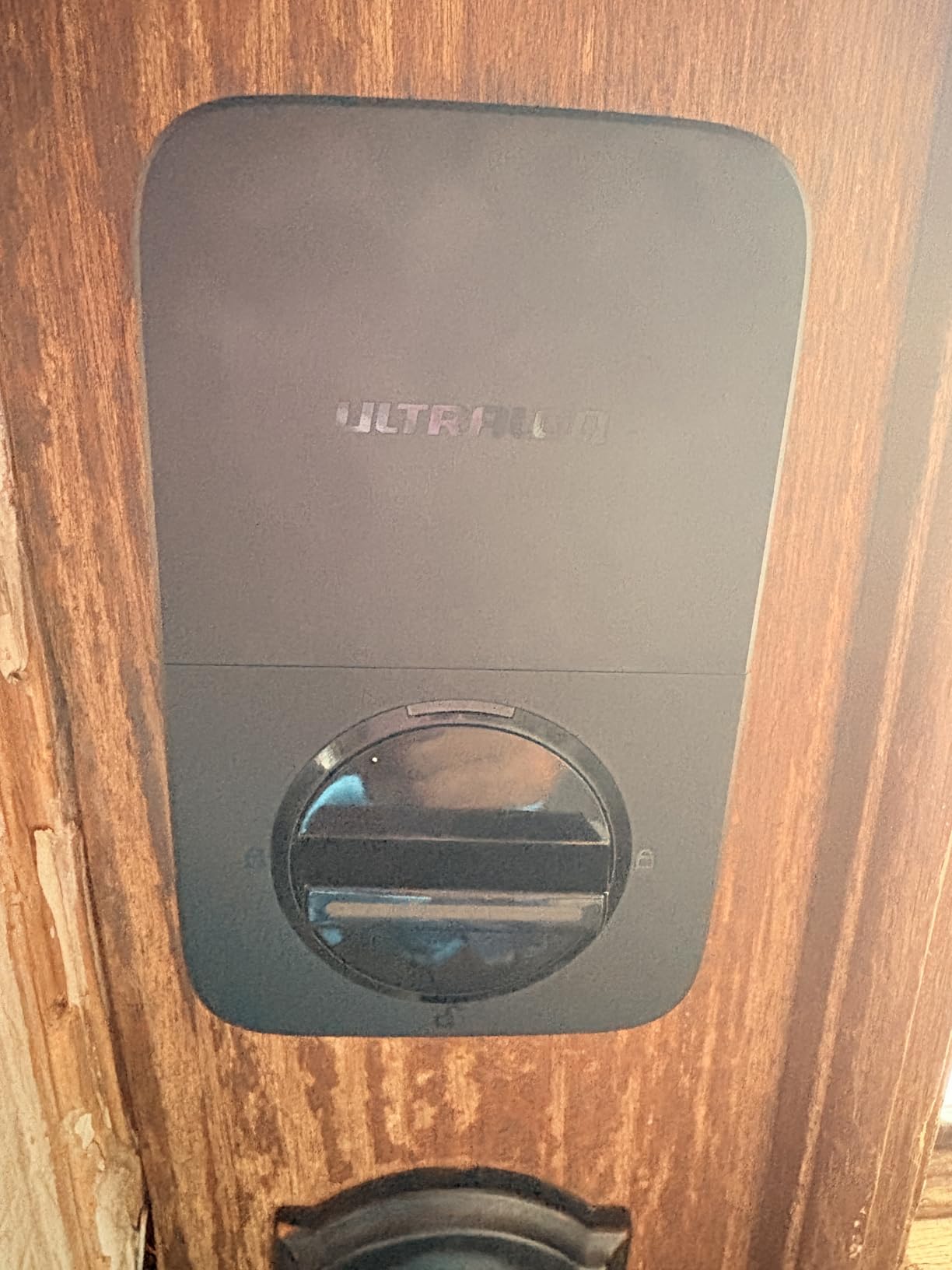
Seven entry methods in one deadbolt is unusual at this level. Fingerprint, passcode, app, web portal, eKey sharing, voice, and two mechanical keys all work, and the fingerprint reader stores up to 50 prints while the keypad holds 50 passcodes. For a rental that changes hands constantly, that capacity is genuinely useful.
The scheduled and temporary eKey system is the part that matters for hosting. You hand a guest a time-limited digital key from your phone, and it stops working on its own at checkout without you touching the keypad.
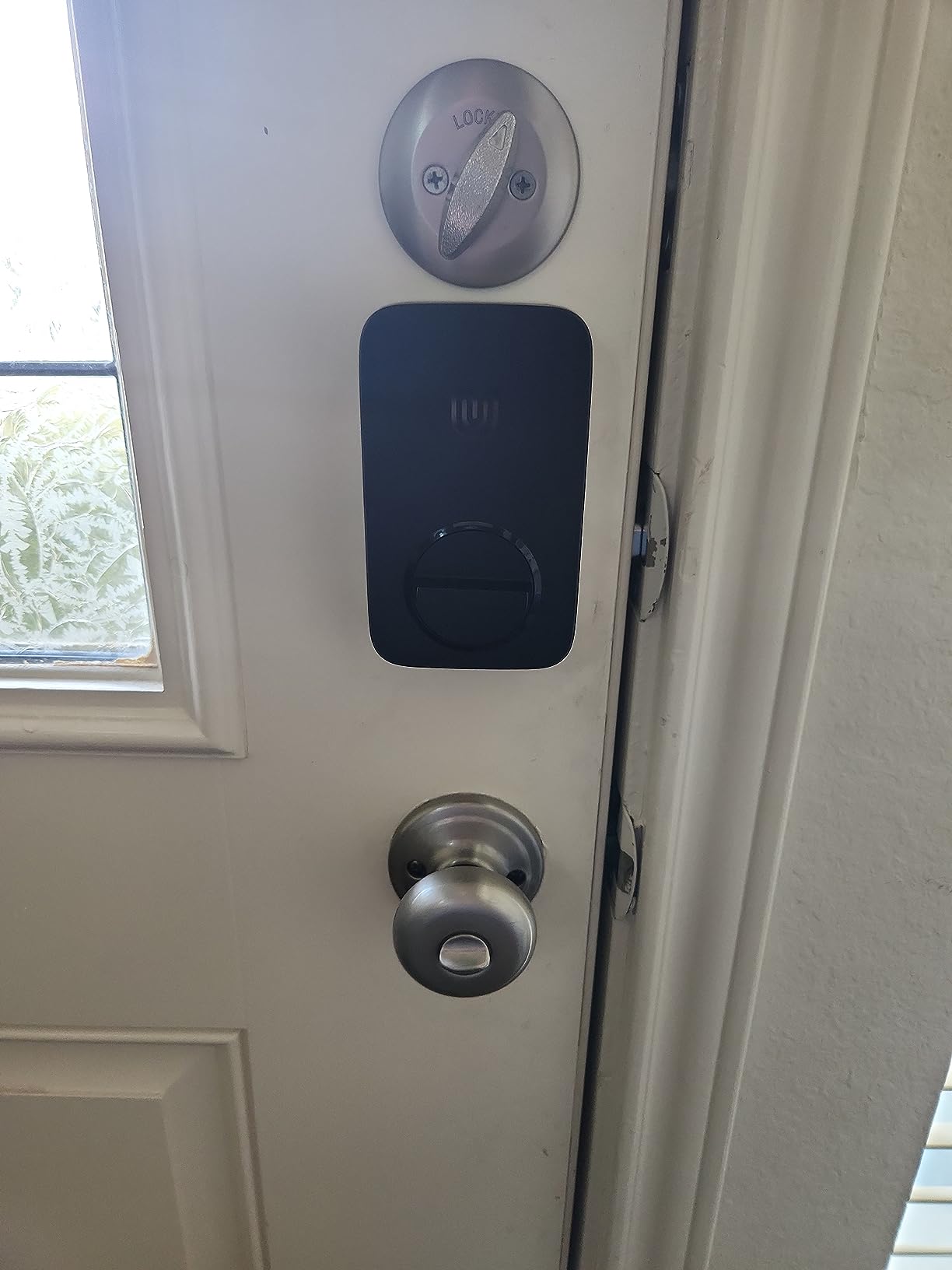
It also speaks Matter over Thread, so if you are building a mixed smart home the lock can live in Apple Home alongside other Matter devices. The self-healing mesh reroutes the connection if one device drops, and real-time low battery alerts go out before you find out the hard way.
On the hardware side it is an ANSI BHMA certified zinc alloy body rated IP65 for exterior doors, and installation is rated at about ten minutes. The manufacturer claims an 18 month battery life on the low-energy Thread mesh, against the four-to-six month figures most competitors publish.
Who the ULTRALOQ Bolt SE Suits
It suits a host who wants fingerprint entry for repeat cleaners and a contractor without giving up remote access, and it suits anyone already running a Matter or Thread setup. The generous code capacity means a high-turnover property can keep a clean separation between guest codes and staff codes.
It also suits hosts willing to check one detail before ordering: whether the router can reach the door. A 2.4 GHz-only radio within roughly 70 feet covers most single-family rentals, and you skip the hub entirely.
Where the ULTRALOQ Bolt SE Falls Short
The 2.4 GHz-only Wi-Fi is a real limitation on a property whose router only broadcasts on 5 GHz, and the 70 foot guidance is tighter than most hosts expect. Matter over Thread features also need a compatible Thread Border Router, so the smart-home path costs extra hardware.
There is no door sensor, so the lock cannot tell you the door is still standing open. On a rental with heavy foot traffic that is a minor inconvenience, but on a beach house with wind it is worth weighing.
3. Sifely Fingerprint Smart Door Lock: Best for Hosts Who Generate Codes in the App
Fingerprint Smart Door Lock with Handle & Keypad – No More Lost Keys, Keyless Entry & Remote Access for Home, Kids, Airbnb & Rental Property, DIY Install, Alexa & Google Compatible
Fingerprint and keypad lock with lever
7 x 3 x 1.12 in
Runs on 4 AA batteries
Pros
- Instant guest codes and access logs in the app
- Six entry methods including fob and key cards
- Reversible handle fits either door swing
- Most installs need no extra drilling
- Physical keys and key cards as backup
Cons
- Remote access needs the separate WiFi Gateway
- Keypad sometimes needs repeated taps
- Inside handle movement can lock a guest out
Sifely is bought by short-term rental hosts for one reason above all others: the app hands you a guest code instantly, and the same app keeps an access log you can check when a dispute comes up. Several owners in the reviews single out exactly that workflow for check-in management.
Entry is flexible. Fingerprint, keypad, app, key fob, key card, and a physical key all work, which gives you a fallback for a guest whose phone is dead and a fast lane for a cleaner who arrives every week.
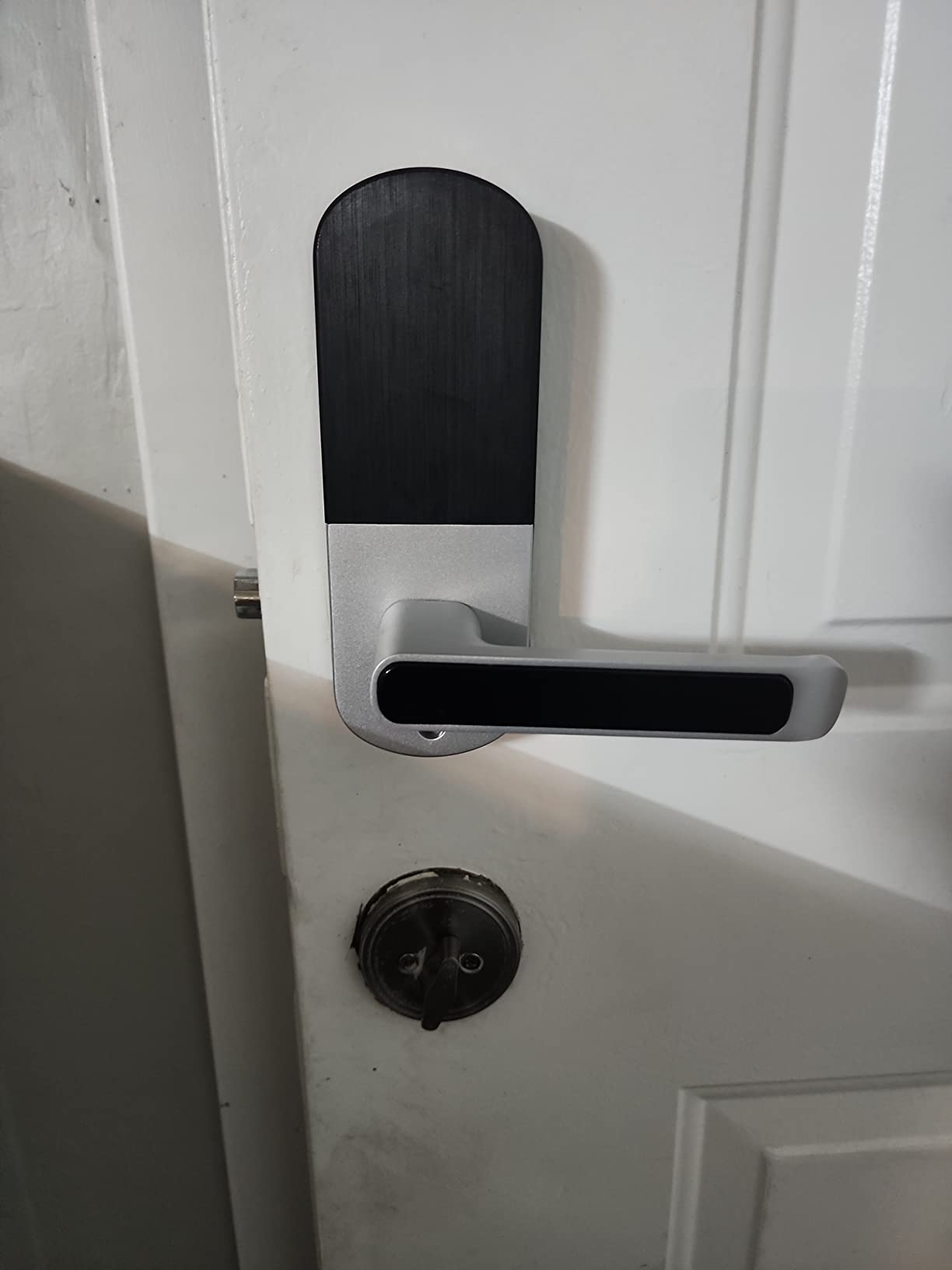
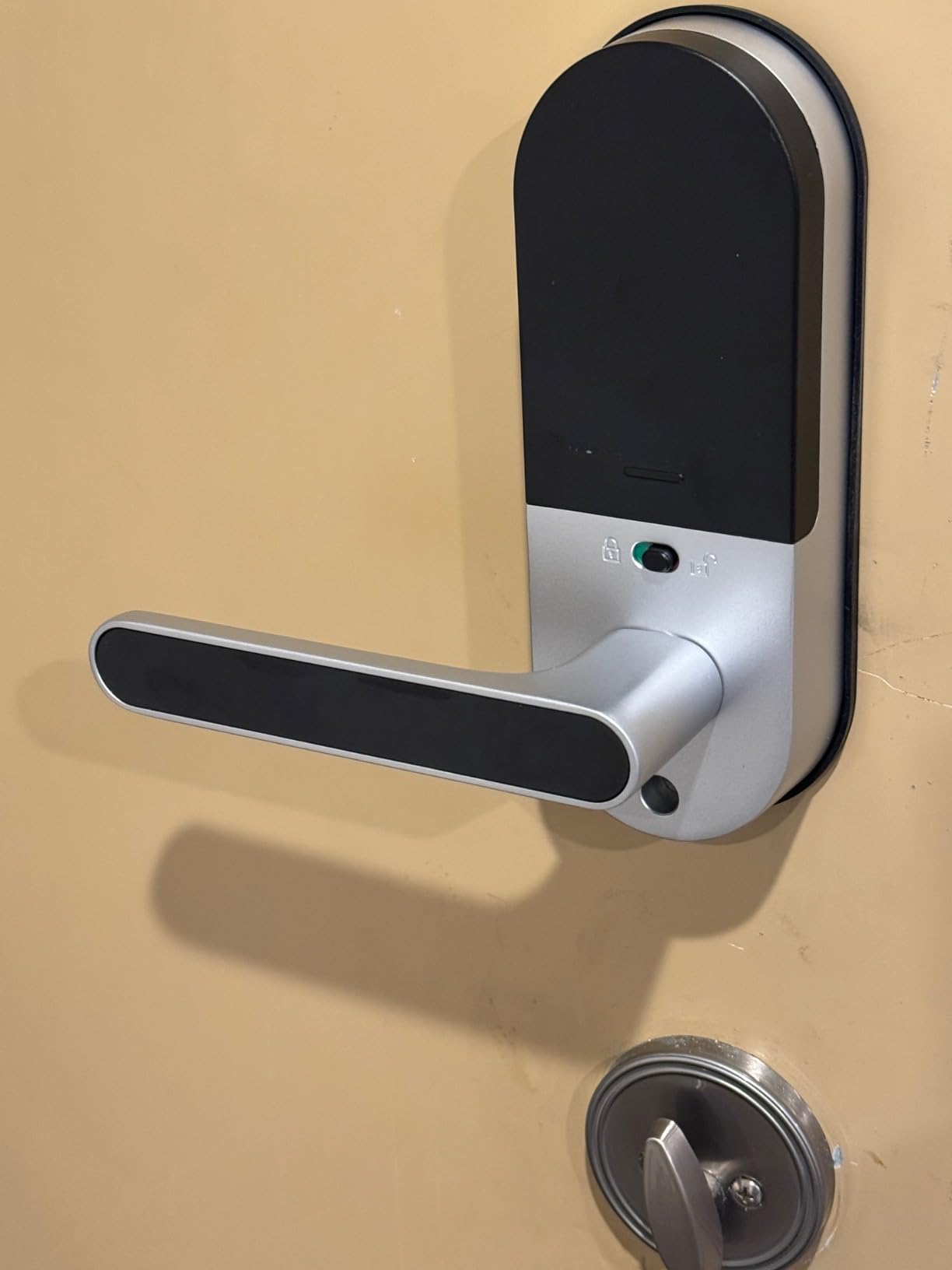
Fit is the other draw. The reversible handle covers either door swing, and most standard doors install without extra drilling, which matters when you are renting the property rather than owning it. One owner reports the first lock lasted four years and the second dropped into the existing hardware without refitting.
Customer support comes up repeatedly in the reviews as courteous and replacement-friendly, which is a small thing until a lock fails during a booked stay. It runs on four AA batteries, and a one-year product warranty covers the hardware.
Who the Sifely Suits
It suits hosts who want a lever-handle look on a front door and need codes generated from a phone rather than typed at the keypad. It also suits properties where the door is a standard swing door and drilling new holes would be a problem.
For owners who also want a broad smart-home picture, our guide to the best smart locks for front doors covers the hardware side of the same decision in more depth.
Where the Sifely Falls Short
Remote unlock and remote code generation need the separately sold Sifely WiFi Gateway. Over plain Bluetooth you get local access only, so if you are hosting from a distance and skip the gateway, you will be driving to the door to change a code.
Owners also report that the touchscreen keypad does not always wake reliably and wants repeated taps, and that fingerprint recognition can stop recognizing enrolled prints after a period. One recurring rental-specific complaint is lockout behaviour when the inside handle moves upward, which can strand a guest on the wrong side of the door.
4. eufy Security Smart Lock C220: Best for Fingerprint Entry on a Main Door
eufy Security Smart Lock C220, Fingerprint Keyless Entry Door Lock
Wi-Fi deadbolt with fingerprint reader
7.67 x 4.49 x 4.41 in
8 AA batteries for about 8 months
Pros
- Six unlock methods including Apple Watch
- Built-in Wi-Fi needs no bridge
- Self-learning fingerprint recognition
- About 8 months on 8 AA batteries
- 15 minute install with no drilling
Cons
- Costs more than most keypad-only locks
- 10 percent of reviews are 1-star
- App and reader can need re-enrollment
The C220 reads a fingerprint in under a second and gets better with use, because the self-learning algorithm adjusts after every touch. For a rental where the same housekeeper enters twice a week, that removes a code from the guest’s path entirely and leaves the keypad for actual guests.
Remote control runs over built-in Wi-Fi with no separate bridge, which is the feature host forums ask for most often. You can also unlock from an Apple Watch, through the app, by keypad, with a physical key, or by voice through Alexa or Google.
It fits most standard deadbolts and bores under 54 mm once you remove the spacer, and the install is a 15-minute no-drill job. That retrofit profile is what makes it attractive when you do not own the door.
Who the eufy C220 Suits
It suits a host who wants one lock for the main entry and a second one for a side or interior door, since the app handles multiple units. It also suits anyone already in the eufy ecosystem, because it pairs with an eufy doorbell and shares routines in the same app.
Apple Watch owners get a clean path: a tap at the door and the guest is in. That removes the app-permission friction that shows up constantly in host complaints about guests arriving after dark.
Where the eufy C220 Falls Short
It costs more than most of the keypad-only locks in this roundup, and 10 percent of its reviews are one star, with some owners reporting the unit becoming slow over time. That is a real signal on a lock that has to work every single night.
The app and fingerprint reader can be sensitive to added fingerprints and occasionally need re-enrollment, which is friction you would rather not have at a turnover. There is no door-open detection either, so the lock cannot report a door left ajar.
5. iulock Keypad and Key Smart Door Lock: Best for Interior and Utility Doors
iulock Keypad & Key Smart Door Lock, 50 User Codes, Waterproof, Auto Lock – Matte Black
Keypad and knob lock, standalone
7 x 4.5 x 3.1 in
4 AAA batteries for about 18 months
Pros
- Up to 50 custom codes of 1 to 15 digits
- IP65 rated and tested from -22F to 176F
- Type-C USB backup power
- Adjustable lock delay up to 12 hours
- Fits 1-3/8 to 2-1/2 in doors
Cons
- No app and no remote unlock
- Functions can only be set from outside the door
- Included keys are not a dependable backup
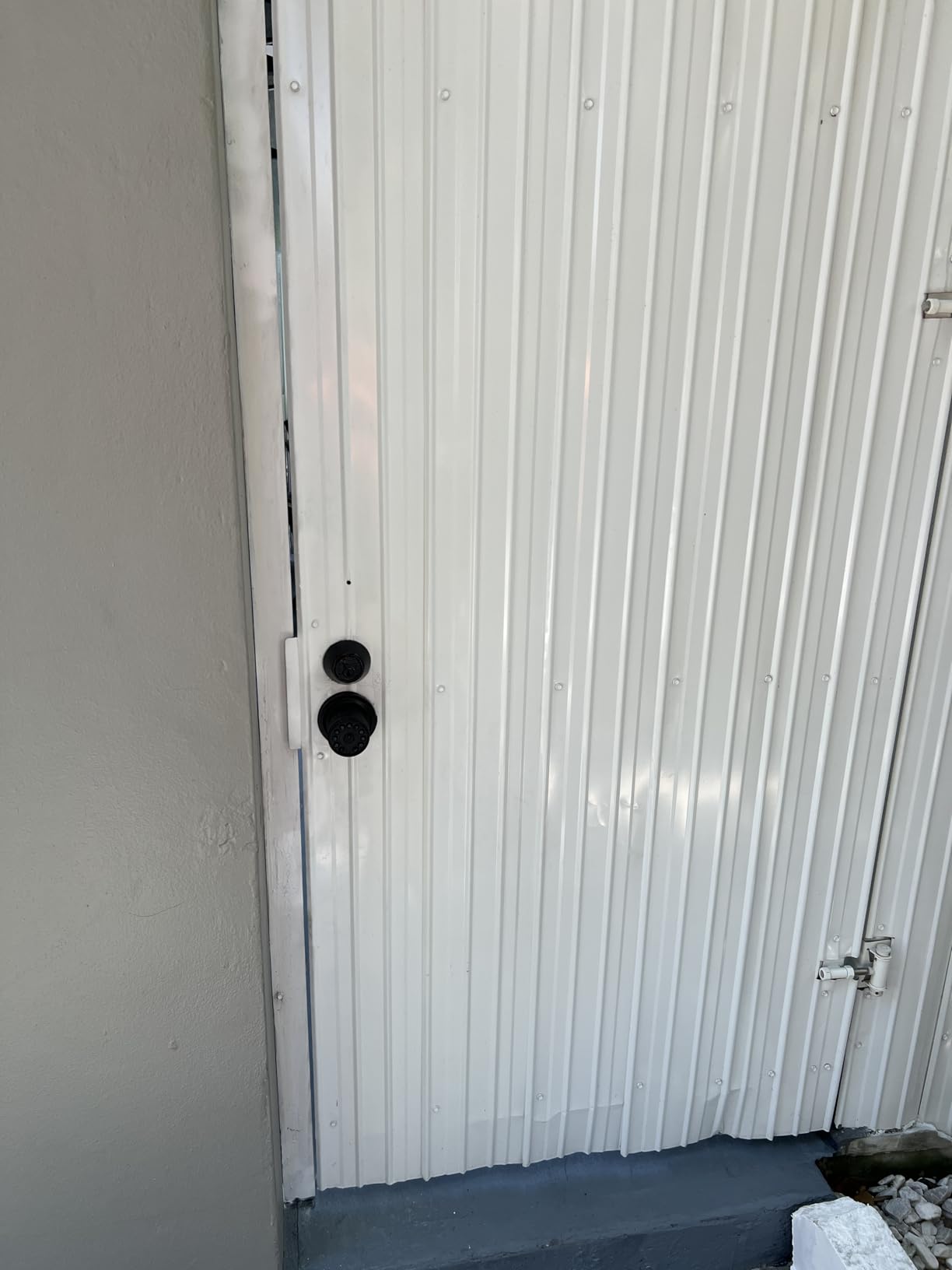
This is the lock for the door nobody thinks about until it matters: a supply closet, a garage entry, a pool house, a unit in a small multi-family building. Fifty customizable codes of up to 15 digits give you room for a contractor, a staff member, and a guest without recycling a single PIN.
Weather tolerance is the standout. An IP65 rating with a -22F to 176F operating range sits at the top of the weather specs in this group, and one Canadian owner confirms it kept working through a full winter. Four AAA batteries are rated around 18 months, and there is a Type-C port for backup power if they die anyway.
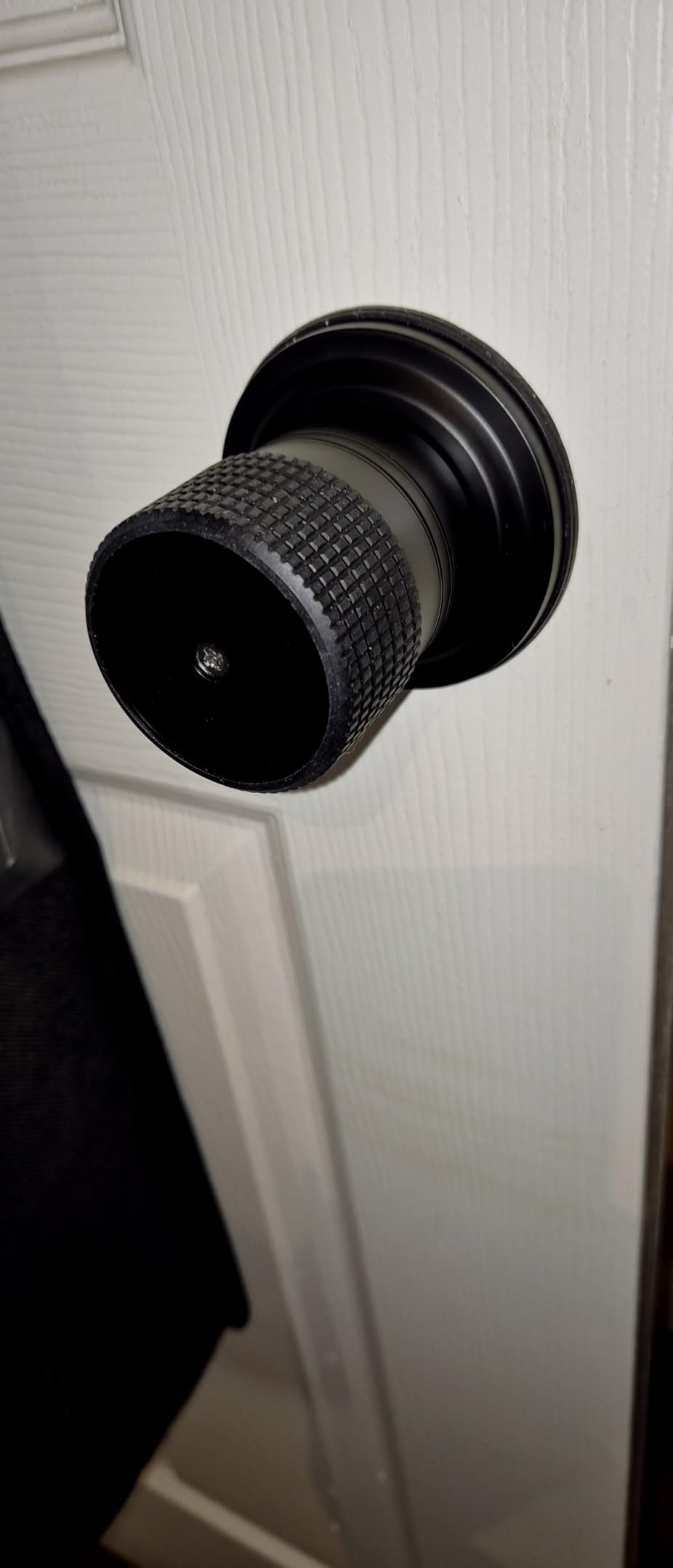
Passage mode, silent mode, and an adjustable lock delay of up to 12 hours let you tune behaviour for a space people move through constantly. The rubber grip knob is comfortable with wet hands and stays cooler on a sunny door, which is a small detail that matters on a pool house in July.
Fit is forgiving, too. It takes doors from 1-3/8 to 2-1/2 inches thick with an adjustable 2-3/8 or 2-3/4 inch latch, and it installs left- or right-handed with the included screwdriver. Coverage is backed by a lifetime limited mechanical and finish warranty alongside a one-year electronics warranty.
Who the iulock Suits
It suits a host who wants coded access on a secondary door with zero connectivity to maintain. No app means no accounts, no firmware, and nothing to fail on a property with poor internet.
It also suits a landlord relationship. The keypad sits on top of a standard knob, installs with a screwdriver on doors from 1-3/8 to 2-1/2 inches, and takes a solid lock cylinder that works with most mechanical keys.
Where the iulock Falls Short
There is no Wi-Fi and no app, so this is a standalone keypad rather than a remote-access lock. You type codes at the door, and you change them at the door.
Owners flag that all functions, including pass-through mode, can only be programmed from outside the door, so you are standing on the porch in the rain to change a setting. A few reviews also describe binding latch parts, long install times, and included keys that feel cheap.
6. Yamiry Keyless Entry Digital Lock: Best for Simple Local Codes
Keypad Smart Door Knob Lock, Yamiry Keyless Entry Digital Lock with Handle
Keypad knob with aluminum body
5.62 x 2.7 x 3 in
1.18 kg
Pros
- 20 codes plus a one-time guest code
- Aluminum alloy body with IP54 rating
- Installs in under 15 minutes
- Auto-lock adjustable 5 to 99 seconds
Cons
- No app or remote unlock despite a Wi-Fi field
- Only 20 codes
- Delayed auto-lock timer is awkward to set
The Yamiry is a straightforward aluminum alloy keypad knob with a 4.4 average rating, and 75 percent of its reviews sit at five stars. It carries a backlit display, a low battery indicator, and an anti-prying user code that masks digits on the screen while you type.
Twenty codes plus a one-time guest code is enough for a small cabin or a single-unit rental. Two duplicateable backup keys come in the box, and auto-lock timing can run anywhere from 5 to 99 seconds or be disabled entirely when you want the door left open for high-traffic periods.
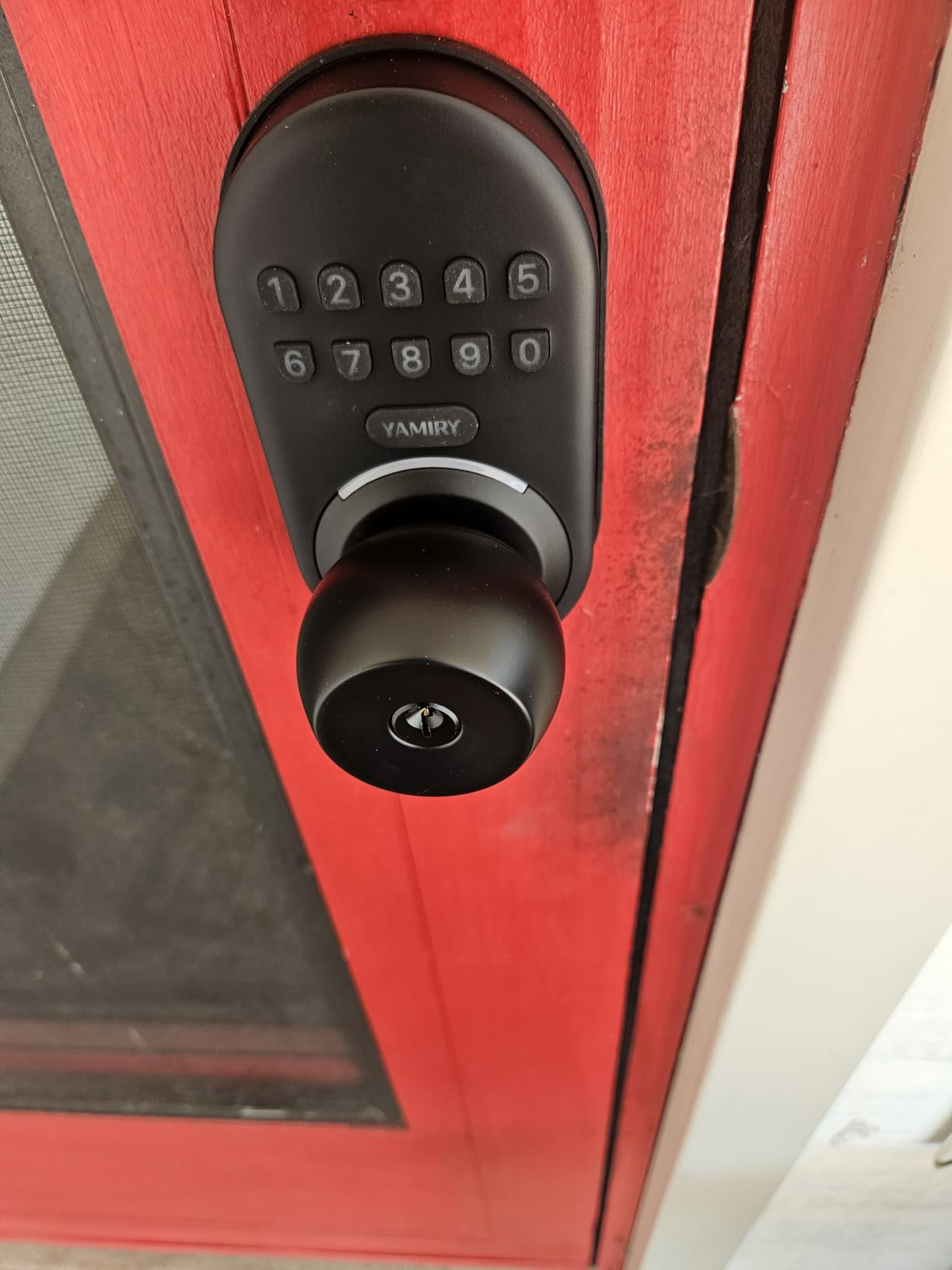
The anti-prying user code is the sleeper feature for a rental. The lock blanks the digits on screen while you type, so someone standing beside your guest at the door cannot read the code over their shoulder. That is a small thing that costs nothing to set up.
Programming is deliberately simple, with 4-8 digit codes rather than the multi-character strings some competitors use, and the install takes under 15 minutes with a screwdriver. An adjustable latchbolt is included, so it adapts to a wider range of doors than the deadbolt picks here.
Who the Yamiry Suits
It suits a single-property host who wants dependable code entry and nothing else to maintain. There is no app to learn, no account to create, and no subscription running in the background.
It also suits owners who care about the physical build. Aluminum alloy, IP54 weather resistance, and a low profile footprint at 5.62 inches tall work well on a door where a bulky smart deadbolt would look out of place.
Where the Yamiry Falls Short
Its listing carries a Wi-Fi connectivity field, but the lock itself has no app and no remote entry. Codes must be programmed at the door, and if you are hosting remotely you cannot change one from your phone.
Twenty codes is fewer than the 50-code locks in this group, which becomes tight if you want a separate code for every guest, cleaner, and vendor at once. One owner also reports difficulty programming the delayed auto-lock timer, with the lock returning a red error.
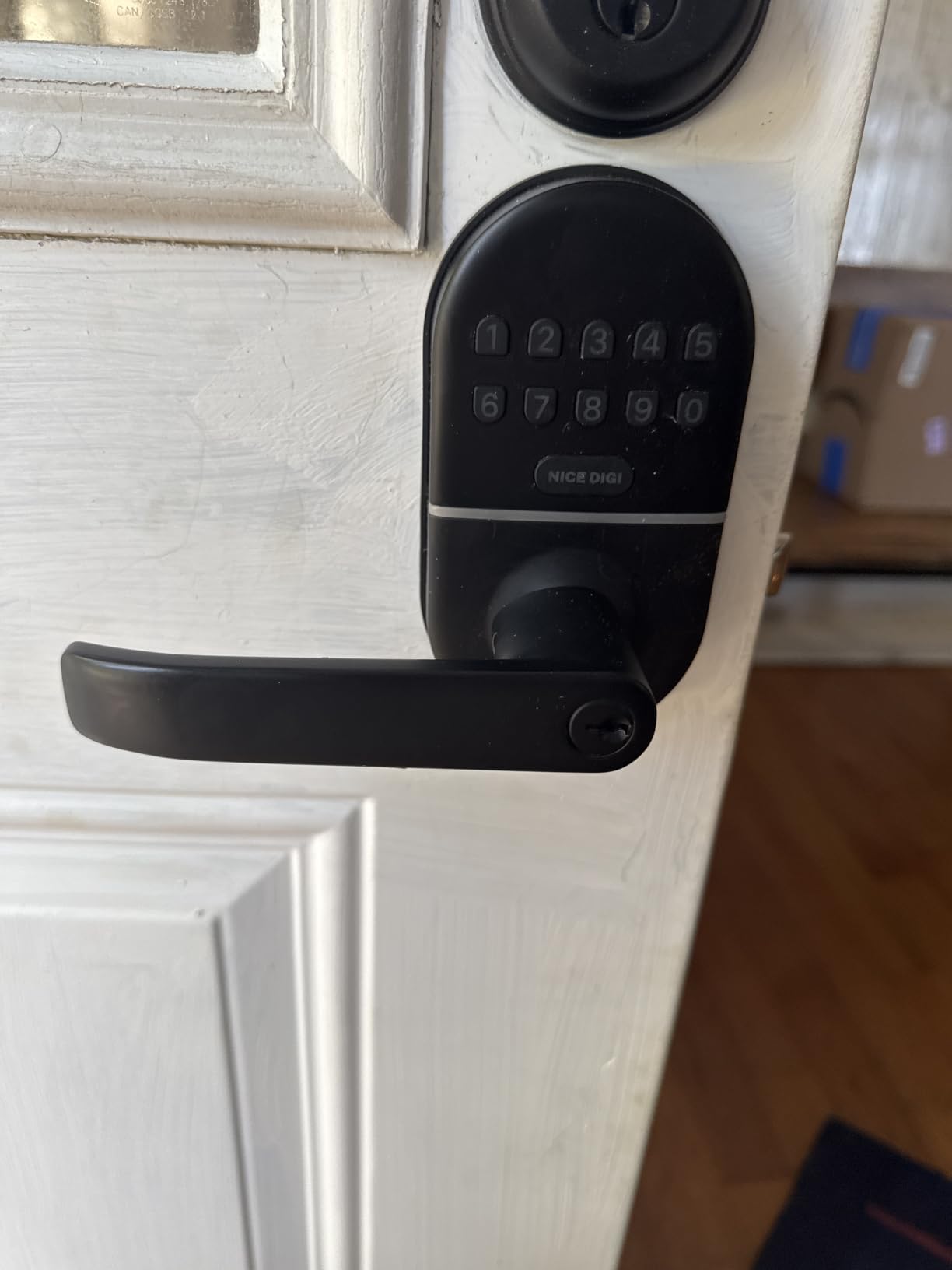
7. NICE DIGI Keypad Door Lock with Handle: Best for Apartment-Style Doors
Keypad Door Lock with Handle, Smart Keyless Entry with Code for Front Door
Keypad lock with lever handle
5.39 x 2.79 x 2.7 in
4 AA batteries for 8 to 12 months
Pros
- Up to 20 codes plus temporary one-time codes
- Works with no app or connectivity
- Auto-lock from 5 to 99 seconds with passage mode
- Backlit keypad and anti-peeping password
- Fits 99 percent of standard wooden doors
Cons
- No remote unlock and no access logs
- Batteries not included
- One install gasket seating complaint
This is the lever-handle counterpart to the deadbolt picks, and it suits an apartment or condo where a lever reads as normal rather than as a smart device bolted on the front door. Up to 20 personalized 4-8 digit codes plus temporary one-time codes cover a family, a guest, and a roommate without an app.
Nothing about it needs connectivity. No Wi-Fi, no Bluetooth, no account, no firmware. You type the code, the door opens, and the lock keeps working through a router outage because there is no router involved.
Auto-lock runs from 5 to 99 seconds, and passage mode handles high-traffic periods. The backlit keypad and anti-peeping password function are both genuinely useful at night, and two duplicateable keys are included.
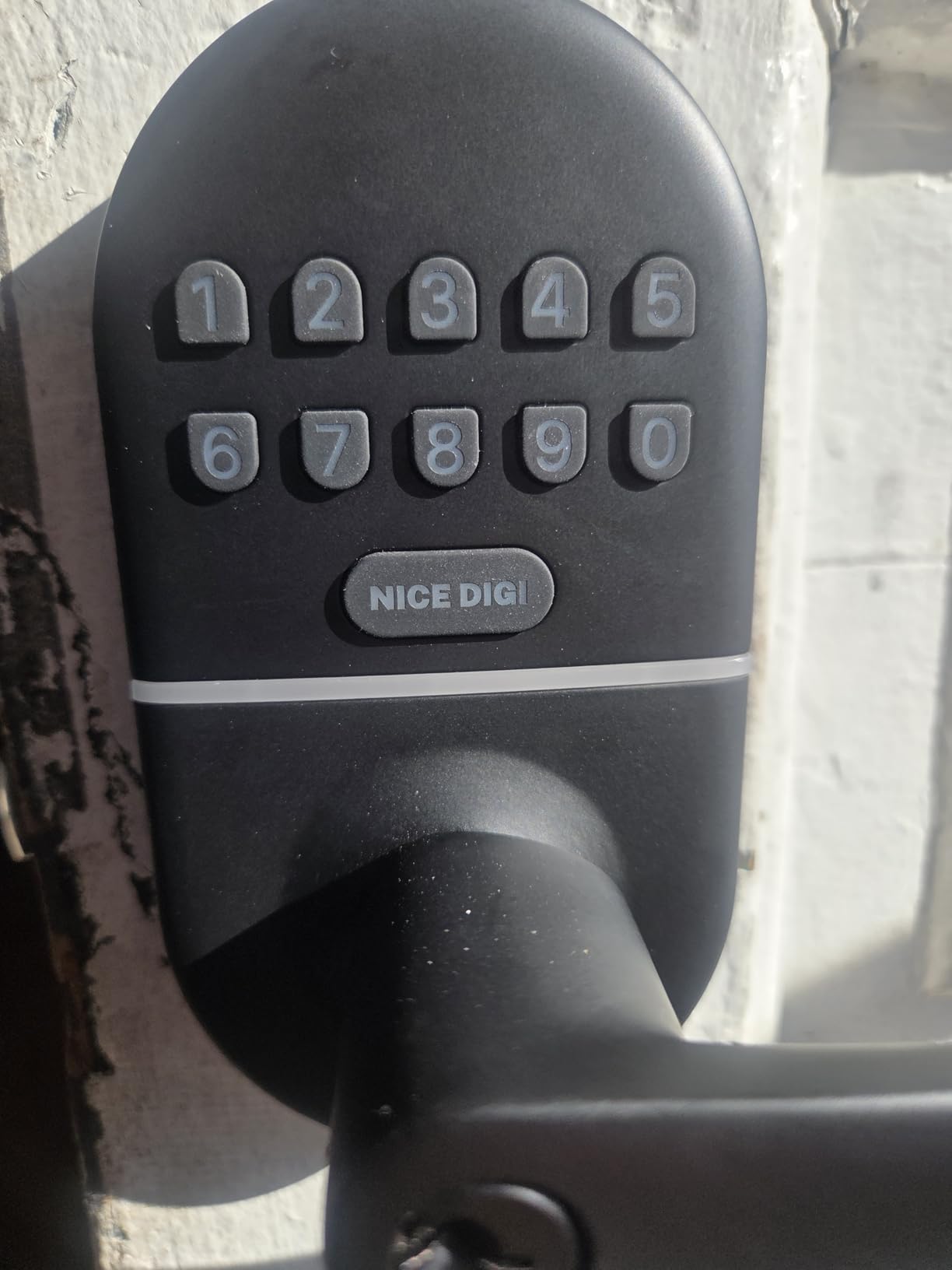
Low battery alerts are built in, and the manufacturer rates 8 to 12 months of life on four AA batteries. The rectangular body sits at 5.39 by 2.79 by 2.7 inches, which makes it one of the narrower units in this group and helps on a tight door stile.
Coverage includes a two-year warranty with lifetime customer support behind it. For a host buying the same lock for four units, that support history matters more than the spec sheet does.
Who the NICE DIGI Suits
It suits hosts in furnished or leased units where replacing a lever handle is a smaller job than replacing a deadbolt, and where the owner has asked for minimal hardware change. Fit is rated for 99 percent of standard US and Canadian wooden doors with a reversible handle.
It also suits a host who has been burned by a connected lock and wants something with less to go wrong. Owners report 75 percent five-star ratings, and the common thread in the reviews is that it simply does its job without an app to fight.
Where the NICE DIGI Falls Short
There is no smart home connectivity at all, so you lose remote unlock, access logs, and app-managed codes. For a host managing several doors from a distance, that is a real limitation rather than a minor one.
Batteries are not included despite the 8-12 month battery claim, and one owner reports a rubber sealing gasket that was difficult to seat evenly during installation. Budget for a pack of AA cells and a careful install.
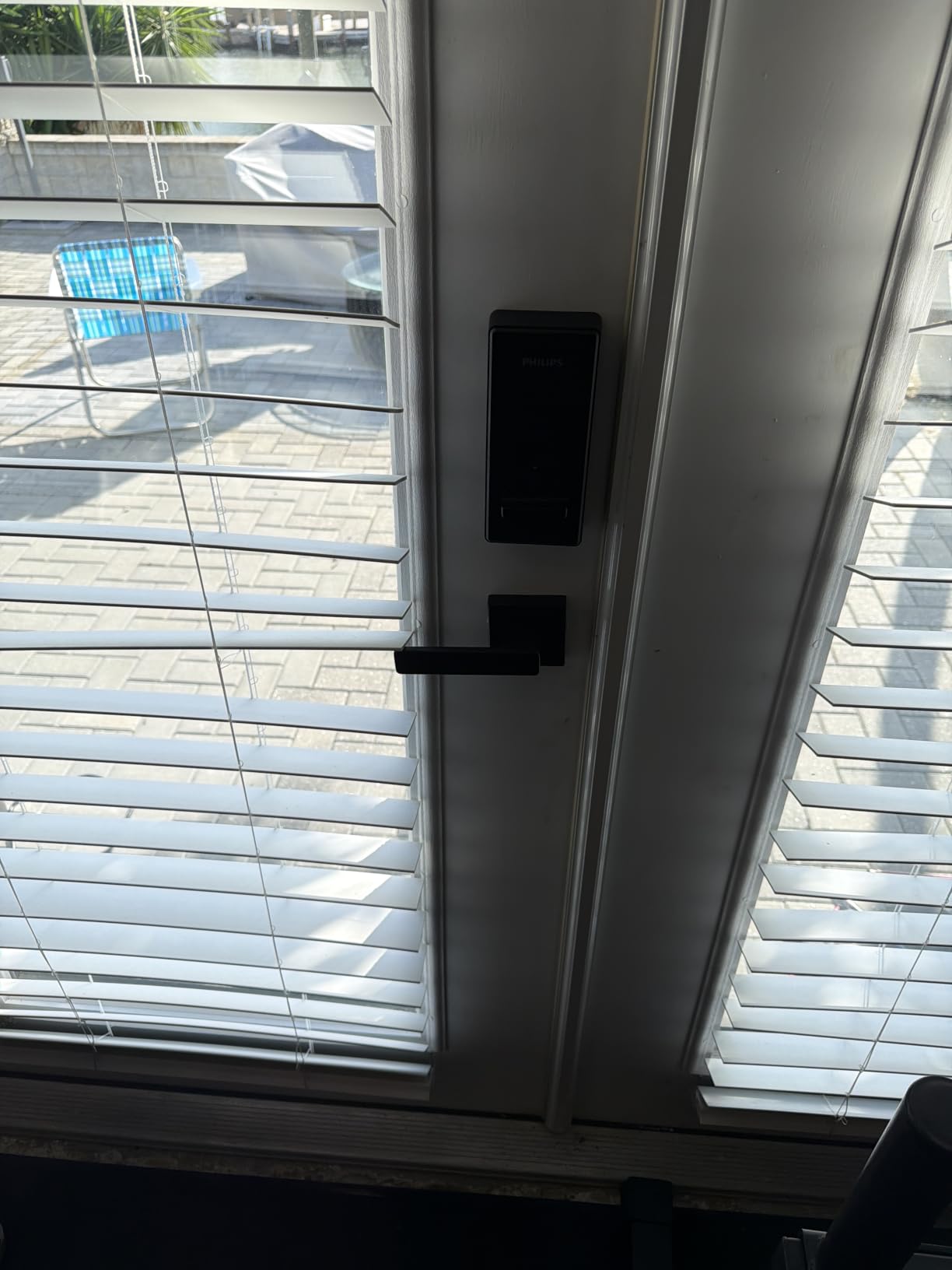
8. Philips WiFi Keypad Deadbolt: Best for Cleaner and Housekeeper Schedules
Philips WiFi Keypad Deadbolt with Handle, Built-in WiFi, APP Remote Control
Wi-Fi keypad deadbolt with lever
6 x 2.2 x 1.5 in
Up to 6 months on 4 AA batteries
Pros
- Permanent
- one-time
- periodic and recurring PIN codes
- Built-in 2.4 GHz Wi-Fi with no hub
- 0.3 second fingerprint unlock
- Matching handle set included
- Access history in the app
Cons
- Auto-lock is off by default
- Only fits 33 ft from the router
- Requires 1.5V alkaline batteries only
- Smallest review base here at 802
The Philips stands out for the widest range of PIN types in this roundup. Alongside permanent and one-time codes, it offers periodic and recurring codes, which is exactly what a fixed cleaning schedule needs: a PIN that works every Tuesday morning and never outside that window.
Remote control runs over built-in 2.4 GHz Wi-Fi with no hub, and the app shows real-time access history, lock status, and per-user code management. Auto-lock is adjustable from 0 to 180 seconds, and fingerprint unlock reads in 0.3 seconds for a trusted visitor.
The matching door lever set is included, so a full front door upgrade does not mean a second hardware purchase. US-based support runs weekday and Saturday hours, and the unit fits doors from 1-3/8 to 1-3/4 inches thick.
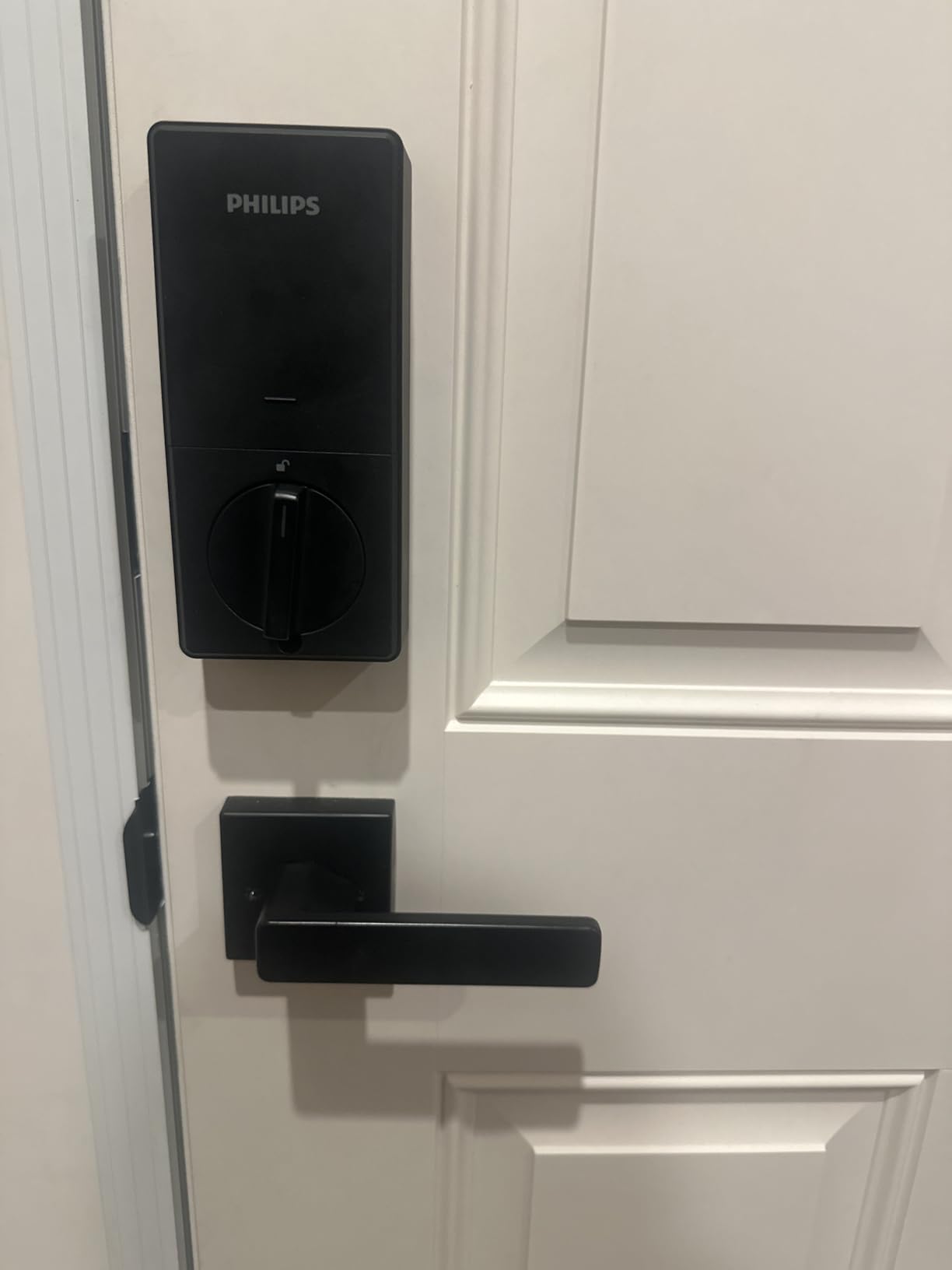
The anti-peeping password function masks the digits on screen while you type, and an anti-drill rating covers the bolt itself. At 6 by 2.2 by 1.5 inches the unit is among the slimmest connected deadbolts here, which helps on a door with a narrow stile.
Because it ships as a lever set rather than a bare deadbolt, it works as well on an apartment or a side entrance as it does on a main door. That makes it a practical pick for a portfolio that mixes entry types.
Who the Philips Suits
It suits hosts with a recurring cleaner or housekeeper, because periodic and recurring codes are the cleanest way to give someone standing access to exactly their window and nothing more. It also suits anyone upgrading a whole front door, since the handle set is in the box.
For hosts monitoring conditions inside the unit, pairing a lock with the smart temperature sensors worth putting in rental homes helps catch the freeze and heat problems that damage doors and batteries.
Where the Philips Falls Short
Auto-lock is off by default and must be enabled in the app, which means a freshly installed lock will sit unlocked until you turn it on. It also connects to 2.4 GHz only and should sit within about 33 feet of the router, a tighter range than most competitors.
The manufacturer advises standard 1.5V alkaline batteries only, so no lithium or rechargeable cells. With 802 ratings, it also carries the smallest review base in this roundup, so the long-term record is less established than the rest.
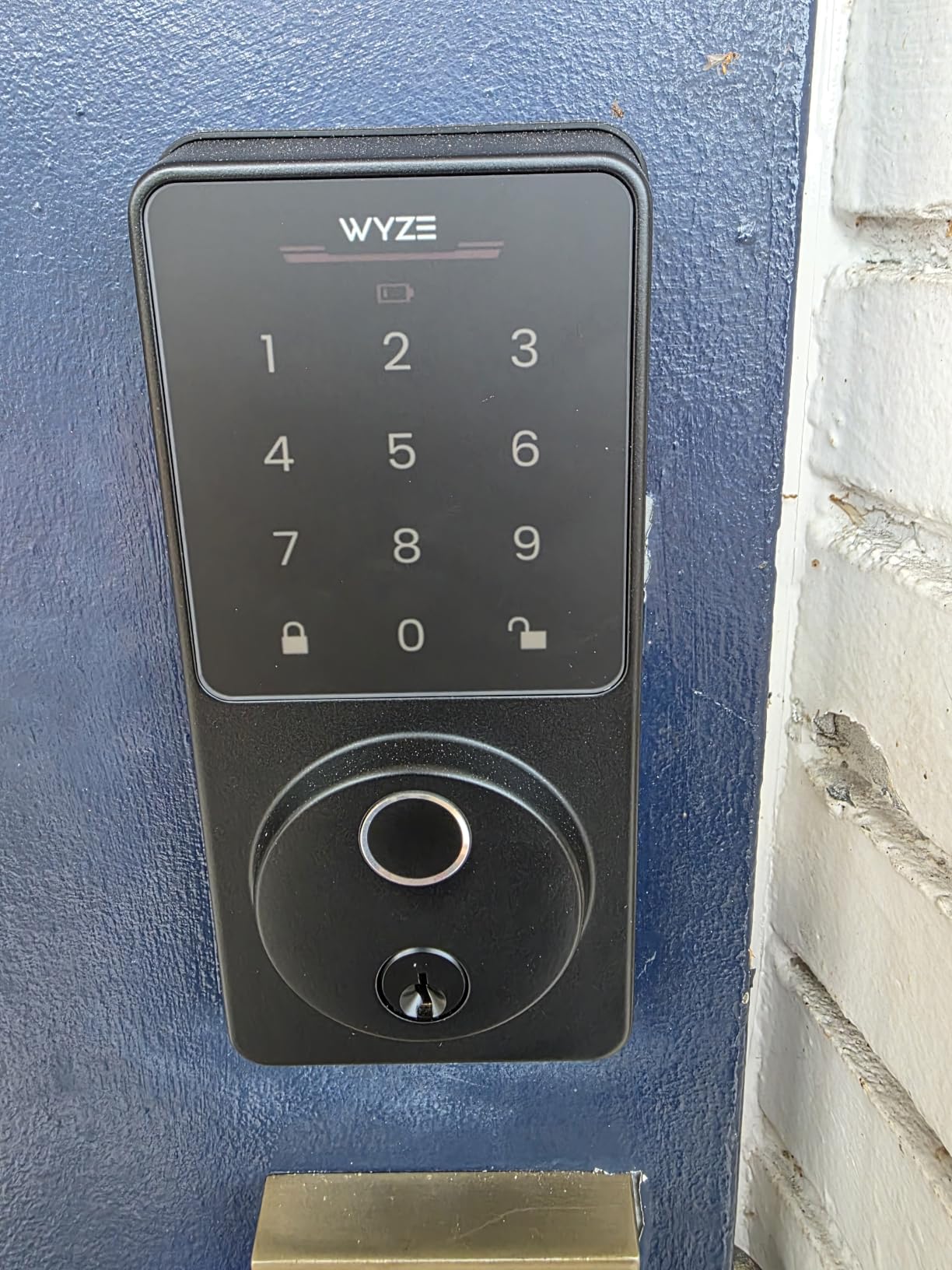
9. Wyze Auto-Lock Bolt v2: Best Rated, and Best Paired With a Doorbell
Wyze Auto-Lock Bolt v2, Fingerprint Keyless Entry Smart Lock, AI Learning Scanner with Wi-Fi Front Door Lock Deadbolt, Auto-Lock, 8 Months Battery, BHMA2, IP53, Anti-Peep Keypad, Backup Keys
Wi-Fi fingerprint deadbolt
7.09 x 2.93 x 1.41 in
1.47 kg
Pros
- Highest rated lock in the group at 4.6
- 0.5 second fingerprint reads on tempered glass
- Built-in Wi-Fi with no hub
- Unlocks from a Wyze doorbell live feed
- USB-C emergency power from a power bank
Cons
- No door-open detection
- Keypad beeps reported as too quiet
- Touchpad does not light on approach
The Wyze Auto-Lock Bolt v2 holds the highest average rating here at 4.6, with 81 percent of reviews at five stars. Owners describe it as quiet and smooth in operation, and one compared it favourably against a competitor unit that kept jamming.
The feature that separates it is doorbell integration. From a Wyze Video Doorbell live feed you can see who is at the door and unlock straight from the app, which is a strong answer to a guest arriving unexpectedly and asking you to buzz them in.
Fingerprint reads take about half a second on scratch and smudge-resistant tempered glass, and the AI scanner improves with each use. Eight AA batteries are included and rated for up to eight months, with a USB-C port that accepts a power bank as emergency backup.
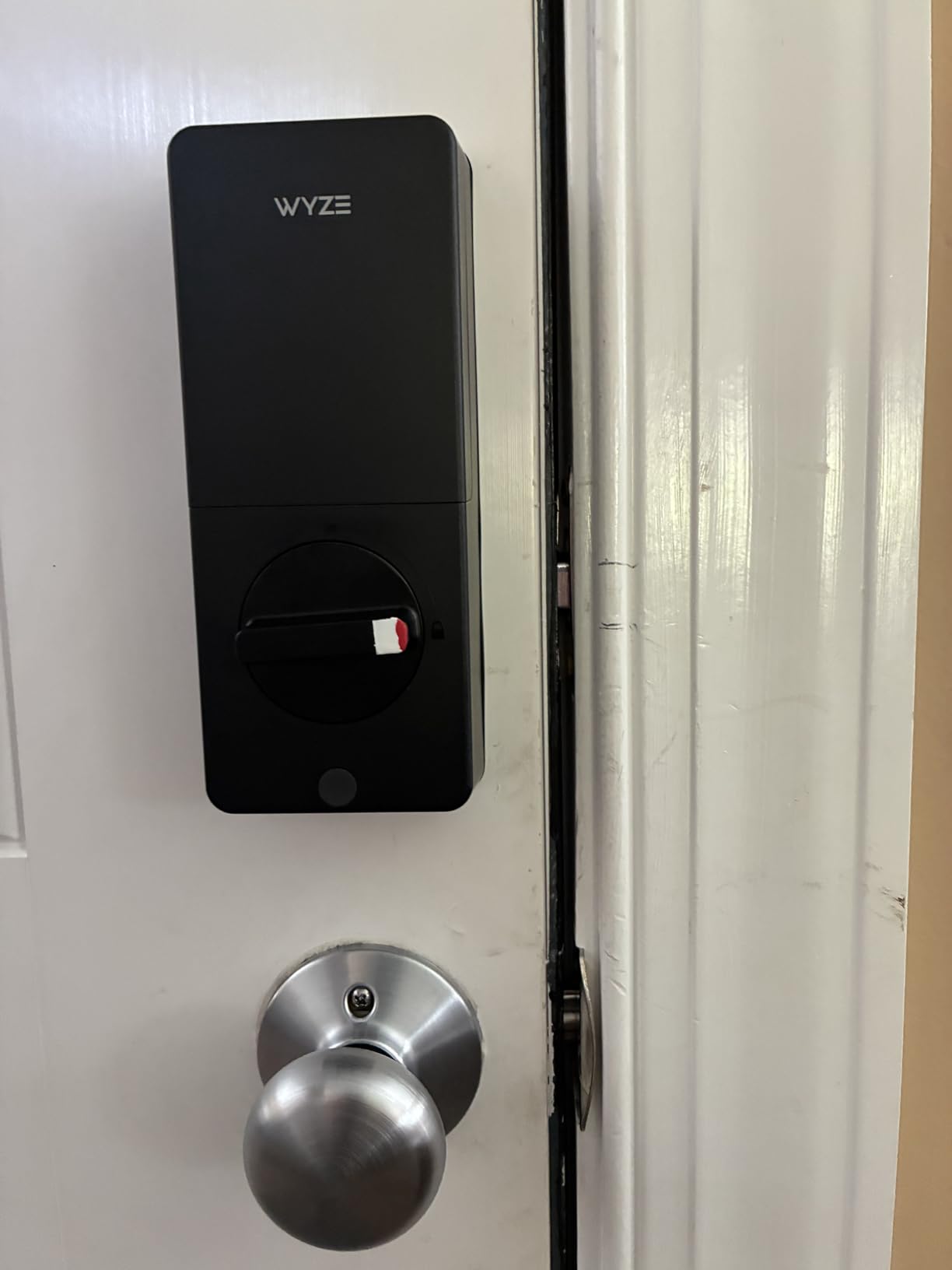
Temporary passwords are straightforward to issue from the app, and auto-lock timing is handled through the same account. The body is an aluminum and glass assembly at 7.09 by 2.93 by 1.41 inches and weighs 1.47 kg, so it is a full deadbolt rather than a retrofit shell.
Because the batteries ship in the box, a first install needs nothing extra, which is unusual at this level. The AI scanner has a scratch and smudge-resistant tempered glass surface, so the sensor keeps reading after a season of sandy keys and sunscreen-wet fingers.
Who the Wyze Bolt v2 Suits
It suits hosts who want a fingerprint lane for staff and a code lane for guests, and it suits anyone who already runs a Wyze doorbell. Physical keys ship in the box, so the guest fallback never depends on the app.
At 657 ratings it is one of the newer entries in this group, so it fits a host who is comfortable with a shorter track record. One owner reports reprogramming the lock for a new router without hassle, which matters if your internet provider changes.
Where the Wyze Bolt v2 Falls Short
There is no door-open detection, so the lock auto-locks on its timer even when the door is still standing open and forces a manual unlock afterwards. Several owners raise this, and it will happen on a windy coast.
Keypad beeps are described as too quiet for a noisy entry or for hard-of-hearing guests, and the touchpad does not light up on approach so it can be hard to wake in the dark. Accounts can also be finicky to set up on the primary email address.
10. TEEHO TE001 Keyless Entry Deadbolt: Most Versatile for Local Code Entry
TEEHO TE001 Keyless Entry Deadbolt with Keypad for Front Door, Satin Nickel
Keypad deadbolt, no connectivity
5.12 x 2.95 x 1.3 in
1.8 lb
Pros
- Lowest one-star share at 5 percent
- 20 codes plus a self-deleting one-time code
- Up to 365 days on 4 AA batteries
- IP54 aluminum alloy body
- Ranks first in its Amazon deadbolt category
Cons
- Fits only 2-1/8 in door holes
- No app and no remote unlock
- Auto-lock is off by default
The TEEHO is a deliberately simple lock, and simplicity is what keeps it out of support threads. It carries 20 access codes plus a one-time code that deletes itself after a single opening, which is a clean fit for a guest who should only need to get in once.
Only 5 percent of its reviews are one star, the lowest negative share in this roundup, and 78 percent are five stars. It also holds the top rank in its Amazon deadbolt category, so a lot of people are using it exactly as intended.
Battery life is the outlier figure: up to 365 days on four AA cells, with a red indicator below 15 percent. The aluminum alloy body is IP54 rated, and vacation mode, mute mode, and a wrong-entry limit round out the security options.
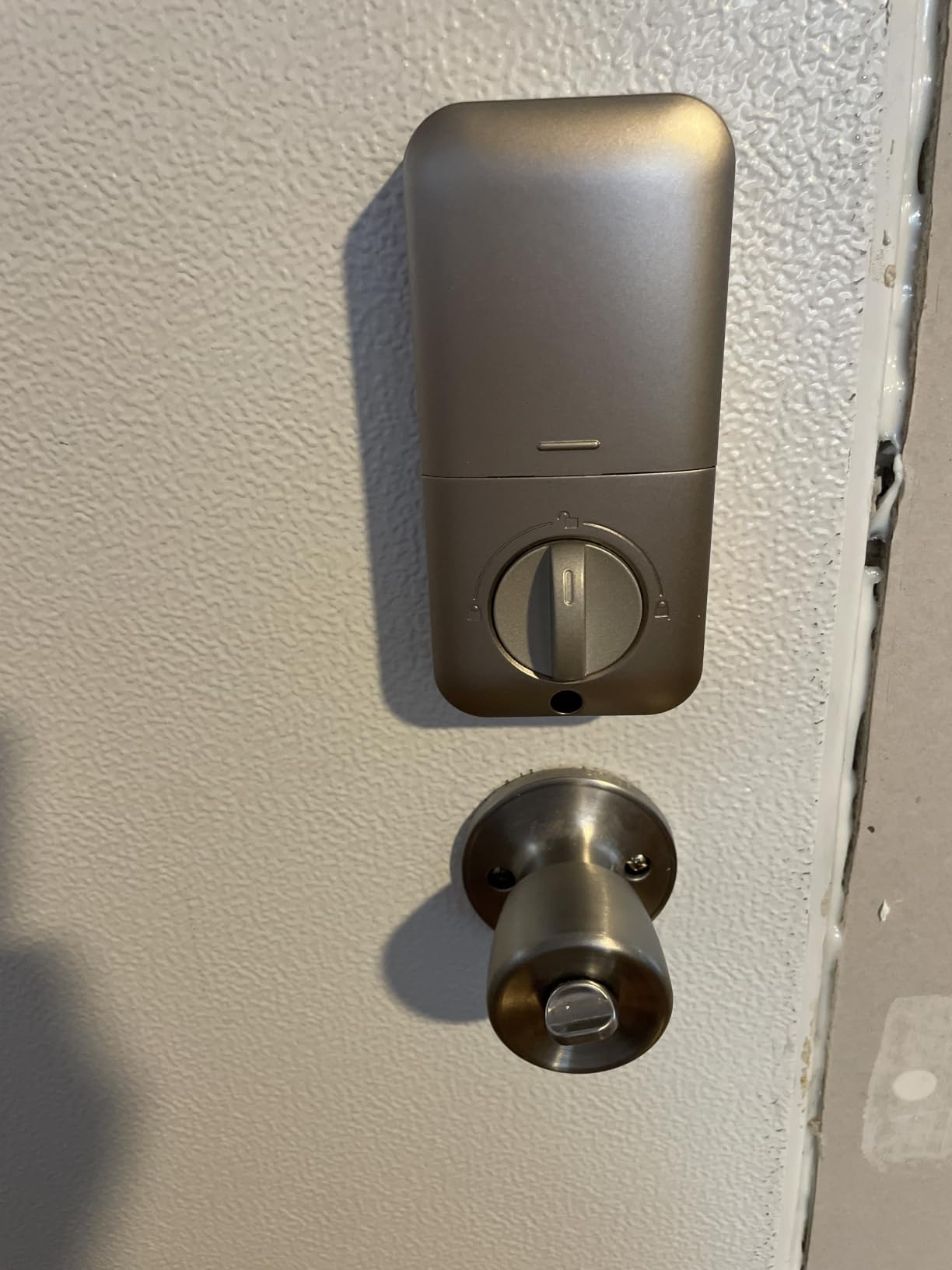
One-touch auto-lock works by holding any keypad key for two seconds, which lets a departing guest secure the door without hunting for a separate control. The strike plate and latch are both in the box, and the install is a screwdriver job once the bore is confirmed.
At 5.12 by 2.95 by 1.3 inches and 1.8 pounds it is a slim, light deadbolt, which suits a hollow-core or lighter door where a heavier body would pull the frame out of alignment. Coverage is a 30-day customer commitment, a two-year warranty, and lifetime after-sales service.
Who the TEEHO Suits
It suits a first-time host or a single rental where the goal is to remove key handoffs without adding an app to manage. Type a code at the door, hand it to the guest, and it stops working after one use.
It also suits a secondary building on the same property, like a pool house or a detached studio, where full connectivity is not worth the extra hardware.
Where the TEEHO Falls Short
Fitment is the catch. It fits only 2-1/8 inch (54 mm) door holes and is explicitly not compatible with 38 mm holes, so measure your bore before you order. It also needs a reset before first use to auto-detect the door direction.
There is no app, Wi-Fi, or Bluetooth, so codes are programmed at the door and there is no remote unlock or access log. Auto-lock is off by default and must be switched on, and batteries are not included despite the long battery claim.
How Lock Connectivity Changes the Guest Experience?
Connectivity is the decision that shapes everything else, and it is the one most hosts get wrong the first time.
Keypad-only locks need nothing but a code. The guest types six digits and is inside. They keep working during a router outage, cost nothing extra, and never ask a guest to grant app permissions at the door. What you give up is remote unlock and any record of who entered.
Bluetooth locks let you use a phone as the credential, which is fast for you and useless for a guest. Bluetooth range is a matter of feet, and a guest standing on the porch holding a dead phone has no way in. That single scenario is why host forums keep coming back to keypad entry.
Built-in Wi-Fi locks solve the reach problem because the radio is in the deadbolt. The Schlage Encode, ULTRALOQ Bolt SE, eufy C220, Philips, and Wyze all work this way, and none of them need a bridge sitting next to your router. The trade is power: Wi-Fi draws more current than Bluetooth, so battery intervals shorten.
Matter over Thread locks add a second radio for smart-home use, which is why the ULTRALOQ carries that support. Thread is low-energy and mesh-based, but the smart-home features only appear if you also run a compatible Thread Border Router.
If you want more background on connected-home gear, our roundups of smart ovens tested and ranked cover the same decision framework for other rooms.
What Actually Goes Wrong on Rental Doors
Most smart lock complaints are not about smart features. They are about doors, batteries, and people typing six digits at half past midnight.
The worst outcome in a host forum is a guest who arrived at 7pm, waited until midnight to report the code failed, and had to book a hotel. That failure becomes a review, and no amount of good hosting later undoes it. Every lock on this list has a physical key or knob fallback for exactly this reason, and a lockbox on a second door is cheap insurance for a remote host.
Connectivity and pairing failures are the second theme. One r/airbnb_hosts owner drove five hours to install a Schlage Encode Plus, could not get it to pair over Bluetooth, and after an hour on the phone with support still had to remove the old deadbolt. The lesson is to pair the lock while you are standing in front of it.
Third, codes fail mid-stay rather than only at check-in. A dedicated r/ShortTermRentals thread on PMS-native locks reports access codes failing while a guest is inside the property, so test a code at the start of every booking rather than assuming the sync landed.
Fourth, and most common, it is entry error. One host found a guest claiming a code did not work, reprogrammed it, and it opened instantly on the first try. Before blaming the lock, confirm the code is inside its active window, confirm the guest is at the right door, and check for a lockout after failed attempts.
Then check the hardware. A misaligned deadbolt or a bent strike plate makes a lock feel unreliable even when the electronics are fine, and it is the root cause of a large share of reliability complaints.
Which Locks Are Compatible With Airbnb and PMS Platforms?
There are two ways a guest code reaches a lock, and hosts tend to hear only good news about the one their software vendor sells.
Airbnb-mediated delivery means the code is generated by the platform for a specific reservation. It is attractive for a host who has no property management system, and the risk is timing: codes can activate on the booking date rather than the guest’s actual check-in time, which leaves a gap or a dead code at the moment of arrival.
PMS-mediated delivery means your property management system issues the code and pushes it to the lock, and you control the activation window precisely. That is the better fit for a portfolio because one dashboard covers every turnover, but it depends on your PMS supporting your specific lock model.
Before buying for a portfolio, run this order of operations. Confirm which platform issues your codes, then confirm the exact lock model sits on that platform’s supported list, then confirm the lock can be reached remotely from where you manage it.
For a single door, start with the lock and manage codes in its own app. For several doors across different buildings, the PMS route is what makes the difference between one dashboard and a clipboard.
On the software side, keeping the unit comfortable matters as much as keeping it secure. Hosts running more than one property often pair access control with monitoring for temperature and humidity swings, and our picks for smart temperature sensors for homes cover that side.
Battery Life, Climate, and the Maintenance Calendar
Battery claims in this category range from four months to three years, and the difference is mostly about how the lock is used and how cold it gets.
Schlage Encode ships with four AA batteries rated at about six months, with a low battery indicator and a physical key backup.
ULTRALOQ Bolt SE claims up to 18 months on its low-energy Thread mesh, the longest connected figure in the group.
eufy C220 runs 8 AA batteries for roughly eight months; the Wyze Bolt v2 includes eight AA cells rated at up to eight months with a USB-C power bank port as backup.
Philips rates up to six months on four AA cells and specifies 1.5V alkaline only.
TEEHO TE001 advertises up to 365 days on four AA batteries, and the iulock rates about 18 months on four AAA cells.
Hot and humid properties drain batteries faster, and hosts consistently list a flat battery in an occupied rental as one of their worst operational failures. Cold climates drain them too, and cold plus Wi-Fi is the hardest combination on a door.
Put a recurring reminder on your calendar rather than waiting for an alert at 11pm. A quarterly battery check catches a weak cell before a guest does, and a ten-minute keypad and strike inspection catches the door alignment problems that make a lock feel unreliable.
For coastal doors, prioritise an IP54 or higher rating and an aluminum or zinc body over plastic trim. Salt air degrades seals, and owners of locks on exposed doors repeatedly report water seal degradation by the first rainy season.
Pre-Installation Checklist: Will the Lock Fit Your Door?
Most failed installs are fitment failures, and every one of them is avoidable with a tape measure and ten minutes.
Measure door thickness. The Schlage Encode, Philips, and most deadbolts here fit 1-3/8 to 1-3/4 inch doors. The iulock goes wider, up to 2-1/2 inches.
Measure the bore diameter. The TEEHO TE001 fits only 2-1/8 inch (54 mm) holes and is not compatible with 38 mm holes, a fitment trap that catches more first-time installers than any other on this list.
Check the backset. The Schlage Encode needs a 2-3/8 or 2-3/4 inch backset. Measure from the door edge to the centre of the bore before you order.
Confirm door handing and swing. Some units, including the Philips, ship configured for a right-opening door and need a reset for the other direction. The ULTRALOQ, Sifely, and NICE DIGI handles are reversible.
Test the deadbolt throw by hand. If the bolt does not slide smoothly or the strike plate is bent, fix the door before the lock goes in.
Check router distance. The Philips wants the door within 33 feet, and the ULTRALOQ recommends about 70 feet. Both are 2.4 GHz only, so a 5 GHz-only network will not work at all.
Walk the guest journey. Stand at the door at night, in the dark, and try the entry method you plan to give guests before you leave the property.
If you rent the property rather than owning it, check whether your lease or owner agreement covers hardware changes before drilling anything. Most locks in this roundup are retrofit over an existing deadbolt, which is the easiest conversation to have.
Frequently Asked Questions
What is the best smart lock for a short-term rental?
The Schlage Encode Smart WiFi Deadbolt is the strongest all-round choice because the Wi-Fi radio is built into the deadbolt, so no hub is needed, it stores up to 100 access codes for rotating access between bookings, and it includes a physical backup key. It runs on four AA batteries for roughly six months and fits doors between 1-3/8 and 1-3/4 inches thick.
Which locks are compatible with Airbnb?
Compatibility depends on how your codes are issued. Airbnb-mediated delivery generates a code per reservation without a property management system, while PMS-mediated delivery lets platforms such as Hostaway, Guesty or OwnerRez push codes to the lock on your schedule. Whichever route you use, confirm your exact lock model appears on your platform’s supported list before you buy, because support varies by model.
Can smart lock codes expire automatically after a guest checks out?
Yes, on any lock that connects to an app or a property management system. You set a start and end time for each code and it stops working on its own, which closes the window where a previous guest’s PIN still opens the door. Plain keypad-only locks can also issue one-time codes that delete themselves after a single use, such as the self-deleting guest code on the TEEHO TE001.
Do smart locks need WiFi to work for a vacation rental?
No. Keypad-only locks like the TEEHO TE001, the Yamiry, and the NICE DIGI handle work entirely offline and keep functioning during a router outage. Wi-Fi is only needed for remote unlock, remote code changes, and access history. A Bluetooth lock will still work at the door for someone standing in front of it, but the range is only a few feet.
What happens if a smart lock battery dies during a guest stay?
The guest cannot get in, and that becomes a support emergency rather than a technical detail. Every lock in this roundup has a non-electronic fallback: a physical key, a key card, or a knob you can turn from inside. Some add a USB-C port for a power bank, including the Wyze Bolt v2. Keep a physical key or a lockbox with a spare at the property and check batteries on a schedule rather than waiting for an alert.
Are retrofit smart locks good for a rental property I do not own?
Generally yes, because most models here fit over an existing deadbolt bore without drilling new holes. The eufy C220 fits bores under 54 mm with the spacer removed and installs in about 15 minutes, and the Sifely and NICE DIGI handles are reversible for either door swing. Two things to check first: the bore diameter, since the TEEHO TE001 fits only 2-1/8 inch holes, and whether your lease or owner agreement covers hardware changes at all.
Conclusion: Which Lock Fits Your Rental
The Schlage Encode Smart WiFi Deadbolt remains the best smart lock for Airbnb rentals in 2026 for the simple reason that it removes the three things that go wrong: hub installation, code scarcity, and locked-out guests. One physical backup key in the box, 100 codes, and Wi-Fi in the deadbolt.
If you want fingerprint access for a weekly cleaner, the ULTRALOQ Bolt SE adds 50 prints and 50 passcodes with Matter support. If you generate codes in an app and want a lever handle, the Sifely fits, provided you budget for its WiFi Gateway for remote access. If the property has no reliable internet and you just need a code, the TEEHO TE001 or the iulock will not let you down.
Whichever you choose, pair it with a physical backup path and a battery schedule. That combination does more for your review scores than any feature on the spec sheet.