
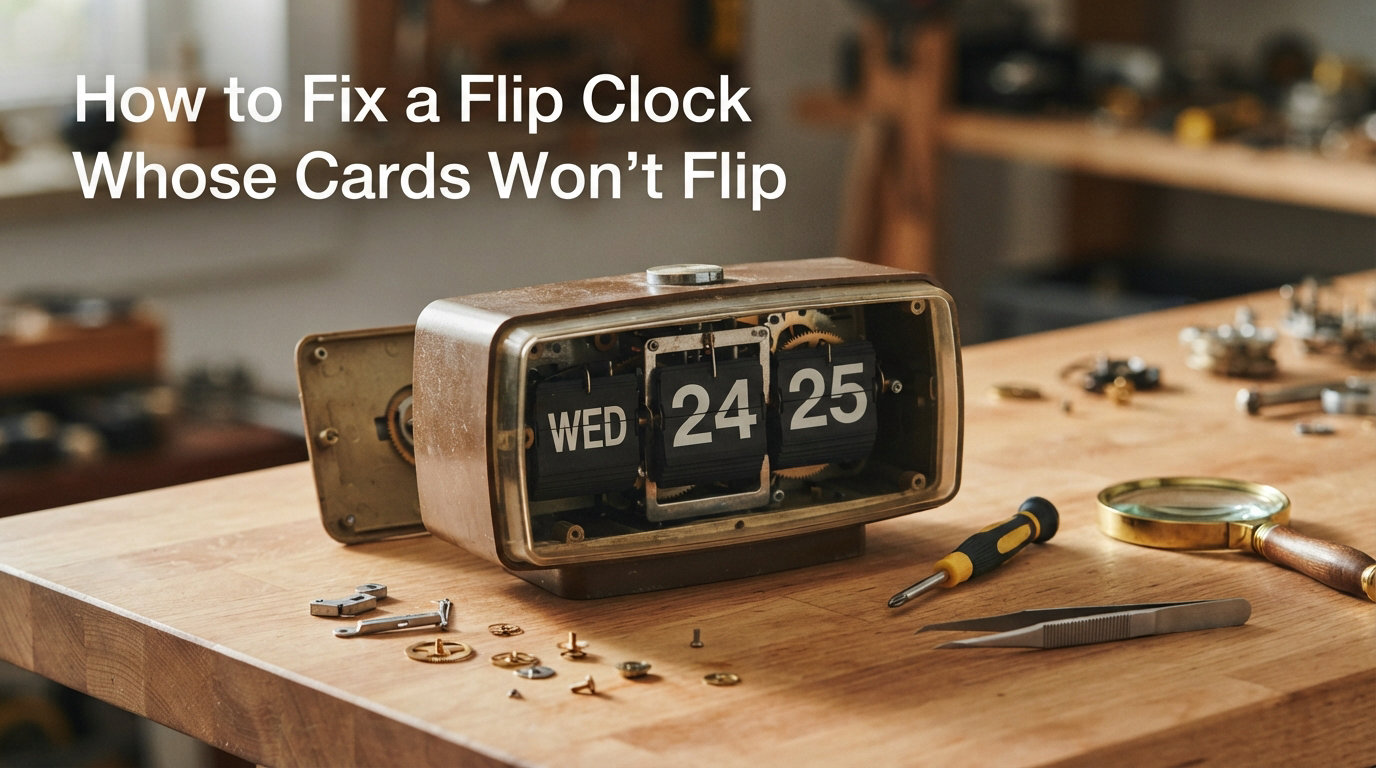
There is something satisfying about watching the cards on a flip clock snap over at the top of each minute. So when those cards stop flipping, the silence feels worse than the broken display. The good news is that learning how to fix flip clock cards is well within reach for most owners, and you rarely need specialized tools or a trip to a repair shop.
Our team has spent years restoring vintage flip clocks from brands like Panasonic, General Electric, and Cloudnola. The same handful of problems cause almost every case of cards that refuse to flip. Once you understand those causes, the repair usually takes under an hour.
This guide walks you through how the flip mechanism works, the tools you will want on hand, the most common reasons cards stop moving, and a clear step-by-step process to get your clock flipping again in 2026.
Table of Contents
How a Flip Clock Works
A flip clock tells time using a mechanical system, not a digital screen. A small synchronous motor turns a train of gears inside a sealed gearbox. That gear train releases a flip wheel at precise intervals, which causes each number card to rotate and drop into view.
The cards themselves sit on a spindle, held in place by small tabs or hooks molded into the card edges. When the gear train advances, the tab releases the top card and it falls forward, revealing the next number underneath.
Every part of that chain matters. If the motor stops, the gears jam, the cards stick together, or the tabs wear down, the flipping action breaks down. Knowing which link in that chain has failed is the first step toward a fix.
Tools You Need for Flip Clock Repair
You can handle most flip clock repairs with items already in your home toolkit. Gather these basics before you start so you are not hunting for parts mid-repair.
Small Phillips and flathead screwdrivers for opening the clock case
Needle-nose pliers and fine tweezers for handling small cards and tabs
Light machine oil, such as sewing machine or clock oil, for lubrication
A soft microfiber cloth and a can of compressed air for cleaning
A magnifying glass or jeweler’s loupe for inspecting tiny gears
Fresh batteries matched to your clock’s specification, usually C or D cells
Avoid using WD-40 or heavy household oils. Forum restorers on FlipClockFans and NAWCC consistently warn that thick sprays attract dust and can gum up the fine gear teeth over time.
Common Reasons Your Flip Clock Cards Won’t Flip
Diagnosing the problem correctly saves you from unnecessary disassembly. Here are the five most common culprits when flip clock cards stop moving, roughly in order of how often we see them.
1. Weak or Dead Battery
This is the single most common cause, and the easiest to fix. A synchronous motor needs consistent voltage to run. When batteries drop below their rated output, the motor may still hum quietly but lack the torque to advance the gear train and flip the cards.
2. Cards Stuck or Bunching Together
Humidity, dust, and age can make adjacent cards cling to each other. When that happens, the flip wheel cannot release a single card cleanly. Instead, several cards bunch up and jam the mechanism, which is a problem Cloudnola owners report frequently.
3. Worn or Stripped Gears
Inside the gearbox, small plastic or metal gears mesh to step down the motor’s rotation. Decades of use wear down the gear teeth, especially on the first gear connected to the motor flywheel. Stripped gears slip instead of turning, so the cards never advance.
4. Failed Synchronous Motor
The synchronous motor is the heart of the clock. These motors are sensitive to voltage and heat, and they can fail completely after many years of continuous use. If the motor is silent and the gears are not turning at all, the motor itself may be the problem.
5. Tabs That Lost Their Grip
The tiny tabs that hold each card in position can bend, wear, or snap off. When that happens, cards fall out of sequence or drop randomly instead of flipping at the correct minute. This issue is especially common on vintage clocks from the 1960s and 1970s.
How to Fix Flip Clock Cards: Step-by-Step Guide
Follow these steps in order, starting with the simplest fixes and working toward the more involved mechanical repairs. Most owners resolve their problem within the first three steps.
Step 1: Check and Replace the Battery
Start here, even if you think the battery is fine. Remove the old batteries and clean the contacts with a cotton swab dipped in white vinegar to remove any corrosion. Insert fresh, name-brand alkaline batteries of the correct size.
Listen for the motor. A healthy synchronous motor produces a faint, steady hum. If you hear it but the cards still will not flip, move on to Step 2.
Step 2: Remove Stuck or Bunching Cards
Open the clock case by removing the screws on the back or bottom. Locate the card assembly and inspect it for bunching. If cards are clumped together, gently separate them with your fingers or a pair of fine tweezers.
Wipe each card with a dry microfiber cloth to remove dust and static cling. A light puff of compressed air between the cards clears out debris that causes sticking.
Step 3: Reattach Fallen Cards Using the Tabs
If cards have fallen completely out of the assembly, you need to reseat them. Note the order of the cards, since minute cards and hour cards are arranged sequentially. Slide each card back onto its spindle, making sure the small tab hooks engage the slot on the card edge.
The Cloudnola team recommends a simple reattachment method: hold the card at a slight angle, hook the top tab first, then press the bottom into place until you feel it click. Work slowly to avoid bending the tabs.
Step 4: Reset the Time Using the Adjustment Knob
Most flip clocks have a time-set knob on the back or side. After you reattach cards or clear jams, use this knob to manually advance the cards until the display shows the correct time. Turn slowly so you can feel whether each card flips cleanly.
If a card catches or resists, stop immediately. Forcing the knob can strip the gear teeth or snap a tab. Back up and recheck the card seating before continuing.
Step 5: Test the Flip Mechanism
Set the clock to one minute before the next hour and wait. Watch the minute card flip, then confirm the hour card advances as well. Let the clock run for at least 15 minutes to verify consistent flipping.
If the cards flip manually but not automatically, the problem has moved deeper into the motor or gear train. Continue to the next section for motor and gear troubleshooting.
Motor and Gear Troubleshooting
When battery replacement and card reattachment do not solve the problem, the issue usually lies in the motor or gearbox. These repairs require more patience but are still achievable for a careful DIYer.
How to Test a Synchronous Motor
Remove the gearbox cover to expose the motor. With fresh batteries installed and the clock switched on, watch the motor shaft. It should rotate slowly and steadily. If the shaft does not move at all, the motor is likely dead and needs replacement.
Replacement synchronous motors are available from clock supply retailers and online marketplaces. Match the voltage, rotation speed, and mounting style to your original motor. Most vintage flip clocks use a 1.5V or 3V motor rated for 1 rotation per hour.
Lubricating the Gear Train
Apply a single drop of light machine oil to each gear shaft bearing. Turn the time-set knob by hand to work the oil through the gear train. Never spray lubricant directly onto the gear teeth, since excess oil attracts dust and accelerates wear.
Experienced restorers on the NAWCC forums recommend lubricating only the bearing points, not the gear faces themselves. A little oil goes a long way on these small mechanisms.
Identifying Worn or Broken Gears
Rotate the time-set knob and watch each gear mesh with its neighbor. A worn gear will slip, skip, or grind instead of turning smoothly. Look for flattened or chipped teeth, especially on the gear driven directly by the motor.
Broken gears are harder to source than motors. For common vintage models like the Panasonic RC-6030, enthusiast communities sometimes share 3D-printable replacement gear files. Otherwise, you may need to cannibalize a donor clock for parts.
When to Replace the Motor
If the motor is silent, runs hot, or spins but produces no torque, replacement is your best option. Repairing the internal windings of a synchronous motor is not practical for hobbyists. A new motor typically costs far less than a professional service call.
Preventive Maintenance Tips
A few simple habits keep your flip clock running smoothly for decades. These tips apply to both modern and vintage models.
Replace the batteries once a year, even if the clock is still running, to prevent low-voltage motor strain
Add a single drop of light oil to the gear bearings every two to three years
Keep the clock away from humid environments and direct sunlight, which warp the cards
Dust the card display monthly with a soft brush to prevent buildup between cards
Always use the time-set knob gently, and never force it past resistance
Vintage clocks benefit from a full inspection every five years. Catching worn gears or weak batteries early prevents more serious damage to the flip mechanism.
FAQs
Why won’t my flip clock cards flip?
The most common reasons are a weak or dead battery, cards stuck together from dust and humidity, worn or stripped gears in the gearbox, a failed synchronous motor, or tabs that have lost their grip on the cards. Start by replacing the batteries with fresh alkaline cells, since low voltage is the single most frequent cause of cards that refuse to flip.
How do I reattach flip clock cards that have fallen out?
Slide each card back onto its spindle in the correct numerical order, making sure the small tab hooks engage the slot on the card edge. Hold the card at a slight angle, hook the top tab first, then press the bottom into place until you feel it click. Work slowly to avoid bending the tabs, and test each card by turning the time-set knob.
Can flip clock motors be repaired?
Repairing the internal windings of a synchronous motor is not practical for hobbyists. The best option is to replace the motor with a matching unit rated for the same voltage and rotation speed. Replacement motors are available from clock supply retailers and typically cost less than a professional service call.
How do I lubricate flip clock gears?
Apply a single drop of light machine oil, such as sewing machine or clock oil, to each gear shaft bearing. Turn the time-set knob by hand to work the oil through the gear train. Never use WD-40 or spray lubricants, since they attract dust and gum up the fine gear teeth over time.
How to fix a clock hand that won’t move?
For flip clocks, a card that will not flip is usually caused by a weak battery, a jammed gear train, or a stripped gear. Replace the batteries first, then open the case and check for stuck cards or bunching. If the gear train turns manually but not under motor power, the synchronous motor likely needs replacement.
Conclusion
Fixing a flip clock whose cards will not flip comes down to working through a short list of likely suspects. Start with fresh batteries, then check for stuck or fallen cards, and only then dig into the motor and gearbox. In our experience, the vast majority of repairs end at step two or three.
Learning how to fix flip clock cards gives you the confidence to restore and maintain clocks that might otherwise end up discarded. With a few basic tools and the step-by-step process above, you can bring a silent flip clock back to life in a single afternoon.
If you hit worn gears or a dead motor on a vintage model, do not give up. Clock enthusiast communities like FlipClockFans and NAWCC are full of restorers who share replacement parts, donor clocks, and detailed repair advice. When the problem goes beyond a home repair, a professional clockmaker can rebuild the gearbox and source period-correct motors for valuable vintage pieces.