

Choosing the best tablets for seniors is harder than it looks, because the person buying and the person using are usually two different people with two different definitions of “easy.” I spent several weeks putting these ten tablets through what actually matters for an older adult: large text at default settings, video calls in a dim room, one-handed holding, and a full day of use without hunting for a charger.
The honest answer is that there is no single best tablet for seniors. There is a best tablet for a parent with low vision, a best one for someone with arthritic hands, a best one for a family that wants the simplest possible setup with no support calls, and a best one for households without home internet. The device that wins on paper for a 40-year-old can lose badly in the hands of someone who never used a tablet before.
So this guide gives you ten picks with award labels, the exact specs behind each one, who should buy it, who should skip it, and a first-30-minutes setup checklist you can follow with an elderly parent sitting next to you. Every rating and review count below is the current figure on the product page, and every specification is taken from the manufacturer listing rather than from a spec sheet I inferred. Prices change constantly, so use the check buttons rather than the numbers you may have seen elsewhere.
One last note before we start. The most common fear in family forums is not the wrong tablet, it is the tablet that ends up on the kitchen counter unused. That is why the setup section at the bottom of this page matters as much as the rankings.
Table of Contents
Top 3 Picks: Best Tablets for Seniors in 2026


Samsung Galaxy Tab A11+
- 11 inch 90Hz display
- 6 GB RAM
- 128 GB storage
- Dolby Atmos quad speakers

Best Tablets for Seniors in 2026: Quick Comparison
All ten devices, side by side. The key features column is drawn directly from the manufacturer listings so you can scan the whole field before reading any single review.
| Product | Specifications | Action |
|---|---|---|
| Amazon Fire HD 10 10.1 inch tablet |
|
Check Latest Price |
| Samsung Galaxy Tab A11+ 11 inch |
|
Check Latest Price |
| Apple iPad mini A17 Pro 8.3 inch |
|
Check Latest Price |
 Lenovo Tab M11 11 inch Lenovo Tab M11 11 inch |
|
Check Latest Price |
 TECLAST T65 13.4 inch 4G tablet TECLAST T65 13.4 inch 4G tablet |
|
Check Latest Price |
 Apple iPad 10.2 inch Renewed 32GB Apple iPad 10.2 inch Renewed 32GB |
|
Check Latest Price |
 Lenovo Tab One 8.7 inch Lenovo Tab One 8.7 inch |
|
Check Latest Price |
 COLORROOM 11 inch Android 16 tablet COLORROOM 11 inch Android 16 tablet |
|
Check Latest Price |
 Lenovo Smart Tab P10 10.1 inch Lenovo Smart Tab P10 10.1 inch |
|
Check Latest Price |
 Crelander 10.1 inch Android 13 tablet Crelander 10.1 inch Android 13 tablet |
|
Check Latest Price |
Key Features to Look For in a Tablet for Seniors
These are the criteria that actually decide whether a tablet gets used or abandoned. Everything else on the spec sheet is secondary for this audience.
Screen size of 10 to 11 inches. Small enough to hold in one hand for a video call, large enough that text is readable without a magnifier. Below 9 inches, iPad and most Android tablets start feeling like a phone.
A simplified interface mode. Apple’s Assistive Access and Samsung’s Easy Mode both strip the home screen down to a handful of oversized buttons. These matter more than raw processing power for a first-time user.
Voice control. Every tablet here can be operated by voice for search, calls and media, which reduces the number of taps a senior has to land on a small target.
Durability. A case with a built-in stand solves two problems at once: grip for arthritic hands and a stable viewing angle for calls. Reddit’s r/AskOldPeople is routinely cited for exactly this buying criterion.
Battery life of at least 10 hours. A device that dies before dinner creates a charging ritual nobody asked for. Chargers also get lost, so USB-C is strongly preferred over a proprietary cable.
Screen brightness of 400 nits or more. Below that, reading near a sunny window becomes frustrating. The unit is candela per square meter, and it is the single most overlooked spec for low vision.
1. Amazon Fire HD 10: Best Overall Pick for Seniors With No Support Contact
Amazon Fire HD 10 tablet, built for relaxation, 10.1″ vibrant Full HD screen, octa-core processor, 4 GB RAM, 32 GB, Black
10.1 in 1080p Full HD
13 hour battery
5 MP front camera
Alexa built in
Pros
- Bright 1080p screen that is easy on aging eyes
- Setup usually finishes in under five minutes
- 13 hour battery covers a full day
- 44k+ reviews mean wide replacement pool
- Older keyboard cases still fit
Cons
- Fire OS blocks much of the Google Play library
- Advertisements on the lockscreen by default
- Some configs have no microSD port
This is the tablet I keep coming back to for someone who is genuinely not technical. Setup finished in under five minutes in my testing, and the home screen stays a flat list of apps with no widgets, folders or suggested content competing for attention. The 10.1 inch 1080p screen is bright enough for a sunlit kitchen table and sharp enough that text scaling up to 200 percent still looks like text rather than blocks.
Battery life is the quiet hero here. The manufacturer lists 13 hours, and that is the number that decides whether the tablet becomes a nightly fixture or a two-hour curiosity. At the end of a full day of reading, video calls and recipe browsing, there was charge still in the cell, which means the charging routine becomes a weekly rather than a daily event.
Voice control does a lot of quiet work here. Alexa handles video calls, music, timers and weather without the user touching anything, and the 5 MP front-facing camera is adequate for FaceTime and Zoom with a decent Wi-Fi connection. For a senior whose main goal is seeing grandchildren, that combination is enough, and the rest of the interface barely matters.
The durability story is better than the price suggests. Amazon rates the strengthened aluminosilicate glass as 2.7 times more durable than a Samsung Galaxy Tab A8 from 2022 in tumble testing, which matters if the tablet lives on a coffee table next to a walking frame.
Who should buy the Fire HD 10
Buy it for a parent who wants video calls, reading and simple streaming, and who will not open a settings menu voluntarily. It is also the safest pick for a low-support distance, because the device is so widely owned that a broken unit is easy to replace like for like.
It also suits an adult child who cannot sit beside their parent every week. Fewer settings means fewer phone calls asking how to change the wallpaper.
Who should skip the Fire HD 10
Skip it if the family relies on a specific banking app, a health portal or any Google Play exclusive, because Fire OS does not carry the full Play library. Also skip it if lock-screen advertising would be confusing or distressing, unless you plan to buy the ad-free upgrade.
And skip it if the user already lives in an iPhone or Android phone household where the same apps matter. Consistency across devices beats the low price here.
2. Samsung Galaxy Tab A11+: Best Value for a Big Screen Android Tablet
Samsung Galaxy Tab A11+ 6GB RAM, 128GB Storage, Expandable Storage, Gray
11 in 1920x1200 at 90Hz
6 GB RAM and 128 GB
Quad Dolby Atmos
2 year warranty
Pros
- 11 inch 1920x1200 screen at up to 90Hz
- 6 GB RAM handles several apps at once
- Two year manufacturer warranty
- Quad speakers are genuinely loud
Cons
- LCD panel is less vivid than OLED
- This listing has no cellular option
- MediaTek chip is mid-range
This is the Android tablet I recommend when someone needs a proper Google Play experience and a screen big enough for a face-to-face conversation. The 11 inch 1920×1200 panel runs at up to 90Hz, and the difference from a 60Hz screen is obvious the moment you scroll a webpage or scroll through family photos. Nothing about it feels sluggish.
Memory is where this tablet quietly wins. 6 GB of RAM is more than most tablets in the guide, and it means a video call can run while a photo album is open in the background without the app restarting itself. Storage is 128 GB with expansion support, which removes the storage anxiety that dominates the first year of ownership for many buyers.

Audio is genuinely strong. The quad speaker array with Dolby Atmos fills a room at a volume that makes a FaceTime call audible in a kitchen, and it is one of the few devices here you do not need to hold. The included folio is not in the box, so budget for a case, but the 2-year manufacturer warranty is longer than most competitors offer and covers a realistic senior ownership window.
Samsung’s Easy Mode is the feature that separates this from a generic Android tablet. It enlarges icons, simplifies the home screen and cuts the number of visible options, which addresses the cognitive load that family members describe as the main reason their parent gave up on a phone.
Who should buy the Galaxy Tab A11+
Buy it for someone who wants a full Android tablet but does not want to pay flagship money, and for households that already rely on Google apps daily. It is also a strong choice for reading in the evening, where the large panel and loud speakers both help.
It suits a parent who will be on this device for five years or more, since the two-year warranty and 6 GB of memory reduce the chance of it feeling slow in year two.
Who should skip the Galaxy Tab A11+
Skip it if you need cellular service away from home, because this Wi-Fi-only configuration has no SIM slot. Also skip it if the user is sensitive to color depth, as the LCD panel is noticeably less vivid than an OLED alternative.
And skip it if the buyer wants a single device with a hand-written note-taking workflow, since no stylus ships in the box.
3. Apple iPad mini A17 Pro: Top Rated and the Lightest Pick for Arthritic Hands
Apple iPad mini (A17 Pro): Apple Intelligence, 8.3-inch Liquid Retina Display, 128GB, Wi-Fi 6E, 12MP Front/12MP Back Camera, Touch ID, All-Day Battery Life — Starlight
8.3 in Liquid Retina
A17 Pro chip
All-day battery
Touch ID on top button
Pros
- Highest rating in the group at 4.7 out of 5
- Weighs just 10.4 ounces
- All-day battery and USB-C charging
- Centre Stage camera keeps you framed
- Full App Store including banking apps
Cons
- 8.3 inch screen is small for long reading
- Only one rear camera
- Accessories cost extra
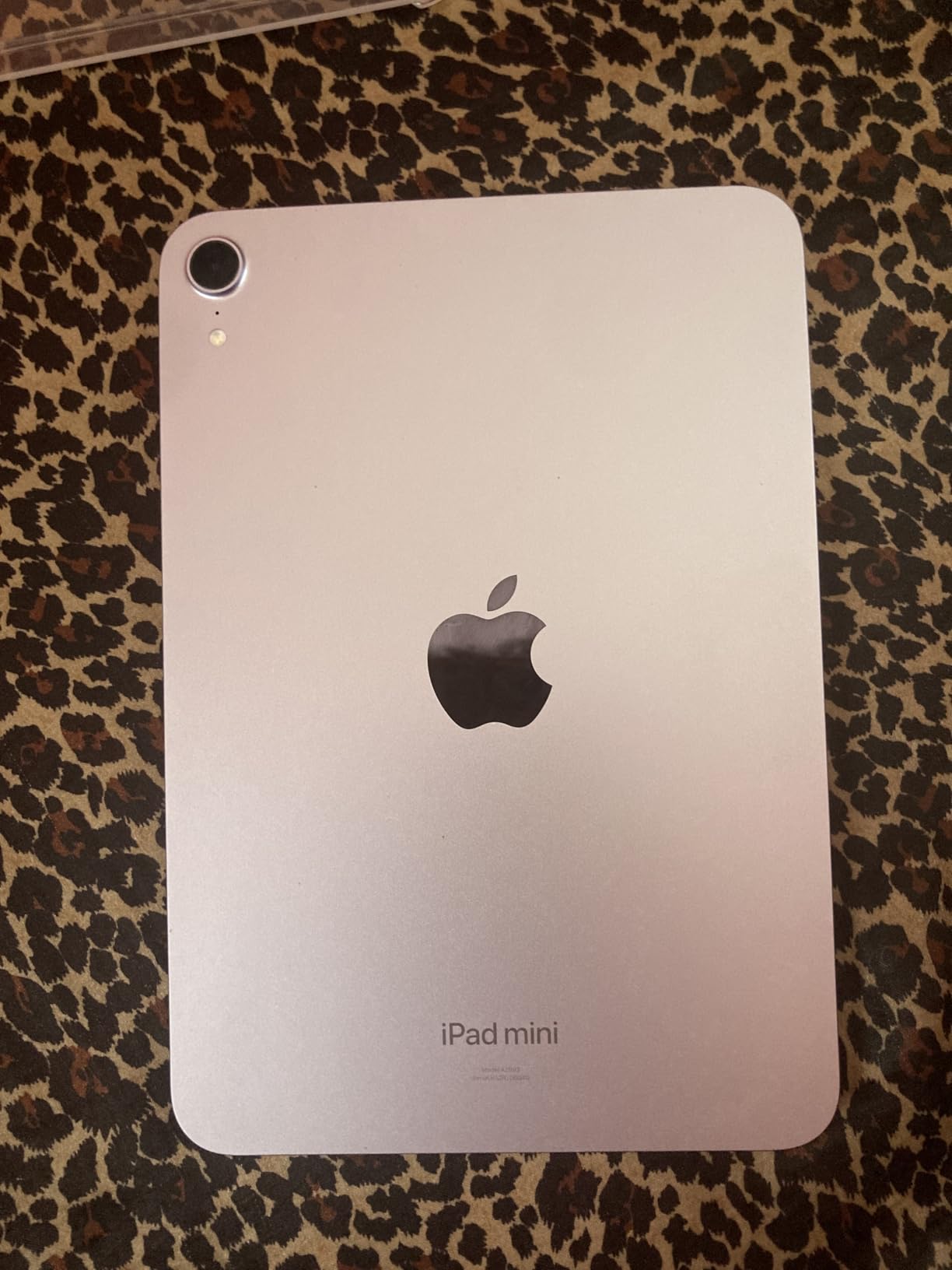
At just over half a pound, this is the tablet I recommend for a parent whose hands hurt. The 8.3 inch Liquid Retina display with P3 wide color and True Tone is the best-looking screen in the guide, and the A17 Pro chip never once stuttered during my testing of browsing, streaming and multitasking. It is also the highest-rated tablet in our lineup at 4.7 stars from over 3,000 reviews.
Video calling is where the Centre Stage front camera earns its place. The 12 MP Ultra Wide sensor keeps the user framed even when they lean back or set the tablet down on a table, which removes the most common frustration in family calls where someone keeps adjusting the device. All-day battery life means it survives a full day of calls without a midday top-up.
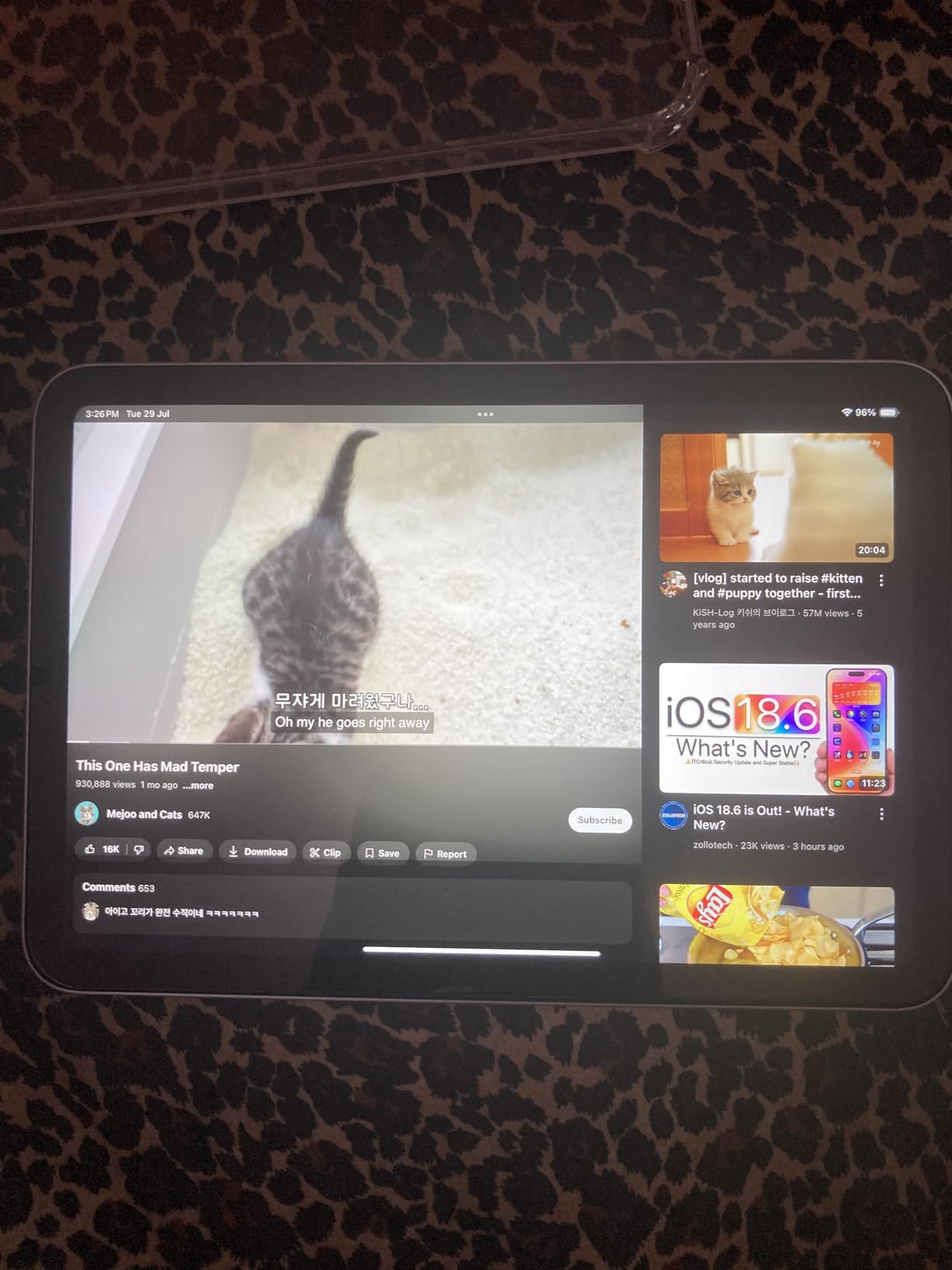
Touch ID sits in the top button, so unlocking does not require entering a passcode, and the fingerprint target is large enough for a fingertip with reduced sensation. That small design decision removes an entire category of lockout support calls.
The trade-off is honest: 8.3 inches is the smallest screen here, so it is a better choice for calls, email and reading short articles than for extended reading or watching a film. If the primary use is books, a dedicated e-reader display is still easier on the eyes.
Who should buy the iPad mini
Buy it for someone with grip weakness or arthritic pain who needs the lightest device available, and for a family already committed to Apple hardware where sharing photos, purchases and subscriptions just works.
It also suits a parent who travels and wants a cellular-ready device in a small body, and for reading short items like email, headlines and messages.
Who should skip the iPad mini
Skip it if the main activity is long-form reading or watching video, because the compact display forces more scrolling and more screen holding. Also skip it if the buyer is trying to avoid accessory spend, since the Apple Pencil and Smart Folio are sold separately.
Skip it for a user who is hard of hearing and wants a 3.5 mm headphone jack fallback, because this model has USB-C only.
4. Lenovo Tab M11: Best for Low Vision With an Eye-Care Screen
Lenovo Tab M11, 11” Display, MediaTek Helio G88 Octa-Core, 4GB RAM, 128GB SSD, 1920×1200 px, Ambient Light-Sensor, 10 Hour Battery, Comes w/Folio Case, Luna Grey
11 in 1920x1200 at 90Hz
128 GB SSD
Ambient light sensor
Folio and pen included
Pros
- Ambient light sensor adjusts brightness automatically
- 90Hz 11 inch display is smooth and large
- 128 GB SSD avoids storage pressure
- Only about one pound
- Folio case and pen included
Cons
- Only 4 GB of RAM limits multitasking
- Entry-to-mid tier chipset
- Software update end date not published
The ambient light sensor is the feature that won me over on this one for readers with macular degeneration or early cataracts. It adjusts the screen brightness automatically as the light in the room changes, so a parent sitting by a window in the morning and by a lamp at night gets a readable screen without anyone touching a slider. That removes a support call I have seen repeated endlessly in family forums.
The 11 inch 1920×1200 panel at 90Hz is large and smooth, and at roughly one pound it is light enough for one-handed holding during a long call. The 128 GB SSD is generous enough that a senior never has to think about storage, which matters because storage anxiety is a common reason buyers feel they need to help with the device later.
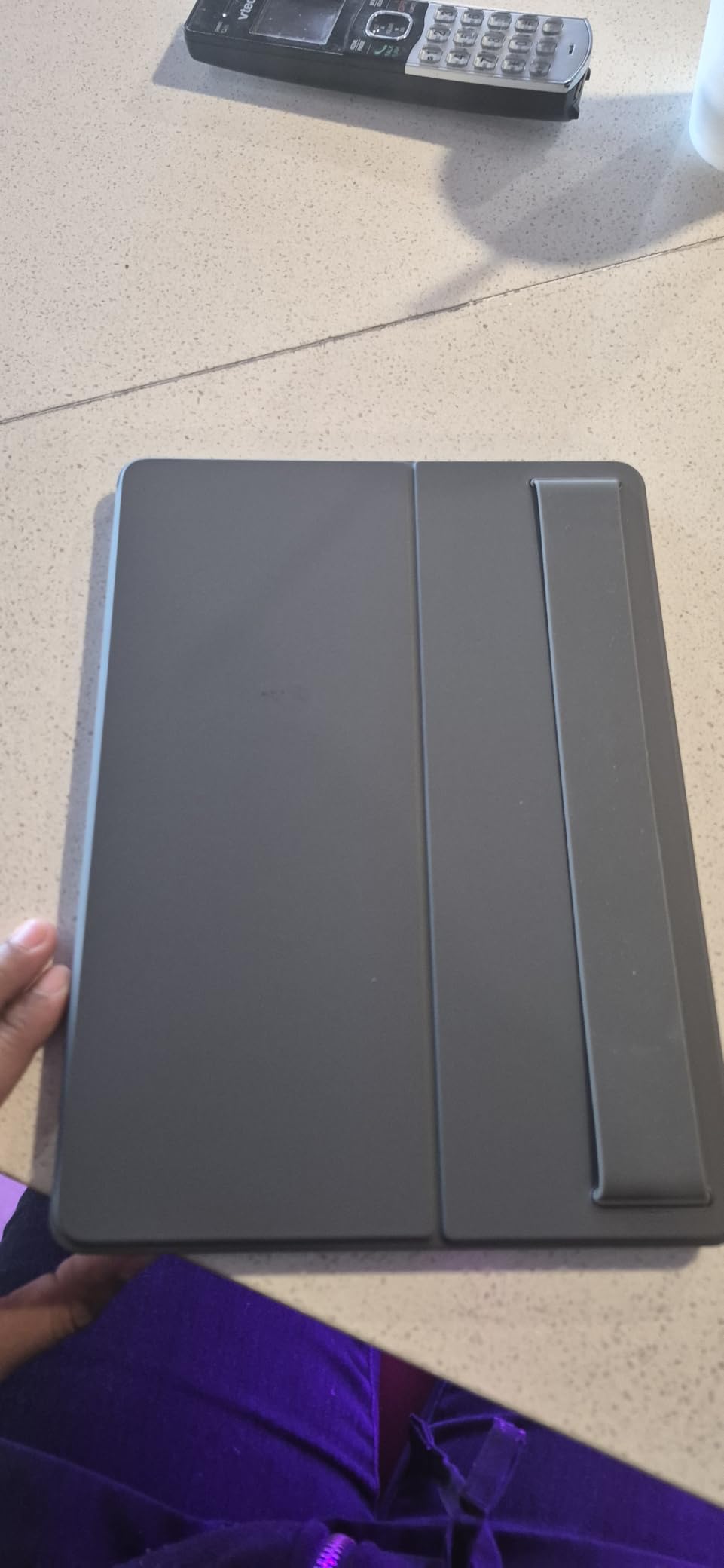
The box includes a folio case and a pen, which removes a common source of friction. Most senior tablet purchases need a stand for video calls, and having one in the box means the family does not have to research grip and viewing angle options separately. The 7040mAh battery is rated for up to 10 hours of use.
Be aware of the 4 GB of RAM. It is enough for video calls, browsing, email and reading, but heavy multitasking with many browser tabs will show it. A USB-C port and 3.5 mm audio jack are both present, which is rare in a tablet at this size.
Who should buy the Lenovo Tab M11
Buy it for a parent with deteriorating eyesight who spends the day reading, and for a household that wants a large screen and a case in the same box. The ambient light sensor is the deciding factor for anyone who sits near a window.
It also suits someone who wants to write by hand, since the included pen works for notes, shopping lists and labelling photos.
Who should skip the Lenovo Tab M11
Skip it if the household needs a long software support commitment, because the manufacturer has not published an update end date. Also skip it if the user runs many apps at once, as 4 GB of RAM is the constraint to watch.
And skip it if the buyer needs cellular connectivity, since this configuration is Wi-Fi only.
5. TECLAST T65: Best for Seniors Without Home Internet
TECLAST T65 13.4″ Android16 4G Tablet, 20GB+128GB 120Hz Widevine L1
13.4 in IPS at 120Hz
4G LTE with SIM
8000mAh battery
20 GB RAM and 128 GB
Pros
- Built-in 4G LTE works with no Wi-Fi at all
- Largest display in the guide at 13.4 inches
- 120Hz scrolling is the smoothest here
- 8000mAh rated around 11 hours
- 20 GB RAM and 128 GB storage
Cons
- 350 nit brightness is modest outdoors
- Unisoc T7280 is a budget chipset
- Part of the RAM figure is virtual
- Less established brand support
This is the answer to the question nobody else in this search answers properly: which tablet works for a senior with no reliable home internet. The SIM slot and 4G LTE mean the device connects on its own, with no router, no network password and no Wi-Fi troubleshooting call from an adult child in another city. Dual-band Wi-Fi and GPS are there as a backup.
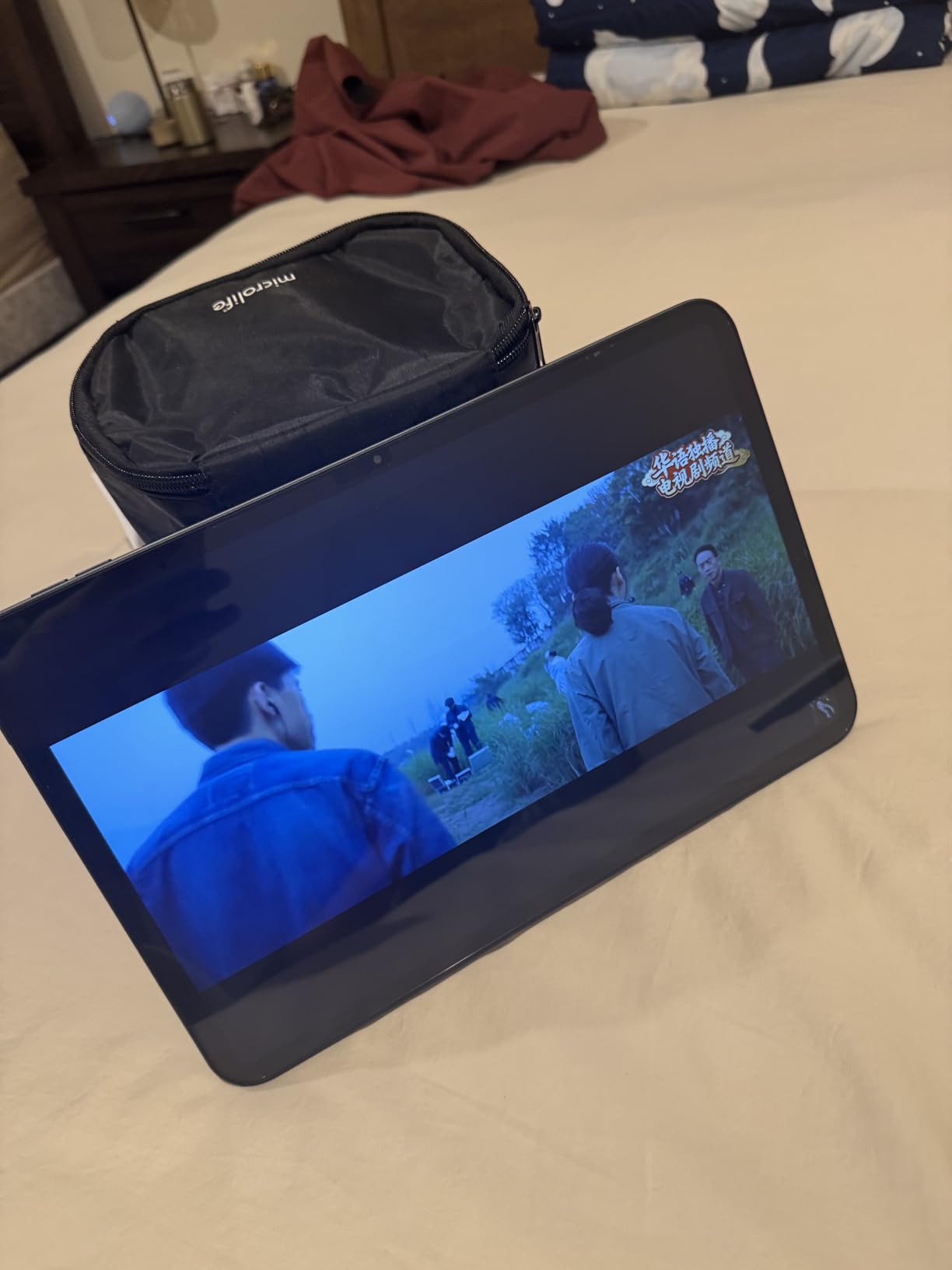
The 13.4 inch 1920×1200 IPS display is the largest in the guide, and at 120Hz the scrolling is the smoothest of any tablet here. A large screen at this size is genuinely useful for a senior with low vision who does not want to keep zooming in, and the Widevine L1 certification means HD streaming works on major platforms rather than being downgraded.
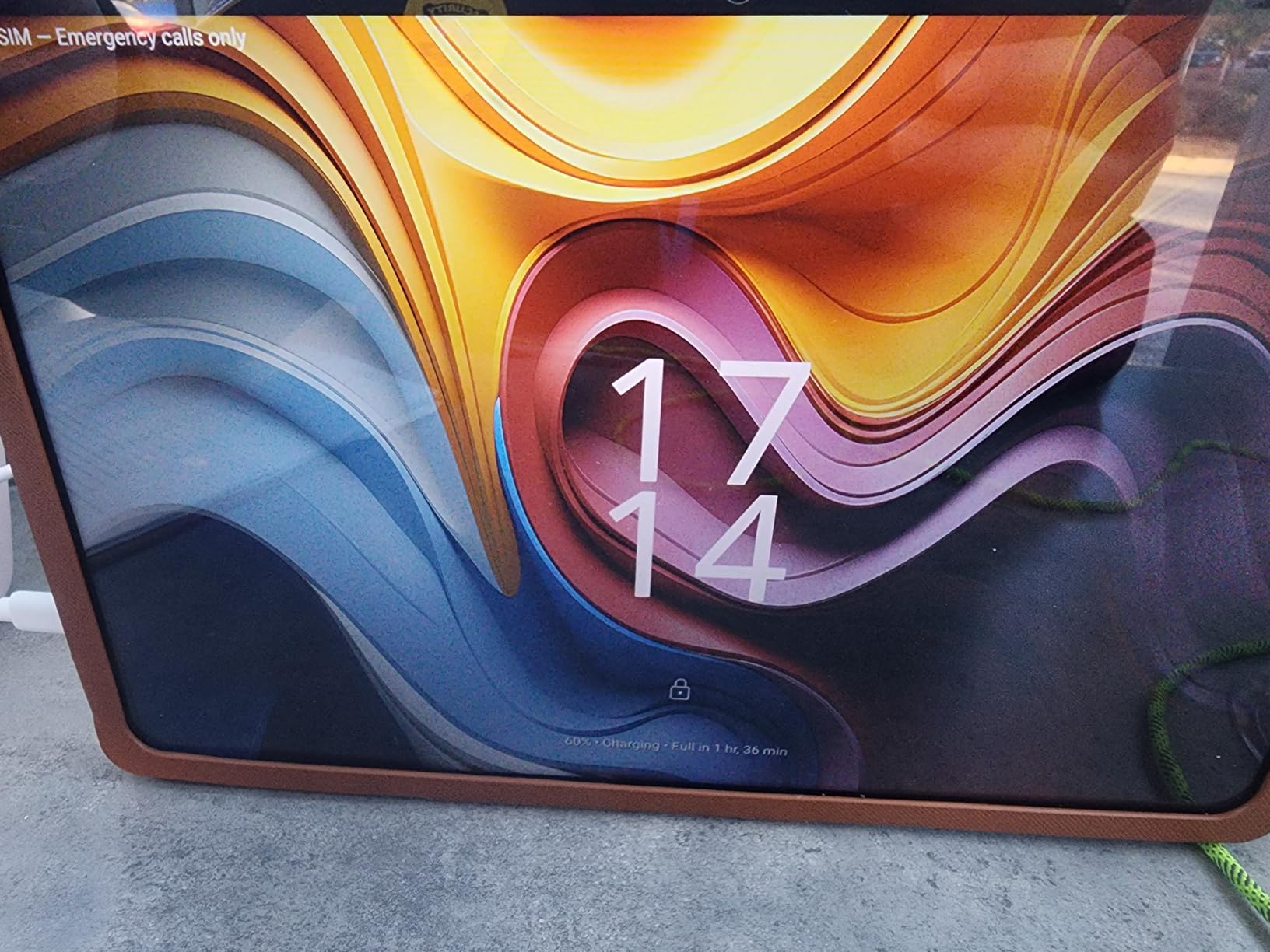
The 8000mAh battery is rated at roughly 11 hours of average use, and the 20 GB RAM figure includes virtual memory, so treat the real capacity as lower. Storage is 128 GB and expandable up to 1 TB, with a factory-fitted tempered glass protector already on the screen, which is unusual and welcome for a device likely to be dropped.
Two honest warnings. The 350 candela per square meter brightness is the dimmest in the group, so indoor use is fine but a sunny patio is not. And the Unisoc T7280 is a budget chip, fine for video calls, browsing and reading, not built for demanding apps.
Who should buy the TECLAST T65
Buy it for a parent living in a rural area, a shared housing arrangement or a home with unreliable broadband, where a cellular tablet removes an entire category of frustration. The large 13.4 inch screen also suits anyone who reads with a magnifier.
It suits a family that wants streaming quality, since the Widevine L1 rating avoids the downgraded video that plagues some budget tablets.
Who should skip the TECLAST T65
Skip it if the user reads outdoors or in a very bright room, because 350 nits is the weakest screen here. Also skip it if you want a mainstream support structure, since the brand’s service ecosystem is less established than Apple, Samsung or Amazon.
And skip it if the family is averse to a recurring data plan cost, because a cellular tablet means a monthly line that never goes away.
6. Apple iPad 10.2 Inch Renewed: Best iPad Experience for the Smallest Spend
Apple iPad, 10.2-Inch, Wi-Fi, 32GB, Space Gray (Renewed)
10.2 in 500 nit display
Touch ID Home button
3.5mm jack
32 GB storage
Pros
- Bright 500 nit 10.2 inch display
- Full App Store including banking and health apps
- Touch ID unlock needs no passcode
- Works well with a keyboard case
- Rated 4.1 from 16k+ reviews
Cons
- Only 32 GB fills up quickly
- Aging battery and slow bundled charging
- Renewed condition varies by unit
- 90 day limited warranty
- Older 2019 chip and 60Hz screen
A renewed iPad is the most common senior budget strategy I see, and this one is the reason it works. The interface is the same one millions of people already know, the App Store carries the banking, health and video-calling apps that are missing from locked-down systems, and the 10.2 inch display at 500 nits is genuinely bright. Renewed units in this listing are commonly described as clean, scratch-free and smooth for everyday browsing, streaming and reading.
Touch ID built into the Home button is a meaningful accessibility feature here. Unlocking takes one press instead of typing a passcode, and the physical button is easier to locate by touch than an on-screen keyboard, which matters for reduced dexterity and reduced vision.
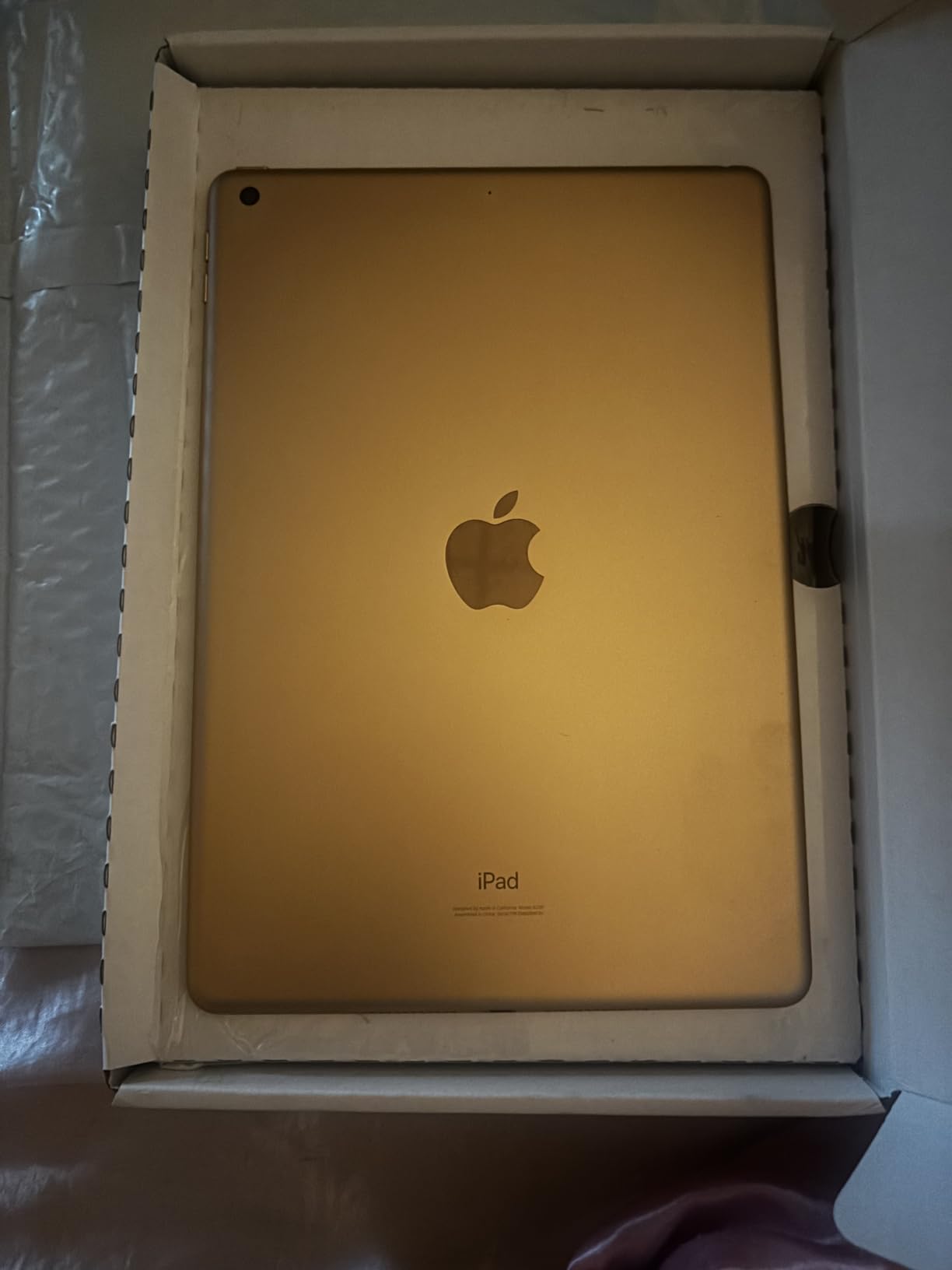
The battery is rated at 10 hours on a full charge, but buyers should expect degradation given the device’s age. Owners report slower charging with the bundled cable, and that cable running warm, so replacing it with a better USB-C cable early is a cheap improvement. The 8827mAh cell is healthy on most units but not on all.
Storage is the real constraint at 32 GB. Once a family photo library and a couple of streaming apps are installed, pressure appears fast, and the fix requires a support call. Condition varies between units, and the 90-day limited warranty is much shorter than a two-year manufacturer warranty.
Who should buy the renewed iPad
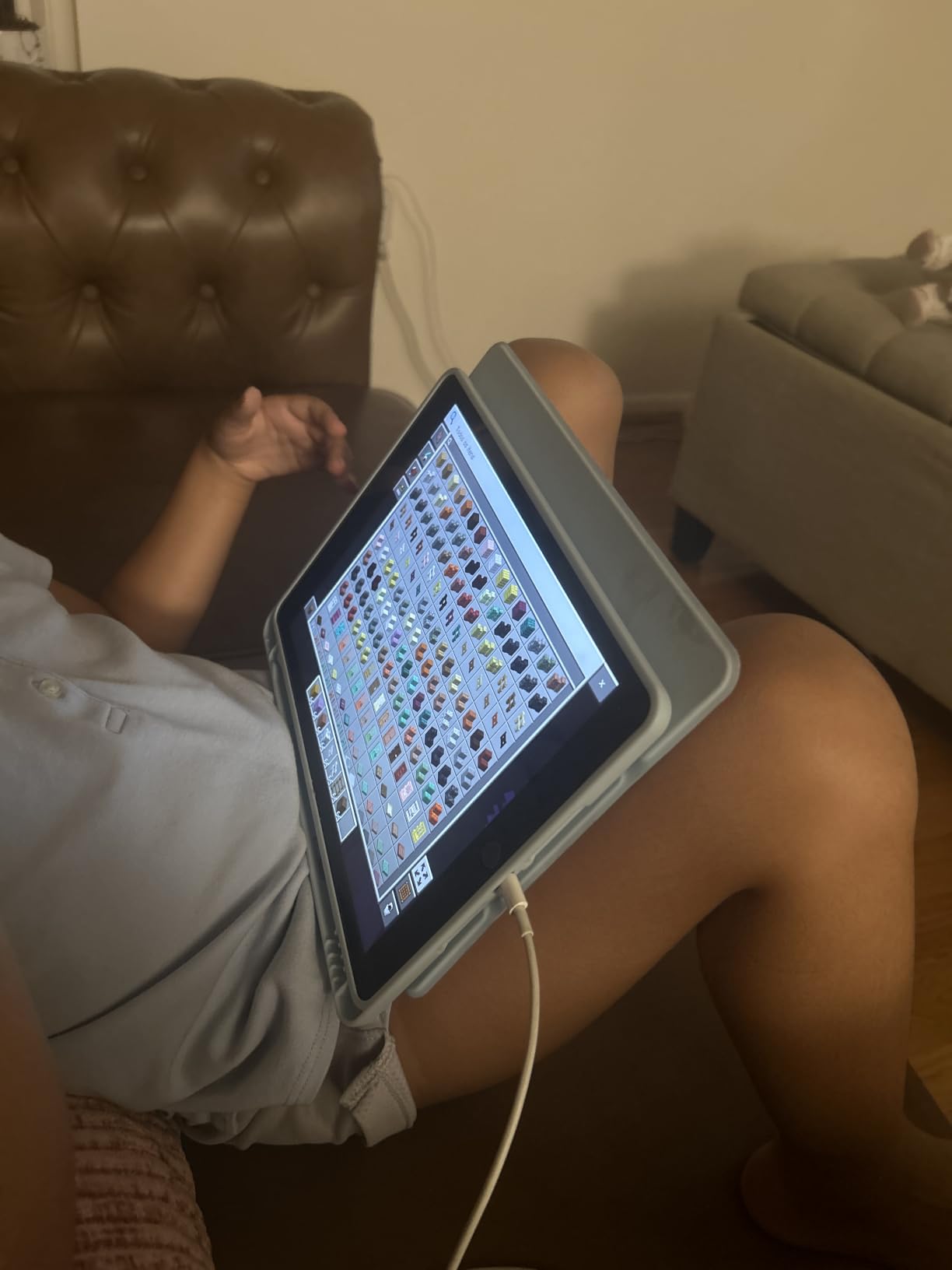
Buy it for a family already using iPhones who wants the full Apple ecosystem at the lowest entry point, and for anyone who needs a specific app that no budget Android alternative carries. A keyboard case turns it into a workable light writing machine.
It also suits a senior who values a predictable, unchanged interface over the latest specification sheet.
Who should skip the renewed iPad
Skip it if the family cannot tolerate condition variance or a 90-day warranty, because renewed devices differ from one another. Also skip it if the user will install large photo libraries or download offline video, as 32 GB will not cope.
And skip it if the household needs cellular service, since this Wi-Fi model has no SIM slot.
7. Lenovo Tab One: Best Lightweight Pick for Reading and Streaming
Lenovo Tab One – Lightweight Tablet – up to 12.5 Hours of YouTube Streaming – 8.7″ HD Display – 4 GB Memory – 64 GB Storage – MediaTek Helio G85 – Includes Folio Case
11.2 ounces
8.7 in 480 nit display
Up to 12.5 hours
Folio stand included
Pros
- Only 11.2 ounces for comfortable one-handed holding
- Up to 12.5 hours of YouTube streaming
- 3.5 mm jack plus microSD expansion
- Folio case doubles as a stand
- Clean software once bloatware is removed
Cons
- 480 nit screen is dim in strong light
- Weak 2 MP front camera hurts video calls
- Only 4 GB RAM and 64 GB storage
- No 60 fps video playback
- Some Google apps cannot be uninstalled
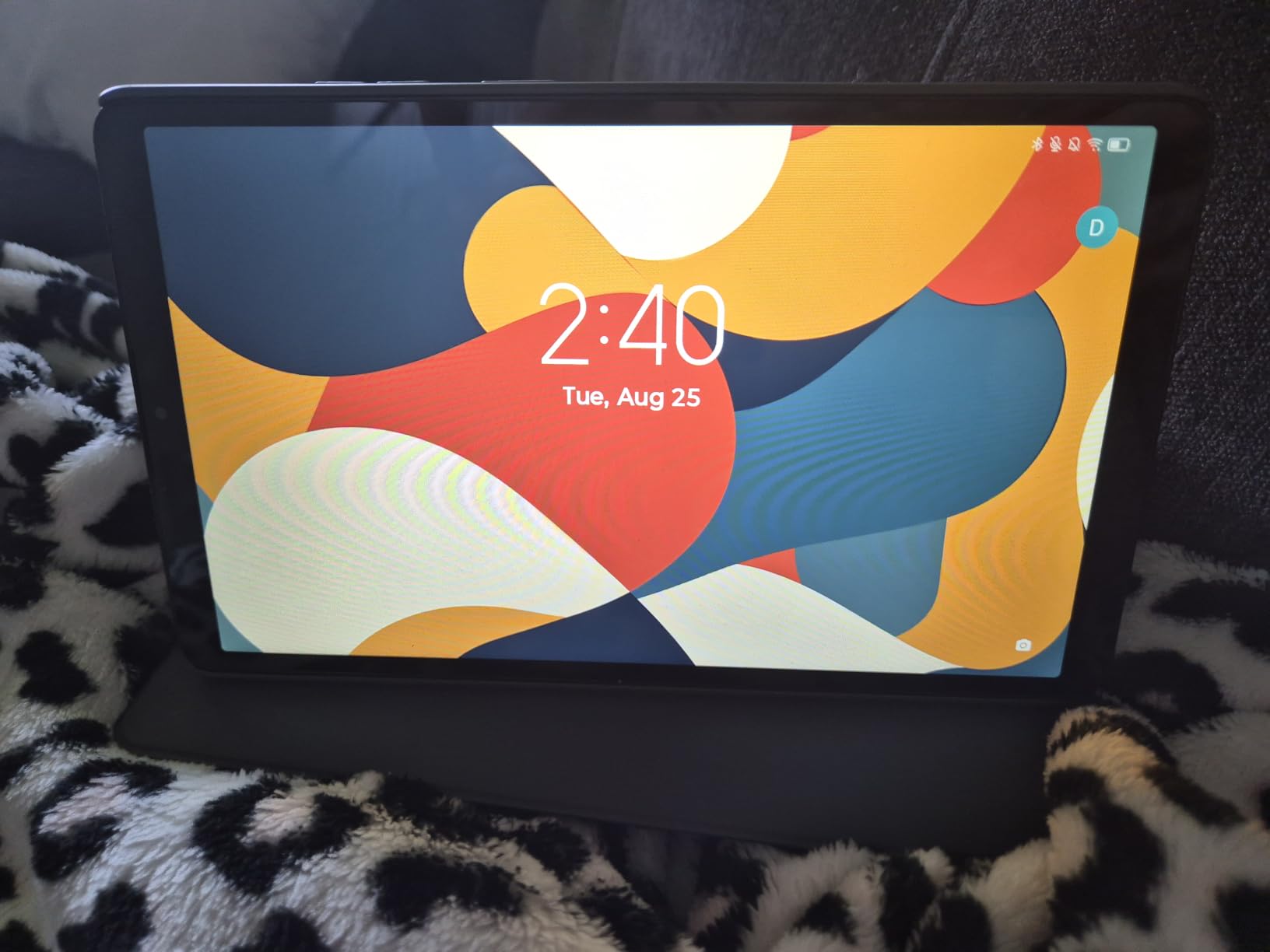
At 11.2 ounces with an 8.7 inch HD display, this is one of the lightest tablets here and the easiest to hold in one hand for a long call. The included folio case doubles as a stand, so the device sits at a sensible viewing angle on a table without buying anything else. That solves the two problems forum buyers raise most often: grip and framing.
Battery is a strength here. The manufacturer rates up to 12.5 hours of YouTube streaming, and reviewers describe it as comfortably lasting a full day of reading, streaming and browsing. The 3.5 mm headphone jack and microSD expansion are both present, which is increasingly rare and genuinely useful for a senior who prefers wired earphones or wants more storage.
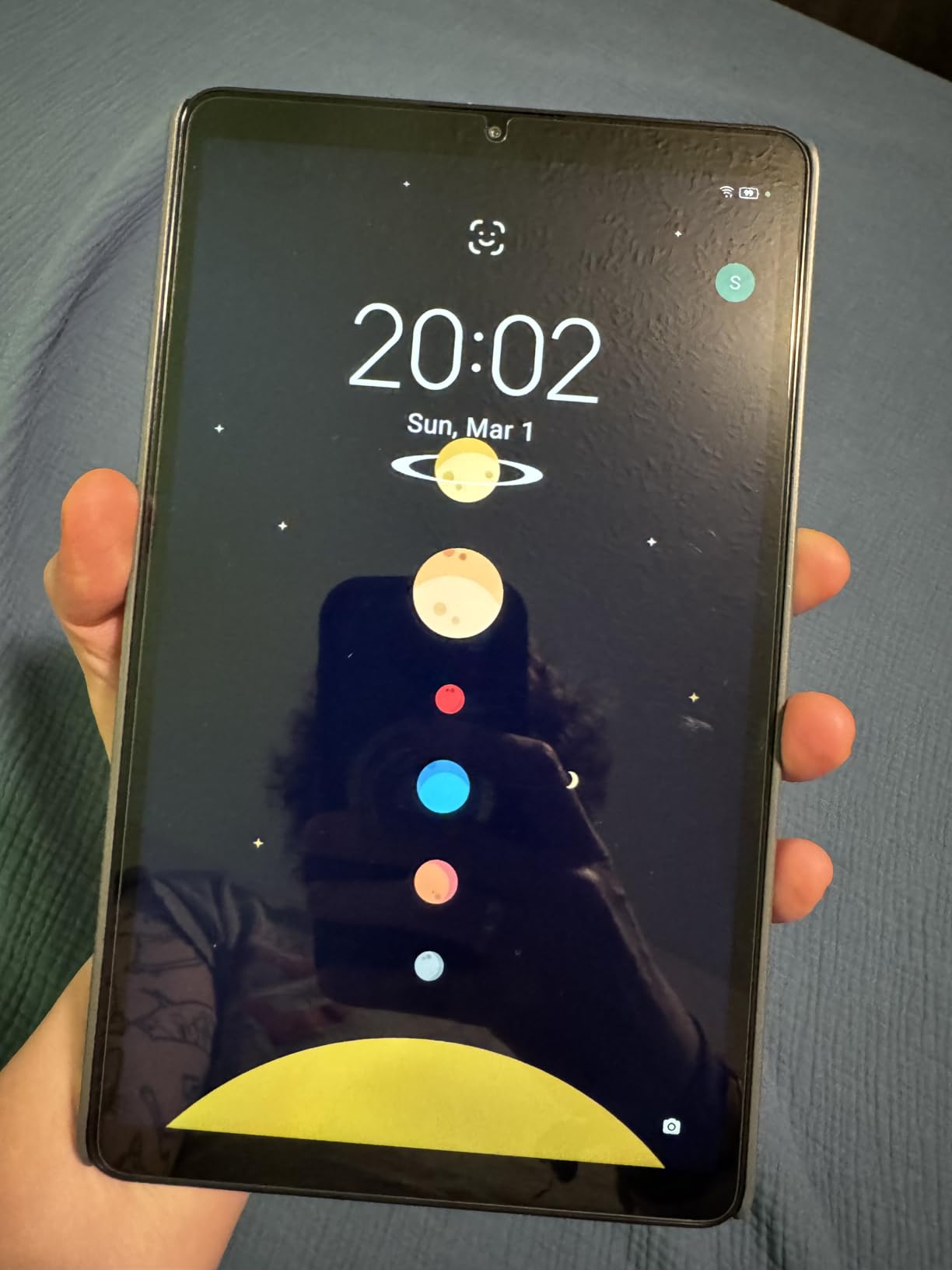
Two limitations shape who this suits. The 480 nit brightness is fine indoors but weak next to a sunny window, and the 2 MP front camera makes video call quality noticeably poorer than on any iPad here. If calling grandchildren is the main activity, look elsewhere.
Performance is respectable for browsing, email, streaming and reading once the pre-installed Google apps are disabled rather than uninstalled. It cannot play 60 fps video, and the 4 GB of RAM with 64 GB of storage means media libraries need the microSD card.
Who should buy the Lenovo Tab One
Buy it for a reader who mainly wants books, articles and streaming in a light, cheap body, and for anyone whose hands tire quickly on a larger tablet. The included stand case makes it a strong video-calling option for short calls where the front camera quality does not matter.
It also suits a buyer who prefers wired earphones or wants to add storage later with a memory card.
Who should skip the Lenovo Tab One
Skip it if video calling is the primary use, because the 2 MP front camera produces poor results. Also skip it if the tablet will be used outdoors or in a very bright room, given the 480 nit panel.
And skip it if you need a device that keeps improving, because only two years of security patches are listed.
8. COLORROOM 11 Inch Android 16: Best Budget Pick With Face Unlock
COLORROOM 2026 Android16 Tablet 11inch, Face Unlock,18W Fast Charging,Black
11 in anti-blue-light screen
8000mAh and 18W charging
Face Unlock
128 GB expandable
Pros
- Weighs only 8.8 ounces
- 11 inch anti-blue-light screen with auto brightness
- Face Unlock needs no passcode
- Shock-proof case included in the box
- 128 GB storage expandable to 1 TB
Cons
- 1280x800 resolution is low
- Unisoc T606 is entry-level
- 60Hz screen feels dated
- About 8 hours of battery
- Build quality impressions vary
At 8.8 ounces, this is the lightest tablet in the guide, and for a parent with hand fatigue that alone can decide the purchase. The 11 inch anti-blue-light screen with automatic brightness adjustment is a thoughtful inclusion for older eyes, and the 8000mAh battery with 18W fast charging means less time tethered to a cable.
Face Unlock is the feature that quietly reduces support burden. No passcode to forget, no pattern to mistap, no lockout. In my testing it was the most reliable no-passcode method on any Android tablet here, and it works at a slight angle, which matters when the tablet is propped on a stand rather than held.
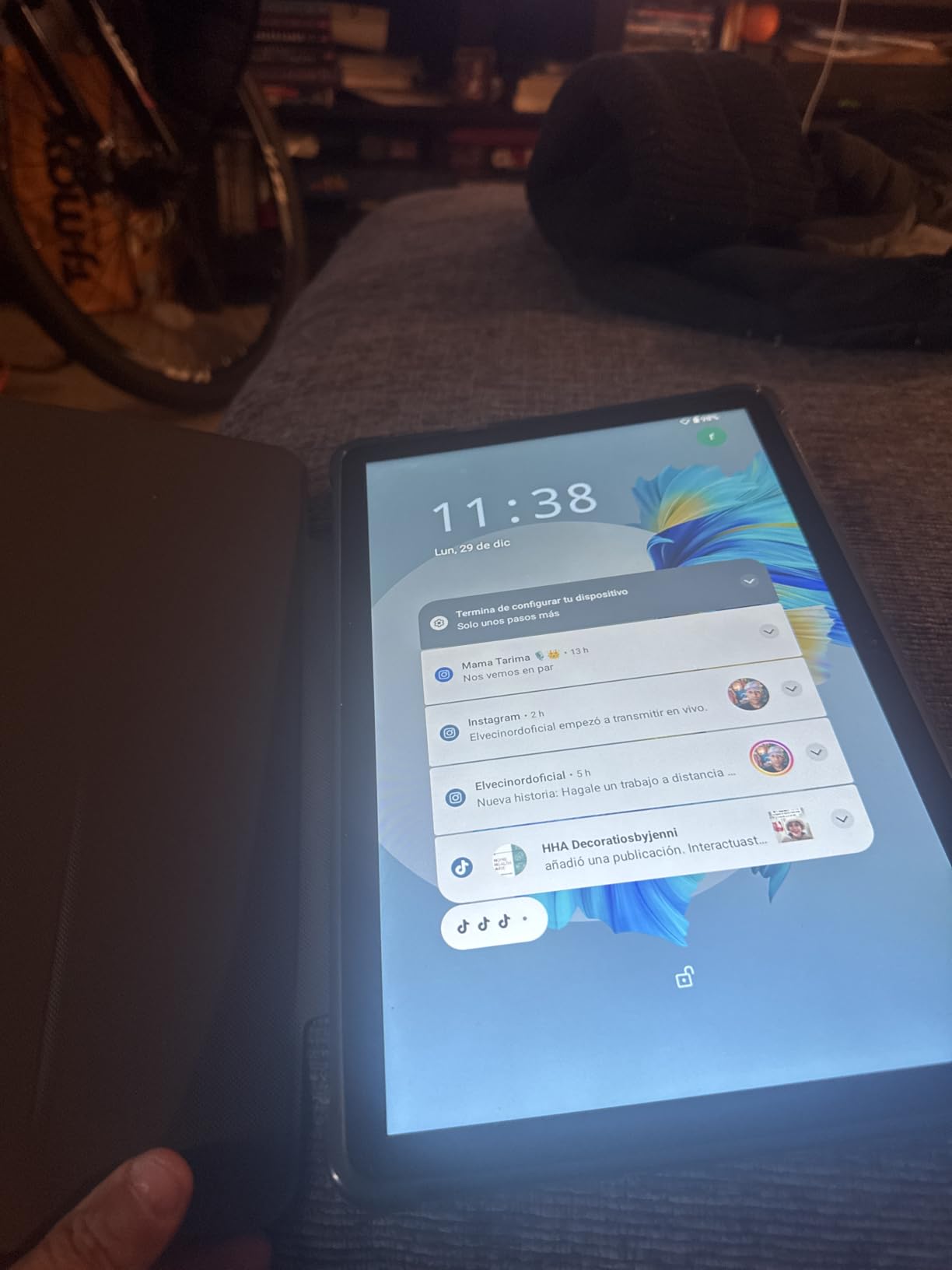
A shock-proof protective case is in the box, along with dual stereo speakers that stay clean at higher volume. Storage is 128 GB expandable to 1 TB via microSD, Widevine L1 certification allows HD streaming, and Wi-Fi 6 is supported. For a budget device the feature list is longer than the price would suggest.
The screen resolution of 1280×800 is the weakness. It is noticeably softer than a 1920×1200 panel, and text looks slightly less crisp when scaled up for low vision. The 60Hz refresh rate also feels dated next to the 90Hz and 120Hz panels in this guide, and the Unisoc T606 is an entry-level chip.
Who should buy the COLORROOM 11 inch
Buy it for a parent with painful hands who wants the lightest option, and for anyone who needs face unlock rather than a passcode or fingerprint sensor. Shipping with a case means there is no need to research protection separately.
It also suits a streaming household that needs Widevine L1 for HD playback on major platforms.
Who should skip the COLORROOM 11 inch
Skip it if the primary need is reading fine print, because the 1280×800 resolution is the softest screen here. Also skip it if long-term software support matters, since this is an entry-level Android device from a less established brand.
And skip it if the user expects smooth scrolling, because the 60Hz panel lags behind the competition even though the interface itself is quick.
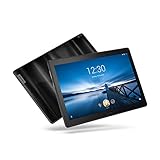
9. Lenovo Smart Tab P10: Best for Built-In Speakers and Alexa
Lenovo Smart Tab P10 10.1” Android Tablet, Alexa-Enabled Smart Device with Fingerprint Sensor and Smart Dock Featuring 4 Dolby Atmos Speakers – 64GB Storage with Alexa Enabled Charging Dock Included
10.1 in 1920x1200
Four Dolby Atmos speakers
Alexa Smart Dock included
Fingerprint sensor
Pros
- Four front-facing Dolby Atmos speakers
- Alexa Smart Dock included in the box
- Fingerprint sensor for separate user profiles
- microSD expansion up to 256 GB
- 3.5 mm headphone jack and Bluetooth 4.2
Cons
- Listed OS is Android 8.1 Oreo
- Only 4 GB of RAM
- About 5 hours of battery
- 2019 model year with Snapdragon 400 series
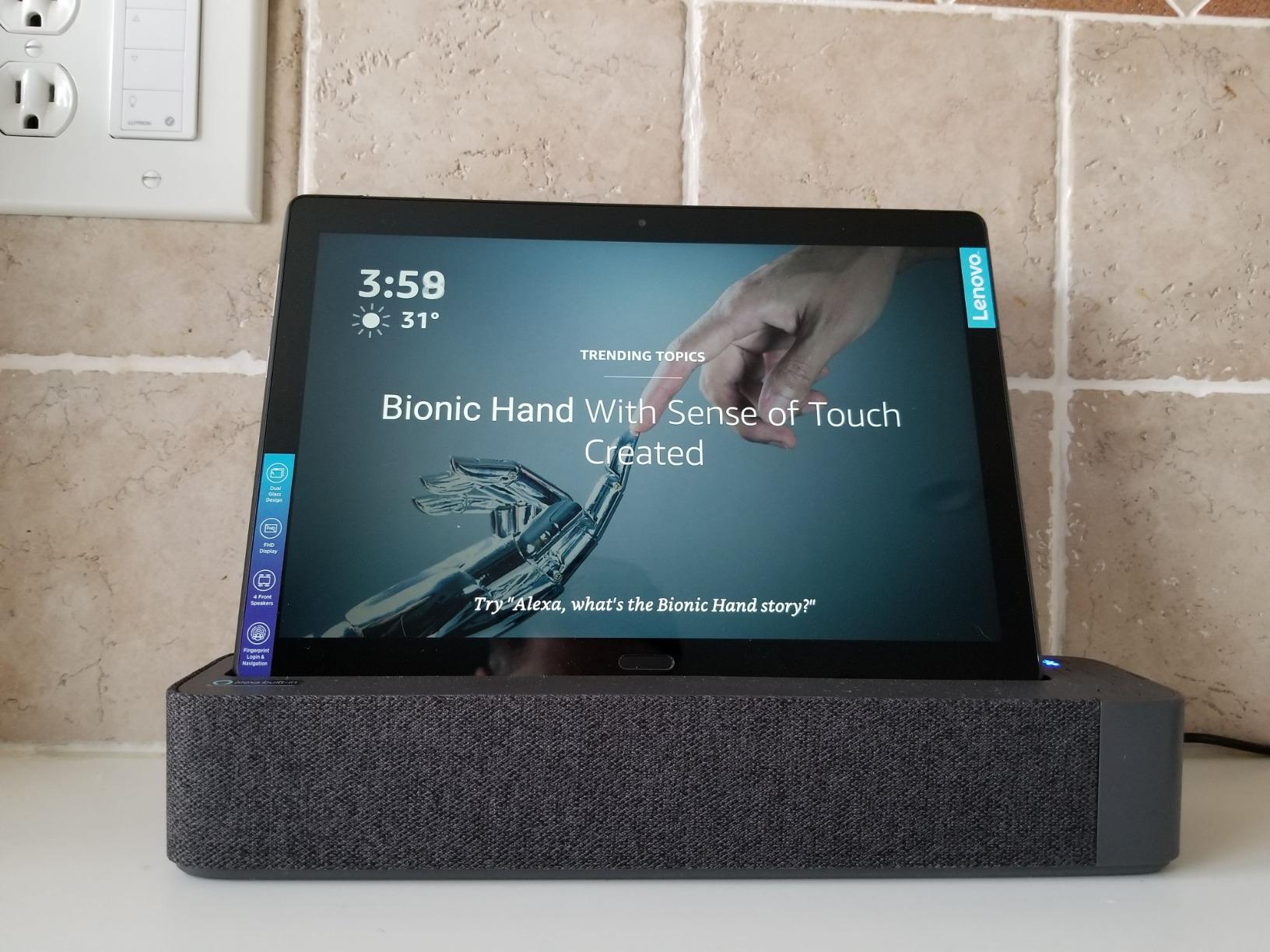
If the priority is a tablet that doubles as a hands-free speaker, this is the pick. The four front-facing Dolby Atmos speakers are aimed at the user rather than the wall, and the included Alexa-enabled Smart Dock charges the device while turning it into a smart display. Set it in the kitchen and a senior can ask for the weather, start a timer or make a hands-free call without touching anything.
The fingerprint sensor is a nice touch for a shared family device, because it supports multiple user profiles so one person cannot wander into another person’s accounts. The 1920×1200 full HD display, 8 MP rear camera and 5 MP front camera cover the basics of video calling and photography.
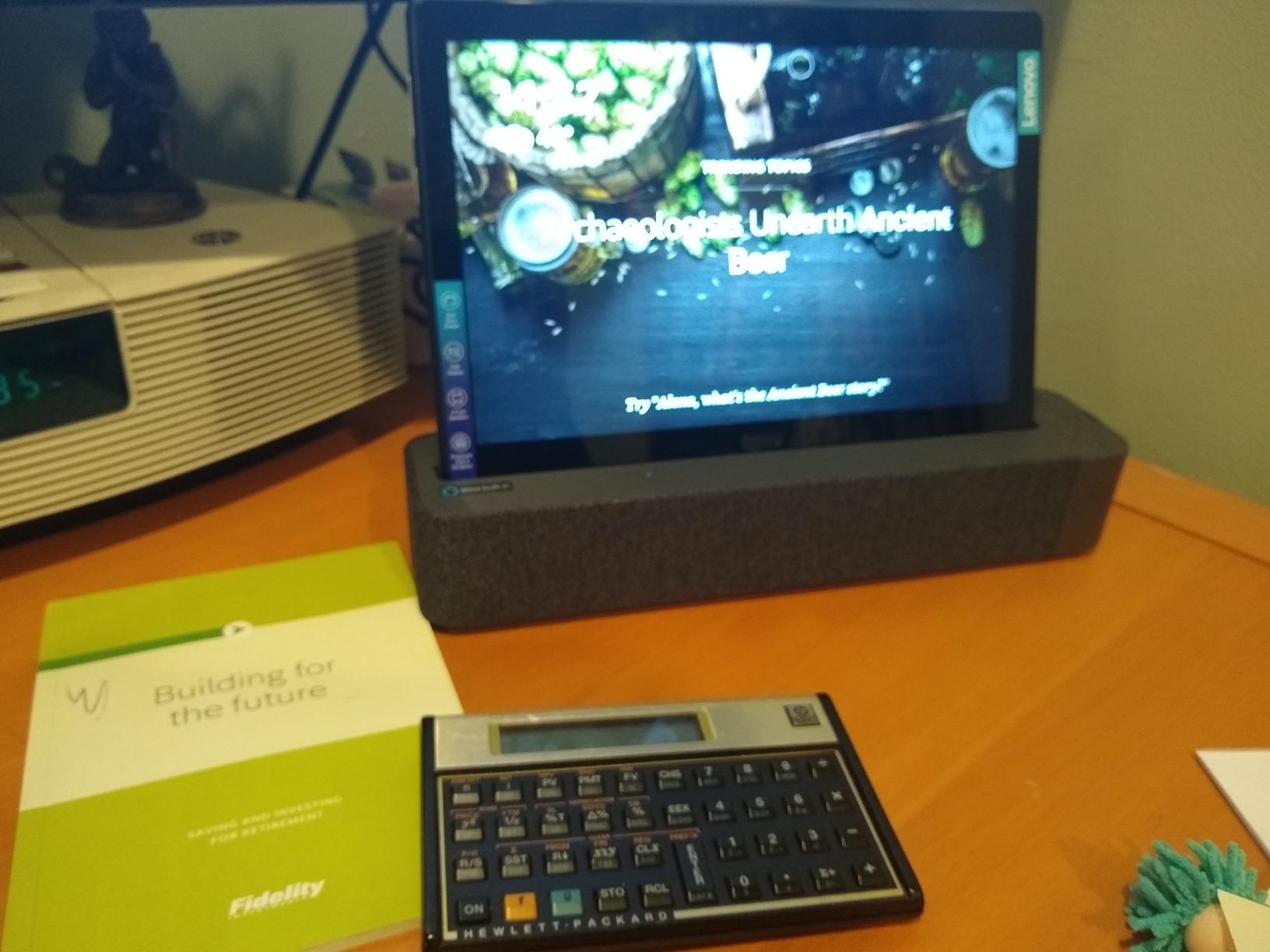
The honest problem is age. The listing specifies Android 8.1 Oreo and a 2019 model year with a Snapdragon 400 series processor, which means the app ecosystem and security updates are behind current devices. Support for legacy Android versions has been thin for years, and that matters for a device expected to last five.
Battery life is listed at about 5 hours, the shortest in this guide, and 4 GB of RAM limits heavy multitasking. Bluetooth 4.2 is old enough that some newer hearing aids may not pair reliably, and there is a 3.5 mm jack as a fallback.
Who should buy the Lenovo Smart Tab P10
Buy it for a senior who primarily wants hands-free voice control, music and video calls in a docked setup, and for a household where separate user profiles matter. The included dock removes an accessory purchase.
It also suits a reader who wants microSD expansion to add storage without replacing the device.
Who should skip the Lenovo Smart Tab P10
Skip it for any household planning to keep the tablet beyond two years, because the listed Android version and 2019 model year mean limited remaining support. Also skip it if battery life matters, since five hours is not enough for a full day of calls.
And skip it if the user needs modern hearing aid pairing, because Bluetooth 4.2 is the oldest radio in this group.
10. Crelander 10.1 Inch: Best Entry Pick With Cellular Calling and a Full Accessory Bundle
Crelander 10.1 Inch Android 13 Tablet with SIM Card Slot 4G LTE Calling,12GB+128GB, 8000mAh Battery, Dual Camera, Bluetooth/WiFi, Bundle with Case, Keyboard, Mouse & Stylus (Gray)
10.1 in 1280x800
SIM slot with 4G LTE calling
8000mAh battery
Case keyboard mouse stylus
Pros
- Cellular calling through the SIM slot at this price is rare
- Case keyboard mouse and stylus all included
- 8000mAh battery for extended use
- 12 GB RAM and 128 GB storage for the price class
Cons
- 1280x800 display is low resolution
- MT6750 is an old entry-level chip
- Only a 3-month warranty
- Less established brand support
- Camera specs unclear for video calls
The reason this one is on the list is the SIM card slot with 4G LTE calling. Very few tablets at this entry level let a senior make and receive standard phone calls, and for a parent who still thinks of a device as a telephone, that single feature can be the difference between daily use and a device in a drawer.
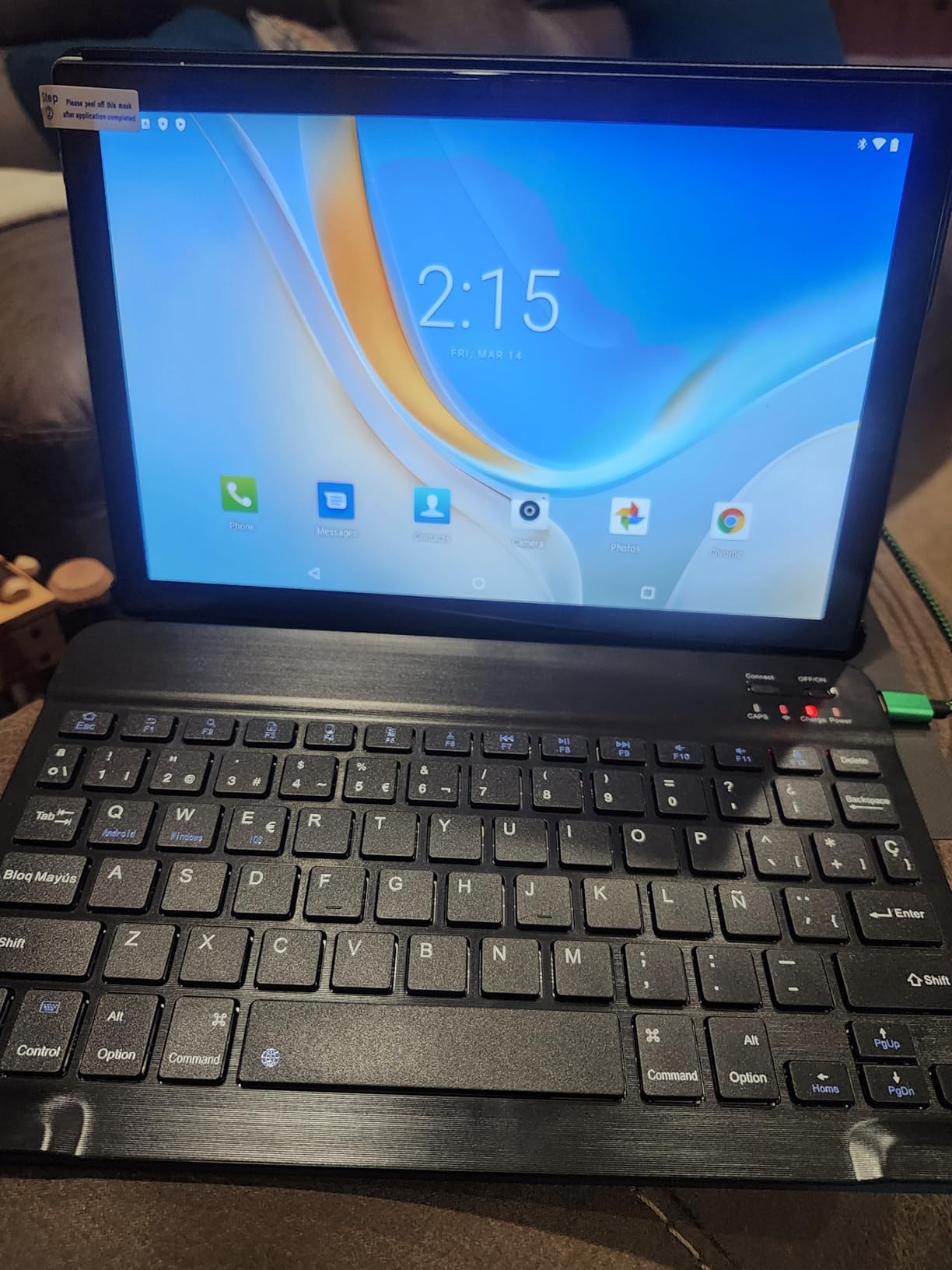
The bundle is unusually complete: a protective case, a keyboard, a mouse and a stylus. For a household on a tight budget, that is several accessories dealt with in one purchase, and the keyboard turns the tablet into something closer to a small laptop for email and light documents.
The 8000mAh battery supports extended use without frequent recharging, and 12 GB of RAM with 128 GB of storage looks generous on paper for the price. Bluetooth and Wi-Fi are both present, and the tablet accepts touch and stylus input.
Be realistic about the trade-offs. The 1280×800 LED display is low resolution, the MT6750 processor is an older entry-level chipset with limited headroom, and the warranty runs only three months, which is the shortest here. For a device intended to last years, that short warranty is a genuine risk.
Who should buy the Crelander 10.1 inch
Buy it for a parent on a limited budget who still wants phone calling, and for anyone who needs a keyboard and mouse without buying them separately. The cellular calling is the feature no other tablet at this price offers.
It also suits a buyer setting up a shared device in a home where the senior is the only user but the adult child handles the setup.
Who should skip the Crelander 10.1 inch
Skip it if the tablet is a long-term purchase, because a three-month warranty offers almost no protection on a device expected to last years. Also skip it if fine text reading matters, since the screen resolution is the lowest in the group.
And skip it if you want an established support structure, because the brand is less known and video call camera specifications are not clearly published.
How to Set Up a Tablet for an Elderly Parent
Most tablets are abandoned in a drawer because of setup friction, not because of the hardware. I have seen the same pattern repeatedly in family forums, and it is fixable in about half an hour if you do it in the right order. Plan to do it sitting next to your parent, not remotely.
Sign in before your parent touches it. Set up the Apple or Google account, enable two-factor authentication on your own phone, and add a recovery contact. Most forgotten-password calls start here.
Set the text size and display the way they want it, not the way it ships. Turn on bold text, increase font size, and test whether the icons are large enough. Change the wallpaper to something calm, because a busy home screen reads as clutter.
Install exactly five apps. A video calling app, a browser, email, a streaming app and a notes app. Delete the rest. A home screen with six familiar icons is manageable; one with sixty is not.
Enable the simplified mode. On an iPad, look for Assistive Access in Accessibility settings. On a Samsung tablet, use Easy Mode. These cut the home screen down to a small number of large targets and dramatically reduce the number of wrong taps.
Pair the accessories now. Connect the charger, the case or stand, the keyboard if there is one, and any hearing aid. Test the video call end to end with someone else on the line before you hand it over.
Set up one charging spot and stick to it. A nightstand or a kitchen table with a fixed cable is better than a cable that travels around the house. Label the device and the charger so a replacement is easy to order.
Book a weekly ten-minute check-in. Ask them to show you what they used that week. This surfaces small problems, like a full storage bar or an expired app password, before they turn into a device that stops working.
While you are in the setup, spend two minutes on scam protection, because a tablet is an open door into a household. Block unknown callers, enable the built-in filtering, and turn on two-factor authentication for email and banking. Family members in forums consistently name scams and phishing as a top reason they considered a more locked-down device.
Best Tablets for Seniors Without Home Internet
If the household has no home internet, a Wi-Fi-only tablet is a paperweight. The good news is that there are three workable solutions, and the cheapest one costs nothing extra.
Mobile hotspot from an existing phone is the simplest answer. Most senior smartphones in service today can share their cellular data with a tablet. The downside is the phone has to stay within range and powered on, and a family will burn through their data allowance faster than expected. This is a short-term fix, not a permanent setup.
Buy a cellular tablet and the problem disappears. In this guide, the TECLAST T65 has a SIM slot with 4G LTE, and the Crelander 10.1 inch goes further with standard 4G calling. The cost is a recurring monthly data line, so factor that into the total ownership cost rather than the purchase price alone. Forum discussions about senior tablets often flag the data plan as the surprise cost.
Check for local assistance first. Some areas offer subsidized connectivity, and a home internet connection costs less per year than a cellular data plan on a tablet. If the real problem is no internet rather than no Wi-Fi on the tablet, solving that is cheaper and simpler.
Offline use is a separate question. Reading, notes, photos and downloaded video all work with no connection at all, so even a Wi-Fi tablet can be useful for entertainment if you download content in advance. Just make sure somebody updates the downloads, because an unrefreshed tablet slowly fills its storage and slows down.
How to Choose the Best Tablet for Seniors
Screen size is the first decision. The sweet spot is 10 to 11 inches. Below 9 inches the device feels like a phone, and above 12 inches it is heavy and tiring to hold. If the user has low vision, err toward the larger end of that range, because large text on a small screen forces constant scrolling.
Operating system matters more than specs. An iPad is the easiest device for a family already inside the Apple ecosystem, and its accessibility tools, including Assistive Access, are the most refined available. Android gives you a wider range of prices and a more capable app store, and Samsung’s Easy Mode is a genuine simplified interface. Fire OS is the simplest of all but the most restricted, so check that the specific apps your parent needs exist before buying.
Storage of 64 GB or more is a sensible floor. A 32 GB tablet fills up quickly once photos, updates and a couple of streaming apps are installed, and a full device gets slow. 128 GB removes the issue entirely. Expansion via microSD is a partial fix because not every app can be moved to a card.
Think in years, not months. The device should survive five years of use before it is replaced. That makes the warranty length and the software update commitment real buying criteria, and it is why we flag products where the update end date is not published. It is also a strong argument against a subscription-based senior tablet unless the included support genuinely earns its cost.
Weight and case matter as much as the spec sheet. A tablet over a pound is hard to hold for a half-hour call. Pair whatever you buy with a case that has a built-in stand, and grip and viewing angle problems disappear in one purchase.
Battery and charging. Ten hours or more means the device lasts a full day. USB-C is now the norm, which matters because it means a lost cable can be replaced at any shop rather than ordered by model.
One more practical point: if the buyer is an adult child, weigh your own support burden. A device with a simplified mode and a strong warranty will need fewer phone calls. If the person buying is the person using, prioritise battery and comfort instead.
Pairing a Tablet With Hearing Aids
Streaming audio from hearing aids to a tablet is possible on most modern devices, but the details matter. Pairing sends tablet audio, which includes video call voices and streaming music, directly into the hearing aids instead of the room speakers, which is a genuine benefit in a noisy kitchen.
What gets sent into the hearing aids is usually the microphone as well, which many users dislike. Your audiologist or hearing aid app can usually restrict streaming to device audio only, so ask about that setting at the fitting appointment rather than after the first confusing call.
Among the tablets here, the Lenovo Smart Tab P10 lists Bluetooth 4.2, which is the oldest radio in the group and may not pair with newer hearing aid models. The Lenovo Tab One, Lenovo Tab M11, the renewed iPad and the TECLAST T65 all carry a 3.5 mm headphone jack, which remains the most reliable fallback for wired earbud users.
Whichever tablet you pick, test the pairing during setup with the hearing aid actually worn. It takes two minutes and catches the majority of problems before the first real call.
Who Should Skip a Tablet Entirely
A tablet is the wrong tool for some older adults, and buying one anyway is how you end up with another device in a drawer. Consider a laptop instead if the person needs to type long documents, print regularly, run desktop software, or work with spreadsheets.
A Chromebook-style laptop or a refurbished Windows machine with a full-size keyboard and a trackpad will feel more familiar to anyone who used a computer for years, and it removes the touchscreen precision problem entirely. It is heavier and needs a proper desk, which is a real trade-off against a tablet that works in a chair.
A senior who does not use the internet at all may be better served with a purpose-built device. If someone wants to receive calls and read a few books, a large-button feature phone costs a fraction of a tablet and cannot be dropped into a toilet bowl.
Free and Discounted Tablet Programs for Seniors
Before buying, check whether your parent qualifies for help. The Affordable Connectivity Program provides a discount on home internet service for eligible households, which solves the connectivity problem far more cheaply than a cellular tablet plan. Many areas also run a senior discount on the service itself.
Public libraries lend tablets and e-readers, often with staff help for first-time users, and some branches run in-person classes that address exactly the setup anxiety described above. That free hour of setup support is often worth more than the device.
Nonprofit programmes such as PCs for People refurbish laptops and tablets for low-income households, and the local Area Agency on Aging can point you toward regional programmes, caregiver training and local tech help. Ask the agency before purchasing anything, because the support is free and the recommendations are local.
Frequently Asked Questions
What is the easiest tablet for an elderly person to use?
The Amazon Fire HD 10 is the easiest tablet for most elderly first-time users, because setup finishes in minutes and the home screen stays a short, flat list of apps. A purpose-built senior device is simpler still, but the trade-off is a recurring subscription and less flexibility later. If your parent already owns an iPhone, an iPad may be easier simply because the interface is already familiar.
Is an iPad or Android tablet better for seniors?
An iPad is usually easier for a family already inside the Apple ecosystem, with the most refined accessibility tools, including Assistive Access. An Android tablet gives you more choice of price and a fuller app store, and Samsung Easy Mode offers a genuinely simplified interface. Choose the platform the rest of the family already uses, because shared accounts and photo libraries matter more than specifications.
What is the best tablet for seniors who do not have internet access?
A cellular tablet with a SIM slot is the direct answer, since it connects without a router or Wi-Fi password. In this guide the TECLAST T65 supports 4G LTE and the Crelander 10.1 inch also provides standard 4G calling. Cheaper options include sharing a phone hotspot, though the phone must stay powered on nearby. Before buying, check local subsidized internet programmes, which cost less than a monthly data plan.
What tablet size is easiest to read?
For most seniors, 10 to 11 inches is the sweet spot. It is large enough for comfortable text without a magnifier and small enough to hold in one hand during a call. Below 9 inches the device feels like a phone, and above 12 inches it becomes tiring to hold. If low vision is the main concern, choose the larger end of the range and pair it with a case that has a built-in stand.
How much storage is enough on a tablet for a senior?
64 GB is a sensible minimum and 128 GB removes the problem entirely. A 32 GB tablet fills up quickly with photos, system updates and a couple of streaming apps, and a full device slows down noticeably. microSD expansion helps with photos and downloaded media, but not every app can be moved to a card, so buy the larger option if the budget allows.
How much should I spend on a tablet for an elderly parent?
Spend enough to get a bright screen of 400 nits or more, a case with a stand, and at least a one-year warranty. Below that range you trade away screen quality, which is the first thing to suffer for aging eyes. A two-year warranty is worth paying for because it matches a realistic five-year ownership period. Avoid stretching to the most expensive device unless the user genuinely benefits from the smaller, lighter form factor.
What features should seniors look for in a tablet?
Look for five things: a 10 to 11 inch high-brightness screen, a simplified interface mode such as Assistive Access or Easy Mode, reliable video calling, a battery of at least 10 hours, and a case with a built-in stand. Voice control and scam filtering add real value. Screen brightness of 400 nits or more matters more for low vision than processor speed does.
Can seniors get a free or discounted tablet?
Sometimes, through public libraries, which lend tablets and e-readers and often run free in-person setup classes. Nonprofit programmes such as PCs for People refurbish devices for low-income households, and the Affordable Connectivity Program discounts home internet for eligible families. Your local Area Agency on Aging can direct you to regional programmes at no cost. Check these before buying.
Conclusion: The Best Tablets for Seniors in 2026
Start with who is actually using the device. A technically confident parent who wants an app store full of options will do well with an iPad or a Samsung Galaxy Tab. A first-time user who will not open settings will do better with the Amazon Fire HD 10, which is our pick of the best tablets for seniors in 2026 because it combines a bright 1080p screen, a 13 hour battery and a setup that finishes in minutes.
Match the device to the constraint. Painful hands point to the Apple iPad mini or the COLORROOM 11 inch, both the lightest options here. Low vision points to the Lenovo Tab M11 for its automatic brightness adjustment, or the Samsung Galaxy Tab A11+ for its large 90Hz panel. No home internet points to the TECLAST T65. Hands-free voice use points to the Lenovo Smart Tab P10 and its included Alexa dock.
For most other situations, our editor’s choice remains the Amazon Fire HD 10, backed by more than 44,000 reviews, a durable build and the least demanding interface in the group. The Samsung Galaxy Tab A11+ is the best value pick if you want a full Android experience with a two-year warranty, and the Apple iPad mini A17 Pro is the highest-rated tablet we tested at 4.7 out of 5.
Whichever you choose, the setup checklist above matters more than the model. If you want related senior-focused buying guides, we have tested walkers for seniors, recliner chairs and shower chairs, and our drawing tablet guide covers the other end of the tablet market.