
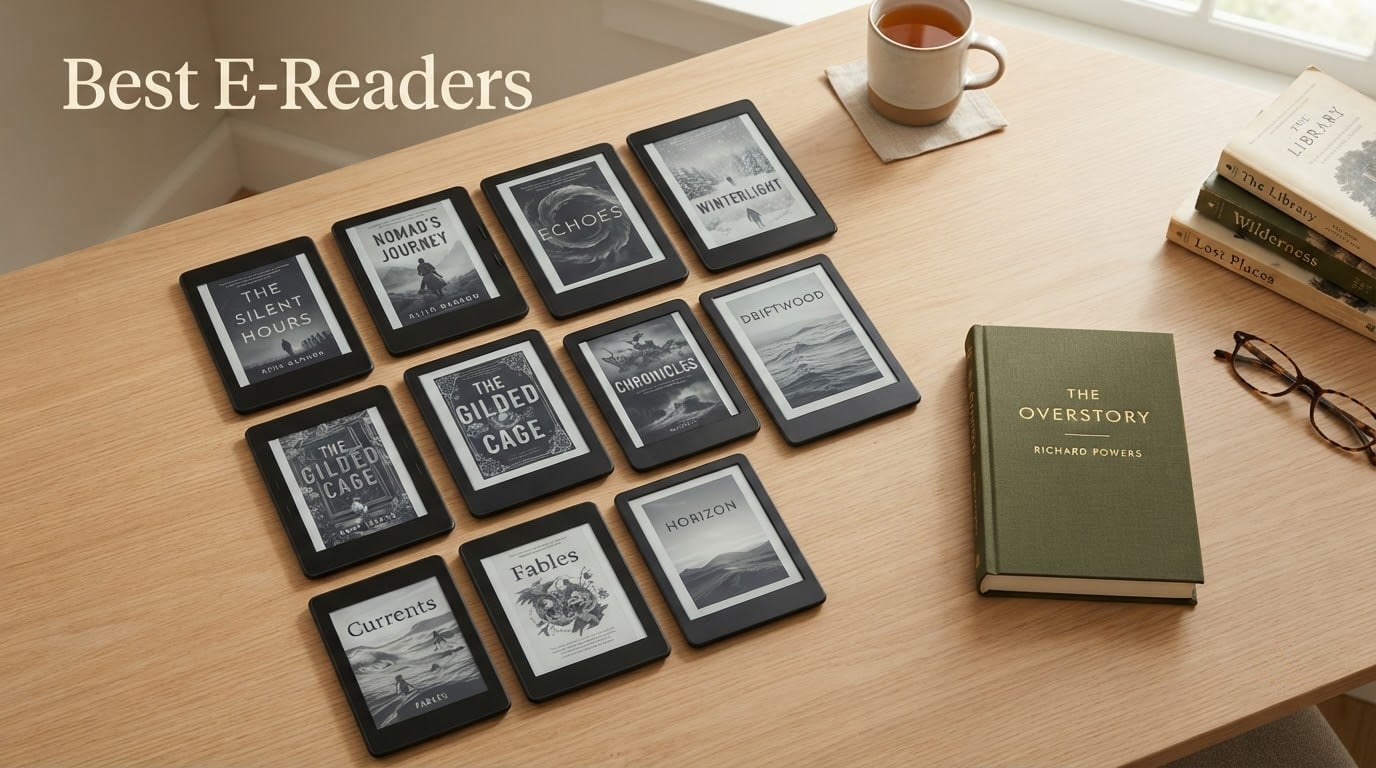
If you read more than a handful of books a month, the best e-readers in 2026 are the only screens that let you disappear into a novel for four hours without sore eyes or a dead battery. We spent weeks with ten of them, side by side, covering the whole price ladder: a pocket reader that fits in a coin pocket, a colour Kindle-class device for comics, and open Android models that run every reading app you own.
Our single best overall pick is the Amazon Kindle Paperwhite 16GB. It pairs a 7-inch glare-free display with an adjustable white-to-amber front light, a waterproof build and a claim of up to 12 weeks per USB-C charge. It also has by far the deepest review base in this group, which is why we trust it over flashier alternatives.
Everything below is judged on the things that actually change daily use: how the text looks at arm’s length, whether page turns feel instant, how long the charge lasts when you read every night, and whether the store, library app and sideloading options fit how you already buy books. Prices and configurations move fast in this category, so check the current listing before you commit. If you need somewhere to rest the device overnight, our picks for e-reader stands for nightstands are worth a look.
Table of Contents
Top 3 Picks: Best E-Reader Picks in 2026

Kindle Paperwhite 16GB
- 7 inch glare-free display
- Waterproof build
- Up to 12 weeks per charge

All 10 E-Readers at a Glance in 2026
The table below is the fastest way to narrow the field. Match the screen size and features columns against what you actually read, then jump to the full review for the detail.
| Product | Specifications | Action |
|---|---|---|
| Amazon Kindle Paperwhite 16GB |
|
Check Latest Price |
| Amazon Kindle Scribe 64GB |
|
Check Latest Price |
 Kobo Clara BW Kobo Clara BW |
|
Check Latest Price |
 XTEINK X3 XTEINK X3 |
|
Check Latest Price |
 Kobo Libra Colour Kobo Libra Colour |
|
Check Latest Price |
 BOOX Go Color 7 Gen II BOOX Go Color 7 Gen II |
|
Check Latest Price |
 PocketBook Verse Pro Color PocketBook Verse Pro Color |
|
Check Latest Price |
 Kobo Clara Colour Kobo Clara Colour |
|
Check Latest Price |
 Barnes and Noble Nook Glowlight 4 Barnes and Noble Nook Glowlight 4 |
|
Check Latest Price |
 Musnap Ocean 7-Inch Musnap Ocean 7-Inch |
|
Check Latest Price |
1. Amazon Kindle Paperwhite 16GB – Best Overall E-Reader
Amazon Kindle Paperwhite 16GB (newest model) – 20% faster, with new 7″ glare-free display and weeks of battery life – Black
7 inch glare-free display
16GB storage
Up to 12 weeks per charge
Waterproof
Pros
- Crisp high-contrast screen readable in direct sunlight
- Adjustable white-to-amber front light
- Reviewers report 3-4 weeks between charges
- Lightweight and close to paperback size
- No apps or notifications
Cons
- No Libby or third-party reading apps
- Black and white only with no microSD slot
- Side power button is easy to brush accidentally
This is the device we recommend to almost everyone. The 7-inch panel renders text with a contrast ratio that holds up in a bright train window, and the front light slides from white to amber so a chapter before bed does not feel like staring at a torch.
Page turns are noticeably quicker than on earlier Paperwhites, and owners consistently report 3-4 weeks of casual reading between charges rather than the theoretical 12-week maximum. The body is thin enough to hold one-handed through a long chapter without wrist fatigue.
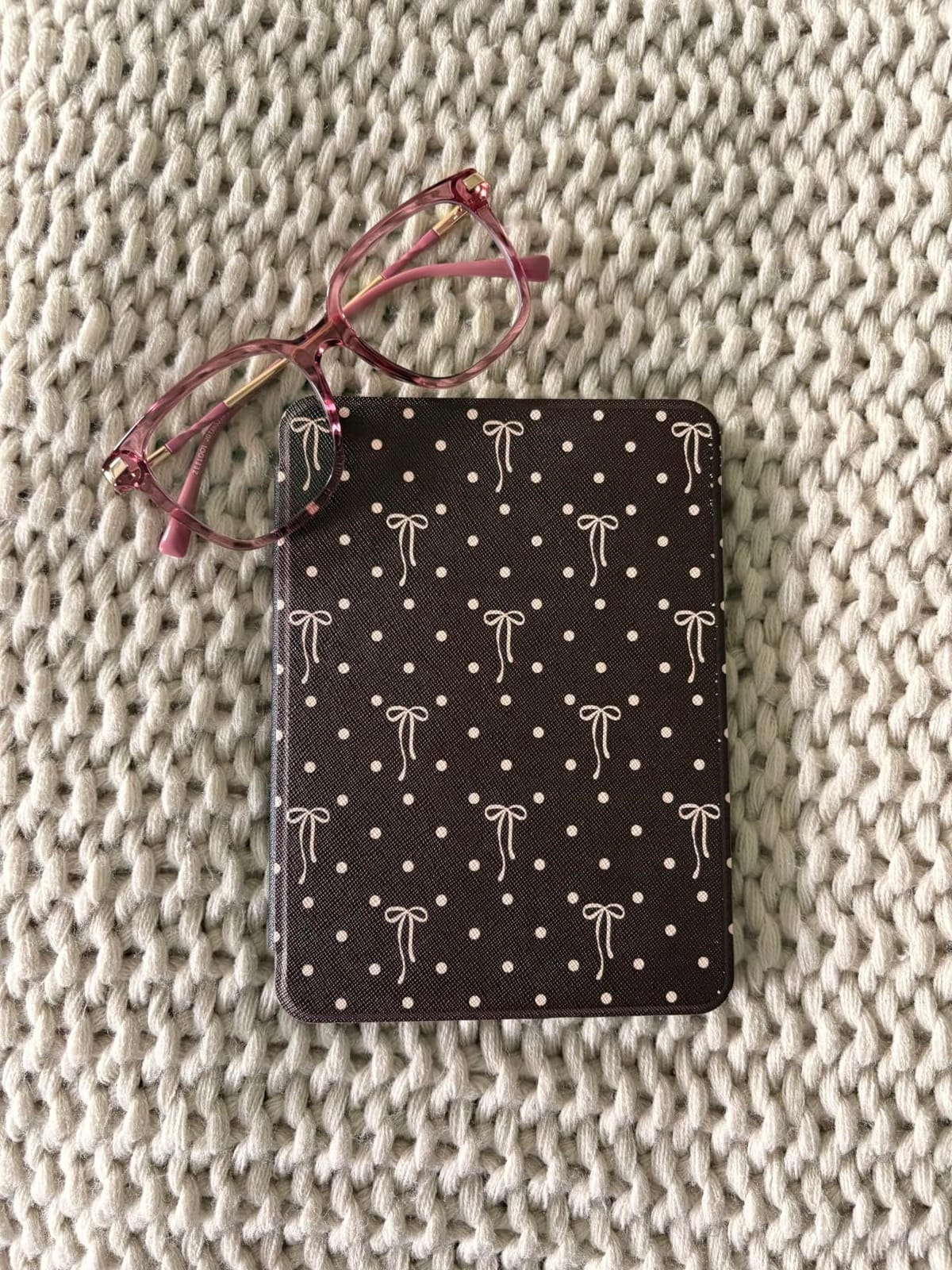
The trade-off is the ecosystem. There is no Libby or other third-party reading app here, so library books have to be side-loaded rather than borrowed on the device, and the closed store means EPUB files need conversion. If that bothers you, the Kobo picks below handle libraries more gracefully.
It is also black and white only, with no storage expansion and no microSD slot, so a reader who wants colour for graphic novels or children’s illustrated books should look at a Kaleido 3 model. Our advice is simple: if you read prose and buy from one ecosystem, this is the safest purchase you can make.
What you should know before buying
The quoted 12-week battery figure assumes the device spends most of its life asleep. Real reading drains it in three to four weeks for most people, which is still excellent. Set the front light to a moderate level and leave Wi-Fi off when you are not syncing and the gap between charges stretches further.
Storage is 16GB, which is more than most readers will ever fill with ebooks. What fills it instead is audiobooks and highlighted documents, so clean out your notes archive once a year if you annotate heavily.
Who should look elsewhere
If you borrow heavily from public libraries through Libby or OverDrive, the Kobo Clara BW does the same job with fewer hoops. If you write notes, annotate PDFs or read colour comics every day, the bigger Kindle Scribe or a colour e-reader serves you better than this model.
Readers who are switching away from Amazon after years in the Kindle ecosystem also tend to prefer a Kobo or PocketBook first, simply because sideloading and multi-card library support are simpler. Otherwise, this is the pick we keep coming back to.
2. Amazon Kindle Scribe 64GB – Best for Note-Taking
Amazon Kindle Scribe (64GB) – Your notes, documents and books, all in one place. With built-in AI notebook summarization. Includes Premium Pen – Tungsten
10.2 inch 300 ppi display
64GB storage
Premium Pen included
AI notebook tools
Pros
- Pen writes with almost no lag
- Large 300 ppi display is easy on the eyes
- Active Canvas margin notes
- Handwriting converts to typed text
- Library and audiobooks on one device
Cons
- Too large for pocket transport
- No expandable storage
- Paper-style pages fill up quickly
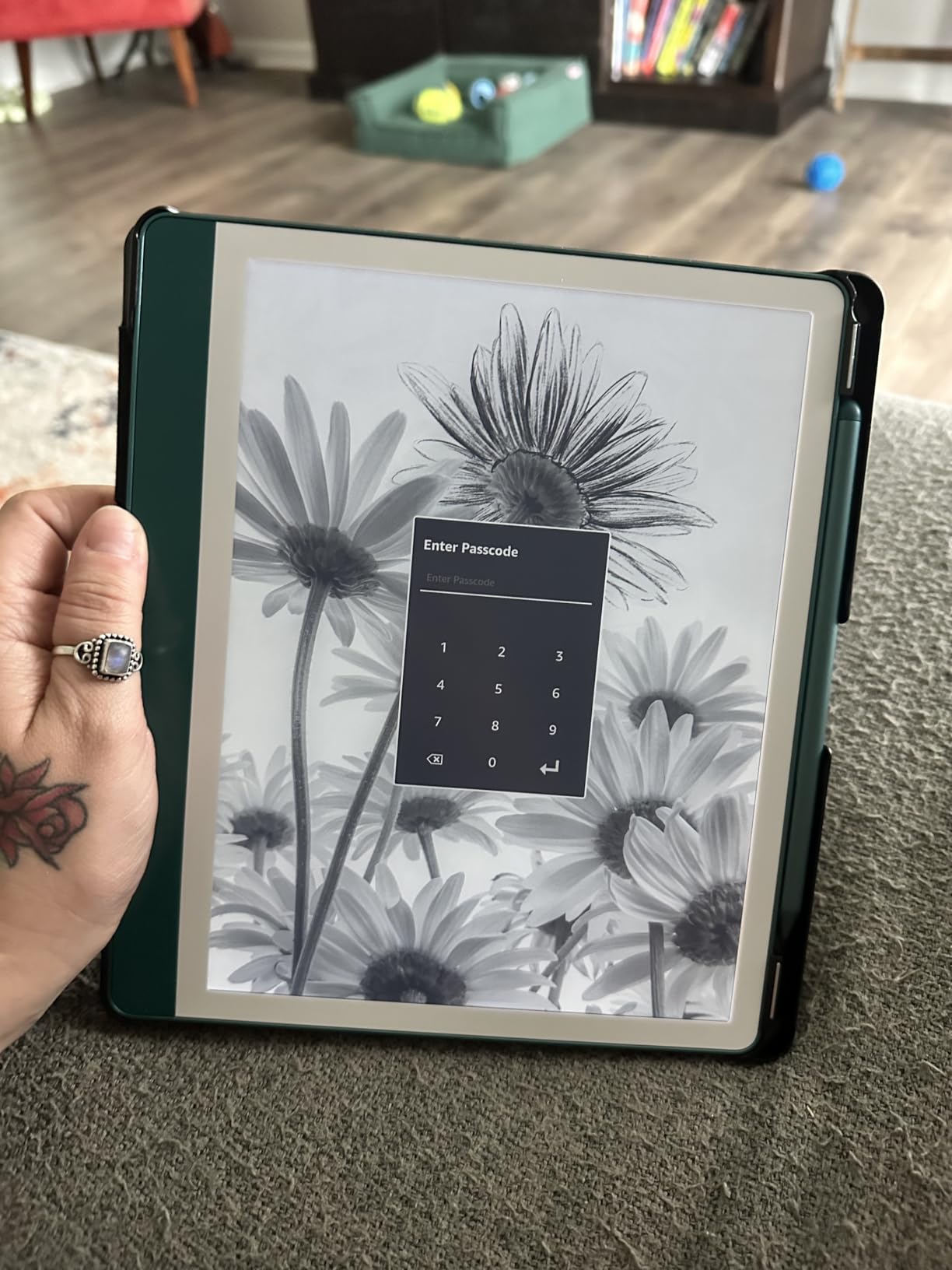
The Scribe is the only device here that works as a study tool as well as a reader. The 10.2-inch 300 ppi front-lit display gives you roughly a third more page per screen than the Paperwhite, and the included Premium Pen needs no pairing or charging.
Writing feel is the standout. Reviewers describe it as close to pen on paper with almost no lag, and the highlighter button plus eraser on the barrel make it usable for a full lecture without fidgeting. Active Canvas widens the margin of a book page so your notes sit beside the text instead of covering it.
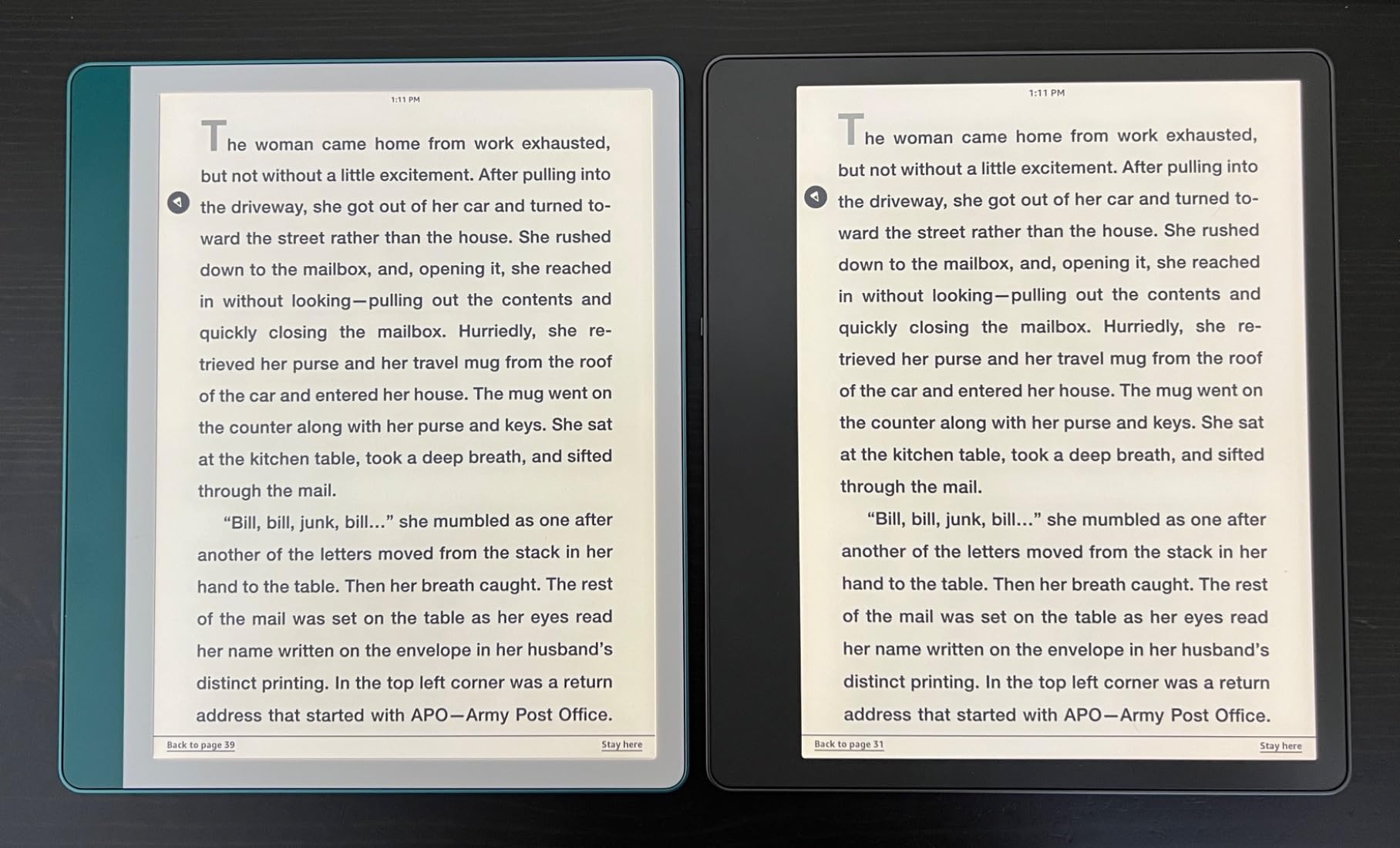
The built-in AI tools convert messy handwriting into typed text, summarise a page of notes and rewrite them at a different length or tone. For anyone who journals in shorthand, that alone justifies the size. Documents and PDFs arrive through Send to Kindle and can be marked up page by page on the device.
The catch is portability. At 10.2 inches this is not a commute device, and several owners keep a separate smaller Kindle for travel. It is also page-based rather than an infinite canvas, so note pages fill up and the workflow feels like paper rather than a whiteboard.
Check the storage tier carefully
There is no microSD slot, so heavy note-takers should buy the 64GB version rather than the smaller capacities. A large library of PDFs plus a full notebook archive adds up faster than ebook storage does, and the shortfall is permanent once it is full.
A small but vocal group of owners of the most recent revision report uneven front lighting, a yellower cast and heavier ghosting than earlier builds. If you are sensitive to screen uniformity, read recent reviews on the specific revision before settling.
Who should look elsewhere
Readers who mainly read fiction on the sofa will find a 6-inch device far more comfortable, and the Scribe is monochrome, so colour comics and illustrated textbooks are out of scope. If you want handwriting plus colour, the BOOX Go Color 7 Gen II gives you a stylus and a colour panel on one screen.
For anyone who wants an open system where notes sync somewhere outside the device, an Android e-reader such as the Musnap Ocean runs every reading app you already use, though its own notes app is more limited.
3. Kobo Clara BW – Best Value E-Reader
Kobo Clara BW | eReader | 6” Glare-Free Touchscreen with ComfortLight PRO | Dark Mode Option | Audiobooks | Waterproof | 16GB of Storage | Black
6 inch Carta 1300 display
16GB storage
IPX8 waterproof
ComfortLight PRO
Pros
- Crisp 6 inch Carta 1300 text
- Weeks of battery between charges
- IPX8 waterproof with Dark Mode
- Drag-and-drop sideloading plus Libby
- Weighs 6.14 ounces
Cons
- Some units need a hard reset after freezing
- Wireless file sending was removed
- Screen responds slower than a phone
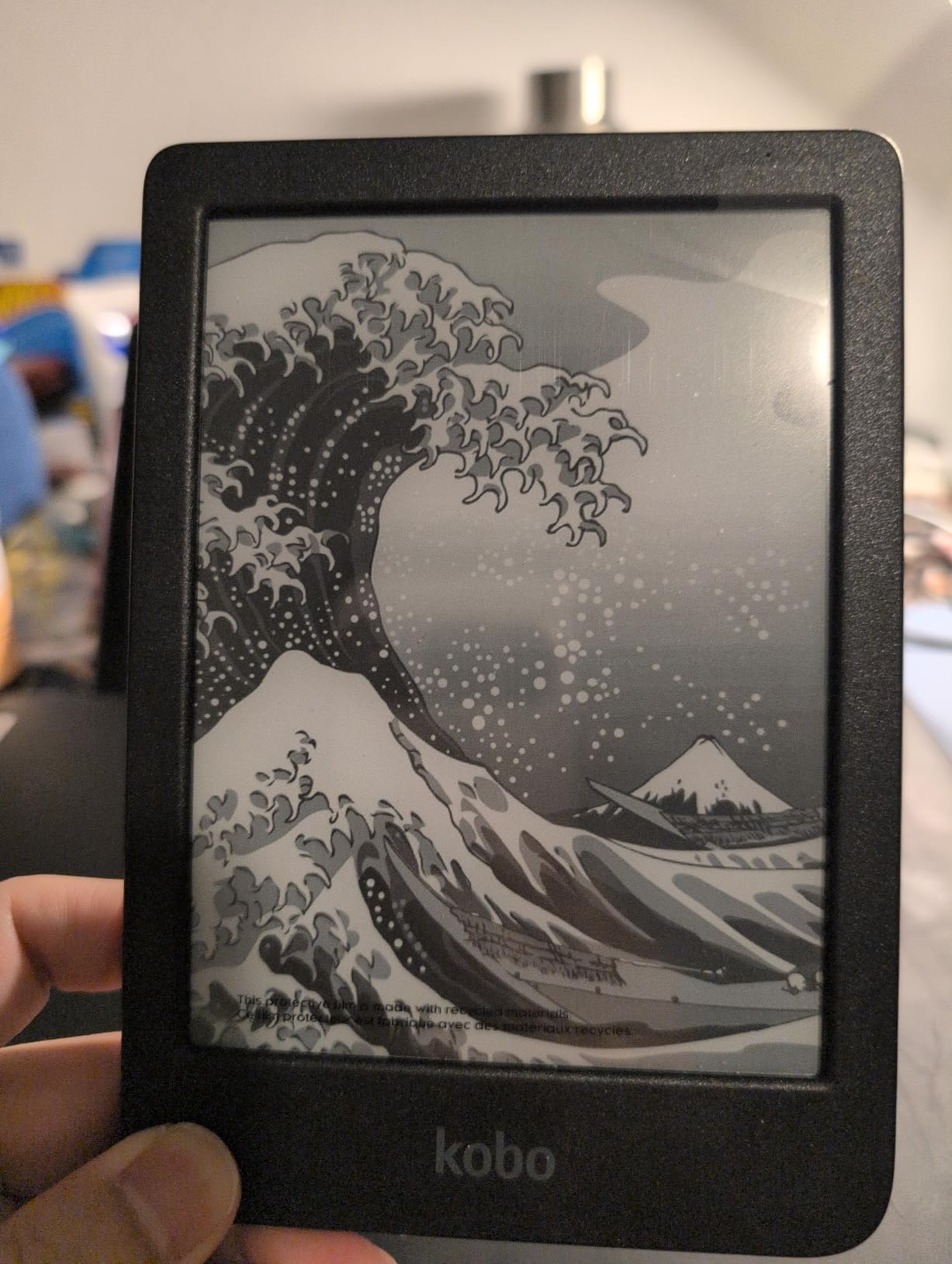
If you want a black-and-white reader that is less restricted than a Kindle, the Clara BW is the most sensible buy in this list. The 6-inch Carta 1300 panel runs at a 1072×1448 native resolution, and several owners say the text looks crisper than on colour e-readers of the same size.
At 6.14 ounces it disappears in a hand, and ComfortLight PRO adjusts both brightness and colour temperature, with an optional Dark Mode for night reading. Storage is 16GB, holding up to 12,000 ebooks or 75 Kobo audiobooks, and Bluetooth covers audiobooks when you want them.
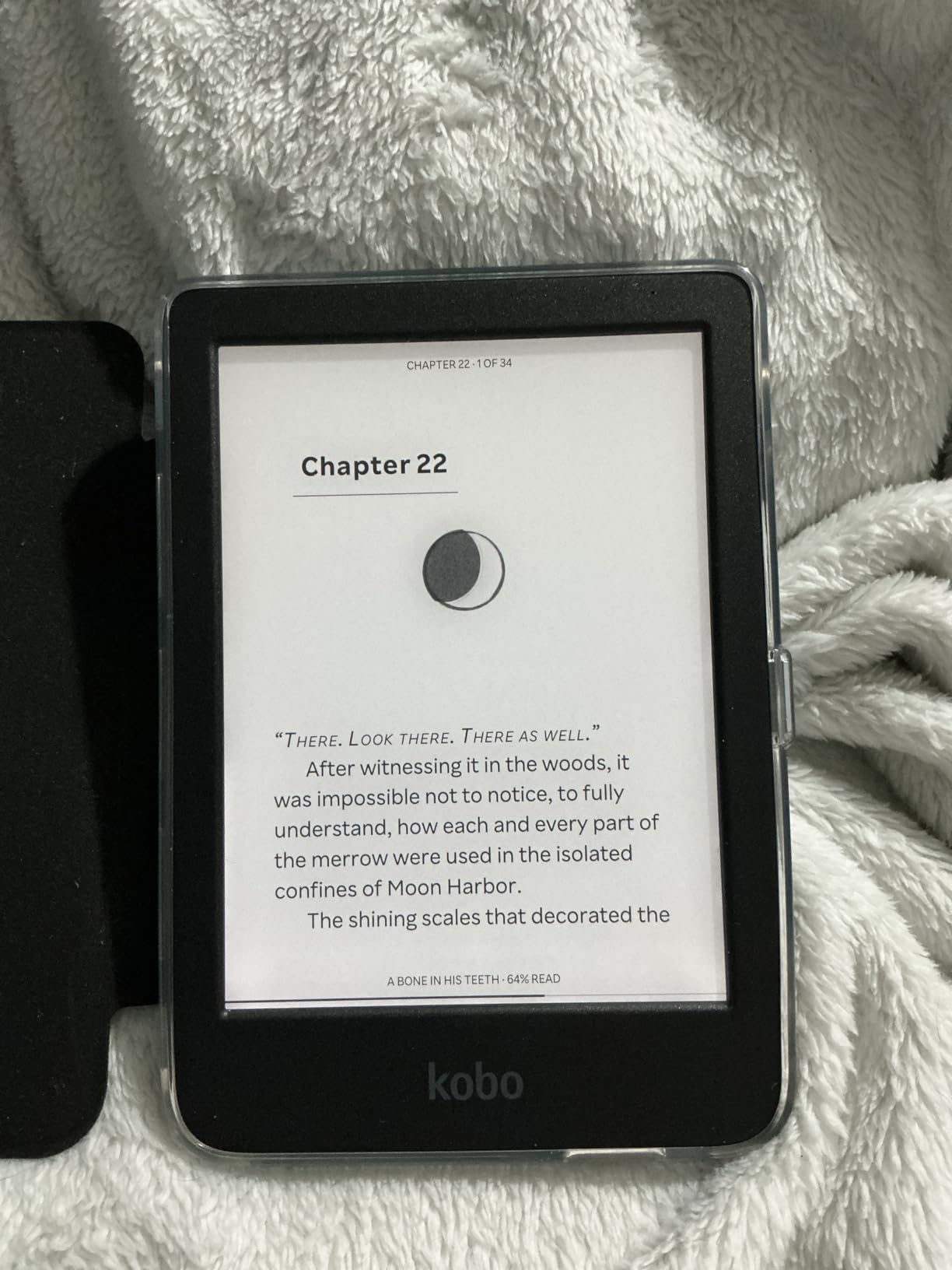
The real argument for Kobo is software freedom. EPUB files transfer by drag-and-drop over USB, Kobo supports EPUB, PDF and MOBI natively, and the Libby and OverDrive integration means public library borrowing happens on the device itself rather than through a workaround.
One generation back Kobo dropped wireless file sending, so adding your own books now needs a cable. That is a small annoyance once a month, but it is a real one if you travel with a laptop-free week planned.
What to expect from day-to-day use
Battery life is the standout: some owners report using only a few percent per week of reading, and the manufacturer quotes an average of two weeks. The rear-mounted power button reduces accidental sleep presses compared with side-mounted ones.
Do expect the e-ink experience. Mild ghosting on page changes and a touchscreen that feels slow next to a phone are inherent, not defects, and typing into the on-device keyboard is described as sluggish.
Who should look elsewhere
A small number of owners report the device freezing every few days and needing a hard reset. If you are the kind of reader who travels often and cannot carry a charging cable, the Kindle Paperwhite’s build and support may suit you better.
Readers who want colour should step up to the Kobo Clara Colour, and anyone who needs page-turn buttons will find them on the Kobo Libra Colour rather than here.
4. XTEINK X3 – Best Pocket E-Reader for Travel
XTEINK X3 3.7″ Pocket E-Ink eBook Reader, Mist Gray
3.7 inch E Ink display
58g weight
16GB plus 256GB expandable
No front light
Pros
- 58g and 5.1mm thin for pockets
- Gyroscope and physical button page turns
- Weeks between charges
- Survives drops in owner reports
- Magnetic back snaps to a phone
Cons
- No front light for dark rooms
- DRM store books and PDFs unsupported
- Firmware customising has a learning curve
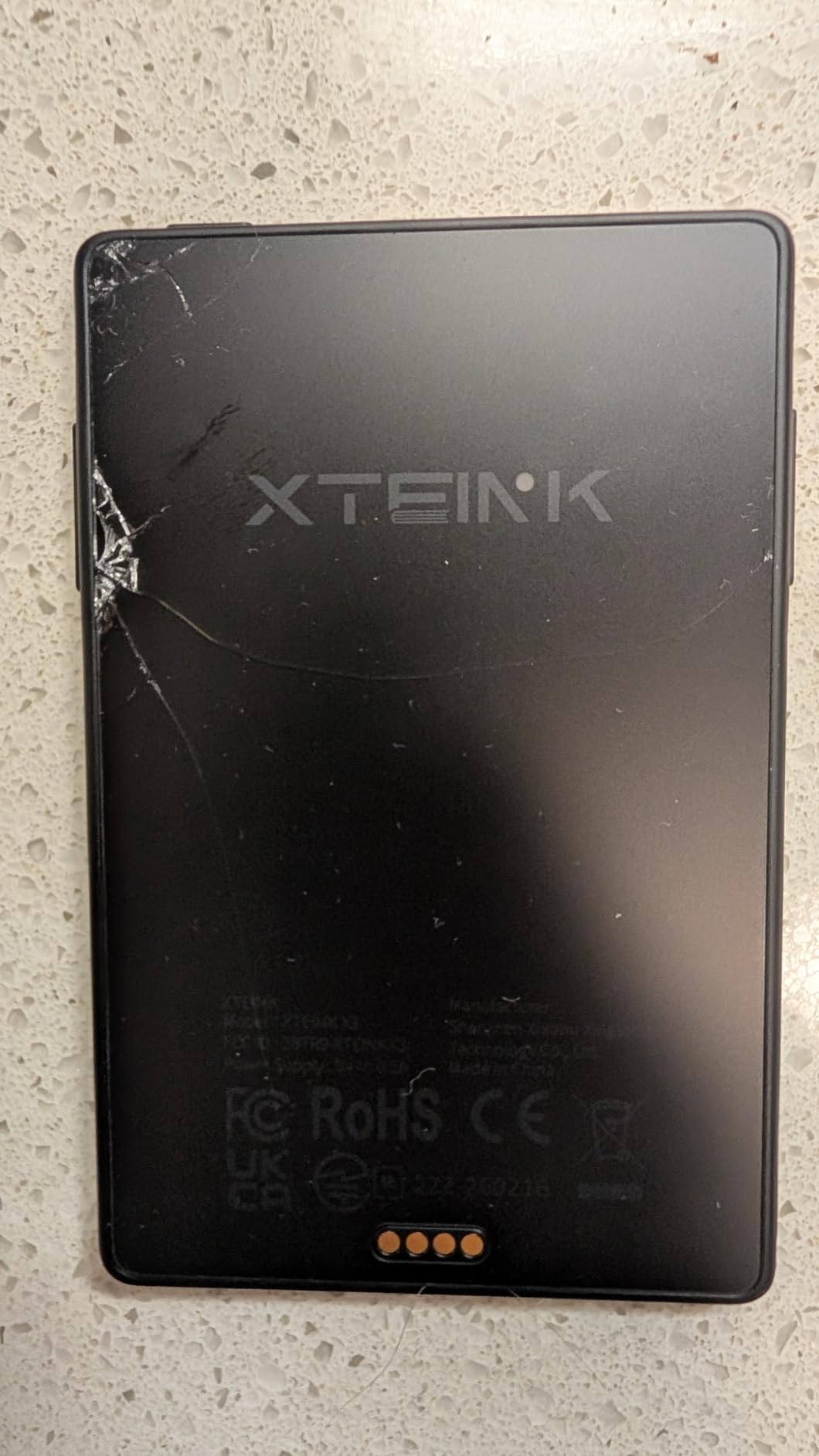
The X3 solves a very specific problem: replacing five minutes of phone scrolling with five minutes of actual reading. At 58g and 5.1mm thin it is smaller than most phones, and owners report slipping it into a jacket pocket without noticing it is there.
Page turning works two ways. A gyroscope flips the page when you tilt the device, and there are four physical front buttons plus side buttons for those who prefer not to touch the screen at all. That combination avoids accidental touches during one-handed reading on a moving train.
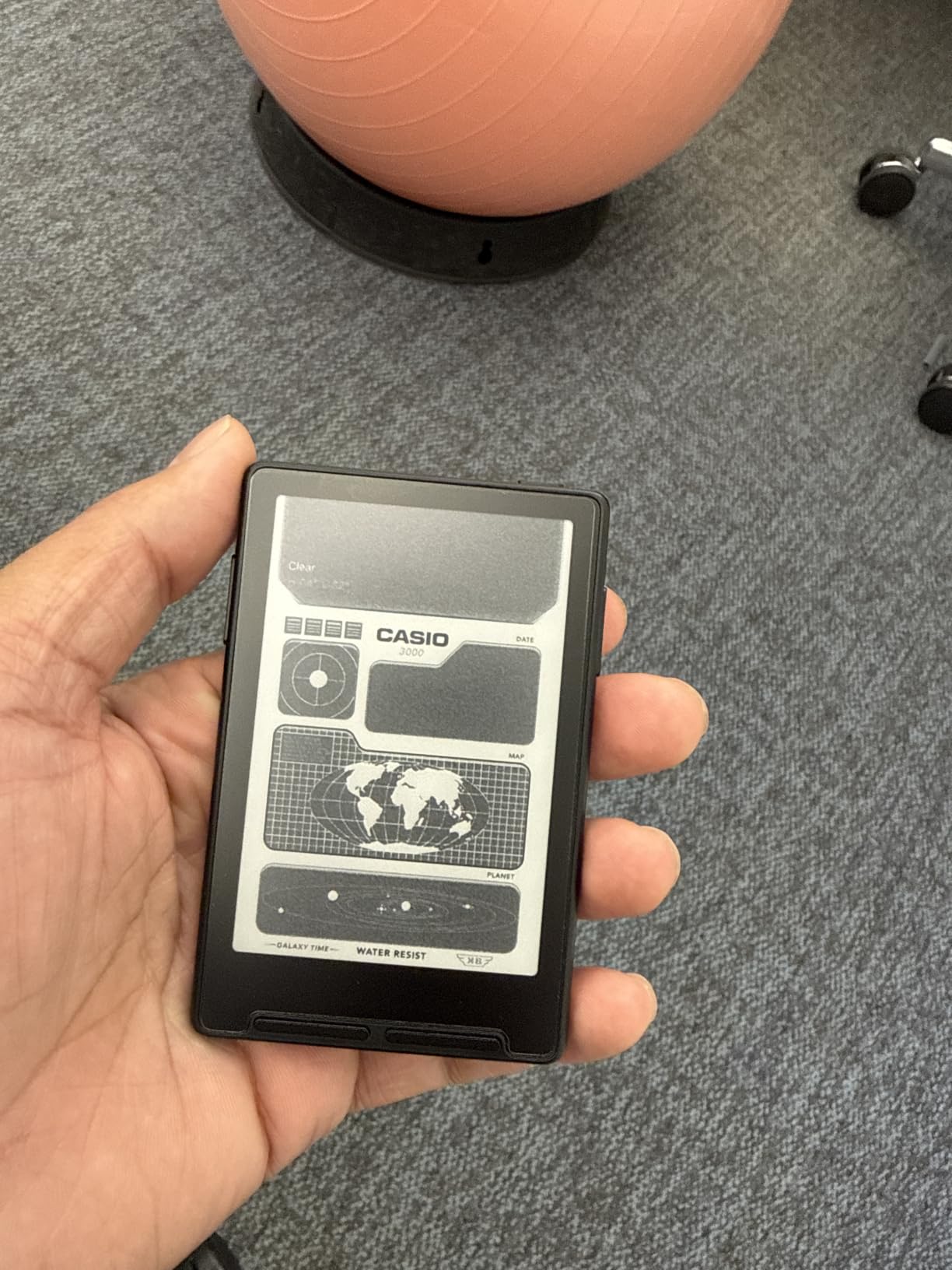
Storage is 16GB built in with a microSD slot taking up 256GB more, and the high-aluminosilicate glass has survived several drops for owners who report it. The magnetic back with the included adhesive ring snaps the reader to a phone or magnetic case, and pogo-pin charging keeps the cable out of the way.
Many owners flash open-source firmware such as CrossPoint or KOReader for a much better interface than the factory one, and the reading, photo, clock and wallpaper modes cover most needs out of the box.
Understand what this device cannot do
There is no front light, so reading in the dark needs an external lamp or your phone. Battery life is quoted as up to 10 hours of reading, roughly a week of casual use, which is fine for the short sessions it is designed for.
Critically, it handles DRM-free files only. Kindle purchases, Libby loans and similar store books are not supported, and several users report being unable to open PDFs at all. The microSD slot is also tight, which makes card swapping fiddly.
Who should look elsewhere
If you need colour, note-taking or any store ecosystem, this is the wrong tool entirely. Its 4.0 average across reviews reflects a polarizing device: readers who want a deliberately simple offline reader love it, and everyone else finds the limitations too tight.
For a small device that still handles library books and colour, the Kobo Clara Colour gives you a 6-inch screen at a fraction of the volume, and the PocketBook Verse Pro Color needs no account at all.
5. Kobo Libra Colour – Best Colour E-Reader with Page-Turn Buttons
Kobo Libra Colour eReader, 7” Color E Ink, Waterproof, White
7 inch Kaleido 3 colour
32GB storage
Page-turn buttons
IPX8 waterproof
Pros
- Page-turn buttons with 90 degree rotation
- Colour covers and illustrations look pleasant
- Often 10 days or more per charge
- 32GB holds up to 24000 ebooks
- OverDrive and Dropbox built in
Cons
- Colour panel is darker with lower contrast
- Stylus sold separately
- Only one library card at a time
When Amazon retired the Kindle Oasis, the page-turn button became a scarcity. The Libra Colour puts it back on a 7-inch Kaleido 3 colour panel, and owners who switched from Kindle routinely name those buttons as the reason. The screen also rotates 90 degrees so you can hold the device either way round.
Colour covers, comics and illustrated children books render pleasantly, closer to print than a typical screen. Battery life is a genuine strength, with many owners reporting 10 days or more of regular reading on the manufacturer’s four-week average, and the 7.05-ounce body stays comfortable in a case.
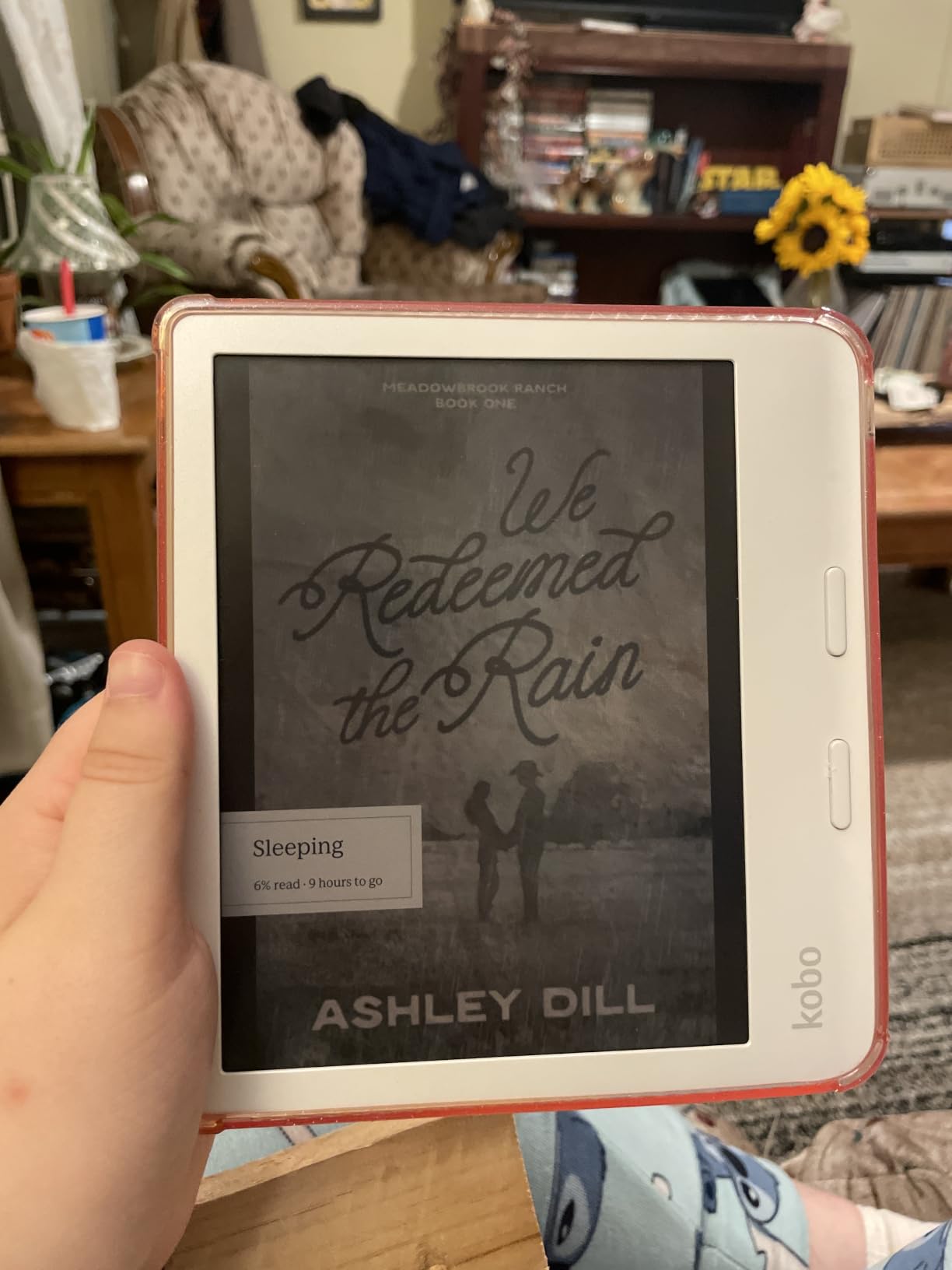
Library features are strong. OverDrive and Dropbox are built in, on-device borrowing works without a cable, and the format list covers EPUB, EPUB3, PDF, CBZ, CBR, MOBI, RTF, TXT and images. The user interface is also widely reported as less cluttered and less glitchy than Kindle’s.
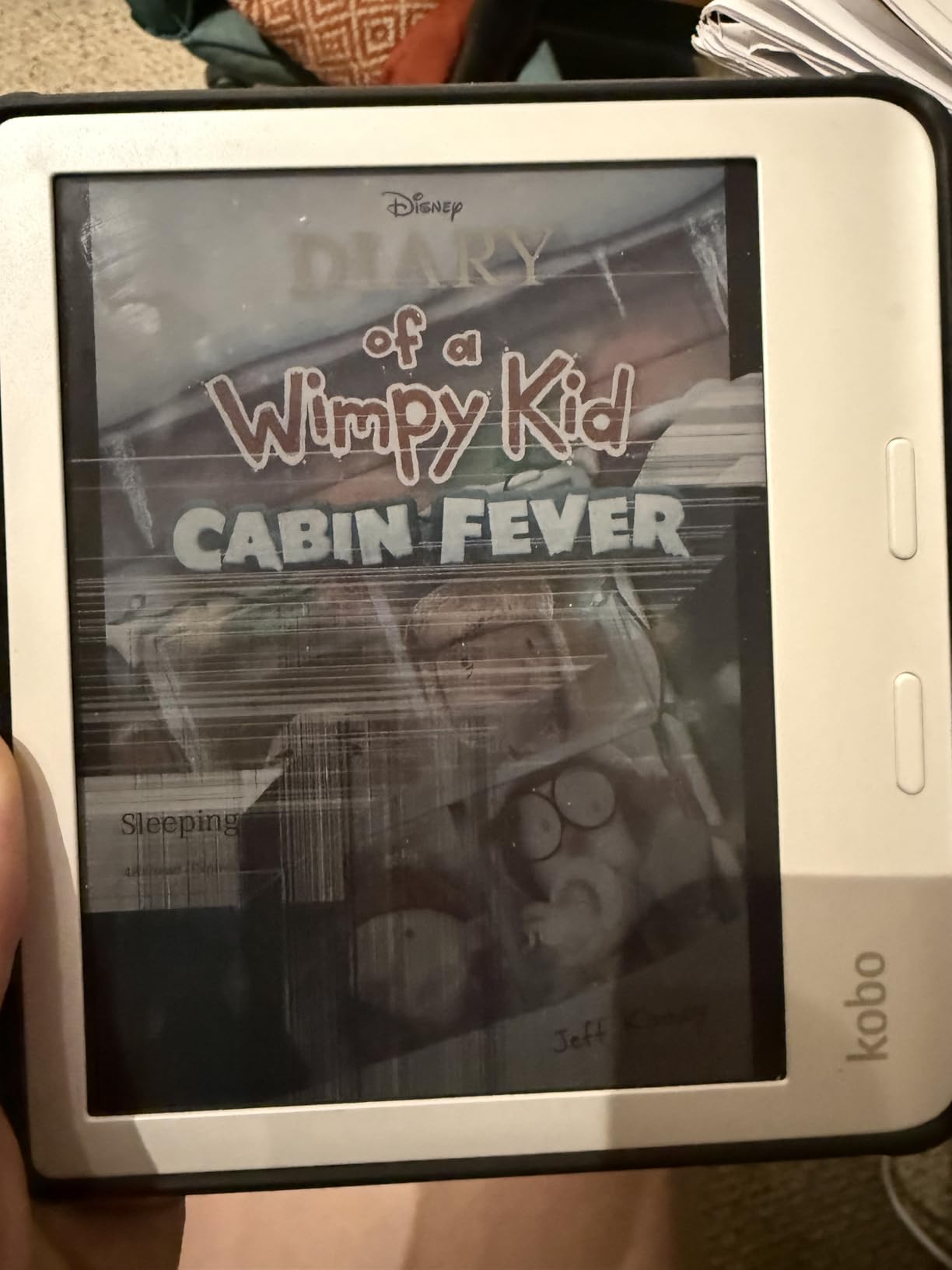
The trade-off is the nature of colour e-ink itself. The panel is darker with lower contrast than a black-and-white Carta screen, and colours look muted or washed out. That is physics rather than a defect, and it is the single most common complaint about this device.
Before you buy the stylus
The Kobo Stylus 2 is sold separately and does not fit most cases, so budget for a case designed around it. Handwritten book annotations also cannot be exported off the device, which matters if you keep a permanent highlight archive.
Only one library card can be registered at a time, and the Kobo Plus subscription catalogue is smaller than Kindle Unlimited, particularly for new releases. Scratches show easily despite the recycled plastic build, so a screen protector is worth adding.
Who should look elsewhere
If you read prose exclusively, the darker colour screen is a downgrade from the Kobo Clara BW, which is lighter and sharper. Readers who want the same page-turn buttons with a smaller body should look at the 6-inch Kobo Clara Colour.
Comic and manga readers should know that full-colour graphic novels are the worst case for e-ink, because artwork is where the muted palette hurts most. In that scenario a tablet still wins, and honest reviewers say so.
6. BOOX Go Color 7 Gen II – Best Android E-Reader for App Flexibility
BOOX Tablet Go Color 7 Gen II E Ink Tablet Support Active Stylus InkSense (Black)
7 inch Kaleido 3 colour
Android 13
Page-turn buttons plus microSD slot
Pros
- Full Android 13 with third-party reading apps
- Page-turn buttons plus microSD slot
- Refresh modes including Regal cut ghosting
- Built-in speaker and microphone
- Broad document format support
Cons
- Color E Ink panels look darker and grayer than LCD screens
- Colour resolution is only 150 ppi so images look soft
- Active Stylus InkSense is not included and must be bought separately
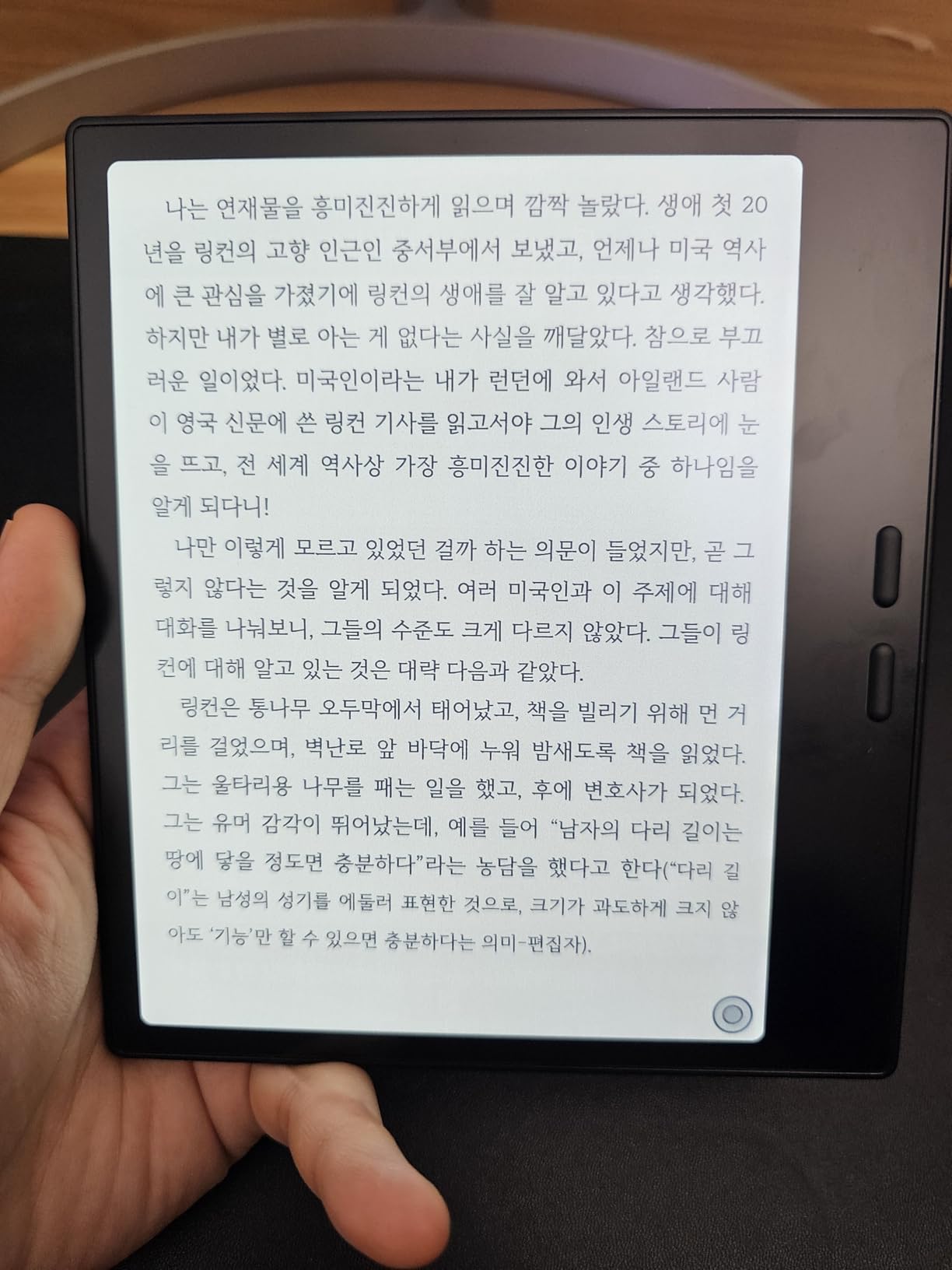
This is the only device in our list that behaves like a small tablet while keeping an e-ink screen. It runs full Android 13 on an octa-core processor with 4GB of RAM, so Kindle, Kobo, Libby and other reading apps all install normally and you choose the app rather than accepting one ecosystem.
The 7-inch Kaleido 3 colour panel sits behind a flat cover-lens at 300 ppi for black-and-white and 150 ppi for colour, with 4096 colours. Page-turn buttons sit alongside the power button, and the USB-C port handles OTG or audio output while a microSD slot covers storage.
Two details make it a better reading device than a generic Android tablet. The front light offers warm and cool colour temperature with a G-sensor for auto rotation, and multiple refresh modes including HD, Balanced, Fast, Ultrafast and Regal let you trade refresh speed against ghosting on a colour panel.
Stylus support covers 4096 levels of pressure sensitivity through the Active Stylus InkSense pen. The pen is sold separately and EMR styluses are not supported, which limits your options to one pen family.
Why the rating sits where it does
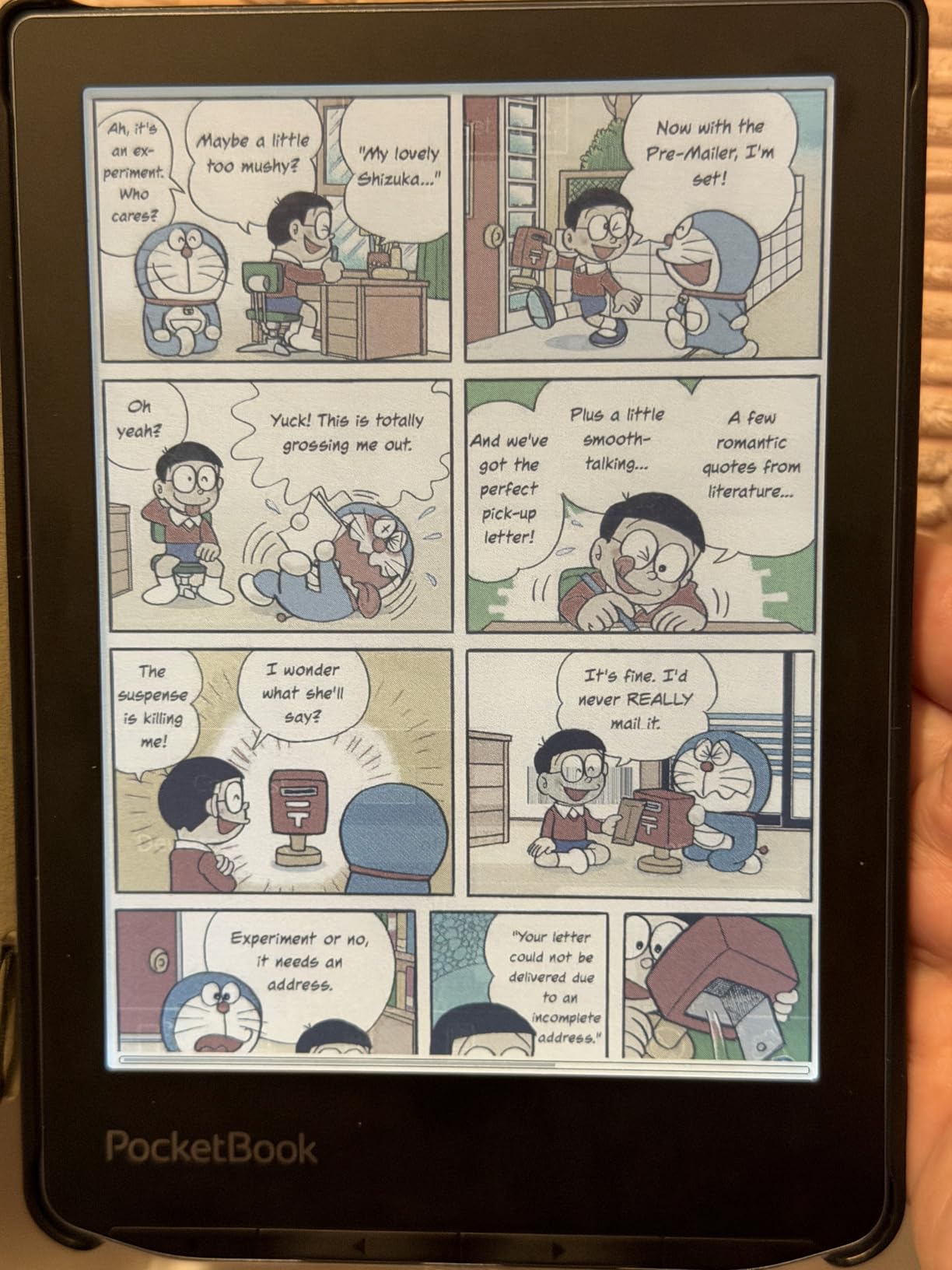
This carries the lowest average rating in our group, and the reason is consistent: the colour panel is darker and greyer than an LCD, and 150 ppi colour resolution makes images and coloured text look soft. Buyers who expected a tablet get disappointed. Buyers who expected e-paper with Android get on with it.
Battery is a 2,300mAh cell, and full Android use drains it faster than a dedicated reader. Format support is genuinely broad, covering PDF, CAJ, DJVU, CBR, CBZ, EPUB, AZW3, MOBI, DOC, DOCX, PPT and PPTX.
Who should look elsewhere
If you only read one store and want long battery life, a dedicated reader such as the Kobo Clara Colour or Kindle Paperwhite is calmer and cheaper to run. This device earns its place when you genuinely need several apps on one screen.
Android e-readers also carry more firmware complexity. If you would rather not manage refresh modes and storage expansion, the PocketBook Verse Pro Color gets you a colour panel with almost no setup at all.
7. PocketBook Verse Pro Color – Best Open E-Reader for Privacy
PocketBook Verse Pro Color | Super Thin and Compact 6″ e-Reader | Color Screen E Ink Kaleido™ 3 – Eye-Safe and Glare-Free | Text-to-Speech & Bluetooth | Audiobooks | SMARTlight | IPX8 Waterproof
6 inch Kaleido 3 colour
Text-to-Speech
IPX8 waterproof
No account required
Pros
- No account or online access required
- Text-to-speech reads any text aloud
- Accepts multiple library cards
- IPX8 with a two-year warranty
- Easy USB drag-and-drop sideloading
Cons
- Factory firmware can be unresponsive
- Colour panel is softer than Carta
- Limited built-in bookstore
The most distinctive thing about the Verse Pro Color happens at setup: it asks for nothing. No login, no store account, no cloud sync requirement. You can read a book within a minute of opening the box and stay entirely offline, which makes it the most private reader we tested.
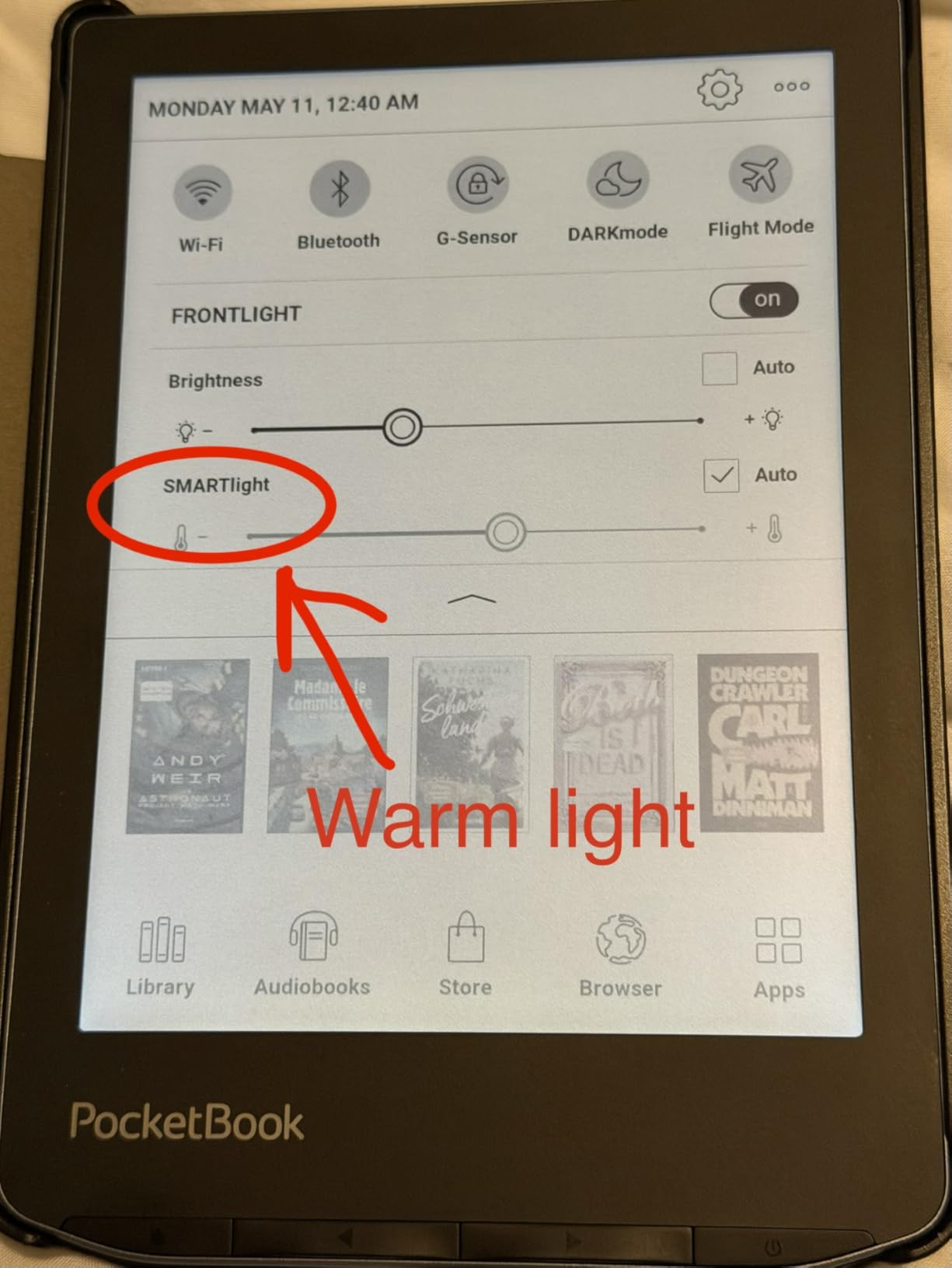
The 6-inch Kaleido 3 screen is anti-glare and eye-safe, and SMARTlight adjusts both screen colour tone and front-light brightness. Storage is 16GB with USB-C OTG flash drive expansion, and Bluetooth 5.4 covers audiobooks and music through the dedicated player.
The Text-to-Speech feature reads any text file aloud with many downloadable voices, which effectively converts an ebook into an audiobook. Several reviewers treat that as the headline feature rather than the screen, particularly for long commutes where eyes need a break.
It also accepts multiple library cards, which no other device in this list does, and supports Libby-compatible library apps. The two-year warranty is the longest here, and the slim 6-inch body fits easily in a pocket or a small bag.
Plan for the software learning curve
The factory firmware is the weak point. Several owners describe touch response hanging and swipes behaving unpredictably, and some report touchscreens that stop registering presses. The standard fix is installing KOReader with the ZenUI plugin, which owners report makes the interface noticeably smoother.
Highlighting is also harder to place precisely than on a Kindle, and bookmarks can shift. The built-in bookstore is small and of little interest, especially outside Europe, and cloud sync in the vendor app has been reported as unreliable, so USB transfers are the safer route.
Who should look elsewhere
If you want a curated shop with a large new-release catalogue, the Kobo or Kindle stores are stronger. The PocketBook also has no parental controls, which matters if the device is for children.
By default it fully shuts down after 10 minutes of inactivity, so a cover sensor will not wake it. Readers who like reading in bed with a sleep timer should check that setting before travelling.
8. Kobo Clara Colour – Best Compact Colour E-Reader
Kobo Clara Colour | Colour eReader | 6” Glare-Free Colour E Ink Kaleido™ 3 Display | Dark Mode Option | Waterproof | Audiobooks | 16GB of Storage | White
6 inch Kaleido 3 colour
16GB storage
IPX8 waterproof
Colour highlighting
Pros
- Colour covers and highlights look good
- Weighs under ten ounces
- Charge rarely drops far
- Text sharpness matches the black-and-white Clara
- Built-in OverDrive borrowing
Cons
- Colours are muted and 150 ppi
- Backlight runs brighter
- PDFs do not reflow
This is the balance pick in our list, and it carries one of the highest ratings in the group. It keeps the 6-inch footprint and near-identical text sharpness of the black-and-white Clara while adding a Kaleido 3 colour panel at 1072×1448 native resolution.
Colour matters for book covers, illustrated editions and children’s books, and for readers who highlight in colour and review highlights chapter by chapter. The ComfortLight PRO system automatically reduces blue light through the day, with Dark Mode, font size and line spacing all adjustable.
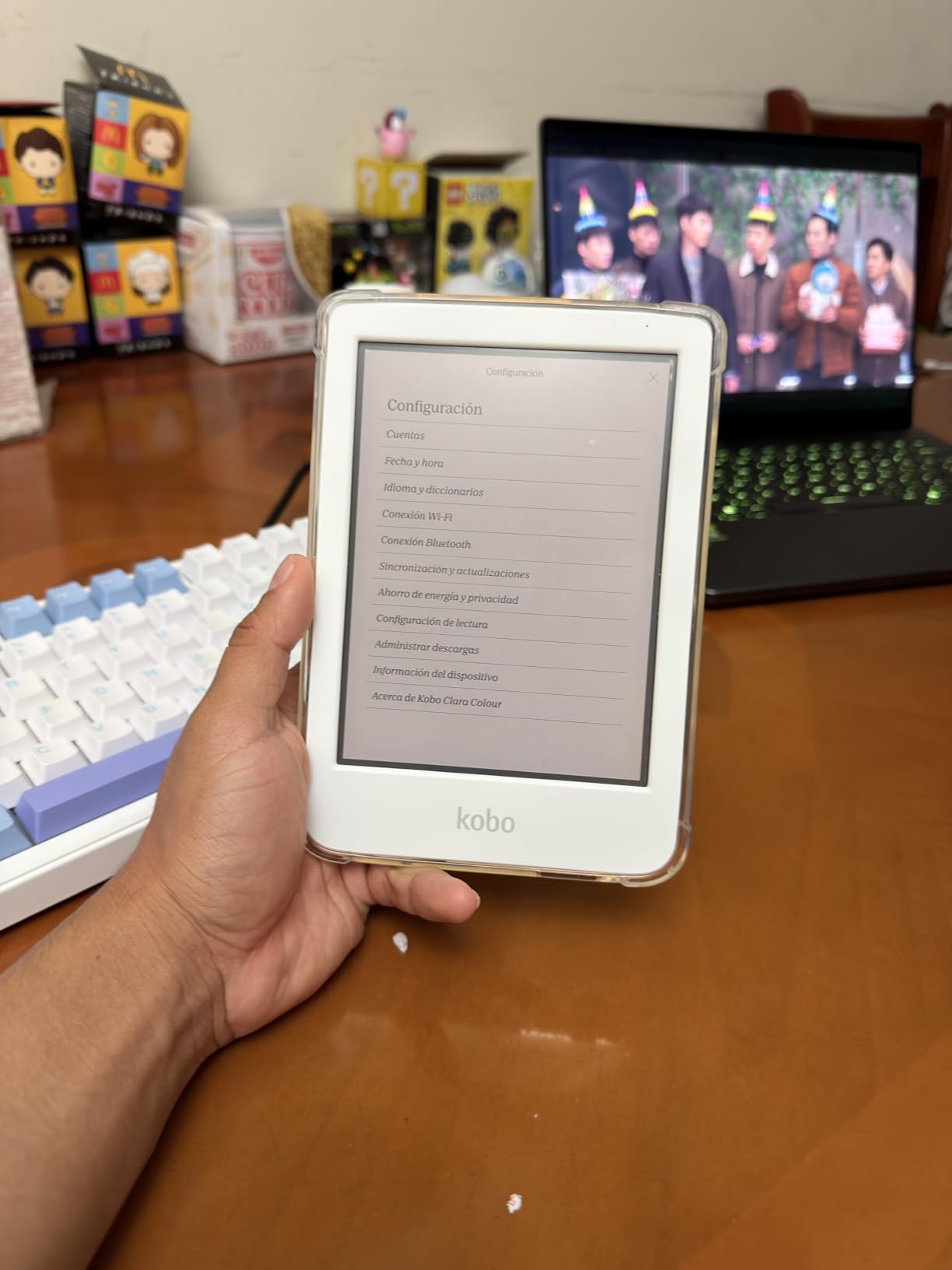
Battery life is a real strength. Owners report the charge level rarely dropping below 65% after several days of reading, and the IPX8 rating protects the device for up to 60 minutes in two metres of water. The white recycled-plastic body is grippy and hides scratches well.
For software, EPUB files transfer by drag-and-drop over USB, OverDrive and Kobo Plus are built in, and the native format list covers EPUB, MOBI, PDF, PNG, JPEG and GIF.
What the colour panel costs you
Colour on this panel is limited to 150 ppi and reads as muted or pastel, which is a hardware limit rather than a tuning problem. The backlight also has to run brighter than on the black-and-white model, and battery may drain faster as a result.
PDFs do not reflow, so large-print documents need zooming and scrolling rather than text reflow. The software is also described by some owners as glitchier than Kindle’s, though most of those complaints are minor.
Who should look elsewhere
If you read purely fiction, the Kobo Clara BW gives you a lighter, higher-contrast screen for less money. If you want page-turn buttons with colour, step up a size to the Kobo Libra Colour.
Comic readers should test a Kaleido 3 panel in person if they can. For heavily illustrated graphic novels, colour e-ink is a compromise, and a tablet remains the better tool even with its glare.
9. Barnes and Noble Nook Glowlight 4 – Best for Physical Buttons and Amber Light
Barnes & Noble Barnes and Noble Nook Glowlight 4 eReader 6 32GB BNRV1100 Black (Renewed)
6 inch 300 dpi display
32GB storage
Warm amber backlight
Physical page-turn buttons
Pros
- Always-on warm amber backlight
- Chunky page-turn buttons
- Generous side bezels for grip
- Weighs 5.95 ounces
- Supports ePub sideloading
Cons
- Renewed units carry condition risk
- Some units freeze or fail after about a year
- USB needed to sideload
The Glowlight 4 is the pick for readers who want buttons and a warmer screen. The 6-inch 300 dpi E Ink panel sits behind a glare-, scratch- and fingerprint-resistant lens, and the ambient always-on GlowLight produces a warm amber backlight that owners find easier on the eyes at night than white or blue.
The physical page-turn buttons are chunky and less error-prone than a touchscreen for some users, and the larger side bezels make the device comfortable to hold, particularly with larger hands. At 5.95 ounces it is among the lightest 6-inch readers here.
Storage is 32GB, which is generous for an ePub-focused device, and the native format is EPUB with ePub sideloading supported. Battery life is quoted as up to 720 hours, with weeks of reading between charges in normal use.
There is an important caveat here. This listing is a renewed unit, so the long-term reliability is less certain than a new device. Several owners report screens freezing or the device failing to turn on after about a year, and some report laggy performance or poor battery life on their unit.
What to check on a renewed device
Test the touchscreen across the whole panel on arrival, run the front light through its full brightness range to spot dead or uneven areas, and confirm the page-turn buttons register on both sides. Keep the purchase protection and the original box until you are satisfied.
Refurbished units are a sensible way into e-reading if the budget is tight, but treat the first month as a trial period. Sideloaded books require a physical USB connection because there is no wireless send option.
Who should look elsewhere
Most content comes from library loans or your own EPUB files, since the Barnes and Noble store ecosystem is narrow compared with Amazon or Kobo. Readers who want a large catalogue and audiobook support are better served elsewhere.
Anyone who wants colour, a larger screen or stylus support will find none of those here. The Kobo Clara BW offers a comparable size with a better store and a brand-new warranty for buyers who want that reassurance.
10. Musnap Ocean 7-Inch – Best Android E-Reader for Speed
Musnap Ocean 64GB+4GB 7”eBook Reader Supports Handwriting, 7”E-Ink Paper Tablet with Long Battery Life for Reading and Writing (Not Included Musnap Stylus Pen)
7 inch E Ink touchscreen
Android 14
64GB storage
Remappable page-turn buttons
Pros
- Nearly instant page turns
- Week-class battery with Play services off
- Recessed screen raises contrast
- Remappable buttons also work as volume keys
- Runs Kindle Kobo Nook and Libby apps
Cons
- Stylus sold separately
- Notes app has no infinite scrolling or sync
- Buttons do not work in the Kindle app
Where most Android e-ink devices feel like e-readers running Android, the Ocean feels like a fast small tablet with an e-ink screen. Owners describe page turns as nearly instant and the interface as snappy, on an octa-core 2.2GHz processor with 4GB of RAM and 64GB of storage running Android 14.
Every major reading app runs on it: Kindle, Kobo, Nook, Libby, Hoopla and CloudLibrary. Google Play Services can be toggled off to conserve battery, which is how you get week-class endurance from a device with a full Android install.
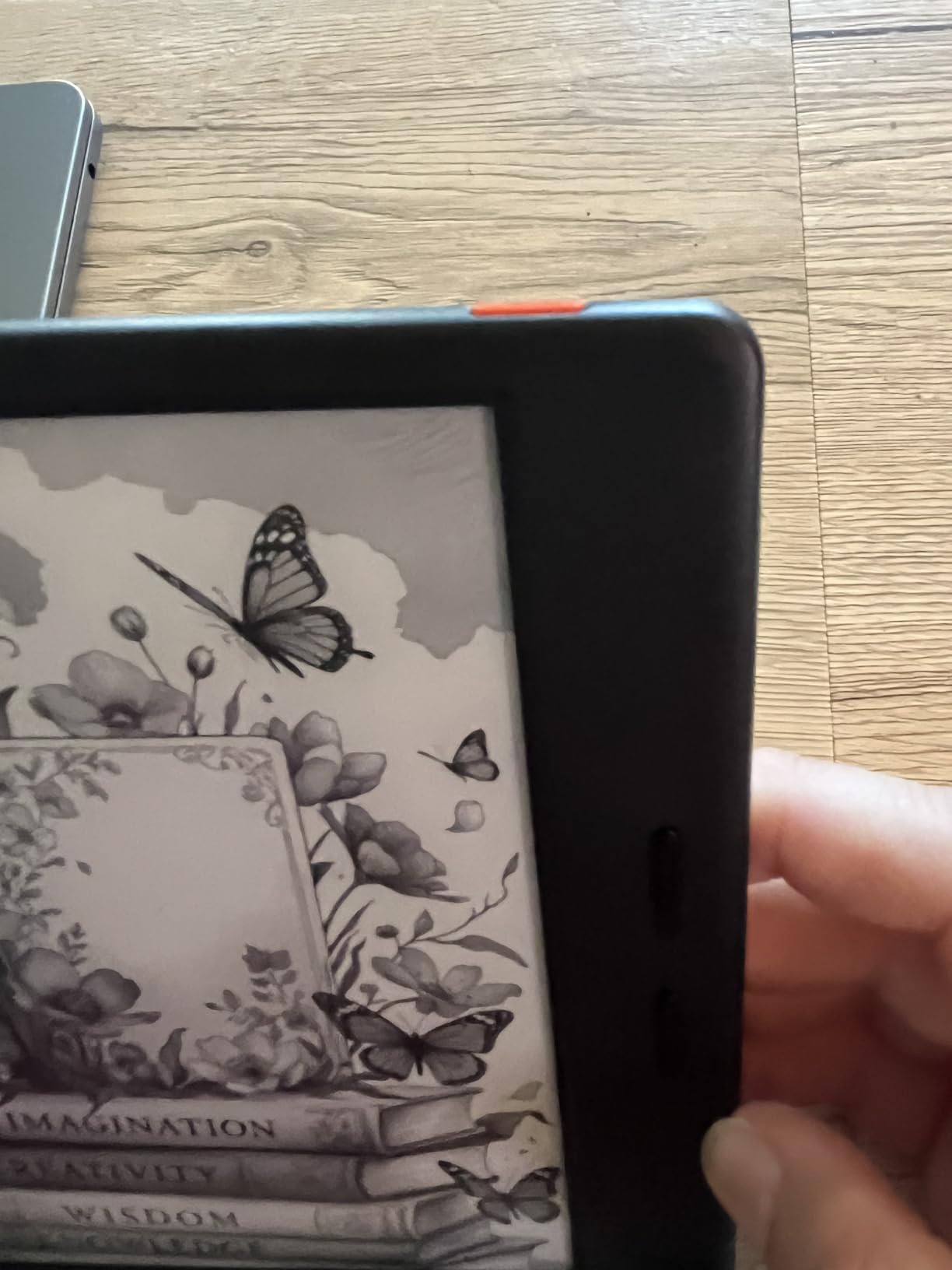
The 7-inch display is recessed below the bezel, and owners report that this makes text noticeably clearer and higher contrast while protecting the panel from drops. Rounded thin bezels and a leather-textured back make it comfortable to hold, and the remappable side buttons double as volume keys in most reading apps.
Handwriting support exists through the Musnap Stylus Pen, sold separately. The supported formats are broad: txt, epub, pdf, umd, mobi, ebk2, ebk3 and azw3 for books, plus common office document and audio formats.
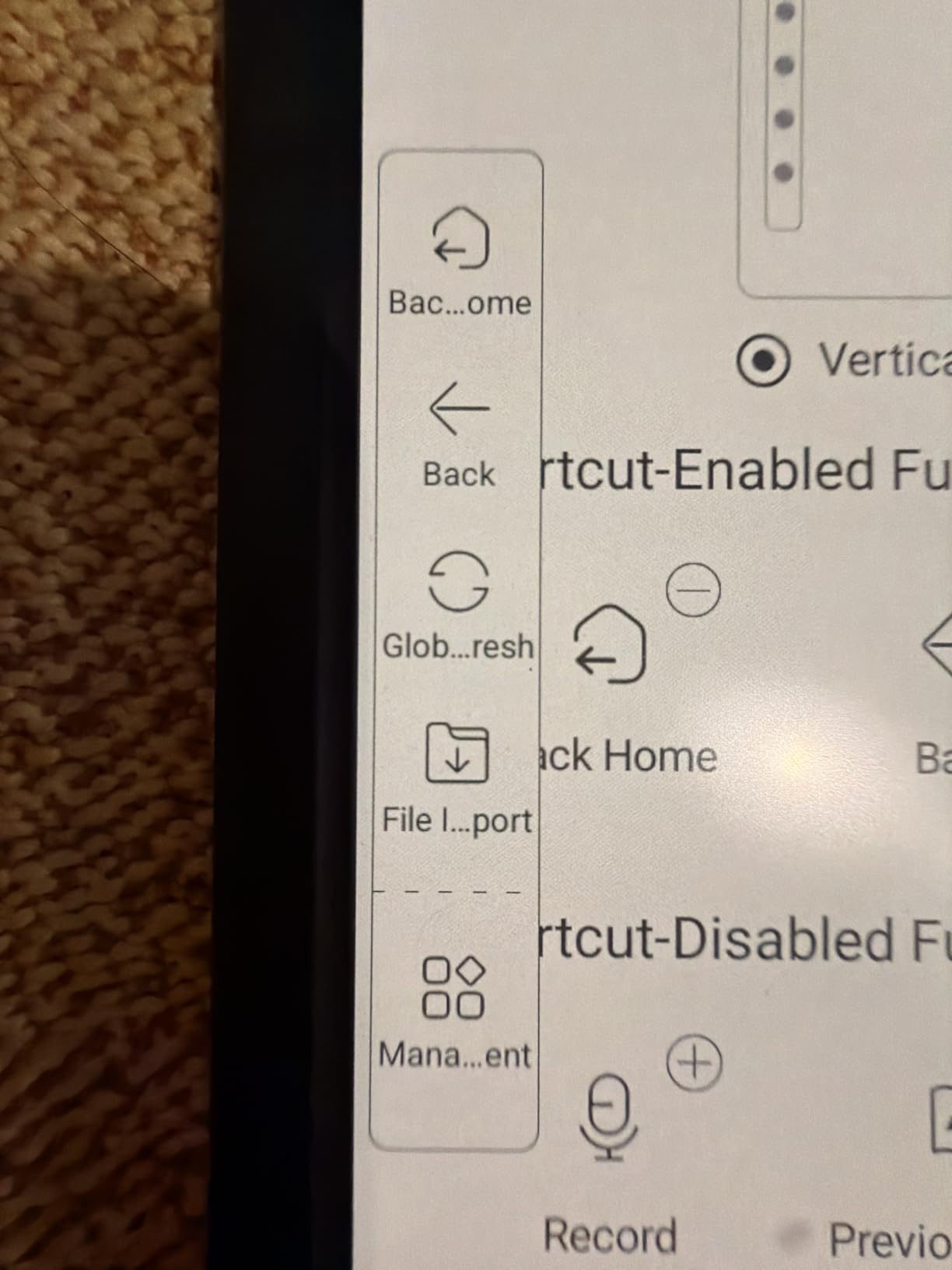
It is a good reader and a poor notebook
That is the honest summary of the trade-off. The notes app is limited to roughly ten lines per page with no infinite scrolling, and notes have no easy cloud sync or export, so the recessed screen makes pen gestures awkward on short pages.
The stylus has no magnet and does not attach to the device, its side eraser button is hard to press, and writing feels more like a smooth ballpoint than paper. The colour panel is a standard Kaleido 3 with visible dithering and stronger ghosting. Firmware also shows grammatical errors and untranslated prompts, which several international buyers flagged.
Who should look elsewhere
Page-turn buttons do not work inside the Kindle app on this device, so Amazon-focused readers should know that before buying. Cases and third-party accessories are also very limited for this model.
If you want colour plus real note-taking, the Kindle Scribe handles handwriting far better with a bundled pen. If you want a simple dedicated reader with no app maintenance, the Kobo Clara Colour is calmer and lasts longer on a charge.
How to Choose an E-Reader in 2026
Start with content, not specs. The panel technology matters far less than whether the screen suits the material you read. Prose, textbooks and library fiction look best on a high-contrast black-and-white Carta panel; illustrated books, comics and magazines need colour; and handwritten work needs a stylus plus enough screen area to write on.
Screen size and resolution
Six inches is the standard compact size and suits novels, with roughly 15 to 20 lines of text per screen. Seven inches fits noticeably more per page, which reduces turning for dense books and works better for technical titles. Ten inches is a notebook first and a reader second.
Resolution is measured in pixels per inch. A 300 ppi black-and-white panel is the current standard and is why most flagships look crisp; colour panels are typically 300 ppi for monochrome content but around 150 ppi for coloured content, which is why images look softer on colour devices.
E-ink types and what they mean
Carta panels such as the 1300 generation give the highest black-and-white contrast and the fastest page turns. Kaleido 3 is the current colour generation, adding a red, yellow and blue filter layer, which lowers contrast and makes colours muted. If you are deciding between a monochrome and a colour device, that difference is the whole decision.
Also understand front lighting. E-ink is not backlit, so light is shone across the surface from the front rather than from behind. That is why there is no glare at odd angles and why adjustable colour temperature from white to amber is the comfort feature that matters at night.
Battery, waterproofing and storage
Quoted battery life assumes weeks of standby. Real reading drains most devices in two to four weeks, and full Android e-readers last considerably less. A USB-C port is now standard, and fast charging is a convenience rather than a necessity.
IPX8 means the device survives up to 60 minutes in two metres of fresh water, which covers baths, pools and kitchen spills. It does not cover saltwater or hot tubs, and it is not a reason to read in the shower indefinitely.
On storage, 8GB is tight, 16GB suits most ebook libraries, and 32GB or more is worth having if you keep audiobooks, a large comic collection or annotated PDFs. Devices with a microSD slot remove the ceiling entirely. If you have many sideloaded PDFs, buy the larger tier rather than planning to manage the space.
Ecosystem and library access
Amazon offers the largest catalogue and the most seamless experience if you buy everything from one store, but it does not support EPUB files or third-party library apps natively. Kobo supports EPUB, PDF and MOBI and integrates directly with Libby and OverDrive. Android devices run every app and accept every format, at the cost of battery life and firmware fuss.
Moving between ecosystems has a hard limit. Books you bought on Amazon are DRM-locked and cannot be opened on a Kobo or an Android e-reader, and the same applies in reverse. Anything you purchased yourself as DRM-free files can go anywhere, which is why many readers start sideloading once they own two devices.
Extras worth budgeting for
Styluses are frequently sold separately, and cases designed around a stylus are rare enough that you may need both. A screen protector is cheap insurance on devices with plastic builds. Accessories add to the cost of a reader, so factor them into the comparison rather than discovering them later.
One last honest note: if you mainly read PDFs, watch video or annotate complex diagrams, a tablet may serve you better. E-ink wins on comfort, battery and sunlight readability, not on versatility. If you find yourself wishing an e-reader could install apps, buy a tablet and stop fighting the format.
Kindle vs Kobo: Which Ecosystem Should You Pick?
Both are strong, and the honest answer is that the deciding factor is your library rather than the hardware. Kindle wins on catalogue depth, seamless buying and audiobooks through Audible, with the tightest integration between purchase, library and device. Kobo wins on file formats, native EPUB support and direct Libby and OverDrive borrowing, and it is generally the easier device to sideload onto.
The switching anxiety in reader communities is mostly about DRM, and it deserves a straight answer. Kindle books you bought are tied to the Amazon store and will not open on a Kobo, and Kobo Store purchases will not open on a Kindle. That is not a bug and there is no conversion path for store purchases. Files you own outright, such as DRM-free EPUBs, travel freely between any of the devices in this list.
On a Hacker News thread about choosing the best e-reader while ignoring cost, the recurring summary was that Kobo is more open and priced competitively. The same trade-off shows up on the r/ereader recommendation threads, where the current live debate is framed as Paperwhite against Kobo Libra Colour, with the colour capability and the buttons as the deciding factors rather than the store.
If you already own hundreds of Kindle books, stay with Kindle. If you borrow from public libraries or keep your own EPUB collection, Kobo is the smoother path. If you want both on one device, an Android model such as the Musnap Ocean or BOOX Go Color 7 Gen II sidesteps the choice entirely.
Is Colour E-Ink Worth the Upgrade?
Colour e-ink is worth it if you read illustrated books, comics, manga, graphic novels, children’s picture books or any content where images carry meaning. It is not worth it for prose, and on a black-and-white Carta screen the text is both sharper and higher contrast. In our view, colour is a content decision, not a quality upgrade.
Understand what you are getting. Kaleido 3 panels run at 300 ppi for black-and-white content but about 150 ppi for colour, which is why images and coloured text look soft. The screen is also darker overall than a monochrome panel, and colours read as muted or pastel. That is a filter layer, not a defect.
Reviews also note that the backlight has to run brighter on colour devices to keep text legible, which can shorten battery life. For a book that is 95 percent words and 5 percent images, a black-and-white device wins on comfort and endurance.
Comics and manga deserve a separate warning. Rapid page turns on e-ink produce ghosting and a screen flash, and on a colour panel both are more visible. If full-colour graphic novels are your main reading habit, a tablet still displays them better, and the best e-readers in 2026 are the better choice for everything else.
If you are deciding between two specific devices, compare the size first. A 6-inch colour panel is easier to hold for long sessions than a 7-inch one, and the Kobo Clara Colour keeps the compact footprint of the black-and-white Clara. The Kobo Libra Colour adds page-turn buttons for readers who want them.
Frequently Asked Questions
Which ereader is the best?
The Amazon Kindle Paperwhite 16GB is the best overall e-reader for most readers, thanks to its 7-inch glare-free display, adjustable white-to-amber front light, waterproof build and weeks of battery life. If you want colour, the Kobo Clara Colour is the best compact option, and the Kobo Libra Colour is the best pick if you also want page-turn buttons.
Is there a better alternative to a Kindle?
Yes. Kobo is the closest alternative, with native EPUB support, direct Libby and OverDrive borrowing and simpler sideloading, and its Kobo Libra Colour is one of the leading colour e-readers. Android models such as the Musnap Ocean run Kindle, Kobo, Nook and Libby apps on a single device. Note that Kindle books you bought are DRM-locked and will not open elsewhere.
Is Kobo actually better than Kindle?
It depends on your library rather than the hardware. Kobo handles EPUB files, sideloading and public library borrowing more openly, and costs less at equivalent sizes. Kindle offers the larger catalogue, tighter store integration and Audible support. If you already own many Kindle purchases, staying is usually the lower-friction choice.
Is it worth buying a Kindle this year?
Yes for most readers. The Kindle ecosystem remains the most reliable place to buy, lend and manage books, and the Paperwhite’s display and battery are the category benchmark. Buy a Kindle this year if you read prose, buy from Amazon and value frictionless setup. Look elsewhere if you need colour, EPUB files or public library borrowing without workarounds.
Is a colour e-ink screen worth it?
Colour e-ink is worth the upgrade for illustrated books, comics, manga, graphic novels and children’s books. For novels and non-fiction, a black-and-white Carta screen is sharper, higher contrast and lasts longer between charges. Colour panels also run at about 150 ppi for colour content, so text and images appear softer and more muted than on LCD.
Which E-Reader Should You Buy? Our Verdict
The Kindle Paperwhite 16GB is the best e-reader of 2026 for most people, because nothing else combines a this-good display, this much battery and this large a body of real-world owner feedback at the same time. Buy the Kobo Clara Colour if illustrated books matter to you, and buy the Kobo Libra Colour if you want colour plus page-turn buttons.
Go further up the ladder only for a clear reason: the Kindle Scribe for handwriting and PDF annotation, the BOOX Go Color 7 Gen II or Musnap Ocean when you want every reading app on one device, the PocketBook Verse Pro Color for a private account-free setup, and the XTEINK X3 when you want the lightest reader you can carry at all.
Whichever you pick, buy a case at the same time. Readers get dropped, screens scratch, and styluses cost extra almost everywhere they are supported. Check the current listing and configuration before you order, because models and bundles change often in this category.