

Picking the best laptops for college students is harder than it looks. Every model name is a wall of model numbers, every spec sheet quotes a battery figure you will never see in real life, and every seller wants you to believe their configuration is the one your major requires. I spent weeks going through the specifications and owner feedback on twelve machines that cover the full spread of student budgets, from the bare-bones four-year-school budget pick to a 16GB configuration that can carry a full engineering or design workload.
What follows is that research turned into a shortlist. I looked at processor generation, memory, storage, display quality, weight, port selection, warranty terms, and the honest complaints that show up after six months of ownership rather than in the launch review. I also flagged which machines let you upgrade RAM or storage later, because for most students a laptop has to survive four years of use and the ones you cannot upgrade tend to feel slow in year three.
Whether you are a freshman shopping before move-in day or a junior whose current machine cannot run your major’s software, these twelve cover the realistic options in 2026. If you have not started building your dorm setup yet, our backpack picks for college students and loud alarm clock guide cover the rest of the gear that has to survive the same four years.
Table of Contents
Top 3 Picks: Best College Laptop Picks in 2026

Apple MacBook Neo 13-inch A18 Pro
- A18 Pro chip
- 8GB unified memory
- 256GB SSD
- up to 16 hours battery
- 2.71 pounds

Acer Aspire 3 A315-24P
- 15.6-inch Full HD IPS matte display
- Ryzen 3 7320U quad-core
- 8GB LPDDR5
- 128GB NVMe SSD

Acer Aspire Go 15 Core 3 N355
- Core 3 N355 8-core
- 8GB DDR5 with free DIMM slot
- open M.2 SSD slot
- Wi-Fi 6
Those three are the ones I keep coming back to. The MacBook Neo wins overall because it is the only machine here that combines a genuinely portable 2.71-pound aluminium body, a 13-inch Liquid Retina display, and a stated 16-hour battery without asking you to compromise on the basics. The Acer Aspire 3 is the value pick, with the largest review base of the group at more than four thousand ratings and a full-size 15.6-inch screen. The Acer Aspire Go 15 is the one I would buy if I could only afford one machine and wanted the option to add memory and a second drive in year two.
All 12 Laptops for College Students at a Glance in 2026
| Product | Specifications | Action |
|---|---|---|
| Apple MacBook Neo 13-inch A18 Pro |
|
Check Latest Price |
| Acer Aspire 3 A315-24P |
|
Check Latest Price |
 drkako 15.6-inch FHD Student Laptop drkako 15.6-inch FHD Student Laptop |
|
Check Latest Price |
| Acer Aspire Go 15 Core 3 N355 |
|
Check Latest Price |
 Dell 15 Core 3 100U Dell 15 Core 3 100U |
|
Check Latest Price |
 ASUS Vivobook 14 i3-1215U ASUS Vivobook 14 i3-1215U |
|
Check Latest Price |
 HP 14 Ultra-Light Celeron N4500 HP 14 Ultra-Light Celeron N4500 |
|
Check Latest Price |
 HP Essential 14-inch Intel N150 HP Essential 14-inch Intel N150 |
|
Check Latest Price |
 HP OmniBook 3 17.3-inch Ryzen 3 30 HP OmniBook 3 17.3-inch Ryzen 3 30 |
|
Check Latest Price |
 Lenovo IdeaPad Slim 3X 15.3-inch Snapdragon X Lenovo IdeaPad Slim 3X 15.3-inch Snapdragon X |
|
Check Latest Price |
 HP OmniBook 3 17.3-inch Touchscreen Ryzen 5 130 HP OmniBook 3 17.3-inch Touchscreen Ryzen 5 130 |
|
Check Latest Price |
 Acer Aspire Go 15 Ryzen 7 7730U Acer Aspire Go 15 Ryzen 7 7730U |
|
Check Latest Price |
Every configuration in the table above is the one I evaluated, not a trimmed-down listing page. Where a machine has a free memory slot or an open drive bay, I note it, because that single detail often matters more to a four-year student than a faster processor.
1. Apple MacBook Neo 13-inch (A18 Pro) – Best Overall for College
Apple 2026 MacBook Neo 13-inch Laptop with A18 Pro chip: Built for AI and Apple Intelligence, Liquid Retina Display, 8GB Unified Memory, 256GB SSD Storage, 1080p FaceTime HD Camera; Indigo
A18 Pro chip
8GB unified memory
256GB SSD
Up to 16 hours battery
2.71 pounds
Pros
- Genuinely portable 2.71-pound aluminium body
- Up to 16 hours of stated battery life
- 13-inch Liquid Retina display with 1 billion colors
- 1080p FaceTime camera with dual-mic array
- Apple Intelligence runs on-device
Cons
- 8GB unified memory is modest for heavy multitasking
- 256GB SSD is small by current standards
- 13-inch screen is smaller than larger alternatives
The MacBook Neo is the one I recommend without a major-specific caveat. It weighs 2.71 pounds, which means it disappears in a backpack between a notebook and a charger, and the recycled aluminium enclosure is thin enough at 0.5 inches to slide into a slim sleeve. For a student walking between buildings twice a day, that combination matters more than any benchmark number.
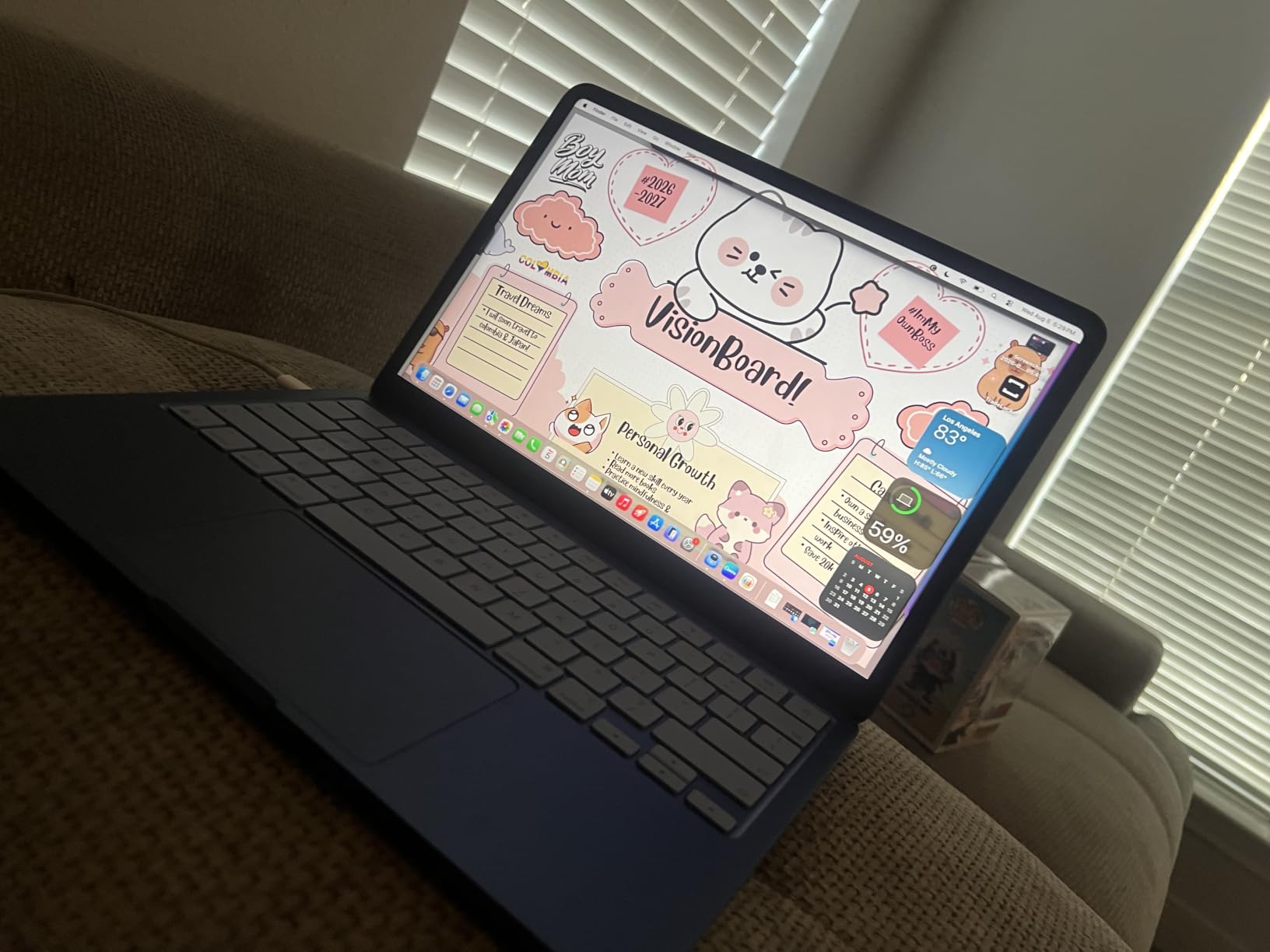
Battery life is the headline feature and it is a real advantage. Apple rates it at up to 16 hours, and owner feedback centers on getting through a full day of classes and evening study without hunting for an outlet. The A18 Pro chip handles everyday apps, note summarising through Apple Intelligence, presentations, and streaming without the fan noise that larger Windows machines produce under load.
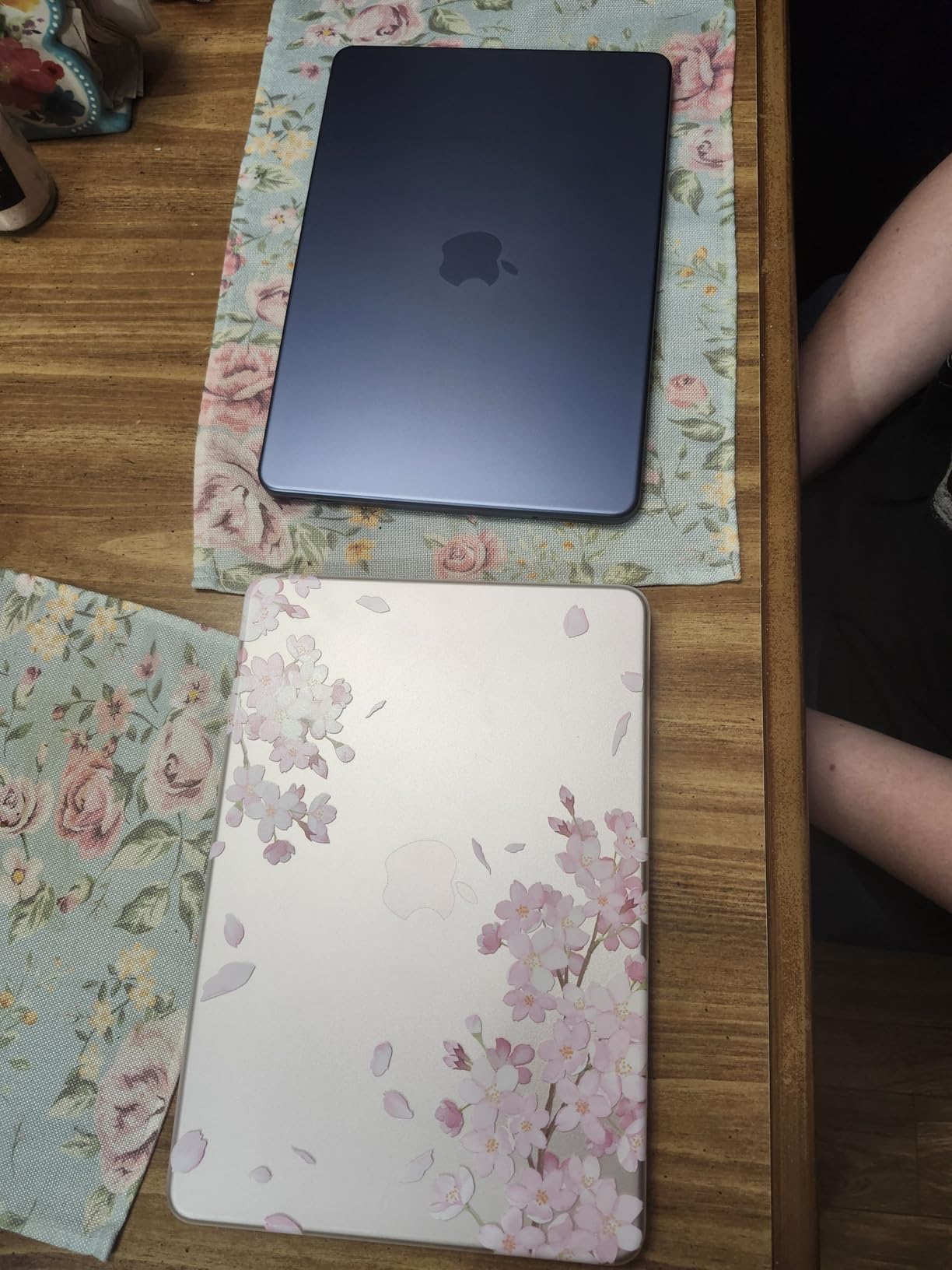
The 13-inch Liquid Retina display supports 1 billion colors, which makes text crisp in a way students notice immediately when they move from a dim dorm room to a bright lecture hall. The 1080p FaceTime HD camera and dual-mic array handle Zoom and Teams lectures better than the 720p cameras common in this price range, and that has become a real quality-of-life difference now that a portion of class is often recorded from home.
There are two constraints worth planning around. The 8GB unified memory is soldered, and 256GB of SSD storage leaves roughly 150GB usable after the system and applications. If your major involves large design files, local development environments, or a virtual machine, budget for external storage or accept that you will manage your working files carefully. Memory cannot be upgraded later on this machine.
What the MacBook Neo is good for
This machine suits students in general education, business, communications, and the humanities, where the work is writing, research, spreadsheets, presentations, and video calls. It also handles computer science coursework well, including code editing and local development on standard toolchains, as long as you are not running memory-heavy container workloads in parallel.
If your school issues Apple hardware or your required software has a Mac version, the fit is close to perfect. The Apple Intelligence features that summarize class notes and draft text are genuinely useful during back-to-back lecture days, and they run locally rather than sending coursework to a cloud service.
Where it falls short for students
Check your major’s software list before you commit. Engineering and architecture students using Windows-only CAD and simulation packages will not find substitutes for the full application, and design programs with heavy Adobe or Autodesk plug-in ecosystems work best on Windows.
Students who game will notice the limits of the A18 Pro’s integrated graphics. Casual play is fine, but current triple-A titles are not what this machine is built for, and a separate console or desktop is the more realistic setup. The 8GB memory figure also means heavy browser use plus a video call plus an IDE will start to feel tight by the end of a long semester.
2. Acer Aspire 3 A315-24P – Best Value 15.6-inch Laptop
acer Aspire 3 A315-24P-R7VH Slim Laptop | 15.6″ Full HD | AMD Ryzen 3 7320U Quad-Core | AMD Radeon Graphics | 8GB LPDDR5 | 128GB NVMe SSD | Wi-Fi 6 | Windows 11 Home
Ryzen 3 7320U quad-core
8GB LPDDR5
128GB NVMe SSD
15.6-inch Full HD IPS
3.9 pounds
Pros
- Largest review base of any laptop here at more than 4600 ratings
- Full-size 15.6-inch Full HD IPS matte display
- Backlit keyboard
- Real-world battery close to the stated 11 hours
- Handles many browser tabs and office work smoothly
Cons
- 128GB storage is limited for coursework files
- Shared graphics memory constrains demanding work
- Fan noise is noticeable in quiet rooms
- Display is dimmer than competing panels
This is the laptop I keep recommending to students who want a full-size screen for the least money. At 3.9 pounds it is not a featherweight, but the 15.6-inch Full HD IPS matte display is a genuine step up from the 1366×768 panels on the cheapest machines, and the matte finish means no distracting reflections in a bright lecture room.
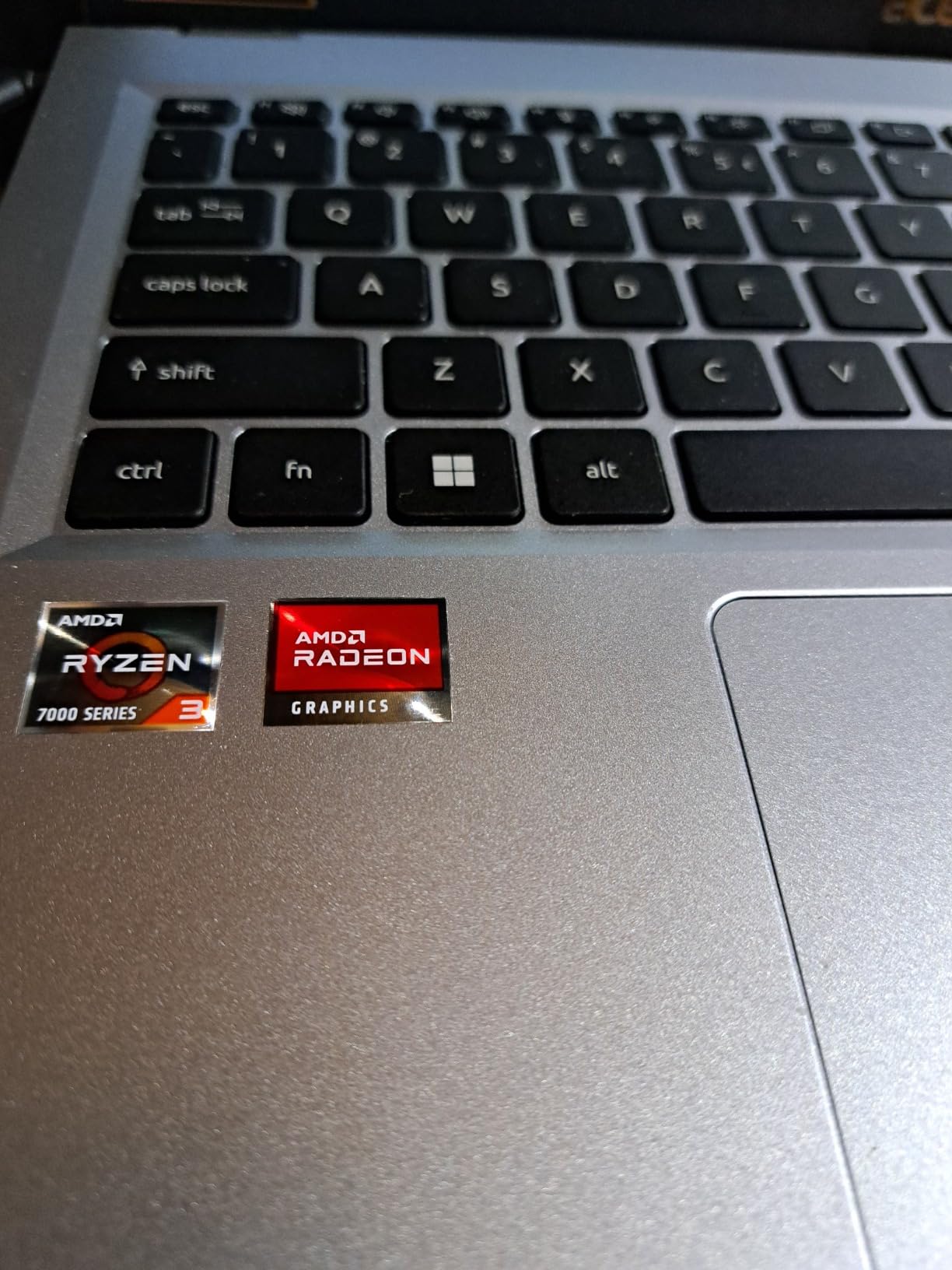
The AMD Ryzen 3 7320U is a quad-core chip that boosts to 4.1 GHz, and in practice owners report it handling 18 to 20 browser tabs alongside word processing without slowing down. That is the workload of an entire first-year semester, and it holds. The 8GB LPDDR5 memory runs at 3200 MHz, and the 128GB NVMe drive keeps boot and file transfer quick even though the capacity is modest.
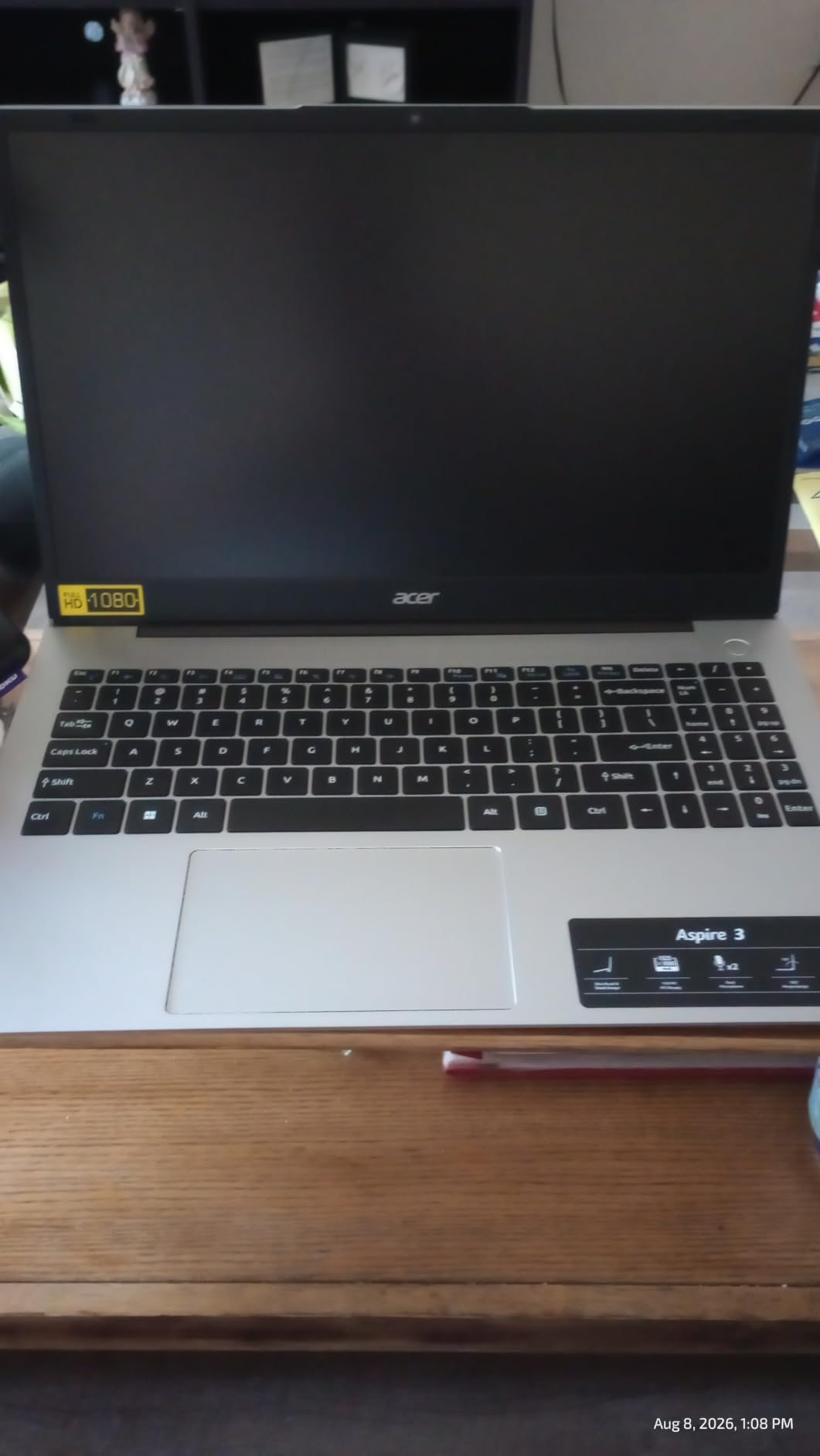
Two details that rarely appear in spec comparisons are worth calling out. The keyboard is backlit, which matters when you are working in a darkened library during finals week, and it is quiet enough for a shared study room. The 48 watt-hour battery is rated for 11 hours, and owners generally report that figure holding up in mixed use, which is unusual at this tier.
For video calls, the HD front camera uses Acer’s TNR temporal noise reduction, and PurifiedVoice AI noise reduction filters background sound out of your microphone input. Neither replaces a good headset, but they make a daily Zoom seminar noticeably easier for everyone else on the call.
Who gets the most out of this Acer
This is the right pick for a first-year student, a nursing or education major, or anyone whose coursework is documents, readings, research, and video lectures. The 15.6-inch screen gives you room to split a browser window and a document side by side, which is the single biggest quality-of-life upgrade over a 14-inch panel.
It also suits students who want a Windows machine and expect to take it to a computer lab. The full port selection with HDMI and two USB ports means you can connect to campus infrastructure and external monitors without carrying a dongle, and the one-year International Travelers Limited Warranty covers students who travel home over break.
Where it will disappoint you
The 128GB drive is the biggest limitation. Installing Windows, a full Office suite, a browser, and the software your major needs can use a meaningful share of that within a week, so plan on adding storage or keeping large media on an external drive. The AMD Radeon integrated graphics share system memory, so 3D modeling, video editing, and gaming are outside what this machine does well.
Fan noise is the other recurring complaint. Owners describe it ramping up unpredictably in quiet classroom settings, which is a real annoyance during a lecture rather than a dealbreaker. Some buyers also report units arriving scratched or with screen and trackpad issues, so inspect the machine on arrival and use the return window.
3. drkako 15.6-inch FHD Student Laptop – Best for Flexible Screen Angles
drkako 15.6″ FHD IPS Student Laptop, AI Assistant Included, Office 365
Intel Celeron J4105 quad-core
12GB DDR4 RAM
256GB SSD
180-degree lay-flat hinge
3.7 pounds
Pros
- 12GB RAM and 256GB SSD give smooth everyday multitasking
- 180-degree lay-flat hinge for sharing screens and flexible viewing
- One year of Office 365 preinstalled
- Bright sharp 15.6-inch Full HD display
- Light at 3.7 pounds with narrow bezels
Cons
- Celeron J4105 is an entry-level processor for demanding coursework
- Only Wi-Fi 5 wireless
- Battery life is modest at around 6 hours
- Speakers and camera are basic at this tier
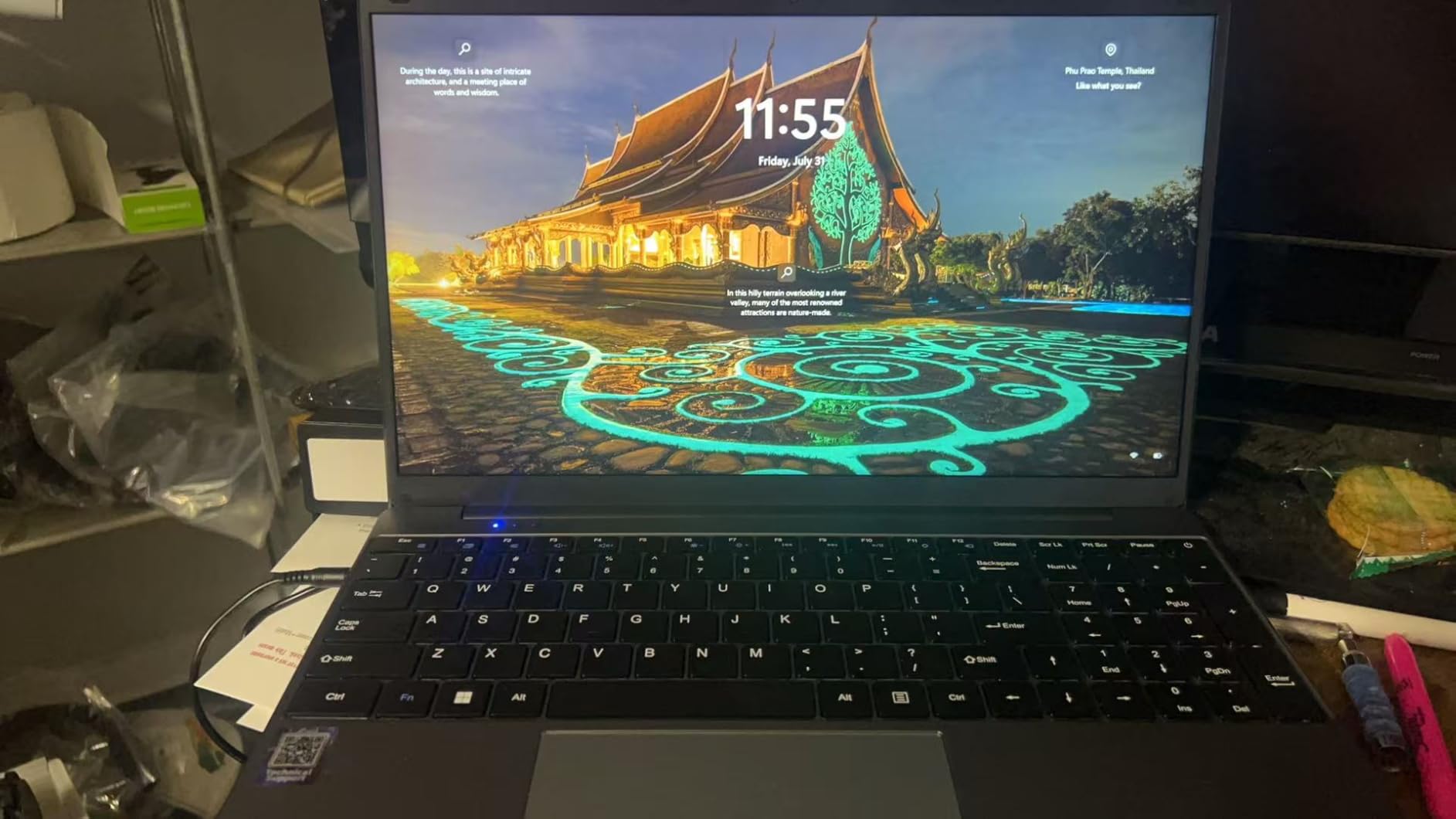
The distinguishing feature on this machine is the 180-degree lay-flat hinge. It lets the display fold completely flat against the keyboard, which is genuinely useful when you are sharing a screen across a table, working in an awkward lecture hall seat, or laying the laptop flat next to notes. Few machines in this roundup do it, and reviewers consistently single it out.
On the inside, 12GB of DDR4 memory and a 256GB SSD is a configuration that punches above the processor it is paired with. Owners report smooth browsing and Office work across many tabs, and the 15.6-inch 1920×1080 narrow-bezel display is bright and sharp for reading long PDFs. At 3.7 pounds it is easy to carry between classes.
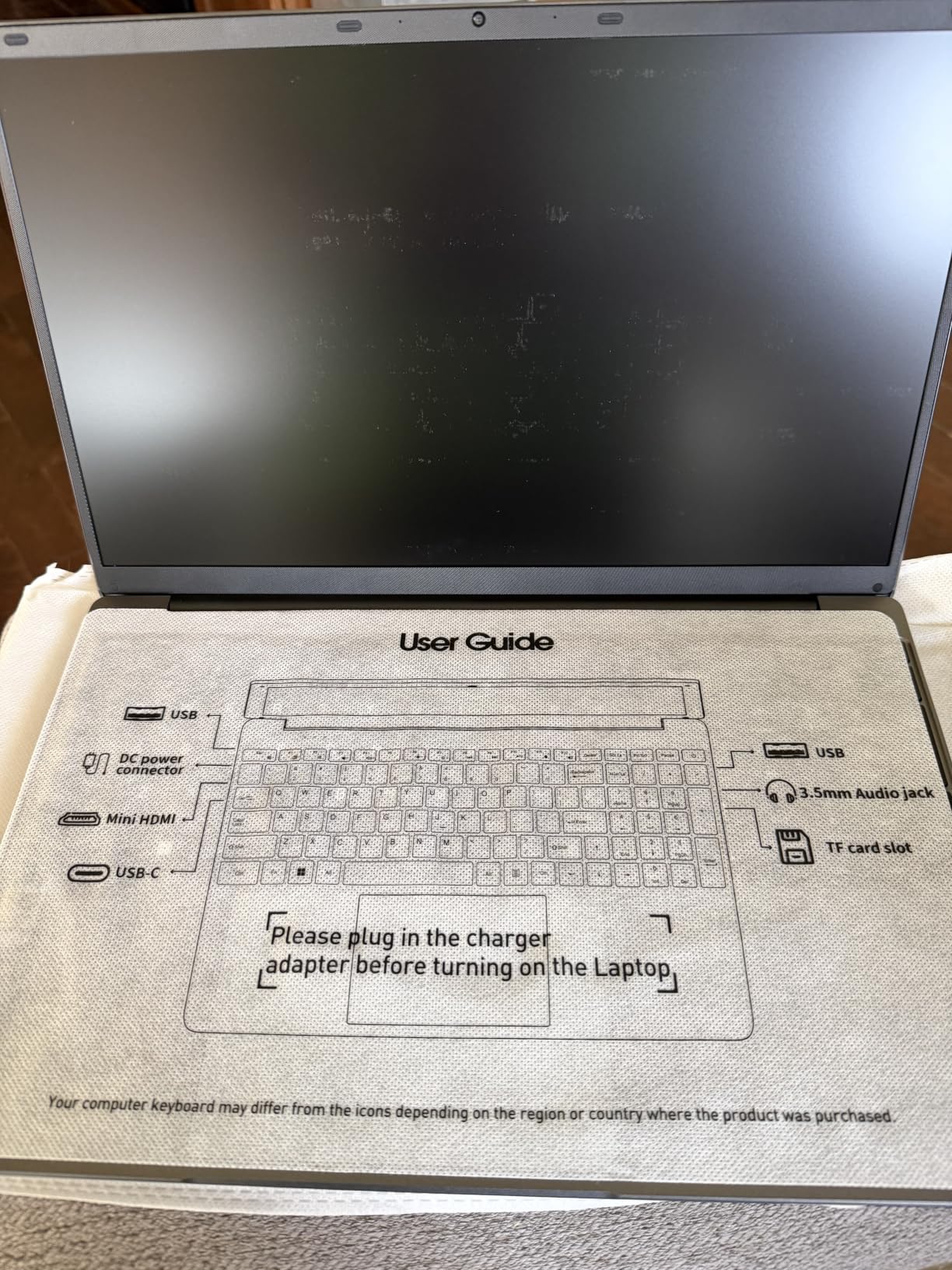
Storage is expandable, which is not true of many competitors. The drive can be upgraded to 2TB and the TF card slot accepts up to 1TB, so the base 256GB does not have to be a permanent ceiling. The 7000mAh battery at 53.2 watt-hours is larger than the pack in many rivals, though the older processor draws enough power that real use lands closer to six hours.
Connectivity is the trade-off. You get Wi-Fi 5 and Bluetooth 4.2 rather than Wi-Fi 6, plus USB 3.2, a USB-C port, and a mini HDMI output. On a busy campus network in 2026, Wi-Fi 5 is still perfectly usable, but it is a generation behind the competition and you will notice on crowded dorm networks.
What this student laptop does well
A year of Office 365 is preinstalled, and a built-in AI assistant handles writing, meetings, and drawing tasks. For a student who mainly writes papers, builds presentations, and takes notes, that bundle plus 12GB of memory is a workable four-year setup at a modest cost.
The lay-flat hinge also makes it a good companion for group study. Four students can look at one screen without crowding around a fixed hinge angle, which is a small thing that makes shared project work noticeably easier.
Where it stops being enough
The Intel Celeron J4105 is a 2.5 GHz quad-core chip built for light tasks, and it will feel slow the moment your workload includes compiling large code projects, running statistical analysis, or handling anything in 3D or video. Basic coursework is fine, and demanding coursework is not.
The speaker and camera quality are basic, so expect to use a headset for recorded lectures and group calls. With only 31 ratings behind it, treat the owner feedback as encouraging rather than proven, and check the return policy carefully before you commit.
4. Acer Aspire Go 15 (Core 3 N355) – Best for RAM and Storage Upgrades
acer Aspire Go 15 AI Ready Laptop | 15.6″ FHD (1920 x 1080) IPS Display | Intel Core 3 Processor N355 | Intel Graphics | 8GB DDR5 | 128GB UFS | Wi-Fi 6 | Windows 11 Home in S Mode | AG15-32P-39R2
Intel Core 3 N355 8-core
8GB DDR5 with free DIMM slot
Open M.2 SSD slot
Wi-Fi 6
Pros
- RAM and storage are both upgradeable
- Up to 12.5 hours stated battery with fast USB-C charging
- USB-C handles charging and display output
- Energy Star certified and EPEAT Gold registered
- Comfortable keyboard and good sound for the price
Cons
- 128GB UFS storage is very limited out of the box
- Noticeably slow under Windows 11 with reported hangs
- Arrives in Windows 11 S mode which limits installed software
- US-only keyboard layout
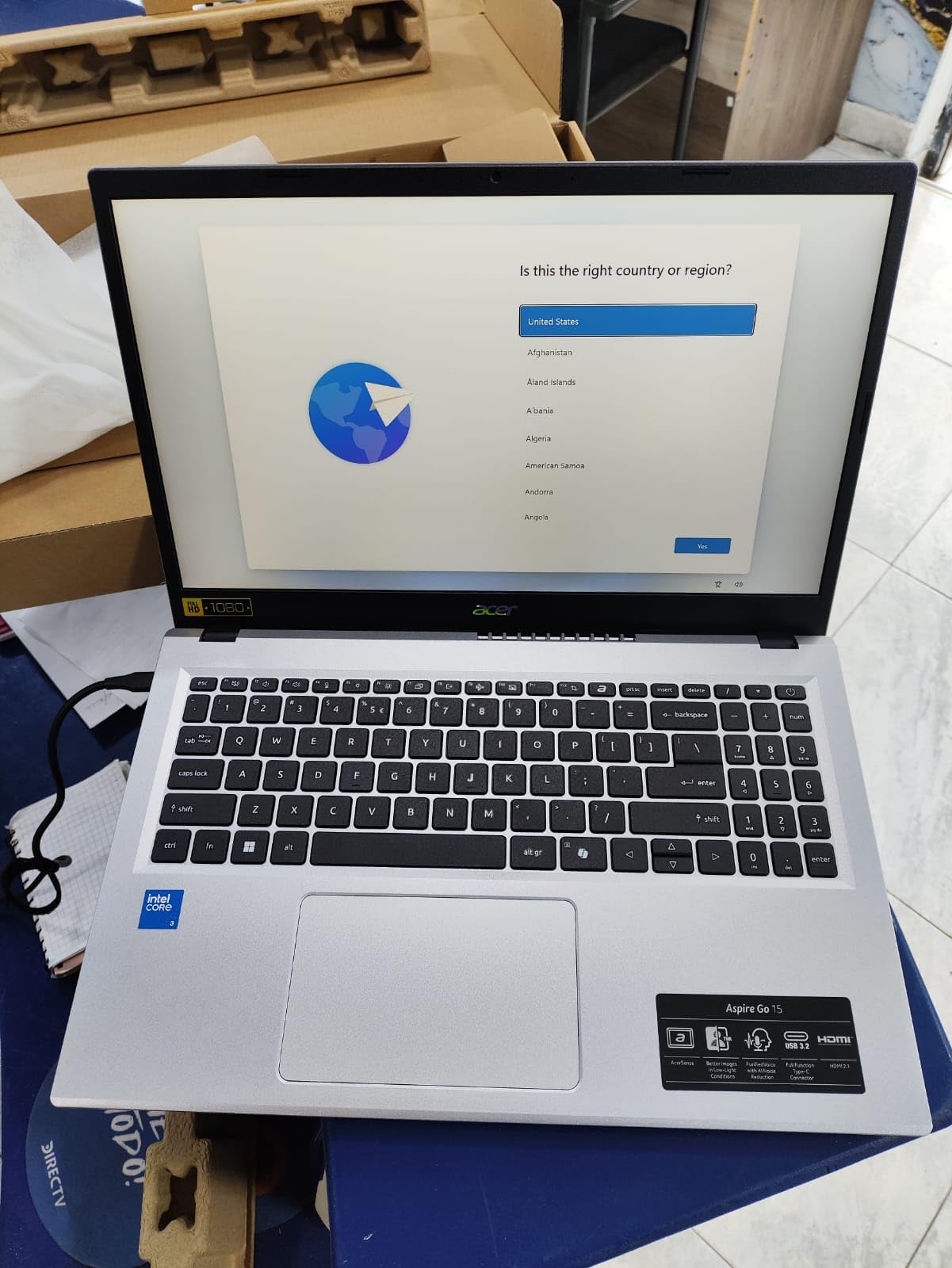
Here is the machine I would buy if upgradeability is the priority. The 8GB of DDR5 memory sits in a single DIMM slot rather than being soldered to the board, so you can add a module and reach the 16GB maximum later. There is also a full-length empty M.2 SSD bay, which means a second drive can be added without replacing the first. Very few laptops at this cost leave you that much room to grow.
The processor is an 8-core Intel Core 3 N355 that boosts to 3.9 GHz with 6 MB of cache. It is more than adequate for browsing, Office work, and video calls, and the 15.6-inch 1080p narrow-bezel IPS display includes Acer BluelightShield to reduce blue light exposure during long reading sessions. The chassis weighs 3.8 pounds.
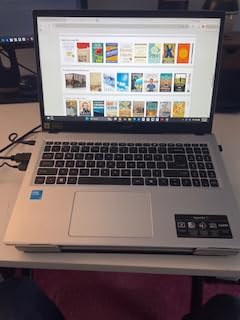
Battery life is rated at 12.5 hours, and owners report 5 hours or more of real mixed use plus very fast USB-C charging. Two full-function USB-C ports, Wi-Fi 6, and HDMI 2.1 connectivity round out a port selection that most students in this range do not get. AcerSense gives one-button control over battery, storage, and apps, and TNR plus PurifiedVoice handle camera privacy and call audio.
Sustainability details are unusual at this price. The machine is Energy Star certified and EPEAT Gold registered, and the back cover is made from 30% recycled plastic inside 100% recyclable packaging. If the machine at the end of four years gets resold or recycled rather than landfilled, that matters more than it sounds.
Why this is the smart starter machine
Buying a modest configuration now and adding memory and storage in year two is usually the cheapest path to a machine that lasts four years. Because both bays are open, you are not paying today’s premium for capacity you will not need during your first year of lectures.
It is also a good fit for general studies, business, and education majors where the workload is documents, research, and video conferencing. The comfortable keyboard and good sound quality make long writing sessions and recorded classes easier.
Where students get frustrated
Performance under Windows 11 is the main complaint. Some owners report frequent system hangs, and the 128GB UFS drive is effectively empty once the operating system and updates are installed, so add storage before your first heavy project. The out-of-the-box Windows 11 S mode restricts which applications can be installed until you switch out of it, which trips up first-time owners.
One more practical note for international students: the keyboard layout is US-only, so buyers in the UK or Europe will want to confirm the layout before ordering. There is also an isolated report of a charging fault with a supplied adapter, which is worth checking during the return window.
5. Dell 15 (Core 3 100U) – Best for On-Site Service and Data Entry
Dell 15.6 Laptop, FHD, Intel Core 3 100U, 8 GB RAM, Windows 11 Home
Intel Core 3 100U 6-core
8GB DDR4 to 16GB
512GB SSD
120Hz anti-glare display
Pros
- 512GB SSD is generous for coursework files and software
- 120Hz anti-glare display is smooth for scrolling and study
- Separate numeric keypad with calculator hotkey
- Onsite service warranty is a real convenience for students
- Wi-Fi 6 and Bluetooth 5.3
Cons
- 8GB RAM is the minimum for modern multitasking
- 4.2 pounds is heavier than several 14-inch options
- 250-nit display brightness is on the dim side
- Integrated Intel UHD graphics limits graphics work
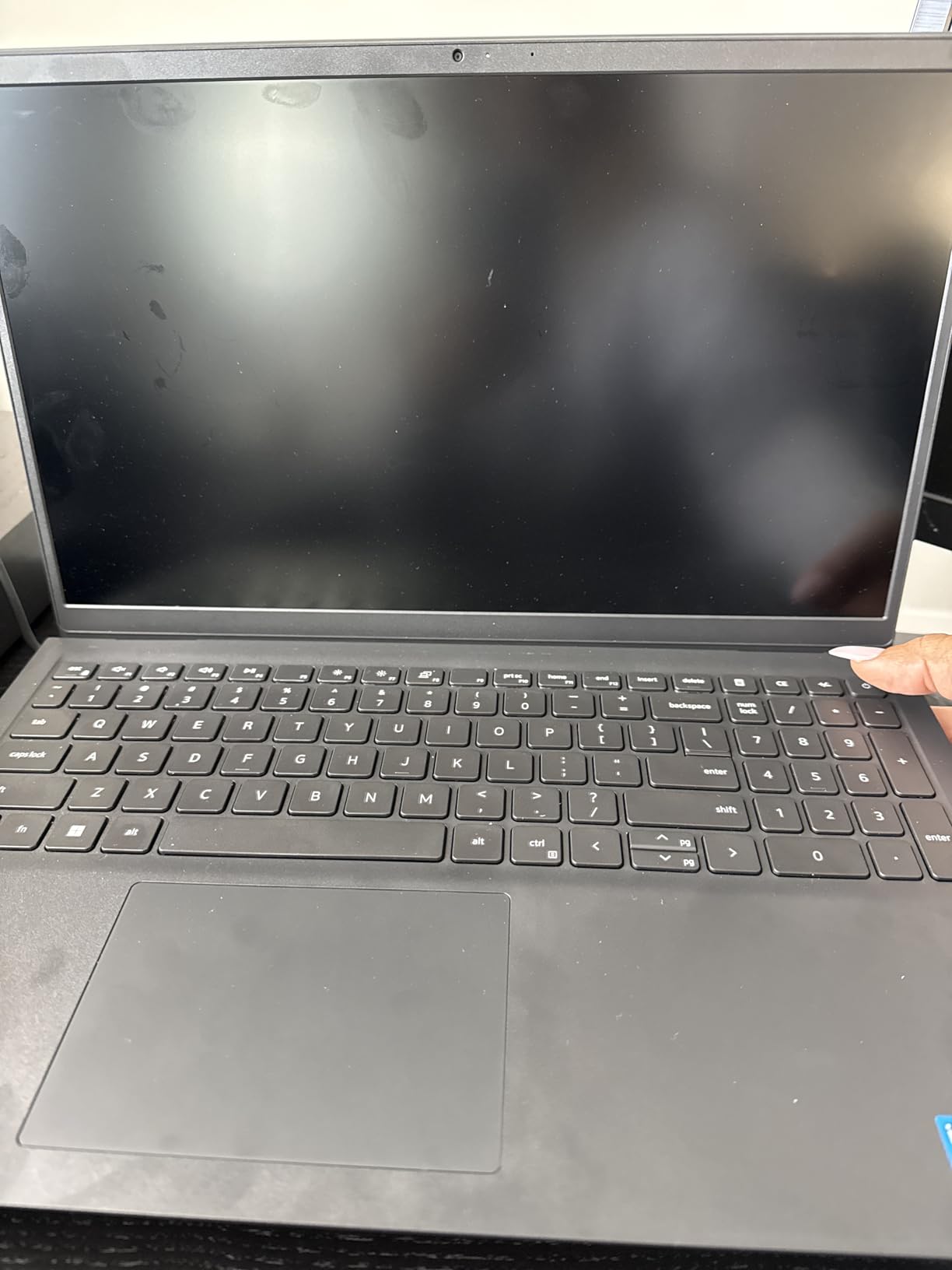
What separates this Dell from the other large-screen budget machines is storage and service. The 512GB SSD is four times what most competitors in this class offer, and the 8GB DDR4 memory is upgradeable to 16GB. For a student working with datasets, media libraries, or a large engineering software install, having both headroom and room to grow is the difference between a laptop that lasts and one that does not.
The display is a 15.6-inch Full HD anti-glare WVA panel running at 120Hz, which makes scrolling through long documents and research papers noticeably smoother than a 60Hz screen. Brightness is rated at 250 nits, so it is usable indoors and workable near a window but not built for direct sun. Dell ComfortView software reduces blue light emissions during long viewing sessions.
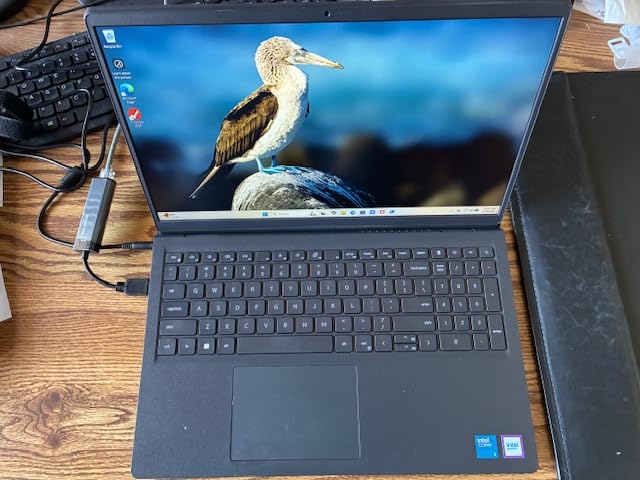
The separate numeric keypad with a calculator hotkey is a small feature with a large audience. Business, accounting, finance, nursing dosage calculations, and any statistics coursework all benefit, and most 14-inch laptops drop the keypad to save width. The lifted hinges also raise the keyboard into a more ergonomic typing angle than a flat deck.
Warranty is where this one genuinely stands out: one year of onsite service after remote diagnosis with hardware-only support. If a main board or display fails during your study years, a technician comes to the dorm or apartment rather than shipping the machine away for a week. Intel Core 3 100U is a 6-core 12th-generation chip with a 41 watt-hour battery and Wi-Fi 6 plus Bluetooth 5.3.
What works well for a student
The combination of a 120Hz screen, a numeric keypad, and 512GB of storage makes this a good general-purpose machine for business, accounting, and liberal arts study. You will not be waiting on a spinning drive every time you open a folder, and there is room for a full Office install plus reference materials.
At 4.2 pounds it is one of the heavier machines here, so it suits a student who works mostly from a dorm room or library desk rather than one who carries a laptop across campus all day. The keypad also makes it a poor fit for very small desks, so check your room first.
Where the compromises are
8GB of RAM is the practical floor for modern multitasking, and with many applications and a full complement of browser tabs open it will feel limited. Plan on adding a 16GB module early in your enrollment if you can. Integrated Intel UHD graphics also rule out gaming beyond light titles and any serious 3D or video work.
Some students upgrading from a Mac should know in advance that Windows will not recognize a macOS system image during migration, so budget time to move files manually or through cloud storage. The 250-nit panel is the other recurring criticism if you plan to study in bright spaces.
6. ASUS Vivobook 14 (i3-1215U, 16GB) – Best Portable Multitasker
ASUS Vivobook Laptop, 14″ FHD Display, i3-1215U, 16GB RAM, 512GB SSD, Wi-Fi 6, HDMI, Webcam, Touchpad, Windows 11 Home, Blue
Intel i3-1215U 6 cores
16GB DDR4 RAM
512GB PCIe NVMe SSD
14-inch FHD IPS
3.1 pounds
Pros
- 16GB RAM is unusually generous at this cost
- 512GB PCIe NVMe SSD for fast boot and file transfer
- Light 3.1-pound 14-inch chassis is easy to carry
- Full port selection with USB-C HDMI and multiple USB-A
- Wi-Fi 6 and 10 hours stated battery life
Cons
- Core i3-1215U is a lower-tier processor on a dated platform
- 250-nit display brightness is dim for indoor study
- Integrated Intel UHD graphics limits creative work
- 16GB RAM is soldered to the board
The reason this Vivobook stands out is the memory. Sixteen gigabytes of DDR4 at this price is unusual, and it is paired with a 512GB PCIe NVMe M.2 SSD. That combination means you can run a full research workflow with dozens of tabs, a video call, a document, and an IDE open at the same time without the machine fighting you, and it is the configuration most students wish they had bought two years earlier.
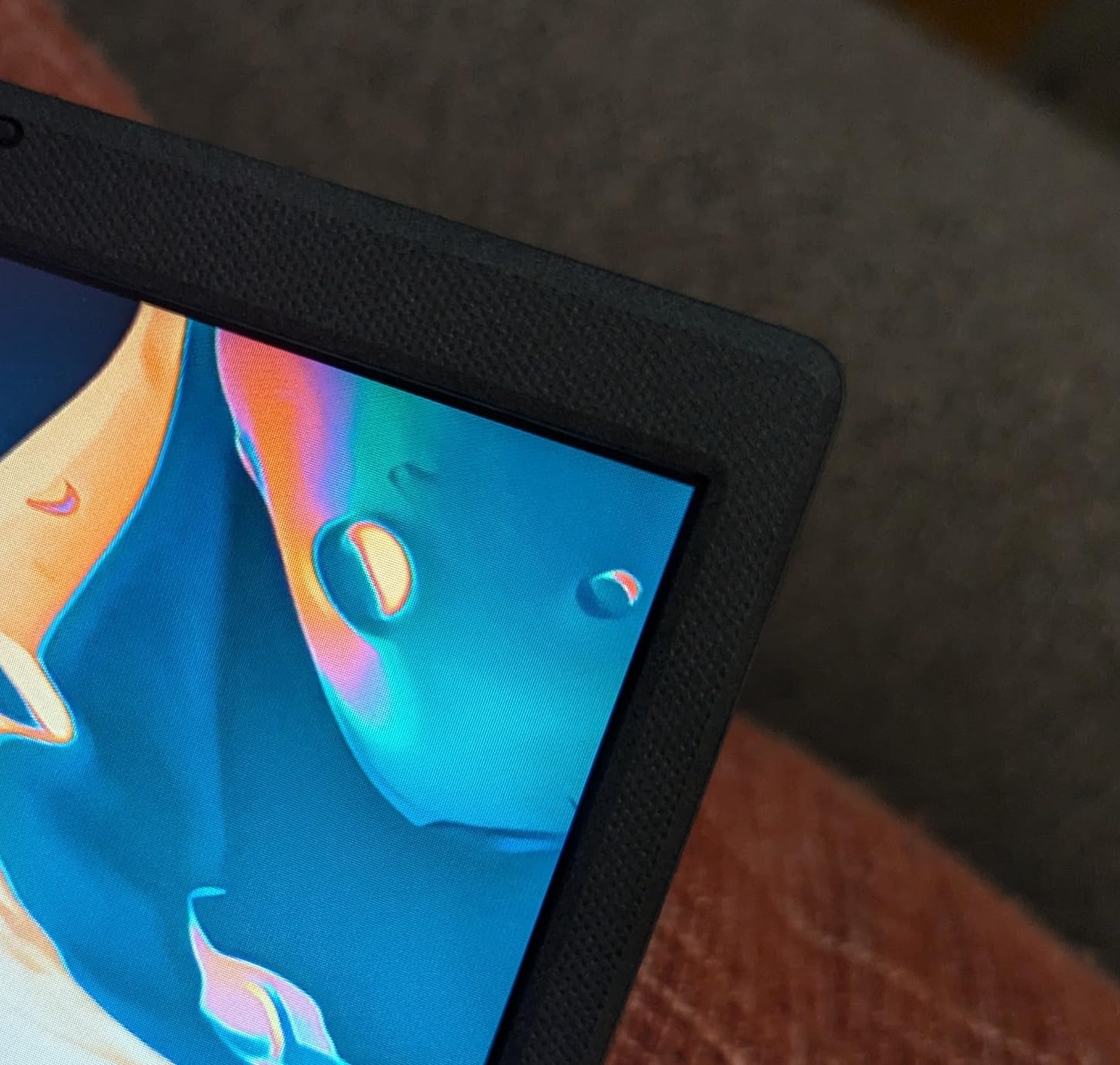
At 3.1 pounds and 0.7 inches thick, this is the lightest full-featured machine in the roundup. The 14-inch FHD IPS-level anti-glare display at 250 nits handles text well, and the 16:9 aspect ratio suits split-screen work. USB Power Delivery means a single compact charger handles the machine and a phone.
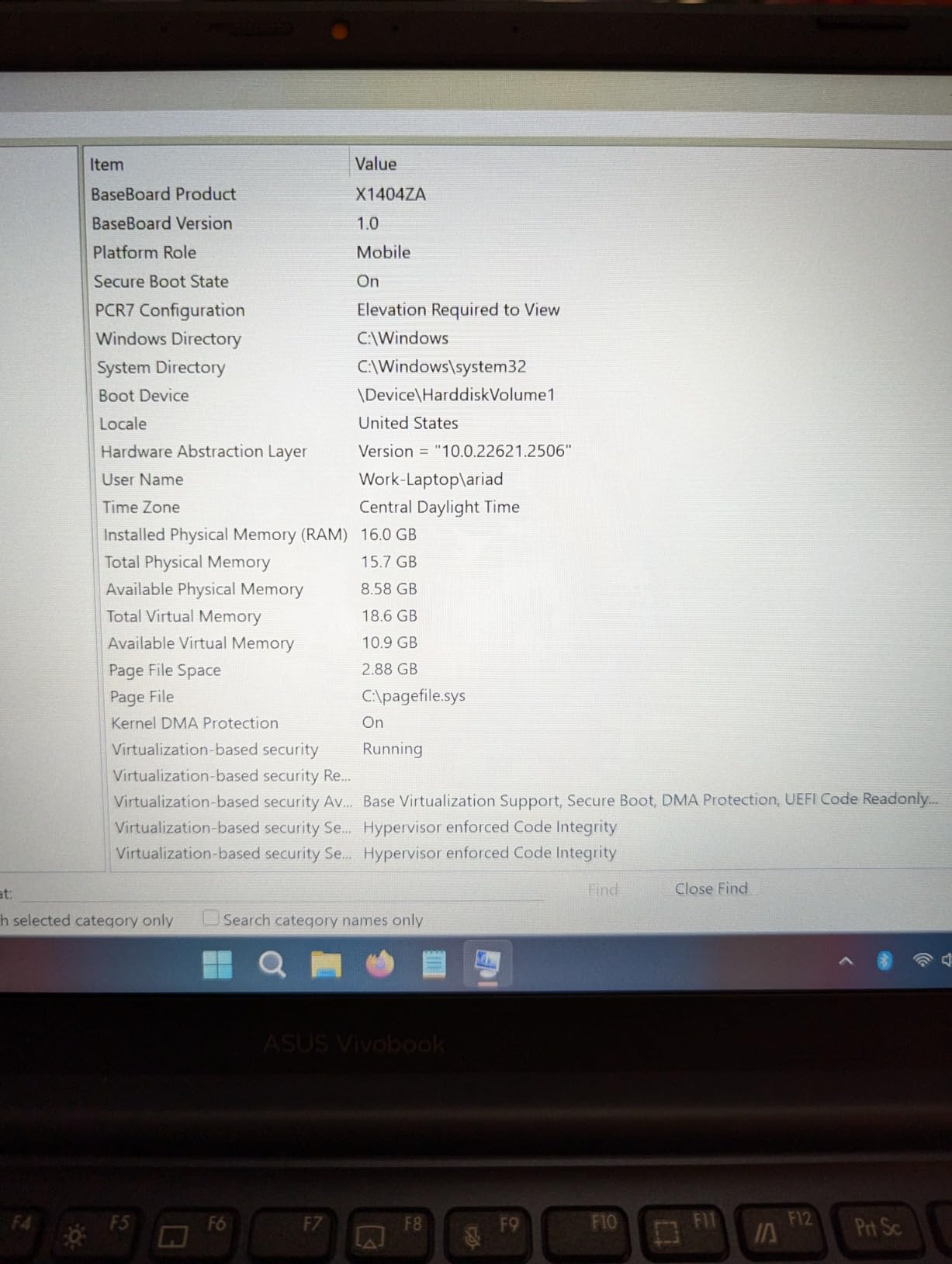
Port selection is generous for a 14-inch body: two USB-A 3.2 ports, one USB-A 2.0, one USB-C 3.2, HDMI 1.4, and a 3.5mm combo audio jack. Wi-Fi 6 is included, and stated battery life is 10 hours from a 51 watt-hour pack. There is also one available M.2 slot if you want to add storage later.
Owner feedback concentrates on exactly the right things: the memory and storage configuration, the light weight, and the port variety. The criticisms point the other way, toward the processor and the dim panel, which is the trade you make for the specs you are getting inside.
Where this Vivobook earns its place
Computer science, business, and general studies students get the most from this configuration. Sixteen gigabytes handles a local development environment, a browser with many tabs, and a virtual class at the same time, and the light chassis means it is a genuinely portable daily machine rather than a desk computer you occasionally carry.
It is also a sensible second machine or a family laptop that several people share, since 16GB of memory absorbs more competing workloads than the 8GB configurations elsewhere on this list.
Where the limits show up
The Core i3-1215U is a dual-core-class chip with 6 cores and 8 threads, topping out at 4.4 GHz turbo. It is fine for coursework and browsing, but it belongs to an older platform generation, so expect it to feel behind on sustained heavy workloads such as large data analysis, compiling, or rendering. The integrated Intel UHD graphics rule out gaming beyond very light titles.
The 250-nit panel is dim for a bright room, and some students prefer a larger screen for split-window work. Since the 16GB of RAM is soldered, this machine has no memory upgrade path, so confirm the configuration is right before you order.
7. HP 14 Ultra-Light (Celeron N4500) – Budget Pick
HP 14″ Ultra-Light Laptop for Student & Home (1-Year Office 365, Intel Celeron N4500, 4GB RAM, 64GB eMMC + 64GB SD Card), 12-Hr Long Battery Life, Webcam, Fast Charge, Wi-Fi 6, Win 11 Home in S, White
Intel Celeron N4500 dual-core
4GB DDR4 RAM
64GB eMMC plus 64GB SD card
3.2 pounds
Pros
- Lowest cost in the roundup
- Light 3.2-pound 14-inch body with a clean white design
- Reported battery life close to the advertised 12 hours
- One year of Microsoft 365 included
- SD card reader and dual USB-A ports for accessories
Cons
- 4GB RAM and 64GB eMMC are too limited for modern multitasking
- 1366 x 768 at 220 nits is the weakest display here
- Celeron N4500 dual-core struggles with browser-heavy workloads
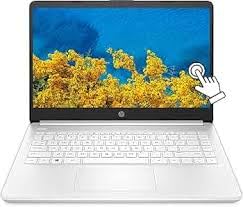
- Arrives in Windows 11 S mode restricting non-Microsoft apps
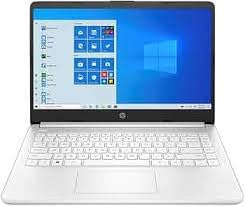
I include this machine because a real share of students are shopping with a very tight budget, and refusing to name an option in that range would be dishonest. It is a 14-inch laptop at 3.2 pounds with a stated battery life of up to 12 hours, a year of Microsoft 365 included, and a white finish that looks considerably more expensive than it is. The micro-edge anti-glare display and HP True Vision HD camera cover the basics of a video-heavy semester.
Connectivity is better than the spec sheet suggests. You get USB-C 3.2 Gen 1, two USB-A 3.2 Gen 1 ports, HDMI 1.4b, a headphone and microphone combo jack, and an SD card reader, plus Wi-Fi 6E and Bluetooth 5.4. It also supports up to two external monitors via HDMI or USB-C at Full HD 60Hz, which is unusual for a machine at this level.
Storage is unusual too: 64GB of eMMC paired with a 64GB SD card, and the manufacturer backs the expanded card storage with a three-year warranty. The included SD card reader is not a gimmick here, since it gives you a way to add capacity without opening the machine. Real battery life reportedly lands near the advertised figure, which is the single biggest strength.
The honest weaknesses are the 4GB of DDR4 memory, the 64GB of internal storage, and a 2-core Celeron N4500. That is a combination that will struggle with heavy browser use, streaming quality, and anything beyond light coursework, and it is why this ranks below the other entry machines despite the lower cost.
Who this budget laptop works for
A student handling email, documents, Zoom classes, and light web research can get through a full day of classes on one charge. If your school requires a Windows machine for online proctoring exams or specific administrative software, this will run it, and the included Microsoft 365 covers Word, Excel, and PowerPoint out of the box.
It is also a reasonable secondary or loaner machine for a family, and a workable first laptop for a student who plans to use campus computer labs for anything heavier.
When you should spend more instead
Do not buy this if your major involves programming, data analysis, design software, or large file handling. Reviewers report severe slowness, browser stuttering, and difficulty running streaming services, and the 1366×768 panel at 220 nits is the weakest display in this roundup. The machine also arrives in Windows 11 S mode, which restricts installing anything outside the Microsoft store until you switch out.
Spending a little more moves you into a 12GB or 16GB configuration that will last the full four years. That is a better outcome than buying the cheapest option and replacing it in year two, which costs more overall and creates e-waste.
8. HP Essential 14-inch (Intel N150) – Best for Everyday Classes
HP Essential Laptop 2026, Intel CPU, 128GB Storage, Office 365, Windows 11
Intel N150 quad-core
4GB LPDDR5 RAM
128GB UFS storage
14-inch 1366x768 IPS at 250 nits
Pros
- Portable 3.24-pound 14-inch chassis with a distinctive finish
- Up to 11 hours of stated video playback
- One year of Microsoft 365 Personal included
- Full-size keyboard with numeric keypad and HP Imagepad
- USB-C supports DisplayPort 1.2 for an external monitor
Cons
- Only 4GB LPDDR5 RAM which is soldered and not upgradeable
- 1366x768 HD panel is a step down from Full HD screens
- 128GB UFS storage is small with no M.2 expansion slot listed
- Intel N150 is an entry-level processor for light tasks only
This is the most interesting entry-level pick on the list because it holds a 4.5-star average across 193 ratings, which is unusual for a machine configured this way. Owner feedback centers on portability, battery life, and the bundled Microsoft 365 subscription, and the sentiment around everyday browsing, documents, and online classes is consistently positive.
Under the hood you get an Intel N150 quad-core with 6 MB of L3 cache boosting to 3.6 GHz, paired with 4GB of LPDDR5 memory at 4800 MHz and 128GB of UFS storage. The 14-inch anti-glare IPS panel runs at 1366×768 with 250 nits brightness, 62.5% sRGB coverage, and a 79% screen-to-body ratio, with a 720p HP True Vision camera that includes noise reduction and dual-array microphones.
Battery is the headline: up to 11 hours of video playback and 7.5 hours of mixed use from a 41 watt-hour pack, in a chassis measuring 12.76 by 8.86 by 0.71 inches at 3.24 pounds. For a full day of back-to-back classes, that is a real advantage over the six-hour entry machines.
Ports are better than the low resolution suggests: one USB-C 10Gbps port with DisplayPort 1.2, two USB-A 5Gbps ports, HDMI 1.4b, a combo jack, and an SD media card reader, with Wi-Fi 6 and Bluetooth 5.4. A dedicated Copilot key, AI noise reduction, and a full-size keyboard with numeric keypad round out the package.
Where this HP Essential fits
For a student taking notes, writing papers, joining video classes, and browsing research, this covers the assignment. The included year of Microsoft 365 Personal gives you Word, Excel, PowerPoint, and cloud storage without a separate purchase, and the 11-hour video playback figure means a full lecture day without an outlet.
The USB-C port with DisplayPort 1.2 means you can attach a larger monitor at your dorm desk and expand your workspace, which more than compensates for the small built-in screen.
Where it runs out of road
Four gigabytes of LPDDR5 memory is soldered and cannot be upgraded, and that is the hard limit on this machine. Add streaming, several browser tabs, and a video call and the system starts to feel sluggish. The 128GB of UFS storage is also small, and no M.2 expansion slot is listed, so your expansion route is the SD card reader or external storage.
The 1366×768 panel is a step down from the Full HD screens elsewhere on this list, so it is a poor choice for photo editing or design work where sharpness and color matter. The Intel N150 is suited to light tasks only, so check your major’s requirements before settling.
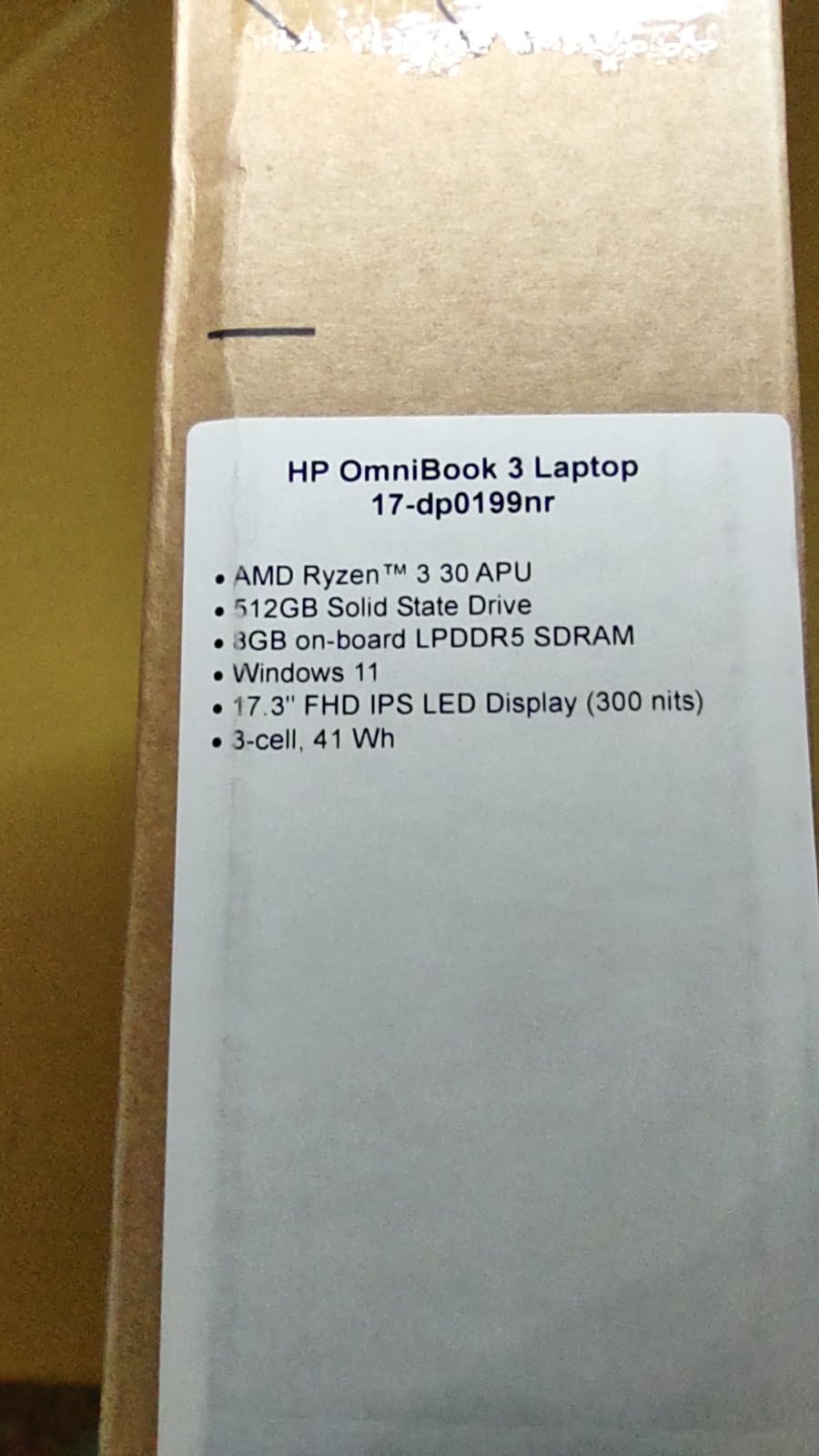
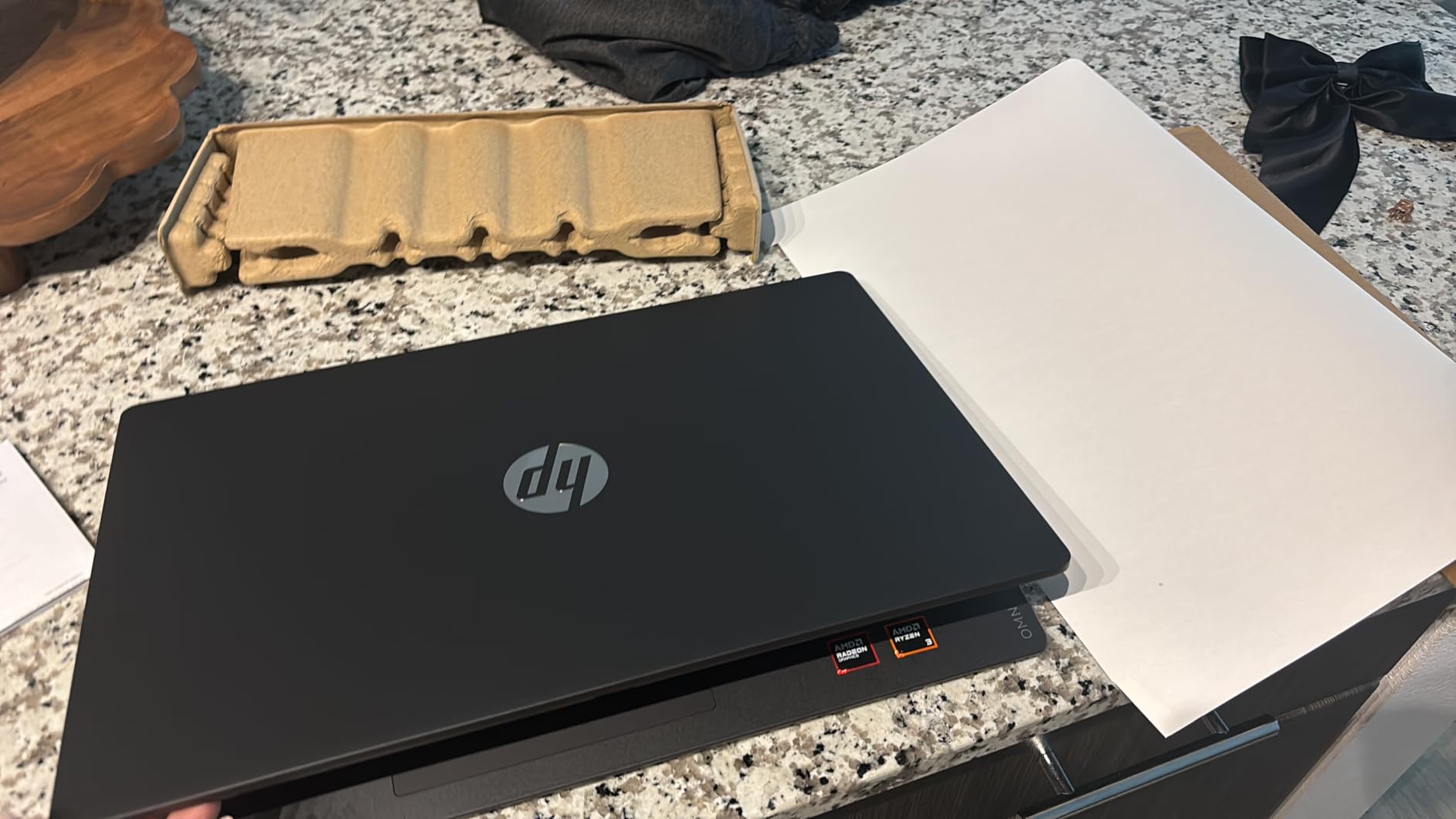
9. HP OmniBook 3 17.3-inch (Ryzen 3 30) – Best Big-Screen Pick
HP OmniBook 3 17.3 inch Laptop PC, FHD Display, AMD Ryzen 3 30, 8 GB RAM, 512 GB SSD, AMD Radeon 610M Graphics, Windows 11 Home, Mica Silver, 17-dp0199nr
AMD Ryzen 3 30 quad-core
8GB LPDDR5-5500
512GB NVMe SSD
17.3-inch Full HD IPS at 300 nits
Pros
- Large 17.3-inch Full HD IPS display with 178-degree viewing angles
- Backlit full-size keyboard with numeric keypad
- 8GB LPDDR5-5500 and 512GB NVMe SSD give responsive everyday performance
- Up to 14 hours 15 minutes stated battery with fast charge
- 1080p FHD camera with HDR auto-switch and AI noise reduction
Cons
- 17.3-inch footprint is too large for many backpacks
- Integrated Radeon 610M graphics are not aimed at gaming
- 8GB LPDDR5 memory is soldered and not upgradeable
- Arrives with Microsoft bloatware and a capped OneDrive backup
Big screens are underrated for study. A 17.3-inch Full HD IPS panel at 300 nits with 178-degree viewing angles lets you run a PDF, a video lecture, and your notes at once without shrinking everything into a 14-inch frame. Reviewers consistently name display clarity as the headline advantage, and it is easy to see why after using one for a semester.
Inside, an AMD Ryzen 3 30 quad-core with 8 threads boosting to 4.1 GHz pairs with 8GB of LPDDR5-5500 memory and a 512GB PCIe NVMe M.2 SSD. That is a responsive everyday configuration, and owners describe documents, media, and casual streaming as smooth. The Radeon 610M integrated graphics handle photo viewing and light editing.
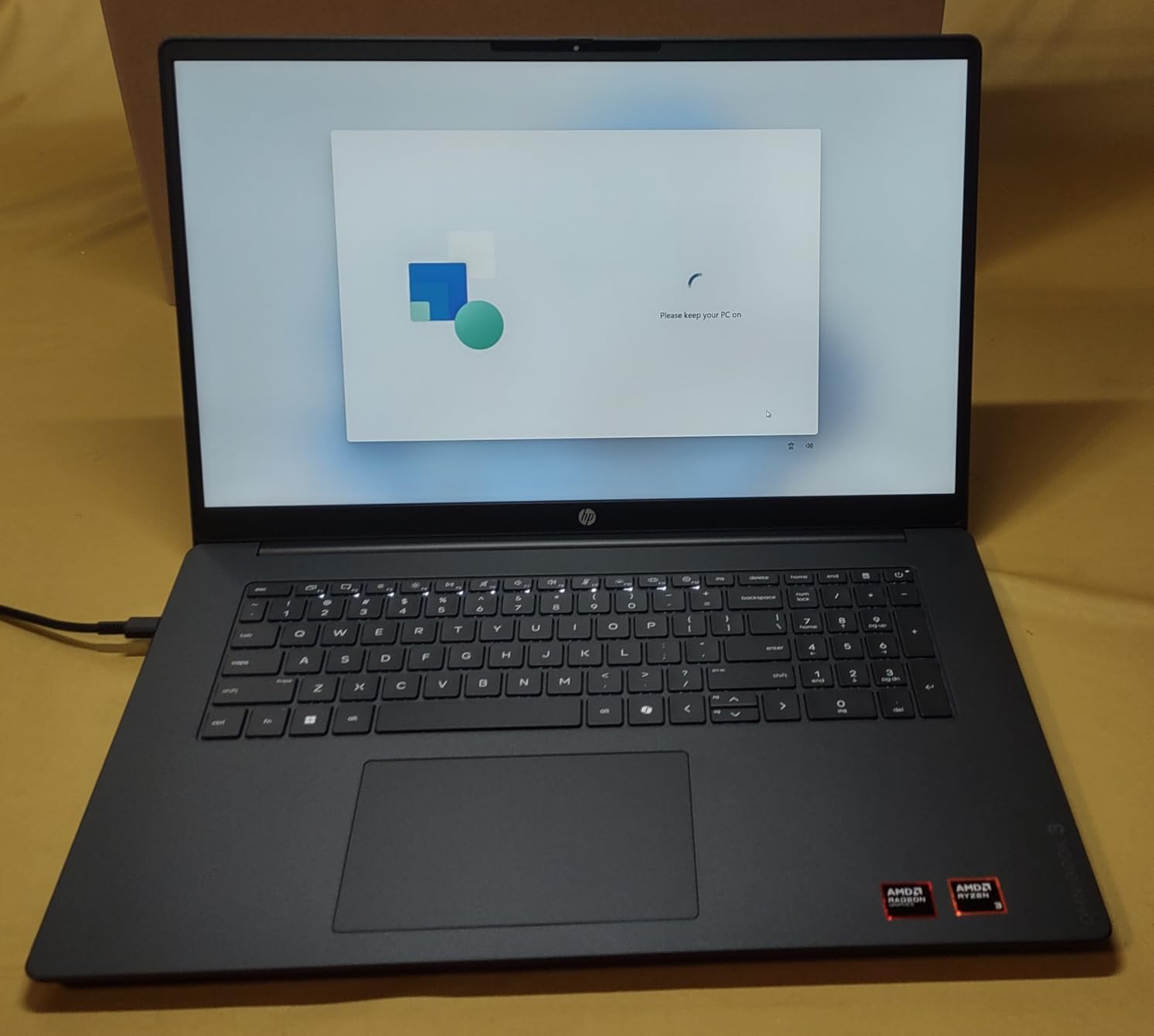
Battery is the quiet winner here: up to 14 hours 15 minutes, with HP Fast Charge taking the pack from zero to roughly half in about 45 minutes. The 1080p FHD camera with HDR auto-switch adjusts to backlit rooms, and AI noise reduction tracks your voice on conference calls, which is a real improvement for recorded online classes.
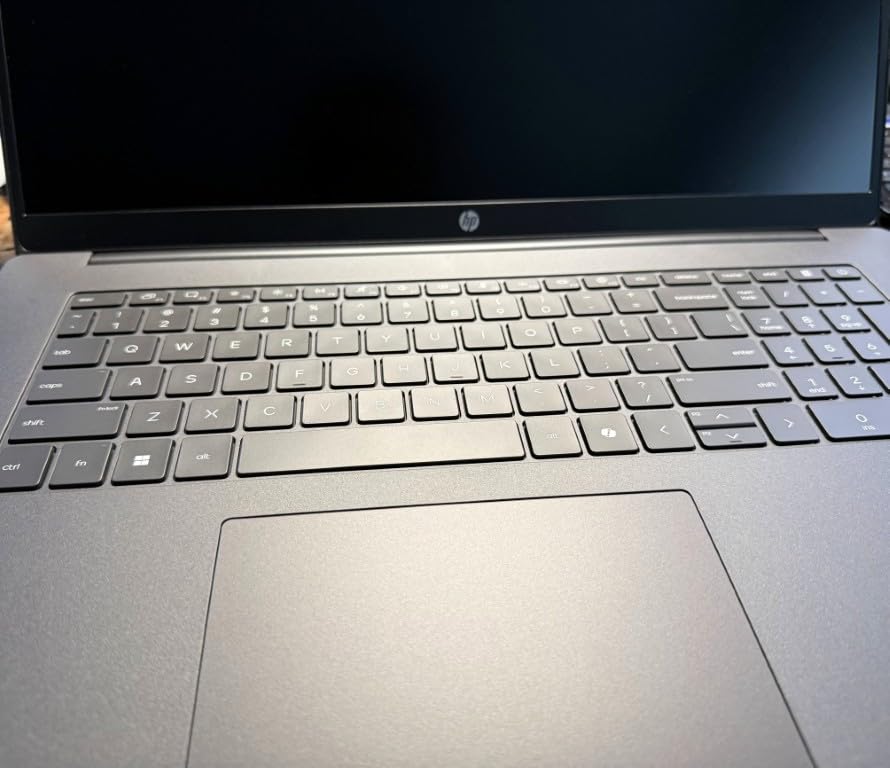
At 4.4 pounds it is lighter than many laptops of this size, and one owner noted it as roughly half the weight of the larger machine it replaced. Ports include two USB-C 10Gbps ports with DisplayPort 1.4, two USB-A, HDMI 2.1, and a 45W GaN adapter in the box. A backlit full-size keyboard with numeric keypad completes a well-equipped package.
Who should buy a 17.3-inch laptop
Students who study at a fixed desk, in a dorm room, or in a library cubicle get the most from this footprint. Spreadsheet work, reading dense PDFs, attending recorded lectures, and writing long papers are all easier on a large panel, and the numeric keypad helps with statistics and finance coursework.
If you commute on a train or bus and need the laptop with you all day, this is the wrong shape. A 17.3-inch footprint does not fit many backpacks, and 4.4 pounds is at the edge of comfortable for a full day of carrying.
The trade-offs to accept
The Radeon 610M graphics are not aimed at gaming, so a student who wants to play will need a console or desktop. The 8GB of LPDDR5 memory is soldered and cannot be upgraded, so the 512GB drive is your only avenue for more capacity later.
Buyers also mention pre-installed Microsoft bloatware and a 5GB OneDrive backup cap that cannot be raised without paying. Spend ten minutes removing what you do not need after setup, and your machine stays noticeably lighter through the semester.
10. Lenovo IdeaPad Slim 3X 15.3-inch (Snapdragon X) – Best for On-Device AI
Lenovo IdeaPad Slim 3X – 2025 – Everyday AI Laptop – Copilot+ PC – 15.3″ WUXGA Display – 16 GB Memory – 512 GB Storage – Snapdragon® X – Luna Grey
Snapdragon X Copilot+ PC with 45 TOPS NPU
15.3-inch 120Hz 16:10 WUXGA IPS
16GB LPDDR5
Wi-Fi 7
Pros
- Very fast and responsive performance from the Snapdragon X platform
- Excellent all-day battery life frequently praised by owners
- Light 3.42-pound 15.3-inch chassis
- Bright sharp 16:10 display at 120Hz
- Expandable M.2 SSD slot plus physical webcam shutter and fingerprint reader
Cons
- Fingerprint reader reads unreliably in some units
- Listed as a touchscreen in some descriptions but the unit you receive is not touch-enabled
- Average sound quality
- 512GB internal storage is modest and it is slightly heavier than comparable ultraportables
This is the most modern platform in the roundup. The Snapdragon X Copilot+ PC carries a 45 TOPS neural processing unit, which is what makes on-device AI features possible without sending your coursework to a cloud service. The display is the other standout: a 15.3-inch IPS panel at 1920×1200 in a 16:10 ratio with a 120Hz refresh rate, which is sharper and taller than the 1080p panels on most rivals.
Memory and storage are strong too. You get 16GB of LPDDR5 running at 8448 MHz, a 512GB SSD, and an expandable M.2 slot so you can add storage yourself. The 60 watt-hour battery is rated at up to 15 hours with Rapid Boost fast charging, and owners frame this machine around standout battery life and snappy responsiveness.
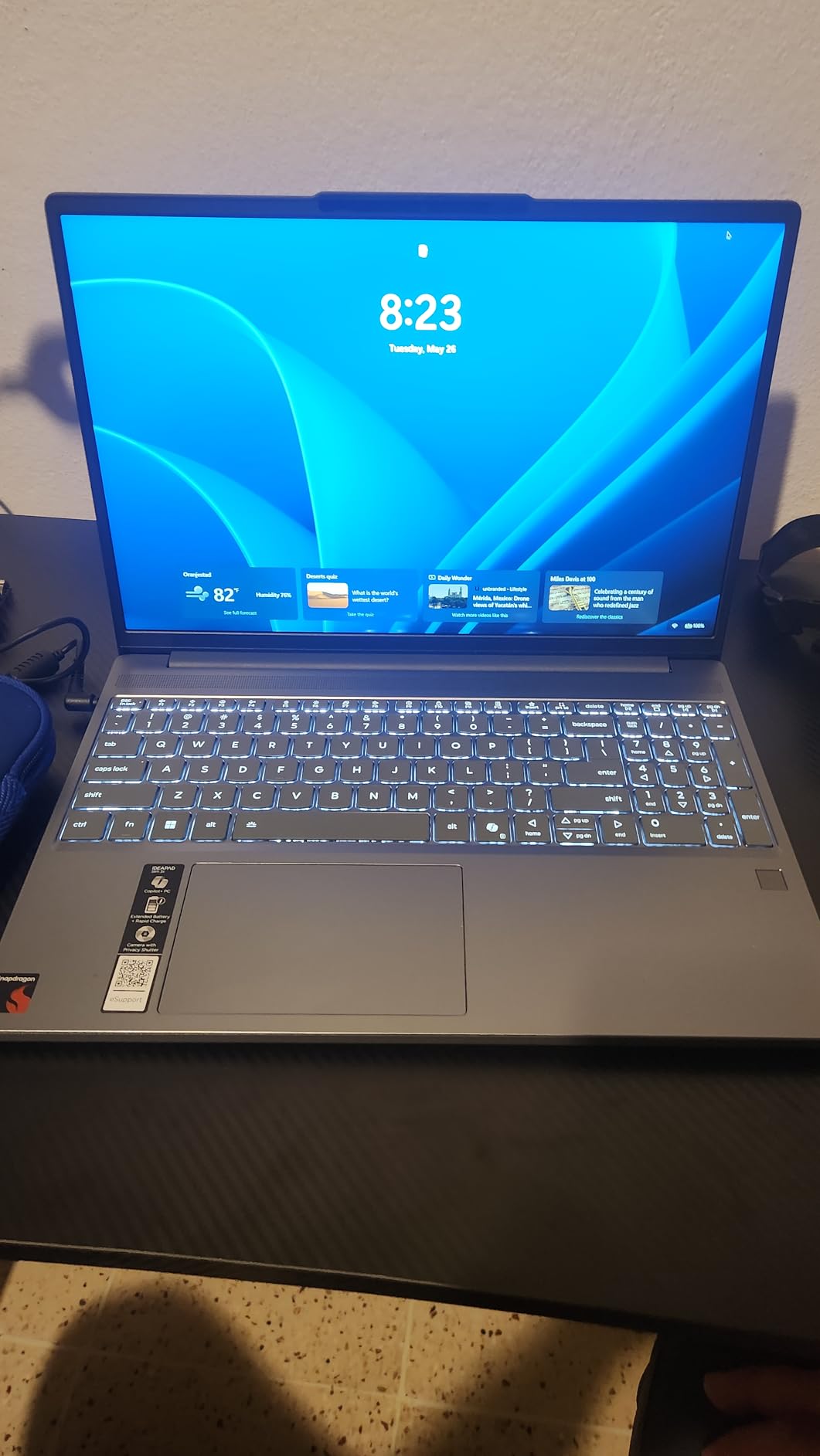
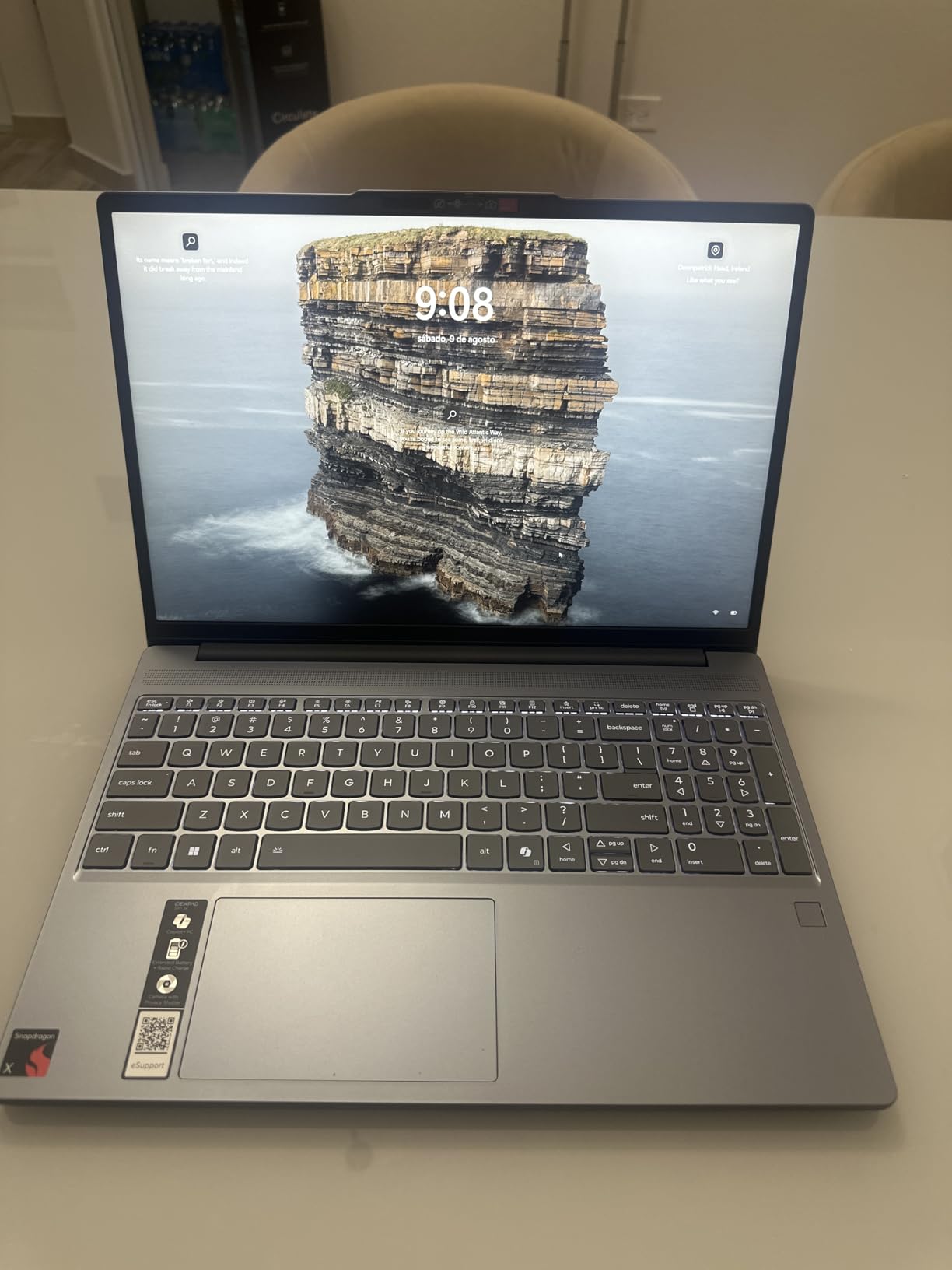
Build quality is above what the cost suggests. The metal chassis is MIL-STD 810H tested for durability, which is meaningful for four years of backpack transport. There is a physical webcam privacy shutter, a fingerprint reader for secure logins, Wi-Fi 7, and three months of Xbox PC Game Pass included in the box. The keyboard is backlit with a numeric keypad.
Owners also highlight easy setup out of the box and fast USB-C charging as positives. At 3.42 pounds and 0.7 inches thick, it is easy to carry for classes and travel despite the 15.3-inch screen.
What this Lenovo is good for
Students in general studies, business, and the humanities will find this machine does everything asked of it with room to spare. Writing, research, video calls, presentations, and a healthy number of browser tabs all run smoothly, and the 16:10 display gives you more vertical space for documents than a 16:9 panel.
Privacy-focused students also get real hardware features: a physical webcam shutter and a fingerprint reader. For a machine you carry to libraries and coffee shops, that is a meaningful advantage over relying only on a software privacy toggle.
Where the Arm platform bites
Snapdragon Windows laptops run natively on an Arm architecture, and app and driver compatibility can be limited compared with Intel and AMD Windows machines. Some specialist software, drivers, and anti-cheat games may need emulation or may not run at all, so check your major’s required software list carefully before committing.
Two other cautions. The fingerprint reader is reported by some owners to read only about half the time, and the machine is listed as a touchscreen in some descriptions while the unit you receive is not touch-enabled. Sound quality is also described as average, so plan on headphones or external speakers.
11. HP OmniBook 3 17.3-inch Touchscreen (Ryzen 5 130) – Best for Touchscreen Study
HP OmniBook 3 17.3″ Touchscreen Laptop, AMD Ryzen 5 130, 16GB DDR5, 1TB SSD
AMD Ryzen 5 130 6 cores
16GB DDR5 to 64GB
1TB PCIe SSD
17.3-inch 1080p touchscreen
Pros
- Large 17.3-inch touchscreen with a sharp non-fuzzy 1080p panel
- Responsive Ryzen 5 130 performance for everyday work
- 1TB SSD and 16GB DDR5 give ample room for coursework
- Backlit keyboard with numeric keypad
- USB-C hub included and drives up to three external monitors
Cons
- Weak speakers that crackle at higher volume
- Preloaded HP bloatware that has to be removed
- Backlight bleed on the screen and small backspace and enter keys
- 41 Wh battery is small for its class
The touchscreen is the reason to look at this machine, and reviewers describe it as responsive with a sharp, non-fuzzy 1080p panel at 300 nits. A 17.3-inch anti-glare display that responds to touch is genuinely useful for reading diagrams, sketching, working through annotated problem sets, and using the included USB-C hub to drive an external display.
Underneath, the AMD Ryzen 5 130 is a 6-core chip with base 2.9 GHz boosting to 4.55 GHz alongside Radeon 660M integrated graphics. The memory is the headline: 16GB of DDR5 at 4800 MHz expandable to 64GB, paired with a 1TB PCIe SSD. That is more storage and more memory headroom than any other configuration in this roundup.
Monitor support is unusual. It can drive up to three external displays at up to 4K 60Hz through HDMI 2.1 and USB-C without a docking station, and a USB-C hub is included in the box. Connectivity covers Wi-Fi 6, Bluetooth 5.4, four USB ports, and a 1080p FHD webcam with temporal noise reduction for recorded online classes.
Owners report easy, quick setup with no outside help needed, and a battery that lasts through many hours of use. The keyboard is backlit with a numeric keypad, and the 1TB drive makes phone backups and photo libraries a non-issue.
Where a touchscreen helps
STEM and health science students benefit most. Touch input makes navigating engineering diagrams, circuit layouts, medical reference material, and spreadsheet grids faster, and a 17.3-inch canvas gives you room to keep a textbook page and a calculator visible at the same time.
The 16GB of DDR5 also means the machine has more headroom for the multitasking these courses demand, with room to grow to 64GB if a project demands it later. The included hub and three-monitor support make it a good dorm desk machine.
Where the 17.3-inch touchscreen compromises
Weak, crackly speakers are the most common complaint, and they matter more on a machine this size because you expect good audio from a large chassis. Preloaded HP bloatware needs removing after setup, and owners also report backlight bleed on the screen.
Ergonomics are worth checking in person. The backspace and enter keys are small, and the touchpad sits far to one side, which is awkward for right-handed use. Some lower configurations of this model also arrive with only 8GB of RAM, so verify the memory before ordering. The 41 watt-hour battery is smaller than competitors in this class, which can limit all-day use away from an outlet.
12. Acer Aspire Go 15 (Ryzen 7 7730U, 16GB) – Best for STEM Coursework
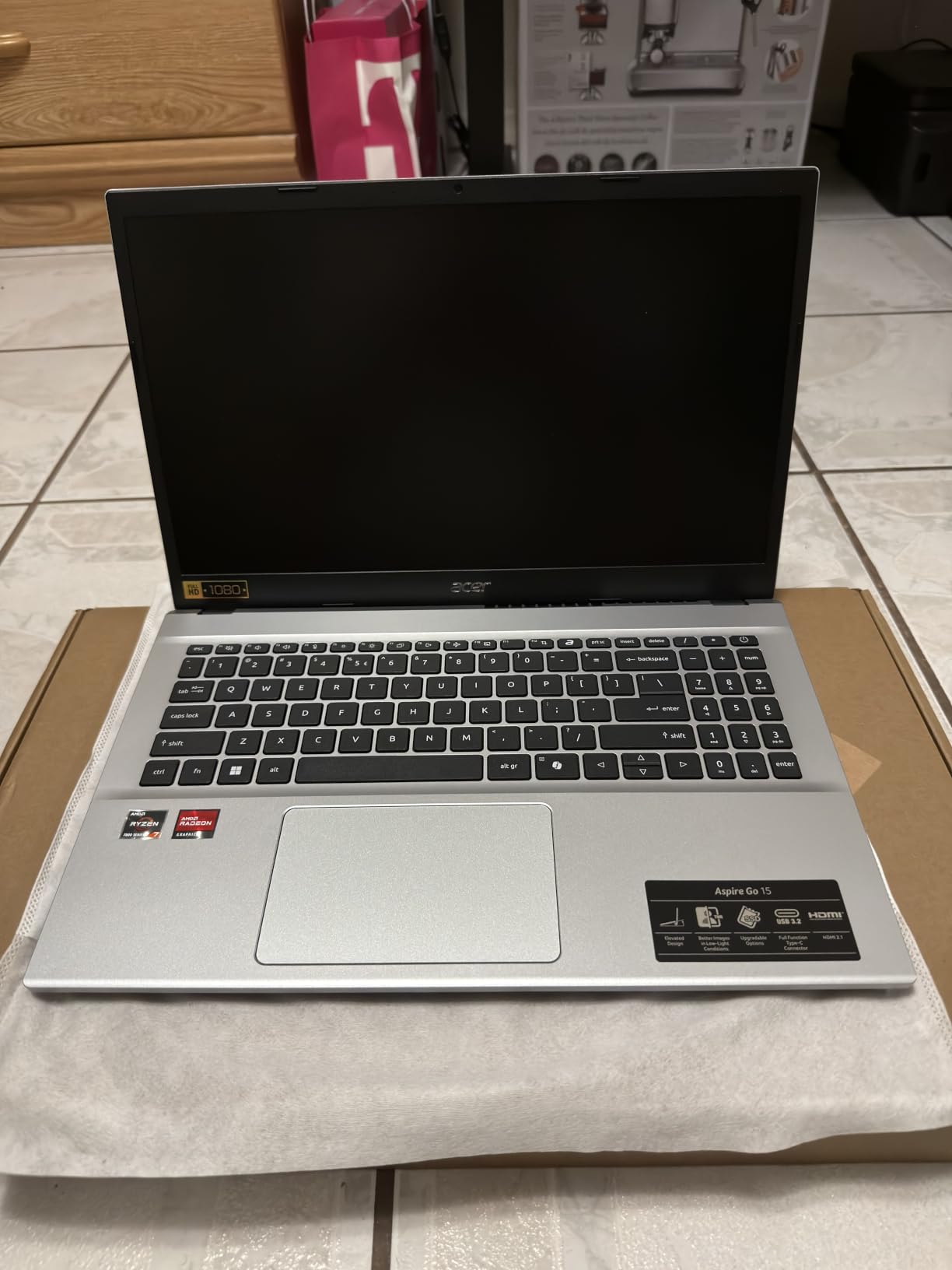
Acer Aspire Go 15 AI Ready Laptop | 15.6″ FHD (1920 x 1080) IPS Display | AMD Ryzen 7 7730U | AMD Radeon Graphics | 16GB DDR4 | 512GB PCIe Gen4 SSD | Wi-Fi 6 | Windows 11 Home | AG15-42P-R9FW
AMD Ryzen 7 7730U 8 cores
16GB DDR4 to 32GB
512GB PCIe Gen4 SSD
15.6-inch 300 nit IPS
Pros
- Smooth fast Ryzen 7 7730U performance with multiple apps and large downloads open
- 16GB DDR4 expandable to 32GB with a 512GB Gen4 SSD
- Sharp 15.6-inch 300 nit IPS narrow bezel display
- Quiet cooling under normal loads with reliable daily battery life
- Backlit keyboard and useful AcerSense TNR and PurifiedVoice tools
Cons
- Weak speakers especially at full volume
- Loud fans under sustained load
- Keyboard backlight shuts off after 30 seconds of inactivity
- Screen refresh rate is only 60Hz
If your major runs heavy software, this is the configuration I would point you toward. The Ryzen 7 7730U is an 8-core, 16-thread chip with base 2.0 GHz boosting to 4.5 GHz, and owners report it staying smooth with multiple applications and large downloads open at the same time. Paired with 16GB of DDR4 that expands to 32GB and a 512GB PCIe Gen4 SSD, it has the headroom for programming, data analysis, and simulation work that the other 15.6-inch machines here lack.
The 15.6-inch Full HD IPS display at 300 nits with narrow bezels is one of the brighter panels in the roundup, with Acer BluelightShield for blue light filtering. The 53 watt-hour battery is the largest in this group, and reviewers describe reliable battery life for daily study. At 3.9 pounds it is light for its screen size.

Cooling is quiet under normal loads, which is unusual for a laptop of this power, and the keyboard is genuinely pleasant to type on with a backlight that owners did not expect to find at this level. AcerSense gives one-button control of battery, storage, and apps, Acer TNR provides camera-based privacy, and PurifiedVoice cleans up call audio.
Connectivity is complete: a full-function USB-C with charging and display support, Wi-Fi 6, Bluetooth 5.1, HDMI 2.1, and four USB ports. It arrives with Windows 11 Home and a dedicated Copilot key, backed by a one-year International Travelers Limited Warranty.
Where this configuration pays off
Engineering, data science, and computer science students get the most value here. The eight-core processor handles compiling, statistical packages, and multi-application work without the stalling that the 4-core and dual-core machines on this list show, and the expandable memory means you can double it later.
It is also a good general-purpose machine for a senior who will keep the same laptop into a first job. The upgrade path to 32GB of RAM and a 512GB drive means it can absorb heavier professional software before you need to replace it.
Where you will notice the compromises
Speakers are weak, especially at full volume, so headphones make a real difference. Fans get loud under sustained load, and the 60Hz refresh rate makes scrolling feel less smooth than the 120Hz panels on the Dell and Lenovo models here. The keyboard backlight only activates after a keypress and shuts off after 30 seconds of inactivity, which is irritating in a dim room.
Two smaller notes: some units show a yellow tint from the BluelightShield profile, which you can turn off in settings, and Acer advises against resting the machine directly on your lap. Performance still feels a step below what the spec sheet suggests for very heavy workloads, so a dedicated workstation machine is worth considering for rendering-intensive work.
What to Look for in a College Laptop in 2026
Memory is the spec that matters most. Windows 11 alone will use a meaningful share of 8GB the moment you open a dozen browser tabs, a video call, and a document. Sixteen gigabytes is the practical floor for a four-year enrollment, and 16GB of soldered memory is worth more to you than a faster processor. If a machine has 8GB but a free memory slot, buy it and add a module in your first year.
Buy for your software, not your brochure. Ask your department for the required software list before you buy. Windows-only engineering and CAD packages have no real substitute, so those students need Windows. Design programs are increasingly cross-platform but perform best on the high-brightness, wide-gamut displays that this roundup mostly does not offer. General studies, business, and the humanities will be happy on any of these machines.
Weight decides whether you will use the battery. A 4.4-pound machine carried all day gets left in the library more often than a 3.1-pound one. Anything under 3.5 pounds is comfortable, 3.5 to 4 pounds is manageable, and above 4 pounds you should plan a dedicated desk setup. Our college watch picks and other gear guides assume you are carrying a bag every day, and the same weight logic applies to your machine.
Upgradeability is cheap insurance. In this roundup, the Acer Aspire Go 15 with the Core 3 N355 and the Dell 15 both have memory you can add later, and the Acer also has an open M.2 drive bay. The Lenovo IdeaPad Slim 3X has an expandable SSD slot. Machines with 4GB of soldered LPDDR5, like the HP 14 Ultra-Light and HP Essential, cannot be improved at any price later, which is the main reason they rank where they do.
Treat stated battery life as a ceiling, not a promise. Manufacturer figures are measured under light loads like video playback. Owners of these machines typically report 5 to 8 hours of real mixed use on the models that advertise 11 to 14 hours. If your schedule includes a full day away from an outlet, carry a small USB-C battery pack and treat the second internal battery as a backup.
Check the keyboard and the warranty, not just the specs. A backlit keyboard matters for late-night study sessions, and a numeric keypad is worth real money to accounting, finance, and statistics students. For warranty terms, the Dell 15 stands out with one year of onsite service after remote diagnosis, while the Acer models carry a one-year International Travelers Limited Warranty, which is useful if you travel home. Refurbished and manufacturer-renewed programs can be a good way to reach a higher specification, but check the battery warranty and the return window carefully, since students who are relying on a four-year machine cannot absorb a failed battery in year two.
Buy accessories last. A dongle for HDMI and USB-A, a USB-C charger, and a screen-cleaning cloth cost less than replacing a laptop two years early. If you are still assembling your dorm setup, the mattress pad guide and the graduation gift picks cover the rest of the list. And if you are buying for someone who has just been accepted, a reliable watch outlasts most of the accessories in a first-year dorm.
Match the machine to the major. Computer science and engineering want 16GB of memory, the fastest processor you can get, and a Windows machine. Design and media want the brightest, most color-accurate screen you can afford, which in this price range usually means accepting integrated graphics and looking outside this roundup. Nursing, education, and general studies want long battery life, light weight, and a comfortable keyboard, which is exactly what the MacBook Neo, HP Essential, and ASUS Vivobook deliver. Business and accounting students want a numeric keypad and fast storage, which points to the Dell 15 or the HP OmniBook 3.
Frequently Asked Questions
Which laptop brand is best for college students?
There is no single winner, because the right brand depends on your major and budget. HP, Acer, Lenovo, ASUS, Dell, and Apple all make strong student laptops, and the deciding factor is usually configuration rather than the badge on the lid. Apple wins on portability and battery life, Acer and HP win on upgradeability and service, and Lenovo and ASUS win when you want more memory or ports per dollar. Check your department’s software list before choosing a brand.
What laptops should college students stay away from?
Avoid machines with 4GB of soldered memory that cannot be upgraded, and avoid laptops with 64GB or 128GB of internal storage and no expansion slot, because you will run out of room within a semester. Also be cautious with gaming laptops that weigh 5 pounds or more, and with very low-resolution 1366 x 768 panels if you plan to read long documents or do any design work. Models that arrive locked in Windows 11 S mode are fine, but switch out of S mode as part of setup.
How much should a college student spend on a laptop?
Most students can cover coursework reliably in the entry to mid range, where 8GB to 16GB of memory and a 512GB SSD are standard. Spending above that is worth it if your major runs heavy software such as CAD, data analysis, or design tools, or if you want a screen you can comfortably work on. Spending below it usually means 4GB of memory or 128GB of storage, which limits a four-year machine.
Is 8GB of RAM enough for a college laptop?
8GB is enough for documents, browsing, and video classes, and several machines in this roundup handle that well. It becomes tight once you run many browser tabs alongside a video call and an IDE, which is common in second and third year. If a machine has 8GB in a replaceable slot, upgrade it early. If the 8GB is soldered, buy 16GB from the start.
What laptop do most college students actually use?
The most common setups are a 14-inch or 15.6-inch Windows laptop with 8GB to 16GB of memory, a 512GB SSD, and integrated graphics, used for Google Workspace, Microsoft Office, Zoom, and a browser. A large share of students also choose a MacBook, particularly in design, communications, and general studies, where the portability and battery life outweigh Windows-only software needs.
Does a MacBook work well for college students?
Yes, for general studies, business, communications, and most computer science work. The MacBook Neo here weighs 2.71 pounds and is rated for up to 16 hours of battery, which suits a full day of classes. The caution is memory, because the 8GB of unified memory is soldered and 256GB of storage is small, so check whether your major’s software runs on macOS before deciding.
Do engineering students need dedicated graphics?
Most engineering coursework, including CAD and simulation, runs on integrated graphics, so dedicated graphics are not required for the degree itself. Students who also do 3D rendering, machine learning, or serious video work will want more graphics capability and often more memory. Check whether your department provides dedicated lab machines, because many programs do, which reduces what your personal laptop needs to handle.
When is the best time to buy a college laptop?
Buy before your first semester if you need the machine on day one, and buy earlier rather than later so you have time to set it up, install your major’s software, and handle any returns or replacements. If you can wait, purchases around back-to-school and major holiday sales periods usually offer the best configurations. Waiting for a brand-new processor generation is reasonable only if your current machine still meets your needs.
The Best College Laptop for 2026
After putting these twelve machines side by side, the MacBook Neo 13-inch remains the best laptop for college students overall. It is the only one here that is genuinely light at 2.71 pounds, rated for a full 16-hour day, and finished in aluminium that can handle four years of daily commuting, and its 4.6-star average across 1385 ratings gives it the strongest evidence base of the group.
Pick the Acer Aspire 3 if you want the largest screen for the least money and can live with 128GB of storage. Pick the Acer Aspire Go 15 with the Core 3 N355 if you want room to add memory and a second drive later. Pick the ASUS Vivobook 14 if 16GB of memory in a 3.1-pound body is your priority, the HP OmniBook 3 17.3-inch if a big screen matters more than portability, and the Ryzen 7 configuration of the Acer Aspire Go 15 if your major runs demanding software.
Whatever you choose, confirm the configuration rather than the model name, because the same laptop ships in very different states. Check your department’s software requirements, buy with your return window in mind, and set the machine up a week before you need it.