

Short answer: the ASUS ROG Strix G16 is the best gaming laptop for most people in 2026, because it pairs a 140W RTX 4060 with a 165Hz panel, a 1TB drive and memory you can upgrade yourself without paying a repair shop. Everything else in this roundup earns its place for a specific reason, whether that is battery life, a 240Hz panel or RAM slots you can actually reach.
We spent the last few weeks reading thousands of verified owner reviews across these twelve machines and comparing the specifications that actually move frame rates: sustained GPU power, memory configuration, panel quality and the thermal headroom behind them. The aim was simple. Find the best gaming laptops that you can buy right now, and say plainly which one to pick for your budget and the games you play.
Two things came up again and again in the community forums we read, and they shape this list. The first is battery life, which is far worse than the sticker numbers suggest once a game is running. The second is memory, because a growing number of machines now ship with 8GB or a single stick, and buyers keep discovering that on day one.
Every pick below lists a reason to buy it and a reason to walk away, because no gaming laptop is right for everyone. If you want a straight answer before you read further, the ROG Strix G16 is our best overall, the Acer Nitro V 15 is the best budget buy and the Acer Nitro V 16S AI is the best value for a 1440p-class setup.
Table of Contents
Top 3 Picks: Best Gaming Laptop Picks in 2026


All 12 Picks at a Glance in 2026
| Product | Specifications | Action |
|---|---|---|
| ASUS ROG Strix G16 |
|
Check Latest Price |
 MSI Thin GF63 MSI Thin GF63 |
|
Check Latest Price |
| Acer Nitro V 15 |
|
Check Latest Price |
 MSI Katana 15 HX MSI Katana 15 HX |
|
Check Latest Price |
| Acer Nitro V 16S AI |
|
Check Latest Price |
 HP Victus 15 HP Victus 15 |
|
Check Latest Price |
 ASUS ROG Strix G16 2025 ASUS ROG Strix G16 2025 |
|
Check Latest Price |
 Alienware 16 Aurora Alienware 16 Aurora |
|
Check Latest Price |
 ASUS TUF Gaming F16 ASUS TUF Gaming F16 |
|
Check Latest Price |
 Lenovo LOQ 15 Lenovo LOQ 15 |
|
Check Latest Price |
 Acer Predator Helios Neo 16 AI Acer Predator Helios Neo 16 AI |
|
Check Latest Price |
 MSI Thin 15.6 MSI Thin 15.6 |
|
Check Latest Price |
The table covers every pick in order, so you can jump straight to a machine that matches your resolution target rather than reading twelve reviews end to end.
How We Picked These Laptops
Our criteria were deliberately unglamorous. A machine only made the list if the owner reviews showed that it could hold its performance over a long session, not just hit a good number in the first ten minutes.
We weighted five things. First, the graphics chip and the power it is allowed to run at, because the same GPU in a thin chassis and a thick one behaves like two different products. Second, the memory configuration as it ships, plus whether the slots are reachable. Third, the panel, since a 165Hz or 180Hz screen is wasted on a 60Hz panel and a dim panel is ruined by a bright room.
Fourth, thermal and noise reports from owners, which is where the difference between a good laptop and a great one shows up after hour three. Fifth, the honest negatives: if a machine has a cluster of complaints about sleep, resume or ports failing, that belongs next to the recommendation, not in a footnote.
We also cross-checked editorial opinion against community consensus. The r/GamingLaptops thread on current buys leans hard toward Lenovo and Acer for build quality, and toward ASUS for thin machines, and where community and reviewers disagree we say so rather than pretending they match.
1. ASUS ROG Strix G16 – Best Overall
ASUS ROG Strix G16 Gaming Laptop, 165Hz Display, NVIDIA® GeForce RTX™ 4060, Intel Core i7-13650HX, 16GB DDR5, 1TB PCIe Gen4 SSD, Wi-Fi 6E, Windows 11, G614JV-AS74
RTX 4060 at 140W Max TGP
16GB DDR5-4800
1TB PCIe Gen4
16-inch FHD 165Hz
90Wh battery
Pros
- RTX 4060 and i7-13650HX run demanding titles at high settings
- 165Hz matte panel looks smooth
- 1TB Gen4 drive for fast load times
- quiet cooling holds temperatures during long sessions
- RAM and SSD both user-upgradable
Cons
- ASUS pre-installed software causes lag out of the box
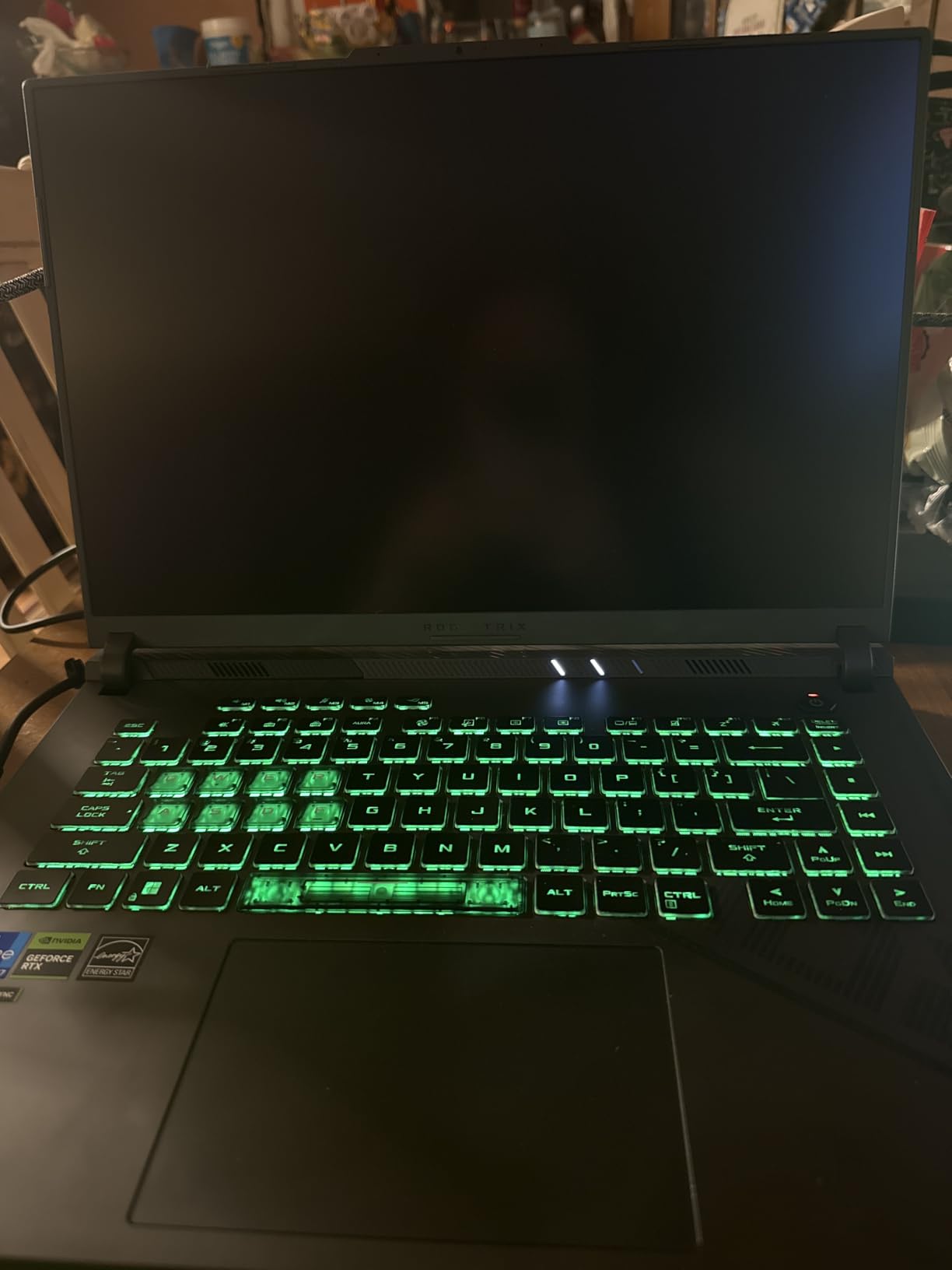
- translucent WASD keycaps hurt visibility
- no numeric keypad
This is the machine we keep coming back to, because it is the rare budget-friendly gaming laptop where nothing important is cut. You get a 13th Gen Core i7-13650HX with 14 cores, an RTX 4060 running at up to 140W and a 1TB PCIe Gen4 drive as standard.
In practice owners report high or ultra settings holding a stable frame rate on demanding 2024 and 2025 titles, and the 165Hz FHD panel with 100 percent sRGB coverage makes that stability visible. The 90 watt-hour battery is one of the larger ones in this group, and the 5.5-pound chassis feels solid rather than cheap.
The cooling is the part that impressed us most in the owner reports. ROG Intelligent Cooling uses Thermal Grizzly Conductonaut Extreme liquid metal on the CPU plus a third intake fan, and reviewers repeatedly describe the machine staying quiet and cool through long evening sessions.
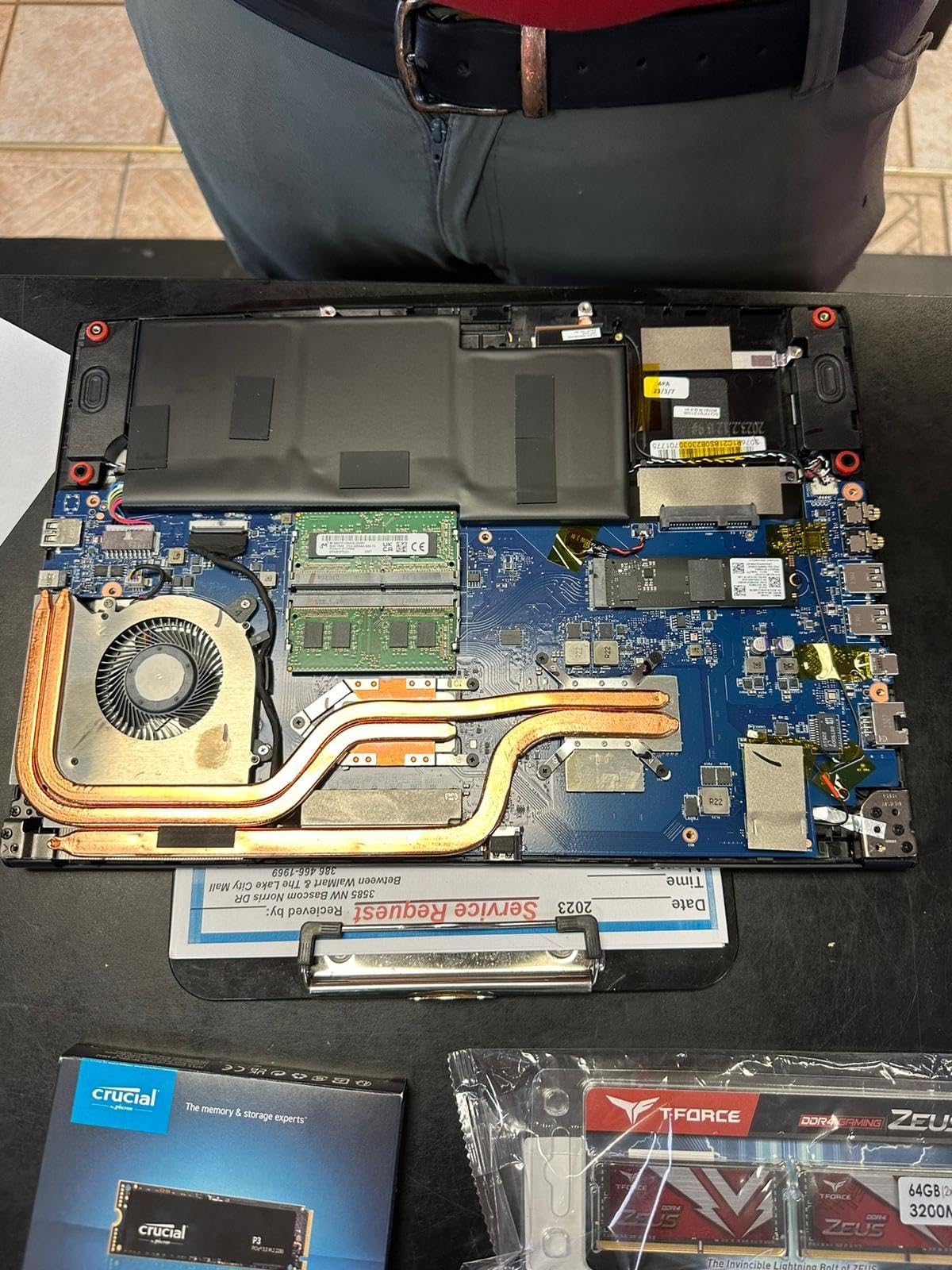
Upgradability is the other half of the appeal. Multiple owners report moving to 64GB of memory and a larger NVMe drive themselves, which is the cheapest performance win available on any laptop.
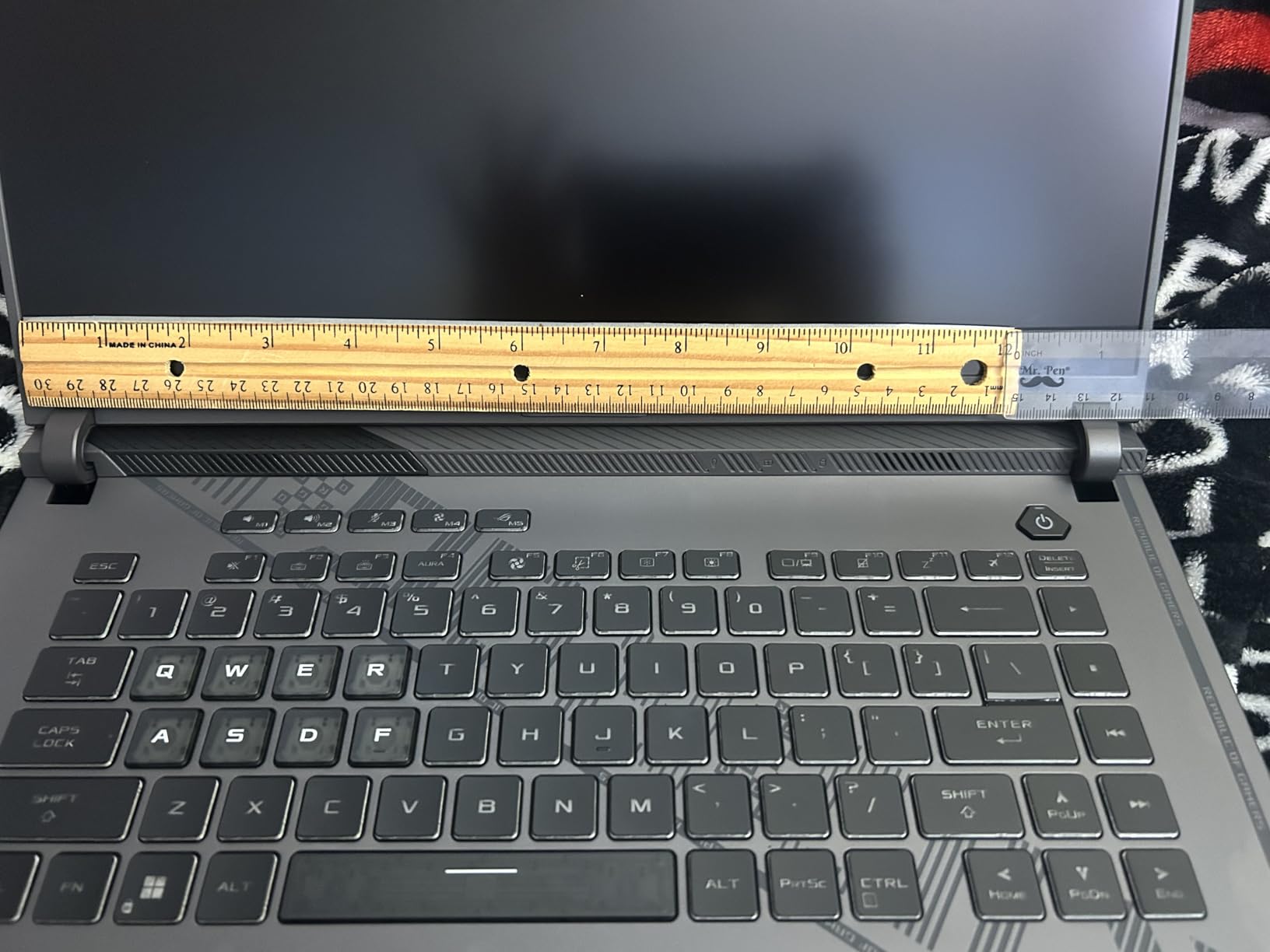
What you get for the money
Ports cover the basics properly: four USB connections, one Thunderbolt port, HDMI and Ethernet. That is enough to run a controller, a headset and an external drive without a hub, which matters if you also use one of our docking station picks at a desk.
The one upgrade we would insist on is memory. 16GB DDR5-4800 is fine today, but buying the extra RAM yourself later costs less than the factory route and takes about ten minutes with the panel off.
Where it falls short
The complaints that repeat most are software ones. Several buyers reported stuttering out of the box and fixed it by removing the bundled ASUS utilities, so budget twenty minutes for that before you judge the machine.
The clear or translucent QWER and ASDF keycaps are a genuine usability problem in dim rooms, and there is no numeric keypad, so spreadsheet users should look at the Nitro V 15 instead. One buyer also reported damaging troubleshooting advice from ASUS support, which is worth knowing even if it is rare.
2. MSI Thin GF63 – Best for Upgradeability
msi Thin GF63 15.6″ 144Hz Gaming Laptop: 12th Gen Intel Core i7, NVIDIA GeForce RTX 4050, 16GB DDR4, 512GB NVMe SSD, Type-C, Cooler Boost 5, Win11 Home: Black 12VE-066US
RTX 4050 6GB
16GB DDR4 in 2 slots to 64GB
512GB NVMe plus M.2 and SATA
15.6-inch 144Hz
4.1 pounds
Pros
- Strong value for the tier
- RAM and storage both easy to upgrade
- 4.1-pound chassis travels well
- 10-core i7 handles rendering and multitasking
- solid port selection
Cons
- Fans loud and chassis hot under sustained load
- 512GB storage is tight out of the box
- bottom case is fiddly to remove
The GF63 is the pick for anyone who plans to own a gaming laptop for years and expects to open it along the way. It ships with 16GB of DDR4 across two slots, support for up to 64GB, a 512GB Gen4 drive with an extra M.2 slot and even a 2.5-inch SATA bay.
That combination is rare at this price. Almost every rival in this list either caps memory at 16GB permanently or starts you on 8GB, and both decisions cost money to fix later.
Performance is unremarkable in the best way. Owners run games at high or ultra settings and the 10-core 12th Gen i7-12650H handles CPU rendering and heavy multitasking without complaint, which makes it a reasonable second machine for video work.
At 4.1 pounds with a 0.85-inch profile it is genuinely portable, and several buyers carry it to school daily. The 15.6-inch FHD 144Hz panel is crisp and bright, with a red-lit keyboard that owners like.
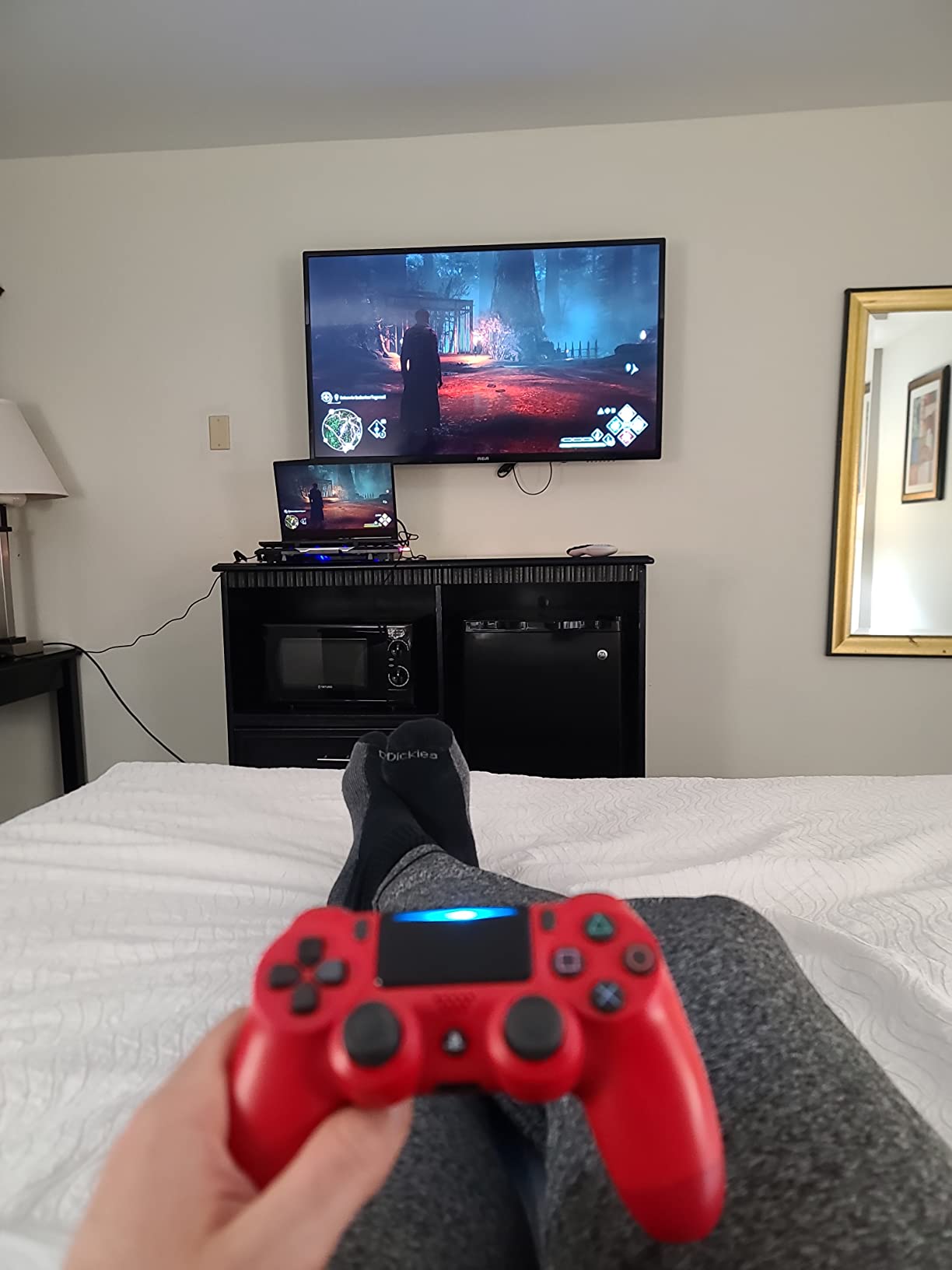
Why the upgrade path matters
Two RAM slots and two storage locations mean you are never locked in. Adding a second drive is the cheapest fix for the 512GB problem that owners complain about most, since modern game installs are large.
The 10-core processor also gives you headroom that a dual-core budget chip would not, and Cooler Boost 5 uses two fans and six heat pipes to move that heat.
Where it falls short
Thermals are the weak point. Owners report the fans getting loud under sustained gaming load and the chassis getting hot, and one reviewer noted the 120W charger cannot fully keep up with power draw at 1080p ultra. Buy a larger adapter if you plan long sessions.
Removing the bottom case is fiddly and easy to damage internal components or side ports if you rush, and a small number of reviews describe hardware failure or fragility after roughly two years of use. The keyboard also has a single red backlight rather than per-key RGB.
3. Acer Nitro V 15 – Top Rated
Acer Nitro V Gaming Laptop | Intel Core i5-13420H Processor | NVIDIA GeForce RTX 4050 Laptop GPU | 15.6″ FHD IPS 165Hz Display | 8GB DDR5 | 512GB Gen 4 SSD | Wi-Fi 6 | Backlit KB | ANV15-52-586Z
RTX 4050 with DLSS 3.5
8GB DDR5 in 2 slots to 32GB
15.6-inch FHD IPS 165Hz 300-nit
57Wh battery
Pros
- Runs 1080p games at 120+ FPS
- stays cool and quiet even after long sessions
- backlit keyboard with numeric keypad
- Thunderbolt 4 and gigabit Ethernet
- 135W adapter included
Cons
- Only 8GB of RAM as shipped
- performance-mode fans are very loud
- possible ghosting on the 165Hz panel
- no webcam privacy shutter
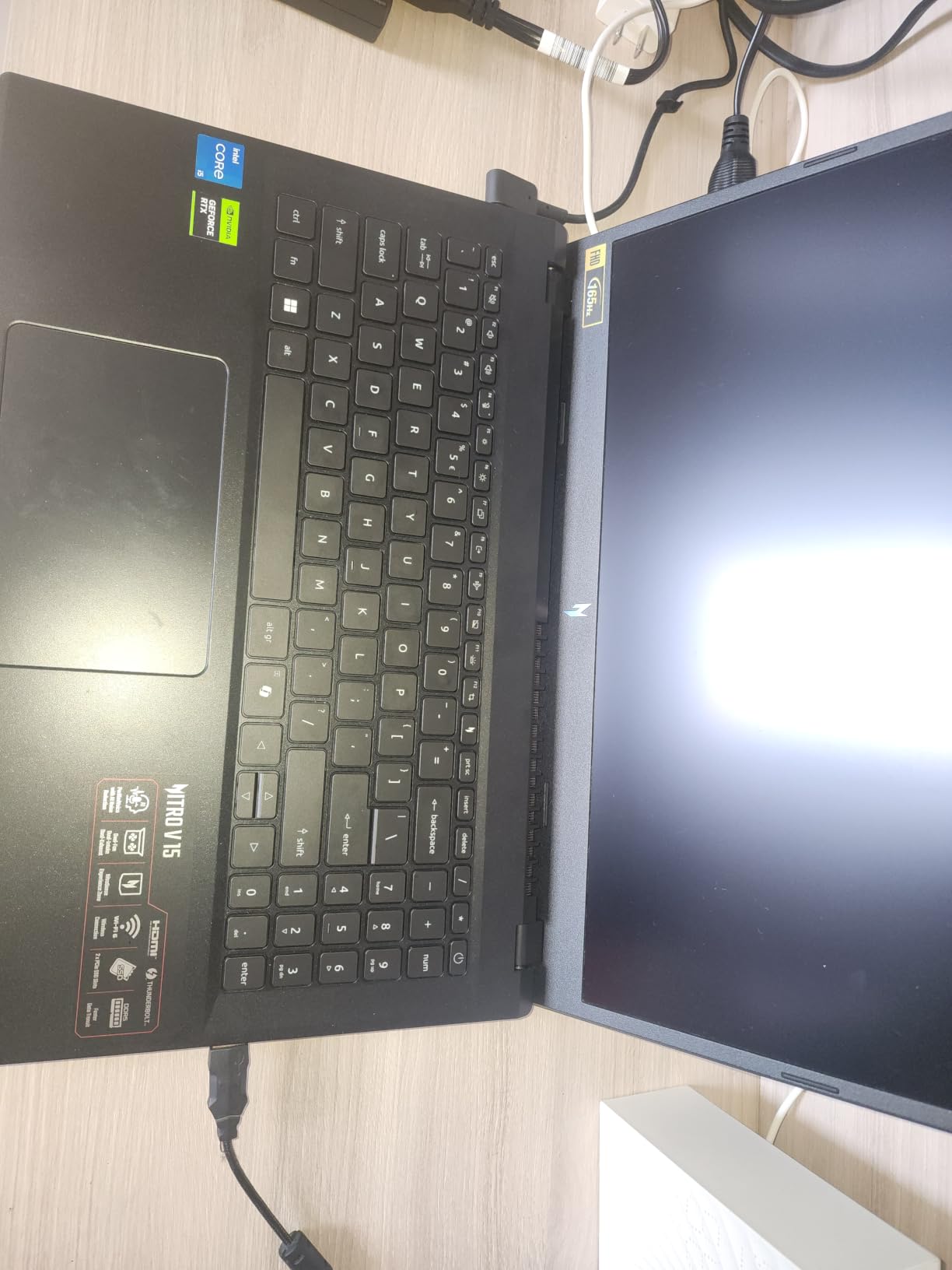
The Nitro V 15 is the entry-level machine community consensus keeps pointing at, and the 4.5 average across more than four hundred reviews reflects why. It runs 1080p titles at 120 frames or better and stays cool and quiet doing it.
The 15.6-inch FHD IPS panel runs at 165Hz with 300 nits of brightness and a matte finish, which is a genuinely good screen for a budget machine. Screen-to-body ratio is 82.64 percent, so the bezels are tight.

It is also one of the few budget laptops with a full numeric keypad on a backlit keyboard, plus dedicated gamer buttons and Nitro Sense control software for fan and performance profiles. Connectivity includes Wi-Fi 6, Killer gigabit Ethernet and Thunderbolt 4.
It ships with a 135W adapter, a power cord and a protective sleeve, and carries a one-year international travelers warranty. At 4.7 pounds and 0.93 inches thick it is easy to carry.
Plan the memory upgrade before you buy
The 8GB of DDR5 is the single most common complaint, and the reason is straightforward: a modern desktop can consume most of 8GB on its own. Several owners report that upgrading to 32GB also resolved the brief stuttering they had noticed first.
Good news is that both slots are present and the maximum is 32GB, so the upgrade is straightforward. Bad news is that you should budget for it on day one rather than treating it as optional.
Where it falls short
Beyond the memory, some users report brief frame drops and sluggish response when opening browsers or switching apps, and a few mention possible ghosting on the panel despite the 165Hz rating. The performance fan profile is loud, so use the balanced mode during the day.
There is no physical shutter for the webcam, and one buyer reported a headset microphone issue that resolved after reconfiguring the Realtek Audio Console. The box includes a 57 watt-hour battery, which is adequate rather than generous.
4. MSI Katana 15 HX – Best for 1440p AAA
msi Katana 15 HX 15.6” 165Hz QHD+ Gaming Laptop: Intel Core i9-14900HX, NVIDIA Geforce RTX 5070, 32GB DDR5, 1TB NVMe SSD, RGB Keyboard, Win 11 Home: Black B14WGK-016US
RTX 5070 Blackwell 8GB GDDR7
i9-14900HX 24-core
32GB DDR5-5600
15.6-inch QHD 165Hz DCI-P3
75Wh battery
Pros
- 100+ FPS on AAA titles at high to ultra
- QHD 165Hz 100 percent DCI-P3 panel
- 32GB DDR5-5600 ships standard
- stable thermals under load
- good port selection with HDMI 8K
Cons
- Battery life of roughly 45 minutes to a few hours while gaming
- heavy and bulky with a large hot power brick
- runs hot in performance mode
- sleep and resume issues reported
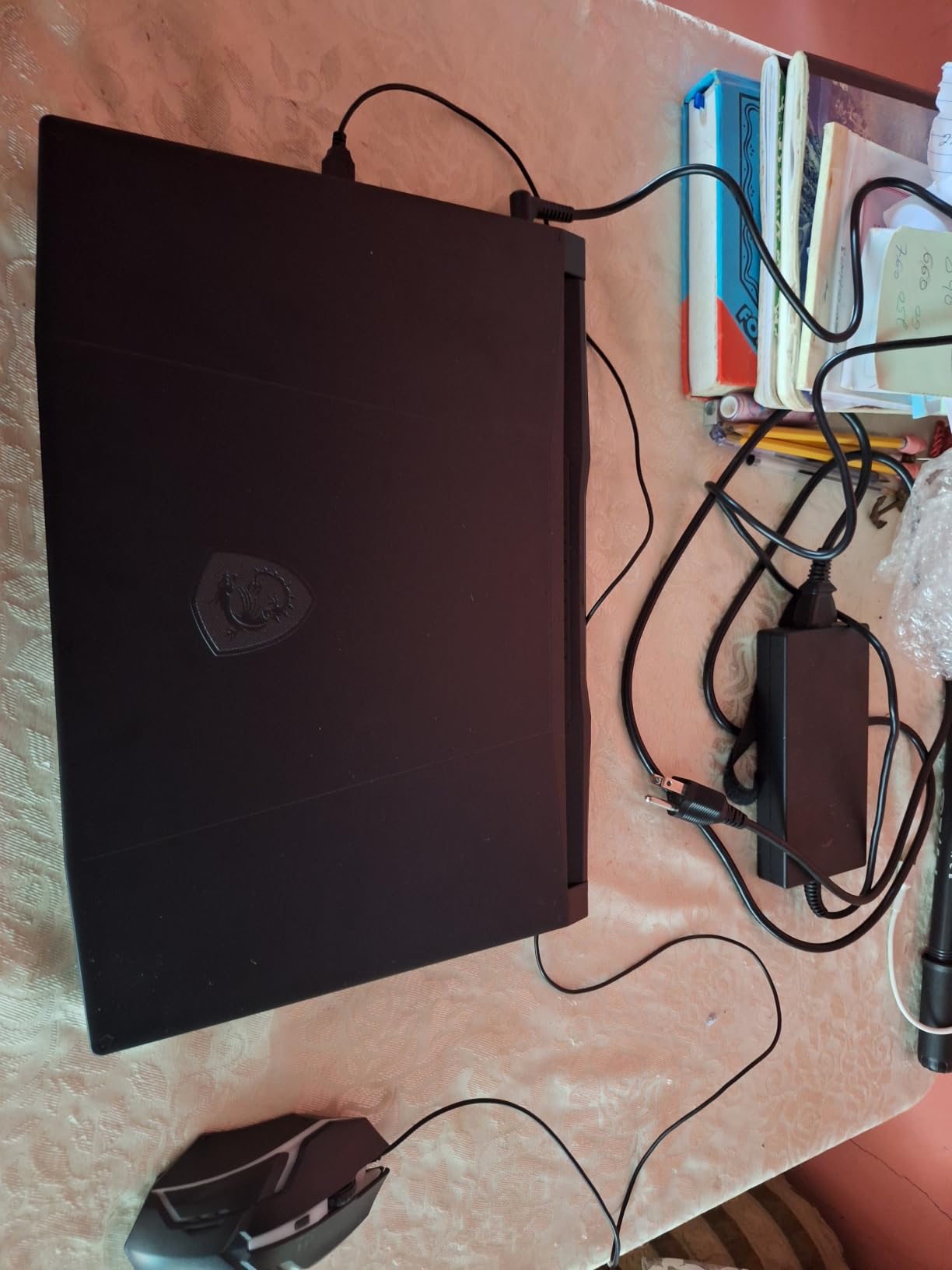
The Katana 15 HX is the machine to buy if you want a real desktop-replacement experience without a desktop-sized price. The i9-14900HX has 24 cores, and the RTX 5070 brings Blackwell architecture with DLSS 4 and hardware ray tracing.
Owners report 100 frames or more on titles like Cyberpunk 2077 and Hogwarts Legacy at high to ultra settings, at the panel’s native 2560 by 1440. That resolution jump is the real story here, since most rivals in this roundup are 1080p.
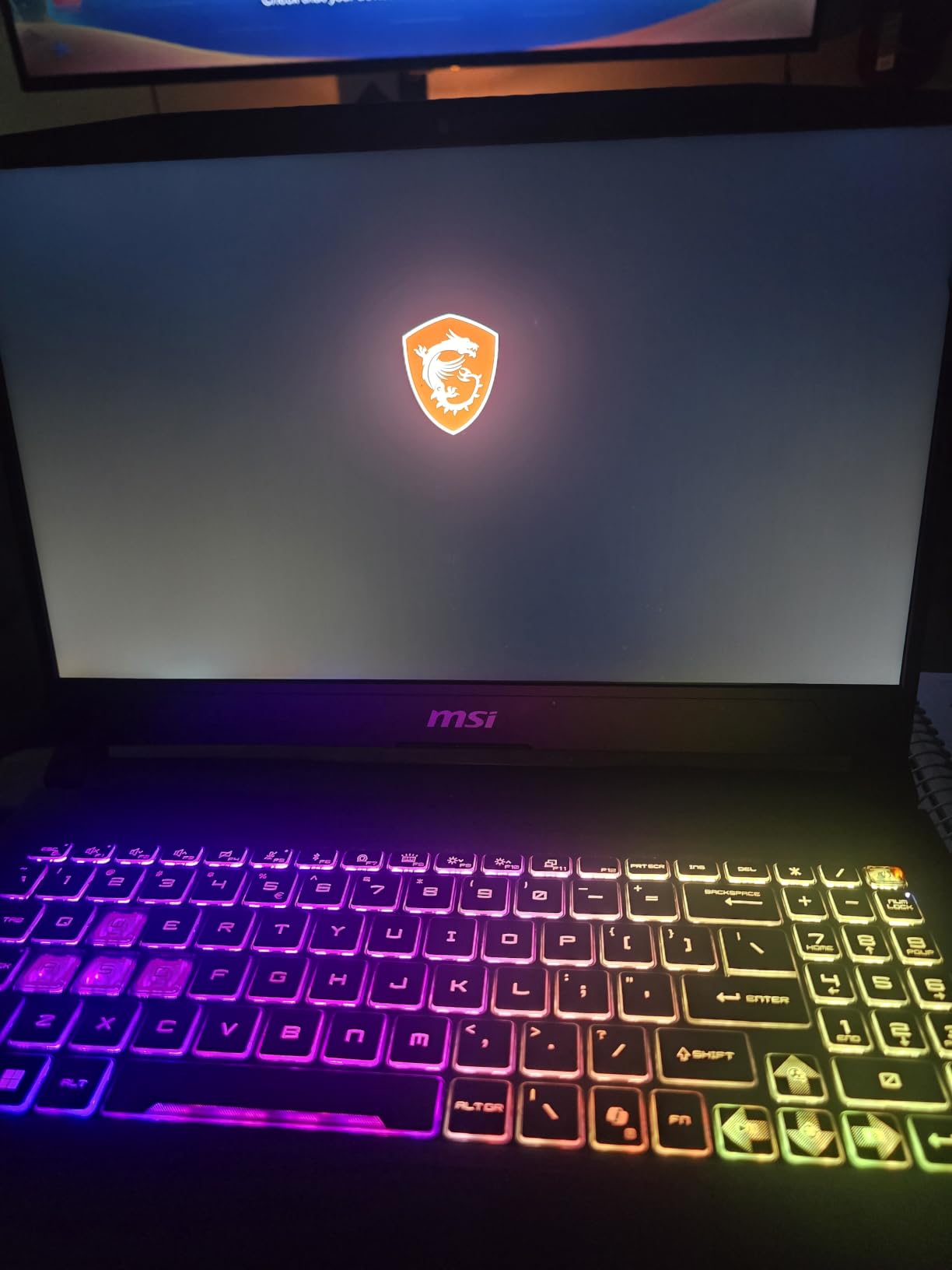
The panel covers 100 percent DCI-P3 and runs at 165Hz with a matte finish, which makes it a good fit for editing as well as gaming. 32GB of DDR5-5600 ships standard, so the memory anxiety that ruins most budget laptops simply does not apply.
Thermals are reported as stable, with CPU and GPU staying within safe ranges under load, and the port selection includes USB-C Gen 2, HDMI up to 8K and RJ45. It can drive up to three external monitors.
Best fit for a 1440p desk setup
If you game at a desk with an external display, the QHD panel, the 32GB of memory and the three-monitor support add up to a machine that doubles as a workstation. The 4-zone RGB keyboard with highlighted WASD keys and a small numeric keypad covers the daily-driver needs too.
Cooler Boost 5 uses dual fans and a five-heat-pipe share-pipe design, which is enough to hold those frame rates but not silent. A cooling pad helps during multi-hour sessions.
Where it falls short
Battery life is the honest weakness, with owners reporting roughly 45 minutes to a few hours under heavy gaming. At 5 pounds with a large power brick that runs hot, this is a desktop replacement that lives near an outlet.
Reliability complaints cluster around sleep and resume, with some units failing to shut down fully and leaving fans running, and the MSI AI power mode reportedly throttling power and disabling keyboard backlighting. There is also meaningful pre-installed bloatware, and the plastic-feeling chassis and cramped numpad are common gripes.
5. Acer Nitro V 16S AI – Best Value
Acer Nitro V 16S AI Gaming Laptop | AMD Ryzen 7 260 Processor | NVIDIA GeForce RTX 5060 Laptop GPU (572 AI Tops) | 16″ WUXGA IPS 180Hz Display | 32GB DDR5 | 1TB Gen 4 SSD | Wi-Fi 6 | ANV16S-41-R2AJ
RTX 5060 Blackwell 8GB GDDR7 with DLSS 4
Ryzen 7 260 8-core
32GB DDR5-5600
16-inch WUXGA 180Hz
65Wh battery
Pros
- 32GB DDR5-5600 ships standard
- 180Hz 100 percent sRGB display
- second M.2 slot for storage expansion
- 4.6-pound 16-inch chassis
- strong DLSS 4 frame generation
Cons
- 1920x1200 resolution is modest next to rivals
- memory already at its 32GB maximum
- Wi-Fi 6 rather than Wi-Fi 7
- only three USB ports
Specs-per-pound is the whole argument here. You get an RTX 5060 Laptop GPU on Blackwell architecture with 572 AI TOPS, DLSS 4 with Multi Frame Generation, 32GB of DDR5-5600 and a 1TB Gen4 drive with two M.2 slots.
Fewer than four hundred reviewers have rated it, but the 4.4 average and the sales rank suggest buyers are converting. The 180Hz IPS panel at 100 percent sRGB gives you a high-refresh 16-inch screen that most rivals at this tier cannot match.
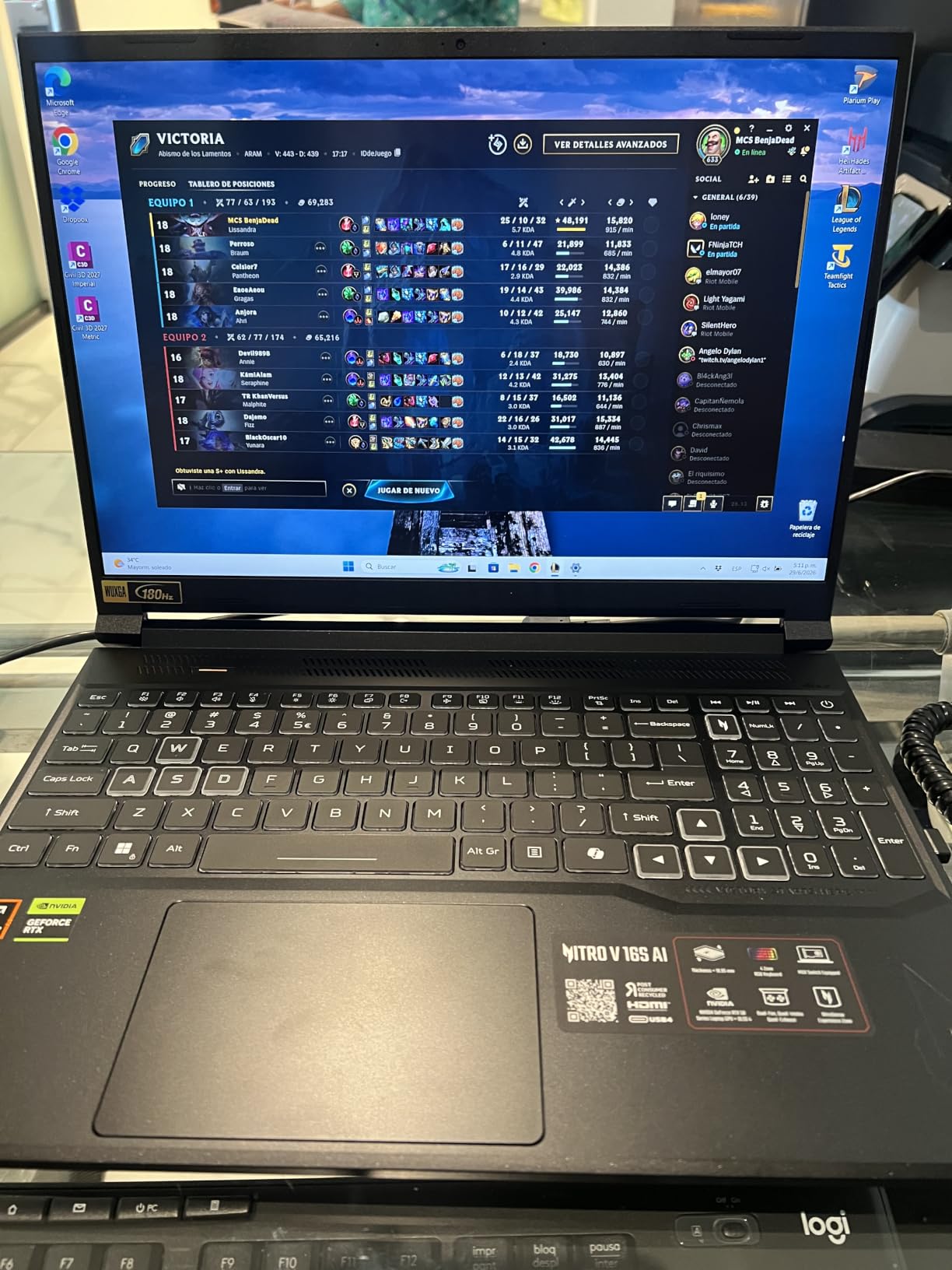
The Ryzen 7 260 brings eight cores up to 5.1 GHz with up to 38 AI TOPS, which is useful headroom for content creation and AI workloads alongside gaming. Backlit keyboard with numeric keypad, and 4.6 pounds for a 16-inch machine.
Reviewers specifically like that one M.2 slot is already free, so storage expansion is a ten-minute job with no parts purchase. It ships with an AC adapter, power cord and protective sleeve.
Why the memory matters more than the GPU
Having 32GB of DDR5-5600 as standard removes the single most common complaint we see in this category. Modern games plus a browser plus a voice chat app will exhaust 16GB, and this machine does not start there.
The trade-off is that you cannot go higher. Memory tops out at the shipped 32GB, so a buyer who wants 64GB for heavy video work should look at the Predator Helios Neo 16 AI instead.
Where it falls short
The 1920 by 1200 resolution is the main compromise. It is sharper than a 1080p panel but noticeably below the 2560 by 1600 screens on the Katana 15 HX and the ROG Strix G16, and at 16 inches the difference is visible.
Port selection is thin for a chassis this size, with three USB ports and five ports in total, and Wi-Fi 6 is a step behind the newest standard. A 65 watt-hour battery is average.
6. HP Victus 15 – Budget Pick
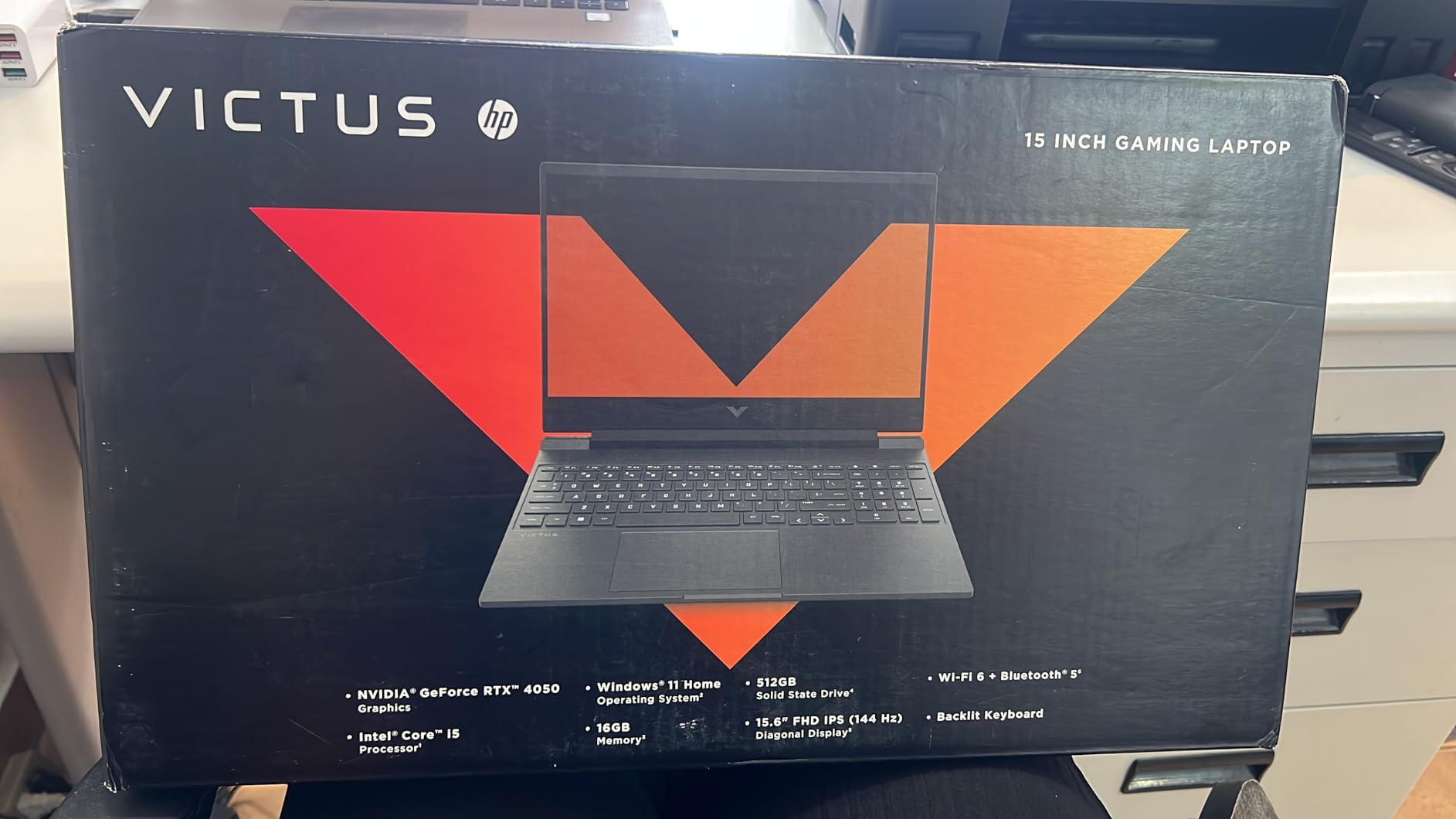
HP Victus 15.6 inch FHD 144Hz Gaming Laptop Intel Core i5-13420H NVIDIA GeForce RTX 4050 6GB – 16GB DDR4 512GB SSD Mica Silver (2024)
RTX 4050 6GB
i5-13420H
16GB DDR4-3200
512GB Gen4 NVMe with second M.2 slot
15.6-inch FHD 144Hz IPS
Pros
- Excellent price-to-performance
- sharp smooth 144Hz IPS panel
- best keyboard and trackpad in the budget class
- good ports with SD card reader
- firm single hinge
Cons
- Fully plastic chassis with visible flex and keyboard wobble
- dim screen
- OMEN Gaming Hub software is bloatware
- battery life is weak under gaming
The Victus 15 exists because an RTX 4050 at this level is unusual, and owners treat it as a budget version of the more expensive Omen machines. RTX 4050 graphics with 6GB of dedicated memory are the headline.
More than three hundred reviews average 4.3, and the recurring theme is that the keyboard and trackpad are far better than the price suggests. The soft-touch, quiet keyboard is singled out repeatedly, as is the large, quiet glass trackpad.
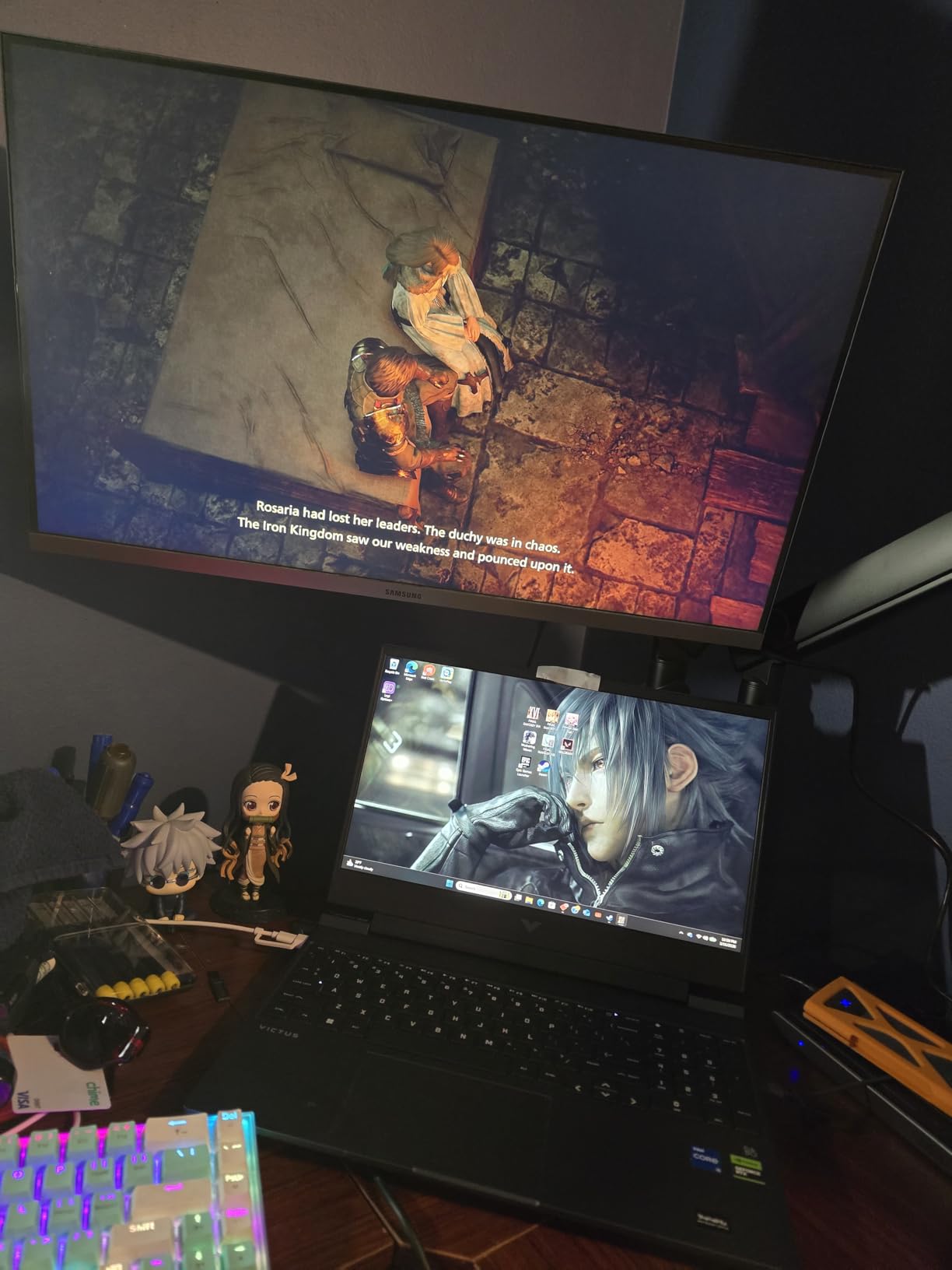
Ports are unusually good: RJ45, HDMI, Thunderbolt USB-C, three USB-A, a headphone and microphone combo and an SD card reader. Memory is 16GB of DDR4-3200 and the 512GB Gen4 NVMe drive has a secondary M.2 slot for expansion.
The 15.6-inch FHD IPS panel runs at 144Hz with micro-edge anti-glare. Omen Gaming Hub handles network prioritisation between Ethernet and Wi-Fi, which is genuinely useful in a shared house.
Best for students who game on the side
If school, coursework or a day job is the priority and gaming fits around it, this is the machine. The firm single hinge survives being moved around, and the 70 watt-hour battery is larger than most rivals in this class.
Display flex and keyboard wobble are the trade for that plastic shell, and a second M.2 slot means storage growth costs you only a drive.
Where it falls short
Everything is plastic: top cover, side panels and keyboard deck. Screen brightness is on the dim side, which matters in daylight, and OMEN Gaming Hub is widely described as bloatware that should be removed first.
The notebook is bulky and should stay plugged in for long sessions, with fan noise rising under load. One buyer reported cosmetic bezel damage out of the box, and another flagged the Ethernet port as fragile enough to bend.
7. ASUS ROG Strix G16 (2025) – Best for 4K High Refresh
ASUS ROG Strix G16 (2025) Gaming Laptop, 16” ROG Nebula 16:10 2.5K 240Hz/3ms, NVIDIA® GeForce RTX™ 5070 Ti, Intel® Core™ Ultra 9 Processor 275HX, 32GB DDR5, 1TB SSD, Wi-Fi 7, Win11 Home, G615LR-AS96
RTX 5070 Ti Laptop GPU
Core Ultra 9 275HX 24-core
32GB DDR5-5600
16-inch 2.5K 240Hz 3ms 500-nit
90Wh battery
Pros
- 4K gaming with 200+ FPS on Fortnite and The Finals
- 240Hz 3ms Nebula panel is bright and colour-accurate
- excellent cooling keeps GPU around 65-70 Celsius
- strong build
- Thunderbolt ports and Wi-Fi 7
Cons
- Bundled McAfee and ASUS utilities eat memory
- ASUS software restricts fan control
- battery life ranges from about 1 to 4.5 hours
- front-center number pad is an acquired taste
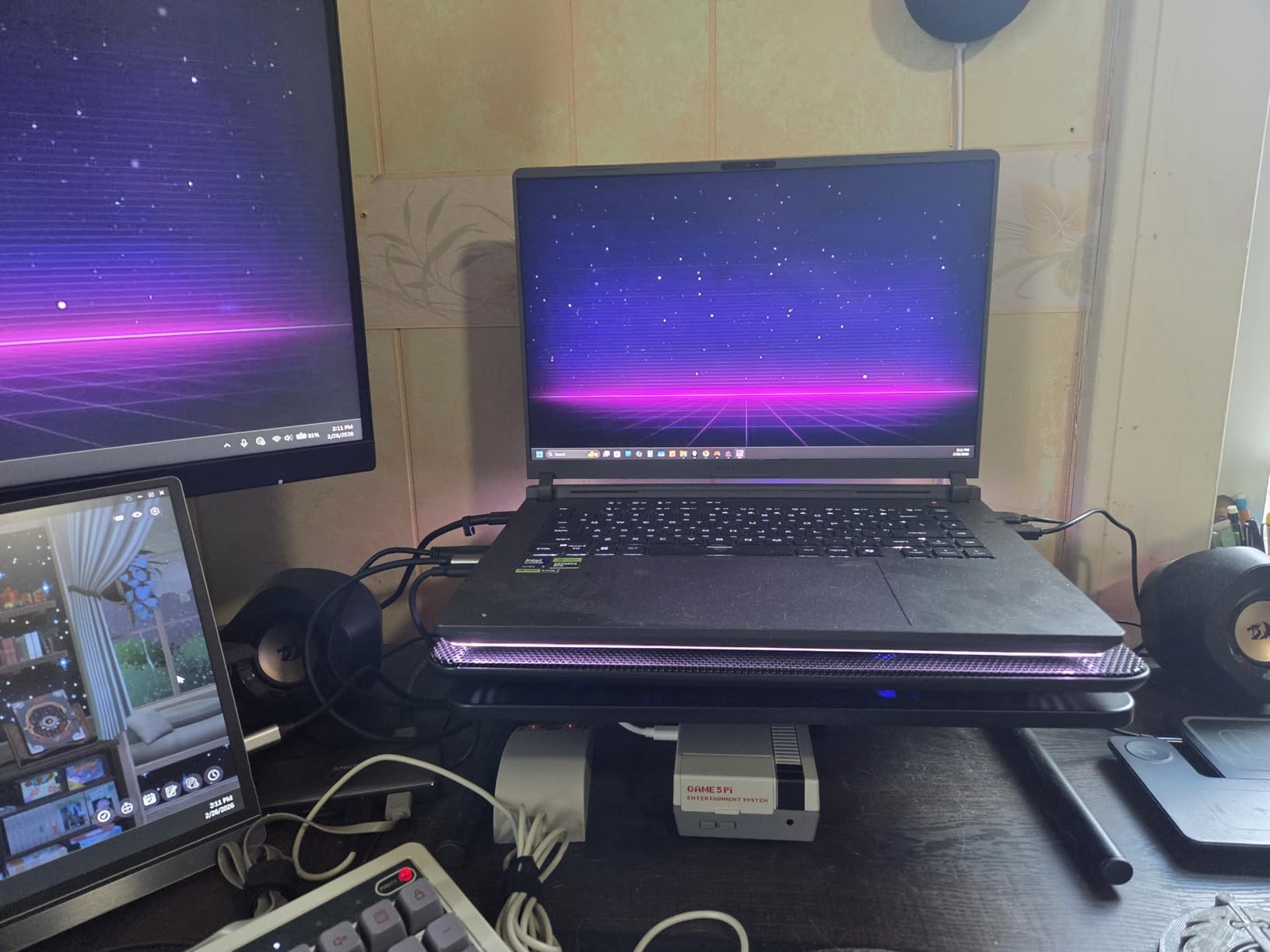
Nothing else in this list pushes a 4K signal at high refresh rates. The 2025 ROG Strix G16 pairs an RTX 5070 Ti Laptop GPU with a Core Ultra 9 275HX and a 16:10 2560 by 1600 Nebula display running at 240Hz with 3ms response.
Owners report 200 frames or more on competitive titles like Fortnite and The Finals at 4K, and the panel is described as bright, colour-accurate and well suited to VR use. Brightness is rated at 500 nits with a new anti-glare film.
The cooling story is the standout. An end-to-end vapor chamber, tri-fan technology and Conductonaut Extreme liquid metal on the chipset keep the GPU around 65 to 70 Celsius after an hour of gaming, and owners say the machine runs quietly while doing it.
It is also a work machine. Reviewers verified it with Autodesk Inventor, Lumion, SketchUp, Blender and Cinema 4D, and the trackpad has a usable number pad feature with 32GB of DDR5-5600 as standard.
Built for high refresh and VR
A 240Hz 3ms panel only makes sense with a GPU that can feed it, and the RTX 5070 Ti with DLSS 4 and Max-Q is one of the few laptop chips that can. That pairing is the reason to choose this over a cheaper 165Hz machine.
The full-surround RGB light bar syncs with the keyboard and ROG peripherals, and Stealth Mode disables all lighting at once. Connectivity includes Wi-Fi 7 and two Thunderbolt USB-C ports.
Where it falls short
Software is the recurring complaint. McAfee and the extra ASUS utilities are widely criticised as bloatware, and reviewers report that the ASUS software restricts fan control so they cannot run fans at the speed they prefer, which undercuts a very good cooling system.
Battery life runs from about 1 to 4.5 hours depending on use. One owner reported external monitor detection problems and screen jitter after driver updates, another reported the unit getting extremely hot while closed in sleep, and some regional listings ship a US keyboard layout.
8. Alienware 16 Aurora – Best 16:10 Panel
Alienware 16 Aurora Gaming Laptop, NVIDIA RTX 5060, Intel Core 7 240H
RTX 5060 Laptop GPU 8GB GDDR7
Core 7 240H Series 2
16GB DDR5-5600 in 2 slots
16-inch 16:10 2560x1600 300-nit
5.5 pounds
Pros
- 16:10 2560x1600 panel at 300 nits
- new Cryo-Chamber cooling without a rear thermal shelf
- streamlined and comfortable chassis
- RTX 5060 Blackwell with AI upscaling
- Dell one-year on-site service
Cons
- No fingerprint reader
- 16GB RAM standard and capped at 32GB
- 5.5 pounds is heavy for a 16-inch machine
- 300-nit brightness is modest for the resolution
The Aurora is a different approach from the usual Alienware design language. Instead of a bulky chassis with a rear thermal shelf, it uses a new Cryo-Chamber structure that focuses airflow on the core components, and reviewers like the more comfortable, streamlined result.
The display is the selling point: a 16:10 WQXGA 2560 by 1600 LED panel at 300 nits with an anti-glare coating. That extra vertical resolution compared with a 16:9 panel is noticeable in a browser and in games.
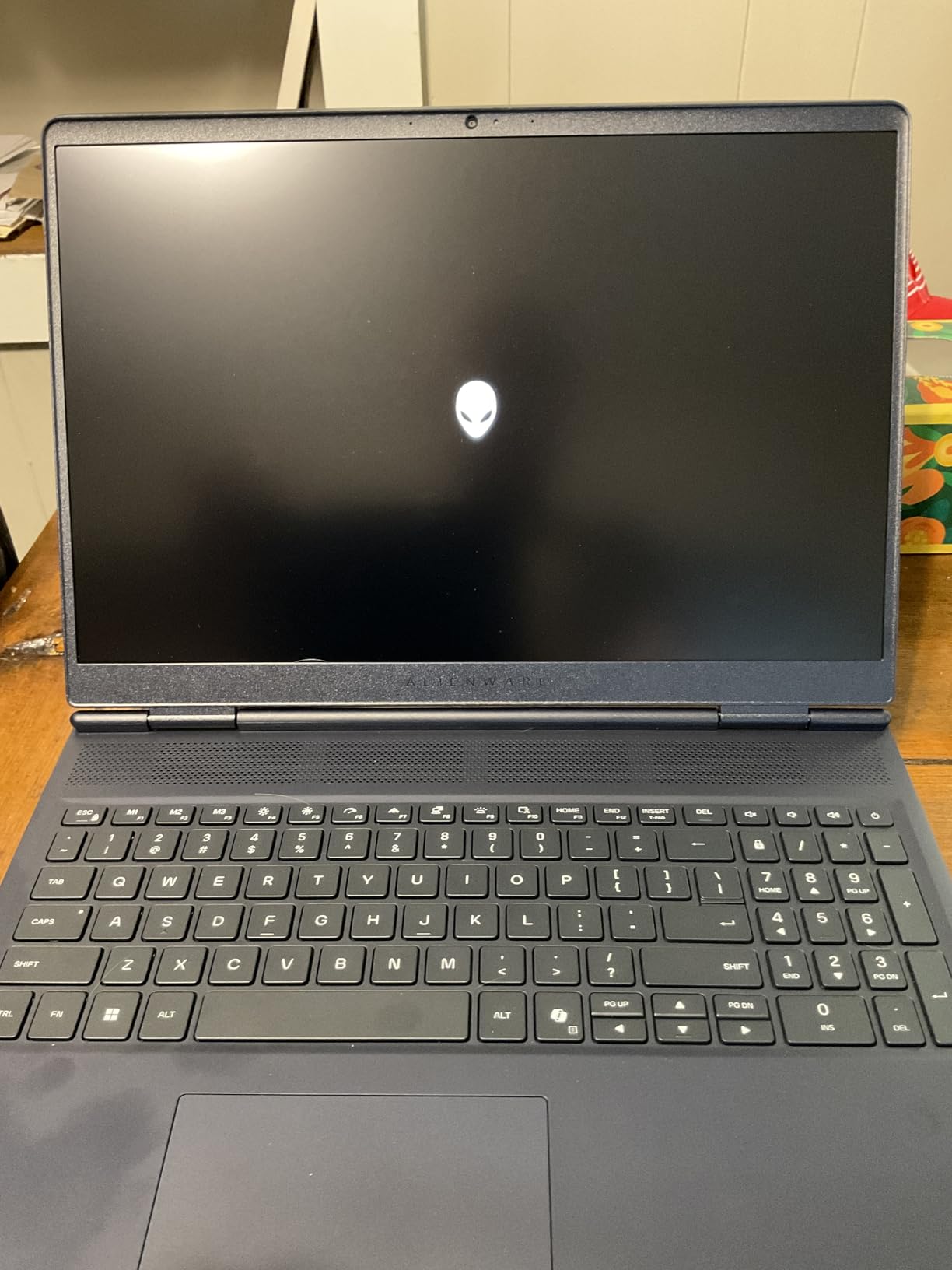
Under the hood you get an RTX 5060 Laptop GPU on Blackwell architecture with 8GB of GDDR7 and a Core 7 240H Series 2 with ten cores up to 5.2 GHz. Memory is 16GB of DDR5-5600 across two slots, upgradable to 32GB.
Ports cover four USB connections across USB 3.2 Gen 1 and Gen 2, plus HDMI, Ethernet and a headphone jack. The 180W adapter is included, and Dell adds a one-year on-site service where a technician comes to you.

Why the 16:10 panel changes daily use
A 16:10 screen at 2560 by 1600 gives you more vertical space than a 16:9 panel of the same width, which helps in browsers, spreadsheets and video editing timelines. Paired with a backlit numpad and Dolby Audio stereo speakers, it works as a general-purpose laptop.
It is a good fit for anyone who wants a higher-resolution panel without moving up to a 240Hz flagship, and the on-site service reduces the risk of a mail-in repair cycle.
Where it falls short
There is no fingerprint reader, which is a real miss on a machine at this level. Memory tops out at 32GB and appears fixed at that maximum, limiting longevity headroom for buyers who want to run large AI or video workloads.
At 5.5 pounds it is heavy for a 16-inch laptop, and 300 nits is modest brightness for the resolution on offer, so expect some reflection outdoors.
9. ASUS TUF Gaming F16 – Best for Battery Life
ASUS TUF Gaming F16 (2025) Gaming Laptop, 16” FHD+ 165Hz 16:10 Display, Intel® Core™ i5 Processor 13450HX, NVIDIA® GeForce RTX™ 5050, 16GB DDR5, 512GB PCIe Gen4 SSD, Wi-Fi 6E, Win 11 Home
RTX 5050 Laptop GPU at 115W Max TGP with Advanced Optimus
i5-13450HX 10-core
16GB DDR5
512GB Gen4 with second NVMe slot
16-inch FHD+ 165Hz 16:10
Pros
- Around 3-4 hours of real battery life for a gaming laptop
- bright 165Hz 100 percent sRGB FHD+ display readable in sunlight
- efficient cooling without the heat problems of some rivals
- MIL-STD-810H tested
- second NVMe slot
Cons
- 512GB storage is very small for a modern library
- fan noise under heavy load
- keyboard lighting is single zone only
- pre-installed Microsoft and AI bloatware
Nobody buys a gaming laptop for battery life, which is exactly why this one stands out. Owners report three to four hours of genuine use, and the 90 watt-hour battery is among the largest in this roundup.
Performance is built around an RTX 5050 Laptop GPU at 115W Max TGP with NVIDIA Advanced Optimus, and an i5-13450HX with ten cores. Owners report it handles mainstream titles like Apex Legends, Monster Hunter Wilds and League of Legends well at 1080p.
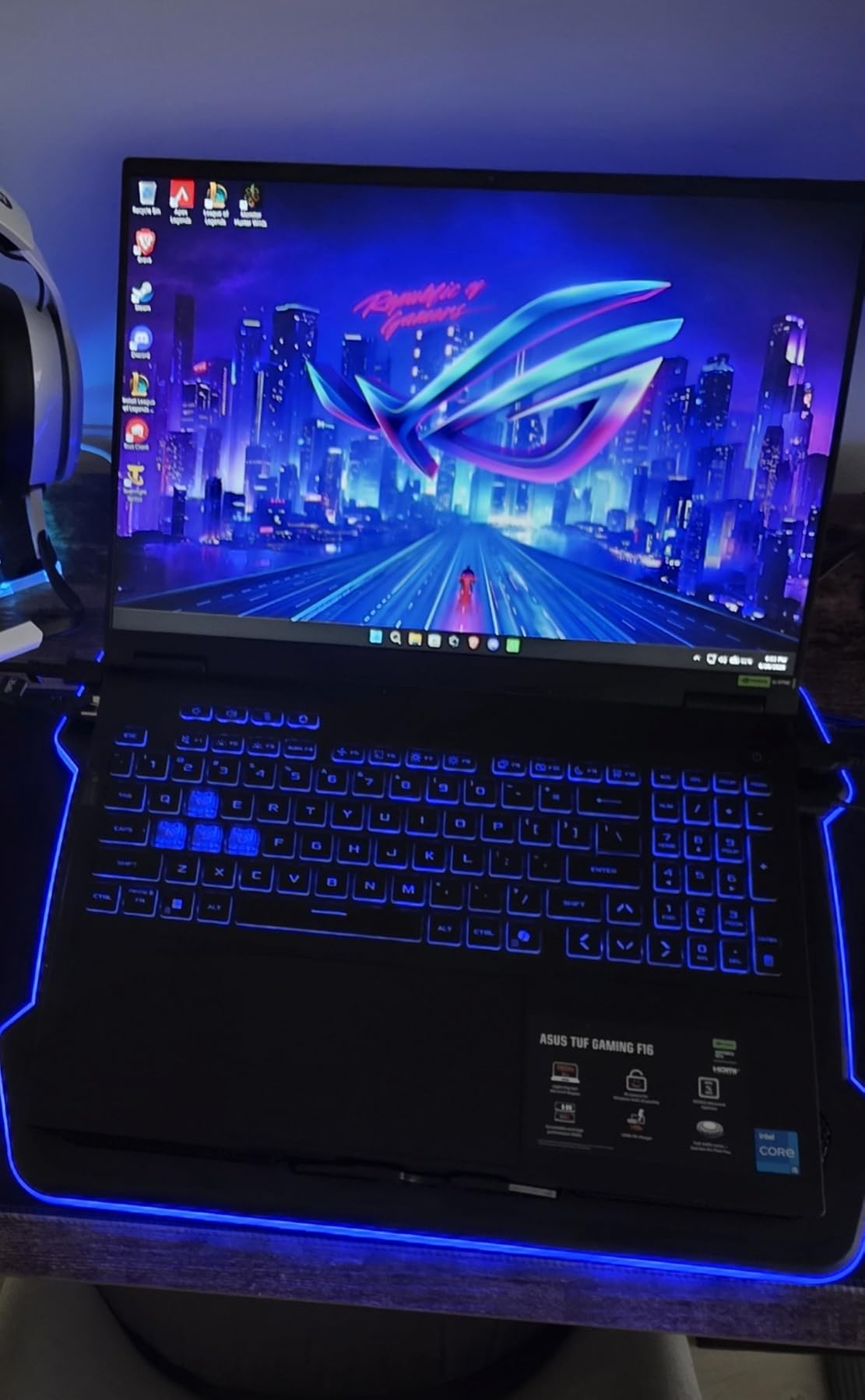
The 16-inch FHD+ 165Hz 16:10 panel at 100 percent sRGB with Adaptive-Sync is described as bright and high quality, and readable even in direct sunlight. That is rare in this price bracket and matters if you use the machine anywhere but a desk.
Cooling uses second-generation Arc Flow fans with a full-width heatsink and full-width vent, and owners report it stays on top of thermals without the heat problems of some gaming laptops. The chassis is MIL-STD-810H military grade tested.
A gaming laptop you can also commute with
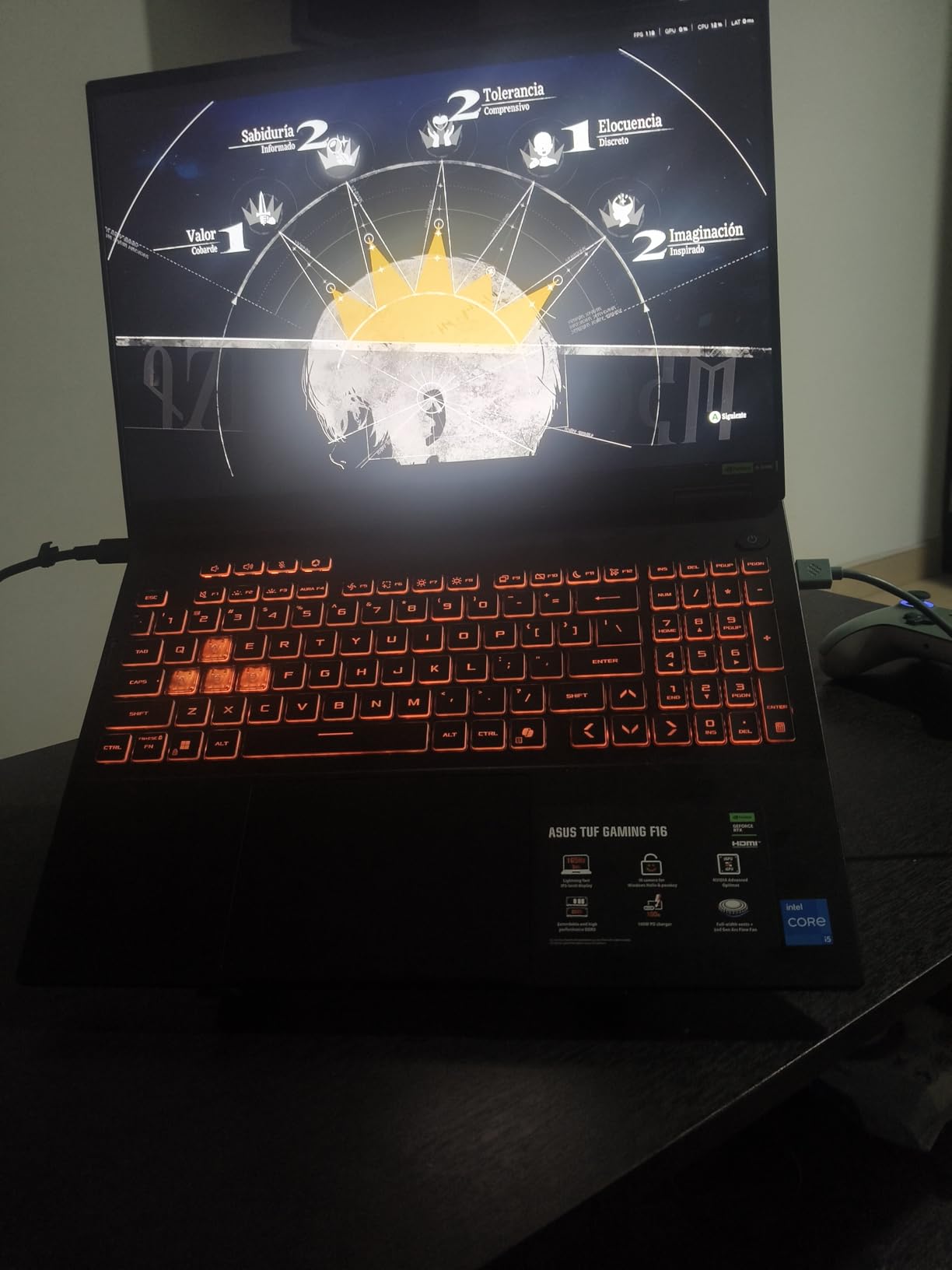
For someone who games at home and travels for work, the combination of battery life, a bright panel and 4.9-pound weight is unusually balanced. A second NVMe slot means you can double the storage cheaply when 512GB stops being enough.
Several owners also report driving a Valve Index VR headset from it, and repeat buyers rate ASUS build quality highly.
Where it falls short
512GB is the most common complaint by a distance, with several owners hitting the limit quickly on modern game libraries. Fan noise under heavy load is the second, and the keyboard lighting is a single zone rather than per-key.
The shipped Microsoft and AI software is widely removed for a noticeable speed boost, and a few buyers reported quality control issues such as a non-working USB-A port from the box or a scratch appearing quickly on the display.
10. Lenovo LOQ 15 – Best for First-Time Gamers
Lenovo LOQ Gaming Laptop 15.6″ FHD IPS 144Hz (100% sRGB G-SYNC) AMD Octa-Core Ryzen 7 7435HS (Beats i7-12650H) 16GB RAM 512GB SSD GeForce RTX 4060 Backlit Nahimic Rapid Charge Win11 w/ICP Accessory
RTX 4060 8GB
AMD Ryzen 7 7435HS octa-core
16GB DDR5
512GB SSD with available M.2 slot
15.6-inch FHD 144Hz IPS
Pros
- RTX 4060 delivers solid 1080p frame rates
- 144Hz 100 percent sRGB IPS panel
- clean easy Windows setup and fast boot
- robust chassis
- Rapid Charge Pro and included USB-C hub
Cons
- 16GB is the stated maximum with one slot
- limited port selection on some configurations
- one review reported a keyboard and motherboard replacement
- runs warm under load
The LOQ is the gentlest entry point on this list, and buyers frequently describe it as an easy first gaming machine. Windows setup is simple, boot is fast and the chassis is described as clean and robust.
The Ryzen 7 7435HS is an eight-core Zen 3+ chip, and the RTX 4060 with 8GB of VRAM delivers solid frame rates at 1080p. Owners like the combination for heavy multitasking alongside games.
The 15.6-inch FHD IPS panel runs at 144Hz with anti-glare, 100 percent sRGB and G-SYNC, which owners consistently praise for vivid graphics. Ports total six, including USB-C 3.2, three USB-A, HDMI 2.1 and RJ45 Ethernet.
Rapid Charge Pro handles fast top-ups, an authorized USB-C hub is included, and there is a privacy camera and Nahimic audio with virtual surround sound.

Why this suits a first build
Lenovo’s LOQ line is Legion’s more affordable branch, and the result here is a machine that feels considered rather than compromised. G-SYNC on a 144Hz panel and HDMI 2.1 mean it will drive a wider range of displays than most rivals at this level.
For buyers who want room to grow, note the drive situation carefully. There is 512GB of storage and one available M.2 slot, so a second drive is easy to add.
Where it falls short
Memory is the concern: 16GB DDR5 across a single slot, with 16GB listed as the maximum. That is effectively fixed, so if you need 32GB or 64GB for anything, choose a different machine.
Some users find the port selection limited depending on configuration, the Ctrl+Shift keyboard and OS key sync shortcut takes some adjusting, and reviews note the machine runs warm under load. One buyer needed a keyboard and motherboard replacement.
11. Acer Predator Helios Neo 16 AI – Best for VR
acer Predator Helios Neo 16 AI Gaming Laptop | Intel Core Ultra 9 Processor 275HX | NVIDIA GeForce RTX 5070 Ti | 16″ WQXGA 240Hz G-SYNC | 16GB DDR5 | 1TB Gen 4 SSD | Killer Wi-Fi 6E | PHN16-73-92B8
RTX 5070 Ti Laptop GPU 12GB GDDR7
Core Ultra 9 275HX 24-core
16GB DDR5-6400
16-inch WQXGA 240Hz 500-nit
90Wh battery
Pros
- Over 100 FPS with DLSS in modern titles
- 240Hz 2560x1600 500-nit panel with 3ms overdrive
- metal lid and sturdy keyboard deck
- 5 Gigabit Ethernet and Killer Wi-Fi 6E
- up to 64GB and 5th Gen AeroBlade cooling
Cons
- 16GB of RAM widely considered insufficient
- several buyers report USB-C port issues
- fans loud in turbo mode
- 6-pound chassis with a large power brick
- heavy Acer bloatware
If you want a headset, this is the pick. The RTX 5070 Ti Laptop GPU carries 12GB of GDDR7 and 992 AI TOPS, and owners report it comfortably over 100 frames with DLSS in modern titles, with Time Spy results around 17,600.
The display is the equal of the GPU: 16-inch WQXGA at 2560 by 1600, 240Hz, 3ms overdrive, 500 nits and up to 100 percent DCI-P3, with G-SYNC and Advanced Optimus. Very few laptop panels combine all of that.
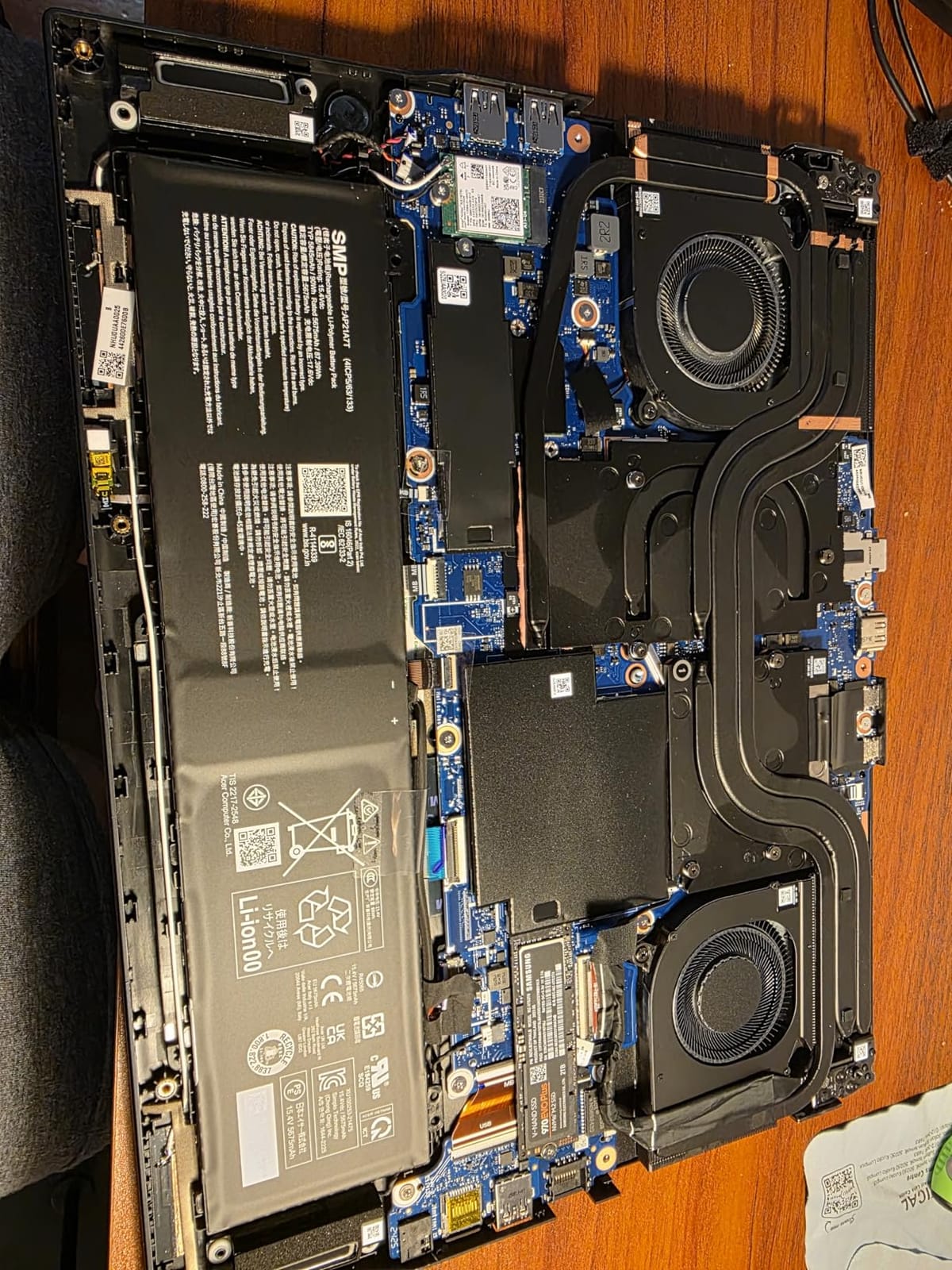
Build quality is a highlight, with a metal lid, a sturdy keyboard deck and a port layout reviewers praise for cable routing. Memory is 16GB of DDR5 at 6400 MHz across two SODIMM slots, upgradeable to 64GB, with 36 MB of cache.
Networking is unusually good for a laptop, with Killer Wi-Fi 6E, Bluetooth 5.4 and 5 Gigabit Ethernet. There are nine ports in total, including Thunderbolt, three USB-A, HDMI and a microSD slot.
What a VR-ready machine needs
Virtual reality is demanding on frame pacing more than raw average frames, and the combination of a 12GB VRAM buffer, a 240Hz panel and a full port set means you can keep a wired headset, sensor cables and a charging hub connected without a dock.
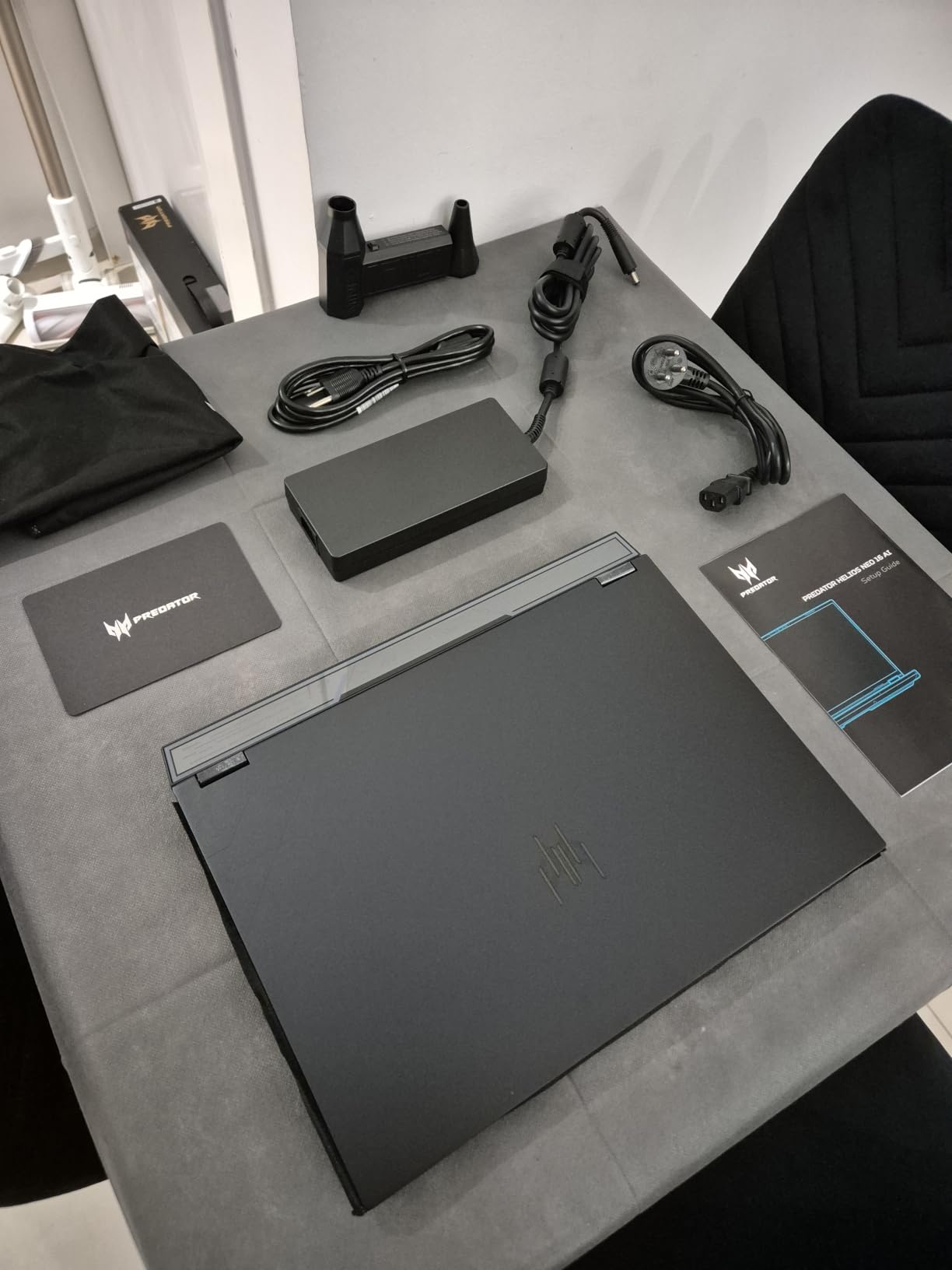
Owners also report good Linux compatibility after switching storage mode to AHCI, which matters for VR runtimes. The package includes three months of Xbox PC Game Pass and a one-year international warranty with 24/7 Predator support.
Where it falls short
16GB of RAM is the critical mass of complaints, and the fix is a 32GB upgrade, which the two slots allow. Several buyers also reported USB-C port issues, and the fans get loud in higher performance and turbo modes while generating noticeable heat.
At 6 pounds with a large power brick, portability is limited, and battery life is around two hours of light use. Acer bloatware needs a clean Windows install, and one review reported a unit that would not power on.
12. MSI Thin 15.6 – Best for School and Play
MSI Thin 15.6 inch FHD 144Hz Gaming Laptop Intel Core i5-13420H NVIDIA GeForce RTX 4060-16GB DDR4 512GB SSD Gray (2025)
RTX 4060 8GB
i5-13420H
16GB DDR4 upgradeable to 64GB
512GB NVMe SSD
15.6-inch FHD 144Hz IPS
0.67 inch thick
Pros
- Runs mainstream 1080p games smoothly on the RTX 4060
- balanced performance against ASUS and ROG alternatives
- compact 15.6-inch footprint
- does not run excessively hot in normal use
- screen color praised at 144Hz
Cons
- Fans get loud under sustained load
- no numeric keypad
- one review reported a unit with non-factory RAM and SSD
- some units arrived scratched
The MSI Thin is the most conventional choice here: an RTX 4060 with 8GB, 16GB of DDR4 and a 512GB NVMe drive in a 0.67-inch chassis. Nothing is exotic, and that is the point.
Owners rate it 4.5, with the strongest share of five-star reviews in the group. The common description is a strong budget gaming machine that handles Steam titles and everyday productivity without heating up badly.
Because memory is DDR4 in slots that support up to 64GB, this is also one of the cheapest ways to end up with a large amount of RAM. Users report handling schoolwork, Photoshop and Illustrator alongside gaming.
What you get for the spend
The 15.6-inch FHD thin-bezel IPS panel at 144Hz gets consistent praise for color and clarity, and the footprint sits between too small and too large for travel. The i5-13420H runs up to 4.55 GHz, which is enough for mainstream titles.
There are three USB ports including HDMI, Wi-Fi 802.11ax and Bluetooth, a backlit keyboard with no numeric keypad, and a 52 watt-hour battery with a one-year limited warranty.
Where it falls short
Fan noise under sustained load is the main complaint, alongside the missing numeric keypad. The review count is the smallest in this roundup, so long-term durability data is thinner than for the machines above it.
One review reported a unit with non-factory RAM and SSD and a missing factory warranty sticker, and some buyers received units that were scratched or in open packaging. The initial software update process is also reported as slow.
What Specs Actually Matter for Gaming
Most buyers lose money on the wrong spec, so here is what actually moves frame rates, in the order we would prioritise it. Start with GPU power, then memory configuration, then the panel, then everything else.
GPU wattage (TGP). Total Graphics Power is the ceiling a laptop’s cooling allows the graphics chip to reach. Two laptops with the same GPU can differ by thirty percent in frame rate purely because one runs at 100W and the other at 140W. The ROG Strix G16 runs its RTX 4060 at up to 140W, while the TUF F16 caps its RTX 5050 at 115W, and that difference is real and measurable.
VRAM. Six gigabytes is workable at 1080p with upscaling enabled, as the RTX 4050 machines in this list show. Eight gigabytes is the comfortable minimum if you want texture-heavy titles at higher settings, and 12GB or more matters if you plan to use a VR headset or modded games.
Memory and channels. Sixteen gigabytes is the current floor and 32GB is the sensible target. The number of channels matters too, since a single stick halves memory bandwidth relative to a matched pair. The Nitro V 15 ships with 8GB and needs an upgrade; the Nitro V 16S AI ships with 32GB of DDR5-5600 and needs nothing.
Refresh rate and VRR. A 165Hz or 180Hz panel makes high frame rates visible, and adaptive sync or G-SYNC stops tearing. The LOQ includes G-SYNC and the TUF F16 includes Adaptive-Sync, which is a good sign at these prices.
MUX switch or Advanced Optimus. This is how a laptop routes its display straight to the dedicated GPU instead of through the integrated graphics chip. Without it you lose frames to hybrid graphics overhead, and the TUF F16 and Predator Helios Neo 16 AI both support it.
Thermals and noise. Sustained performance is what separates a good laptop from a great one. A chip that boosts hard for ten minutes and then throttles will feel worse after hour two. The 2025 ROG Strix G16 holds its GPU around 65 to 70 Celsius thanks to an end-to-end vapor chamber, which is the kind of detail that only shows up in long sessions.
Storage and slots. 512GB is already tight, since modern installs are large, so a second M.2 slot has real value. The Victus 15, TUF F16, Nitro V 16S AI, Katana 15 HX and GF63 all give you one.
Ports. You want at least one USB-C, HDMI, Ethernet and a spare USB-A without a hub. Three USB ports on a 16-inch chassis, as on the Nitro V 16S AI, forces a choice between your controller, your headset and your drive.
One more thing worth checking is the bundled software, because it is a recurring theme. Bloatware was named as a complaint on the ROG Strix G16, the HP Victus 15, the Katana 15 HX, the TUF F16, the 2025 ROG Strix G16 and the Predator Helios Neo 16 AI. Plan to strip it on day one.
15.6 inch vs 16 inch: Which Size Should You Buy?
The 15.6-inch machines in this roundup, including the GF63, Nitro V 15, Victus 15, LOQ 15, MSI Thin 15.6 and the Katana 15 HX, land between 4.1 and 5 pounds. The 16-inch models run from 4.6 pounds on the Nitro V 16S AI to 6 pounds on the Predator Helios Neo 16 AI.
Choose 15.6 inches if you carry the laptop daily or work in tight spaces, since those machines fit in a normal backpack and the smaller chassis tends to run cooler. Choose 16 inches if you game at a desk, want a higher resolution panel or need a numeric keypad that is genuinely usable.
If you plan to use an external monitor, a portable monitor changes the maths entirely, because the built-in panel stops being the thing you look at most.
Gaming on Battery: The Honest Picture
Unplugged gaming is the most repeated complaint in the forums we read, and the answer is blunt. Most of these machines will not hold a serious gaming session without the charger.
The stated figures explain part of it. The Katana 15 HX lists around two hours, the Predator Helios Neo 16 AI around two hours of light use, and the 2025 ROG Strix G16 ranges from about one to four and a half hours. In practice, heavy gaming pulls the numbers down further, with owners of high-power machines reporting well under an hour.
The TUF Gaming F16 is the outlier, with owners citing three to four hours, and the ROG Strix G16 at 90 watt-hours also does better than most. Treat every other figure in this roundup as a browsing and working number, not a gaming one.
What to Avoid When Buying a Gaming Laptop
Buyers repeatedly ask what to stay away from, and the same patterns show up in the reviews. Avoid 8GB of memory, which is the single most common complaint here and appears on the Nitro V 15 out of the box.
Avoid 512GB storage you cannot expand. On the TUF F16 and the MSI Thin 15.6 there is no easy route around it, and on the LOQ the memory ceiling of 16GB is effectively fixed too. Skip machines where both RAM and storage are soldered and small.
Also avoid single-channel memory configurations, which halve bandwidth relative to a matched pair, and be cautious about screens stuck at 60Hz, since high frame rates are pointless there. Look for a 144Hz panel at minimum and 165Hz or above for competitive titles.
Finally, watch for the failure clusters. Sleep and resume problems on the Katana 15 HX, driver-related display jitter on the 2025 ROG Strix G16 and USB-C port complaints on the Predator Helios Neo 16 AI are the three reliability patterns worth researching before you commit. Buying from a retailer with straightforward returns is worth more than a small specification upgrade.
Frequently Asked Questions
What is the best brand of laptop for gaming?
There is no single best brand, but the consistent recommendations from owners and reviewers in our research are Lenovo for build quality and cooling, ASUS for thin and light designs and premium panels, and Acer for value at the budget and mid tiers. The machine matters more than the badge on the lid, so compare GPU power, memory configuration and thermals rather than brand loyalty.
What laptop is best for gaming?
The ASUS ROG Strix G16 is the best gaming laptop for most people in our roundup. It pairs a 140W RTX 4060 with a 16GB DDR5 memory, a 1TB PCIe Gen4 drive, a 165Hz matte FHD panel and a 90 watt-hour battery, and both the memory and the drive can be upgraded by the owner. The Acer Nitro V 15 is the best budget alternative and the Acer Nitro V 16S AI the best value pick.
Is a 1000 dollar gaming laptop worth it?
Yes, if you pick the right machine. At around one thousand dollars you are in the RTX 4050 and RTX 4060 tier, which is where most of this roundup sits. That buys solid 1080p performance in esports and single-player titles, usually a 144Hz or faster panel, and 16GB of memory. Just confirm the memory is upgradeable, because 8GB configurations at this level need a fix immediately.
What laptop to stay away from?
Avoid laptops that ship with 8GB of memory, 512GB of non-expandable storage, a 60Hz display or single-channel memory, because each one costs money to fix later or caps your experience. Also read the reliability reviews carefully: sleep and resume failures, USB-C port problems and display flicker were the most common failure reports in this group. The 16GB memory ceiling on the LOQ is the clearest example of a spec that cannot be upgraded.
How much RAM does a gaming laptop need?
Sixteen gigabytes is the practical minimum in 2026 and 32GB is the sensible target if you play alongside a browser, voice chat and streaming software, or edit video. Check the channel configuration as well as the total, since a single stick halves bandwidth against a matched pair. Also check the maximum supported capacity, because several machines in this roundup top out at 16GB or 32GB and cannot go further.
How long should a gaming laptop last?
A well-maintained gaming laptop commonly stays usable for five years, and the main driver of longevity is upgradeability rather than the graphics chip. Prioritise two or more memory slots, a second M.2 storage slot and a charger wattage that matches your GPU, and expect to add memory and storage once during that period. Clean the intake vents and keep an eye on battery health to extend that window.
The Best Gaming Laptop Verdict for 2026
After weighing all twelve, the ASUS ROG Strix G16 remains the best gaming laptop for most buyers in 2026. It is the only machine here that combines a 140W GPU, a good high-refresh panel, a 1TB drive as standard and a memory upgrade path that owners confirm works, with more than a thousand reviews behind it.
Buy the Acer Nitro V 15 if you are starting out and willing to add memory, the Acer Nitro V 16S AI if you want 32GB and a 180Hz screen without paying flagship money, and the MSI Thin GF63 if you plan to upgrade everything yourself eventually. Go high-refresh with the 2025 ROG Strix G16 if you want 4K at 240Hz, and look at the Predator Helios Neo 16 AI for VR.
Whatever you choose, strip the bundled software, upgrade the memory on day one if it is below 32GB and keep the charger within reach. For a desk setup that suits these machines, our gaming desk picks and desk mat roundup cover the rest of the build.